As we approach the end of 2024, the SEO landscape is already shifting, with even bigger changes on the horizon for next year.
With potential access to Google’s data, competitors could shake up the search landscape, requiring SEOs to rethink their strategies across multiple platforms.
At the same time, AI tools continue to evolve, offering both opportunities and risks – streamlining tasks but threatening to reduce creativity to a formulaic output.
The challenge for 2025? Balancing innovation with authenticity and automation with human insight.
What trends should guide your next steps? Let’s take a look.
1. Search alternatives and Google’s antitrust trial
If Google is forced to share its data as part of antitrust rulings, the SEO landscape may face dramatic changes.
This will allow Google’s competitors to use its search data and algorithms to build their search engines faster. Something that hides the potential to diversify the organic landscape significantly.
Building on this hypothetical future, while all competitors would start with the same foundational data, they could also innovate and introduce new methodologies.
For SEOs, this means we won’t just be developing a single strategy but potentially ten or twenty, ensuring our websites remain competitive across all these new platforms.
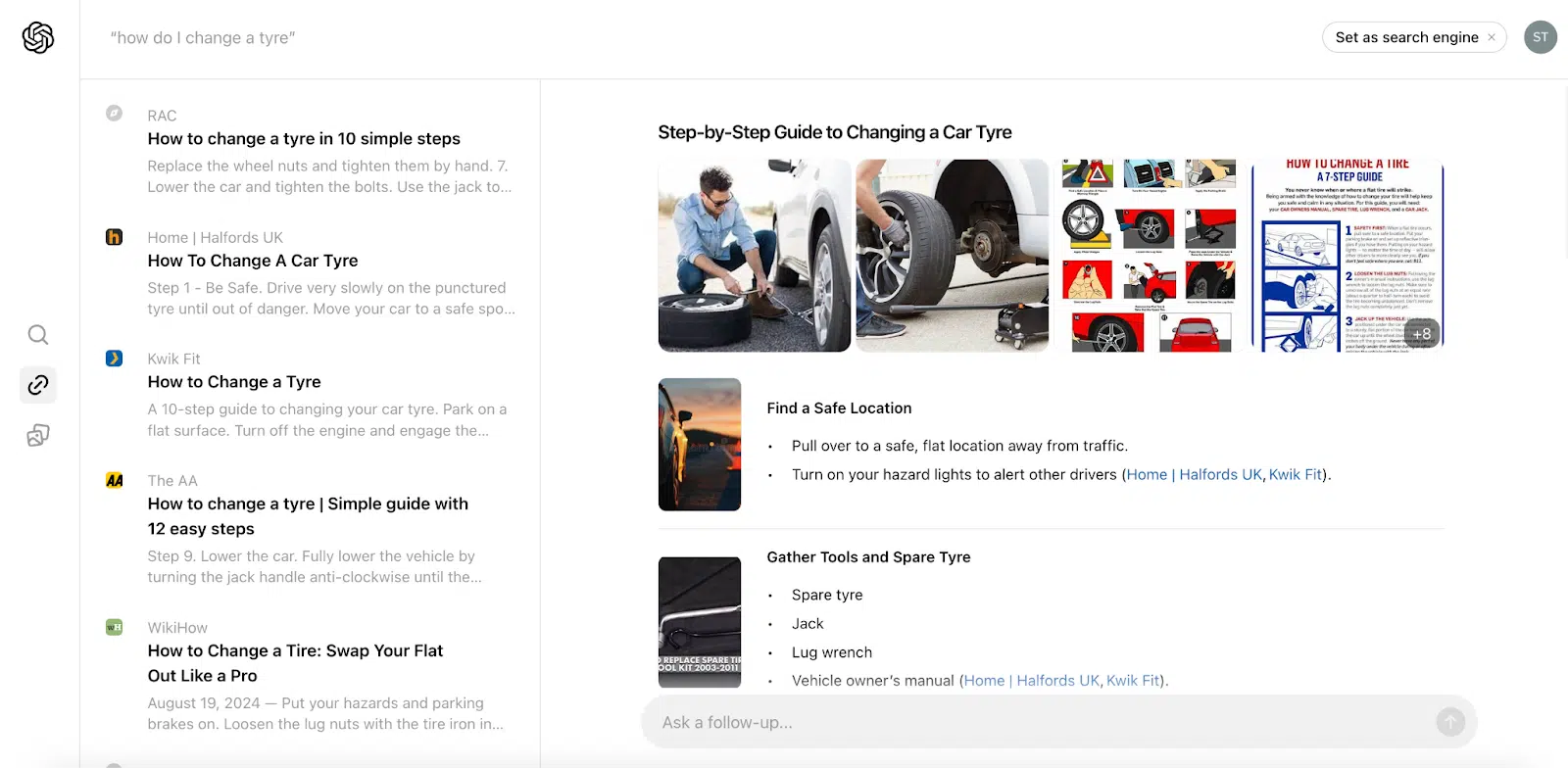
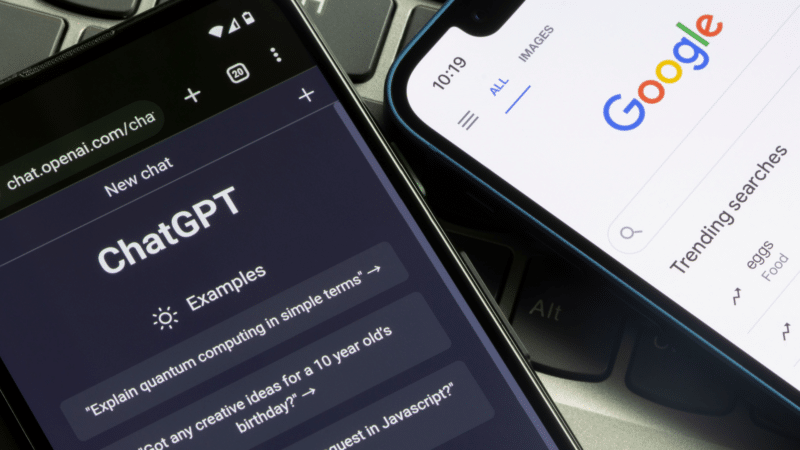
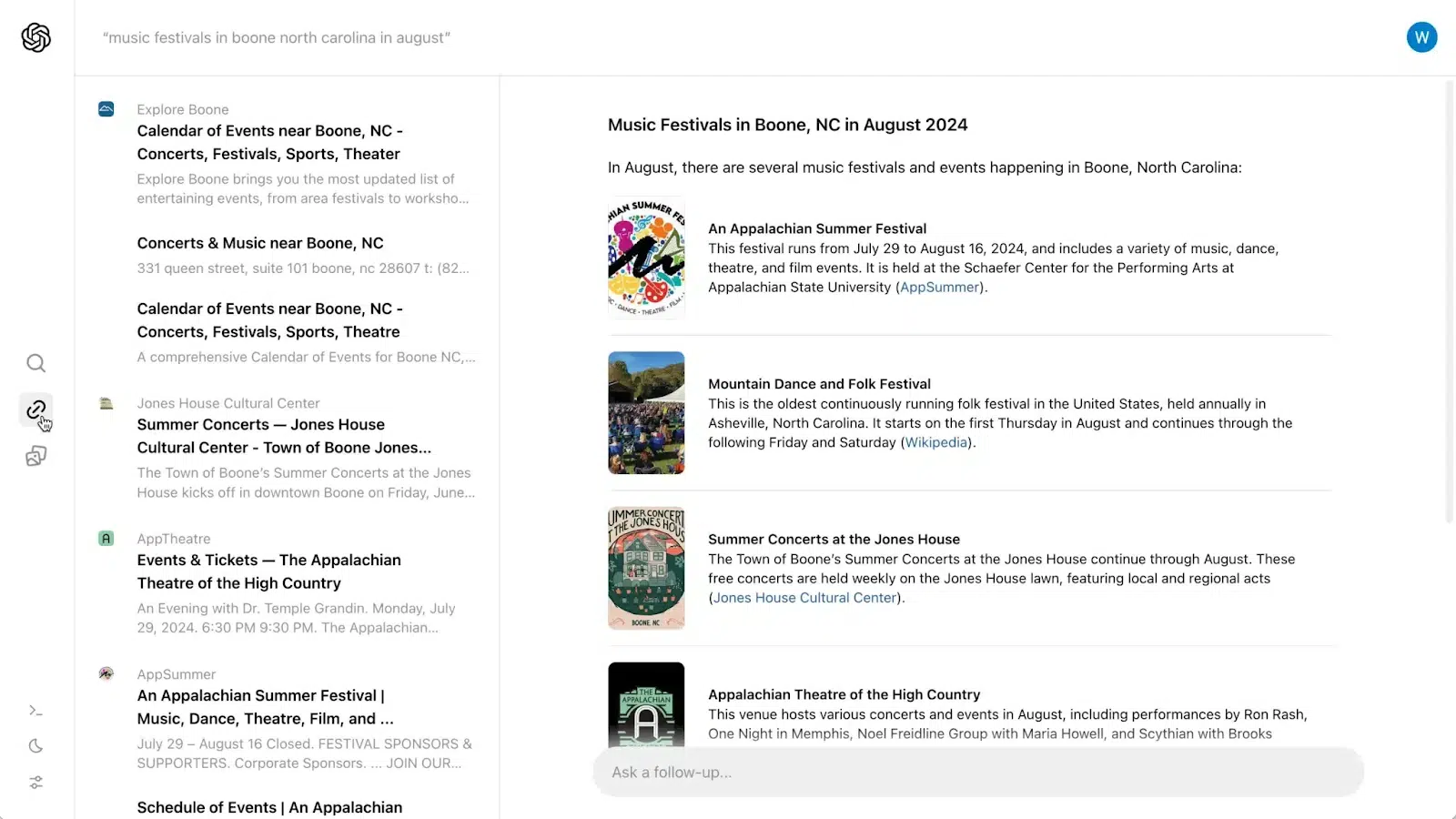
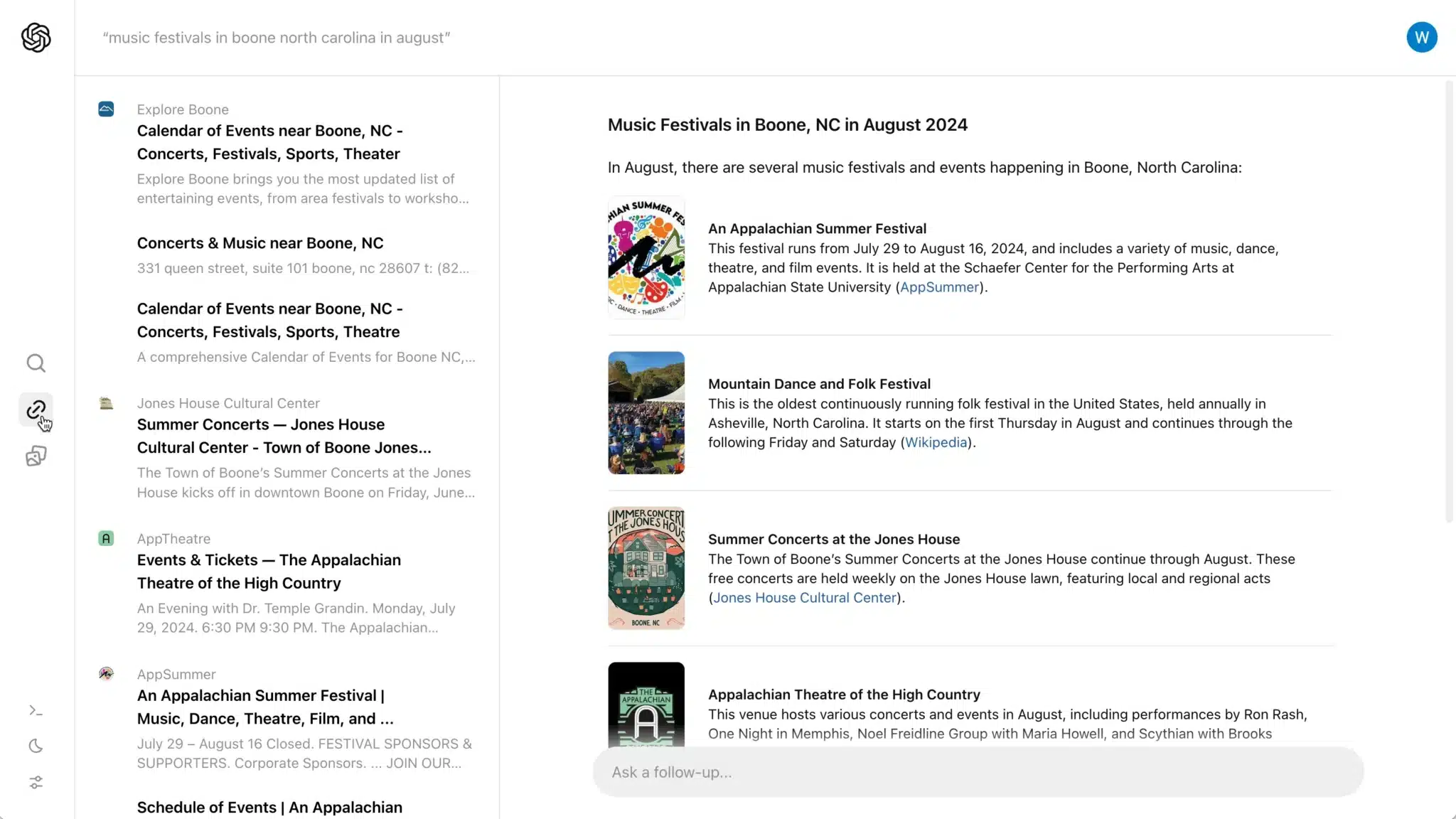
We are already experiencing some of this weight with the rise of AI tools – like ChatGPT, Claude and Perplexity and their plans to integrate search.
Making Google’s data available will also give SEO experts unprecedented transparency into the long-hidden Google algorithms.
We would gain deeper insights into ranking factors and user behavior, allowing us to optimize like never before by understanding exactly what works.
Unfortunately, this also means manipulating the algorithms will be easier, at least for the short term.
Something which may bring us back to the dark days of SEO, when it was easier to rank higher with a pile of complete rubbish.
To learn more about this trend and what it will mean for SEO, we may need to wait until later next year.
The current plan is for the U.S. DOJ to propose a more refined proposal in November and then Google to share its own in December. For now, we can only say, “Stay tuned!”
2. AI as a powerful (or terrible) assistant
With so many AI-powered tools available, it’s easy for SEOs to get lost in the sea of options.
While some of these tools can be helpful, there’s a real risk in relying too heavily on them.
If you and thousands like you, are all using the same tools trained on identical data, the outcome will be mediocrity at best.
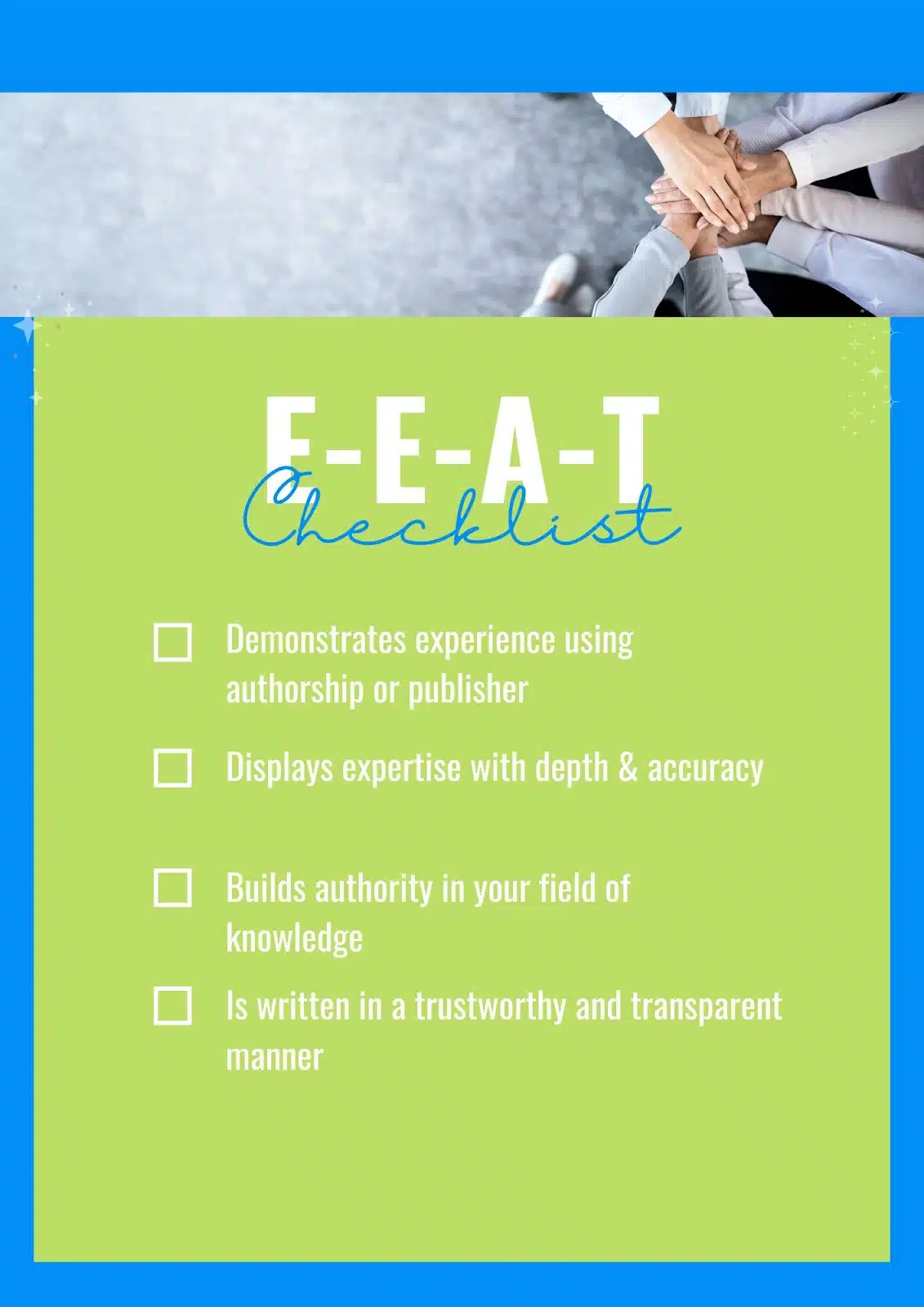
Everyone’s strategy becomes the same, creating an environment where it’s hard to stand out. Maybe this is why Google has pushed so hard for the new “E” in E-E-A-T – putting the experience in focus.
Adding to this, many AI tools function as “black boxes.” You input data, but what happens in between is unclear.
Much like grabbing a candy from Harry Potter’s magical sweets – what you get could be great, or it could be a nasty surprise.
Without knowing how these tools reach their conclusions, you’re left with results you can’t fully trust.
Over-relying on AI can also hinder your critical thinking. A key strength of a great SEO expert is their ability to apply real-world experience, intuition and creativity to problem-solving.
AI tools still can’t replicate this. Your unique experiences set you apart from others.
One of the options to overcome some of these risks related to this trend is to consider training your own AI bot.
Ideally, you should build it from scratch on your own platform, where you don’t have the unknown risk of how your information is used.
But if this is a no-go option, tools like Google’s Gems and GPTs from ChatGPT will allow you to customize and fine-tune AI to your needs.
This will let you transform your AI assistant from a basic, generic tool into one that reflects the uniqueness of your brand, website and marketing strategy.
You can also train this tool on your CRM, Google Analytics data, customer reviews and more. The sky is the limit if you have eliminated the security concerns.
By having all these data in an easy-to-access way, you can better respond to Google’s emphasis on originality and establish E-E-A-T.
Dig deeper: AI can’t write this: 10 ways to AI-proof your content for years to come
3. E-E-A-T and the push for originality
Establishing E-E-A-T will continue to be crucial for SEO success in 2025.
To stand out, brands and content creators must prioritize originality by leveraging their own data and experiences.
Evidence of this can be found in the leaked Google API document, which references an “OriginalContentScore.”
Customer reviews, original research and unique insights will be some of your secret weapons in 2025.
Analyze customer behavior using internal search queries, product usage patterns or transcripts from your support and sales calls.
This lets you uncover content gaps and key topics that resonate with users so you can create new content and update existing ones.
Google’s recent recognition of content creators underscores the importance of proving expertise.
Verifiable authorship will be a key recipe for success in 2025.
To truly stand out, your brand must highlight the real human experience behind the content, adding authenticity and trustworthiness that users and search engines value.
If you haven’t planned yet for a complete revamp of those authors’ bios on your website, now is a good time to start.
Get the newsletter search marketers rely on.
4. The user versus the keywords
Optimizing for users rather than keywords will also be among the keys to SEO success in 2025.
Instead of focusing solely on keywords, SEOs should build content around user pain points and challenges, targeting the intent behind their searches.
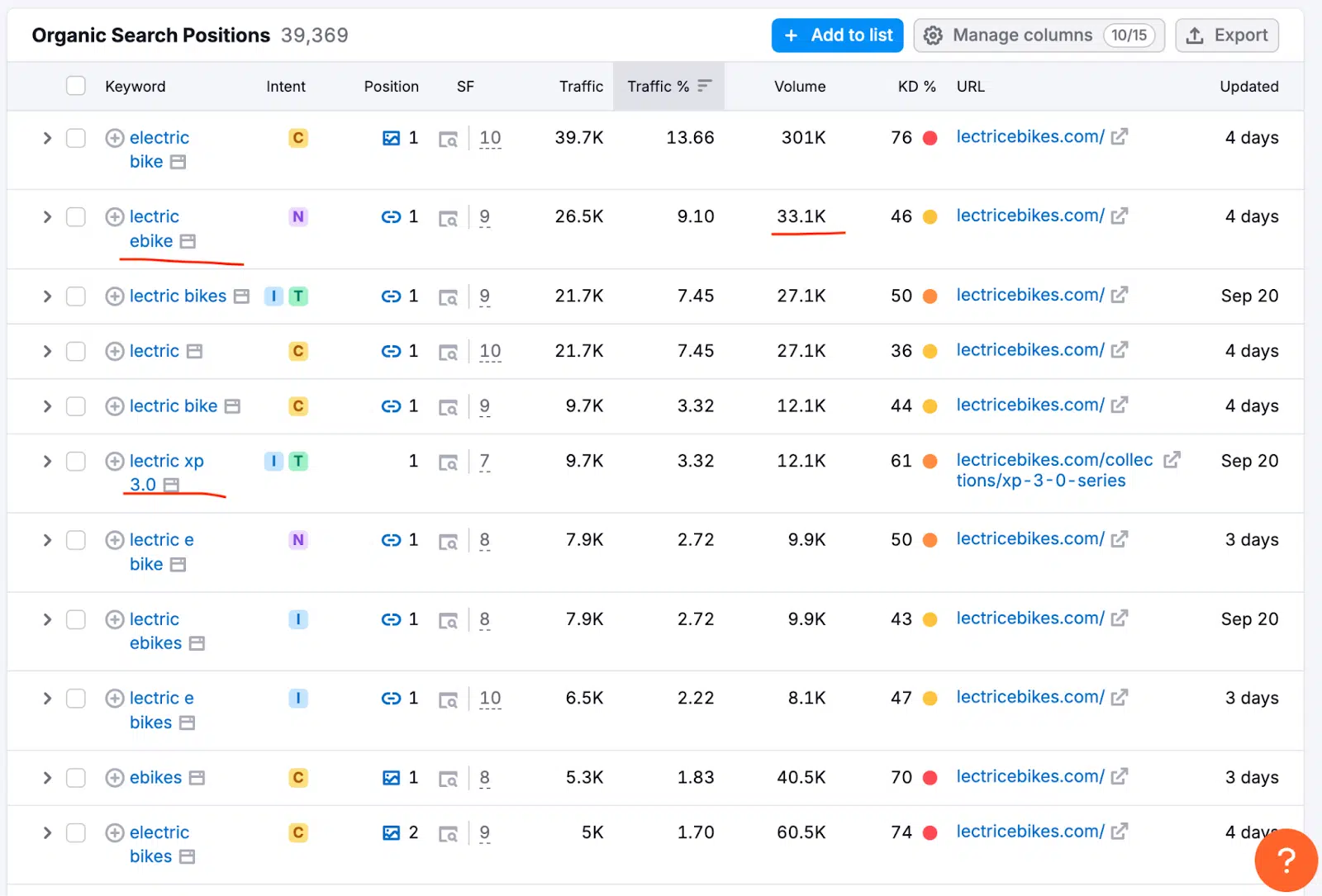
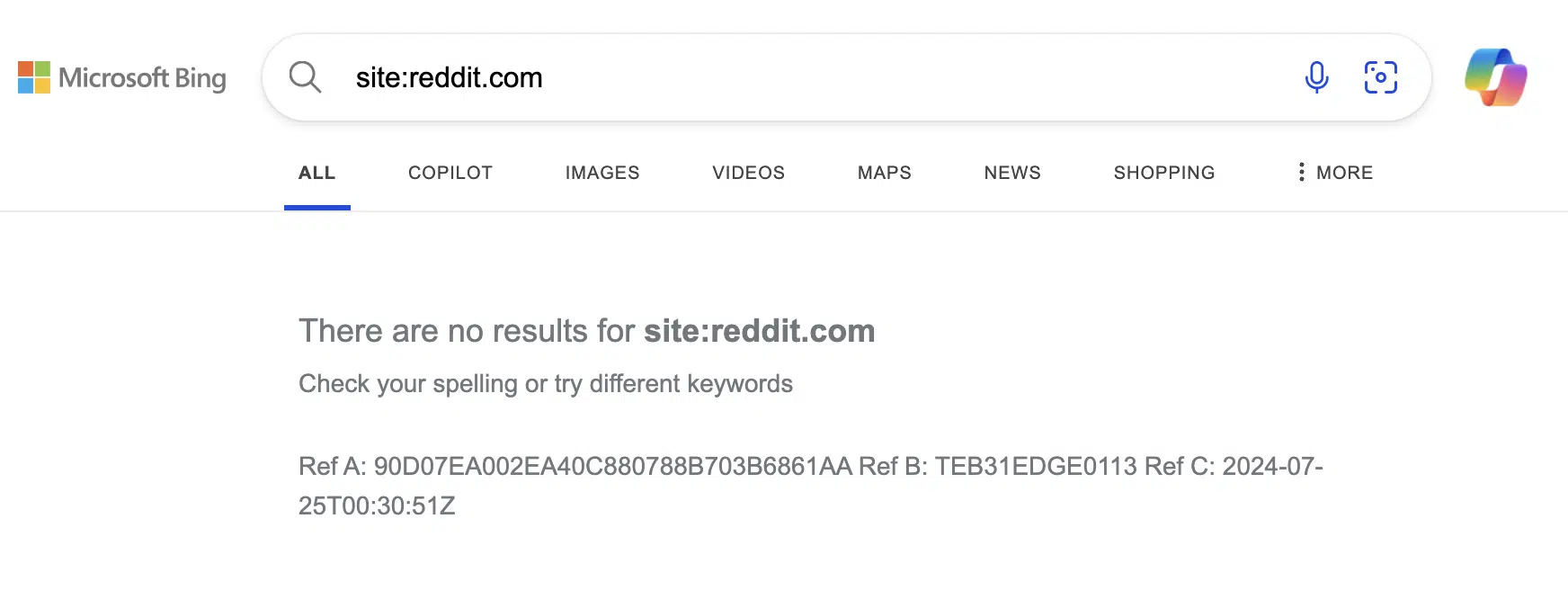
Keywords can be misleading. Often, terms with high search volume mask unclear intent or are dominated by UGC websites (e.g., Reddit, Quora) or listicles and review websites that Google tends to prioritize.
Users have changed significantly. We no longer search with short phrases; now we use long-tail keywords or complete questions.
Focusing on content inspired by the customer’s pains and challenges can help you avoid wasting efforts on keywords where the competition is too fierce or the intent is mismatched.
Algorithms will reward content that prioritizes the user experience, answering specific questions with valuable, relevant insights.
Dig deeper: How to optimize for search intent: 19 practical tips
5. Technical SEO will matter more than ever
Technical SEO will be more important than ever. Optimizing your site to make it easier for search engine bots to crawl and understand is key.
Having structured data, a well-organized sitemap, internal links and clean code can significantly improve how search engines crawl and understand your site.
Accessibility is also important. Search engines emphasize user-friendly experiences, including accessible design and features.
If you’re unsure, the Google API leak shows evidence that Google uses clicks and post-click behavior in its ranking algorithms.
Page speed and Core Web Vitals are ranking signals that impact mobile users. Websites that load slowly or offer a poor mobile experience could struggle to rank.
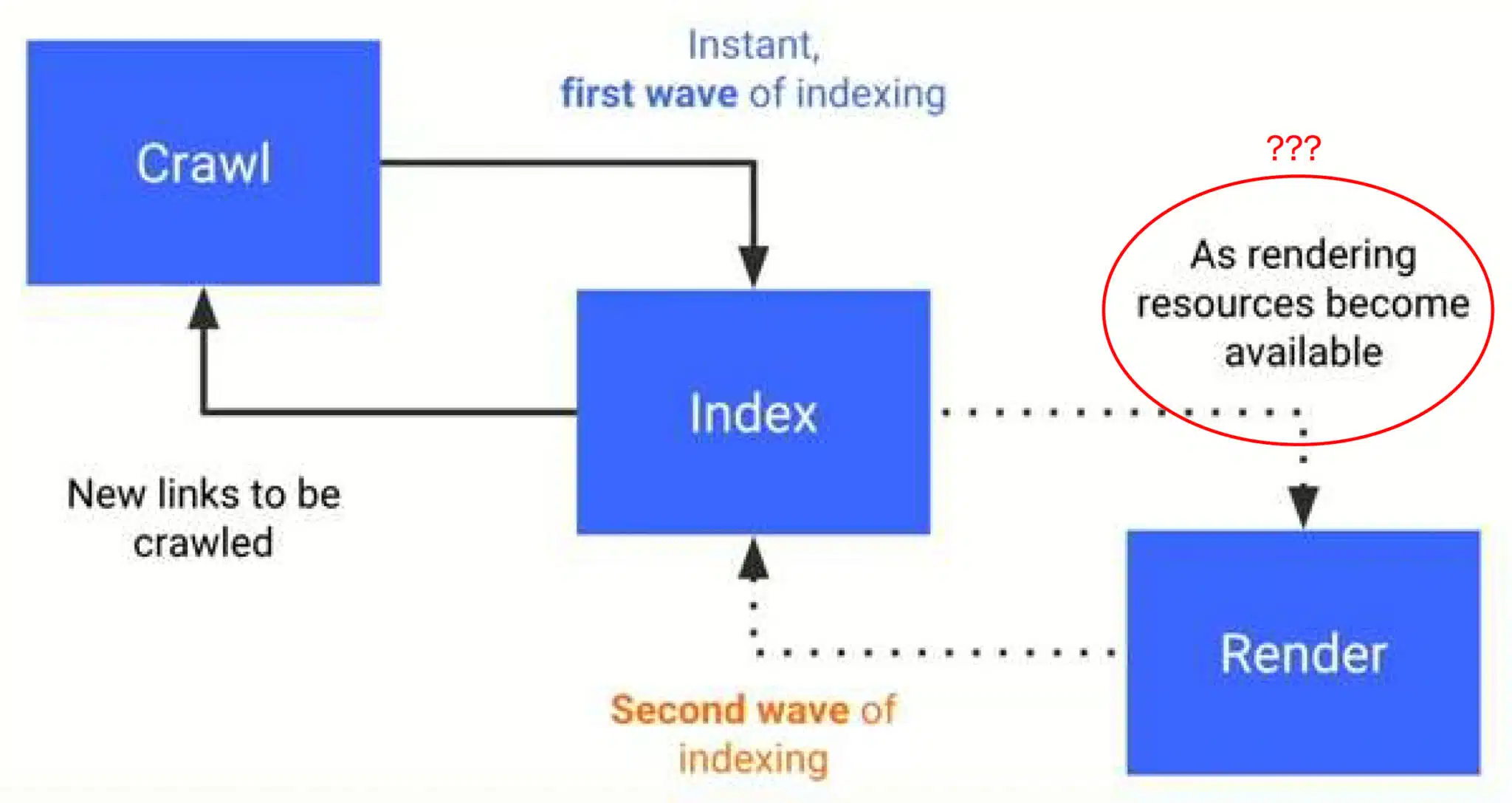
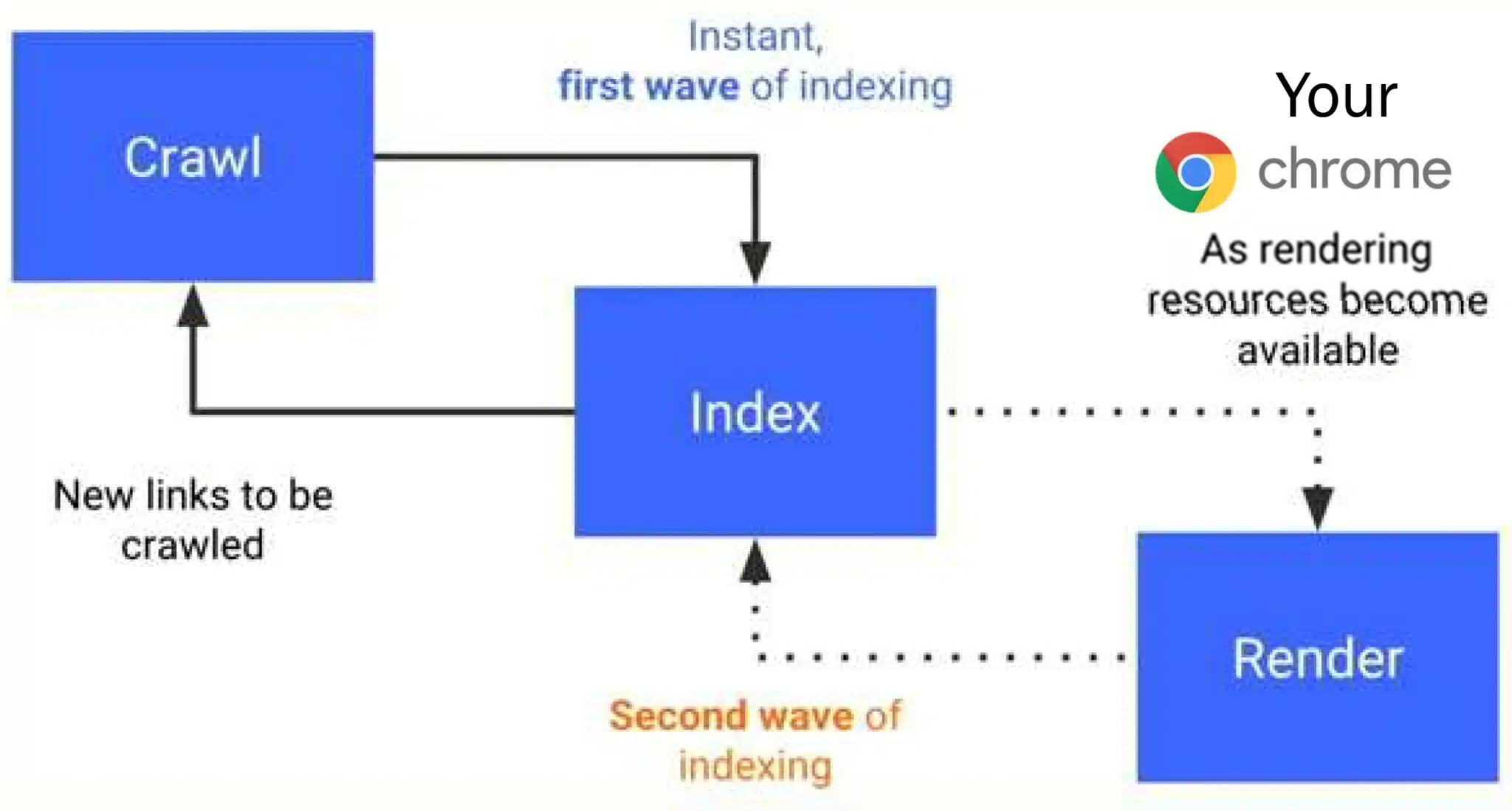
A major focus of technical SEO in 2025 will be on platforms that rely heavily on JavaScript. Rendering issues prevent search engines from properly indexing their content.
Ensuring proper server-side rendering or resolving JavaScript-related problems is crucial for maintaining visibility in search results.
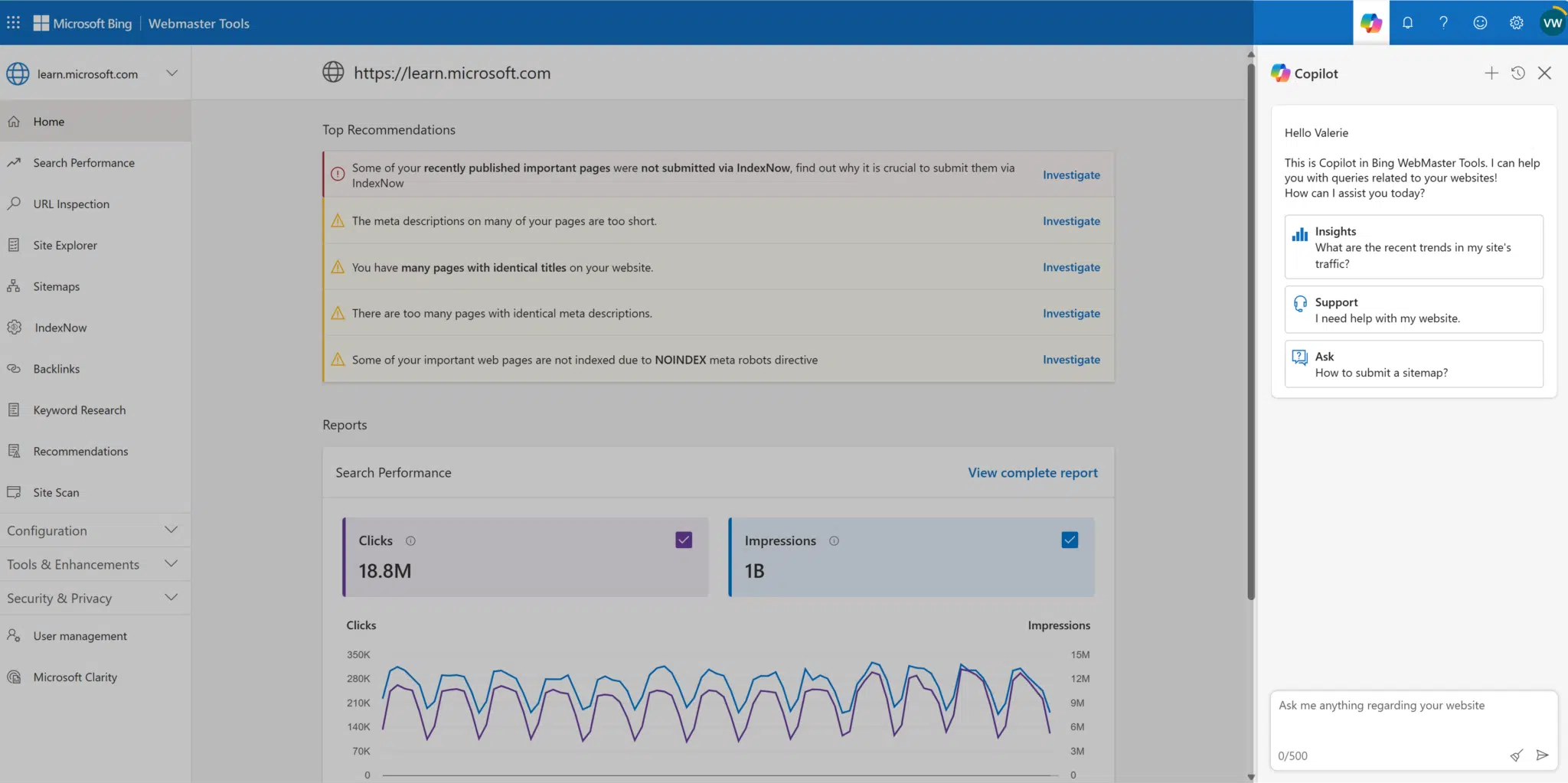
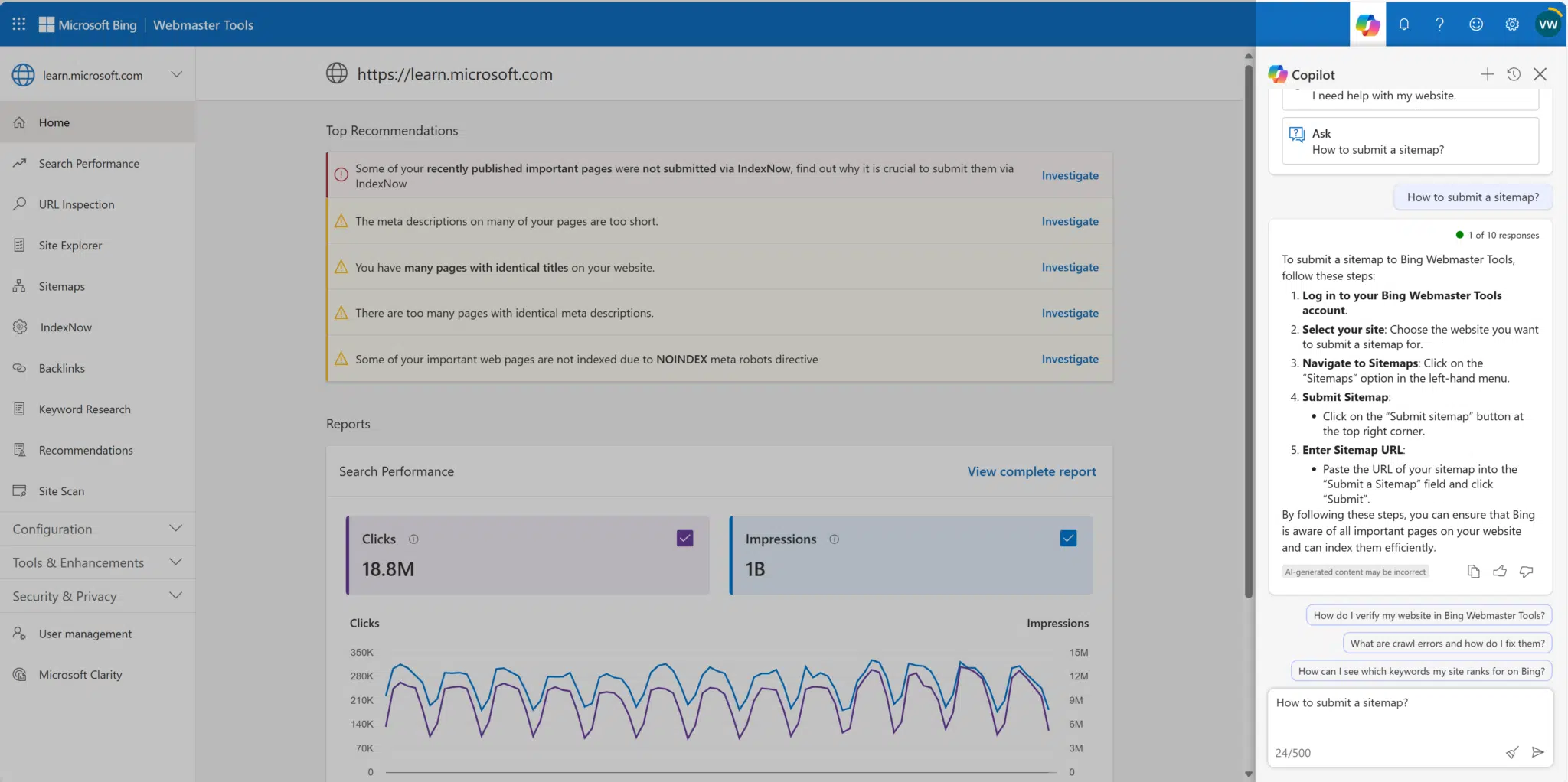
The good news is that both Google and Bing offer helpful checklists to guide your technical SEO efforts.
Be sure to regularly review the recommendations from Bing Webmaster Tools and Google Search Console (although the latter is not yet available to all users).
Learning and adapting: An evergreen trend in SEO
The need to learn, adapt and evolve is a constant part of SEO. You can’t rely on a single strategy or quick fixes.
Success will come from working across different projects and refining multiple aspects of your SEO efforts. The ability to pivot and apply new learnings faster will set successful SEOs apart.
It looks like 2025 will be another dynamic year for SEO. For those who have been part of the game for a long time, that’s not new.
Contributing authors are invited to create content for Search Engine Land and are chosen for their expertise and contribution to the search community. Our contributors work under the oversight of the editorial staff and contributions are checked for quality and relevance to our readers. The opinions they express are their own.
YouTube is introducing channel-level ad blocking controls, moving this functionality from AdSense directly into the YouTube platform.
How it works:
Creators can access ad blocking controls via YouTube Studio on desktop.
Feature available to channels with watch page monetization enabled.
Controls can be found under Settings.
Why we care. While this change could improve brand safety for your brands, you may face increased competition for fewer placements or see a shift in how their ads align with specific content, affecting campaign performance and reach. So consider what works best for your brand, no one solution fits all.
The catch. YouTube warns that restricting ad categories could potentially reduce channel revenue (and let’s be honest, Google revenue as well).
YouTube has spent years cracking down on ad blockers to the point were it was on the verge of being a legal issue. Therefore as much as it’s wise of Google to give you easy access to these controls, what you consider using them wisely may not correlate with Ad support’s advice.
Between the lines. This move gives creators more direct control over their content monetization without having to navigate through AdSense, potentially improving brand safety and creator satisfaction.
What’s next. The feature will roll out by the end of this week, marking a significant shift in how creators can manage their advertising preferences.
Bottom line. While the new controls offer greater autonomy for creators, they’ll need to balance brand safety concerns against potential revenue impacts.
Setting clear goals is essential to measuring success in SEO. Goals become even more powerful when aligned with a well-defined strategy that informs the tactics used to achieve them.
This article explores setting goals for the people and teams driving your SEO efforts – whether in-house, at an agency or outsourced.
Regardless of the structure, these principles will help ensure your SEO team stays aligned with your broader business objectives and delivers the ROI you need.
Be open and collaborate
As a company leader and CEO, I often remind myself to provide context when making decisions. It’s important to clarify whether a decision is a firm directive, open to input or open to a more democratic process.
Be upfront about firm ROI numbers, requirements the SEO team must meet and other non-negotiables.
It’s great if you can be transparent about how and why certain goals were formulated. However, if they’re tied to sensitive information you can’t discuss, be sure to mention that as well.
Anything that can be collaborative in terms of the goal-setting process and that you open up to the team can be a culture builder and help you gain trust.
I’m not saying everything should be a democracy or that you don’t understand the broader business, marketing or other factors affecting the SEO team.
However, having been both an employee and now an owner/executive, I’ve seen both sides.
I know how frustrating it can be to have limited context, no chance for feedback, and be expected to do what feels like an impossible job.
Dig deeper: How to create SMART SEO goals (with examples)
Have a healthy understanding of SEO
Many who manage or oversee SEO don’t have direct experience with it – and that’s completely fine.
As someone who came up through the SEO and digital marketing ranks, I realize I’m in the minority.
There are pros and cons to having an SEO-first mindset versus approaching it from a broader business and marketing perspective, both offer valuable insights when managing SEO efforts.
No matter what your experience is, having a healthy understanding of SEO is important when setting goals for an SEO team.
Things go much more smoothly when there’s a shared level of understanding of what SEO is and isn’t for all. That includes knowing:
What resources go into it (more on that below).
What performance is reasonable.
How integrated it could/should be with other digital marketing channels.
What reporting and KPIs will be available.
How they integrate with broader marketing and business metrics.
In my experience, most challenges with SEO performance stem from misalignment, often caused by misunderstandings or a lack of clarity. This issue arises whether I’m dealing with clients, agency teams or even tight-knit in-house SEO teams.
I’ve seen situations where people use the same language and KPIs but have vastly different interpretations – sometimes even after working together for years.
If you or your team don’t have clear expectations, I recommend getting familiar with the basics before diving in.
This will help you avoid confusion with KPIs and acronyms and manage expectations later.
Dig deeper: SEO meta-skills: How research on goal setting can make you a better SEO
Leverage data
When setting goals, you may sometimes need to create numbers and targets from scratch, or you might receive performance goals dictated by various factors.
Regardless of these constraints, I’ve found that the most effective and meaningful goals for SEO teams come from thoroughly understanding and utilizing data.
Yes, SEO includes a lot of channel-specific research and data.
At a basic level, if you have siloed teams and are doing PPC, if that data isn’t being shared – that’s priority number one. Data from other digital channels, including UX and CRO, are also critical.
Getting a further level out, though, sales data is important if you have (want to have) any goals for your SEO team related to sales beyond just driving conversion goals/events.
I encourage you to share as much business data as possible with your SEO team. Involve them in the details to help them see how SEO connects to the overall business.
This will help them better understand their impact and show what data they can use to work more efficiently. By doing this, they can avoid redundant research and rely on existing sources of information.
Get the newsletter search marketers rely on.
Ensure all necessary resources are available
The days when SEOs could handle 95% of the work that drives SEO performance are long gone.
When I started in the industry, I managed many tasks on my own, including updating page copy. In hindsight, I may not have needed that much control.
Today, with the increasing focus on technical factors, content and trust-building signals, it’s much more challenging for SEOs to work independently.
Now, they often need to collaborate with various specialists or rely on teams to achieve optimal results.
If you have an in-house or outsourced team, you probably already have plenty of checks and balances for approvals and defined roles.
When you’re setting goals for your team, factor in resources that don’t have “SEO” in their title but are important for SEO success. That includes SEO budgets for software, research tools, AI subscriptions and other hard costs.
We wouldn’t expect a carpenter to arrive at a job site without basic tools like a hammer and tape measure. Similarly, we need to avoid unrealistic expectations when providing the right tools for SEOs.
SEO also requires collaboration with experts from other roles. While your team may have the skills to make technical changes, create content or handle approvals, it’s unrealistic to expect them to do everything on their own.
To ensure alignment with brand standards, compliance and company goals, they’ll need support from other resources.
Be sure to factor these resources into your budget and goals, including flexibility for unexpected needs as SEO evolves quickly.
Be clear about the objective
When setting goals and thinking about digital marketing channels – sometimes especially SEO – it can easily get lost in the details.
There are so many KPIs and things that we can influence and track. When overlaying them on the overall customer journey or any funnels, it can get detailed in a hurry.
There’s nothing wrong with having a dozen or more KPIs that matter. However, KPIs themselves don’t tell the story and don’t constitute a goal.
Know what your overall objective is.
The one that matters for you as a business owner, executive, manager or team lead. Work backward from your ultimate goals to get down into what SEO can influence.
Dig deeper: Does generative AI save time, money and resources in SEO?
You might end up with many KPIs, but clearly understanding how each one supports the objective – and ranking them by importance and connection to the ultimate goal – will keep you on the right track.
Include AI
We’re deep enough into the AI era. Hopefully, AI is a given in SEO work. Regardless of where your team is, set secondary goals around AI use.
There’s tension between the trade-offs of spending time testing and exploring new ways to incorporate AI versus doing things the predictable way that we always have.
By setting clear secondary goals focused on testing, gaining efficiencies and innovation, you can ensure your team is thinking about the future without losing focus on what’s currently working.
This helps you avoid chasing “shiny objects” while also staying open to new opportunities, striking a balance between progress and stability.
Bonus: Align with career growth goals
If you manage an in-house SEO team or agency staff, your focus goes beyond performance goals. Think about their growth and retention.
Aligning team goals with individual career growth is a big win.
Setting performance goals that also support professional development, valuable experience, mentorship or other growth opportunities can create a stronger, more motivated team.
The more your team members’ career goals align with your overall SEO objectives, the better the outcomes for both.
Dig deeper: The SEO career path: What it may look like and how to level up
Maximizing your SEO team’s performance through strategic goal-setting
SEO team goal setting could be as simple as telling the team what specific outcome they need to achieve in a given period. In a literal sense, you could communicate that and stop there.
As someone who has worked within, managed and been involved in many fashions with SEO teams, I can tell you that you can get more performance, develop a positive culture and accelerate growth by going deeper in your goal-setting approach and process.
I’m not asking you to make everything a democracy or make it group-think. If you’re in a position as a manager, executive or client, you have expectations and standards that need to be reached.
How deep you go in working with the team will remove friction, reduce misunderstandings and help everyone pull in the same direction toward your ultimate goals.
Contributing authors are invited to create content for Search Engine Land and are chosen for their expertise and contribution to the search community. Our contributors work under the oversight of the editorial staff and contributions are checked for quality and relevance to our readers. The opinions they express are their own.
As we head into 2025, the intersection of Account-Based Marketing (ABM) and Artificial Intelligence (AI) creates opportunities for marketers to drive personalized, data-driven campaigns that deliver better results. In this webinar, experts from Demandbase explore three game-changing uses that leverage the power of ABM and AI.
Join ABM and AI for Marketers: Priority Use Cases for 2025 on Tuesday, October 29 and walk away with actionable tips and real-world examples you can immediately implement in your campaigns for a competitive edge in 2025 and beyond.
Take advantage of this opportunity to learn how to harness AI to supercharge your ABM campaigns. Register for the webinar today and secure your spot.
Edna Chavira is the Senior Director of Marketing Services at Third Door Media. She has over 20 years of experience helping B2B companies generate leads and acquire customers.
Best practices in PPC advertising are helpful. But every account is unique and requires its own strategies for success. The key to optimizing your campaigns lies in systematic testing.
This article will guide you through the essential PPC testing strategies to enhance performance and achieve better results.
What is PPC testing?
PPC testing, at its core, is the process of systematically experimenting with various elements of your PPC campaigns to enhance performance and achieve optimal results. It involves adjusting and comparing components like:
Headlines.
Images.
Calls to action (CTAs).
The goal is to determine what resonates best with your audience, ensuring every dollar spent delivers maximum impact.
PPC testing offers deeper insights into what drives better clicks and conversions, guiding your campaigns toward greater success and efficiency.
Key PPC testing methods
To maximize the impact of your PPC efforts, it’s essential to use the right testing methods. Two primary strategies stand out:
A/B testing.
Multivariate testing.
While both aim to optimize campaign performance, they differ in approach, complexity and when they are most effective. Let’s explore each in detail.
A/B testing
A cornerstone method that allows comparison between two versions of an ad or webpage to determine which performs better.
How it works
Split your audience in half:
One group sees version A.
The other group sees version B.
Analyze performance through key metrics such as:
Click-through rates (CTR)
Conversions
Engagement
Benefits
Helps make informed decisions to enhance campaign efficacy.
Simple and effective, offering significant improvements with minimal effort.
Common pitfalls
Uneven audience distribution can skew results.
Short testing periods may not provide accurate data.
Multivariate testing
Tests multiple variables at once, creating several combinations for deeper insights.
Challenges
Traffic and data limitations: Campaigns often don’t generate enough traffic for statistical significance across multiple variables.
Complexity of monitoring: Tracking multiple variants simultaneously is more difficult than A/B testing.
Misleading results: Simultaneous changes to many elements make it hard to identify the specific change driving performance improvements.
Platform limitations
Google Ads tools and reporting are designed for simpler A/B tests, not multivariate testing.
Setting up and managing multivariate tests within the platform is more challenging.
Best use cases
Multivariate testing is more practical for:
High-traffic websites.
Landing page optimization.
In most PPC campaigns, A/B testing offers greater clarity, efficiency and reliability.
Dig deeper: A/B testing mistakes PPC marketers make and how to fix them
A step-by-step PPC testing framework
1. Develop a testing thesis
Begin by crafting a clear hypothesis that directly addresses a specific aspect of your campaign you want to improve.
A well-defined hypothesis gives your testing a sense of direction and is the foundation for meaningful analysis.
Focus on creating hypotheses that are both meaningful and measurable. A good structure to follow is:
“If we change X, will Y happen?”
For example, in a search campaign, you could hypothesize:
“If we display more USPs like free shipping or free returns, we will increase CTR because these offers stand out from competitors.”
The strength of your testing thesis is critical, as it directly impacts the quality of insights gained, shaping the effectiveness of your PPC campaigns.
2. Select key areas for PPC testing
When deciding where to focus your testing efforts, product titles are a good starting point. Testing variations in product titles can reveal which changes improve CTR or conversion rates, helping you fine-tune messaging to resonate better with your audience.
Text ad testing should focus on key elements such as headlines, descriptions and CTAs. These components have the most direct impact on how well an ad engages potential customers.
For video ads, testing variables like length, content and format is essential. Video continues to grow in importance within PPC campaigns. Understanding what captures attention and drives action will help you create more effective video content.
3. Set up tests in Google Ads
Google Ads offers built-in tools that allow you to create controlled experiments for testing. Start by defining the variables you want to test, such as ad copy, keywords or bidding strategies.
Once your variables are clear, configure the experiment by selecting specific campaigns or ad groups to test. Ensure that you properly designate test and control groups and that the audience is distributed randomly so your results reflect actual changes rather than bias.
After setting up your tests, use Google’s tracking tools to monitor engagement metrics such as CTR, conversion rates and cost-per-conversion. The platform provides real-time insights, making it easier to analyze performance as the tests progress.
4. Conduct custom or advanced tests (beyond Google Ads)
While Google Ads provides useful tools, its testing environment has limitations and may not support all types of experiments.
For more complex or highly specific tests, you may need to set up your testing framework outside of Google Ads.
Custom tests allow for greater flexibility in design and ensure that advanced strategies can be evaluated properly, even when the built-in platform tools fall short.
5. Analyze results and iterate continuously
Once your tests are complete, carefully analyze the results to identify patterns in key metrics such as CTR, conversion rates, or cost-per-conversion. Use these insights to refine your strategy – scaling up elements that show promise and adjusting or discarding those that underperform.
Remember, testing is not a one-time task but an ongoing, iterative process. Regularly refining your campaigns based on testing results will help prevent stagnation and ensure that your PPC performance improves over time.
Dig deeper: Peak PPC season is coming: 5 tests to run now
Get the newsletter search marketers rely on.
Testing ideas for paid search campaigns
Ad copy
A/B testing ad copy is a fundamental and effective way to optimize PPC performance.
The key is to focus on one element at a time – such as the headline, description or CTA – so you can directly attribute any performance changes to that specific variation.
For example, you could test two different headlines while keeping the description and CTA constant, ensuring clear insights into what resonates better with your audience.
Remember to run these tests for an adequate duration to gather sufficient data. Typically, this means at least 2-4 weeks or until you reach statistical significance. This ensures your results are reliable and not just due to random fluctuations.
Use ad rotation settings to give both versions equal exposure to ensure a fair comparison. Most platforms, including Google Ads, offer settings to rotate your ads evenly, allowing for an unbiased test.
The launch of responsive search ads (RSAs) has made traditional ad copy testing more challenging, as RSA automatically tests all assets against each other.
However, more controlled testing can still be achieved by limiting the number of assets used in an RSA, allowing for more focused comparisons.
Landing pages
Your landing page is crucial in converting clicks into customers, making it another vital element to test. Landing page testing involves creating variations of your page and comparing their performance in terms of conversion rate.
When testing landing pages, consider variations in layout, headlines and CTAs. For example, you might test a long-form page against a shorter, more concise version or compare different headline styles to see which resonates better with your audience.
Tools like Google Optimize can simplify the process of A/B testing your landing pages. These tools allow you to create and test variations without needing extensive coding knowledge.
Remember that your landing page should align closely with your ad messaging. This continuity helps meet user expectations and can significantly impact your quality score and conversion rates.
Common landing page tests include:
Product page vs. category page vs. the main page as the landing page.
Forwarding traffic directly to the contact form instead of a keyword-related landing page.
Other search test ideas
Other valuable test ideas for PPC campaigns include bid strategy testing and keyword match type testing.
Bid strategy testing
This involves comparing manual bidding against automated strategies like Target CPA or Maximize Conversions.
Finding the approach that best meets your advertising goals helps optimize campaign performance and budget allocation.
When conducting these tests, allow sufficient time (typically 2-4 weeks) for machine learning algorithms to optimize.
Keyword match type testing
This explores the impact of different match types (broad match modified, phrase match and exact match) on your campaign’s reach and efficiency.
By analyzing performance differences in CTR, conversion rate and CPA across these match types, you can strike the right balance between reach and relevance, leading to more efficient spend.
Product titles in shopping campaigns are crucial touchpoints influencing click-through rates and overall performance. They help products appear in relevant searches and provide key information at a glance.
Title structure
Experiment with different arrangements of brand, product type and key features.
Example: “Nike Running Shoes with Air Cushion” vs. “Running Shoes by Nike – Air Cushion Technology”
Length
Test short vs. long titles, keeping in mind Google typically displays the first 70 characters.
Attribute order
Try different sequences of brand, product type, color, size, material and model number.
Specifications
Compare titles with specific measurements vs. general descriptions and technical specs vs. layman’s terms.
Promotional language
Test including terms like “Sale,” “New Arrival,” or “Free Shipping.”
Seasonality
For relevant products, compare seasonal descriptions to standard ones like “christmas gift,” “gift for men” or “gift for women.”
Problem-solution framing
Test titles highlighting the problem your product solves.
You can significantly improve your shopping campaign performance by systematically testing these elements.
Remember that results may vary by industry and product type, so continuous testing is key.
Testing your video campaigns
Here are key areas to focus on when testing your YouTube advertising campaigns:
Thumbnail image variations
Thumbnail image variations can significantly impact click-through rates.
Experiment with different visual elements, text overlays and emotion-evoking imagery to capture viewers’ attention.
Video length
Test various video lengths, from short 6-second bumper ads to longer-form content, to find the sweet spot for your message and audience engagement.
Ad sequence
This can help determine the most effective order of multiple video ads for storytelling.
CTA placement and wording
Experiment with different CTA placements and wording to improve conversion rates.
Audience targeting
Audience targeting tests, such as comparing affinity audiences versus in-market audiences, can refine your reach.
Bidding strategies
Test different bidding strategies, like target CPM versus target CPA, to optimize for your campaign goals.
Ad formats
Don’t forget to experiment with ad formats, comparing skippable vs. non-skippable ads or testing overlay ads against video discovery ads.
Ad copy and video content
Conduct A/B tests on ad copy and video content, tweaking elements like opening hooks, background music or presenter styles to maximize viewer retention and action.
Get your accounts to the next level with PPC testing
A disciplined and methodical approach to PPC testing is essential for effective campaign optimization. Remember that PPC testing is an ongoing process of learning and improvement.
By continually analyzing results and embracing experimentation, you can better align your campaigns with marketing objectives and business goals, ensuring sustainable success.
Contributing authors are invited to create content for Search Engine Land and are chosen for their expertise and contribution to the search community. Our contributors work under the oversight of the editorial staff and contributions are checked for quality and relevance to our readers. The opinions they express are their own.
Marketing automation platforms (MAPs) are essential for improving efficiency, personalizing customer experiences, and maximizing ROI. With the market expected to grow to $13.48 billion by 2028, businesses of all sizes are recognizing the importance of these tools.
Whether you’re a new user just starting out or a current user evaluating your existing solution, now is the perfect time to explore how these platforms can benefit your business. MarTech’s Marketing Automation Platforms: A Marketer’s Guide provides in-depth insights into the latest trends and top solutions in the market.
When choosing the right platform, start by identifying your business needs and evaluating essential features like email marketing, lead management, and campaign orchestration. Consider the integration with your existing tech stack, especially your CRM, and review pricing models to understand the total cost of ownership.
Want to learn more? MarTech breaks down the top solutions to help you find the best fit for your needs. Read the complete guide today!
Digital PRis one of the most effective ways to earn backlinks and boost brand authority.
However, many are treating digital PR as just another SEO commodity, which puts its true potential at risk.
This article highlights why focusing only on cost-per-link damages digital PR.
We’ll explore how you can leverage digital PR more effectively, going beyond link acquisition to provide genuine value for your brand.
Cost per link is hurting the market
Digital PR has evolved into an essential SEO strategy that builds brand authority, boosts organic traffic and improves search rankings.
With a strong digital PR campaign, you get quality backlinks, brand mentions and improved trust, visibility and growth.
However, focusing on “cost per link” has damaged the market.
Agencies selling fixed link packages have become popular as they offer predictable, low-cost results.
While fixed link packages promise predictability, they come with significant downsides.
It reduces digital PR to a numbers game, sacrificing creativity, scale and, ultimately, higher rankings.
Why hunting link ROI is awful for SEO
ROI is an awful word. The issue isn’t with tracking numbers itself. The problem is that it means different things to different people.
You need to be clear about its definition and context to avoid misunderstandings.
ROI is an efficiency metric, not an effectiveness one.
When SEOs focus on cost per link, they believe they are increasing the value they gain from digital PR.
In reality, they are reducing the value they gain from digital PR, causing the industry to race to the bottom.
Let me explain.
As an SEO, you want more links and brand mentions. We can all agree on this.
Digital PR offers this. It’s a service that generates brand publicity and backlinks, often based on data, creativity, expert commentary and stories.
So, naturally, bigger brands with larger budgets were the first to enter the digital PR world.
As the success stories emerged, others wanted digital PR for their brands, and the industry grew.
However, for many SEOs, the cost of digital PR was too high, and the retainer contracts were too long.
Additionally, many SEOs still live under the page rank ideology of follow/no-follow link values.
Naturally, it was only a matter of time before lower-priced digital PR emerged and today, fixed-price link packages are becoming the norm.
Buy 10 links for “X” fee.
The problem with this approach is that it places the efficiency of digital PR before the effectiveness.
Dig deeper: How SEO and digital PR can drive maximum brand visibility
Obsession with do-follow links hurts creativity
Efficient digital PR competes with effective digital PR.
If digital PR aims to generate as many links and brand mentions as possible within a given time frame, focusing on cost per link will naturally mean that agencies reduce their waste and risk.
Think about this logically.
A focus on low cost per link is you asking for more links at a lower price.
You get more links from the same budget and the digital pr agency agreeing to this before they do any work.
And it’s here that digital PR finds itself: on a path of commoditization and a race to the bottom.
But does this make any sense? Not really.
Backlinks are important. No one is saying otherwise. But arguably, brand mentions are even more critical.
As a byproduct of digital PR, you usually gain a brand mention with every link.
You also gain brand mentions without links. Yet, cost per link never discusses this.
This is a key mistake by SEOs.
It’s long been known that Google can parse every sentence on the web, ignore the waffle and see where brands are being cited.
Equally, we know that most “guest posts” use keyword-focused anchor text, not brand mentions.
It doesn’t take a Google engineer to see how powerful a brand citation can be in a relevant and high-authority article, link or not.
This flies in the face of cost per link.
If you’re going to judge digital PR, we need to focus on the effectiveness of digital PR as a whole, not a single part.
Digital PR effectiveness vs. efficiency
Digital PR should be based on effectiveness first, followed by efficiency.
As we know, digital PR aims to increase the volume of high-quality links and brand mentions.
We should judge digital PR contracts based on their effectiveness in this task.
Efficiency is a secondary metric when looking at digital PR success.
This creates a massive issue for SEO and digital PR. When you focus on efficiency first, you set the digital PR market to reduce what you want.
More links and brand mentions.
You’re telling the digital PR market to minimize risk and not to focus on reach.
Because, like it or not, links and brand mention volume come from creative thinking. And that takes time and skill.
Efficiency turns digital PR into a product rather than a service.
Agencies are already “on the hook” for more links and can’t afford to waste outreach on ideas that might lead to massive results.
But as an SEO, you’re trying to get value for money.
You want to reduce the risks to your budget and career.
However, the secret lies in measuring digital PR differently.
Dig deeper: How to use digital PR to drive backlinks and business growth
Get the newsletter search marketers rely on.
How to negotiate a better digital PR contract as an SEO
The first thing that needs to change is the idea of looking for cost per link before the contracts begin.
This happens because people have limited budgets and seek a link guarantee or minimum KPI. Having a link KPI is now standard practice in digital PR, and it is used to negotiate contracts.
But here’s where the first hurdle of digital PR gets knocked over.
You’re forcing digital PR agencies to be less creative and focus on ideas that win links and don’t carry the risk of not working.
Remember, it’s about effectiveness first.
We need to judge a contract based on its effectiveness in generating backlinks and that’s the first place you start.
How to judge the effectiveness of digital PR (as an SEO)
When you aim to judge the effectiveness of digital PR, you need to compare it with two things.
How you generate links through other methods such as guest posts or outreach.
Previous digital PR campaigns.
Those are your two benchmarks.
The difference between digital PR and traditional link outreach is that PRs reach out to journalists who need stories.
In contrast, the other approach reaches out to website owners or marketers with the goal of promoting your content as something they’d like to link to.
Digital PR is vastly more effective at generating links because the target audience will likely be more receptive.
An agency is likely to give you an “anticipated link number.” This is where you would compare your current methods to this number.
If a six-month digital PR retainer previously generated 40 links with a high average authority, you’d be right to ask the agency, “How could they beat that?”
They may not be able to. In your sector, links may be difficult to come by, but this is where the agencies’ selling points come in.
Their creativity, their relationships and their sector experience.
Effectiveness must be judged after the retainer ends or over time.
But what about efficiency?
The efficiency of digital PR (and how it works)
When your digital PR campaign ends or even during the retainer, you’ll start to see its efficiency.
Let’s take a $3,000 per month investment over six months.
Month 1: No links.
Month 2: 3 links and 5 brand mentions.
Month 3: 15 links and 10 brand mentions.
Month 4: 10 links and 8 brand mentions.
Month 5: 18 links and 4 brand mentions.
Month 6: 10 links and 15 brand mentions.
You have 56 links and 42 brand mentions.
Your total bill was $18,000, giving you a cost per link of $321.
But you also gained 42 mentions, so you paid $183 per piece of coverage.
Now, you might be sitting there thinking, “Yeah, that’s great, but if I have a retainer-based contract rather than a product-based approach, I risk not generating links.”
I’ll explain why this is a false economy.
Retainer digital PR vs. productized digital PR
One of the reasons I love retainer-based PR is that when a client comes on, the team has to ideate and consider the future.
With product-based PR, it’s all about the “now.”
We offer both a product version and a retainer model, but with a retainer, you think strategically over the length of a contract. I say this as an SEO who works inside a digital PR agency.
I get to see the links we earn and the strategy behind them.
Short-term retainers require a short-term strategy.
It’s about how we can get links now versus what the best way to generate links and brand mentions for the clients over the length of the contract.
I appreciate that this is hard for some SEOs to swallow, especially if they’re used to gaining links via guest posts. There is a transactional approach to that, often fuelled by cash. But with digital PR, you’re earning links and brand mentions, not buying them.
Which brings me to the final point.
Digital PR as a wider marketing function.
How a focus on links kills the wider benefits that digital PR delivers
All we’ve talked about is links and mentions here.
But digital PR is more than this. It acts as an advertising function for your brand.
Because it earns links and brand mentions, these stories are seen by thousands and often millions of people.
Some people are either in the market to buy what you sell right now or will be in the future.
The effectiveness of this depends on the link you gain and the subject matter you discuss. However, that’s what we call ‘relevance’ in digital PR.
The point is that digital PR acts as a marketing and sales activation strategy.
I’ve listed many of digital PR’s benefits, but above all else, I want you to remember one thing.
If you’re negotiating on cost per link before signing for digital PR, you’ll reduce the amount of ideation and creativity your agency can undertake.
You’re taking an efficiency metric and using it at the wrong time.
You judge digital PR success at the end of the retainer.
And focusing on the wrong metrics will likely harm your success.
But that’s on you.
As long as SEOs seek low-cost per-link guarantees before signing a contract, you’ll get what you ask for.
But it’s a surefire way to limit the potential of digital PR, and arguably, it’s a case of SEOs shooting themselves in the foot.
For me, as an SEO who uses digital PR to fuel growth. What I care about is as many relevant brand mentions and links as I can get.
And to do that, digital PR teams need to ideate and create strategies to achieve maximum success.
Because as long as real people read the news, digital PR needs to have human creativity at its heart.
And that’s what we buy when we ask for digital PR.
Human talent that maximizes SEO success.
Dig deeper: 12 SEO metrics to add to your digital PR measurement program
Contributing authors are invited to create content for Search Engine Land and are chosen for their expertise and contribution to the search community. Our contributors work under the oversight of the editorial staff and contributions are checked for quality and relevance to our readers. The opinions they express are their own.
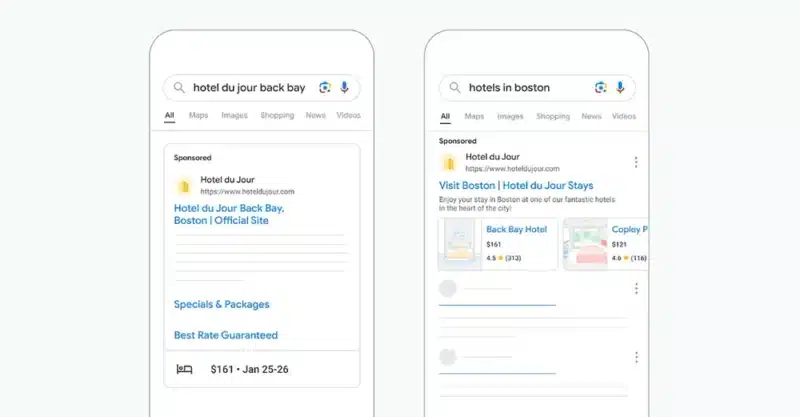
Google is making Travel Feeds available to all hotel advertisers in Search Ads. This will let you showcase details like prices, dates, ratings and images. Google is also experimenting with expanding this format to include things to do, car rentals, and events.
How it works.
Travel Feeds in Search Ads display dynamic, feed-based information about hotels, travel activities and more.
Advertisers with an existing travel feed linked to Google Ads will automatically see this data surface in new and existing Search Ads campaigns.
For those without a feed, setup is straightforward, with opt-out options at the account and campaign level.
Why we care. Giving advertisers more opportunities to showcase rich, real-time data from their travel feeds in Search Ads can lead to higher click-through rates and better user experiences. Dynamically integrating data such as pricing, availability, and images directly into ads allows for richer information for potential travelers.
The impact:
Google claims to have seen up to a 20% increase in click-through rates when advertisers use the full range of Travel Feeds formats
The rich data makes it easier for advertisers to showcase inventory and for travelers to quickly narrow down options
What to watch. Whether Google will successfully expand Travel Feeds beyond hotels to other key travel verticals in the coming months.
Bottom line. Google is empowering travel advertisers to provide more informative, engaging ad experiences through the power of dynamic feed data in Search Ads.
Anu Adegbola has been Paid Media Editor of Search Engine Land since 2024. She covers paid search, paid social, retail media, video and more.
In 2008, Anu’s career started with
delivering digital marketing campaigns (mostly but not exclusively Paid Search) by building strategies, maximising ROI, automating repetitive processes and bringing efficiency from every part of marketing departments through inspiring leadership both on agency, client and marketing tech side.
Outside editing Search Engine Land article she is the founder of PPC networking event – PPC Live and host of weekly podcast PPCChat Roundup.
She is also an international speaker with some of the stages she has presented on being SMX (US), SMX (Munich), Friends of Search (Amsterdam), brightonSEO, The Marketing Meetup, HeroConf (PPC Hero), SearchLove, BiddableWorld, SESLondon, PPC Chat Live, AdWorld Experience (Bologna) and more.
Over the last several months, I have tried to outline a more strategic approach to SEO.
This starts with creating a unique SEO strategy, a lightweight SEO plan and upper funnel SEO content ideation using SCAMPER and the Value Proposition frameworks. Finally, this month, I want to look at optimized service landing pages.
This is the bottom of the funnel: pages that will work for SEO and PPC traffic and are helpful, user-focused pages that are scientifically constructed to convert.
By following these articles, you can go from top-level strategy to lead gen with a strategic feather in your SEO cap.
To help in this endeavor, I have created a simple template you can copy and use as you work through this article.
Landing page optimization matters for SEO
Your customers may well browse around your website, but there will always be key pages that aim to drive conversions. We can call these landing pages for convenience, but a customer may land directly or get here via another customer journey.
The vital bit is that these pages are where the marketing rubber hits the website and you must convince the visitor to do business with you.
If these conversion pages are not finely tuned, you risk losing traction and seeing your customers return to wherever they came from – never to be seen again!
In this marketing environment, where more searches result in zero clicks, social networks are not keen on referring traffic and AI marches relentlessly on, when you get someone, you must convince them to take action.
Below is a simple process for building a high-performance landing page that does just that. A page that will rank highly, drive engagement and have customers knocking on your door to do business with you.
SEO leaks and leaky landing pages
Before we dive in, some important context helps frame the approach.
Earlier this year, we had the first major Google search algorithm leak, which covered some elements of how the dominant search engine ranks results.
There is a lot to unpack, and it is outside the scope of this article. However, one area of insight is user engagement metrics. The general takeaway is that behavioral metrics like clicks, time spent on a page and click-through rates (CTR) influence rankings.
More recently, SEO expert Cindy Krum has theorized that user engagement may be even more critical for SEO. The general idea is that Google is using users’ behavior in Google Chrome to help understand high-engagement pages.
Think about this for a second. Google has the most popular web browser, Google Chrome and the most popular mobile operating system, Android. That is a lot of engagement data, and in many ways, it would be crazy if they were not using it!
This is reassuring, as it means that good SEO and good marketing are the same. Sure, we need to dial in our technical SEO and optimize around the language of our target audience, but we also need to make pages that speak to their wants, needs and pains.
To create a solid landing page that ranks and converts, we focus on understanding and helping our target audience. That is music to my ears!
Common landing page problems
Before we outline what to do, let’s look at common problems and what you should avoid.
The page is too complicated.
Too wordy – message not clear enough
No clear calls to action (or weak calls to action)
Images and wording do not line up
Unclear or flowery language
There is no lead generation to feed the funnel
Technical niggles like fast sliders etc
Not focused on the needs of the visitor (and is all about you)
There are many reasons a conversion-focused page fails, but these are some of the usual suspects. It is helpful to know what you are trying to avoid upfront!
Who is the audience?
Before we get started, make sure to carefully define your audience segment.
This is marketing basics, but essential. Your messaging can only hit the spot if you are talking to a specific audience segment.
Choose a carefully defined segment and build your page around their pains, needs and wants.
A perfectly optimized landing page: 10 key elements
Landing pages must quickly and effectively communicate how you can help solve the customer’s problems or help them achieve their goals.
Most fail because they confuse or overload visitors by trying to do too much. The best landing pages focus on simplicity, clear messaging and leading the visitor through a series of steps towards a call to action.
As time-challenged marketers, this approach provides a simple framework for creating powerful, optimized landing pages. This removes some cognition regarding how to structure the page, allowing you to focus on what matters.
Get the newsletter search marketers rely on.
There are ten elements for the perfect landing page.
Generally, the more of these you use, the better. The order can change somewhat, but you can follow this precisely as laid out (and fill this out in our template as you read the document).
For some businesses, not all elements are needed and things like video can be a barrier, so consider the first six elements absolutely essential and the others icing on the cake.
Remember, the most effective landing pages have a clear message, outline the stakes of not taking action, build trust and convert into leads or sales.
The key components are:
You have around 10 seconds to make an excellent first impression on your visitors and get them to grasp your offer, or you will lose them forever!
A few valuable aspects to consider here are:
What do you offer?
How does it make the customer’s life better?
How do they buy it?
It is helpful to ask those questions and ensure you are going some way to answering them immediately.
Clarity matters here. There should be no complexity or clever wording, just concise, clear messaging.
The components of your header section should be:
Headline: A clear, concise headline that defines the problem you solve. It should address your customer’s main pain point or goal in as few words as possible.
Sub-headline: A short line explaining the solution your business offers and how it benefits the customer.
Call to action (CTA): A strong and visible button that directs visitors to take immediate action, such as “Buy Now,” “Schedule a Call,” or “Get a Quote.” Consider also a transactional CTA for a mailing list, discount or voucher for those needing more time to take action!
Soft call to action (CTA): A secondary CTA for maybe an email or a download or something to allow you to carry on the conversation (optional)
Hero image: A visual or video that captures attention and reinforces your message (product image, video, or lifestyle shot of your customer benefiting from the solution).
Note: The visitor is not likely to convert here initially but may well bounce back to the top of the page at any point during the following steps. We want a clear, strong call to action so they know exactly what to do!
2. The problem section
This section covers what will happen if the prospect does not act. You outline the stakes and paint a picture of failure for them to avoid.
You want a sprinkle of negative to make the positive that follows all the sweeter! Don’t overdo it.
Some questions to ask:
What are you helping the customer avoid or overcome?
What is the cost of not using your solution? Wasted time etc.
Here, you should:
Identify the problem: Briefly outline the specific problem your customer is facing, demonstrating that you understand their pain points.
Agitate the problem: Emphasize the consequences of not addressing the problem, creating a sense of urgency.
3. The solution section
This is where the psychological aspects of this structure start to take hold. You have outlined what you offer and the impact of not buying your product.
Now, you must follow up with the results the customer can expect and what I like to call the promised land. The positive aspects here feel all the more potent due to the negatives in the problem section.
Outline your value proposition and justify charging more than competitors by adding value.
Often, these are things that the business already provides but still needs to articulate.
The Value Proposition Canvas can help with this process by listing all elements of the product and the relevant benefits.
Introduce the solution: Present your product or service as the solution to the problem. Be clear about how your offering provides value and solves the customer’s issue.
Benefits list: Highlight three to four key benefits or results your customer will experience by choosing your product/service.
4. Trust-building section
If you do the above well, we will have the visitor’s attention and must get them to trust us. This continues to add layers to the steps above and nurture them towards action.
To build trust, you have to demonstrate empathy and authority. Empathy shows that you truly understand how the customer feels and authority shows that you have the hard experience to help.
Example: “We know how frustrating it is to have a website that is converting. This is why we took 25 years of web design and digital marketing experience to create this winning framework for websites that convert every time.”
In this section, include the following:
Empathy and authority statement: a simple statement that shows empathy and experience. Can be a header and subheader.
Testimonials: Include customer testimonials demonstrating how your business has successfully helped other people like your target audience.
Logos or trust badges: Display logos of well-known clients or certifications that build credibility and trust.
5. A three-step plan
At this point, your visitor should have their credit card in hand. You need to give them a simple, scannable, three-step plan detailing how they proceed.
The plan must show the customer how easy it is to work with you and get results, removing complexity and making the customer journey clear.
Step 1: What the customer needs to do. (e.g., “Schedule a consultation.”)
Step 2: How your business will help them. (e.g., “We will create a customized plan.”)
Step 3: The desired outcome. (e.g., “Start growing your business”)
It’s best to keep this bit visually simple. Three columns usually do the trick with a 1, 2 and 3 with a short header, an image and a simple description that is as concise as possible.
Remember that people will skim through the content before reading it thoroughly, so ensure it’s easy to scan and encourages a second, more detailed read.
6. The explanatory section
Not all products are straightforward. While some customers may be hooked by the earlier sections, others will need more detail.
This is where the explanatory section comes into play.
Here, you can have a paragraph or other page elements, such as FAQs, drop-down menus, etc., that help explain the offer and answer any customer questions or concerns.
This section is useful for SEO so always:
Clarify the offer: In a paragraph or two, explain your offer in more detail without jargon or technical language. Reinforce how the customer will benefit and why it’s the best solution for their problem.
Overcome objections: Your sales team should be able to provide insight into the most common customer objections. This section can help you overcome some of those and remove any barriers to conversion.
Include FAQs: If you need to, you can add a series of FAQ questions that are accessible via a drop-down so the customer can skim and pick out the points of interest.
7. Video (Optional)
Some people prefer video. They may skim the above but a video may be what pushes them forward. Your video, although optional, should simply lay out the steps above.
This is optional and can create a barrier in some situations, giving you even more potential traction.
Time – 1 to 3 minutes: Keep it short and sweet. Make it as short as possible.
Engagement: Make the first 30 seconds compelling to get people to keep watching.
Video Hosting: be sure to host the video on a professional video hosting platform so it scales and keeps the site loading fast!
You have already done the hard work here, so simply lay out everything from the process above, and you will grab those users who prefer to watch rather than read.
Remember, if you use SEO for your content marketing, you may find other ways to make this video work for you!
8. Pricing (Optional)
If suitable for your product, have a pricing table. There is a reason why pricing pages are often some of the most highly clicked pages on a website.
This reminds me of the old 4Ps of marketing: product and price being the first two. The product has to be right, but so does the price.
Pricing tiers: If applicable, include pricing options that let visitors see what they’ll get for different service levels. Show that you offer value at each price point.
Options: Customers like options, so have three tiers if possible, even if this means bundling products.
9. Final CTA
Here, I like to have a simple, strong CTA. Typically, just repeat the primary CTA from the top of the page and use both a lightweight (email signup) and heavyweight (buy now) CTA.
Repeat your CTA: At the bottom of the page, repeat the main call to action. Keep it direct and actionable (e.g., “Get Started Now”).
10. Everything else
Visitors may want to know a bit more about you, so anything else you feel is important can go down here.
Typically this ends up looking like a standard website footer with links to your About us and Contact pages.
Conversion tips
To recap, there are a few guiding principles here to ensure your landing page is effective:
Clarity over cleverness: Avoid using fancy language or creative metaphors that might confuse visitors. Be straightforward and focus on solving their problems, using crystal-clear language.
Limit distractions: Remove unnecessary links, text, or images that distract from the main call to action. The goal is to guide the customer down the page in a logical, focused way.
Consistent CTA: Use the same primary call to action (e.g., “Schedule a Call”) throughout the page to avoid confusing visitors with too many options.
Mobile optimization: Ensure that your landing page is fully optimized for mobile viewing, as many visitors will access it from their smartphones.
Page load speed: Make sure the page loads quickly. A slow page can cause potential customers to leave before they see your message.
Video hosting: Use professional video hosting so the video can be scaled to the correct bandwidth for the device used to access the page!
Sample wireframe layout for your landing page
This should then give you something that looks like this
Hero section
Headline
Sub-headline
Call to action
Hero image/video
Problem section
Outline the customer’s problem and agitate it.
Solution section
Introduce your solution and highlight key benefits.
Trust-building section
Include testimonials and logos/trust badges.
Plan section
Present a three-step plan to show how easy it is to work with you.
Explanatory Paragraph
Clarify your offer in simple, clear language.
Pricing Section (Optional)
Display pricing options, if relevant.
Final CTA
Repeat the main call to action with emphasis.
The result
The result of this process is a blueprint for a page that will rank, engage and convert.
Typically, we fill out each section in the template and maybe even scratch this out on a sheet of paper to get a feel for the layout.
This can then be fed into your web designer or development team to wire it up and make it look pretty.
This process makes it easy for you to specify high-impact landing pages that remove any ambiguity for your visitors and guide them inexorably toward a conversion.
Contributing authors are invited to create content for Search Engine Land and are chosen for their expertise and contribution to the search community. Our contributors work under the oversight of the editorial staff and contributions are checked for quality and relevance to our readers. The opinions they express are their own.
A “Request Competitive Quotes” button in Google Local Services Ads is causing uncertainty among advertisers about potential hidden costs.
How it works:
Users click the “Request Competitive Quotes” button.
They select multiple businesses for quotes.
Users enter a message and email address.
Google sends the request to all selected businesses simultaneously.
Why we care. This feature could significantly impact advertisers’ cost per lead, potentially inflating expenses without their knowledge. The lack of transparency around how these charges are applied makes it harder for advertisers to calculate their true ROI, potentially skewing campaign performance metrics.
What we don’t know:
Whether Google charges each business for these multi-quote requests.
How this feature affects overall cost per lead calculations.
What they’re saying: We were alerted to this test by Nick Smith, Senior Digital Strategist at Riester who reported that this information is not available online or in Google’s documentation.
Google has yet to comment on this test.
Why it matters: If each business is charged for these multi-quote requests, it could:
Artificially inflate lead costs.
Reduce the effectiveness of advertising budgets.
Impact ROI calculations for Local Services Ads campaigns.
The bottom line: Advertisers using Google Local Services Ads need clarity on how the “Request Competitive Quotes” feature affects their costs and lead attribution.
Anu Adegbola has been Paid Media Editor of Search Engine Land since 2024. She covers paid search, paid social, retail media, video and more.
In 2008, Anu’s career started with
delivering digital marketing campaigns (mostly but not exclusively Paid Search) by building strategies, maximising ROI, automating repetitive processes and bringing efficiency from every part of marketing departments through inspiring leadership both on agency, client and marketing tech side.
Outside editing Search Engine Land article she is the founder of PPC networking event – PPC Live and host of weekly podcast PPCChat Roundup.
She is also an international speaker with some of the stages she has presented on being SMX (US), SMX (Munich), Friends of Search (Amsterdam), brightonSEO, The Marketing Meetup, HeroConf (PPC Hero), SearchLove, BiddableWorld, SESLondon, PPC Chat Live, AdWorld Experience (Bologna) and more.
When it comes to PPC, success depends on more than just launching campaigns — it’s about understanding and analyzing the right performance metrics.
By knowing which data points to focus on and how to interpret them, you can make informed decisions that drive better results and align with your business goals.
This article breaks down the key metrics you need to monitor, from basic to advanced, and shows you how to use them to measure and improve your PPC performance.
How PPC transformed advertising analytics
When digital advertising first emerged, one of its most exciting features was its ability to offer precise data measurement, something traditional marketing lacked. With PPC, you could track everything:
How many people visited your website.
How many viewed or clicked your ad.
Even the specific search terms they used to find it.
This was revolutionary, giving advertisers unprecedented insights into their audience’s behavior.
Beyond basic metrics, PPC also introduced conversion tracking, allowing advertisers to see the exact ROI for each ad. Compared to traditional advertising or early banner ads, this level of reporting and attribution was a game-changer.
PPC didn’t just offer data — it allowed for deep dives into ad performance, audience profiling and the customer journey in ways never seen before.
Advertisers could spot trends early, forecast with greater accuracy and gain valuable insights into their competition. Like AI today, PPC disrupted the industry, forcing marketers to adapt to this new data-driven landscape.
However, just having access to all this data isn’t enough. Success depends on understanding and interpreting it effectively. It’s not just about having the information but knowing what to look for and why.
Like the Three-Eyed Raven in “Game of Thrones,” possessing all the knowledge in the world is useless without the context and skill to interpret it. Only then can you turn insights into meaningful, actionable strategies. (If you’re not a GOT fan, thanks for sticking with me!)
Reporting
Context is crucial, as it often ties back to the core business and account objectives.
Weekly, monthly and quarterly reporting of PPC data should align with each client’s goals. While this may seem obvious, it is not always practiced.
The term “performance metrics” can vary significantly among clients, making it essential to establish a reporting structure tailored to different stakeholders.
This ensures you have the analytical foundation needed to meet client expectations, whether through a reporting template from platforms like Swydo or Report Garden.
Personally, I prefer a real-time Looker Studio performance dashboard (or other real-time dashboards), where clients can adjust date ranges and access their own reporting without waiting for specific intervals.
This approach provides immediate insights and allows for the integration of data from various platforms beyond PPC, such as Shopify, Magento, WooCommerce and GA4.
By doing so, you can create a more comprehensive view that offers deeper context beyond just advertising performance.
Dig deeper: 3 steps for effective PPC reporting and analysis
Fundamental PPC metrics
Before diving into advanced metrics, it’s essential to first consider the bread-and-butter metrics. These are the primary data points you review during your daily checks and serve as the foundation for any performance analysis.
Many clients prioritize (and some may even dwell on) these metrics because they are easily understood and have more in common with traditional metrics than the more advanced data. Additionally, these fundamental metrics will serve as the basis for the advanced metrics you examine later.
A quick sample of fundamental metrics would include:
Impressions: The amount of people who have viewed your ads.
Clicks: The amount of people that have clicked on your ad.
Average cost per click (CPC): Cost divided by clicks.
Click-through rate (CTR): Clicks divided by impressions.
Unique sessions: Amount of users who have been on your website.
Conversion value: The amount of revenue generated from a sale.
The above metrics often serve as the foundation for most basic PPC reports I’ve encountered.
Google typically provides these metrics natively, with only minimal coding needed to enable conversion tracking for conversion value. I still consider this fundamental as it is essential for analyzing performance.
Your advertising objective should focus on improving the click-through rate of your ads and making them more engaging to enhance campaign efficiency.
This, in turn, can increase the number of impressions and clicks, allowing you to scale performance.
Also, aim to decrease the average CPC, which theoretically enables you to generate more traffic for your spending, particularly when stepping up with display ads.
They serve a purpose and need to be the first point of analysis, especially in identifying campaign disruptions. Some examples would include:
Clicks are down 75% day on day on Performance Max ads? Feed issues.
Clicks are up 100% day on day on Performance Max ads? Spike in Display channel distribution.
Average CPC up 25% in brand campaign month on month? A couple of new competitors in the market bidding on your brand keywords.
CTR down 20% month on month? Those new keywords aren’t relevant enough.
Ultimately, though, all the fundamental metrics won’t be enough to analyze independently if your priority objectives are being met.
Just remember that the next time a client questions why clicks are down 10% year on year or why CTR is down 15%, they need to focus on the fact that POAS is up 25% and LTV is up 15%.
These metrics are directly related to the business objectives, such as becoming more efficient with advertising spend in a year characterized by tougher market conditions and fewer growth opportunities.
Dig deeper: Setting PPC goals: How to tailor KPIs and metrics for each funnel stage
Get the newsletter search marketers rely on.
Advanced PPC metrics
I mentioned a few above, but some advanced metrics include:
Return on ad spend (ROAS): Advertising cost divided by conversion value.
Gross profit: The amount of gross profit you make for each sale.
Profit on ad spend (POAS): Advertising cost divided by gross profit.
Lifetime value (LTV): The average value of each user who makes a purchase.
New user acquisition: The amount of new customers generated.
Returning user %: The proportion of returning users to your website.
Brand recall: The % users who can remember your brand from a surveyed group.
All of the above can be linked to a common business objective, which can then be translated into advertising goals.
Some metrics are more challenging to obtain than others — for instance, Google requires a minimum spend of $5,000 on YouTube ads over a 10-day period just to ask one question for its brand lift measurement.
However, only the appropriate metrics are needed for relevant performance analysis.
To elevate your performance analysis, you must shift from relying solely on Google platform data to incorporating a mix of other platforms for a more holistic view.
Google Analytics 4 is an obvious supplemental tool, but you can also use third-party attribution or management software like Triple Whale, Profit Metrics, SMEC and Optmyzr for deeper insights.
While this isn’t always necessary, it becomes a valuable option if your account is large and performance analysis is a collaborative and regular exercise prioritized by the client – especially if Google data alone isn’t trusted.
For instance, Google now tracks lifetime value within the account. However, if tracking was recently installed, it may take time to build accurate data on customer value. More mature and holistic data from other platforms may be used instead in such cases.
Dig deeper: 3 PPC KPIs to track and measure success
Business objective = advertising objective
If expanding the customer base is one of the advertising objectives, identifying and evaluating LTV and new user acquisition will be essential.
Accurate data is critical, so many look beyond Google tracking. When you’re confident in your data – whether for reporting or optimization – it provides the necessary context for performance analysis.
For example, if a customer’s LTV is around $5,000 and the is on focus on acquiring new customers, metrics like conversion value and ROAS become less relevant.
A campaign targeting only new user acquisition might have a ROAS of 100%, which, at first glance, isn’t great since you’ve only generated the same amount you spent.
However, with an average order value of $500 and an LTV of $5,000, your actual ROAS is closer to 1,000% when determining the customer’s future sales.
Accurate evaluation of LTV, combined with precise new user acquisition data, helps achieve your campaign objectives. It also helps identify a target “New User ROAS” that you can regularly analyze and optimize at the campaign level.
If profit is the client’s priority objective, metrics like conversion value and ROAS become less important during performance reviews.
You might have a campaign that generates a 1,000% ROAS (like the example above), but it turns out the client’s margins are very low, and they actually incur a loss with a 75% POAS (where 100% is break-even).
In contrast, another campaign might generate a 500% ROAS, but because the products have better margins, the POAS is 150%.
Without context, anyone analyzing the account would recommend allocating more budget to the first campaign since it achieved double the ROAS.
However, with the business objective in mind, the second campaign would be identified as having the greatest growth opportunity, given its double POAS.
Make your PPC performance analysis more meaningful
When analyzing and reporting on PPC performance, the objectives must remain at the core.
Foundational metrics are important, but clients and businesses often fixate on them during performance discussions. Instead, the focus should shift to advanced metrics that better show whether the advertising channel is achieving its goals.
Too much focus on clicks, impressions and average CPC diverts attention from what truly matters. This can also affect how campaigns are managed, risking a misalignment of priorities and drifting performance.
It’s the account manager’s responsibility to guide clients toward the metrics that matter.
Build your reports and dashboards around relevant KPIs that support the performance narrative and assist in deeper analysis of the account, campaigns, products and services.
This approach will help uncover trends, issues, opportunities and insights that position you for long-term success.
Dig deeper: 6 tips to track and analyze PPC results
Contributing authors are invited to create content for Search Engine Land and are chosen for their expertise and contribution to the search community. Our contributors work under the oversight of the editorial staff and contributions are checked for quality and relevance to our readers. The opinions they express are their own.
In B2B PPC lead generation, the goal of most advertising campaigns isn’t to drive sales but leads.
These leads eventually turn into sales, but it often takes 12–18 months.
There are multiple touchpoints along the journey from initial identification of need to finally signing a contract and there are costs involved in each stage.
Understanding your customer acquisition cost is important, as it can help you determine how much you can invest in advertising and still be profitable.
What is customer acquisition cost?
Customer acquisition cost, or CAC, is defined as the total cost to acquire a customer divided by the total number of customers.
“Cost” can include marketing costs or overheads such as wages, software and other tools to acquire new customers.
Setting an ideal CAC
Many businesses will already have established their ideal CAC. If you haven’t, you should do so before investing in PPC advertising.
While it’s always possible to simply optimize for the lowest possible cost per acquisition, to be profitable you’ll want to know how much you can afford to spend to acquire a customer.
To do that, you’ll need to know what the lifetime value of a customer is.
The formula for calculating lifetime value is:
Lifetime value (LTV) = Average order value x Total transactions / Unique customers
Once you know your LTV, you can decide how much of that LTV you’re willing to spend to acquire a customer. It could be 10% or 50% or even 100%. Make sure your business leadership agrees with the percentage.
When setting the percentage, make sure it’s realistic.
If you decide that your CAC should be 10% of LTV and LTV is $1,000, that’s $100. If you’re in a competitive PPC space where CPCs are in the $50 range (and that’s not at all unheard of in B2B), you’d need a 50% conversion rate to meet your goal. That’s probably not realistic or achievable.
Measuring CAC in-platform
You might be thinking, “It’s easy to measure CAC in platform! It’s just cost per conversion.”
And you may be right.
You might also be wrong.
If you’re selling products directly online, such as in ecommerce, then your CAC probably is your cost per conversion, plus any associated costs like overhead.
But in B2B, a conversion doesn’t equal a customer.
A conversion, as measured in Google Ads or Microsoft Ads, can be any action that can be tracked with a pixel.
It could be a page view, a video view, a button click, a Google Maps location visit or a form fill.
Just because someone viewed a page or a video does not mean they’ve become a customer, or even a lead. There is no mechanism to follow up with these users and they’re probably not ready to be followed up with anyway.
Even a user who fills out a lead generation form is not a customer yet, so it would be premature to assume that the cost per form fill is the same as your CAC.
The bulk of the B2B lead generation effort takes place outside of advertising platforms, in the form of salespeople following up directly with prospects. However, it’s still possible to measure PPC CAC in ad platforms.
There is a built-in import to Google Ads from Salesforce and HubSpot and you can connect just about any other CRM by using Zapier.
Once you’ve connected your CRM to Google Ads, you can see not only initial form fills, but multiple funnel stages such as:
Lead.
Opportunity.
Customer.
Here’s an example of a client who’s pulling HubSpot data into Google Ads to measure conversions in the funnel:
In this case:
Lead represents the initial form fill on the website.
Opportunity represents the actual lead created in HubSpot, which filters out obvious junk leads.
Customer is someone who made it all the way through to purchase.
By using offline conversion imports, you can see how much an actual customer costs.
In the example above, the cost per customer is $26,339.03 divided by 11, or $2,394.46.
Now, we have a number we can optimize toward.
Get the newsletter search marketers rely on.
Optimizing CAC
Smart bidding in Google Ads will help you optimize your CAC. It uses conversion data in an account to prioritize users who are more likely to perform an action: a click or a conversion, depending on the bid strategy you choose.
When you use offline conversion imports, you can use value-based bidding to get the bidding algorithm to focus on the most valuable actions for your business.
In my example above, we’ve set the following values for conversions:
Lead: $100.
Opportunity: $500.
Customer: $5,000.
These are arbitrary numbers intended to show the relative value of each action to the other. A customer is worth 10 times as much as an opportunity and 50 times as much as a lead.
By using a Maximize Conversion Value bid strategy, Google Ads will try to find users who are not only leads, but customers.
In this example, we’ve been able to increase the total number of leads for this client while also dramatically increasing the number of customers because the smart bidding algorithm optimizes toward them.
Solving for long sales cycles
In my example, it takes a user about 14 days to move from an initial lead to a customer. In B2B, that’s a relatively short sales cycle.
It’s not unusual for B2B sales cycles to be 12–18 months.
The challenge is, Google Ads only looks at offline conversions for the last 90 days. If your sales cycle is longer than 90 days, you won’t see many if any final customers in your offline conversion data.
There are a couple of workarounds for this.
One is to manually match up data from your CRM to Google Ads.
While you won’t be able to see data down to the keyword level or use it for smart bidding, at least you can calculate your CAC and assign values.
If you’ve captured data in your CRM at the campaign level, which is pretty common, at least you’ll be able to see which campaigns are driving the highest value for you and set bids and budgets accordingly.
Another way to deal with long sales cycles is to use microconversions.
Microconversions are hand-raising actions that don’t represent an actual lead, such as views of a key page, initiating a chat, watching a video, or interacting with non-gated content.
Track microconversions in addition to lead form fills and funnel data. It doesn’t hurt to track funnel data even if it goes past the 90-day mark.
As described above, assign values to the microconversions.
Make them tiny, if needed: a video view might only be worth $1, while a lead form fill is worth $100 or $1,000 or $5,000.
The idea is to get enough data to feed the optimization machine and generate more users taking hand-raising actions.
A side benefit of tracking microconversions is you can use these audiences for retargeting.
Retarget people who watched a video about your product with an offer enticing them to take the next step — downloading an ebook or getting a free demo, for example.
By using the features available in Google Ads, such as microconversions, offline conversion imports and Smart Bidding, you can maximize your CAC for B2B PPC.
Contributing authors are invited to create content for Search Engine Land and are chosen for their expertise and contribution to the search community. Our contributors work under the oversight of the editorial staff and contributions are checked for quality and relevance to our readers. The opinions they express are their own.
Google announces temporary restrictions on political advertising related to U.S. elections, effective after the last polls close on Election Day.
Details:
Pause begins: After polls close on Nov. 5, 2024.
Affects: All ads relating to U.S. elections, their processes, or outcomes.
Includes: U.S. election ads and broader election-related content.
Duration: Temporary, with no specified end date.
Why we care. This update directly affects the ability to promote election-related content immediately after polls close in November. This move could disrupt post-election messaging strategies, a critical time when campaigns often seek to influence public opinion and shape narratives around election outcomes.
With no clear end date for the pause, those running political campaigns will need to plan alternative strategies and closely monitor when the policy is lifted to resume their campaigns.
What’s exempt. Public information campaign ads run by state or federal election administration bodies.
Between the lines:This policy aims to prevent the spread of misinformation during the crucial period immediately following the election.
What they’re saying: Google states it will notify advertisers when the policy is lifted.
What to watch:
How political campaigns adjust their advertising strategies.
Potential impact on public discourse about election results.
Anu Adegbola has been Paid Media Editor of Search Engine Land since 2024. She covers paid search, paid social, retail media, video and more.
In 2008, Anu’s career started with
delivering digital marketing campaigns (mostly but not exclusively Paid Search) by building strategies, maximising ROI, automating repetitive processes and bringing efficiency from every part of marketing departments through inspiring leadership both on agency, client and marketing tech side.
Outside editing Search Engine Land article she is the founder of PPC networking event – PPC Live and host of weekly podcast PPCChat Roundup.
She is also an international speaker with some of the stages she has presented on being SMX (US), SMX (Munich), Friends of Search (Amsterdam), brightonSEO, The Marketing Meetup, HeroConf (PPC Hero), SearchLove, BiddableWorld, SESLondon, PPC Chat Live, AdWorld Experience (Bologna) and more.
Website traffic comes from various channels, including search, direct, paid, referral, and social. Search traffic is arguably the most crucial form of traffic since it connects the right audience—with the right search intent at the right funnel stage—to your site via SERPs and helps you answer the questions your customers are asking.
It’s also the only channel that produces reliable, long-term traffic. Unlike paid campaigns, there is no end date for the lifespan of a piece of content. An effective piece of optimized, value-driven, helpful content can continue to rank well for years.
However, identifying organic search KPIs and evaluating your organic search traffic performance poses a challenge. Industry-wide organic search traffic benchmarks are hard to come by due to limited access to the back-end performance analytics of a reliable sample size of websites.
Conductor took on the challenge of identifying industry-specific benchmarks for organic search in 2024 to help brands better evaluate the effectiveness of their organic SEO & content strategies and learn how to adapt accordingly. Visit Digital Marketing Depot to download their 2024 Organic Search Traffic Benchmarks Report.
Contributing authors are invited to create content for Search Engine Land and are chosen for their expertise and contribution to the search community. Our contributors work under the oversight of the editorial staff and contributions are checked for quality and relevance to our readers. The opinions they express are their own.
Digital Marketing Depot is the resource center for digital marketing strategies and tactics. Created by Third Door Media, Digital Marketing Depot features a robust library of hosted white papers, eBooks, original research, and webinars on a wide range of digital marketing topics- from advertising, analytics, data and content management, to email marketing, SEO and PPC campaign management, and much more. Visit us at http://digitalmarketingdepot.com.
Google CEO Sundar Pichai announced major leadership changes in a memo to staff on Thursday, reshuffling key positions and teams.
Key changes:
Prabhakar Raghavan moves to Chief Technologist role.
Previously led search, ads, and other critical segments.
Will provide technical direction and leadership.
Nick Fox takes over Raghavan’s former responsibilities.
Will lead Search, ads, geo, and commerce divisions.
Known for launching Google Fi and RCS messaging.
Gemini app team joins Google DeepMind.
Led by Sissie Hsaio.
Now under CEO Demis Hassabis.
Google Assistant team moves to platforms and devices.
Why we care. Google’s leadership reshuffle could significantly influence the direction of Google’s AI, ads and search strategies. These moves come at a time when Google is under competitive pressure in AI and facing potential antitrust actions, meaning its advertising products could evolve quickly to address both regulatory and technological challenges.
Between the lines: This reshuffle appears aimed at streamlining AI efforts and bolstering Google’s technical leadership.
What they’re saying: Pichai stated Raghavan will “return to his computer science roots” in the new role.
The big picture: Google is navigating:
Potential breakup threat from U.S. antitrust action.
Intense competition in AI development.
What’s next. How these changes will impact Google’s strategy in AI and its response to regulatory challenges.
The bottom line. Google’s leadership shakeup signals a strategic shift as the company faces both technological and regulatory hurdles.
Anu Adegbola has been Paid Media Editor of Search Engine Land since 2024. She covers paid search, paid social, retail media, video and more.
In 2008, Anu’s career started with
delivering digital marketing campaigns (mostly but not exclusively Paid Search) by building strategies, maximising ROI, automating repetitive processes and bringing efficiency from every part of marketing departments through inspiring leadership both on agency, client and marketing tech side.
Outside editing Search Engine Land article she is the founder of PPC networking event – PPC Live and host of weekly podcast PPCChat Roundup.
She is also an international speaker with some of the stages she has presented on being SMX (US), SMX (Munich), Friends of Search (Amsterdam), brightonSEO, The Marketing Meetup, HeroConf (PPC Hero), SearchLove, BiddableWorld, SESLondon, PPC Chat Live, AdWorld Experience (Bologna) and more.
Google is rolling out changes to how Performance Max and Standard Shopping campaigns compete in ad auctions, starting in October.
Key changes:
Performance Max will no longer automatically trump Standard Shopping campaigns
Highest Ad Rank will now determine which ad serves for overlapping campaigns
Brings these campaigns in line with other campaign types’ auction behavior
Why we care. This update alters how Performance Max and Standard Shopping campaigns compete, which could significantly affect campaign strategies and performance during one of the most crucial sales periods of the year. The update offers more flexibility but requires fine-tuning to maximize success in holiday campaigns.
By the numbers:
Performance Max drove 17% higher ROAS than AI-powered social campaigns during Q4 2023 holiday peak (per TransUnion study)
Between the lines. Google aims to offer more flexibility and simplify testing while maintaining or improving account-level performance.
What they’re saying. Google expects this change to have a “neutral or positive impact on performance at the account level.”
This update was shared by Mike Ryan, Head of Ecommerce Insights at Smarter Ecommerce, on X where he noted “Google is making such healthy choices lately that I’m actually getting worried”:
What to watch:
How advertisers adjust budgets and targets in response
Impact on campaign management strategies
Best practices for advertisers:
Adjust budgets and targets as needed
Ensure Performance Max campaigns follow fundamentals:
URL Expansion
Strong asset groups
Quality creatives and video
The big picture. This update aligns with Google’s push towards AI-driven advertising while offering advertisers more control.
Bottom line. Advertisers should prepare to fine-tune their strategies to capitalize on these changes during the holiday shopping season.
Anu Adegbola has been Paid Media Editor of Search Engine Land since 2024. She covers paid search, paid social, retail media, video and more.
In 2008, Anu’s career started with
delivering digital marketing campaigns (mostly but not exclusively Paid Search) by building strategies, maximising ROI, automating repetitive processes and bringing efficiency from every part of marketing departments through inspiring leadership both on agency, client and marketing tech side.
Outside editing Search Engine Land article she is the founder of PPC networking event – PPC Live and host of weekly podcast PPCChat Roundup.
She is also an international speaker with some of the stages she has presented on being SMX (US), SMX (Munich), Friends of Search (Amsterdam), brightonSEO, The Marketing Meetup, HeroConf (PPC Hero), SearchLove, BiddableWorld, SESLondon, PPC Chat Live, AdWorld Experience (Bologna) and more.
Google announced the release of version 18 of its Google Ads API, introducing several new features and improvements for developers.
Key updates:
Optimized budget suggestions: New GenerateRecommendations feature for Performance Max and Search campaigns
Performance Max insights: New performance_max_placement_view report for querying placement-specific data
Flexible search settings: Replaced summary_row_setting and return_total_results_count with more customizable search_settings
Enhanced segmentation: New segments for hotel and search campaign reports based on specific destinations
Travel Feed support: Added new click and asset types for Search Ads
Partnership ads: New DataLinkService.CreateDataLink for linking Google Ads accounts to creator videos
Content performance metrics: New content_criterion_view for Display, Demand Gen, and Video campaigns
Why we care. These API updates enhance tools for optimizing campaigns and analyzing performance across different campaign types. New features like budget suggestions for Performance Max and Search campaigns, placement-specific data insights, and flexible search settings provide more granular control.
Between the lines. These updates reflect Google’s focus on improving performance tracking, optimization capabilities, and cross-platform integration.
What’s next:
Updated client libraries and code examples will be published next week
Developers will need to upgrade their client libraries and code to access v18 features
The bottom line.Google Ads API v18 offers developers more granular control and insights, potentially leading to more effective ad campaigns and better ROI for advertisers.
Anu Adegbola has been Paid Media Editor of Search Engine Land since 2024. She covers paid search, paid social, retail media, video and more.
In 2008, Anu’s career started with
delivering digital marketing campaigns (mostly but not exclusively Paid Search) by building strategies, maximising ROI, automating repetitive processes and bringing efficiency from every part of marketing departments through inspiring leadership both on agency, client and marketing tech side.
Outside editing Search Engine Land article she is the founder of PPC networking event – PPC Live and host of weekly podcast PPCChat Roundup.
She is also an international speaker with some of the stages she has presented on being SMX (US), SMX (Munich), Friends of Search (Amsterdam), brightonSEO, The Marketing Meetup, HeroConf (PPC Hero), SearchLove, BiddableWorld, SESLondon, PPC Chat Live, AdWorld Experience (Bologna) and more.
Microsoft announced a number of new features for Bing Webmaster Tools including a new recommendations section, 16 months of data (up from six months) and a limited private preview of Copilot.
Recommendations
Bing Webmaster Tools is “evolving” its Top Insights section and renaming it to “Recommendations.” Microsoft said the new recommendations provide a “more comprehensive and powerful” toolset. It gives you “personalized and actionable insights that help you optimize your website for maximum visibility and performance.”
Benefits. Here are the benefits Microsoft explained to us for Recommendations:
Enhanced data granularity: Recommendations dive deeper into your website’s performance metrics, offering granular data that helps identify specific areas for improvement.
Actionable insights: The tool goes beyond basic analytics by providing clear, actionable steps tailored to your site’s unique needs. This empowers webmasters to implement changes that can drive significant traffic and engagement.
Real-time updates: In the fast-paced world of digital marketing, timely information is critical. The new feature offers real-time updates so you always have the latest data at your fingertips.
Comprehensive SEO recommendations: From keyword optimization to backlink strategies, Recommendations cover all aspects of SEO, providing thorough guidance to help you climb the search engine rankings.
What it looks like. Here is a screenshot of the new “Top Recommendations.”
Google Search Console recently began testing recommendations in Search Console, but it is not fully rolled out to all users.
Extended Search Performance data: 16 months
Microsoft also has extended the amount of data you get within the Search Performance reports within Bing Webmaster Tools. from six months to16 months of data. This matches the amount of data Google gave us for Search Console back in 2018.
According to Microsoft, this was done in response to feedback.
“Whether you’re trying to figure out a sudden traffic drop or planning your next big campaign, the extended data view helps you make confident, informed decisions. All Search Performance data filter options will be available for 16 months immediately, while crawling and indexing history will become accessible as the information is collected,” Microsoft added.
Benefits. Here are the benefits Microsoft sees by extending the data, but as you can imagine, having more data is great:
Comprehensive trend analysis: With 16 months of data, you can identify long-term trends and patterns that were previously hidden, allowing for more accurate forecasting and strategy development.
Seasonal insights: Understand how seasonal changes impact your traffic and adjust your marketing strategies accordingly to capitalize on peak periods.
Campaign effectiveness: Evaluate the success of past campaigns over a longer period helps you refine your tactics and improve future performance.
Enhanced reporting: Provide stakeholders with more detailed and comprehensive reports, showcasing the impact of your SEO efforts over an extended timeframe.
Improved resource allocation: Allocate resources more effectively by understanding which strategies and campaigns have the most significant long-term impact.
Competitive advantage: Gain a competitive edge by leveraging historical data to stay ahead of industry trends and make proactive adjustments to your SEO strategy.
What it looks like: Here is a screenshot that Microsoft provided.
Microsoft also pre-announced new Copilot features in Bing Webmaster Tools. Users can ask Copilot questions about data and information within Bing Webmaster Tools. This will be available as a “limited preview by invitation only,” Microsoft wrote.
Copilot in Bing Webmaster Tools promises to provide “instant, accurate and contextually relevant answers to [user] queries.” It is engineered to provide “streamline workflows, enhance productivity, and provide valuable insights,” Microsoft added.
The Copilot Bing Webmaster Tools features include:
Real-time question.
Answer chat.
Deep data insights.
What it looks like. Here are screenshots of what this will look like.
Why we care
The new recommendations, extended data and Copilot integration are all welcomed additions to Bing Webmaster Tools. While the new recommendations and extended search performance data are coming now, the preview of Copilot integration is an exciting upcoming feature.
Google is experimenting with new search ad formats in the form of expandable sponsored ads and in-ad search refinements.
Details:
Expandable search ads:
Users can expand or collapse sponsored search ads.
Expanded view shows a carousel of search ads.
In-ad search refinements:
Search refinement options appear within the ad box.
Allows users to narrow their search without leaving the ad space.
Why we care. These updates could reshape how users engage with sponsored content, potentially increasing user control over ad interactions while also requiring more strategic ad placement to maintain visibility and performance in a more interactive search environment. Knowing how to optimise your ads to ensure potential customers feel you are the right choice as soon as they see search results will become even more vital.
Between the lines:
The expandable format initially hides some ads, requiring user action to view more.
This approach could increase ad engagement while giving users more control over their ad experience.
What they’re saying. Khushal Bherwani, who spotted and shared these tests on X, provided visual evidence of both features in action.
Google hasn’t commented on this test yet.
The big picture. These tests align with Google’s ongoing efforts to make ads more interactive and relevant to users.
Yes, but. It’s unclear why Google would choose to hide ads initially, as this could potentially reduce ad visibility. It also makes for an extra click step for users before seeing whether the have been delivered the right result for their search. Historically, this doesn’t make for a great searching experience.
Users tend to want to search, hit the search button and see their desired results. It will be interesting to see if this feature is fully rolled out.
What to watch. How these features, if implemented widely, affect:
Anu Adegbola has been Paid Media Editor of Search Engine Land since 2024. She covers paid search, paid social, retail media, video and more.
In 2008, Anu’s career started with
delivering digital marketing campaigns (mostly but not exclusively Paid Search) by building strategies, maximising ROI, automating repetitive processes and bringing efficiency from every part of marketing departments through inspiring leadership both on agency, client and marketing tech side.
Outside editing Search Engine Land article she is the founder of PPC networking event – PPC Live and host of weekly podcast PPCChat Roundup.
She is also an international speaker with some of the stages she has presented on being SMX (US), SMX (Munich), Friends of Search (Amsterdam), brightonSEO, The Marketing Meetup, HeroConf (PPC Hero), SearchLove, BiddableWorld, SESLondon, PPC Chat Live, AdWorld Experience (Bologna) and more.
Google is set to update its third-party policy in November 2024, introducing severe consequences for those enabling significant or sustained policy violations.
Details:
New penalties target third parties that enable significant or sustained policy violations.
Consequences may include:
Loss of privileges.
Removal from Google third-party programs (e.g., Google Partners).
Account suspension.
Why it matters: The move aims to maintain the integrity of Google’s advertising ecosystem and discourage non-compliant behavior among third-party partners. As a result, third-party ad tech providers and app developers must ensure compliance to avoid losing access to Google Ads, potentially impacting their ability to reach audiences and maintain ad campaigns.
The catch. Violators’ Google Ads accounts will be suspended immediately upon detection, without warning, and permanently banned from advertising on the platform.
Zoom in. The policy update also addresses specific issues with AdMob and AdSense:
Apps offering compensation for ad clicks, web surfing, or email reading are prohibited.
Google ads can’t be placed on apps that incentivize these activities.
Apps promoting or providing instructions for such services are also banned.
The big picture. This strict stance reflects Google’s ongoing efforts to combat invalid ad impressions and clicks, ensuring a more trustworthy advertising environment.
What to watch. How this policy update will impact the broader ecosystem of third-party ad tech providers, agencies and app developers working with Google’s advertising platforms.
The bottom line. Third-party partners and app developers need to prioritize compliance with Google Ads policies or risk severe and permanent consequences.
Anu Adegbola has been Paid Media Editor of Search Engine Land since 2024. She covers paid search, paid social, retail media, video and more.
In 2008, Anu’s career started with
delivering digital marketing campaigns (mostly but not exclusively Paid Search) by building strategies, maximising ROI, automating repetitive processes and bringing efficiency from every part of marketing departments through inspiring leadership both on agency, client and marketing tech side.
Outside editing Search Engine Land article she is the founder of PPC networking event – PPC Live and host of weekly podcast PPCChat Roundup.
She is also an international speaker with some of the stages she has presented on being SMX (US), SMX (Munich), Friends of Search (Amsterdam), brightonSEO, The Marketing Meetup, HeroConf (PPC Hero), SearchLove, BiddableWorld, SESLondon, PPC Chat Live, AdWorld Experience (Bologna) and more.
LinkedIn Message Ads are a powerful tool for B2B marketers looking to directly engage with their target audience.
This guide will walk you through everything you should know about Message Ads, from their basic definition to advanced implementation strategies.
What are LinkedIn Message Ads?
Message ads deliver direct messages to your prospects through LinkedIn Messaging, encouraging action.
These ads are native, meaning they’re designed to blend seamlessly with regular LinkedIn messages. They can appear on both desktop and mobile devices.
Here’s an example of a Message Ad:
Dig deeper: LinkedIn advertising: A comprehensive guide
How can I tell the difference between a Message Ad and a regular message on LinkedIn?
If you go into the Messaging section of LinkedIn, you can see that some messages have the word Sponsored in the preview on the left side. Those are Message Ads.
What’s the difference between Message Ads and Conversation Ads?
Both are forms of sponsored messaging through LinkedIn.
Message ads consist of a targeted message with a single call-to-action button that drives to a landing page.
Conversation ads consist of a targeted message with multiple call-to-action buttons that can drive to a landing page, open a lead gen form or provide more information in follow-up messages.
Are there any restrictions on Message Ads that I should be aware of?
Yes. You cannot target LinkedIn members based in the European Union (EU).
If a campaign includes both EU and non-EU targeting, the campaign will deliver to non-EU audiences only.
Why should I use Message Ads?
According to LinkedIn, they drive higher engagement and response rates compared to traditional email marketing.
While Mailchimp’s industry average open rate is 21%, LinkedIn reports an average of 50%.
In my experience running multiple Message Ads for an enterprise-level financial services client, I’ve seen an impressive average open rate of 56.69%, closely aligning with LinkedIn’s benchmarks
Which objectives can I use when running Message Ads?
You can only create Message Ads using website visits, lead generation or website conversion objectives. I most often use the Website Visits objective when creating Message Ads.
How to set up a LinkedIn Message Ad
To get started, you only need a few things:
A sender: There is a process for this that I’ll talk about in the next section.
Subject line: 60 characters maximum.
Message text:1,500 characters maximum.
Call to action (CTA):Up to 20 characters.
Image (Optional): 300x250px banner image.
Custom footer (Optional): This can be a disclaimer or terms and conditions.
Lead form (Optional):If you selected lead generation as the campaign objective, you’ll need to attach a form to your ad.
Get the newsletter search marketers rely on.
Best practices when developing Message Ads
Following best practices is essential for driving engagement and conversions with your LinkedIn Message Ads.
Identify a reputable sender
Ensure the recipient is already a first-degree connection on LinkedIn. You’ll need to send them a request through the platform, which they must approve.
To do this, click the Add a sender button when creating your ad, type in their name, select them and then hit Send request.
Keep your subject line concise, relevant and conversational
LinkedIn recommends using keywords such as:
“Exclusive invitation”
“Connect”
“Opportunities”
“Join us/me”
I’ve personally seen great success using “Join me” in subject lines.
Make sure the sender introduces themselves
This should be done at the start of the message. Communicate a clear purpose that speaks to your audience. Capture their attention and tell them quickly why they should keep reading.
Customize your message by adding custom fields
If you add %FIRSTNAME%, %LASTNAME%, %COMPANYNAME%, %JOBTITLE%, and/or %INDUSTRY%, these macros will dynamically insert the recipient’s first name, last name, company name, job title and/or industry.
If the user has more than one current company or job title, then LinkedIn will populate the recipient’s most recently added company or job title.
Keep your message text below 500 characters
While you can have up to 1,500 characters maximum, try to keep it brief.
Test hyperlinks
While LinkedIn suggests that adding a hyperlink in your message can boost click performance, my experience shows no noticeable impact – though it’s still worth testing.
Always test your message before you go live
Once you’ve created the ad, hit save. Before you review and launch your ad, hit the three dots next to your message ad. You’ll see an option to “Send test message.”
This will be sent directly to your LinkedIn messages. You can see how the message renders, including any custom fields.
Testing is also extra important because once you change your ad status from Draft to Active, the ad can no longer be edited.
What metrics should I look at to evaluate Message Ad performance?
This depends on which objective you use:
Website visits objective
Sends: Number of times your ad was sent (i.e., impressions).
Opens: Number of times your ad was opened (unique opens).
Open rate: The percentage of messages opened compared to the total sent.
Website visits: Number of times someone clicked through your ad to your landing page.
Cost per action (website visit): Total cost divided by the number of website visits.
Click-through rate: Number of clicks divided by total impressions.
Website conversions objective
Sends: Number of times your ad was sent (i.e., impressions).
Opens: Number of times your ad was opened (unique opens).
Open rate: The percentage of messages opened compared to the total sent.
Conversions: Total number of times member accounts took a desired action after clicking on or seeing your ad.
Cost per action (website conversions): Total cost divided by the number of website conversions.
Conversion rate: Number of conversions divided by total clicks.
Lead generation objective
Sends: Number of times your ad was sent (i.e., impressions)
Opens: Number of times your ad was opened (unique opens)
Open rate: The percentage of messages opened compared to the total sent.
Leads: Number of users who have submitted their information through your lead form ad
Cost per lead: Total cost divided by the number of leads.
Lead form completion rate: Number of lead form submissions divided by the number of lead form opens.
Maximize your LinkedIn advertising with Message Ads
LinkedIn Message Ads offer a powerful way to directly engage with your target audience on a professional platform.
By understanding the key components, best practices and performance metrics we’ve discussed, you can create compelling campaigns that resonate with your prospects.
Remember to always test your messages, choose your sender wisely and continuously monitor your performance metrics to optimize your campaigns.
With the right strategy, Message Ads can become a valuable tool in your B2B marketing arsenal, helping you build relationships, generate leads and drive conversions.
Contributing authors are invited to create content for Search Engine Land and are chosen for their expertise and contribution to the search community. Our contributors work under the oversight of the editorial staff and contributions are checked for quality and relevance to our readers. The opinions they express are their own.
Adviso is leading the way in the 10th annual Search Engine Land Awards. The Canadian agency is a finalist in five categories in 2024.
Two other agencies earning finalist status four times are:
NP Digital.
Stella Rising.
Meanwhile, four agencies earned nominations in three categories of the 2024 Search Engine Land Awards:
Amsive.
Digital Hitmen.
Higher Visibility.
LOCALiQ UK.
In-house team of the year – SEO
The competition was fierce in most of our categories – but one category had a clear winner. So we couldn’t think of a reason to wait to reveal it:
The winner of the In-House Team of the Year – SEO is … Turnpoint Services for its entry: From Agency-Dependent to In-House Success: Boosting Organic Revenue by 40% and Reducing Load Speed by 85%.
Congrats!
All the other winners of the 2024 Search Engine Land Awards will be revealed Monday, Oct. 21.
Meet Search Engine Land 2024 award winners at SMX Next
We will be inviting some of the winners of this year’s awards to join us on Day 1 of SMX Next (Nov. 13). We’ll have two Ask Me Anything-style “Ask the Search Engine Land Award winners” panels – one on the SEO side, which I’ll moderate, and one on the PPC side, which will be moderated by Search Engine Land’s Paid Media Editor Anu Adegbola.
If you haven’t yet, make sure to register for free for SMX Next.
The full list of finalists
Best use of AI technology in search marketing
Amsive & Us Weekly – Beyond Headlines: An AI-Driven Google Discover Strategy for Publishers
Navigating New Waters in 2024: Sail Outdoors‘ AI-Driven Success Story (Adviso)
Adwise – pAthwIse: the first ever Semantic AI redirect tool
Leveraging AI-Powered Bid Strategies to Improve Patient Outcomes in the Pharma Vertical (Blinded Pharma Client and Publicis Health Media)
Yotel Leverages the Power of AI to Increase ROAS by 23% and Save 10+ Hours of Manual Work Per Week
Yoghurt Digital Boosts Larsen Jewellery Leads by 316% with only a 34% Lift in Spend
Best overall PPC initiative – Enterprise
AIMCLEAR® Pilots Luxury Yacht Rental Brand to Extraordinary Growth
Liberty Costa Rica Paid Search Performance 2024 (Liberty Latin America)
Mad Fish Digital Implements UGC Style Video Creative to generate a 387% increase in Leads at a 53% decrease in CPL.
Strategic Search Success: How Stella Rising Elevated Coldwell Banker’s Lead Generation in 2024
Yoghurt Digital Boosts P&O Cruise’s Paid Search Revenue by 94% with a 22% Lift in Yield
Best commerce search marketing initiative – PPC
Navigating New Waters: Sail Outdoors‘ Triumph in PPC Marketing Amidst 2024 Challenges (Adviso)
Matas achieves 22% revenue growth by bridging online success with in-store sales (Precis)
Megethos & Medical Monks – Scaling Google Ads Sales and Efficiency with Strategic Segmentation
Efficiency at scale. Paid search strategy delivers +28% revenue boost with decreased spend. (Zagg and NP Digital)
How VaynerMedia Increased New Era‘s Pixel RoAS 80% YoY
Best local search marketing initiative – PPC
Agency Transforms Automotive Marketing with Budget-Savvy Digital Innovation (Adtaxi)
Local PPC Excellence: Driving 26% More Store Visits and 23% Higher Revenue for Simplex (Adviso)
Scalable PPC Excellence: Driving Growth for HOTWORX with Strategic Local Search Initiatives (Higher Visibility)
Matas achieves 22% revenue growth by bridging online success with in-store sales (Precis)
Trimming the Fat: Utilizing Patient-Driven Data to Strategically Align Search Targeting and Improve Engagement (Blinded Healthcare Client and Publicis Health Media)
Best B2B search marketing initiative – PPC
How Augurian Helped Digi International Crush MQL Goals by 66% using LinkedIn Ads
Corelight and Blackbird PPC: Using First-Party Data for 62% More Pipeline with 36% Efficiency Gains
dentsu Benelux & MegaGroup Trade – Utilizing New Customer Acquisition & Conversion Value Rules for B2B success
Getting Healthier without Cookies: How Jordan Digital Marketing Helped Sentry Increase Revenue by 101% in a New World of Measurement
How Workshop Digital achieved a 28% increase in MQLs while reducing cost per MQL for S&P Global Market Intelligence
Best integration of search into omnichannel marketing
How Bloom Digital increased high-quality conversions for a local gardening service by 206% (in winter)!
Omnichannel Integration Strategy – Mas movil Panama (Liberty Latin America)
How LOCALiQ UK helped DM Hall Achieve 127% Increase in Leads via Omnichannel marketing (SEO, Paid Search, Paid Social)
Matas achieves 22% revenue growth by bridging online success with in-store sales (Precis Digital)
Stella Rising: Redefining SEO Excellence with Enterprise-Scale Results and Client-Centric Strategy
In-house team of the year – PPC
The Real Heroes of MANSCAPED®
In-House Media Team Surpasses Industry Trends by Boosting Leads and Enrollment Amid Significant Transformations (Risepoint)
From Agency-Dependent to In-House Success: Elevating Paid Media Efficiency and Boosting Conversions by 88% (TurnPoint Services)
Zenni Optical‘s In-House Paid Search Drives Both Revenue & ROAS Growth by Balancing AI and Manual Management
Search marketer of the year
Kristan Bauer
Jorge Castro
Jo Juliana Turnbull
Nicolas Villeneuve
Small agency of the year – PPC
Blackbird PPC: Scaling Business Growth with Elite Efficiency through Advanced Media and Measurement
Bada Bing, Bada Boom: Digital Strike‘s PPC Strategy For Fundraising Brick Boosts Leads Over 330%
Small agency of the year – SEO
SeOHMYGOODNESS: Digital Strike‘s SEO Strategy for HyperFiber Ranks 1.1k+ Keywords in 1 Year
How Flywheel Digital increased Willful’s content hub traffic by 42% through volatile algorithm updates
How Hot House delivered more than 200% growth in organic revenue for TOG24
How our digital PR and blog content efforts drove a +91% YoY increase in non-brand traffic (Sosemo)
Empowering Small Businesses: TopHatRank’s SEO Coaching and Educational Initiatives Turn New Blogs into Thriving Businesses
A huge thank you to our judges
A much-deserved thank you to our awesome group of judges for the 2024 Search Engine Land Awards. Our panel of judges had the difficult assignment of selecting the best of the best from a large number of submissions. Thank you:
Danny Goodwin is Editorial Director of Search Engine Land & Search Marketing Expo – SMX. He joined Search Engine Land in 2022 as Senior Editor. In addition to reporting on the latest search marketing news, he manages Search Engine Land’s SME (Subject Matter Expert) program. He also helps program U.S. SMX events.
Goodwin has been editing and writing about the latest developments and trends in search and digital marketing since 2007. He previously was Executive Editor of Search Engine Journal (from 2017 to 2022), managing editor of Momentology (from 2014-2016) and editor of Search Engine Watch (from 2007 to 2014). He has spoken at many major search conferences and virtual events, and has been sourced for his expertise by a wide range of publications and podcasts.
The way consumers search, discover and purchase products is rapidly changing.
Traditional search engines like Google have dominated this process, but the lengthy, multi-step journey often leads to drop-offs and a fragmented experience.
Today’s consumers, especially younger ones, want faster, seamless experiences. TikTok and YouTube are capitalizing on this, transforming ecommerce by integrating discovery and purchasing directly in-app. This shift threatens to reduce the role of traditional search engines.
If you want to stay competitive in this evolving ecommerce landscape, understanding how TikTok and YouTube are streamlining the buying journey is key.
This article explores how these platforms transform the traditional search process, offering new opportunities to boost engagement and drive conversions through social search and shoppable content.
A look at the traditional search journey
The traditional search journey takes users from awareness to conversion, starting with broad informational queries as they research their needs, read reviews and compare options.
As they move through the funnel, searches become more specific, often leading to ecommerce platforms or brand websites where purchases are made.
SEO and PPC ads play a key role in capturing attention throughout.
However, this process can be long and complex, with multiple touchpoints that may cause distractions or drop-offs.
TikTok and YouTube simplify this by combining discovery, consideration and purchase into one seamless experience.
How TikTok and YouTube are redefining product discovery
Product discovery is rapidly evolving, with TikTok and YouTube becoming essential for brand awareness and consumer engagement, especially among younger audiences.
These platforms are no longer just for entertainment or education – they’re now key sources for discovering new products and brands.
At the core of this shift is the influence of visual content and creators.
User-generated videos, influencer marketing and product demos connect with audiences in ways traditional ads can’t, offering authenticity and trust as creators showcase products in real-life scenarios.
A major game-changer is the integration of direct shopping features on both platforms. This allows users to easily buy products without leaving the app.
This streamlined experience encourages instant purchases, perfectly catering to the habits of today’s digital consumers.
Dig deeper: Search, social and retail: The future of digital brand experiences
In-app shopping on TikTok and YouTube is changing traditional search behavior by merging product discovery and purchase into a single, seamless experience.
This reduces the time spent in each stage of the buying process, increasing conversion rates by minimizing distractions.
The lines between content, commerce and entertainment are blurring, creating a new model for online shopping.
Users are increasingly skipping traditional search engines and turning to social platforms for product recommendations and instant buying options. This shift from research-driven searches to more transactional, trend-focused ones reshapes online search.
Traditional search engines are losing dominance in ecommerce as consumers trust creators, visual content and real-time interactions more.
TikTok and YouTube’s social commerce is quickly becoming the preferred shopping method, especially among younger users.
This shift presents both challenges and opportunities for brands. They must now optimize for search engines and social commerce, creating engaging, shoppable content and using creators to drive conversions.
Adapting to these new platforms is essential to staying visible and boosting sales in today’s digital market.
Dig deeper: Is TikTok a search engine? Why meeting searchers’ needs matters more than semantics
Get the newsletter search marketers rely on.
How a luxury resale brand uses TikTok: Case study
Luxe Collective, a UK-based luxury resale brand, showcases how brands can use TikTok’s ecommerce tools like TikTok LIVE Shopping and TikTok Shop to boost sales and engage audiences.
Luxe Collective has transformed how consumers find and buy high-end fashion products by blending its pre-loved luxury items with TikTok’s social commerce features.
Embracing TikTok LIVE Shopping
Luxe Collective’s success on TikTok can be attributed to its LIVE shopping events. The brand uses its massive follower base (over 1.6 million on TikTok) to showcase products in real time.
These live sessions allow them to engage directly with consumers, offer product insights and respond to questions instantly, creating a sense of urgency and trust that encourages impulse buying.
By using creator-style content and live unboxings, Luxe Collective taps into the growing trend of social proof, where customers trust creators and influencers for their product choices.
The proof is in the sales that have come from this effort.
Ben Gallagher, Luxe Collective’s co-founder, recently shared on LinkedIn that they sold two luxury bags for a total of £12,000 during one of their LIVE shopping experiences.
This continues the brand’s success after its initial LIVE shopping experience launch earlier this year, where they sold 127 luxury items.
TikTok Shop integration
In addition to LIVE Shopping, Luxe Collective integrated the TikTok Shop feature, enabling users to purchase items directly within the app. Since the launch, they have sold 3,100 products.
The brand successfully merges educational and entertaining content with authentic storytelling and easy in-app purchases. This approach turns viewer engagement into sales by using the convenience of TikTok’s shopping features.
The impact
This approach has paid off significantly for Luxe Collective, as the positive results described above show.
The brand’s TikTok-driven strategy has helped it disrupt the luxury resale market, grow its sales and expand its audience.
As a pioneer in TikTok’s social commerce landscape, Luxe Collective’s ability to connect with users through engaging, live and authentic content positions it as a key example of how brands can redefine the search journey within a social platform – building a brand community.
By seamlessly merging discovery, engagement and purchasing, Luxe Collective demonstrates how TikTok’s ecommerce tools reshape the consumer journey, offering a compelling case for other brands to explore these features.
And they are starting too.
Beauty brand P. Louise, which had already embraced TikTok as a content platform, launched a TikTok shop and regularly sells on the platform, with 250,000 monthly orders.
Key differences between traditional search and social search
When comparing traditional search to social search platforms like TikTok and YouTube in the context of ecommerce, the user experience diverges sharply.
Traditional search follows a transactional mindset. After initial awareness, users typically arrive with the intent to research, compare and make informed purchasing decisions. The focus is on users seeking out information to facilitate a deliberate decision.
In contrast, TikTok and YouTube center around emotionally driven, social commerce experiences.
Here, purchases are often driven by impulse, spurred on by engaging visual content, creator endorsements and community validation.
Users are not necessarily seeking products but discovering them organically through content, accelerating decision-making.
Content-driven commerce
Video content is key in reducing decision fatigue. The visual nature of TikTok and YouTube allows consumers to quickly assess a product’s utility and appeal without extensive research.
Endorsements by trusted creators lend credibility, making consumers more likely to purchase on the spot.
The community aspect is another key differentiator. Comments, live interactions and creator-led discussions in live streams or videos foster a sense of shared experience.
This real-time feedback can drive immediate purchases, as users see products in action and feel socially validated by peer and creator opinions.
In essence, TikTok and YouTube and the emerging social search platforms actually transform shopping into an engaging social experience, blurring the lines between content consumption and commerce.
In contrast, traditional search remains a tool for methodical, research-based shopping.
Dig deeper: Social search and the future of brand engagement
What does all this mean for brands, SEOs and wider marketing?
As TikTok and YouTube integrate ecommerce features, brands and marketers need to adapt their search strategies to optimize for both traditional search engines and social commerce platforms. They must embrace a “search everywhere” approach rather than focusing on just one platform.
With in-platform shopping, the search-to-buy process is no longer limited to Google or Bing.
Instead, TikTok and YouTube are becoming essential to the search journey, and brands must create content that thrives within these ecosystems.
Rethinking your search and SEO strategies
Brands must optimize their content for TikTok and YouTube by combining traditional SEO principles with social search strategies. This involves:
Using relevant keywords for search functions.
Incorporating hashtags, trending sounds and formats that resonate with these audiences.
Influencers, user creators and even employee creators play a vital role as brand ambassadors in this new search-to-buy process. Their recommendations can lead directly to purchases without leaving the app.
Embracing opportunities and challenges
There are clear opportunities and challenges for search marketers here.
Growth potential: In-platform transactions offer opportunities for faster conversions and higher ROI, as users are more inclined to make impulse purchases when engaged.
Navigating algorithm challenges: Brands face challenges with unpredictable platform-specific algorithms that often prioritize trending content over consistent engagement. Marketers may need to develop new skills and knowledge to adapt effectively.
Increased competition: As more brands enter social commerce, competition for attention will intensify. This requires creative and authentic content strategies to maintain visibility.
Adapting to shoppable content
For ecommerce brands to thrive, they must integrate shoppable content effectively into their videos and live streams.
Integrating shoppable content: Best practices include:
Adding clear, clickable shopping links during live streams.
Using in-video prompts to guide viewers to purchase options seamlessly.
Using authentic creators: Engaging creators to demonstrate products authentically is essential for blending content and commerce. This approach resonates better with younger audiences on these platforms.
Agility and engagement: Successful brands in social commerce will be those that can quickly adapt, engage audiences authentically and leverage creators and community to convert content into sales.
The rise of social search: TikTok and YouTube as ecommerce powerhouses
The rise of TikTok and YouTube as ecommerce platforms marks a significant shift in the traditional search journey.
Brands and marketers can no longer rely solely on search engines like Google for awareness, discovery and conversions.
Instead, these platforms – centered around entertainment, community and content – are now essential for consumers looking to find and purchase products.
To thrive in this new landscape, brands must be adaptable. This means optimizing for both traditional and social commerce ecosystems and adopting a holistic “search everywhere” approach.
Using creator-driven content and seamlessly integrating shopping features into videos and live streams is crucial.
Ultimately, the blending of content and commerce on TikTok and YouTube could redefine the concept of search.
We are moving toward a future where search becomes an experience rather than just a transactional process – especially as AI continues to evolve and influence these dynamics.
Brands that embrace this “search everywhere” mindset will be well-positioned to lead in the next iteration of the search journey.
Contributing authors are invited to create content for Search Engine Land and are chosen for their expertise and contribution to the search community. Our contributors work under the oversight of the editorial staff and contributions are checked for quality and relevance to our readers. The opinions they express are their own.
A big challenge for many SEO professionals is identifying what needs to change to move the needle.
This article recaps a topic from my SMX Advanced presentation on determining which URLs you should prioritize for Core Web Vitals.
Qualitative vs. quantitative SEO priorities
I’m a big fan of quantitative SEO changes impacting thousands of URLs simultaneously (especially for enterprise-level websites).
However, making quantitative improvements on thousands of URLs doesn’t mean the changes you make will actually improve the URLs, causing low or poor performance.
That’s where the Core Web Vitals opportunity map comes into play.
Meet the Core Web Vitals ‘best opportunity’ map
To determine which action to take, you must locate which URLs have scores that lower your Core Web Vitals metrics.
Taking it one step further, examine URLs that have the biggest lift potential.
The chart above illustrates various data segments to consider for Core Web Vitals improvements.
Notice it’s the last two segments on the right that have the opportunity to grow traffic if Core Web Vitals metrics improve:
URLs with an opportunity to improve organic rankings if real user monitoring (RUM) scores improve.
URLs with the biggest lift potential.
Below is a handy resource to help you understand each segment and identify the segment that warrants your qualitative attention.
To summarize the table above:
Many SEOs look at Core Web Vitals for any indexable URL. In reality, you should prioritize (and analyze) Core Web Vitals URLs that have RUM Data in Google CrUX. Unfortunately, this segment has too many URLs that won’t experience an increase in rankings and revenue.
Many SEOs focus on any indexable URL with low-scoring Core Web Vitals metrics from CrUX. However, this segment also has too many URLs that won’t increase rankings and revenue.
The best approach is to identify a segment of URLs with:
RUM data in Google CrUX with scores of “Needs Improvement” or “Poor.”
An opportunity to improve rankings if Core Web Vitals Metrics improve.
Keywords mapped to the URL with high search volume (which translates to high traffic and revenue potential).
Get the newsletter search marketers rely on.
How to identify URLs with the ‘biggest lift potential’
URLs with the biggest lift potential are those with an opportunity to increase traffic and revenue. Attributes of these URLs include (but are not limited to):
The URL is not already a top ranker for targeted keywords with high search volume.
Page copy that is keyword-rich, likely because it was optimized.
For a given targeted keyword: The top rankers’ scores are high, but your URL mapped to the keyword has low Core Web Vitals scores.
Getting started on qualitative analysis for quantitative changes
How to conduct a qualitative analysis for quantitative changes is beyond the scope of this article. But, to get you started, here are the next steps:
Segment the URLs into groupings of shared code (e.g., Category Page, Product Grid Page, Product Detail Page, Article, etc.).
Analyze URLs in each grouping via Google Page Speed Insights and WebPageTest.org. Remember to log in when using WebPageTest.org; it will save all your test results.
If you’re savvy enough to use the CrUX API, getting data at scale will be much easier.
Use these tools to analyze individual URLs and identify improvements that can be applied at scale. This enables you to make quantitative changes across hundreds or thousands of URLs simultaneously.
The key outcome of this analysis is that it will find the “best opportunities” for improving URLs with the biggest lift potential (greatest traffic and revenue increase opportunities).
A few tips for analyzing URLs in Google Page Speed Insights
Confirm that the Core Web Vitals data reported is for the URL, not the origin. This is easily missed by less experienced SEOs and developers, causing them to evaluate origin data rather than URL data.
Determine which metrics need improvement and use the filters to identify recommendations for improving the metric.
Use the treemap to identify unused code.
A few tips for analyzing URLs in WebPageTest.org
WebPageTest.org is a treasure trove of insights for improving the entire page speed experience. Here are just a few tips for using WebPageTest.org for Core Web Vitals.
Don’t wait until the last minute. All tests go in a queue, and at the end of the month and certain times of the day, tests can take some time to run.
The filmstrip view is fantastic for developers. They can see how the page loads visually, and beneath it is a waterfall chart showing what loaded when.
Use the Web Vitals page as a highlights reel for explaining the most important issues to address. It’s a very nice summary page. It does not cover all your opportunities, but it’s a good start for common issues.
The Web Vitals view page allows you to easily see where the CLS issue(s) are. This is great visual for developers to understand the problem quickly.
What’s next?
Begin evaluating Core Web Vitals data differently, prioritizing your attention on URLs with the biggest lift potential.
To get this data, you need to access the CrUX API and curate it into meaningful segments to analyze (using shared code/templates).
Then, start looking for patterns of problems to analyze that will improve Core Web Vitals metrics across many URLs. You often only need to look at a few URLs to spot clear action items.
This was the fourth article in my series recapping my SMX presentation on identifying action items in technical SEO data. You might find Part 1, Part 2 and Part 3 useful, especially for the up-and-coming technical SEOs on your team looking to accelerate their skills.
The next (and final) article in this series will discuss technical SEO use cases and how to use tools for various scenarios to uncover problems.
Contributing authors are invited to create content for Search Engine Land and are chosen for their expertise and contribution to the search community. Our contributors work under the oversight of the editorial staff and contributions are checked for quality and relevance to our readers. The opinions they express are their own.
Reddit is enhancing its advertising platform with new keyword targeting capabilities, aiming to improve ad relevance and performance for advertisers.
The big picture. Reddit is leveraging its community-driven structure to provide contextual advertising opportunities, potentially challenging other social media platforms in the digital ad space.
Key features.
Keyword Targeting: Places ads within specific conversations, driving 30% higher conversion volumes (according to Reddit internal data).
Dynamic Audience Expansion: AI-driven system that broadens reach while maintaining relevance.
Multi-placement optimization: Uses machine learning to maximize efficiency across feed and conversation placements.
AI Keyword Suggestions: Recommends relevant keywords based on Reddit’s conversation analysis.
Unified targeting flow: Allows combining multiple targeting options within a single ad group.
Why we care. Reddit’s Keyword Targeting update potentially offers improved targeting precision, better conversion rates, cost efficiencies and simplified campaign management. Keyword targeting is the cornerstone of gaining insight into consumer intent, which leads to more precise ads. Reddit’s new features could help you reach highly engaged audiences more effectively.
By the numbers (according to Reddit internal data):
Campaigns using Dynamic Audience Expansion saw a 30% reduction in Cost Per Action (CPA).
Keyword Targeting drives 30% higher conversion volumes and improved efficiency.
How it works:
You select keywords related to your product or service.
Ads are placed in relevant conversations and feeds.
AI expands the audience and optimizes placement.
You can use AI-suggested keywords to further refine targeting.
What they’re saying. Reddit emphasizes that this combination will help you reach “the right audience, in the right context, at the right time.”
Anu Adegbola has been Paid Media Editor of Search Engine Land since 2024. She covers paid search, paid social, retail media, video and more.
In 2008, Anu’s career started with
delivering digital marketing campaigns (mostly but not exclusively Paid Search) by building strategies, maximising ROI, automating repetitive processes and bringing efficiency from every part of marketing departments through inspiring leadership both on agency, client and marketing tech side.
Outside editing Search Engine Land article she is the founder of PPC networking event – PPC Live and host of weekly podcast PPCChat Roundup.
She is also an international speaker with some of the stages she has presented on being SMX (US), SMX (Munich), Friends of Search (Amsterdam), brightonSEO, The Marketing Meetup, HeroConf (PPC Hero), SearchLove, BiddableWorld, SESLondon, PPC Chat Live, AdWorld Experience (Bologna) and more.
Google Ads is set to implement a new data retention policy, limiting historical data access to 11 years.
As data privacy concerns continues to grow, tech companies may need to adjust their data retention policies. This move by Google aligns with broader industry trends towards more defined data lifecycles.
Details. The policy goes into effect Nov. 13 and:
Applies to data accessed via Google Ads API using GoogleAds.Search or GoogleAds.SearchStream.
Data older than 11 years from the date of the API request will not be returned.
Why we care. This change affects all account data, including performance metrics, billing information and historical reports, potentially impacting long-term trend analysis and reporting for advertisers.
What to watch. Advertisers and agencies with needs for longer historical data should act before the implementation date.
What they’re saying. Google advises users who need data older than 11 years to retrieve and store it before Nov. 13.
Bottom line. Most users won’t need to take any immediate action, but this change could affect long-term reporting and analysis strategies for some advertisers.
Anu Adegbola has been Paid Media Editor of Search Engine Land since 2024. She covers paid search, paid social, retail media, video and more.
In 2008, Anu’s career started with
delivering digital marketing campaigns (mostly but not exclusively Paid Search) by building strategies, maximising ROI, automating repetitive processes and bringing efficiency from every part of marketing departments through inspiring leadership both on agency, client and marketing tech side.
Outside editing Search Engine Land article she is the founder of PPC networking event – PPC Live and host of weekly podcast PPCChat Roundup.
She is also an international speaker with some of the stages she has presented on being SMX (US), SMX (Munich), Friends of Search (Amsterdam), brightonSEO, The Marketing Meetup, HeroConf (PPC Hero), SearchLove, BiddableWorld, SESLondon, PPC Chat Live, AdWorld Experience (Bologna) and more.
Measuring PPC success can be challenging when teams lack clear, actionable metrics.
Without the right KPIs, it’s challenging to know whether your paid media campaigns or business initiatives are truly performing.
This lack of clarity can lead to misaligned goals, wasted efforts and missed opportunities, leaving teams confused about what is and isn’t working.
By focusing on the right KPIs for both paid media and overall business success, you can create alignment, drive performance and achieve measurable growth.
Here are five KPIs for each area that will help you stay on track.
1. Cost per click (CPC)
Formula:
CPC = Total cost / Total clicks
CPC doesn’t directly show bottom-line performance but can be a useful early indicator of factors affecting your paid media campaign.
A rising CPC may suggest increased competition and more bids on your target keywords.
This helps you assess how well you’re maintaining your position in the market and holding up against competitors.
While not a main KPI, CPC is helpful for gauging keyword competition and adjusting your targeting strategy as needed.
Track CPCs over various periods of time (e.g., week over week, month over month, quarter over quarter, etc.).
This lets you:
Understand changes in competition and general search engine results page (SERP) fluctuations over time.
Provide a window into seasonality, improved interest or increased competition to become proactive in maintaining presence rather than reactive to competitive fluctuations.
2. Impression share (IS)
Formula:
IS = Total impressions / Total available impressions
Impression share is not always a top KPI, but it offers useful insights into ad performance. It shows how well your ads compete in the marketplace, especially when combined with other data.
A low impression share could mean your ads are limited by budget (check auction insights) or low quality (check CTR and quality scores). While not enough on its own, it’s a helpful metric to guide optimizations.
Impression share “lost to rank” could suggest a need for improved ad quality or higher bids.
Impression share “lost to budget” could highlight the need to assess budget allocation and make sure you are cutting irrelevant spend.
Dig deeper: Setting PPC goals: How to tailor KPIs and metrics for each funnel stage
3. Click-through rate (CTR)
Formula:
CTR = Clicks / Impressions
CTR is a simple metric, but it reveals a lot about the performance of your paid media campaigns.
At a high level, it measures engagement and shows if your targeting, messaging, landing pages and offerings meet audience needs.
A high CTR means your messaging is resonating, while a low one suggests adjustments are needed.
By analyzing CTR at the keyword or audience level, you can identify top-performing segments and eliminate weaker ones to optimize ad spend and scale performance.
Set your CTR-based KPIs by examining your historical averages to understand what has worked/has not worked in the past and combining them with current research. Using context from both past and present will allow for more realistic future goal setting.
Dig deeper: The fallacy of CTR as a KPI: Redefining PPC ad success
4. Cost per acquisition (CPA)
Formula:
CPA = Total cost / Acquisitions
Setting KPIs for CPA depends on how you define an “acquisition.”
It’s helpful to have multiple acquisition stages to track performance across the entire user journey.
Measuring CPA at each step gives a clearer picture of efficiency. If you only measure the top-level conversion (like a form submission), you miss insights from later stages.
For example, a high cost at the top of the funnel with a lower cost at the bottom can still mean success, as it reflects higher-quality conversions.
Ultimately, CPA helps you understand how effectively we’re using ad spend and where you can scale our efforts.
Set CPA targets using both historical data and product details.
Historical performance shows what’s realistic based on past success.
Product info – such as price and sales costs – helps determine what you can afford to pay for an acquisition while staying profitable.
5. Conversion rate (CVR)
Formula:
CVR = Conversions / Clicks
Conversion rate tracks how many users take the desired action at different stages of the funnel, from clicking an ad to making a purchase.
Measuring CVR at each stage helps identify where prospects drop off, which could point to issues like misaligned messaging or friction in the user experience.
For example, low early-stage conversion rates may indicate a need for nurturing prospects before pushing for a conversion.
Use historical data to set realistic CVR targets and understand the user journey to set meaningful KPIs.
Bonus: Return on ad spend (ROAS)
Formula:
ROAS = Return / Ad spend
ROAS is one of the most important KPIs for evaluating paid media success. It shows exactly how much revenue the business earns for every dollar spent on advertising.
While it may seem straightforward, ROAS is the most accurate way to answer the question, “Is this working?”
For ecommerce, tracking ROAS is simple – just use revenue and ad spend data from your advertising platforms. Set up a custom ROAS metric in Google Ads to monitor performance at every level.
For lead gen businesses, measuring ROAS is more complex, as you need to link offline conversion data, including revenue, back to your CRM. Once set up, ROAS can be tracked just like in ecommerce.
Dig deeper: How to set up an offline conversion import from Salesforce into Google Ads
Get the newsletter search marketers rely on.
5 KPIs to track for business success
Measuring marketing performance is important, but it’s just as crucial to set KPIs at the business level.
Ideally, your marketing KPIs should align with your business KPIs to ensure all efforts are working toward the same goals.
Some metrics may overlap, but they differ in how they’re calculated and used.
1. Conversion rate
At the business level, conversion rates go beyond just measuring paid media campaigns. They reflect the effectiveness of the overall sales process and how well your offerings meet customer needs.
By comparing conversion rates across different channels (e.g., paid media, outbound marketing, direct outreach) and at various stages of the user journey (e.g., first touch, first meeting, pricing conversations), you can identify opportunities for improvement.
For instance, if your paid media conversion rate is significantly higher than that of other channels, it may indicate inefficiencies or misalignments in your other customer generation efforts.
Understanding aggregate conversion rates and channel-specific rates is essential. To gain the clearest insights, set KPIs for both based on historical performance.
2. Customer acquisition cost (CAC)
Customer acquisition cost measures the total expenses of acquiring a customer, including ad spend, sales team costs and vendor expenses.
This KPI is crucial for setting budgets, forecasting revenue and assessing the long-term sustainability of your business model.
By monitoring CAC across all channels and initiatives, you can proactively adjust your marketing spend and optimize for the most cost-effective customer acquisition methods.
3. Return on investment (ROI)
While ROAS measures the revenue generated for every dollar spent on advertising, ROI offers a broader perspective on profitability across all business activities.
By using ROI as a top-level KPI, you can quantify the profitability of investments across various business lines and gain a comprehensive understanding of your initiatives’ financial impact.
When developing your ROI calculations and setting KPIs, ensure you account for all financial elements, including tool costs, staffing expenses and overhead. This approach will help you create a complete and accurate financial picture.
Dig deeper: 3 PPC KPIs to track and measure success
4. Customer lifetime value (LTV)
LTV represents the total revenue generated from a customer throughout their relationship with your business.
Establishing a KPI based on LTV enables accurate revenue projections and long-term profitability modeling. It provides justification for flexibility in your CAC KPIs when needed.
Track LTV both in aggregate and by individual channels to identify the best customer acquisition strategies. This will help you prioritize targeting your highest-value customers.
5. Payback period
The payback period measures the time required to recoup the investment costs associated with acquiring a customer.
Evaluating the payback period as a business-level KPI provides valuable insights that inform decisions about scaling efforts, optimizing efficiency and assessing potential profitability.
A shorter payback period supports more aggressive scaling, while a longer payback period indicates a need to optimize acquisition strategies or reduce costs.
To calculate your payback period KPI, align your CAC and LTV KPIs. If your LTV exceeds your CAC, your acquisition costs will be recouped over time.
Understanding this relationship – both holistically and at the channel level – will help you structure your efforts effectively and ensure long-term profitability.
Setting meaningful KPIs – and why you should stick to them
When setting KPIs, it’s crucial to base them on accurate historical data. Poor or misleading information can skew targets, leading to unattainable goals. Focus on KPIs that significantly impact profitability and long-term business success.
It’s also essential that everyone involved understands their role in achieving these KPIs. Each team member should know they are accountable for their contributions and how their performance will be assessed.
Consistency in KPIs fosters accountability and drives continuous improvement, ensuring that marketing and business objectives align.
Frequently changing KPIs can create confusion and lack of direction, leading to lower performance and reduced cohesion.
By strategically selecting KPIs at both the paid media and business levels, you can align marketing campaign performance with broader business objectives, promoting clarity, cohesion and measurable success.
Contributing authors are invited to create content for Search Engine Land and are chosen for their expertise and contribution to the search community. Our contributors work under the oversight of the editorial staff and contributions are checked for quality and relevance to our readers. The opinions they express are their own.
Businesses will soon need a Google Business Profile (GBP) to continue running Local Service Ads (LSAs) and displaying customer reviews.
This change tightens the integration of LSAs and GBPs, with Google positioning the Business Profile as the “source of truth” for ads.
Why we care. LSAs are a key tool for businesses looking to capture local search traffic. Without a verified and accurate GBP, your ads could be paused, potentially disrupting lead generation and customer acquisition efforts. The integration of reviews into the GBP also gives new emphasis to profiles being properly managed to maintain credibility and visibility in search results.
Key details.
Deadline: By Nov. 21, businesses must have a Google Business Profile to run Local Service Ads.
Verified information: The name and address on the GBP must match the LSA; otherwise, the ads will be paused. Unverified or suspended GBPs will also lead to ad pauses.
Reviews consolidation: Moving forward, customer reviews for LSAs will be managed through the GBP. By early 2025, all reviews will appear on both the LSAs and the GBP.
What they’re saying. Ben Fisher spotted the notice and shared the alert he received on X. He said:
“Your Google Business Profile is now the source of truth for LSA. LSA ads will be paused if you do not have a GBP attached to an LSA.”
Big picture: This change streamlines how businesses manage their reviews and ads, but it could cause disruptions for companies that haven’t fully aligned their GBP with their LSA.
What’s next: Businesses need to ensure their GBP is verified, accurate and linked to their Local Service Ads by the November deadline to avoid any ad campaign disruptions.
Anu Adegbola has been Paid Media Editor of Search Engine Land since 2024. She covers paid search, paid social, retail media, video and more.
In 2008, Anu’s career started with
delivering digital marketing campaigns (mostly but not exclusively Paid Search) by building strategies, maximising ROI, automating repetitive processes and bringing efficiency from every part of marketing departments through inspiring leadership both on agency, client and marketing tech side.
Outside editing Search Engine Land article she is the founder of PPC networking event – PPC Live and host of weekly podcast PPCChat Roundup.
She is also an international speaker with some of the stages she has presented on being SMX (US), SMX (Munich), Friends of Search (Amsterdam), brightonSEO, The Marketing Meetup, HeroConf (PPC Hero), SearchLove, BiddableWorld, SESLondon, PPC Chat Live, AdWorld Experience (Bologna) and more.
Google Search is rolling out Store ratings to more countries, the company announced today. Store ratings have been available for US searchers for years, and are now expanding to Australia, Canada, India and the United Kingdom.
What are store ratings. Google defines store ratings as a way to help searchers find businesses that offer high quality customer experiences, helping to build trust and enabling more informed purchasing decisions. As a result, store ratings can help merchants improve the performance of ads and free listings and drive more qualified customers to their landing pages.
Store ratings can be found in the Google shopping search results and searchers can click on the store rating to access detailed information about a business, including reviews, shipping, return policies, and more.
I think they were previously called seller ratings.
What they look like. Here is a screenshot of these store ratings:
Here is a GIF of it in action:
How to get store ratings. Google wrote, “If you’re a merchant serving these countries and don’t already have store ratings enabled, you can participate in a free Google Customer Review program or gather reviews on various independent review websites. If you already participate in either of these, your relevant results are already eligible to appear with a store rating.”
Why we care. Any additional way to get more visibility on your search results or products in Google Search can help drive more traffic and sales to your website and business. Store ratings may help you do that and earn more income from your site.
This may be worth exploring if you have not done so yet.
TikTok announced new advertising solutions that aim to help brands achieve better business results.
The big picture. TikTok is positioning itself as more than just an entertainment platform, emphasizing its role in driving consumer actions and purchases.
What’s new. These are the five new solutions TikTok introduced:
Smart+: An automated performance advertising tool that optimizes targeting, bidding, and creative selection.
Includes campaigns for web traffic, catalog ads, app installs, and lead generation.
Early adopters report significant improvements in cost per acquisition and return on ad spend.
GMV Max: Automates TikTok Shop campaign creation to help merchants grow their gross merchandise value.
Simplifies ad operations and optimizes traffic across organic content, paid ads, and affiliate posts.
Initial testing showed an average 30% GMV uplift for merchants (according to internal TikTok data).
Out of Phone: Retail: An in-store digital advertising solution that showcases TikTok content in retail locations.
Studies show an average conversion lift of at least 25% compared to users not exposed to TikTok ads (according to internal TikTok data).
Privacy-Enhancing Technologies (PETs): Integrations with third-party providers to offer advanced privacy measures for advertisers using first-party data.
Why we care. TikTok’s new tools could help you optimize campaigns, improve conversion rates and increase return on ad spend and revenue, all the while leveraging TikTok’s massive and engaged user base.
With features like Smart+ for automated targeting and creative optimization, GMV Max for boosting ecommerce sales, and advanced measurement through Conversion Lift Studies, TikTok is positioning itself as a must-use platform for driving business results, potentially outperforming traditional digital advertising channels.
By the numbers. According to TikTok internal data:
61% of users have purchased something after seeing content on TikTok.
79% of purchases driven by TikTok are not attributed to the platform through traditional measurement.
TikTok conversions are undervalued by 73% when only measuring simple click-and-buy actions.
What’s next.These new tools signal TikTok’s push to become a more robust advertising platform, potentially challenging established players in the digital ad space.
Anu Adegbola has been Paid Media Editor of Search Engine Land since 2024. She covers paid search, paid social, retail media, video and more.
In 2008, Anu’s career started with
delivering digital marketing campaigns (mostly but not exclusively Paid Search) by building strategies, maximising ROI, automating repetitive processes and bringing efficiency from every part of marketing departments through inspiring leadership both on agency, client and marketing tech side.
Outside editing Search Engine Land article she is the founder of PPC networking event – PPC Live and host of weekly podcast PPCChat Roundup.
She is also an international speaker with some of the stages she has presented on being SMX (US), SMX (Munich), Friends of Search (Amsterdam), brightonSEO, The Marketing Meetup, HeroConf (PPC Hero), SearchLove, BiddableWorld, SESLondon, PPC Chat Live, AdWorld Experience (Bologna) and more.
Microsoft Clarity is one of the best analytics tools you might not know about.
This powerful, free tool enriches your existing analytics and customer profiling, offering deeper insights into user behavior.
This article covers what Microsoft Clarity is and how to set up custom events to maximize its value for your website.
TL;DR
Clarity is a free, no-frills heatmapping and user session recording tool. It adds color to your existing analytics setup and is an essential tool for digital marketers
Seamless integration with Google Analytics 4 allows you to paint a deeper picture of your audiences and how they interact with your site.
Clarity has good prebuilt filters, allowing you to segment out users and answer important analytics questions.
Advanced segment building with Google Tag Manager event integration lets you track anything you want on your website.
What is Microsoft Clarity?
Microsoft Clarity is an analytics tool that provides heatmapping and session recordings.
Heatmaps provide a visual map of how users interact with your webpages, where they click most and how far they scroll down your page.
Session recordings are recordings of individual users’ device screens using your website. Clarity allows you to review different user sessions and see how people use your website.
Many tools, like Hotjar and Mouseflow, offer heatmapping and session recording software, often as part of more comprehensive UX solutions.
However, Microsoft Clarity stands out by focusing solely on heatmaps and session recordings, and it’s completely free.
This streamlined approach makes Clarity easy to use and highly appealing for those looking to get started quickly.
Leveling up your analytics
Analytics tools like Google Analytics 4 (GA4) provide a wealth of user data, but they do not tell the full story of how users interact with and use your website.
GA4 is useful for tracking how users reach your website, what devices they use and how they engage with it.
We can see metrics like button clicks, average time on site and top-visited pages. But there are nuances and bits of information missing in between.
Clarity can enrich this data. It’s like moving from black and white to a color picture.
Where previously you could understand which pages get the most views and which events triggered, now you can actually see:
How users move through the pages.
Where their mouse gets stuck.
When they pause to take a minute to consider.
And so much more.
Clarity is not just an analytics or UX tool; it should be considered a part of the digital marketer’s basic toolkit.
For instance, when running a PPC campaign, its success is only as strong as its weakest link.
You could create a highly targeted Meta campaign with great creative assets, but it will still fall short if the landing page lacks the right flow or clear calls to action.
Microsoft Clarity provides the insights needed to ensure consistency across the entire campaign, from targeting to conversion.
GA4 integration
Clarity has four key sections:
Dashboard.
Recordings.
Heatmaps.
Google Analytics.
All these sections are straightforward to explore and use. Here, I’d like to focus on specific ways to use Clarity to get the most out of it.
A key part of Clarity to utilize is the Google Analytics reports.
There is an integration between Clarity and Google Analytics which needs to be set up first. This is found in Settings and under { } Setup in the sidebar.
This becomes extremely useful as it allows you to delve deeper into pre-existing GA4 segments. Once you select a particular segment in the GA report, you can review these user sessions.
In the GA report screenshot below, I’ve focused on a key referral source: chatgpt.com, which has recently been driving significant traffic to my site.
With Microsoft Clarity, I can now review session recordings from these users to assess whether they are high-quality prospects.
The same can be done for devices, pages and countries based on Google Analytics segments.
Get the newsletter search marketers rely on.
Powerful segmentation
While browsing Clarity’s reports and heatmaps can be interesting, it’s only useful when you start with the right questions.
This is where segmentation comes in. This is one of Clarity’s strengths, thanks to its powerful built-in filters.
For example, I noticed that weekend traffic to my site is high, but conversions are low.
To understand why, I can use Clarity’s filters to isolate weekend traffic, creating a segment that allows me to analyze this specific audience in more detail.
I can make the following filter selections under User info: Last 14 days > Day of the week > ‘Saturday, Sunday’
Along the top bar, we see that I have built a segment of users (I can also save this as a segment for future use).
All my reports in the dashboard, user sessions and heatmaps are now filtered to this segment of users.
I can now investigate what is happening on weekends through heatmaps and session recordings.
Clients often ask me, “What do users typically do before converting? Is there a trend we can improve on?”
While Google Analytics provides previous page paths, it can be difficult to interpret since visitors often navigate the site in a non-linear way.
With Microsoft Clarity, however, you can create a segment for all converters and leads, allowing you to watch their user sessions up to the point of conversion.
I spend considerable time analyzing these sessions to identify common patterns among purchasers and leads.
To do this, we can build a segment where users have reached a custom URL. This could be a thank you page on a form fill or a checkout thank you page.
Below, I have set one up using Clarity’s built-in filters, where the page URL contains “thank-you.”
The same approach can be applied to ecommerce sites with an “add to cart” feature.
You can easily review customers who added a product to their cart but didn’t complete the purchase by filtering for users who visited one page but didn’t reach the next.
See the example below:
Building custom events with GTM
Prebuilt filters are great, but they are limited. There are many instances where you will want to track specific items and actions on your site that are not available out of the box.
Google Tag Manager (GTM) allows you to tag and track a wide variety of events. We can then send these events into Clarity as “smart events” and use them to build custom segments.
This feature allows you to create any event in GTM, send it to Clarity, segment session recordings and gain deeper insights.
Here’s a step-by-step guide to setting this up. (In this example, we’ll track affiliate link clicks, but the process can be applied to any type of tracking.)
Step 1: First, define the question to plan the events you need to track.
In this case, I want to gain a deeper understanding of users clicking on affiliate links and how they interact with website articles before clicking out.
To do this, I need to create an event every time a user clicks on a link to the affiliate target.
Step 2: Connect Clarity and GTM by navigating to Settings > { } Setup.
Step 3: Create the GTM tag within your GTM account. Navigate to Tags > New.
Click to add a new tag type. In the sidebar, you’ll find premade tags for Microsoft Clarity.
I added the “luratic” tag, but any of the Clarity tags should work OK.
Step 4: Configure the tag by adding the Clarity project ID, which can be found under Settings > Overview.
See the orange box in the screenshot below. This tells GTM to push the event into your Clarity account (when triggered).
Add the project ID to the GTM tag configuration, as shown in the first red box.
Under Advanced Options, tick Add Custom Events, then add the event name (see the orange box above).
This event will be created by GTM and sent to Clarity. Choose a descriptive name for it.
Step 5: Add the trigger, which is the action on the website that will initiate this tag to fire.
Click on the Trigger Configuration box to select a trigger option.
In my case, I selected a trigger for “Click – Just Links.” This fires when someone clicks a specific link.
Next, define the conditions. You could enter any text in the URL of a third-party website you’re sending traffic to.
In this example, I want the trigger to activate only when the URL contains the text “bym-windsor.”
Now, whenever someone clicks a link with “bym-windsor” in the URL, this tag will fire and generate the event.
Note that there are many different options for triggers that are worth exploring. Triggers can include elements clicked on the page or pages on a website loading or many other options.
Step 6: Save the tag and publish the GTM container by clicking the Publish button on the top right.
Step 7: You now want to find your new events inside Clarity.
I recommend manually triggering this event by clicking on it on your website and waiting 24 hours to give enough time for this data to be pushed through.
Open Clarity and navigate to Settings > Smart Events. Here, you should see your new event from GTM come through as an API event automatically.
You now have a new smart event, which you can use to build a segment.
Step 7: Create the segment. In Clarity, open your filters and navigate to User actions > Smart events.
Select the event you have generated in GTM.
Step 8: The goal is to deepen your understanding of this particular group of users.
Over time, you can refine this segment further, drilling down into more specific categories.
Perhaps you want to determine whether they originated from a Meta campaign, whether they are nighttime visitors and whether they use mobile or desktop devices.
Transform your website analytics with Microsoft Clarity
It’s not often you come across a gem like Microsoft Clarity. It will help you paint a colorful picture and better understand your users.
The key to Clarity is in your approach. Start with the right questions, build custom events, use segments and gain deeper insights.
Contributing authors are invited to create content for Search Engine Land and are chosen for their expertise and contribution to the search community. Our contributors work under the oversight of the editorial staff and contributions are checked for quality and relevance to our readers. The opinions they express are their own.
New generative AI video creation tools for advertisers on Facebook and Instagram, Meta announced today.
The tools are rolling out in Advantage+ creative and will be more widely available to advertisers early next year.
Meta rolled out generative AI tools to resize images, change backgrounds and repurpose existing images to create multiple versions of ads in May. Since then, brands have been able to use these capabilities when building out their campaigns on Meta Ads Manager.
AI-powered analytics and optimization are also available to brands in Advantage+ campaigns.
Video Expansion. The tool allows advertisers to create more immersive video ads for Instagram and Facebook users. It generates unseen pixels in each frame to expand the dimensions of the video, making it a more native experience on the platforms.
The new Video Expansion feature was developed in response to the popularity of a similar feature for images.
Image Animation. This lets advertisers add movement to a fixed image on Instagram Reels. Now, advertisers don’t need an original video asset to upload — they can include videos in their campaigns automatically using genAI.
Brand voice and tone. Meta is testing capabilities to improve brand voice and tone in genAI-powered creative, based on feedback from advertisers and agencies. The company also has a tool with voice prompt capabilities for advertisers building out text creative. Advertisers can also upload a brand logo to guide genAI-created visual assets.
Closer creator partnerships. Meta also unveiled a tool to create more integrated creator campaigns. It lets Advertisers incorporate creator content into collections ads on Reels and elsewhere.
The advertiser’s and creator’s handles will appear together, a capability managed through Advantage+ Catalog.
Meta also created a new Partnership Ads Hub where advertisers can manage creator campaigns. It lets them set up partnership ads and other content on one page.
Why we care. Meta and some of their advertisers say fixed images work well down-funnel and are simpler to scale with existing genAI tools. Video is better for telling brand stories at the top of the funnel.
The new genAI video tools let advertisers get involved in video where it matters most, with minimal additional resources. These capabilities, especially Video Expansion, ensure brand videos look native, professional and enticing on Meta platforms.
Many search engines rely on structured data to enhance user experiences – and this trend will likely intensify in 2025.
For this reason, structured data is no longer a “nice-to-have” but an essential part of any SEO strategy.
Here’s what you need to know about structured data, including why it matters, important trends, key schema types, advanced techniques and more.
What is structured data?
Structured data is a standardized format for organizing and labeling page content that helps search engines understand it more effectively.
Google uses structured data to create enhanced listings, rich results and various features in search engine results pages (SERPs).
Being included in these features can boost your website’s visibility and organic reach, especially in entity-based searches.
Vocabulary
The most commonly used vocabulary for structured data is Schema.org, an open-source framework that provides an extensive library of types and properties.
Schema.org includes hundreds of predefined types, such as Product, Event or Person and properties like name, price and description.
Format
The preferred format for implementing structured data is JSON-LD (JavaScript Object Notation for Linked Data), which is endorsed by Google and other search engines.
JSON-LD encapsulates structured data within a <script>tag, keeping it separate from the core HTML.
This approach makes it more flexible, easier to implement and less intrusive. JSON-LD is particularly useful for dynamic content on larger websites.
Validation
Correct implementation of structured data is essential to be eligible for rich results.
To verify that structured data is properly implemented and can be processed by search engines, use tools like:
These tools check for errors or omissions in the schema, ensuring the markup is valid and effective.
Dig deeper: What is technical SEO?
Why structured data matters more than ever
Structured data enables search engines to interpret website content more deeply, enhancing how pages are indexed and presented in search results.
It allows brands to reach audiences in less competitive areas of search, such as voice and image search, allowing sites to drive traffic and engagement outside of traditional SEO.
Zero-click search and brand authority
More and more SERP features, like knowledge panels and featured snippets, depend on structured data to provide answers directly in search results. This means users can get information without clicking through the publisher’s site.
This rise of so-called zero-click searches, has made structured data even more indispensable in SEO.
While these features offer limited opportunity to drive visits, they can boost organic impressions, enhance brand recognition and maintain user interaction with the brand.
Being regularly shown in the rich results reinforce top-of-mind awareness (TOMA) – and in the E-E-A-T world, a trusted and authoritative brand is crucial for success in SEO.
Key schema types to use in 2025
While new schema types emerge regularly and should be tested where relevant, several “evergreen” types have proven their effectiveness over time.
Ecommerce
Product schema (often used together with Offer and Review schema) is essential for ecommerce, providing details about products, such as price, availability and reviews.
This schema powers rich snippets like product carousels and review stars in SERPs, significantly improving click-through rates.
Merchant listings (a combination of Product and Offer schema) can be a great way for new ecommerce sites to gain early visibility and traffic through Google Shopping.
AggregateOffer schema is ideal for marketplace websites, as it enables multiple vendors’ offers to be represented for the same product, allowing users to compare prices and options.
Informational
FAQ schema allows websites to present common questions and answers directly in the search results.
It is highly effective for improving user engagement by providing concise answers for conversational queries and can appear in rich results and voice search.
Q&A schemais designed for pages where users can submit questions and multiple answers are provided and is often found in forums or community-based platforms.
It powers a Q&A carousel that features both questions and answers directly in the SERP, increasing visibility and CTR for long-tail queries and conversational searches.
Article and WebPage schema can boost visibility in Google News, Discover and top stories carousels and get exposure in voice search.
Events
Event schema is used to mark up details about virtual or physical events, such as concerts, conferences, webinars or local meetups.
It provides specifics like the date, location, start and end times, ticket availability, and performers. This information can be included in Google’s event listings, enhancing visibility in local or event-related searches.
Newly supported properties for BroadcastEvent and ScreeningEvent enhance how live events and screenings are presented in search.
Dig deeper: How to deploy advanced schema at scale
Get the newsletter search marketers rely on.
How to use structured data in 2025
While the applications below are not entirely new, their importance is set to increase through 2025 as user behaviors continue to shift.
Entity-based search
Entity-based search is where search engines prioritize entities – people, places, things and concepts – over individual keywords.
Instead of focusing on isolated words and relationships between them, search engines now better understand connections between entities and how they fit into a broader context.
Structured data like Person, Organization or Place schema can clearly define relevant entities, enhancing their visibility in Knowledge Graphs and entity-based results.
Likewsie, SameAs schema can be used to help search engines understand that an entity mentioned on one page is the same as an entity mentioned elsewhere.
By marking up an entity with SameAs and linking it to trusted external sources, such as Wikidata, Wikipedia or authoritative social media profiles, it’s possible to reinforce the association and improve its recognition and reach in Knowledge Graphs and rich search results.
Dig deeper: How to use entities in schema to improve Google’s understanding of your content
Speakable
Speakable schema (in beta at Google) is an important tool for optimizing content for voice search results.
It helps search engines identify which sections of a webpage are best suited for audio playback, including Google Assistant-enabled devices using TTS.
The goal is to provide concise, clear answers to users’ questions in spoken format. This is especially useful for news websites and publishers, as they can mark up critical content to be featured in voice responses.
Multimodal search
Multimodal search allows users to query search engines using various forms of input, such as text, images and voice, sometimes combined in a single query.
This is largely driven by AI models designed to process multiple data types simultaneously.
Structured data like VideoObject and ImageObject ensure that multimedia content is properly understood, indexed and ranked.
Schema nesting
Schema nesting allows for the representation of more complex relationships within structured data.
By nesting one schema type within another – such as a Product schema within an Offer schema, further nested within a LocalBusiness schema – it’s possible to communicate layered information about product availability, pricing and location.
This enables search engines to understand not just individual data points but how they are connected, leading to more contextually rich search results, like specific local availability and offers tied to individual businesses.
Another example might be a Recipe schema nested within a HowTo schema, further nested within a Person schema.
This communicates that a specific person (author or chef) created the recipe, which in turn contains step-by-step instructions on how to prepare the dish.
Person schema would include the chef’s name, bio and social profiles.
HowTo schema would describe the cooking process, including the steps and required materials.
Recipe schema provides details like the list of ingredients, preparation time and nutritional information.
This setup would enable search engines to display rich snippets that include the recipe’s creator, ingredients and cooking instructions in a clear and organized manner.
While the primary benefits of schema nesting include improved contextual understanding and enhanced rich results, nesting also adds flexibility for meeting different search intents, allowing search engines to prioritize information based on the query.
Maximize your search visibility with structured data
Structured data is already a critical driver of SEO success for many websites, both large and small.
With hundreds of schema types, dozens of Google SERP features and increasing applications in AI and voice search, its importance will only continue to grow in 2025.
As Google and other search platforms continue to change, carefully and creatively leveraged structured data can provide a significant competitive edge, allowing to gain visibility in existing features and prepare for future opportunities.
Dig deeper: How schema markup establishes trust and boosts information gain
Contributing authors are invited to create content for Search Engine Land and are chosen for their expertise and contribution to the search community. Our contributors work under the oversight of the editorial staff and contributions are checked for quality and relevance to our readers. The opinions they express are their own.
Many businesses are finding their digital marketing efforts falling flat despite producing content regularly. The culprit?
An outdated approach that neglects the growing importance of visual content in SEO.
With tech giants like Google and Apple prioritizing AI-powered visual search, companies that don’t adapt risk losing visibility and relevance.
Many enterprises lack the centralized strategies and governance needed to effectively manage visual assets across departments.
This article outlines a seven-step process to futureproof your visual content and SEO for 2025.
By implementing these strategies, you can leverage the latest trends, optimize for AI-powered search and significantly boost your online presence and engagement.
How are major giants pivoting features to embrace visual search?
Google is now integrating video and image content, primarily from YouTube, websites and third-party sites, into the Top Insights section of product and AI-generated search results pages.
This change provides users a richer, more engaging experience by offering a diverse range of information beyond text-based results and reviews.
It also allows brands to leverage image and video content to boost visibility and engagement.
Similarly, Apple has released Visual Intelligence with Vision 3, offering new features such as image segmentation and object detection.
These new capabilities allow developers to build more sophisticated and powerful applications that utilize visual information.
Why are visual content and SEO challenging for enterprises and SMEs?
The biggest challenges in visual content and SEO include a lack of centralization, inconsistent policies, governance and knowledge across departments.
Search is multimodal, meaning content creation should focus on customer intent, considering images, videos, PDFs and all other touchpoints and channels.
It is evolving beyond text to include diverse visual content. This shift requires a customer-centric approach that prioritizes intent and experience. Many companies struggle with implementing consistent best practices for visual assets across departments.
With the rise of AI-powered search, it becomes even more critical to centralize all visual assets, ensure they are optimized and consistently distribute them across all channels.
Dig deeper: Visual optimization must-haves for AI-powered search
Top trends in visual content and SEO
Featured images and interactive short-form videos
These elements are critical for enhancing user experience, as consumers are seeking app-like interactions.
Platforms such as TikTok and Instagram Reels have popularized short, engaging videos, making them essential for reaching audiences.
Overall, video content helps in engagement and improve conversions and saturating SERPs.
Personalization
Tailoring experiences based on audience, journey, demographics, location and intent is vital for brands to succeed.
Mobile dominance
Since most images and videos are consumed on mobile devices, it is crucial to ensure that your UI, UX and assets are optimized for mobile.
In-video interaction
Brands are exploring interactive video formats that allow viewers to choose their own path or engage in features like a 360-degree view and zooming.
Incorporating polls and quizzes can create a more immersive and engaging experience.
Get the newsletter search marketers rely on.
7-step process to futureproof your visual content and SEO in 2025
Well-chosen featured images or videos significantly boost a website’s click-through rate (CTR) and encourage user engagement.
It is important to follow best practices such as image relevance to content, high quality, appropriate file size and format and mobile optimization.
1. Curate
Compile a list of all channels, vendors, departments and touchpoints where visual content is created and consumed.
2. Centralize
Establish policies to organize your content. Ensure all images and videos reside in a digital asset management (DAM) system and are accessible via a content delivery network (CDN).
All channels should access images directly from the DAM, avoiding multiple copies of the same image or video sitting in file folders.
3. Optimize
Use high-quality, relevant images with appropriate file formats, image tags, sitemaps and structured data to enhance discovery and visibility.
Leverage Google NLP to check for content marked as inappropriate and prioritize images relevant to the search query.
Ensure visual content doesn’t affect site speed by using next-gen image formats and implementing lazy loading.
4. Distribute
Ensure content is consumed from one central location. Use cloud infrastructure and a CDN to host and distribute your assets efficiently.
5. Application, experience and infrastructure
Leverage entity search to gain a competitive edge by implementing a clear visual hierarchy and enhancing content scannability.
Well-structured, topical pages with relevant images and videos perform better. Develop snackable videos for your unique selling proposition (USP) and customer reviews.
Create content suitable for visual snippets, such as how-to guides and recipes. The goal is to optimize for Google’s multisearch feature, which combines image, video and text searches.
Infrastructure is one of the biggest gaps most businesses face.
Most DAM systems are designed only to store images and lack the capability to optimize them easily.
Having a DAM that provides real-time scoring of your asset quality and connects seamlessly with your websites and other channels is essential.
Dig deeper: Future-proofing digital experience in AI-first semantic search
6. Governance and checklist
Establish robust governance and checklists around quality, consistency and usage across all departments.
Continuously test which images are performing well in SERPs and conversions to refine your checklist.
7. Metrics and KPIs
Develop metrics to track SERP and rich snippet saturation, presence in AI overviews, overall click-through rates (CTR), clicks from visual search, engagement rates and page bounce rates.
As Google and other search engines incorporate conversational AI, short videos, images, and social media posts into search results – shifting away from traditional website listings – these strategies will help you effectively use visual content in 2025.
Success stories
Using the seven-step process as mentioned above, our clients were able to drive phenomenal success for their images on search.
A popular hotel in Georgetown saw a 104% increase in the number of times images appeared in search results versus the previous period.
Search results appearances lift:
A Massachusetts Resort and Spa saw a staggering lift in its visual search performance:
+ 871% increase in the number of times images appeared in search results versus the previous period.
+ 101% increase in overall image impressions versus the previous period.
Search results appearances lift:
Impressions lift:
Dominate visual search with well-optimized images and videos
Video and images are powerful tools for enhancing SEO and boosting online visibility. As LLMs become increasingly skilled at understanding and generating both text and visuals, you must prepare for more integrated visual-textual content creation and optimization strategies.
By prioritizing these areas, you can stay ahead of the curve in visual content and SEO for 2025. Embracing the latest technologies and features released by major tech companies will enable you to enhance your online presence and improve searchability.
Contributing authors are invited to create content for Search Engine Land and are chosen for their expertise and contribution to the search community. Our contributors work under the oversight of the editorial staff and contributions are checked for quality and relevance to our readers. The opinions they express are their own.
Google is introducing a new process – Change Who Pays – for transferring your client accounts to a new agency’s manager account.
Details. Google Ads sent an email sent to users about the change:
“We’re happy to introduce a new process for transferring client accounts to a different paying manager. You may now initiate this change directly within your Ads manager account yourself, without needing to reach out to our support team. This process is called ‘Change Who Pays.”
What to do. You will need two details to complete a transfer:
Why we care. As Georgi Zayakov put it on LinkedIn: “Finally, advertisers may now initiate this change directly within the Google Ads manager account themselves, without needing to reach out to the support team.”
The email. Here’s a screenshot of the email, shared by Zayakov:
Danny Goodwin is Editorial Director of Search Engine Land & Search Marketing Expo – SMX. He joined Search Engine Land in 2022 as Senior Editor. In addition to reporting on the latest search marketing news, he manages Search Engine Land’s SME (Subject Matter Expert) program. He also helps program U.S. SMX events.
Goodwin has been editing and writing about the latest developments and trends in search and digital marketing since 2007. He previously was Executive Editor of Search Engine Journal (from 2017 to 2022), managing editor of Momentology (from 2014-2016) and editor of Search Engine Watch (from 2007 to 2014). He has spoken at many major search conferences and virtual events, and has been sourced for his expertise by a wide range of publications and podcasts.
Microsoft Advertising will soon change the way ads in Copilot appear to users, as well as how ads trigger. Advertisers are also about to get two new pilot features.
New Copilot ad experience. Copilot ads will appear below Copilot’s (organic) answers in a feature Microsoft is calling “ad voice.” This will include text referencing the conversation within Copilot and acts as a transitionary message from the advertiser. Fewer ad annotations and extensions will appear.
What it looks like. Here’s a screenshot Microsoft provided of the new look experience:
Timeline. This change will first come to copilot.microsoft.com this month and expand to more Copilot experiences – including Bing Search – “over time,” Microsoft said
New Microsoft advertising features. Microsoft will also launch two new generative AI features in pilot this month:
Diagnostics. This “inspect campaign setup, assess account health, diagnose where attention is needed, and propose what to do next, all activated via simple conversational engagement.”
Performance snapshot. You “can use natural language to ask Copilot in the Microsoft Advertising Platform to obtain an account or campaign-specific performance overview with a summary of key insights, trends, and anomalies.”
Why we care. Microsoft, citing internal data, said Copilot ads have “click through rates that are 69% stronger, and conversion rates are 76% higher when comparing lower funnel ad types to traditional search.” While these stats are quite vague and open to our interpretation of what they actually mean – ultimately, any changes Microsoft makes that could impact your advertising performance and ROI is one to watch and know about.
Danny Goodwin is Editorial Director of Search Engine Land & Search Marketing Expo – SMX. He joined Search Engine Land in 2022 as Senior Editor. In addition to reporting on the latest search marketing news, he manages Search Engine Land’s SME (Subject Matter Expert) program. He also helps program U.S. SMX events.
Goodwin has been editing and writing about the latest developments and trends in search and digital marketing since 2007. He previously was Executive Editor of Search Engine Journal (from 2017 to 2022), managing editor of Momentology (from 2014-2016) and editor of Search Engine Watch (from 2007 to 2014). He has spoken at many major search conferences and virtual events, and has been sourced for his expertise by a wide range of publications and podcasts.
Are you having trouble finding relevant keywords for your paid search campaigns? It’s time to move beyond only using the Google Keyword Planner and uncover fresh, relevant keywords.
Traditional keyword research tools frequently lack depth, offering only limited insights into the complexities of user search behavior. As a result, PPC managers often struggle to uncover new keyword opportunities.
This article explores 19 tools and strategies for keyword mining to help you discover new search terms and enhance your campaigns.
By the end, you’ll have an arsenal of techniques to optimize your campaigns and gain a competitive edge in your growth strategy.
Finding new opportunities beyond Google’s Keyword Planner
Although the Google Keyword Planner is valuable, exploring alternative research methods is crucial for discovering a wider array of relevant searches.
Increasing the volume of relevant searches is an effective strategy to expand your campaigns and business. A higher volume of qualified and converting traffic can lead to more sales or leads.
Here are some effective tools and strategies you can use when looking to expand your campaigns.
1. Dynamic search ads (DSAs)
These ads leverage website content to automatically generate ads and the associated keywords.
By analyzing the search terms that trigger your DSAs, you can identify valuable keywords to incorporate into your standard search campaigns.
Fellow PPC expert Nils Rooijmans shared on LinkedIn that he likes using DSA campaigns, moving successful terms to revenue-generating campaigns. He also uses ChatGPT for new keyword ideas.
2. Google Search Console
GSC lets you see the search queries that led to clicks on your website. You can use these insights to identify new keywords and optimize your ads accordingly.
Dig deeper: Using search query reports to optimize PPC campaigns
When you enter a search term into Google, scroll down to the bottom of the page for a list of related searches. These can give you ideas for new keywords or variations of existing ones.
In the example above, I was searching for dance costumes for my daughter and came across some excellent search term suggestions.
If I were managing a paid search account focused on costumes in these categories, these terms would be a fantastic addition to enhance the account’s effectiveness.
4. Competitor websites
Take inspiration from your competitors’ websites by analyzing their content and identifying relevant keywords they may be using in their paid search campaigns.
5. Google Autocomplete
Pay attention to the suggestions that appear as you type in search queries. These autocomplete options often reveal popular search terms and long-tail variations.
6. Microsoft Advertising
While Google Ads may be the dominant platform, Microsoft Ads search term reports can provide new keyword ideas.
Analyze the search terms that trigger your ads on this platform to discover additional keyword opportunities that can be added to your campaigns in Google Ads.
You can also add terms found in the Google Search Query Report and add them into your Microsoft campaigns.
PPC specialist Petya Yildizgoren validated this tactic on LinkedIn and introduced Amazon Ads as another source for new keywords.
Monitor social media platforms to identify industry-specific trends, popular topics and commonly used phrases.
These insights can help you uncover relevant keywords that align with your target audience’s interests.
For example, while managing an account, I noticed in the comments that customers favored products made in the U.S.
I added related keywords to key terms, which helped drive additional non-brand traffic for the advertiser.
8. Customer conversations
Listen closely to the conversations your customers have with your support team or sales representatives.
Capture the keywords and phrases they use to describe your products or services.
For example, while working with a client offering a call center service, I discovered that leads used “answering service” instead of “call center” when monitoring their calls.
9. Website survey
Conduct surveys on your website to collect direct feedback from your customers. Focus on the open-ended responses to identify the terms used to describe respondents’ needs and goals.
Many survey tools allow users to analyze and generate reports based on the words in surveys at scale.
Analyze the comments on your social media posts, as the language used by your audience can provide valuable insights into their search intent.
11. Broad match type
Develop campaigns using broad match type terms without negative keywords to find new keywords from search term reports.
A valuable tip is to separate these campaigns to ensure your entire budget isn’t consumed by irrelevant keywords.
Dig deeper: Broad match keywords: When to test and when to avoid
Don’t limit yourself to one keyword research tool.
Consider using a combination of tools, such as Semrush, Ahrefs or Moz Keyword Explorer, to uncover different perspectives and insights on potential keywords for your campaigns.
13. Google Trends
Use Google Trends to identify popular search terms and their search volume over time.
This tool can also show related queries and geographic data, giving you a more comprehensive understanding of user behavior.
14. Analytics data
Dive into your website analytics data to see which organic keywords are driving traffic to your site. This can give you a good starting point for identifying relevant keywords for your paid search campaigns.
Don’t rely solely on Google Analytics. Explore other tools like Adobe Analytics, too.
15. Customer persona research
Create customer personas based on demographic, psychographic and behavioral factors.
Use these personas to guide your search for new keywords that align with their interests and behaviors.
16. Customer demographics analysis
Many customers will search in their native language and still make purchases from a website in the local language. In the U.S., for example, you’ll notice many searches in Spanish.
Bilingual customers are often tolerant of conducting business across languages. Don’t let the absence of a fully translated website prevent you from bidding on keywords in your native language.
I worked with a healthcare client who added Cantonese and Punjabi keywords and ads, which performed quite well despite the website being in English.
17. Customer reviews
Pay attention to the language used in customer reviews to identify commonly used keywords and phrases related to your products or services.
This can provide additional insights into your customers’ search behavior and help you uncover new keyword opportunities.
18. Collaborate with your team
Don’t overlook the valuable input from your team members, whether it’s colleagues in different departments or external agencies. They may have unique perspectives and ideas for relevant keywords that you may not have considered.
Dig deeper: How to maximize PPC and SEO data with co-optimization audits
19. Stay up-to-date
Regularly review industry news, updates and trends to stay current on any emerging topics or terms that could potentially be relevant for your campaigns.
This can help you stay ahead of the competition and continue to refine your keyword strategy.
Dig deeper: Top 5 ways to stay up to date on paid search trends
Leveling up your PPC query mining strategy
There are many techniques and tools available to conduct keyword research and discover new opportunities for paid search campaigns.
Additional strategies include:
Semantic keyword research, which explores related terms and synonyms to expand your keyword list.
Topic modeling, which uses advanced tools to identify underlying themes in your website content or customer feedback.
Seasonal keyword research, which allows you to adjust your strategy for trends like “Black Friday” or “Cyber Monday” and capture additional traffic during peak times.
Suggestions from the paid search community include using Performance Max search categories (as noted by Guillermo Pareja) and tools like Answer the Public for question-based queries (recommended by Neelam Shahzadi).
Many experts also suggest leveraging AI tools like ChatGPT to generate new keyword ideas by seeding prompts with well-performing terms.
Traditional keyword research methods are valuable, but they only scratch the surface of potential opportunities.
By combining these techniques with AI tools, you can uncover hidden gems and optimize your campaigns for maximum ROI.
Whether you’re looking to expand or refine your campaigns, these strategies will help you create a comprehensive keyword approach that goes beyond the limitations of traditional planners and drives business growth.
Contributing authors are invited to create content for Search Engine Land and are chosen for their expertise and contribution to the search community. Our contributors work under the oversight of the editorial staff and contributions are checked for quality and relevance to our readers. The opinions they express are their own.
Phase two of Google’s mobile-first indexing – rendering – is Chrome and has been since 2018, according to SEO expert Cindy Krum. In a newly released video presentation, Krum said:
“What I believe is happening here is that Google failed to tell us at this time in 2018, when it launched, that what they were using for the second phase of indexing was not a bot, per se. It was our own computers in our homes. Your Chrome being used as a rendering resource became available. That means you. As someone requested the site and executed the JavaScript, they would go and fetch that from their computer. They wouldn’t use their bot to render it. They would wait until a user rendered the page for them and then they would just go capture that full-page render so that they could process it.
“… Google [is] using our own computers to pre-process information for indexing and our own browsers to capture information and rendering. We haven’t necessarily opted into this and we’re not knowingly getting anything back.
“…Google is also using our rendering data and our behavior – in terms of making models like cohort models and topic models, history and engagement models – and they’re using this all taking it from our local computers without permission and passing it up to their processors. Now it’s pre-processed locally so that it can be batched and sent up and then sending it to their algorithms to be further processed and evaluated. That’s how they’re able to get the rankings that they do, but also that’s how they’re able to understand things like demographic cohorts, Journeys, where you shop, and make decisions and understanding and modeling that so that they can use that data in their advertising models in PMax, in PPC campaigns. They’re using our own behavior to market to us and to train AI that serves ads to do a better job.”
Put simply in two slides:
Connecting dots. There are a lot of claims made about other huge implications of Google’s switch to mobile-first indexing in Krum’s presentation, as well as how Chrome essentially fuels Google’s illegal search monopoly:
User computers as resources: Google uses users’ devices to render and process JavaScript, which they then index – essentially outsourcing computational work to users. Essentially, Google is using Chrome in the same way your computer could be used for Bitcoin mining.
Core Web Vitals: Google captures real user data to assess page load performance and interaction and feeds this data into its ranking algorithms.
Browser updates and data collection: Frequent Chrome updates ensure data collection aligns with Google’s search and ad models, contributing to targeted advertising and AI training.
Privacy violations: Google has been found indexing private data (e.g., private WhatsApp groups), likely due to its aggressive caching and data collection practices.
Chrome’s role in AI: AI is very expensive, so Google could use Chrome’s processing model to help with AI development, giving them an edge in the AI arms race.
Ad tracking and targeting: Google’s data collection extends into advertising models like cohort targeting and user behavior modeling for ad optimization.
Cookies and privacy: Despite promising to end third-party cookies, Google continues to use them for extensive tracking and data collection.
Possible SEO implications. I reached out to Krum and asked her what the possible SEO implications are here if all of this is correct. She told me:
If a page has links that never get clicked, Google is less likely to crawl it. We knew this, in theory, but now we have a better idea of how it works.
Real user engagement is likely factoring in more than previously thought – we have known this since the Google Search leak.
Manipulation of SERP and click information is a significant vulnerability, if it happens in Chrome.
Actual user rendering is critical, so selective serving for GoogleBot might not be a great strategy.
Why we care. We know that Google collects extensive Chrome and end-user data from its other various services (Search, YouTube, Ads, etc.). That said, and to be clear, much of what she discusses is for now an unconfirmed theory (Krum does use the word “tinfoil” during her presentation and there are multiple “X-Files” themed slides).
When I first watched the video, I found it equal parts fantastical, inconceivable and entirely believable. It’s a lot to process. However, in light of all the revelations from the DOJ trial and the leak, nothing Krum discusses in the video seems like too wild of speculation. I’ll be curious to see whether Google responds.
Additional reading. Krum also referenced research by Malte Ubl, a former Googler, who said that “Google uses an up-to-date version of Chrome for rendering” and whose research found that “100% of HTML pages resulted in full-page renders, including pages with complex JS interactions.”
Have you ever read something in the press or on a media site and then searched Google to learn more about the topic?
Almost everyone has.
After reading an article about a product or idea, many people use a search engine to find deeper details about the topic or its elements.
This workflow can drive short- or long-term brand or non-brand keyword search patterns.
By analyzing these patterns, you can answer very strategic digital marketing, PR and SEO questions:
What types of media placements drove these search patterns?
What product messaging and positioning is driving audience interest?
Should we consistently invest in PR or SEO instead of short-term campaigns?
How do I steal my competitor’s best placements with our unique positioning?
What publications should I use to test product positioning for a new go-to-market strategy?
How do I increase the brand search for a new product launch?
These questions just scratch the surface of ways to apply this analysis to strategic search marketing, new category design or general product management.
First, let’s define brand search behavior in the context of digital media and search.
What is brand search behavior?
How an audience searches out brand details as a result of either short-term or long-term engagement with brand messaging across other platforms.
Brand search behavior is a strong indicator of brand engagement.
As the audience learns about your brand or aspects of it, they will naturally search Google for more details.
Brand search behavior can work like this:
Problem awareness: Search begins after the audience identifies a need, issue or potential solution from press, social or advertisements, often using non-branded keywords to learn more (e.g., “best fitness tracker”).
Brand-specific search: After researching or learning about potential solutions, the audience may search for specific brands using branded keywords (e.g., “Fitbit” or “Fitbit data”).
Deeper search for validation: Consumers compare brands and seek detailed information using keywords like “vs.” or “reviews” to evaluate options.
Purchase decision: The audience might use search terms focused on finding the best price, how to buy or maybe contact (e.g., “buy Apple Watch” or “Apple Watch price”).
Post-purchase search: After buying, consumers may search for support, tips or community engagement (e.g., “Fitbit phone”).
This process will provide deep insight into what drove this brand search behavior.
Analysis process overview
This process identifies the messaging, sources and people driving an audience to search for a brand.
I use this tool stack to analyze:
Google Trends.
Glimpse.
Ahrefs.
Grok on the X platform.
The steps are fairly simple:
Select competitor phasing: This is how people search for a competitor or your brand name.
Uncover search patterns: Find short-term or long-term patterns for growth in brand search patterns.
Find the source of influence: Find leading indicators of those patterns. What is driving brand search?
Starting by identifying the phrasing used to search the competitor (e.g., brand name) ensures you’re finding the right keyword phrases that an audience uses to find the brand website.
The leading indicators, or the source of influence, can identify patterns for:
Growth.
Decline.
Random changes.
An audience can search for a brand name after just reading one or a few strategic placements or after constant exposure to a brand’s messaging.
I’ll use Lectric eBike as an example to show how this process works. They are an ebike brand that has gone from 37,000 to over 210,000 organic clicks per month, with over 150,000 clicks per month from brand searches.
Their brand search has grown in the short- and long-term over the past few years.
1. Select competitor and phrasing
Use Semrush to identify the top variations of brand keywords. Go to Project > Overview > Organic research > Positions.
Select the top variation or run reports for all variations of the brand or product names.
In this example, the most popular brand variation is “Lectric eBike,” but people also use “lectric.”
In this case, we see that search terms get an estimated 33.1K searches per month.
But people also search for one of the ebike product lines, like the “lectric XP 3.0.”
These terms are a starting point for how the brand drives these searches.
Brand search in Semrush
Use these keywords to search for patterns in Google Trends.
2. Identify patterns with Google Trends
Before starting your search, use the Glimpse plugin (for Chrome) to update the Google Trends UI and add some very useful features.
This tool adds a trendline that shows seasonality or year-over-year (YoY) trends in an easy-to-understand format. This has saved me much time over exporting and analyzing the data.
Identify growth patterns (e.g., spikes or upward trends) like seasonality, year-over-year growth or random spikes.
The random spikes are my favorite because they can show short-term impact as a result of a specific event. Then, export the data to be analyzed later.
In this case, the growth in brand search interest started in the summer of 2022 but grew substantially in 2024.
Leading indicator questions:
What causes the initial growth in the summer of 2022?
What media coverage caused YoY growth in brand search in 2024 from 2023 and 2022?
Google Trends + Glimpse report
Tip: Consistent media coverage can show YoY growth, especially during peak buying seasons. When analyzing growth, look at media coverage from the past 12 months, not just the month when the growth occurred.
Finding leading indicators can be challenging. Sometimes, a few media mentions can lead to a significant spike in interest. At other times, ongoing marketing efforts over several months or years may result in gradual YoY growth.
With the questions ready, use the tool stack to analyze the data and identify the media driving the search.
3. Identify the source of influence
Use the tool stack to identify the source that influenced the growth patterns.
This doesn’t typically include analysis of YouTube videos, Instagram/TikTok or forms like Reddit, but it will provide fast insights into the messaging and trusted media sources.
For each pattern you want to understand, identify potential leading indicators.
Here’s the process:
Grok for Twitter search: Ask Grok for media coverage of the brand name. Use this to identify potential trends in messaging or product launches.
Ahrefs brand mentions: Run reports in Content Explorer to identify brand mentions over time. I haven’t found a better tool to do this process.
ChartGPT analysis: Analyze all three Ahrefs reports to identify brand mentions to analyze.
Search X with Grok
Grok has real-time access to X’s content, so you can get recent information about X’s content and have Grok summarize the findings.
You can be creative with the prompts, but I like to ask for a summary of brand mentions.
When Grok summarized mentions of “Lectric eBikes” on X, it provided additional details that would require extensive research.
Grok quickly shows the new product launch coverage. The messaging of “quality at a low price” is consistent around the brand.
Grok prompt for brand mentions by year
Grok prompt for brand mentions in 2022
Grok has some insights, but I use Ahrefs to analyze the media coverage more deeply and validate Grok’s output.
Ahrefs brand mentions
Use the Content Explorer report in Ahrefs to identify historical trends in coverage of the brand on press, blogs and some message boards. Export the full list of publications to be uploaded to ChatGPT for analysis.
In this analysis, the Ahrefs bar chart illustrates the media story.
Mentions in 2021 were more consistent, while late 2022 saw a focus on holiday promotions. Both trends deserve further analysis.
Tip:
Test using phrase (use ” ” for phrase) or exact (use [ ] for exact) match Boolean queries to find more precise mentions. With “lectric,” Ahrefs returned a lot of mentions for “electric,” which was not a relevant brand mention.
Analyzing this data manually can be very laborious, so I use ChatGPT to take much of the work out of the analysis and find specific insights.
ChatGPT analysis
Upload the Google Trends and Content Explorer exports to ChatGPT (I used 4o for this article) to analyze patterns in the brand mentions and brand search trends.
For this example, I quickly identified some key insights from correlation in Google Trends and brand mentions from Content Explorer.
From ChatGPT analysis, I found that the brand focused on some high-authority (e.g., Forbes) and also vertically targeted publications (e.g., Electrek). But also their consistent messaging about low cost and high quality is appealing to the audience on these publications.
I found these outputs from ChatGPT useful for understanding the media impact on patterns or identifying media to analyze further.
Get key insights into leading indicators of random patterns/spikes or long-term trends
ChatGPT summary of key insights
Find general trends in media types that correlate with spikes or trends
Most impactful media types
Identify what specific sites could have driven spikes
Examples of URLs that caused random traffic spikes
A big limitation is that this model doesn’t include larger market trends that can influence. But you can use Google Trends to help identify those as well.
Bonus
You may want to use the PEST (political, economic, social, technological) model to identify major market factors that could contribute to these growth patterns. I know this doesn’t include competition, but it could fall under each of these categories.
The greater societal trends can have a big impact on demand for certain products or services.
Google Trends search for “ebike” grew substantially after the pandemic started in 2020.
It might be caused by a growing number of people are thinking about a healthier lifestyle, which is helping to drive this demand.
Growing search interest in Google trends for “ebike”
Tip: When uploading, describe the data and the source to ChatGPT and ask for the field names. Then ChatGPT will likely have to clean the data.
Analyzing brand engagement with Google Trends
This article serves as a guide for conducting your own competitor search behavior analysis.
By applying the insights shared here, you can uncover effective strategies to surpass your competitors in organic search and drive sustainable revenue growth.
Notes on data and analysis quality
Ahrefs: While useful, it doesn’t account for advertising, social media, or physical publications.
Grok: Provides real-time access to X data, but it’s unclear how many brands are mentioned beyond content from the company or its team members.
Google Trends: Doesn’t capture all searches and includes some crawler data. The “note” markers could influence growth, but there’s no strong evidence of significant distortion over time.
ChatGPT: Lacks access to real-time web data and may generate inaccurate insights (“hallucinations”). This can be mitigated by manually verifying media placements.
Contributing authors are invited to create content for Search Engine Land and are chosen for their expertise and contribution to the search community. Our contributors work under the oversight of the editorial staff and contributions are checked for quality and relevance to our readers. The opinions they express are their own.
The Google Ads landscape continues to evolve, with a growing emphasis on data usage that complies with strict privacy guidelines.
To support advertisers navigating this environment, Google introduced a robust toolset designed to advance their AI-driven marketing strategies.
A key part of this transformation is Ads Data Hub (ADH), a platform built on Google Cloud.
ADH allows advertisers to integrate and analyze data from Google Ads and other sources, offering deeper insights into customer journeys and ad performance while maintaining privacy compliance.
This article explores what Ads Data Hub is, how it works and tips to maximize the tool while improving your Google Ads performance.
What is Ads Data Hub?
The Ads Data Hub is a centralized repository for all your marketing data, integrating information from:
Your Google Ads account (including search, display, video and shopping campaigns).
Your Google Analytics account.
Your CRM system.
First-party data collected from your websites, apps, physical stores or directly from customers.
Designed with privacy in mind, ADH aggregates all query results to prevent the identification of individual users within the dataset.
Minimum aggregation thresholds are established to avoid accidental exposure of personally identifiable information.
You also cannot download specific user data, ensuring compliance with today’s privacy guidelines and best practices across various industries.
Ads Data Hub: Setup and architecture
The platform’s architecture is specifically designed to securely and efficiently process large-scale advertising datasets. Let’s explore its key components and workflow in detail.
Data ingestion
Advertisers upload their first-party data to ADH, including customer interactions, website analytics and CRM information.
This data is matched with Google’s ad data (e.g., impressions, clicks, conversions) using hashed identifiers.
Cloud-based processing
The core of ADH is powered by Google Cloud’s BigQuery infrastructure.
Advertisers can write SQL queries to analyze data, joining their first-party data with Google’s advertising data.
This system allows businesses to run highly customized analyses without moving the data outside Google’s secure environment.
Querying
Users run SQL queries on aggregated datasets, with results compiled at a user level to protect personally identifiable information (PII).
ADH restricts the types of queries that can be executed to ensure individual user data remains private.
Output
Once the query is complete, ADH provides an aggregated report which can then be exported to BigQuery for further analysis or connected to other reporting tools like Looker Studio.
ADH’s limitations
Despite its robust features, Ads Data Hub has certain limitations that advertisers should be aware of.
No real-time data access: ADH does not offer real-time data access. There is often a delay in getting campaign data into the platform, which could impact time-sensitive decisions.
SQL expertise required: Running queries in ADH requires proficiency in SQL, making it necessary for advertisers to have data analysts or skilled marketers to extract meaningful insights.
Limited access to raw data: Since raw user-level data is inaccessible, you might find limitations in performing deep cohort analysis or certain types of data exploration.
When to use Ads Data Hub
Ads Data Hub provides valuable insights by integrating data from various sources across customer touchpoints.
It enables advertisers to analyze purchase history across channels, identify shopping cart abandoners and create customer segments and audiences. These insights can then be used to inform ad copy, optimize landing pages and improve ROI models.
Here are some specific examples of how Ads Data Hub can be applied:
Cross-platform measurement
ADH enables the analysis of user behavior across platforms, such as YouTube and Google Display Network.
This cross-platform measurement capability lets you understand the complete picture of user engagement and track conversions more effectively.
First-party data enrichment
Uploading first-party data can enrich your analysis, allowing you to gain insights into customer segments, lifetime value and conversion behaviors.
Combining first-party data with Google Ads data helps improve targeting and retargeting strategies.
Google provides a good table of use cases to help provide some starting points:
Use case examples
Here are a few examples of how businesses have used the Google Ads Data Hub to improve their Google Ads performance.
Churn prevention through ad interaction analysis
Identify users at risk of churning by analyzing their prior engagement with ads.
This helps create a targeted list of potentially churn-prone users who have previously interacted with your ads, indicating some level of engagement.
By focusing retention efforts on these users, businesses can develop personalized campaigns to re-engage them and reduce churn.
Maximizing lifetime value for high-value users
Use your CRM data to identify high-value users who are part of your existing customer base and actively engage with your YouTube campaigns.
By targeting these valuable users with personalized messaging and offers, you can further enhance their lifetime value, encouraging repeat purchases or deeper brand loyalty.
Geo-specific conversion propensity for affinity segments
Analyze affinity and in-market segments by region to understand user interests and behaviors at a granular level.
By evaluating the various interest categories users fall into, you can optimize your campaigns geographically, tailoring content to match regional preferences and increasing conversion rates within specific markets.
Optimizing retargeting with message sequencing
Create exclusion lists for negative retargeting by identifying users who have already converted or heavily interacted with previous campaigns.
This helps avoid over-targeting and ad fatigue, ensuring that your messaging is more relevant to potential customers who have yet to engage while efficiently managing your ad spend.
Tracking new CRM signups from ad exposure
Identify incremental users who signed up for your CRM after being exposed to your YouTube or Google Ads campaigns.
By analyzing the data, you can create a list of these newly enrolled users, allowing you to measure the effectiveness of your ad campaigns in driving CRM growth and optimizing future strategies for customer acquisition.
Ads Data Hub: Bridging data sources for enhanced marketing intelligence
Google’s Ads Data Hub is a powerful tool for advertisers seeking actionable insights while maintaining strict privacy standards.
By leveraging Google Cloud’s infrastructure and combining first-party and Google Ads data, the platform enables advanced analysis without compromising user privacy.
From campaign optimization to custom attribution modeling, ADH helps you succeed in a privacy-focused advertising landscape.
Contributing authors are invited to create content for Search Engine Land and are chosen for their expertise and contribution to the search community. Our contributors work under the oversight of the editorial staff and contributions are checked for quality and relevance to our readers. The opinions they express are their own.
Let’s face it: Turning raw data into actionable insights can be as cryptic as decoding ancient hieroglyphics, especially for the SEO rookies in your crew.
That’s the challenge I addressed in my SMX Advanced 2024 session.
Didn’t catch it? No worries. I’m recapping it all in this article series, one juicy nugget at a time. This is Part 2, so if you missed Part 1, check it out.
Get ready for a quick overview of key technical SEO metrics to track in Google Search Console. Compare your list with mine – you might spot something your SEO team has missed.
Senior SEO managers: This article is for your technical SEO newcomers. It explains how I would introduce Google Search Console metrics to bridge their knowledge gaps quickly.
Top tips for looking at Google Search Console metrics
Don’t limit comparisons to just two data points: Avoid comparing just two points in time (end of last month vs. prior month). It’s like looking at two photos and missing the whole movie – especially the drama in the middle. This is a common mistake I see when upskilling SEOs to become advanced SEOs. You need to look at the ups and downs all month.
Focus on one metric at a time: When looking at the stacked bar charts, look at each metric individually. Google likes to stack data in bar charts, often making fluctuations easier to overlook. This means you’ll turn off metrics to focus on each technical SEO metric one at a time.
Save charts for later: Screenshot the charts and tuck them away for future reference. Google’s data only goes back a few months, but those images may be gold down the line.
Record data regularly: Capture metrics in a spreadsheet that can be calculated in formulas. Choose a point in time, since getting daily data isn’t realistic unless you’re using the API. Consider a date at the end of each month. It’s not ideal, but it’s something that can be used in comparison charts to look for correlations.
Check for more metrics:Many reports show just the top 10 metrics by default. Always check the bottom right of your screen. More insights might be hiding on page two. Don’t miss out.
Investigate changes carefully: Every major shift calls for you to play detective. Pin down what date the metrics changed and determine if it’s something to investigate, correct, overlook or monitor closely. Chances are, you’ll need to loop in product management or the dev team for answers.
Track tickets in each website release: Knowing what went live and when will be extremely helpful for correlating changes to fluctuations in Google Search Console data. Product managers and developers can’t be bothered explaining possible causes of every little blip in the data. Stay plugged into what dev is doing and when it’s going live. This means you should join the dev standups and read the release notes.
Let’s zero in on the essential technical SEO metrics in Google Search Console.
Page indexing
These reports are the bread and butter of every technical SEO. The Page indexing section of Google Search Console tells you if your content is making it to the SERPs.
But don’t just glance at the numbers. Dig deeper than the end of the month numbers. Look for fluctuations over time, not just a snapshot of one day at the end of the month.
Pages indexed
This one seems easy, right? If your indexed pages go down, you have fewer URLs ranking over time. That’s usually a problem.
Too many SEOs miss fluctuations in these Google Search Console charts by looking at the default view.
This causes the combination of non-indexed and indexed pages in the chart muddy the waters, causing you to miss what is happening. Instead, turn off Pages not indexed to look at indexed pages alone.
Pages not indexed
This count reveals how many URLs Google knows about but hasn’t indexed. Remember to toggle off Pages indexed for a clearer view of what actually happened over time.
Why pages are not indexed
Here’s where the sleuthing kicks in because you can dive into why pages aren’t indexed. This section allows you to dig deeper and uncover why those pages aren’t getting indexed, along with a list of reasons and example URLs.
The most common culprits include:
404 errors.
5xx errors.
Redirect errors.
Noindex tags.
Duplicate content.
I ignore plenty of the usual suspects – unless that fourth column trend line starts shifting.
For my clients, these metrics rarely budge. So I spend three seconds or less looking at the trend line. If things are trending well and there aren’t any fluctuations, then move on.
The metrics that only get three seconds or less reviewing for major trend line fluctuations:
Crawled – currently not indexed.
Discovered – currently not indexed.
Blocked by robots.txt.
Soft 404.
Blocked due to other 4xx issue.
Note: Your Google Search Console might not show every possible reason for pages not being indexed because only the issues your site actually faces make it to your list of reasons why pages aren’t indexed. That said, most enterprise companies will see all (or nearly all) of the reasons above.
Videos indexed
This is where Google breaks down how many videos are indexed.
In the video mode update on Dec. 4, 2023, many videos were booted from the index for various reasons, which you will find in this section.
Videos indexed: This tally reveals how many of your videos are in the Google index. Remember to isolate this metric in the chart – switch off Pages not indexed.
Videos not indexed: This count shows how many videos didn’t make it into Google’s index. Remember to check this metric solo in the chart – turn off ‘Pages Not Indexed’.
Tip: If video indexing isn’t in your SEO roadmap, skip these metrics.
Why videos are not indexed
This is another place to figure out why Google has rejected your content (in this case, videos).
Google makes it very clear what must be done to get your videos indexed, and many of the reasons are technical SEO action items.
Tip: If video indexing isn’t in your SEO roadmap, you can breeze past these metrics. Unfortunately, many companies’ video SEO efforts have been sidelined by other priorities and if this is you, then you can probably skip this section until you’re ready to take action on video SEO.
Dig deeper: How to use Google Search Console to unlock easy SEO wins
XML sitemap errors
XML sitemaps are search engine fuel, packed with crucial signals. For small sites, issues here typically don’t create problems.
Enterprise SEOs, watch these like a hawk – any glitches can prevent new URLs from being crawled, create hreflang tag confusion for search engines and prevent search engines from catching updates and crawling fresh content.
Confirm each XML sitemap says “Success.”
XML sitemaps that index high priority pages, confirm all URLs are indexed.
How to do this:
Go go the XML sitemaps page.
Click on the XML sitemap to examine.
Page refreshes.
Click on the “Page Indexing” or “Video Page Indexing” link.
Page refreshes.
You’ll see the URLs indexed from the XML sitemap you are examining.
Tips:
For enterprise sites with hundreds of XML sitemaps, identify bellwether XML files to monitor – those replicated across countries, languages or divisions. Since they’re templated, you may be able to skip reviewing hundreds every month.
If the number of indexed pages drops significantly, you can use these reports to help figure out which part of the site is not indexed. This becomes particularly useful if XML sitemaps are bokeh into URLs for a particular directory, country, template, category, business line, etc.
Mobile Core Web Vitals
Mobile Core Web Vitals are the most important for SEO and deserve the most attention. Google also has much higher expectations for these URLs, so this is where you’ll focus most of your Core Web Vitals attention.
This is a report I like developers to see regularly, because you can see how URLs are flipping between the metrics and on which date. This can help you troubleshoot by coordinating these dates with changes on the site, CMS, DAM, network, etc.
Metrics to monitor:
Mobile good URLs.
Mobile poor URLs.
Mobile needs improvement URLs.
The historical chart is great for quick trends, but it’s limited to a short window. For the bigger picture, drop the data into a spreadsheet and build your own chart.
You’ll often find that things look fine now, but 5 or 6 months ago, the metrics were far better – don’t let that slip past you.
Tip: This is a good report for development to see on a regular basis. Consider a regular metrics readout cadence with development to discuss what’s going on and compare it with what they know is happening in releases, server maintenance, third-party code and more.
Why mobile URLs don’t have a ‘good’ Core Web Vitals score
This data explains why particular URLs aren’t considered good by Google. Unfortunately, it doesn’t tell you how to address the problem (that requires you to do a Core Web Vitals audit).
In these metrics, you’ll get:
The count of URLs scoring low in any of the core web vitals audit.
A handy list of example URLs, thoughtfully grouped by Google based on similar issues. Unfortunately it’s not all URLs with similar issues, bit’s enough to help you spot patterns and identify areas for improvement.
Metrics to monitor in this report:
LCP issue: longer than 2.5s (mobile)
LCP issue: longer than 4s (mobile)
CLS issue: more than 0.1 (mobile)
CLS issue: more than 0.25 (mobile)
INP issue: longer than 200ms (mobile)
INP issue: longer than 500ms (mobile)
Developers usually need more than just metrics. They want the full list of URLs with low scores.
Luckily, Google gives you and your devs sample URLs to evaluate, though it’s not the comprehensive list they crave. To dig deeper for more URL examples, tap into the Google Search Console API for more data.
Tips:
Include these in your regular metrics readout with development.
The historical chart is handy for quick trends, but it’s got a short memory. For the full picture, toss the data into a spreadsheet and chart it yourself. Don’t let those historical highs and lows slip into the shadows. Even better if you grap the chart images because your spreadsheet likely won’t have metrics showing day-to-day fluctuations throughout each month.
Desktop Core Web Vitals metrics
This is exactly the same as mobile. Usually, I give this a quick gander, but most of the time is spent on mobile core web vitals metrics.
What is often interesting in the desktop metrics is correlations between metrics improving in desktop, but getting worse on mobile devices. This is a good place for development to figure out why mobile metrics got worse, but desktop improved.
Metrics to monitor:
Desktop Good URLs.
Desktop Poor URLs.
Desktop Needs Improvement URLs.
Why Desktop Core Web Vitals metrics are low
Frankly, this is not a priority for the sites I work on. Not that I never look at them, but in the grand scheme of things we prioritize fixing mobile issues, anticipating that fixing mobile issues will fix desktop issues.
For a few of my B2B enterprise clients, with a primarily desktop-focused audience, we dial up the attention on these metrics to make sure nothing slips through the cracks:
LCP issue: longer than 2.5s (desktop)
LCP issue: longer than 2.5s (desktop)
CLS issue: more than 0.25 (desktop)
CLS issue: more than 0.1 (desktop)
INP issue: longer than 200ms (desktop)
INP issue: longer than 500ms (desktop)
Rich results from Schema
Adding Schema markup to your site unlocks special features that enhance your organic listings, such as breadcrumb links, product information and more.
In Google Search Console, URLs with code intended to trigger these SERP enhancements are tracked in a section called “Enhancements.”
The list of “Enhancements” listed in Google Search Console will vary based, on your site’s setup. Here are the most common enhancements you’ll likely see:
Breadcrumbs.
FAQ.
Review Snippets.
Videos.
Unparsable Structured Data.
Product Snippets.
Merchant Listings.
And more.
Each of these enhancements have a report indicating the number of URLs that are valid, invalid and issues to address.
What’s next?
Now that you have the key Google Search Console metrics, make sure you track them regularly (monthly works best).
Remember to drop these metrics into a spreadsheet. Google’s limited historical data might leave you hanging when you need those insights down the road.
In the next article of this series, I’ll show you a few metrics tucked away in the “settings” section of Google Search Console that few SEOs talk about, but I like to keep an eye on.
Dig deeper: 3 underutilized Google Search Console reports for diagnosing traffic drops
Contributing authors are invited to create content for Search Engine Land and are chosen for their expertise and contribution to the search community. Our contributors work under the oversight of the editorial staff and contributions are checked for quality and relevance to our readers. The opinions they express are their own.
Are you a search marketer looking to expand your reach and drive even more impactful results? Look no further. Join us for How Search Marketing Turned the Tide for CTV Audience Targeting and learn how your existing search marketing expertise can be a valuable asset on this powerful advertising platform.
Connected TV (CTV) has a new feature that you may recognize right away: keyword targeting. This Search Engine Land webinar will show you how CTV fits seamlessly into your search strategy and how to use your existing keyword knowledge to reach your target audience on the big screen.
Explore the new frontier of keyword targeting and leverage your search marketing expertise across platforms. Click here to save your spot!
Edna Chavira is the Senior Director of Marketing Services at Third Door Media. She has over 20 years of experience helping B2B companies generate leads and acquire customers.
In digital marketing, agencies and in-house teams often separate into specialized units like SEO, PPC and content marketing.
While this division makes sense internally, it doesn’t align with how customers experience a brand online. Customers don’t think in silos – they interact with a brand’s digital presence holistically.
This reality calls for a unified approach to digital marketing, where SEO plays a pivotal role.
With its broad skill set encompassing research, copywriting, technical insights and digital PR, SEO professionals are uniquely positioned to bridge gaps between different marketing disciplines.
This article explores how SEOs can collaborate across digital marketing teams to create a more cohesive strategy, enhancing overall effectiveness and delivering better results for both businesses and customers.
Sharing research
SEO teams gather extensive research, which is the foundation of their strategy.
They analyze keywords customers use and search volumes, which I call the “voice of the customer” – a clear reflection of what they want.
They also research competitors, compiling data on what ranks well for them and how their sites perform.
This research provides valuable insight into competitors’ SEO strategies and the customer journey they are targeting. It shows what competitors prioritize based on their rankings and recent content.
This information is highly useful to the broader marketing team. For example, it can supply the paid media team with keyword data and give content teams insight into where competitors are focusing their efforts.
Dig deeper: Top 7 Google Ads and SEO synergies you should act upon
Copywriting: Skills sharing and training
Copywriting is a key skill for SEO, as content is one of its main pillars.
With Google’s improved understanding of context, SEO copy should now simply be excellent writing. While keyword themes are still important, the days of spammy SEO content are over.
This makes copywriting a valuable skill to share and train other teams on.
If other teams are creating website copy, they should understand SEO requirements to ensure the content is optimized.
Likewise, SEO teams can learn from paid media teams.
For example, meta descriptions are like paid ad headlines, so studying high-performing ad copy and click-through rates can help improve SEO content’s impact on search results.
Technical collaboration
Technical SEO pros possess specialized knowledge about how a website’s technical health and decisions affect its visibility on search engines.
This creates a significant opportunity for technical SEOs to collaborate with website product owners and web developers within the digital marketing team.
Building a strong relationship between these teams is crucial for a successful search strategy, especially since SEO can often seem mysterious to those outside the field.
Clear communication and data-driven decision-making can empower both teams.
Additionally, collaboration between the SEO team and the UX team is essential. A website that fails to convert users won’t support the SEO strategy and vice versa.
By working together on technical optimizations and design enhancements, both teams can improve performance and enhance the customer experience.
Dig deeper: Boosting search conversions: 5 behavioral strategies to test
Digital PR: Building authority for all
Digital PR is often treated as a subset of SEO, overlooking its broader benefits for the overall marketing strategy.
While it originated from link building efforts, in 2024, digital PR encompasses much more.
It closely connects with content, influencer outreach, social media and traditional PR. When these teams collaborate, they can create truly impactful results.
An effective digital PR strategy enhances every stage of the customer journey. Although link building remains a goal for SEO, the authority gained extends beyond that.
By working with the strategic team to understand audience personas and their online behavior, insights can guide targeted strategies.
Collaboration with the social media team also opens up opportunities to leverage trends.
For instance, at my agency, our pet insurance brand relies heavily on social media for topic generation, whether endorsing trends or advising against them, like the trend of dyeing dogs’ fur. This alignment between teams is vital for a successful strategy.
Metrics across the customer journey
Data is one of the greatest strengths and biggest challenges of digital marketing.
We have access to a wealth of information that can be reported in various ways, leading to numerous reports for different meetings and purposes.
Aligning data across teams is crucial. It helps everyone agree on how to attribute conversions and understand the customer journey, which can transform the digital marketing strategy.
When channels and campaigns have clarity on their roles, they can focus their efforts effectively.
Not every activity needs to show a direct ROI; some efforts are meant to raise awareness and spark interest, and that’s perfectly valid.
If the SEO team collaborates with other departments to create a unified approach to reporting on the customer journey – mapping their needs and actions – they can unlock tremendous potential for all teams involved.
Champions for the customer
In a digital marketing team, it’s essential to have champions for the customer – team members who remember that our ultimate goal is to inspire the audience to make a purchase, in whatever form that takes.
Whether from the SEO team, PPC team or others, all departments should unite to enhance the customer journey. I often liken the customer to a baton in a relay race; once a team has it, they need to effectively pass it through various channels.
Each team, including SEO, has valuable contributions to make. The key is to foster collaboration, share knowledge and maintain a customer-centric focus. The more teams understand each other’s strengths, the better they can work together.
When was the last time you shared knowledge with another department? If it’s been over six weeks, consider suggesting a lunch-and-learn session.
Improving collaboration isn’t just a leadership responsibility – anyone on the team can initiate it. So, think about how you can make a difference today.
Dig deeper: Customer-centric SEO: Adapting your search strategy for success
Contributing authors are invited to create content for Search Engine Land and are chosen for their expertise and contribution to the search community. Our contributors work under the oversight of the editorial staff and contributions are checked for quality and relevance to our readers. The opinions they express are their own.
AI can significantly streamline SEO tasks, freeing time to focus on high-impact strategies.
However, with new AI tools constantly emerging, it can be overwhelming to know which ones truly enhance productivity and which may complicate things.
From generating unique images to optimizing content, AI platforms like Grok, ChatGPT and Midjourney offer endless possibilities.
Below, I’ll share 15 AI tools I’ve used for SEO, each of which has delivered great results.
While many alternatives are available, these tools are a strong starting point for exploring and refining your SEO approach.
1. Alli AI
Alli AI works with any CMS, bypassing technical limitations to use AI to help automate on-page SEO for:
Links missing titles.
Missing image alt and title text.
External link targets.
Site speed optimization.
Content recommendations.
The tool analyzes your site and gives you a step-by-step guide that explains how to optimize it for better results.
I wouldn’t recommend blindly following every recommendation, but you can commit thousands of recommendations in a single click, which saves you countless hours of manual work.
2. RankIQ
RankIQ is a super-charged content optimizer that helps you analyze thousands of factors across blog posts to learn:
Suggested word count.
Topics to cover.
Keywords to include.
There’s even a title recommendation engine that will help you write more impactful titles.
If you need to find low-competition keywords, optimize posts or write new ones, RankIQ is a must-have option in your AI toolbox.
Dig deeper: AI content creation: A beginner’s guide
3. Surfer
Surfer isn’t new, but it continues to add to its tool that powers 150,000 content creators and agencies. You start with a keyword research engine and will gain access to:
Content guidelines.
Keywords and headers to include.
NLP suggestions.
Outlining and brief options.
A recent feature lets you auto-optimize posts and insert internal links on autopilot.
With Surfy, the writing assistant, you can have the platform rephrase the content, edit it and refine it while writing.
If your site needs content updates, Surfer can help you boost organic traffic.
4. NeuralText
NeuralText is a lot like Surfer, with score and word count suggestions and it’s designed to enhance your content creation.
You’ll gain access to tools used by some of the largest brands in the world, including:
Keyword clustering.
Live SERP analysis.
AI writing assistant.
Search console integration.
Research and keyword analysis alone are two reasons to use Neuraltext to help you refine blog posts and create content briefs that you can pass off to your content team.
If you’re focusing on content to drive organic traffic to your site, you can’t go wrong with Neuraltext.
5. MarketMuse
MarketMuse is a tool that I relied on heavily a few years ago when creating content, and it was always one step ahead of the competition.
You can create brief templates, conduct research, outline content and analyze clusters in an instant.
AI will help you:
Improve your writing.
Change your tone.
Summarize content.
Fix grammar and spelling.
Discover missing topics.
So much more.
If you want to create more impactful content, MarketMuse is a must-have tool.
Dig deeper: 6 guiding principles to leverage AI for SEO content production
6. Pictory
Do you want to create videos but have no editing experience? That’s where Pictory comes in.
You can leverage the power of video with written and video content that the platform’s AI will turn into short, shareable clips with:
AI voices.
Royalty-free music.
You can turn scripts or blog posts into videos in minutes and find matching footage.
Add in your video SEO, and you’ll have videos ranking for your most valuable keywords.
7. Canva
Canva remains a strong photo and video creation tool, but it has been beefed up with AI capabilities in the last year.
You and your team can collaborate together within Canva while using AI tools to:
Generate copy with Magic Write.
Transform photos with Magic Edit.
Create on-brand templates.
You can do a lot with Canva, but you can now customize your graphics with AI tools, brainstorm ideas and so much more.
If you need to edit a photo, change colors or remove a person from the background, you can do so with the help of AI.
8. Jasper
Jasper is another AI tool for brands and claims to be an “AI copilot.”
For brands creating a lot of content, the platform allows you to create extensive information on brand voice, style guides and knowledge bases.
You can use the platform to:
Write and edit copy.
Optimize copy.
Repurpose content.
Create captions for social media.
Help with email marketing.
With the help of Jasper, you can keep your brand unique without losing your voice.
9. Diib
Diib is designed to automate your SEO with an answer engine that dives deep into your analytic data to identify benchmarks that you can start using to grow online brands.
A few of the ways that Diib will help you optimize your site is with:
Identifying key issues.
Implementing improvements.
Monitoring rankings and opportunities.
So much more.
For smaller SEO projects, Diib is very useful and provides a wealth of monitoring options that help you get control of a site’s SEO.
Dig deeper: Can AI perform technical SEO analysis effectively?
10. Semrush
Semrush offers a suite of tools for SEOs, including ContentShake AI. This AI-powered tool is designed to create SEO-friendly articles to boost organic traffic.
ContentShake AI can generate weekly content ideas and images, optimize your content and even post to your WordPress site directly.
Content ideas are based on trending topics in your industry and target location. You can even generate entire blog posts that incorporate the best SEO practices and are written in your unique tone and style.
ContentShake AI says it can help you create content 12x faster and even generate compelling posts for any social media platform.
11. WordLift
WordLift markets itself as an AI-powered tool that “does the heavy lifting for you.”
It can add structured data to your site automatically and help you build knowledge graphs that help search engines understand the structure of our content.
But WordLift can also go beyond these technical tasks and help you create more engaging and informative content, thanks to the power of generative AI.
Semantic analytics further help you understand search intent and provide usable data that you can use to optimize your content.
WordLift offers solutions for ecommerce brands and enterprises alike.
12. ChatGPT
When you hear the words “artificial intelligence,” what’s the first thing that comes to mind? ChatGPT.
Type in a question and ChatGPT will give you the answer. Ask it for ideas or even to write a caption for your Instagram post and ChatGPT will deliver.
ChatGPT ushered in a wave of generative AI tools, but it remains the top tool of choice for many marketers. Today, it has more than 200 million weekly active users.
It’s not without its flaws – fact-checking is a must when using this tool – but for many marketers, it serves as a helpful tool to generate ideas, outlines, content inspiration, recommend on-page SEO changes and more.
Dig deeper: ChatGPT prompts for SEO: What you need to know
13. Topically
What’s the key to creating effective copy and content? Knowing your audience. What are their pain points? What is their intent?
Topically harnesses the power of artificial intelligence to help you analyze search intent and better understand your audience with the tap of a button.
Tools like topical maps, image labels and search modifiers provide valuable insights into your audience’s behavior. You can leverage these insights to improve your content strategy and SEO campaign.
The best part? You can get started for free to see if this tool will enhance your marketing strategy.
14. People Asked
What is the goal of every search engine? To answer people’s questions. If your site can provide these answers, it’s more likely to rank higher in the search results.
The question is: how do you figure out what people are asking? Keyword research can only take you so far and even with tools, the process can be tedious.
People Asked is an AI-powered tool that grabs insights and questions from across the web. Just type in a topic or keyword and it will generate relevant questions asked by real people.
You can use this data to connect with your audience, solve their problems and improve your content creation.
15. FormStory
Web form issues can lead to lost clients, revenue and reputation. FormStory helps you avoid this fate by capturing and storing form data, even if they are abandoned or broken.
This AI-powered tool will monitor your forms and notify you each time they fail to capture submissions. It even stores all of the data in any form fields the visitor filled in before the form was abandoned.
With FormStory, you can view form analytics and performance in real time and use captured data to improve site conversions and performance.
Final thoughts
There’s no shortage of AI tools for SEO, and the right combination of solutions can help streamline your workflows and processes.
These 15 tools are a great place to start. Take them for a test drive to see if they work for you and can easily integrate into your tech stack.
Contributing authors are invited to create content for Search Engine Land and are chosen for their expertise and contribution to the search community. Our contributors work under the oversight of the editorial staff and contributions are checked for quality and relevance to our readers. The opinions they express are their own.
From your account reps to the interface itself, Google gives you plenty of recommendations on managing your ad campaigns. But are all of those good?
Should you ignore these recommendations and “hack” Google’s machine learning – or should you follow Google’s advice?
Two Google Ads experts – Ben Kruger and Anthony Higman – had an interesting debate on this topic at SMX Advanced.
Here are the key points from their discussion.
Performance Max (PMax) for non-ecommerce
Kruger, who was on the side of adopting, clearly took the stance that Performance Max is future and that all Google’s tools centers around it:
“My simple answer is that PMax is clearly the future of Google. It’s where everything is heading as, you know, if you’re talking to your reps, if you’re reading documentation, if you’re watching Gmail, which which happened, recently, everything seems to center around Pmax, and it’s talked about over and over again.”
“If you’re not learning and mastering the newest thing that Google is clearly pushing, then you’re potentially gonna get left behind when inevitably, whatever you’re used to gets sunsetted, deprecated or you’re forced to migrate over to PMax.”
PMax offers growth opportunities through AI-driven insights across various channels, but Kruger advised against relying solely on it, suggesting it should be part of a broader, strategic approach that includes learning from PMax to enhance dedicated campaigns.
Higman, who was on the side of hacking, said non-ecommerce brands, in particular, should avoid PMax. He sees “a lot of problems” with it:
“I do understand that Google is aggressively pushing PMax, But just because Google is pushing something doesn’t mean that everybody should jump on board.
“The more people that adopt PMax because of Google’s push for the new shiny object, the more they make it easier to deprecate certain things.
“My main beef with PMax is, again, the lack of transparency. They clearly wanna push everybody in automation, which I disagree with because not everybody fits into that box.”
Higman emphasized the importance of maintaining control and visibility over ad spend, especially for those with smaller budgets. He also expressed concern that widespread adoption of PMax could lead to the deprecation of more transparent tools.
Best match type
Kruger said there is a place for exact match, but if he had to choose, it would be broad match:
“Queries are getting way more, unique, specific and long tail. People are going to be conversing with Google search, asking it different ways, maybe using voice, maybe searching on Google Maps. Queries are evolving, and you’ll never be able to cover that with exact match.
“Broad match is analyzing past searches that this user has made, their location, thousands of other signals that only Broad Match has.
“With a growth mindset, it’s gonna find you new keywords. So with an exact match, your search terms are all your keywords, and you’re not gonna be able to move to that next frontier of growth to find new queries for you to acquire.”
Broad match is more effective in capturing the increasingly unique, specific and long-tail queries users are making, according to Kruger. It leverages Google’s AI to understand consumer intent and match ads to relevant searches by analyzing various signals, including the user’s past behavior and the content of landing pages.
Higman’s all-time favorite, of the present and past match types, is broad match modifier. But sticking to what is possible, he said he prefers exact match.
“This is another one of those control things. As Google removes control, their revenue goes up. Advertisers kinda get a little bit watered down results.”
“So I am a proponent of exact match, keeping things as tight as possible, and really targeting what you want to target.”
Kruger also noted that while exact match may be more expensive, it offers tighter control and more precise targeting compared to other match types. Despite still using phrase match for specific purposes, exact match is currently his preferred choice for achieving targeted campaign results.
Automation vs. control
When posed the question of automation versus control, Kruger said performance is what matters:
“That’s a trick question. I think the answer is performance, and I don’t care how I get there. That’s that’s all that matters to me, and I’m gonna use the best tools available to get the performance and the growth”
“That’s automation because it allows for performance at scale. I’m constantly finding new opportunities, for performance, and I’m able to find new levers of growth, to move my business along.”
While control is important, particularly for agencies focused on hitting specific targets within platforms like Google Ads, relying solely on controlled methods limits growth potential, Kruger said.
Balance is key, Kruger said, where strategic controls are combined with automation to drive significant business growth. In his experience, automation has consistently delivered the best performance outcomes.
Unsurprisingly, Higman’s stance is “1,000% control”:
“Google is pushing everybody into automation, which, again, it does have its use cases. I’m not saying that it does not, but we need to keep control to keep results.”
“I think that as privacy legislation meets automation, there’s gonna be a lot of problems down the road as there’s less data that can be fed to the the automation because of privacy legislation, things are gonna get wonky.”
“I also think from an agency perspective, control is extremely important. Client’s don’t want these weird things that are gonna happen with automation that bring in different kind of things that they’re really not going after.”
Higman is concerned that automation, with its lack of transparency, could lead to undesirable outcomes and urges others to resist the push toward automated systems that reduce control.
RSA (Responsive Search Ads) strategy
Maximizes all the headlines and descriptions that RSA’s have to offer, Kruger said:
“I completely max them out: 15 headlines, 5 descriptions, 20 images, all extensions, etc.
“I have seen first-hand that creative is targeting. You could have two different ad groups with the same keywords in it and if you change the assets in one of the RSAs to better match that keyword, the search terms that match to that ad group will move to the one that’s more relevant.
“Formats are completely gonna change. And by having a diverse set of assets in an RSA, you can increase your chances of landing different placements that those with an ETA definitely could not get into.”
As search engine results pages (SERPs) evolve, having a diverse set of assets in RSAs increases the chances of securing different placements, something expanded text ads (ETAs) cannot achieve, according to Kruger.
But Higman is not a fan of RSAs. He said:
“I think that the best RSA strategy is not RSAs. We still have accounts that have expanded text ads in them, and they outperform RSAs by miles every time, and they get all of the conversions.
“My RSA strategy is to keep RSAs as close to ETAs as possible.
“So we will only provide the minimum required headlines and descriptions, and we will pin those into place exactly where we want them based on past performance on expanded text ads.”
While Higman acknowledged the potential of RSAs to match headlines and descriptions to searches, that hasn’t been his experience. Overall, he has found that ETAs still significantly outperform RSAs.
Both experts agreed that ad strength scores may not be indicative of performance.
Nuanced perspectives
It should be noted that with each point each expert conceded that their “opponent” made valid points:
Higman conceded that automated solutions could benefit larger advertisers aiming for broad reach.
Kruger suggested that control-focused strategies might be more suitable for businesses with limited capacity to handle high lead volumes
The debate highlighted the ongoing tension in the PPC community between embracing Google’s automation push and maintaining granular control over campaigns.
The key takeaway is that while Google is clearly moving toward more automated solutions, the best approach depends on an advertiser’s specific goals, budget and capacity for growth.
Watch: The great debate: Should you hack or adopt Google Ads features?
You can watch the full session from SMX Advanced here:
Learn how personalization can boost average order value, click-through rates, and customer satisfaction, leading to increased engagement and loyalty.
Edna Chavira on September 25, 2024 at 11:30 am | Reading time: 1 minute
SearchBot is thinking ...
Discover how personalization can revolutionize your e-commerce business. Join our Martech webinar, Personalization at Scale: A Blueprint for Global Success and learn from the success of Le Col, a premium cycling apparel brand that saw a 20% increase in average order value and a 10% boost in customer engagement through targeted personalization.
Attend this webinar and:
Learn how personalization can boost average order value, click-through rates, and customer satisfaction, leading to increased engagement and loyalty.
Understand the importance of adaptability and cross-team collaboration in delivering personalized experiences that resonate with global audiences.
Discover how to harness data-driven insights to refine your personalization strategies and deliver ongoing value to your customers.
This webinar is perfect for anyone who wants to increase sales, build customer loyalty, and stay ahead of the competition. You can sign up here.
Edna Chavira is the Senior Director of Marketing Services at Third Door Media. She has over 20 years of experience helping B2B companies generate leads and acquire customers.
Browse the web these days, and you’ll likely run into AI-created content (whether you realize it or not).
The line between AI and human-written content continues to blur rapidly, causing confusion and misplaced trust in flawed AI detection tools.
But these so-called electronic gatekeepers – meant to separate human-crafted content from its artificial counterparts – mistakenly flag genuine human writing as AI-generated.
Despite their questionable reliability, many in our industry are turning to AI checkers as a misguided shield, potentially limiting their own content creation capabilities based on flawed analyses.
The irony?
This panic is largely unnecessary, especially considering Google’s clear support for responsible AI use in content creation.
We’re seeing a lot of commotion over a largely overstated problem.
Let’s be real: AI has already cemented its place in the content marketing world. Nearly half of businesses have embraced AI in content production in some form. At our agency, we’re not shying away from it either – but we’re using it responsibly (more on that later).
This article will debunk AI checker myths, show you how to use AI effectively and guide you in creating content that meets Google’s standards and keeps your audience coming back for more.
Let’s begin with an eye-opening case study featuring MediaFeed, one of our syndication partners, and Phrasly, an AI checker.
Real-world example: Our experience with a syndication partner and AI checkers
Our content team encountered an unexpected hurdle when MediaFeed ran one of our human-written pieces through an AI checker called Phrasly.
The tool flagged this top-funnel content piece (which required clear, concise and concrete definitions related to economics and currencies) as AI-generated, raising immediate concerns about the reliability of such tools.
Phrasly identifying our human-written content as 81% AI-generated.
We ran the same piece through GPTZero to demonstrate the inconsistency of AI checkers.
Interestingly, GPTZero identified the content as 93% human-written, directly contradicting Phrasly’s assessment.
This discrepancy highlighted the potential for false positives and the importance of not relying solely on these tools for content evaluation.
GPTZero identifying our human-written content as 93% human-generated.
Our content creation process
To address MediaFeed’s concerns, we provided a detailed breakdown of our content production process – one that responsibly incorporates AI.
Our process begins with topic cluster development, where our SEO team identifies keywords to target. Our content team then uses this information for manual SERP research and analysis. They also use approved AI tools to help transform their research into a comprehensive, fact-checked and sourced outline.
Our writers then use this outline as a foundation, employing AI tools for research assistance and to help rewrite specific sections when needed.
Here’s an example of how one of our writers could use AI to help rewrite a definition of a concept that’s been written about countless times:
Original sentence: “An exchange rate is how much of one nation’s currency you can buy with another nation’s currency.”
AI-assisted rewrite: “Think of an exchange rate as the price tag on one country’s money when shopping with another country’s cash. It’s like asking, ‘How many tacos can I get for this burger?’ but with currencies instead of food.”
Our writers then refine this output, ensuring it aligns with our strict quality standards and the client’s voice. Once finalized, our expert copy editors and content lead parse the draft to ensure it meets our best practices.
Each piece of content undergoes four stages of internal review before client delivery: writer, copy editor, content lead and client services. We also use Copyscape to verify originality.
Over the past year, we’ve invested significant time in researching and testing generative AI tools like ChatGPT, Claude, Gemini, Jasper and Perplexity to determine their appropriate use cases for content production.
This research, combined with decades of SEO, content marketing and professional writing experience, enables us to use generative AI properly, effectively and ethically.
Key learnings
This experience provided us with some valuable insights:
AI checker limitations: We learned that AI checkers can produce inconsistent results and shouldn’t be the sole way to determine content quality or origin.
Importance of transparency: Open communication about our process helped strengthen our relationship with MediaFeed.
Value of human expertise: Our approach, which combines AI assistance with human creativity and expertise, proved effective in producing high-quality, original content.
MediaFeed proceeded to publish the content without further concerns. This experience also led us to develop a more robust strategy for addressing AI-related queries from clients, emphasizing education and process transparency.
Dig deeper: 7 reasons why your AI content sucks (and how to fix it)
AI detectors promise to sniff out AI-generated content, but just like our Mediafeed snafu, they can be inaccurate and unreliable.
A good example of just how unreliable they are is the fact that OpenAI, the creator of ChatGPT, took down its AI-written text classifier in July 2023 due to its low accuracy rate.
Turnitin, one of the most well-known and widely used AI detector tools in the academic space, boasts a less than 1% false positive rate. However, they claim to miss 15% of AI-written text to achieve this.
Tools like GPTZero seemingly lead the way in accuracy, claiming a 99% success rate when analyzing text from Meta’s Llama 3.1 LLM. Our test also showed that GPTZero correctly identified our human-generated content compared to Phrasly.
But the company’s claims of “advanced algorithmic precision” and “robust training data” just don’t guarantee accuracy when concrete AI text identifiers (a.k.a. “watermarks”) don’t exist yet.
Technical limitations
Pattern recognition vs. understanding
AI checkers rely on similar training data sets that power LLMs and pattern recognition to look for statistical anomalies that might indicate AI-generated text.
One such way these tools look for patterns is through the lenses of “perplexity” and “burstiness,” which are qualities that often distinguish human-written content from AI-generated text.
Perplexity refers to the complexity and unpredictability of writing, while burstiness captures variations in sentence structure and rhythm.
These subtle characteristics are challenging for AI to replicate consistently and for AI checkers to evaluate accurately.
False positives and negatives
These tools are prone to errors in both directions.
They might flag a brilliantly creative piece as “AI-generated” simply because it’s unique or pings overly simplified perplexity and burstiness requirements.
Worse, they could miss actual AI-generated content that’s been cleverly tweaked. It’s a coin toss and that’s not good enough for professional content evaluation.
‘Fingerprinting’ AI text
Promising watermarking technology is being developed for AI-generated text, but it’s still in its infancy and must overcome some serious hurdles before becoming a foolproof solution.
OpenAI recently announced that its team successfully developed a highly accurate text watermarking method. However, it will not release it to the public until it can solve its issues with global tampering and potential biases.
The OpenAI team is also in the early stages of exploring cryptographically signed metadata as a text provenance technique, which would lead to zero false positives and be more efficient than standard watermarking – but this is currently more science fiction than fact.
Lagging behind AI advancements
LLMs are popping up everywhere and evolving at breakneck speeds while AI checkers struggle to keep up.
Ethical concerns
The problems with AI checkers go beyond technical issues. They raise serious ethical red flags:
Reputation damage
A false positive from an AI checker can have serious consequences.
Content creators might face lost credibility, damaged professional relationships and – in industries with strict regulatory requirements – even legal penalties.
This creates an environment where genuine creativity can be unfairly penalized.
Bias and discrimination
AI checkers can perpetuate biases, potentially discriminating against certain writing styles or voices.
This could lead to a bland, homogenized internet where diverse voices are silenced. Is that the future of content we want?
Creativity killer
When writers know these flawed tools will scrutinize their work, they might play it safe. No more creative risks, no more unique expressions.
The result? Boring, formulaic content that no one wants to read.
Black box problem
Many organizations rely on AI checkers without understanding how they work.
Some AI detector companies aren’t even transparent about their tools’ operations.
Dig deeper: How to survive the search results when you’re using AI tools for content
The dangers of relying on AI checkers
Think AI checkers are just harmless tools? Beyond their technical limitations, over-reliance on these detectors can lead to unexpected and far-reaching consequences.
Skewed content strategies
Companies might become obsessed with “passing” AI checks, prioritizing this over actual SEO best practices.
It’s like optimizing your website for a search engine that doesn’t exist – you’re playing the wrong game entirely.
This misguided focus can lead to ignoring user intent. You might lose sight of what your audience wants when you’re too fixated on beating AI detectors.
Remember, your readers are human, not algorithms.
Legal and compliance risks
In regulated industries, relying solely on AI checkers for content approval could create a false sense of compliance, leading to overlooking crucial issues.
These tools aren’t designed to understand complex regulatory requirements.
Market and competitive disadvantages
Avoiding AI-assisted content creation due to fear of detection might cause you to miss out on efficiency gains that your competitors are leveraging.
Investing heavily in unreliable AI detection tools means less budget for things that actually improve your content, like subject matter expert (SME) writers or reviewers or professional editing.
Moreover, constantly running content through AI checkers and dealing with false positives can significantly slow down your content production pipeline.
Long-term industry impacts
As AI checkers become more prevalent, they could create an additional barrier to entry for new writers or smaller organizations trying to enter the content market.
There’s also a risk of organizations valuing the “ability to pass AI checks” over actual writing skills, potentially changing hiring practices unintendedly.
If everyone’s trying to create content that passes the same AI checks, we risk an echo chamber effect, amplifying certain voices or styles while suppressing others. This would lead to a less diverse content ecosystem.
Remember, the goal isn’t to avoid AI altogether – it’s to use it responsibly while maintaining the human touch that makes content truly valuable.
Relying too heavily on AI checkers can paradoxically push us further from this goal.
So, what’s the alternative? How can we ensure content quality without falling into the AI checker trap?
Dig deeper: Is using AI-generated content for SEO plagiarism?
Alternative strategies for ensuring content quality
AI checkers aren’t the solution for analyzing content quality or origin. Let’s explore more effective strategies that actually work.
Embrace human expertise
There’s no substitute for skilled human editors. They catch nuances, inconsistencies and tone issues that AI checkers miss. Human experts can also better assess content for perplexity and burstiness.
For specialized content, involve SME writers or reviewers to ensure accuracy and depth. Their domain knowledge enables them to identify nuanced inaccuracies or oversimplifications that AI generators and checkers might miss.
Consider assembling diverse review teams to spot potential issues with tone, cultural sensitivity and audience relevance.
These teams can also evaluate how perplexity and burstiness manifest across different content types and subject areas, providing a more comprehensive assessment of content authenticity and quality.
Leverage more reliable tools
Plagiarism checkers like Copyscape remain valuable and trustworthy. While not perfect, they’re far more reliable than AI content detectors for identifying copied text.
Readability analyzers such as the Hemingway Editor help assess reading level, sentence structure and clarity, ensuring your content is accessible to your target audience.
SEO tools like Semrush Writing Assistant can also help you optimize for actual search engines and user intent, not AI detectors.
But there’s a caveat to these AI-powered readability and SEO tools, just like with AI detectors. Overreliance on them to make copy changes could also lead to homogenization in writing, especially regarding sentence flow and word choice.
When everyone uses the same tools to gauge writing quality and effectiveness, it can water down content all the same. Expert people are important, people!
Implement robust processes
Develop comprehensive content guidelines that reflect your brand voice, style and quality standards. This will provide a consistent framework for both human- and AI-assisted content.
Implement a tiered review process, starting with self-editing, moving to peer review and then to professional editing. It’s also important to regularly collect and analyze user feedback on your content to gauge its effectiveness and value.
Focus on value and originality
Prioritize original research by conducting your own surveys, interviews or data analysis. This ensures uniqueness and adds real value for your audience.
Whether using AI assistance or not, always incorporate unique insights and experiences. Focus on creating fewer pieces of higher quality rather than churning out content at scale just to feed the algorithm.
Dig deeper: AI can’t write this: 10 ways to AI-proof your content for years to come
Educate your content team
Ensure your content team understands AI’s capabilities and limitations in content creation. Develop clear policies on how and when to use AI in your content process.
Also, stay updated on AI developments and best practices in content creation and SEO, as things are changing rapidly.
The bigger picture
Despite their good intentions, AI checkers often produce unreliable results due to their reliance on pattern recognition rather than true understanding.
The potential for false positives and negatives, along with ethical concerns, make them an imperfect solution for reviewing content quality.
Instead of relying on them, we’ve outlined more effective methods for ensuring content quality, including using established plagiarism checkers and involving human expertise in the content creation and review process.
Our experience with MediaFeed also demonstrates the value of transparency and a balanced approach that combines AI assistance with human creativity.
Moving forward, it’s crucial to approach AI in content creation with a balanced perspective.
AI tools can significantly enhance content when used responsibly, but they should be seen as aids to human creativity rather than replacements for it.
The goal is to find a middle ground where technology enhances our creative capabilities.
As content creators, marketers and business leaders, we also must stay informed about AI developments and continually refine our strategies. We should be open to leveraging new technologies while recognizing the enduring value of human expertise, creativity and ethical judgment.
The future of content creation lies in our ability to thoughtfully integrate AI tools into a human-led creative process.
This will enable us to produce content that performs well in search rankings and genuinely serves and engages our audiences – the true measure of content success.
Dig deeper: Generative AI to create content: To use or not to use it?
Contributing authors are invited to create content for Search Engine Land and are chosen for their expertise and contribution to the search community. Our contributors work under the oversight of the editorial staff and contributions are checked for quality and relevance to our readers. The opinions they express are their own.
TikTok is taking a direct shot at Google with the launch of TikTok Search Ads Campaign in the U.S. Advertisers can now target users on its search results page.
Previously, ads on TikTok’s search page were more generic. But now brands can tailor their ads to align with specific search behaviors.
Why it matters. TikTok has a growing role as a search engine for younger users – 57% of users use the app’s search function, according to internal TikTok data. This new feature lets you capture attention at critical moments of intent. TikTok’s move could threaten Google’s dominance, as younger users are increasingly using social media for search instead of traditional engines.
What can be done. Brands can now tailor ads to match TikTok’s unique search behaviors, which often blend intent-driven and spontaneous discovery.
The numbers. TikTok’s testing shows that combining Search Ads with In-Feed Ads boosts conversions by 20%, with users who don’t engage with an ad initially more likely to interact after seeing a related search ad.
The big picture. TikTok’s search capabilities continue to evolve, positioning the platform as a real contender in the search advertising space, and giving advertisers a new way to reach users who are actively seeking specific content.
But. The impending U.S. TikTok ban, which is expected to occur in January, could severely limit any threat to Google’s search ad dominance.
Anu Adegbola has been Paid Media Editor of Search Engine Land since 2024. She covers paid search, paid social, retail media, video and more.
In 2008, Anu’s career started with
delivering digital marketing campaigns (mostly but not exclusively Paid Search) by building strategies, maximising ROI, automating repetitive processes and bringing efficiency from every part of marketing departments through inspiring leadership both on agency, client and marketing tech side.
Outside editing Search Engine Land article she is the founder of PPC networking event – PPC Live and host of weekly podcast PPCChat Roundup.
She is also an international speaker with some of the stages she has presented on being SMX (US), SMX (Munich), Friends of Search (Amsterdam), brightonSEO, The Marketing Meetup, HeroConf (PPC Hero), SearchLove, BiddableWorld, SESLondon, PPC Chat Live, AdWorld Experience (Bologna) and more.
Google Ads is rolling out a new Video Enhancement feature for Performance Max (PMax) campaigns. This feature aims to improve video ad performance through automated adjustments.
Why we care. The feature is designed to optimize video creatives, but you may not want to give Google this level of control. So, depending on many caveats, it may be worth testing.
What’s happening. Advertisers reported seeing this feature in some campaigns, with the option being automatically opted-in by default.
Reactions. Some advertisers are wary of Google’s use of terms like “enhance” and “optimize,” suggesting a cautious approach to automated adjustments that could affect campaign outcomes.
Odi Caspi, Founder at EffectiveMarketing.uk responded to this update – “Any time Google use terms like ‘Enhance’ or ‘Optimise’ I get nervous”
First seen. This update was first brought to our attention by Natasha Kaura on X:
Bottom line. As Google continues to introduce AI-driven enhancements to its ad tools, advertisers should monitor how these changes impact campaign performance, and adjust settings as needed to maintain control over their creative assets.
Anu Adegbola has been Paid Media Editor of Search Engine Land since 2024. She covers paid search, paid social, retail media, video and more.
In 2008, Anu’s career started with
delivering digital marketing campaigns (mostly but not exclusively Paid Search) by building strategies, maximising ROI, automating repetitive processes and bringing efficiency from every part of marketing departments through inspiring leadership both on agency, client and marketing tech side.
Outside editing Search Engine Land article she is the founder of PPC networking event – PPC Live and host of weekly podcast PPCChat Roundup.
She is also an international speaker with some of the stages she has presented on being SMX (US), SMX (Munich), Friends of Search (Amsterdam), brightonSEO, The Marketing Meetup, HeroConf (PPC Hero), SearchLove, BiddableWorld, SESLondon, PPC Chat Live, AdWorld Experience (Bologna) and more.
Many redesigned websites fail to improve SEO, often damaging existing rankings and creating challenges for SEO teams trying to recover lost traffic. This can severely affect business visibility, lead generation and sales.
I have been handed many a brand new website and asked to “SEO it” when untold damage has been done and significant time and effort must be spent just to get traffic levels back where they were before the redesign.
Many articles help with website SEO and how to retain SEO traffic during a redesign. There are also helpful books and frameworks for website planning.
Yet, seemingly no resource combines a sensible approach to planning a new site with the retention and improvement of SEO.
This article will outline how to plan a new website effectively to retain existing traffic and create a platform to improve your SEO.
To make following along easier, you can fill out the steps in the template below:
Website planning and SEO
To ensure your new website retains and improves your SEO, it is helpful to ensure you have a clearly defined SEO strategy and you have articulated this in a simple SEO plan.
The worst thing in any website design project is when unexpected problems or changes arrive during development.
A well-developed plan that has input from all stakeholders helps ensure less of this. More importantly, if the customer changes their mind or the scope creeps (the scope always creeps), you have the document to show the original scope and justify the necessary fee increases.
I wish I had a dollar for every time we were asked to review a new site that was almost finished – only to find that SEO hadn’t been considered, putting its success at risk.
We recently worked on a six-figure project for a business that thrived on organic traffic. The project would essentially destroy all the hard-earned SEO.
This took several months and probably another six figures in PPC spend (to replace what was free SEO traffic from an SEO vs. PPC perspective), as well as further SEO time and redevelopment. You want to avoid that if at all possible.
We have also seen other sites that had so comprehensively damaged SEO traffic that the only sensible approach was to roll back to the previous site.
Suffice it to say that ensuring you retain SEO traffic and set the scene for improvements is not something you can leave to chance.
The approach laid out here combines a fairly standard approach to website planning, which, done well, will save much time, money and pain, with the kind of jobs needed to retain existing SEO traffic while building a furtive platform for further SEO development.
The output of this process should be a document that either acts as the foundation of the website brief or is integrated into a traditional brief.
Note: Where the SEO brief and website brief are separate entities, I always recommend reviewing the final website brief to ensure the SEO brief has been incorporated before the project kicks off.
There are five key steps to work through to create your SEO-friendly website blueprint:
1. Existing rankings and traffic
Your must understand your traffic and where it comes from.
To do this, spend some time in Google Analytics and Google Search Console to identify:
High-ranking keywords.
High-traffic keywords.
High-traffic content.
High-opportunity pages.
High-opportunity keywords.
Your goal is to clearly document what works currently. These must be included in the new site.
If high-traffic content is removed, not correctly optimized, or lost in the new site’s hierarchy, then you are inviting problems.
Google Search Console
Google Search Console is a treasure trove of SEO information and will give you the straight dope on your rankings and traffic.
Here, you’ll see high-opportunity keywords and pages with lots of impressions but not many clicks.
Visit Search Console
Performance > Search Results
The main information you are looking for is in the queries and pages tabs. You can order this by clicks (traffic) and impressions (which is an opportunity).
Work through this information and document your findings in the template.
Crawl data
Crawl your website and save a copy of the crawl (Screaming Frog is a cost-effective or free way of doing this under 500 pages).
This will allow you to check links to the page and compare with the new site if (and when) problems arise.
SEO tools
You can also use any SEO tools for rank tracking.
Still, I prefer Search Console and Google Analytics for this as they give you real data and insight, not the extrapolated data the typical SEO tools provide, which can often be wildly inaccurate and misleading.
Dig deeper: Website redesign SEO checklist: Retaining and improving SEO
2. SEO and website goals
Goals are crucial to any project. Starting with clear goals helps you understand your destination, making it easier to find the right path forward.
Goals provide you with a tool for assessing all decisions throughout the project.
Will doing something help us hit our goals? If not, don’t do it. If so, go for it!
You may have goals for the website project overall, ideally these will be hierarchical. For instance, we may have one super goal that states the goal of the new website is to generate more leads.
You may then have sub-goals such as to improve SEO and improve conversion rates that work in service of the master goal.
Remember to make your SEO goals specific and measurable, so SMART goals are helpful here.
Overall, you may need a hierarchy of goals here that covers:
Website Goal: Generate more leads/sales.
SEO Goal 1: Rank our service pages more highly.
SEO Goal 2: Rank our upper funnel marketing content highly.
You may also find it useful to look at things you want to avoid with the new site. Determining what you are aiming at and what you are running away from can be just as helpful, if not more so.
Anti-goal: Avoid having a site that is essentially no different from our competitors.
Document your goals in the website plan template and move on.
3. Audience and customer segments
Carefully define your target audience(s) along with some considerations regarding your competitors.
Remember, in marketing, targeting everyone is targeting no one.
That is not to say you can’t target multiple audiences, but you do need to give some consideration to each audience and factor this into the structure and segmentation of your new site.
We want to carefully consider the goals, problems and jobs of our target audience to ensure our business goals, website goals and the goals of the people we serve are all finely aligned.
Audience questions
We want to start by simply identifying the different audiences: men, women, students, Gen X, Millennials, etc.
For each audience:
Audience name.
Demographics (age, sex, location).
What is the problem or goal of the target audience?
Where do they hang out or find information online?
The information you gather here will help you when it comes to structuring your site to support the individual needs of each audience (which, in turn, makes optimizing for each audience so much easier).
To explore each customer segment in more depth, you can use the SEO Value Proposition Template and SCAMPER to understand your customers and identify the content you need to hit your goals.
Remember that Google wants you to focus on creating helpful, people-first content. To do this, you need to understand your people (audience) and ensure you are writing for them.
This process feeds into your SEO like no other, so spend the time getting into the minds of your audience segments. Your SEO will thank you for it.
Note all of this down in the website plan template and move on.
4. Structure and sitemap
A sitemap provides a simple overview of the new site and can be cross-referenced with the existing goals.
For instance, the new sitemap should include high-traffic pages on the current site that drive business performance.
Sitemaps help gather feedback from all stakeholders and facilitate difficult conversations during the planning stages. Addressing these issues early can prevent problems later on with delivery, timelines and budgets.
I am a big fan of the idea that you should really thrash things out at this point and good ideas get strengthened and remain, while bad ideas can die here – rather than in costly development.
Creating your sitemap
You want to create a simple bullet point sitemap in the first instance.
Home
About Us
Category A
Category B
Resources
Contact
I recommend writing this all down in a spreadsheet so you have clarity and numbering for all pages (which will be useful in the next steps).
You can use your favorite drawing tool to create your sitemap. Draw.io has a useful set of templates, including various maps, that you can use for site mapping (all of which are saved to Google Docs).
A visual sitemap can be useful for the major categories and sections of the site and can aid in getting feedback from stakeholders.
The key takeaway here is that we want to create a sitemap that is segmented by our target audiences and serves the overarching marketing objectives.
If our SEO goals are to retain traffic and create an optimized structure, then we can assess that here.
Key pieces of content that have been identified should be recreated on the new site within an optimized structure that sets the scene for growth.
Remember, the hierarchy here will inform you of your site’s folder structure, which helps provide context for each document.
This, in turn, helps you structure your keywords from high-level broad keywords to more specific categories and longer-tail product/service keywords. The structure is key, so spend time here until you are happy.
5. Page scoping
The next step of the planning process is to determine what content will be on each page.
Based on the level of detail you want to use here, you can either create columns in your spreadsheet sitemap that you created previously or go into more detail.
Typically, for each page, we should include:
Goal of the page.
Functionality / Features (e.g., forms).
Content (images, text, video etc).
SEO (Notes, Page Title, Meta Description).
Notes.
The SEO aspect here is fairly obvious, and if we have a high-performing page currently, we want to ensure the main content is recreated.
There is little point in adding a page and changing things radically – minimize the variables wherever possible.
We want to examine the page’s goal and ensure that its functionality and content support it.
Some example goals for pages are:
Generate exposure from SEO (to feed remarketing).
Generate leads.
Funnel users to product pages.
Work through each page detailing the goal for that page and then outline the content that supports that and update the website plan template.
6. SEO specifics
The planning is important, but we must document a few SEO specifics to ensure this build aspect will be handled correctly.
Keep the old site live on a temporary URL if possible.
Create a list of redirections from the old pages to the new ones.
Migrate content, page titles and meta descriptions for high-performing pages.
Update external backlinks where possible.
Monitor performance after launch (rankings, traffic, impressions).
Factoring in these five areas will ensure the main SEO points are covered.
6. Your website plan
At this point, you should have a comprehensive but concise plan outlining what is needed on your new site.
The plan should cover:
Existing rankings and traffic.
Goals for the project.
Customer segments.
Website structure and sitemap.
Page scoping.
SEO specifics (redirects, etc.).
Most people don’t do this. They create a super skinny brief and leave it to the web developers.
But the web developers don’t know your business, so you have to put in the work to ensure the new site retains and improves your SEO (while also hitting the likely myriad of other goals that trickle down from management to marketing).
While it may seem like an additional step, planning will save you time, money and pain while improving your overall results – a win-win.
In a nutshell, you will get better results by doing the research and planning work.
Launch and beyond
The final aspects to consider are the monitoring of the launch and what your marketing and SEO KPIs are to measure results.
We always expect some turbulence, but keeping a close eye on the Search Console and your KPIs will help you spot issues and squash them quickly.
SEO-friendly website planning to retain and improve traffic
Most websites could be better planned.
If you follow the simple steps here, you will have done more pre-design planning than 99% of other website projects, which can help you join the 1% of companies that get all the results.
Ensure you understand what works currently and where you want to go. Weave that into the planning for your new site and prepare to fly high.
Contributing authors are invited to create content for Search Engine Land and are chosen for their expertise and contribution to the search community. Our contributors work under the oversight of the editorial staff and contributions are checked for quality and relevance to our readers. The opinions they express are their own.
A successful Google Ads PPC strategy involves more than just picking a few keywords. It requires a structured plan that aligns with your business goals, optimizes your budget and uses data to boost performance.
Whether your audience is solution-aware or problem-aware, understanding the nuances of each stage in the sales funnel and selecting the right Google Ads campaign types is essential.
In this article, “solution-aware” refers to people who know a solution exists, while “problem-aware” describes those encountering innovative solutions that are new to the market.
Let’s dive in and get those ads working smarter, not harder.
Define your end goal: Revenue
Every successful PPC strategy starts with clearly understanding your end goal: revenue.
Not all revenue is the same. The path to earning it varies between ecommerce and lead generation, so your strategy should reflect those differences.
For ecommerce businesses, the objective is to generate sales directly through purchase checkouts.
This means your PPC campaigns should focus on attracting high-intent buyers ready to whip out their credit cards.
Think of high-conversion keywords and dynamic product ads that directly showcase your offerings and promotions in the search results.
You want to make the sale as efficiently as possible.
Lead generation businesses focus on gathering potential customers’ information – through forms, calls or other interactions – so you can later turn these leads into sales.
Here, success isn’t just about the volume of leads but their quality.
Your PPC campaigns should engage potential customers with compelling offers, informative content or demonstrations encouraging them to share their contact details. It’s about starting a conversation that successfully leads to a sale.
Google Ads strategies can maximize ecommerce and lead generation outcomes by tailoring campaigns to align with the specific stages of the sales funnel.
Dig deeper: Lead gen vs. ecommerce: How to tailor your PPC strategies for success
Evaluate first-party data
Before you launch any campaigns, look hard at the first-party data available. This is your goldmine for creating a targeted and effective strategy.
Zero data
If you’re starting from scratch, your focus should be on branded and high-intent campaigns to gather initial performance insights.
This will help refine audience targeting and identify high-performing segments.
Think about micro-conversion actions such as button clicks or add-to-carts to propel you faster.
Conversion data
Use past conversion data to optimize campaigns, honing in on keywords, audiences and ad strategies that have historically delivered.
Google’s bidding algorithms have a strong relationship with your conversion data. You want to preserve it to the best of your ability.
Customer match lists
If you have them, use customer match lists to create targeted remarketing campaigns and expand your reach through high-quality audience signals.
These lists are like a secret weapon – the higher the list quality the better your results will be.
First-party data is the backbone of your strategy, enabling you to make informed decisions and refine your approach over time. The more you know, the better your campaigns will perform.
Map out the sales funnel and develop strategies
Understanding the sales funnel is crucial to creating a PPC strategy that guides your audience from awareness to conversion.
Whether your audience is solution-aware or problem-aware, your approach should vary, using different campaign types and targeting methods to achieve optimal results.
Bottom of funnel (BOFU): Converting prospects to customers
The bottom of the funnel is where the magic happens. Your focus here is on converting high-intent prospects into customers.
This stage is crucial for increasing Return on Ad Spend (ROAS) and ensuring efficiency, so you should maximize your budget here first.
Branded search campaigns: Capture users searching specifically for your brand. It’s all about staying top-of-mind and ensuring you’re there when they’re ready to take action.
Non-branded search campaigns: Target high-intent, non-branded keywords that signal a readiness to purchase. Highlight your unique selling propositions (USPs) and competitive advantages to address the needs people are searching for.
Performance Max campaigns: These are your full-funnel champions, leveraging Google’s machine learning to optimize ad delivery and reach the right audience at the right time.
Remarketing campaigns: Reengage users who have interacted with your website but haven’t converted yet. Use messaging that emphasizes urgency – like limited-time offers or discounts – to nudge these users toward a purchase.
Focus on high-intent keywords and use clear, action-oriented messaging highlighting product benefits and competitive pricing.
Differentiate your product from competitors with comparisons, testimonials and guarantees. Show them why you’re the best choice, no contest.
Middle of funnel (MOFU): Nurturing prospects
Once you’ve nailed it at the bottom of the funnel, it’s time to move to the middle.
In the middle of the funnel, you nurture interested prospects who aren’t quite ready to commit. This is your opportunity to engage users in the research phase.
Non-branded search and dynamic search ads campaigns: Target broader keywords related to your product or service. These users are still browsing but are starting to get serious. Test different keywords and measure what works based on your average click costs and conversion rates.
Video campaigns: Use informative or educational videos to build trust and give more insight into your product. Storytelling helps create a connection and build credibility. Target custom segments and in-market audiences specific to your product or service.
Remarketing campaigns: Keep the conversation with users who have shown initial interest but need further nurturing before converting. Address their objections and provide additional information to guide them toward a decision.
For solution-aware audiences, provide content that emphasizes the effectiveness of your product or service, like case studies or detailed demonstrations.
For problem-aware audiences, focus on educating them about the problem and how your product can provide a solution. You’re not just selling a product; you’re solving a problem.
Top of funnel (TOFU): Building awareness
The top of the funnel is all about casting a wide net. Your goal here is to build brand awareness and attract a healthy, engaged audience.
Video campaigns (YouTube ads): Use video content to introduce your brand and its products to potential customers. Create engaging, informative content that captures interest and establishes your brand’s identity. Think of this as your brand’s first handshake.
Demand Gen campaigns: Target broader audience segments and lookalikes to engage users who haven’t visited your website before. Use soft calls to action, like “Learn More,” to encourage exploration.
For solution-aware audiences, use educational and entertaining content to pique curiosity and demonstrate the unique value proposition.
For problem-aware audiences, provide valuable insights or resources to help them understand their problem and consider your product a potential solution. You’re planting seeds that, with the right nurturing, will grow into loyal customers.
Dig deeper: How to implement a full-funnel PPC marketing strategy
Allocate budget strategically for maximum ROAS
If you have a limited budget, start at the bottom of the funnel and work your way up.
By focusing on high-intent, lower-funnel campaigns first, you maximize ROAS and ensure that your ad spend drives immediate and measurable results.
Once you’ve solidified that foundation, you can move up the funnel, allocating the remaining budget to nurture leads in the middle and build awareness at the top.
This approach ensures that you efficiently spend your budget on the highest-return activities first while still investing in future growth.
Why starting with the top of the funnel is a smart approach
When you have the budget to support it, starting with top-of-funnel (TOFU) strategies can be one of the smartest moves you make in your PPC campaigns. Here’s why:
Build brand awareness and trust early
Focusing on TOFU activities allows you to introduce your brand to potential customers who may not yet know they need your product or service.
By engaging them with educational content, videos and awareness campaigns, you establish trust and build a strong foundation for future conversions.
Trust and recognition are cultivated through consistent, valuable interactions, making your brand the go-to choice when they’re ready to buy.
Capture attention and influence decisions
Engaging customers early in their journey means you’re shaping their perception before they even consider your competitors.
The sooner you can capture their attention, the more you can influence their decision-making process, guiding them down the funnel towards conversion.
Prime your audience for conversion
A top-of-funnel strategy doesn’t just generate awareness – it primes your audience for conversion.
By nurturing these prospects with valuable content and building a relationship from the start, you’re setting the stage for higher conversion rates as they move through the funnel.
When they’re ready to make a purchase, they already know and trust your brand.
Starting at the top of the funnel isn’t just about casting a wide net; it’s about building a strong, loyal customer base that drives long-term success.
If your budget allows, don’t hesitate to invest in TOFU strategies. This forward-thinking approach pays dividends down the road.
Dig deeper: How to manage a paid media budget: Allocation, risk and scaling
Crafting a comprehensive PPC strategy for long-term success
By creating a comprehensive PPC strategy that encompasses every stage of the sales funnel, from awareness to conversion, you set your business up for immediate wins and sustainable growth.
With a thoughtful approach that considers both short-term and long-term goals, your Google Ads campaigns can drive meaningful results and build a loyal customer base.
Focus on building a strategy that is data-driven, customer-centric and adaptable to the changing landscape of digital advertising.
This way, you’ll achieve your revenue goals and cultivate a robust and loyal customer base that will sustain your business for years to come.
Gear up, plan smart and let your Google Ads campaigns work hard for you. Every click has the potential to build something great.
Contributing authors are invited to create content for Search Engine Land and are chosen for their expertise and contribution to the search community. Our contributors work under the oversight of the editorial staff and contributions are checked for quality and relevance to our readers. The opinions they express are their own.
Generative AI is transforming how consumers discover and engage with content, making it essential for brands to rethink and adapt traditional SEO strategies.
Leading this shift is generative engine optimization (GEO) – an evolution of SEO that leverages AI-driven insights to optimize content for visibility and authority across platforms like ChatGPT, Perplexity and Google’s AI Overviews.
This article will dive into the five key strategies to help you implement GEO effectively:
Let’s explore these strategies so you can boost engagement, increase visibility and achieve lasting success, positioning your brand as a leader in AI-driven search.
1. Generative AI research and analysis
Generative AI research is the foundation of your GEO strategy, focused on gathering insights to optimize your content and enhance visibility.
By knowing what your audience is looking for and how your brand matches up with AI algorithms focusing on relevance and authority, you can ensure your content meets their needs.
Let’s break down GEO research into these core components:
GEO keyword research.
AI Overview response analysis.
Competitor research and analysis.
Brand perception intelligence.
GEO keyword research
GEO keyword research identifies the keywords, queries and conversational phrases that AI-driven search engines prioritize.
AI algorithms favor content that mirrors natural language and comprehensively addresses user intent, so creating contextually rich, conversational content has become more essential than ever.
With over a billion voice searches occurring every month and 8.4 billion voice assistantsexpected to be in use by the end of the year, optimizing for natural language is no longer optional – it’s crucial.
By effectively leveraging GEO keyword research, you can ensure your content gives users what they’re looking for and aligns with AI preferences, enhancing user engagement and creating stronger connections with your audience.
Actionable tips:
Understand your target audience:
Start by gaining a deep understanding of what drives your audience’s searches – are they looking for information, products or solutions?
Focus on the words, phrases and questions they use to craft content that effectively meets their needs.
Identify relevant keywords, phrases and entities:
Find keywords and phrases that resonate with your audience while aligning with AI’s focus on natural language processing:
Long-tail keywords and conversational queries: Longer, more specific phrases that capture user intent and reflect natural, conversational search behavior.
Semantic keywords: Related terms, synonyms or variations that add context and depth to your main keyword, making your content more meaningful and relevant.
Entities: Recognizable people, places, things or specific concepts that enable AI to accurately categorize and reference your content.
Contextually relevant phrases: Phrases that naturally occur within discussions around a topic and reinforce your content’s overall theme, helping AI understand the overall context of your content.
Incorporating these elements into your content will help meet user needs while making it easier for AI to interpret and categorize effectively.
Example: “best wireless headphones”
Long-tail keywords: best wireless headphones under $200, best wireless headphones for working out, wireless headphones with long battery life
Conversational queries: what are the best wireless headphones in 2024, which wireless headphones are best for noise cancellation?
Semantic keywords: Bluetooth headphones, wireless earbuds, over-ear wireless headphones
Entities: Apple, Bluetooth, Bose, Sony
Contextually relevant phrases: crystal-clear sound quality, long-lasting battery, comfortable fit for all-day wear
Example: “digital marketing strategies”
Long-tail keyword: best digital marketing strategies in 2024, digital marketing strategies for small businesses
Conversational query: what are the most effective digital marketing strategies, what type of marketing is best for small businesses
Semantic keywords: digital marketing channels, digital marketing tips, online advertising strategies, inbound marketing strategies
Contextually relevant phrases: grow your business, increase brand awareness, drive qualified traffic, reach your target audience
Explore SERP features and use AI tools:
Explore SERP features: Use tools like Google’s “People Also Ask” and Autocomplete to find long-tail queries and related search terms. Tools like AlsoAsked can extract additional insights from this data.
Leverage AI tools for topic research: Use platforms like ChatGPT to generate relevant concepts, phrases and queries. This will deepen your content’s relevance and align with AI’s understanding of the topic.
Prompt example
“Generate a list of long-tail keywords, conversational queries and contextually relevant phrases related to ‘[KEYWORD]’ that address different types of user intent (informational, navigational, commercial, transactional). Include common user queries, semantically related terms and key entities that should be emphasized to create comprehensive, user-focused content. Also, highlight areas where users often seek deeper insights, specific pain points or actionable solutions.”
AI Overview response analysis
AI Overview response analysis involves:
Identifying the queries that trigger AI-generated overviews in Google.
Understanding the prioritized topics and structures.
Ensuring your brand is well-represented.
As these overviews grow in popularity and become the go-to choice for users seeking personalized, quick and concise answers, they are becoming critical touchpoints with the power to significantly influence your content’s visibility and credibility.
Semrush AI Overview tracking enhancement: Semrush has enhanced its tracking for AI Overviews, simplifying large-scale analysis. While not all keyword data is fully integrated, the Organic Research report can help track the performance of queries triggering AI Overviews.
Actionable tips:
Track your key queries triggering AI Overviews:
Pinpoint the queries that trigger AI Overviews using a combination of tools to assess content performance and prioritize topics in your GEO strategy.
Keyword rank tracking tools: Use tools like Semrush, BrightEdge and others to track keywords, keeping in mind that visibility may still be limited for less frequent triggers.
Google Search Console: While it lacks direct AI Overview tracking, GSC provides valuable insights when used alongside other tools.
Google Chrome extensions
Google AI Overview Impact Analysis: This free extension tracks AI Overviews and cited sources across multiple keywords. You can export data, identify trends and refine your strategy.
Google AI Overview Citation Analysis: Use this free extension to compare links cited in AI Overviews with traditional SERPs, allowing for side-by-side comparisons, competitor tracking and trend identification.
Analyze your brand’s placement in AI Overviews:
Ensure your content appears in AI Overviews for key queries, especially if it ranks well organically. AI doesn’t always pull from top-ranking SERP content, so being featured in overviews is essential for maintaining visibility.
A recent seoClarity analysis by Mark Traphagen revealed that 99.5% of AI Overview citations now match one or more of the top 10 Google search results. However, the correlation can vary, making it essential to monitor regularly.
Tip: Use a regex pattern with ChatGPT to filter top queries from a ranking export likely to trigger AI Overviews. As seen below, run these keywords through the AI Overview Impact Analysis extension to identify which queries generate overviews and the sources cited.
By combining the downloaded report with your ranking data using VLOOKUP, you can effectively analyze AI Overviews in relation to your organic performance.
With conditional formatting, you can easily track your brand’s placement and monitor the sources being cited.
Analyze AI Overview response structures and content elements to:
Optimize your content for AI Overviews, it’s essential to understand how AI structures its responses to your key queries.
Identify the common formats – whether lists, tables or videos – and tailor your content to incorporate elements like data points, topics, multimedia and key phrases that AI deems relevant.
Examples:
“What is SEO” AI Overview: Begins with a concise paragraph, followed by headings and lists that cover the reasons SEO is important and ways to improve a website’s SEO performance. To increase chances of being featured, content should comprehensively address these core aspects.
“Best digital marketing strategies for small businesses” AI Overview: Combines text, images and a bulleted list that covers specific digital marketing channels, strategies and actionable tips. If you aim to target this AI Overview, adjust your content to mention similar topics and actionable tips.
Competitor research and analysis
GEO competitor research helps you identify how competitors perform in AI-driven search results. By analyzing their successes, you can uncover effective strategies, spot content gaps and refine your approach to improve visibility and stay competitive.
This research is an opportunity to learn from those excelling in AI-driven search. Analyze how competitors are referenced, then adapt their strategies to improve your own content.
Focus on areas where you can offer more insights or add value while always showcasing your brand’s unique perspective.
Actionable tips:
Track competitors cited by AI:
Start by identifying competitors frequently appearing in AI-generated overviews for your target keywords.
Use monitoring tools: Use the free tools mentioned above, like the AI Overview Impact Analysis and Citation Analysis Chrome extensions, to track competitors.
Leverage Advanced AI Tools: Integrate tools like the ChatGPT API with Google Sheets to build custom solutions that allow you to efficiently track and analyze your brand’s visibility in AI-driven responses.
Monitor trends and shifts in sources cited over time:
Stay updated on AI’s evolving content preferences, such as shifts toward newer publications or specialized sources and adjust your strategy to maintain relevance and competitiveness.
Analyze competitors’ source content and adapt successful strategies:
Analyze competitors’ content to uncover gaps and opportunities where you can offer more value.
Look at both the structure and depth of their content and adapt successful strategies to improve your own.
Evaluate structure and format: Identify the content formats competitors consistently use (e.g., lists, tables or multimedia) that AI may favor.
Assess the depth of coverage: Determine if competitors provide comprehensive coverage of key topics or if there are gaps you can fill by expanding on neglected areas.
Incorporate multimedia: If competitors frequently use visuals like infographics or videos, enhance your content by including similar elements to engage both AI algorithms and users.
Adopt effective formats: Pay attention to how competitors use structures like bullet points, QandA sections or visual elements that improve AI-driven content discoverability.
Enhance with your unique perspective: While adopting successful strategies, maintain your brand’s voice and insights to stand out from competitors.
Example:
For the keyword “benefits of content marketing,” if AI often references competitor content with numbered lists and visuals, consider using similar elements while incorporating your unique perspective to increase your chances of being featured.
Dig deeper: Entity-based competitor analysis: An SEO’s guide
Brand perception intelligence
Brand perception intelligence involves gathering insights from AI platforms on how both AI systems and users perceive your brand.
In an AI-driven world, brand perception and customer sentiment heavily influence search visibility. AI systems favor brands viewed as authoritative, credible and trustworthy, improving visibility and building customer trust.
Actionable tips:
Conduct research about your brand on AI platforms:
Regularly assess how AI platforms like ChatGPT and Perplexity portray your brand.
Analyze AI-generated summaries, user queries and brand representation in user-generated content (UGC) to identify gaps and areas for improvement.
Use UGC insights:
Analyze how AI platforms use UGC to gauge customer sentiment and overall brand perception.
Automate UGC collection and analysis with AI tools to refine your brand strategy.
Tip: Use tailored prompts and custom-built GPT solutions to automate the collection and analysis of brand perception data.
Example research output: Showcases a comprehensive sentiment analysis report, including key elements like general sentiment, specific aspects of product/service perception, comparisons with competitors, emotional connection and communication effectiveness.
Why this is useful: Helps quickly assess where your brand excels and where it needs improvement. By leveraging these insights, you can make data-driven improvements to your brand’s strategy, both in terms of product/service offerings and customer communication.
Adapt to customer sentiment:
Monitor AI-generated queries and responses to understand customer sentiment. Adjust your content and communication strategies to maintain a positive brand image across digital platforms.
Monitor brand perception on AI platforms over time:
As AI systems evolve, so will the perception of your brand. Continuously track how AI platforms represent your brand and adjust strategies to maintain a consistent and positive narrative as AI systems evolve.
Integrate insights into your brand strategy:
Use AI-driven insights to inform your overall content and brand strategy. Ensure consistency across all channels to enhance your brand’s perception, visibility and credibility.
Example: If AI frequently mentions your brand in connection with specific keywords or topics, analyze these mentions to ensure they align with your desired brand image. Adjust your content strategy as needed to emphasize key aspects of your brand.
Dig deeper: How to become a recommended solution provider on Google entity lists
2. Optimizing content for generative AI
Once your research is complete, the next step is putting those insights into action by optimizing your content and applying insights to ensure your content is relevant, structured and accessible for AI systems.
Today, high-quality content alone isn’t enough. Your content must be optimized for AI algorithms to maintain visibility and authority.
Content quality and relevance
Crafting credible, contextually rich and engaging content that meets user needs is essential. By aligning your content with AI systems, you ensure it remains relevant and trusted by both AI platforms and users.
Actionable tips:
Expand contextual relevance:
Incorporate relevant keywords: Use long-tail, conversational and semantic keywords identified during research to optimize your content. Integrate these keywords naturally to match how users search and interact with AI-driven platforms.
Expand related concepts: Apply insights from research to deepen your content, making it more comprehensive and valuable to users. Align with AI’s preference for in-depth content by filling market gaps and offering unique value.
Integrate key entities and phrases: Use key entities, phrases and concepts identified during research to build a narrative that resonates with AI’s contextual algorithms, ensuring relevance and authority.
Establish authority and credibility:
Citations: Reference credible, up-to-date sources to validate your claims and connect your content with established research.
Quotations: Incorporate authoritative quotes from industry experts to add depth and authority.
Statistics: Include relevant and timely data points presented in impactful formats like graphs or charts.
Align with E-E-A-T principles: Build websites demonstrating experience, expertise, authority and trustworthiness (E-E-A-T).
Craft comprehensive and engaging content:
Provide thorough, engaging and varied content that fully addresses user queries and aligns with AI preferences for diverse content types.
Provide comprehensive responses: Offer thorough answers that fully address user queries, as AI favors in-depth content.
Make content informative and engaging: Focus on creating content that is informative, easy to understand and provides clear, actionable insights.
Use varied multi-modal formats: Incorporate a mix of formats – blog posts, guides, videos and interactive content – to keep your audience engaged and align with AI’s preference for diverse content.
Maintain content freshness:
Regularly update your content to signal to search engines that the information is current and relevant. Fresh content aligns with current trends and user interests, improving your content’s relevance.
Example: Update a blog post on “2023 Digital Marketing Trends” to reflect the latest trends in 2024, ensuring it remains relevant, timely and more likely to be prioritized in results.
Content structure and clarity
A well-organized, clear structure is essential for engaging users and ensuring alignment with AI.
Simplifying language, maintaining logical flow and integrating visuals make your content more accessible to both AI systems and users.
Actionable tips:
Improve content clarity and readability:
Simplify language: Use clear, straightforward language, avoiding jargon and complex sentences.
Break down complex information: Use bullet points, lists and short paragraphs to make ideas more scannable and understandable.
Highlight key information: Emphasize important points with bold text, callout boxes or summaries to ensure they stand out.
Incorporate visuals and multimedia: Use high-quality images, infographics and other visuals to break up text and illustrate key concepts, enhancing engagement and readability.
Consistent formatting: Maintain uniform font sizes, styles and colors across all content elements to enhance readability.
Enable quick comprehension of your content:
Optimize your content to make key details easily accessible, ensuring that AI and users quickly grasp the most important points.
State what to expect: Clearly articulate the main purpose or topic at the beginning of the content.
Summarize key points: Include brief summaries or lists of key takeaways at the top of your content and throughout relevant sections.
Incorporate FAQ sections: Add FAQs to longer content to address common questions, increasing the likelihood of AI using it to answer specific queries.
Deliver quick answers: Provide direct answers to queries within the first few sentences, making it easier for AI and users to find the information they need quickly.
Example: For the query “What is Generative Engine Optimization?” AI tends to pull responses from content that provides clear, immediate answers, like those in the examples shown below. These examples use structured summaries and concise, digestible points throughout each piece, helping both AI systems and users digest the most relevant information.
Optimize content structure and fluidity:
Prioritize content fluidity: Create a smooth, logical progression throughout your content. Use clear transitions and well-structured paragraphs to enhance readability and engagement.
Use clear and descriptive headings: Organize your content with headings that logically guide readers and AI through the material.
Design effective navigation: Create a clear hierarchical structure using H1 to H5 headings and distinct sections like FAQs or step-by-step guides to enhance usability and relevance.
Leverage key insights from research:
Use insights from your GEO research to enhance content structure and clarity around your key queries.
Refine content structure and format: Adapt your content to align with trends observed in AI-generated responses and cited sources, incorporating elements like lists, tables and other effective formats.
Emphasize key information: Incorporate common data points, topics and details that AI frequently emphasizes, filling gaps in your content.
Integrate multimedia: Include videos, infographics or other visual elements if AI tends to favor these in its responses.
Leverage competitor strategies: Implement content structures and formats used by top competitors frequently cited by AI for your key queries.
Dig deeper: What is content readability and how to make your content easier to read
3. Technical optimization for AI accessibility
Now that your content is well-structured and engaging, it’s crucial to ensure AI systems can easily access, interpret and prioritize it in AI-driven search.
As the digital landscape evolves, traditional SEO must adapt to meet the sophisticated needs of AI, ensuring your content is not only visible but also understood and valued by search algorithms.
Structured data for AI understanding
Think of structured data as a roadmap that helps AI navigate your content, highlighting what’s most important and ensuring it’s interpreted accurately.
By using the right schema markup, you’re not just organizing your content – you’re making it easier for AI to recognize, categorize and present it in relevant searches.
Whether optimizing for voice search, product listings or user-generated content, the appropriate schema ensures AI delivers your message to the right audience.
Actionable tips:
Organize and structure content: Use schemas like Article, Organization and Breadcrumb to help AI understand your content’s structure and context, boosting visibility in relevant searches.
Support natural language queries: Implement FAQ and QandA schemas to optimize for voice search and generative AI, helping AI find direct answers and increasing your content’s chances of appearing in AI-generated results and featured snippets.
Highlight important elements: Apply schema markup to key content like products, reviews and FAQs to ensure AI recognizes and prioritizes these elements in enhanced search results.
Boost visual content visibility: Use ImageObject and VideoObject schemas to enhance the visibility of your visual and video content. Proper markup helps AI identify and prioritize this content in search results.
Showcase user-generated content: Implement Review, AggregateRating and Testimonial schemas to highlight user feedback, increasing your content’s credibility and visibility in AI-driven searches.
Broaden schema application: Consider using additional schema types to help AI better understand and prioritize your content in specific contexts.
Technical SEO enhancements
Structured data is just one piece of the puzzle. A strong SEO foundation that focuses on various technical aspects is essential to ensure your site is accessible and efficient, giving AI the best possible framework to work with.
Actionable tips:
Optimize for speed and accessibility: Ensure fast loading times, mobile-friendliness and clean code. These factors help search engines crawl and index your site efficiently, giving AI systems the data they need for generating relevant responses.
Enhance performance: Improve server response times, optimize images and fix crawl errors or broken links. A well-performing site is more likely to be accurately indexed, which leads to better search visibility.
Secure your site: Implement HTTPS and maintain strong security practices. AI systems prioritize secure sites, so ensuring your site is safe boosts credibility and trustworthiness.
Streamline site architecture: Clear content hierarchy and effective internal linking help AI understand relationships between different pieces of content, improving relevance in search results.
Prioritize mobile optimization: As mobile search dominates, ensure your content is mobile-friendly. AI favors content optimized for mobile, directly impacting your visibility.
By integrating structured data and improving your technical SEO, you create a solid foundation that allows search engines to accurately index your site. This enables AI to access, understand and prioritize your content based on the data collected.
4. Content distribution and engagement
Your content is only as powerful as the audience it reaches.
To maximize its impact, you need to strategically distribute it across multiple platforms, ensuring it resonates with different audience segments and meets the evolving demands of AI-driven systems.
The more places your content appears, the more opportunities AI has to recognize, elevate and share it, expanding your reach and influence.
Actionable tips:
Focus on the right platforms:
What to do: Identify 3-5 platforms where your audience is active (e.g., social media, Reddit, Quora) and tailor your content to fit each platform’s style while maintaining a consistent posting schedule.
Why: Spreading your content across these platforms signals to AI that it’s credible and worth prioritizing. More visibility across multiple channels increases the chances of AI recognizing and elevating your content.
Incorporate UGC:
What to do: Encourage your audience to share their experiences with campaigns like hashtag challenges or reviews and feature the best UGC on your platforms.
Why: User-generated content enhances your brand’s credibility by reflecting authentic user interactions, which AI systems prioritize. This authenticity boosts engagement and makes your content more appealing to both users and AI.
Engage proactively on social media:
What to do: Dedicate time daily to interact with your audience on social media by responding to comments, answering questions and joining conversations.
Why: Regular engagement shows AI that your content is relevant and valued, increasing its visibility and helping you reach a wider audience.
Create shareable content:
What to do: Create shareable content like infographics, tips and visually appealing posts. Use clear calls to action and social sharing buttons to encourage sharing.
Why: Shared content gains more visibility, signaling its importance to AI, which can lead to broader reach and greater influence.
Keep content fresh and relevant:
What to do: Regularly update top-performing content with new keywords, relevant links and fresh visuals. Repurpose and re-share it across platforms to keep it current.
Why: AI favors content that is consistently updated and aligned with trends, keeping it relevant and visible.
By distributing content strategically and engaging with your audience actively, you significantly increase your visibility across platforms.
This ensures that both AI systems and a wider audience recognize, prioritize and interact with your content.
5. Building brand authority and credibility
In an AI-driven world, building your brand as a trusted authority means more than just creating great content. It requires a strategic approach that combines credibility, consistency and ethical practices across everything your brand does.
To truly stand out, your brand must deliver accurate, valuable information while building trust through collaborations, clear communication and a consistent brand identity.
Actionable tips:
Build backlinks from authoritative sites: Secure backlinks from credible websites to signal trustworthiness to AI systems.
Guest blogging: Contribute to reputable industry sites.
Partnerships: Collaborate with trusted brands.
Shareable content: Create content that naturally attracts high-quality backlinks.
Use ethical content practices: AI favors content that aligns with user intent and delivers genuine value.
Transparency: Be clear and honest, avoiding clickbait.
User-centered approach: Create content that truly meets your audience’s needs.
Fact-checking and accuracy: Always fact-check your content to ensure accuracy.
Accessibility: Ensure accessibility for all users, including those with disabilities.
Demonstrate your expertise: Consistently showcase your knowledge and insights to reinforce your authority.
Original research: Publish unique, data-driven insights.
Case studies: Highlight successful strategies and innovations.
Expert opinions: Include industry experts in your content.
Implement consistent branding: Maintain a recognizable and trustworthy identity across all platforms.
Unified messaging: Keep your brand messaging consistent.
Visual identity: Ensure cohesive use of logos, colors and design elements.
Foster relationships with influencers and thought leaders: Collaborations with recognized influencers and thought leaders can significantly amplify your brand’s authority. Focus on:
Content collaboration: Co-create content with industry influencers.
Endorsements: Seek testimonials from respected figures.
Guest appearances: Participate in industry podcasts and panels.
By focusing on credibility, ethical practices and consistent expertise, you can build lasting authority and trust. Aligning your brand with AI systems and maintaining a strong, cohesive identity will pave the way for long-term success.
Key takeaways for mastering GEO strategies
Adapting to AI-driven search isn’t just beneficial. It’s essential to your brand’s long-term success.
Here’s a quick recap of the actionable strategies you need to lead in this evolving landscape:
Embrace GEO as the future of SEO: Traditional SEO is evolving. GEO ensures your brand remains visible and competitive in AI-powered search.
Leverage AI research: Success starts with understanding how AI interprets content. Dive into semantic analysis, user intent, competitor strategies, AI-generated responses and brand perception insights to align your content with AI algorithms and position your brand as authoritative.
Optimize content for AI prioritization: High-quality content is just the start. Structure it for AI by making it clear, relevant and designed to be prioritized in AI-driven results.
Master technical SEO: Keep your site technically sound with structured data, fast load times and mobile optimization to ensure AI can easily access and rank your content.
Strategically distribute and engage: Amplify your content across platforms and engage with your audience regularly. The more visible and active your content, the higher AI will prioritize it – so stay consistent and share often.
Build and maintain brand authority: Trust is everything. Focus on securing high-quality backlinks, consistent branding and ethical, value-driven content to build credibility with both AI and users.
Take the next step
The future of search is AI-driven. By embracing GEO now, you position your brand to lead in this evolving landscape.
The strategies you implement today will ensure your success tomorrow. Get started now and future-proof your brand’s online presence.
Contributing authors are invited to create content for Search Engine Land and are chosen for their expertise and contribution to the search community. Our contributors work under the oversight of the editorial staff and contributions are checked for quality and relevance to our readers. The opinions they express are their own.
Planning season is one of the busiest times of the year for marketers—and at Shell Mobility, it’s no different. Their team is in full planning mode from March to October. But disconnected spreadsheets and presentations made it hard to keep everything aligned across their 30+ local markets.
On Sept. 25 at 9 a.m. PT, Mindy Smith, Global Brand Strategy and Marketing Performance Manager at Shell Mobility, will share how they solved these problems. You’ll learn how they broke down silos between teams, improved communication, and replaced outdated tools with a unified system of records.
If you’re facing challenges managing complex, multi-market plans, join this webinar to learn how Shell Mobility successfully navigated these issues with proven frameworks. Whether you’re in marketing, operations or finance, this webinar will provide valuable insights on improving planning efficiency. Register today.
Uptempo is a global leader in marketing planning software. The Uptempo platform enables marketers to lead with confidence, accelerate time to market, and increase revenue contribution by helping them plan better, pivot faster, spend smarter, and execute with confidence. Uptempo is used by more than 625,000 marketers at 350+ leading enterprises, including Autodesk, BestBuy, Unilever and Land O’Lakes.
Quick question: What exactly does Performance Max maximize?
I’ll let you go first.
You: “Performance Max maximized my profits.” Me: “No.”
You: “Ah, I see. I am tracking revenue, not profit. So Performance Max maximizes my revenue” Me: “Nope.”
You: “Uhh, OK, then it must be conversions Me: “No, again.”
You: “What? What else is there? Clicks then?” Me: “No, no, no!”
You: “WTF?!” Me: “It’s spend. Ad spend. Performance Max maximizes your ad spend, as long as you let it.”
If you are 100% convinced the last statement is complete BS, you can stop reading now. The rest of this article won’t bring you much.
If, however, you are like me and you think it’s an interesting hypothesis worth testing and letting the data speak for itself, then read on. This might be of interest to you.
And if you are already convinced it is true, then this is your lucky day because we’ve got some interesting scripts to help prevent Performance Max from wasting your money.
What follows are three scripts taken from my latest SMX Advanced presentation. Use these scripts to your advantage and be sure to watch the full video of the session (at bottom of this article).
Script 1: Negate non-converting Performance Max search terms
Performance Max excels at reporting averages, such as the average spend per day, conversion rate and campaign ROAS.
It’s not good at reporting the actual performance of individual search terms.
Yes, you can go to the Google Ads interface, click Insights and Reports, navigate the search category report and click around like a rabbit on speed. But it’s clumsy, to say the least!
It’s difficult to find search terms that waste money in your Performance Max campaigns.
The terms themselves are hard to find in the interface, and the performance of bad actors is hidden in the campaign averages.
Wouldn’t it be nice to have a list that clearly shows the search terms with poor performance?
You could easily decide what to do with them (e.g., fix asset groups/landing pages) or add them as negative keywords to your Performance Max campaign.
Luckily, we can use scripts to create such a list for us. Here’s what that looks like:
Script 2: Disapproved products alerts
Let’s say you’ve been running a successful Performance Max campaign for a few weeks.
The campaign is spending its budget, generating relevant clicks, generating conversions and achieving ROAS slightly over the target. All is well.
Then, for some reason, the two top-performing products in your campaign, which are responsible for more than 40% of the revenue, get disapproved.
What do you think will happen?
Performance Max has delivered great results in the past and thinks it can still do so today and tomorrow.
But the disapproved products are out, and Performance Max has to (re)discover new clicks that perform at least as well as the clicks on these disapproved products.
This learning phase involves a lot of trial and error, testing new kinds of clicks, most probably with a lot of clicks that do not convert.
A lot of waste, unless you take action.
You could, for instance, use seasonality adjustment to indicate lower expected conversion rates until you get the top products re-approved.
Or you could decrease the budget to prevent excessive spending with low returns in the short run.
If you do not act when top-performing products get disapproved, you probably waste spend.
Therefore, I created a script to alert you when products that receive significant clicks (or conversions) are disapproved.
Script 3: Exclude spammy placements
Did you know there is a report called Performance Max campaigns placement?
It is located in the Template gallery of the Report editor.
The report shows what placements on the Google Display Network (GDN) generated impressions for your Performance Max campaigns.
Unfortunately, again, the report is not that easy to find.
It only shows the number of impressions – no click data, no conversion data. This makes it hard to judge these impressions’ quality (revenue value).
The GDN is full of spammy “built-for-AdSense” sites that lead to a lot of fake clicks.
Remember, the horrible performance of these clicks is hidden from us in the aggregates we use to evaluate Performance Max’s performance.
Luckily for us, there are many scripts that will help you exclude these spammy placements.
Tip: Ask ChatGPT to expand the script to also look at domain spam scores like the Moz spam score (with a tool like Reviewgrower) and auto-exclude the spammy ones.
Use scripts to maximize your profits, not just spend
Performance Max, left on its own, maximizes Google’s revenue, not necessarily yours.
You need to monitor Performance Max campaigns like a hawk and proactively make changes based on your first-party data and insights.
Google Ads Scripts can automate a lot of these tasks for you and alow you to take back control to optimize yourprofits.
Watch: Mastering Performance Max using Scripts
You can find more scripts and tips to improve your Performance Max performance in my SMX Advanced session.
Contributing authors are invited to create content for Search Engine Land and are chosen for their expertise and contribution to the search community. Our contributors work under the oversight of the editorial staff and contributions are checked for quality and relevance to our readers. The opinions they express are their own.
AI has revolutionized the once-tedious PPC ad creation process. While user-friendliness and innovation remain crucial, the end product must boost sales and ROI.
By harnessing AI, you can identify real-time market trends, audience profiles and behavior patterns – essential elements for crafting ads that truly connect with viewers.
I’ve evaluated over 15 leading AI ad creation tools and identified the top seven platforms for producing effective image and video ads that drive conversions.
1. AdCreative.ai
AdCreative.ai is a great tool for data-driven marketers.
It creates ad design options based on your brand and visuals, ready for A/B testing on platforms like Meta, Instagram, LinkedIn and Google Ads.
By linking your ad account, AdCreative.ai taps into your core audience data to craft designs.
It also tracks competitor ads, giving you a competitive edge in your market.
Sample ad creation
Pricing structure
The tool provides a 7-day free trial for testing but requires a pricier plan for managing multiple brands and integrating ad platforms.
It also enables users to generate both image and video content:
Dig deeper: Unlock AI’s potential in paid media creative
2. Sivi.ai
Sivi.ai merges chatbot-style text interactions, similar to ChatGPT, with your website’s content to produce ads for major platforms, including Amazon and WhatsApp.
Using Sivi.ai’s text generator, you can develop a comprehensive funnel ad strategy.
Using your brand voice, the tool crafts various headlines, CTAs and content iterations for you to choose from and test.
Sample ad creation
Pricing structure
Sivi.ai offers a free trial to test the tool and a 20% price cut on annual plans.
To create over four ad designs simultaneously, users must opt for a paid subscription:
3. Quickads
Quickads provides a straightforward solution for small business owners seeking a quick and easy way to streamline their ad creation.
The tool is compatible with most major ad platform dimensions and can generate visuals based on the ad text you input.
If you want more control over the visuals used, QuickAds offers a virtual photoshoot option to create and fine-tune images.
Like AdCreative.ai, this tool produces multiple ad versions for split testing.
Sample ad creation
Pricing structure
While QuickAds offers a 7-day free trial, it is only accessible with the use of a credit card:
Dig deeper: Why strong Google Ads creative is THE priority for advertisers
4. Creatopy
Creatopy is the go-to option for those looking for a simplified Photoshop dupe.
Start your ad design from scratch using the platform’s user-friendly builder or pick from its diverse template collection.
At its core, this tool focuses on animation, offering HTML5 and custom motion options for creating image and video ads.
Both experienced designers and beginners can produce ads at scale using Creatopy’s royalty-free and AI-powered image search, layering features similar to Photoshop and content enhancement tools.
It also supports ad translation into over 30 languages and generates unique UTM tracking parameters for each advertisement.
Sample ad creation
Pricing structure
With its full suite of features, Creatopy is costlier than other platforms and offers enterprise-level pricing.
It’s also worth noting that at certain price points, Creatopy can be integrated with tools like Zapier:
5. Visme
For the Canva aficionado, Visme is worth testing.
This platform offers tools for crafting interactive charts, infographics, videos and slideshows, in addition to digital ad creation.
Brand creation is the cornerstone of Visme.
Users can either build their brand identity with custom fonts and colors or simply input their website URL, allowing the AI to suggest optimal choices.
Like Canva, Visme uses templates but gives marketers complete freedom to modify every aspect of their ad designs. This flexibility ensures that the final product aligns perfectly with the brand’s vision.
Sample ad creation
Pricing structure
Visme has a simple pricing structure at a much more affordable rate than Canva.
Pro Plan users can integrate the platform with tools like Zoom, Slack, WordPress and DropBox to store and share files:
Dig deeper: 3 creative-driven tips to optimize your PPC performance
6. Visla
Visla is one of the simplest AI video makers, focusing solely on ad creation.
It crafts videos from various inputs – text, websites, images or existing voice and video clips can be fed into Visla to produce a new video.
The tool generates a storyboard, script and captions based on the provided content. Users can easily rearrange scenes using drag-and-drop slides.
Visla also includes a video recording feature, catering to the need for raw, social media-ready video outputs.
Sample ad creation
Pricing structure
Visla offers a free trial. However, a paid subscription is required to download videos made on the platform.
To unlock a wider selection of high-quality stock footage, upgrading to a Business subscription is necessary:
7. Creatify
Similar to Visla, Creatify is a video-first ad creation tool.
While the tool has the ability to create ads for any type of business, it is best suited for ecommerce or retail-specific products.
The in-take sequence hones in on the audience, tone, problem and the inevitable solution – your product or service.
A range of avatar options is available, which can be tailored to match specific accents or dialects.
Sample ad creation
Pricing structure
While pricier than Visla, Creatify offers a free trial and a 30% discount on yearly subscriptions, making it an attractive option.
Using AI-driven ad creative for better PPC results
AI boosts digital ad creative performance through better personalization, targeting and optimization.
Yet, the data from these tools doesn’t replace the need for careful metric tracking and ongoing testing.
Stay alert and keep refining your strategies for the best results.
Dig deeper: How to optimize PPC reporting for ad creatives
Contributing authors are invited to create content for Search Engine Land and are chosen for their expertise and contribution to the search community. Our contributors work under the oversight of the editorial staff and contributions are checked for quality and relevance to our readers. The opinions they express are their own.
Throughout my career, I’ve noticed SEO and PPC teams rarely sync and share data and strategies to support each other. This is a major missed opportunity that limits each channel’s full potential.
This article highlights seven practical synergies both your PPC and SEO teams can implement to drive even more revenue for your business.
Ultimately, both are focused on increasing conversions from Google and other search engines, so it makes sense to bring these teams together for greater success.
1. Keyword research
SEO requires significant resources to produce valuable content that ranks well. Instead of just driving clicks, SEO teams should prioritize creating content that converts customers.
While clicks are often a key performance indicator (KPI), they hold little value if they don’t lead to conversions. SEO efforts should target keywords that drive conversions, not just traffic.
Thanks to PPC, we have conversion rates by keyword and search term. Since Google doesn’t share this data from organic search, let’s pull PPC data to understand which keywords to enhance our SEO efforts.
Share PPC search keyword data with your SEO team
Pull 12 months of search term PPC data.
It’s important that you pull search term data and not keyword data. Keyword data isn’t necessarily the search terms users typed in that drive the click.
Pull non-branded data, as you are generally in the top spot for organic.
Filter based on the top search terms by conversions
Share the top search terms by conversions with your SEO team so they’re focused on high-converting keywords.
These are the money keywords for which the SEO team should start creating content to rank. If they’re working well for PPC, they will also work well for SEO.
Dig deeper: 6 vital lenses for effective keyword research
Some SEOs tend to emphasize meta descriptions and meta titles less, even though these elements serve as the “ad copy” for organic search results. This lack of focus can be a missed opportunity.
At our agency, we often find pages missing meta descriptions or using titles and descriptions that haven’t been well thought out or tested.
To put it another way, would a PPC marketer just create one set of ad copy and let it be for years? Unfortunately, that’s what we see in SEO.
We can use PPC to make sure you have the best meta description and title to earn that organic click. Having a higher CTR will get you more organic traffic and influence ranking.
How to optimize SEO metadata through PPC
Identify the top three pages of organic traffic (or organic revenue).
Create a PPC campaign. Each ad group will have exact match keywords, targeting the queries tied to each respective page.
Within the ads, test two copies:
One variation that closely resembles the existing metadata.
One variation that tests a new meta title and description.
Remember to pin headlines and descriptions in the order you want them to appear.
Whatever has the highest CTR should be the meta title or description you should use for that page.
By doing so, you should experience an uptick in CTR and if you do this for your top pages, this could have a meaningful business impact.
3. Landing page UX
Landing page user experience is crucial for driving conversions.
PPC teams typically focus more on this because they pay for traffic and aim to direct visitors to pages with the highest conversion rates.
On the other hand, many SEO practitioners prioritize traffic over conversions.
By collaborating, PPC teams can share valuable insights on the best-performing landing pages to improve SEO strategies.
How to use PPC UX experience to help SEO
Sit down with the PPC team and review the top converting landing pages.
Determine the top attributes that seem to be common among the top converting landing pages.
Of the top organic landing pages by traffic, see how the UX can be upleveled by incorporating best practices from the PPC team.
Dig deeper: How to handle PPC landing pages for SEO
4. Diversify outside of Google
Google is big and drives the majority of traffic, but it’s not the only search engine in town. If PPC and SEO teams also focus on other search engines, they could get 10-20% of customers annually.
How PPC and SEO teams can diversify their efforts
PPC
Migrate your top Google Ads campaigns to Microsoft Bing. This way, you’ll advertise not only on Bing but also on their network of search engines, including AOL, Yahoo, DuckDuckGo, and more.
Microsoft Ads generally offers cheaper CPC (as it’s not as competitive as Google) and can be a great platform for B2B advertisers, given the strong LinkedIn data integration.
The platform makes it very simple to migrate your top campaigns. Just make sure to:
Have a conversion tracking established on Microsoft.
Set budgets to 10-20% of your total Google budget.
SEO
Ensure you’re on Bing Webmaster Tools and that all your top pages are indexed and accessible via Bing.
Dig deeper: How to reach new audiences with multi-platform search advertising
Around 96% of site visitors won’t convert during their first session, even on sites with healthy conversion rates. This doesn’t mean they’ll never convert – just that they aren’t ready yet. A strong remarketing strategy can help turn these visitors into customers later.
PPC teams have extensive experience with remarketing, one of the most effective campaigns introduced in the last 15 years. Organic teams should collaborate closely with PPC to maximize conversions from organic traffic through remarketing efforts.
The SEO team should pull the top pages by organic traffic and share these with the PPC team.
Leaning on expertise from the PPC team, create a remarketing strategy that brings the organic visitors one step closer to conversion. The remarketing CTA must align with the intent of the visitor. For example:
If you’re remarketing from a product page, you could simply offer a coupon code to drive conversions. These users have high intent and are researching products to purchase, so offer something to help them make that decision.
If you’re remarketing from low-intent pages (i.e., educational pages), don’t drive them to buy now, as they’re not at that point. Rather, get them one step closer to purchasing by:
Drive to a newsletter signup for more information.
Send them to another educational page with a slightly lower funnel and closer to purchase intent.
If you have a YouTube channel, you can link Google Ads to YouTube and remarket to your video viewers and subscribers. This is another effective strategy to make YouTube viewers convert.
Dig deeper: How to combine Google Ads with other channels to retarget, nurture and convert
6. Product feed optimization
For ecommerce marketers, optimizing product feeds is crucial for effective PPC campaigns. It can benefit SEO, too.
Google Shopping now offers free organic product listings, so an optimized feed can drive free traffic and boost your shopping and performance max campaigns.
Key product feed optimization areas to focus on
Price: Is your price competitive with the market to earn the click and sale?
Categories and subcategories: Make sure each product is in the most relevant category and subcategories. Remember, the categorization Google sets isn’t always right. Sometimes a product could land into two categories that should be tested against each other.
Targeted keywords: Ensure your targeted keywords are present throughout each product.
Images: Test different images to see what works best to earn the click. For example: product images vs. lifestyle images. AI can be a helpful tool in creating different image variations.
Product details: Ensure product details are compelling and include the key targeted keywords. For example, frontload the targeted keywords as that can help Google prioritize these keywords for ranking purposes.
Dig deeper: Shopping graph optimization: The future of ecommerce SEO
7. Dominating SEO and PPC for your top performing keywords
Of the keywords that are the core business drivers, put together a plan to own these keywords across your search marketing program.
By working to optimize PPC and SEO to own top positioning on these keywords you will:
Increase the likelihood of earning the click. Majority of searchers don’t click on ads, so it’s good to be present from both a paid and organic perspective.
Owning the ad and top organic results creates double exposure. This can help create solid branding by having your business featured twice to searchers.
How to corner the market on top converting keywords
List out the top keywords that drive the majority of revenue for the business. You might be surprised that the 80/20 rule will likely come into play. 80% of your search revenue will likely come from just 20% of keywords (or less).
Map out current positioning from both PPC and SEO.
Put together a plan to increase visibility on PPC and SEO.
PPC is easier as it’s more focused on ad copy, bids and budget.
SEO will take longer, as that includes content and linking strategy.
Dig deeper: SEO vs. PPC: Differences, pros, cons & an integrated approach
Bridge the SEO-PPC gap to boost your organic and paid search efforts
It’s time to get your SEO and PPC teams coordinated. Implementing these strategies will drive more traffic and conversions across both channels for your business.
Contributing authors are invited to create content for Search Engine Land and are chosen for their expertise and contribution to the search community. Our contributors work under the oversight of the editorial staff and contributions are checked for quality and relevance to our readers. The opinions they express are their own.
Amazon Ads today unveiled new generative AI features aimed at helping advertisers create more engaging video and image content.
The tools include Video generator and live image capabilities, both currently in beta for select U.S. advertisers.
Why we care. Time and cost are big challenges when it comes to creating good quality video content for campaigns. These AI-powered tools address these key challenges.
By the numbers.
89% of consumers want to see more videos from brands in 2024, according to a Wyzowl study.
Businesses cite lack of time and cost as the top barriers to video marketing.
How it works.
Video generator creates custom video content in minutes using a single product image.
Live image allows brands to produce short, animated campaign images quickly.
What they’re saying. “Video generator is another meaningful innovation that leverages generative AI to inspire creativity and deliver more value for both advertisers and shoppers,” said Jay Richman, VP of product and technology for Amazon Ads.
Between the lines. These tools are part of Amazon’s growing suite of generative AI solutions similar to how all other tech giants continue to lean into more AI solutions.
What’s next. Amazon plans to refine these features based on beta advertiser feedback before a wider release.
Anu Adegbola has been Paid Media Editor of Search Engine Land since 2024. She covers paid search, paid social, retail media, video and more.
In 2008, Anu’s career started with
delivering digital marketing campaigns (mostly but not exclusively Paid Search) by building strategies, maximising ROI, automating repetitive processes and bringing efficiency from every part of marketing departments through inspiring leadership both on agency, client and marketing tech side.
Outside editing Search Engine Land article she is the founder of PPC networking event – PPC Live and host of weekly podcast PPCChat Roundup.
She is also an international speaker with some of the stages she has presented on being SMX (US), SMX (Munich), Friends of Search (Amsterdam), brightonSEO, The Marketing Meetup, HeroConf (PPC Hero), SearchLove, BiddableWorld, SESLondon, PPC Chat Live, AdWorld Experience (Bologna) and more.
Google AI Overviews are triggered 10-20% less for signed-out users. While this percentage varies by industry, it is particularly noteworthy right now for ecommerce queries, which trigger AI Overviews 90% less often for signed-out users.
Why we care. We’ve been closely watching the evolution of Google’s AI Overviews because it has the potential to disrupt the amount of organic traffic you receive. Different industries will be uniquely impacted, so it’s important to understand how AI Overviews are rolling out to your industry.
By the numbers. While ecommerce had the largest difference, Google AI Overviews appear 10-20% less often to signed-out users in other industries, according to the latest analysis from enterprise SEO platform BrightEdge:
Education: 21% less.
B2B tech: 17% less.
Healthcare: 16% less.
More Google AIO ecommerce findings. BrightEdge also found that:
In August, product carousels for apparel-related queries increased by 172%.
The use of unordered lists across industries rose by 42%.
Google AIO citations findings. Google is leaning away from consumer-focused media and blogs and more heavily toward specialized, expert, authoritative and trustworthy domains. For its healthcare citations:
General health sites like verywellhealth.com saw a decline in citations.
Domains like arthritis.org saw substantial increases in citations.
SearchGPT vs. Perplexity. In other AI search developments, BrightEdge told me that their customers (particularly large and Fortune 100 brands) are getting more referral traffic from SearchGPT than Perplexity. This is super interesting because OpenAI just introduced SearchGPT on July 25 and it is in a limited data. BrightEdge didn’t have data to share as of publication, but hopefully will soon.
Danny Goodwin is Editorial Director of Search Engine Land & Search Marketing Expo – SMX. He joined Search Engine Land in 2022 as Senior Editor. In addition to reporting on the latest search marketing news, he manages Search Engine Land’s SME (Subject Matter Expert) program. He also helps program U.S. SMX events.
Goodwin has been editing and writing about the latest developments and trends in search and digital marketing since 2007. He previously was Executive Editor of Search Engine Journal (from 2017 to 2022), managing editor of Momentology (from 2014-2016) and editor of Search Engine Watch (from 2007 to 2014). He has spoken at many major search conferences and virtual events, and has been sourced for his expertise by a wide range of publications and podcasts.
Contributing authors are invited to create content for Search Engine Land and are chosen for their expertise and contribution to the search community. Our contributors work under the oversight of the editorial staff and contributions are checked for quality and relevance to our readers. The opinions they express are their own.
Digital Marketing Depot is the resource center for digital marketing strategies and tactics. Created by Third Door Media, Digital Marketing Depot features a robust library of hosted white papers, eBooks, original research, and webinars on a wide range of digital marketing topics- from advertising, analytics, data and content management, to email marketing, SEO and PPC campaign management, and much more. Visit us at http://digitalmarketingdepot.com.
Are your SEO efforts not delivering the results you expect, and you can’t figure out why?
Traditional SEO tactics are becoming less effective by the day. While you’re focusing on keywords and backlinks, Google’s AI is evolving rapidly, fundamentally changing how search results are ranked.
This shift is happening behind the scenes, making it increasingly difficult to understand why your content isn’t performing as well as it should.
Understanding how Google’s AI systems work is key to adapting your SEO strategy. This article explores the evolution of Google’s AI – RankBrain, neural matching, BERT and MUM – and explains how these advancements are reshaping search.
By grasping these concepts, you’ll be better equipped to create content that aligns with Google’s AI-driven approach, improving your chances of ranking higher in search results.
Google’s AI systems
Google has been using some form of AI to identify, weigh and order URLs since around 2015, with its first AI system called RankBrain.
Three years later, Ben Gomes, Google’s Senior Vice President of Learning and Education and former Head of Search, called AI the “next chapter of Search.”
Gomes explained that AI will allow Google to realize a better user experience, not isolated to just the query. He said AI will create “three fundamental shifts” in how search works:
From answers to journeys: “To help you resume tasks where you left off and learn new interests and hobbies, we’re bringing new features to Search that help you with ongoing information needs.”
From queries to providing a queryless way to get to information: “We can surface relevant information related to your interests, even when you don’t have a specific query in mind.”
From text to a more visual way of finding information: “We’re bringing more visual content to Search and completely redesigning Google Images to help you find information more easily.”
This shift started with RankBrain.
RankBrain (2015)
The RankBrain system was the first step to help the search engine to “understand how words relate to concepts.”
Understanding the connection a word has to a concept is an intelligent activity and Google’s first step in understanding content like a human.
For example, if you search “What’s the color of the sky?” the AI could understand what “sky” is and that it has a perceived color. So Google could return a result that didn’t have the exact words but did answer the query.
A few years later, Google made more progress in connecting words to concepts with neural matching.
Neural matching (2018)
This system/sub-system was created to help Google understand how “queries relate to pages” for concepts that are more difficult to understand.
Let’s say you search “tie my laces,” which could mean multiple things. With neural matching, Google could understand that “laces” means shoe laces and return results on ways to tie them.
BERT (2019)
BERT stands for Bidirectional Encoder Representations from Transformers and was considered a “breakthrough.”
Think about BERT as the evolution of RankBrain and neural matching, so now Google could understand how multiple words in a sentence relate to multiple words on the page and the concepts behind them.
BERT seems to be important for entity recognition. This can help google understand a brand name, who a person is and maybe even what their expertise is in a given topic.
This is the type of AI model that makes generative AI and AI Overviews possible. Google has been using it since 2019.
Related to BERT is a “deep learning system” called DeepRank. As we learned from Panda Nayuk’s testimony during the DOJ trial, essentially DeepRank is BERT when BERT is used for ranking.
If BERT understands language, then MUM generates it. And it can also understand both text and images and maybe video by now.
Pandu Nayak, Google’s Chief Scientist, Search and former VP of Search, explained MUM like this:
“Take the question about hiking Mt. Fuji: MUM could understand you’re comparing two mountains, so elevation and trail information may be relevant. It could also be understood that, in the context of hiking, to “prepare” could include things like fitness training as well as finding the right gear.
Since MUM can surface insights based on its deep knowledge of the world, it could highlight that while both mountains are roughly the same elevation, fall is the rainy season on Mt. Fuji so you might need a waterproof jacket.”
However, MUM’s application to improve search results around COVID-19 vaccine information highlights how powerful this system is.
Nayak said MUM helps to differentiate the different vaccine brand names and provide the “latest trustworthy information about the vaccine.”
MUM highlights that Google can improve search results faster than in the past.
Harnessing AI for SEO: What’s possible?
What you can do with generative AI, Google can do with the AI in their ranking system. Let that sink in.
ChatGPT may have an IQ of up to 155, so it’s fair to assume that Google’s AI can vet sources like a human to a degree.
A human vetting the qualify and relevance of a page to their intent might ask these questions:
Are you an experienced expert in the subject you’re writing or talking about?
Are other experienced experts talking about you and your expertise?
Do you have a bad reputation for spamming Google to rank higher?
How does what you say about a topic relate to other experts in the field?
Is this the best product for what I’m searching for?
But remember that Gomes said AI will move “From answers to journeys.” This is very important, indicating that Google can track how you and your audience are engaging with or creating content about your brand or internal experts.
With this, then Google could answer much more relevant questions:
Do people benefit from your product or service?
Is one website/company affiliated with another or different, with customers that use both?
Are customers sharing information about your product and then searching for it on Google?
It’s time to stop thinking about SEO in terms of ranking signals and focus on how humans search for information and why.
Contributing authors are invited to create content for Search Engine Land and are chosen for their expertise and contribution to the search community. Our contributors work under the oversight of the editorial staff and contributions are checked for quality and relevance to our readers. The opinions they express are their own.
Learn on-page and technical SEO best practices and performance optimization techniques.
Edna Chavira on September 17, 2024 at 4:04 pm | Reading time: 1 minute
SearchBot is thinking ...
Get ready to elevate your online presence with our comprehensive guide to website optimization. This webinar will walk you through essential strategies for improving your website’s performance across key focus areas.
Join Mary Palumbo, Director of SEO Analysts & Marketplace at Conductor, and Kerri Kirkhuff, Sr. Customer Success Manager at Conductor as they discuss how to attract more visitors, enhance user experience, and drive conversions with practical, actionable advice. Register now to secure your spot!
Edna Chavira is the Senior Director of Marketing Services at Third Door Media. She has over 20 years of experience helping B2B companies generate leads and acquire customers.
Great ad copy is crucial for Google Ads success, but the rules of engagement can be elusive. Optmyzr analyzed over 1 million ads, providing fresh insights into what drives performance.
Why we care. Having a solid ad copy strategy as a PPC expert is crucial. However experts of many years are still struggling to assess the best approach to ad copy. It doesn’t help that the goal post of good ad copy keeps changing, thanks to the platforms. Lately the conversation has been on the importance of Ad strength. This research could help to shine a light on what path you should take.
By the numbers:
Over 22,000 accounts analyzed, with a monthly spend of at least $1,500.
Over one million ads, across Responsive Search Ads (RSAs), Expanded Text Ads (ETAs), and Demand Gen, were reviewed.
Key metrics like cost per acquisition (CPA), click-through rates (CTR), and ROAS were studied.
Key questions analyzed:
Is there a link between Ad Strength and performance?
How does pinning assets impact outcomes?
Title case vs. sentence case: which format performs better?
Does creative length influence results?
Ad Strength: A misleading metric?
Google’s Ad Strength metric is often considered a helpful guide, but does it actually lead to better performance? Optmyzr’s data indicates no clear correlation between Ad Strength and the key metrics that matter.
Findings: RSAs with an “average” Ad Strength had better CPA, conversion rates, and ROAS than those with “excellent” Ad Strength.
Takeaway: Don’t obsess over Ad Strength. Instead, focus on creating ads that resonate with your audience and prioritize results.
To pin or not to pin?
Pinning assets to specific positions within ads is a hotly debated tactic. Some marketers swear by it to enforce creative control, while others prefer to let Google’s automation handle asset placement.
Findings: Ads with “some pinning” perform well on cost-based metrics like CPA and ROAS. However, fully pinned ads show higher CTRs, though the differences are minor.
Takeaway: Pin strategically, but don’t overdo it. Trust Google’s AI to handle asset placement where appropriate.
Title case vs. sentence case: Which is better?
This debate has persisted for years. Optmyzr’s data revealed that sentence case, surprisingly, outperformed title case in most key metrics.
Findings: Sentence case ads had higher ROAS and lower CPAs, particularly for RSAs and Demand Gen ads.
Takeaway: Test sentence case in your ads—especially if your current ads aren’t performing well.
Creative length: Does bigger mean better?
Advertisers often believe that longer ads, which take up more screen real estate, perform better. However, Optmyzr’s research debunks that theory.
Findings: Shorter headlines consistently outperformed longer ones, while longer descriptions seemed to have a slight edge, though not by much.
Takeaway: Focus on clear, compelling messaging over character count. Quality trumps quantity in today’s Google Ads environment.
Bottom line. Optmyzr’s data-driven analysis offers actionable insights for marketers. Don’t get bogged down by Google’s Ad Strength or old creative habits like title case and longer ads. Instead, prioritize creating impactful, concise messaging and trust the data to guide your decisions.
Anu Adegbola has been Paid Media Editor of Search Engine Land since 2024. She covers paid search, paid social, retail media, video and more.
In 2008, Anu’s career started with
delivering digital marketing campaigns (mostly but not exclusively Paid Search) by building strategies, maximising ROI, automating repetitive processes and bringing efficiency from every part of marketing departments through inspiring leadership both on agency, client and marketing tech side.
Outside editing Search Engine Land article she is the founder of PPC networking event – PPC Live and host of weekly podcast PPCChat Roundup.
She is also an international speaker with some of the stages she has presented on being SMX (US), SMX (Munich), Friends of Search (Amsterdam), brightonSEO, The Marketing Meetup, HeroConf (PPC Hero), SearchLove, BiddableWorld, SESLondon, PPC Chat Live, AdWorld Experience (Bologna) and more.
Google’s August 2024 core update started on Aug. 15, 2024, and completed 19 days later on Sept. 3, 2024. Early on, we saw some signs of life for sites hit by the infamous September 2023 helpful content update. But honestly, most of those sites did not see enough traffic rebound to make a difference.
While the August core update felt really big for us, Google told us the March 2024 core update was its largest core update ever.
Ranking bug. The first four or so days of the August core update also included a big search ranking bug that was fixed four days later. You should disregard any movement you saw during those first four days or so. You should compare your rankings and traffic from Google this week. Going forward, compare to the weeks prior to the release of the August core update.
So this is a big caveat with all this data. So much so that Moz was unable to send us data or a statement because it was unable to separate out the ranking bug from the core update, a spokesperson told me.
Data providers on the Google August 2024 core update
Similarweb. SimilarWeb’s SERP Seismometer reported a massive spike in SERP ranking fluctuations, as you can see from this chart:
The August 2024 update showed an average fluctuation level of 4.48 in global ranking changes, according to Sistrix. “This represents the highest fluctuation level observed since 2021,” Shay Harel from Similarweb told me.
Here is a chart showing that — you will notice that the March 2024 core update is missing, as they did not run the numbers for that update.
Then, when you compare the ranking fluctuations in the top three, five, and 10 results for the November 2023 and August 2024 updates, Similarweb showed that the top three and top five results showed similar levels of ranking fluctuations between updates. The August update exhibited substantially lower levels of fluctuations in the top 10 results.
Similarweb also broke it down by niche/industry, showing the retail space experienced the highest fluctuations in the top three results, while the health niche had the lowest. “This trend continued when examining the top five results, with health maintaining the lowest fluctuation levels. However, all four niches showed similar fluctuation levels in the top ten results,” Shay Harel told us.
Here is that chart:
Semrush. Semrush also reported incredibly heated volatility with the August 2024 core update. In fact, “the peak volatility seen with the August update was significantly higher than back in March,” according to Mordy Oberstein who put this data together for Semrush. Note, Mordy did our March 2024 core update analysis a few months back. But when you break it down, “in terms of the severity of the movement the March and August updates are seemingly in the same range,” Oberstein added.
The peak volatility leading up to the August 2024 core update was more than double the volatility leading up to the March 2024 core update. When looking at the data for August, everything was already incredibly heated with the Google Search rankings.
“In terms of the ‘dramaticness‘ of the ranking movement, the average positions gained was 2.66 and lost 2.63,” Oberstein told us. “That’s very close to what we saw in March, which has the average gain and loss at 2.3 positions,” he added. Plus, the percentage of new URLs that previously ranked beyond position 20 is also very similar to the March update, the data showed.
When you look at the peak volatility, the August update was significantly higher than the March update. But again, keep in mind that the starting volatility was higher. Here is that chart:
But when you look at the rank volatility change comparison by niche when comparing March to August, you actually see less volatility during the update for some verticals compared to the baseline period.
Here is a chart showing the average gain and loss by niche or industry.
Then we have this chart that shows the percentage of new URLs that previously ranked beyond position 20, which is also very similar to the March 2024 core update.
Sistrix. Sistrix posted its lists of the biggest winners and losers during the August 2024 Google Core update. Here are those lists:
Other tools. There are a lot of Google search ranking volatility tools. Here is what they looked like after the core update finished rolling out and over the course of the update:
Other information. As we covered before, we saw some movement for the first time with some (not all) sites hit by that update. a recent poll I ran showed that most who took the poll were negatively impacted by the last core update:
44% said My Rankings/Traffic Are Down (total votes 1,583).
27% said My Rankings/Traffic Are Up (total votes 993).
29% said No Change (total votes 1,038).
Overall, it seems like we saw some recoveries from the September 2023 helpful content update for a few sites and limited recoveries. Most sites did not see significant or meaningful recoveries, from what we can tell. And even more sites saw even more declines or just stayed the same.
I should note, the volatility in the Google Search results has not calmed down. We are seeing all sorts of movement, even through today.
What Google said about the August core update. John Mueller, Search Advocate at Google, wrote when the update was originally released.
“Today, we launched our August 2024 core update to Google Search. This update is designed to continue our work to improve the quality of our search results by showing more content that people find genuinely useful and less content that feels like it was made just to perform well on Search.”
Google said this update aims to promote useful content from small and independent publishers after Google listened to feedback it received since the release of the March 2024 core update.
Mueller added:
“This latest update takes into account the feedback we’ve heard from some creators and others over the past few months. As always, we aim to connect people with a range of high quality sites, including ‘small’ or ‘“’independent’ sites that are creating useful, original content on relevant searches. This is an area we’ll continue to address in future updates.”
“This August 2024 core update “aims to better capture improvements that sites may have made, so we can continue to surface the best of the web,” Mueller added.
Guidance updated. Google posted several updates to its help page about core updates, including more in-depth guidance for those who may see changes after an update.
Previous core updates. The previous core update — the March 2024 core update — was the largest core update, according to Google. It started March 5, 2024 and completed 45 days later on April 19, 2024.
Here’s a timeline and our coverage of recent core updates:
What to do if you are hit. Google has given advice on what to consider if you are negatively impacted by a core update in the past. Google has not really given much new advice here.
There aren’t specific actions to take to recover. A negative rankings impact may not signal anything is wrong with your pages.
Google has offered a list of questions to consider if your site is hit by a core update.
Google said you can see a bit of a recovery between core updates but the biggest change would be after another core update.
In short, write helpful content for people and not to rank in search engines.
“There’s nothing new or special that creators need to do for this update as long as they’ve been making satisfying content meant for people. For those that might not be ranking as well, we strongly encourage reading our creating helpful, reliable, people-first content help page,” Google said previously.
More on Google updates
You can read more of our coverage in Search Engine Land’s Google Algorithm Updates history.
Why we care. While the data above shows how sites in general are doing with the last core update, it does not represent how your individual site did with the update. If your site was hit by this past update, it can be devastating. If you were hit by previous updates and so no improvement with this update, then again, devastating once again. But some sites saw big improvements.
Explore emerging AI trends and practical applications for enhancing digital asset management.
Edna Chavira on September 12, 2024 at 3:01 pm | Reading time: 1 minute
SearchBot is thinking ...
Are you overwhelmed by the constant demand for new content? AI and Digital Asset Management(DAM) can be your secret weapons for keeping up with content demands and delivering exceptional digital experiences.
Edna Chavira is the Senior Director of Marketing Services at Third Door Media. She has over 20 years of experience helping B2B companies generate leads and acquire customers.
“No one answered the phone. Sure, it was after business hours, but that’s still no excuse! One star!”
Ever received a review like this on your Google Business Profile – a review so unreasonable that all you can do is hang your head and wonder what’s wrong with certain people?
Don’t worry.
Every business owner has received a negative Google review at some point or another – many of which are spam, fake, or completely unreasonable.
As any business owner knows, Google reviews are vital to a business’s success.
Positive reviews lead to more customers and a foundation of trust, whereas negative reviews communicate one thing to potential new customers: Stay away.
For this reason, it’s crucial to monitor your Google Business Profile and learn how to respond to – or remove – negative reviews.
That’s the exact purpose of this guide.
In this guide, you’ll learn how to navigate the process of:
Deleting negative reviews on Google.
Responding to the authors of these reviews.
Recovering from the aftermath of the entire ordeal.
I call these fundamental steps the Three Rs:
Remove.
Respond.
Recover.
The impact of negative Google reviews
Before we discuss the three Rs in detail, it’s crucial to know why and how negative Google reviews harm your business.
Erodes customer trust
For starters, these reviews can alter the perception of potential new customers.
Consider a scenario in which a business owner opens a restaurant. During the restaurant’s first week, a member of the waiting staff delivers the wrong dish to a customer. Instead of the lobster, the customer gets the shrimp fettuccine.
The waiter quickly realizes their mistake and brings out the proper dish. All is well.
Not to the customer. After devouring their dish and licking the plate clean, they furiously drive home and leave a one-star review.
One star? Even though you ate every bite?
In this example, the customer has left an unreasonable Google review that does not accurately portray the restaurant or their experience.
They don’t mention the fantastic food, the fact that it’s the business’s first week open or the fact that the server quickly corrected their mistake.
They only mention the mistake. Unfair, right?
Completely. In this case, it’s only the third review of this business’s Google Business Profile.
Now, other potential customers will see the review and notice its impact on the overall restaurant’s Google rating. Instead of going to that restaurant, they’ll go somewhere else.
Affects search engine visibility
Negative Google reviews can also impact your business’s visibility on Google’s search engine.
Building on the last point, these reviews erode customer trust, which means lower click-through rates from customers. Because search engines’ algorithms factor in user engagement metrics, decreased trust can correlate to decreased search engine visibility.
Long-term consequences
With trust levels dwindling and SEO metrics taking a hit, your business will suffer long-term – especially if the negative reviews pile up.
Your business’s Google rating will take a substantial hit, word of mouth will spread, and customers will stop flowing in. Before you know it, your restaurant faces closure after less than a year open. All because one poor review started a snowball effect.
That’s why dealing with these reviews is of paramount importance. Let’s discuss how to remove negative Google reviews – the first of the three Rs.
How to remove negative Google reviews
You can remove negative Google reviews in certain instances.
The first is when a review is fake, spam, or misleading. In these cases, you are dealing with fraudulent content that in no way reflects your business. Perhaps you’re even the target of review bombing from a competitor.
The second instance occurs when a review clearly violates the Google review guidelines. For example, Google monitors the following:
Spam and fake content.
Misleading information.
Off-topic content.
Restricted content.
Illegal content.
If a review has overstepped any of these boundaries, you are well within your right to have it removed. Here’s how to go about that process:
Flag the review: The first step to remove a negative Google review is to flag the review and report it directly to Google. Also, identify the reason behind why you want the review removed (i.e., misleading content, spam, etc.).
Contact Google Help: Sometimes flagging the review won’t work. The next step is to contact Google Help directly. Google’s support team often works swiftly and can address all your concerns regarding removing negative Google reviews.
Discuss legal options: In more serious instances, one might consider legal options. For instance, is a review libelous or defamatory? Is it threatening? Does it mention potential violence? In such cases, you have the right to take legal action.
Alternatively, you can contact the reviewer directly and ask them to remove their review. This approach leads to the second of our three Rs: Responding.
Dig deeper: 9 strategies for removing negative content from the web
How to respond to negative Google reviews
Negative Google reviews can hamper how potential customers perceive your business. They see these reviews before deciding whether to get involved with your organization.
Know what else these potential customers see?
Your response to negative reviews.
Responding to negative reviews is critical. It builds back the trust you might’ve lost from that harmful review.
New clientele see that you’re a caring business owner – one willing to address the concerns of your customers. In essence, you’re turning a negative into a positive.
Below is a step-by-step guide that details how to respond to negative reviews on Google.
Acknowledge the issue
The key here is to communicate a level of empathy with your customer. Show that you understand their complaint and that you’re willing to listen.
Apologize
I know. Apologies are hard. But as a business owner, you must learn to take the high road. If your organization was at fault, offer a sincere apology and vow to do better in the future.
Provide a solution
Now comes the most important part: offering to fix the problem. Perhaps this comes in the form of a future discount or a free product. Perhaps it’s as simple as replacing a malfunctioning product at no cost. Whatever the solution is, ensure it satisfies the customer’s initial complaint.
Broach taking the conversation offline
To finish, encourage the customer who left the negative review to take the conversation offline. This way, you can discuss the next steps in private.
One last thing. There are a few essential “no-nos” when it comes to responding to negative reviews on Google.
First, never act defensive. Doing so will only escalate the situation, and potential customers will view your behavior as childish.
Second, do not ignore the review! New clientele want to see a business owner who portrays empathy, dedication, and a willingness to go the extra mile.
Dig deeper: How to respond to negative reviews harming your company’s reputation
Recovering from a negative Google review
Okay. You’ve removed or responded to that negative Google review. Now comes the often neglected part: Recovering. You must learn from the entire ordeal so your company can grow more capable in the future.
Going forward, implement the following techniques to build your business back up to what it was before the review.
Strengthen customer relations
Engage with satisfied customers. Did they enjoy your product? Did they have an incredible time at your restaurant?
Then, ask them to leave your business a favorable review online. Don’t be pushy, but mention how much you’d appreciate it.
And don’t be scared to implement any feedback you receive. Constructive criticism is the backbone of the recovery process.
Enhance your online presence
Going forward, use the entire experience as a way to enhance your business’s online persona. For instance, working with a reputation management firm can help you prop up your business, improve your SEO, and establish more positive reviews.
Such companies can also help you monitor and remove negative Google reviews if the issue ever arises again.
Handling negative Google reviews professionally
Negative Google reviews are no laughing matter.
They often cause immense anxiety in a business owner.
If negative reviews are left unaddressed, consequences can quickly spiral.
For that reason, it’s critical to implement the three Rs when tacking negative Google reviews:
Remove.
Respond.
Recover.
With the above techniques at your disposal, handling negative Google reviews professionally becomes far easier.
Contributing authors are invited to create content for Search Engine Land and are chosen for their expertise and contribution to the search community. Our contributors work under the oversight of the editorial staff and contributions are checked for quality and relevance to our readers. The opinions they express are their own.
The same SEO, UX and CRO concepts we use to help users find the correct product on a website apply to retail locations and in-store experiences.
These include internal linking, cross-selling and upselling, regional searches and volumes, filtering and trust builders.
Using these skills and the information below, you may be able to help retail locations increase their AOV, how many customers shop per day and an increase in items per purchase.
And some of these concepts can be reverse-engineered into more online success.
Falling short: When in-store service fails
I’ve wanted to try Nike running shoes for a few years, as they have the best designs and color schemes.
This summer, I went to the local Nike store thrice, and I could not get someone to help me each time.
I tried to figure out which shoes work for my feet but couldn’t, and their website didn’t answer my questions, so I could not shop online.
Bridging online and offline: A three-step process
There’s a three-step process here for running shoes.
Define the buyer persona and then modify it to other large target groups.
See what is available in the store to help people find what they’re looking for.
Apply the solutions in an easy-to-absorb format.
My buyer persona is:
Needs arch support.
Runs 4–7 miles, five days a week on roads, not trails or track.
Pronates.
Also uses shoes for standing and walking.
Not needed for sports or speed.
What is available in the store:
There are stunning branding photos and signage everywhere in the store, but it is all to build a brand and inspire, not help the consumer make a purchase.
The products in the store (at least the running shorts) do not match the names or signage of the products on the website.
This is where SEO, CRO and UX work come into play.
How to make the retail experience better
Place the information where it’s needed
On each aisle, they can place a sheet of paper or sign showing which styles or brands are for what type of user. On the end caps of the running aisles, they could post a sheet like the image below.
Each label would be easy to replace as the seasons or lines change and can highlight the technology in the shoe that matches the aisle.
For example, one aisle would be for running shoes, another for walking and hiking, another for cleats and sports, etc.
For the running aisle, they could do a branded image with a runner. The tables would be the shoe names with a photo of them and the selling points about who it is for.
This applies to all sporting goods lines and clothing types, too.
Cleats could show the name and list the sports they are for.
Sneakers can help someone who needs to stand for a long time instead of walking a long distance.
Fitness shirts could mention wicking, marathons and long runs instead of casual wear or tennis, etc.
Now, let’s “jump” into a different topic so you can apply this to your business. The same concept works for party supply stores and costume shops.
Expanding the concept: Party store and retailer optimizations
This section focuses on using internal linking, mini carts and “People also purchased” features for retailers like Party City, Spirit Halloween and Swoozies.
The goal is to display a chart at the store entrance showing popular or trending products and themes. Another option is to have printed charts in relevant sections or aisles to guide customers.
UX and CRO bonus: If the person is shy and shopping for a bachelorette or divorce party, this will save them from feeling embarrassed so they can shop privately. This is similar to how we would place “ships anonymously” for stores that sell embarrassing items.
The sheet can be divided into themes like birthdays, bachelorette parties, bridal or baby showers and religious events like bat mitzvahs and baptisms.
Place them in the relevant aisles or sections of the store.
You can also provide individual printouts at the entrance for customers to take while shopping.
In the mini cart on your website, you expose consumers to complementary products they may not have known existed.
The printouts here show the same and tell the user exactly where it exists.
Don’t forget to include a tiny image of the product, as this helps them visualize it.
Trending themes may inspire the consumer who isn’t sure what to do, similar to someone searching for “best party themes for a 6-year-old birthday.”
The goal is to raise awareness of upsells and get customers to add them to their carts.
This strategy also converts browsers into buyers because you’re solving their problems by identifying the best themes.
When you include the top-selling products by theme, you drive exposure to increase AOV and total items per purchase as they now see more ways to make the party better.
Tip: If there is an increase in specific items by location, the retail teams could report this back to the web team, and the web team can use personalization to ping the IP address and recommend the top-selling upsells and cross-sells so it works both ways.
In-store internal linking and site structure
Showing the top-selling products by theme or occasion is the same concept as internal links and site structure.
You’re taking the person to a specific collection or product, just like linking a main category to a specific subcategory or a keyword phrase in a blog post to a product page.
You’re bringing the person directly to the solution so they can either learn more or find the desired product faster.
The goal is to help the user find the solution as quickly as possible and discover new pages or products they may not have known about but are relevant to their situation.
Digital concepts in various retail settings
There’s no shortage of ways to apply your digital marketing skills to retail shopping and merchandising.
It’s a matter of going to a store to buy something and being unable to find a solution without the help of an employee.
Employees are important, and so is getting a customer a solution without waiting until one frees up.
Think about a trip to the hardware store. From air filters to water tanks, if they had a comparison between them or examples we give on our websites, they could convert more customers without making them wait for an associate to help.
The customer would have a better in-store experience and may return to that location vs. shopping elsewhere because you made shopping easy.
If you’re eco-conscious, place a tablet at the beginning of each aisle to allow users to see comparisons, find compatibility information and have FAQs.
Now, the consumer can access all the information needed, like which laptop computer is best for work travel. They can even request that the laptop be brought to them on the tablet since expensive electronics are usually locked up.
This gets them the solution and product in hand like a food runner helping a server while the team members are busy helping others.
We apply these digital concepts to our retail clients and sometimes include retail strategies, such as the words customers use more frequently in-store, in our website nomenclature.
Contributing authors are invited to create content for Search Engine Land and are chosen for their expertise and contribution to the search community. Our contributors work under the oversight of the editorial staff and contributions are checked for quality and relevance to our readers. The opinions they express are their own.
Some advertisers are reporting issues with Google Ads’ GCLID (Google Click Identifier) offline conversion uploads, starting on Sept. 12.
Although uploads are marked as successful, the associated conversion actions are showing zero results.
Why we care. Conversion data is the backbone of measuring campaign effectiveness. Without accurate tracking, it’s impossible to assess ROI, optimize bids, or make informed decisions on ad spend.
Driving the news: Multiple advertisers, including Benjamin Wenner and Josiah Daves, flagged the issue on X, noting missing conversion data across several accounts. Daves reported that more than 250 of their accounts have been affected, with conversions dropping off after 2 p.m. EST on September 12.
The response. The Google Ads team is aware of the issue and is investigating with urgency, Google Ads Liaison Ginny Marvin confirmed. The bug seems to be specific to GCLID-based offline conversions, with standard conversion tags unaffected.
What’s next. Advertisers are awaiting further updates from Google as the investigation continues, hoping this is just a visual reporting error rather than a deeper data loss. Be first to find out the resolution on this issue by following the Google Ads Status Dashboard.
Anu Adegbola has been Paid Media Editor of Search Engine Land since 2024. She covers paid search, paid social, retail media, video and more.
In 2008, Anu’s career started with
delivering digital marketing campaigns (mostly but not exclusively Paid Search) by building strategies, maximising ROI, automating repetitive processes and bringing efficiency from every part of marketing departments through inspiring leadership both on agency, client and marketing tech side.
Outside editing Search Engine Land article she is the founder of PPC networking event – PPC Live, host of weekly podcast PPCChat Roundup, and brand evangelist at ClickTech.
She is also an international speaker with some of the stages she has presented on being SMX (US), SMX (Munich), Friends of Search (Amsterdam), brightonSEO, The Marketing Meetup, HeroConf (PPC Hero), SearchLove, BiddableWorld, SESLondon, PPC Chat Live, AdWorld Experience (Bologna) and more.
Google is on trial for allegedly abusing its dominance of the $200 billion digital advertising industry.
The U.S. Department of Justice claimed that through acquisitions and anticompetitive conduct, Google seized sustained control of the full advertising technology (“adtech”) stack: the tools advertisers and publishers use to buy and sell ads, and the exchange that connects them.
In response, Google denied the claims stating several ad companies compete in the space, a mixture of tools are used so they don’t get the full fees, their fees are lower than industry average and small businesses will suffer the most if they lose this case.
The outcome of the landmark case could bring significant changes to Google and publishers. However, experts argue that could seriously hurt advertisers as well.
It’s equally possible the trial will result in no changes and Google will be free to continue operating as it wants.
Day 1: Accusations and badgering of witnesses (Sept. 9)
DOJ laid out their accusations as follows:
Google controls the advertiser ad network.
Google dominates the publisher ad server.
Google runs the ad exchange connecting the two.
Google’s defense:
Disputed the definition of open-web display ads.
Argued the DOJ’s market definition is “gerrymandered” – the DOJ are manipulating the boundaries of their definition to make Google out to be the bad guy.
Presented a chart showing competitors like Microsoft, Amazon, Meta, and TikTok.
Bottom line. This trial could determine whether Google’s control over digital advertising constitutes an illegal monopoly, potentially affecting how information is disseminated online.
Day 2: Google keeping publishers hostage & could be more transparent (Sept. 10)
Stephanie Layser, former ad exec at News Corp, testifies:
Google’s ad tools leave publishers feeling “stuck”. She explained that NewsCorp wanted to switch ad servers back in 2017, but the revenue risk was too high because of Google ads demand.
40-60% of NewsCorp revenue was from AdX, and of that, 40-60% was Google Ads demand.
Google ad server tech is outdated but unavoidable due to the lack of viable alternatives and the platform’s overwhelming market presence. “DFP (Google Ads Manager) isn’t a superior product – it’s a ’20-30 year old’ piece of “slow and clunky” tech
Jay Friedman, CEO of Goodway Group, criticized Google’s variable pricing, describing it as “gaming the system.” His testimony highlighted Google’s inherent conflict of interest in controlling both the buy- and sell-side of the ad market.
Eisar Lipkovitz, former Google VP of Engineering, provided a candid view of Google’s internal dysfunction, noting that Google’s ad auction practices were unfair and lacked transparency.
It was “stupid” and “idiotic.” “They don’t want to do anything,” he says, “just want to talk about stuff” and “lie” or “omit information.”
He also likened Google’s dominance to a financial firm controlling the stock exchange, acknowledging the need for industry regulation.
Day 3: Google has too much data, stifles competition (Sept. 11)
Jed Dederick, CRO at the Trade Desk (representing DV360’s main competitor), emphasized that buy-side and sell-side interests should remain separate, highlighting the conflict in Google controlling both.
Google’s access to vast user data (via YouTube, Search) gave them a significant competitive advantage, making it difficult for other platforms to thrive.
Other key themes argued:
Google’s control over ad servers stifles competition and innovation (Brad Bender, Ex-Google Product Lead).
Practices like First Look and Dynamic Revenue Share favor Google at the expense of publishers (Ravi Ramamoorthi, UC San Diego Professor).
Day 4: Google controls publisher ad prices and competition
Key Players:
Rahul Srinivasan, former Product Manager at Google, oversaw the 2019 rollout of UPR (and the shift to a unified first-price auction model. His testimony shed light on internal discussions to “dry out” header bidding and maintain control over ad pricing, despite publisher resistance.
Rajeev Goel, CEO of Pubmatic, and Tom Kershaw, former CTO of Magnite, described the challenges of competing with Google, emphasizing how Google’s demand-side dominance hurt competition and suppressed publisher revenue.
Key Testimony Highlights:
Google faced backlash from publishers during the 2019 rollout of UPR (Unified Pricing Rules), with complaints about losing control over pricing floors and transparency in the auction process.
Internal emails revealed that Google considered lowering its take rate to ease publisher concerns but ultimately decided to push ahead with UPR, bundling it with other changes to reduce resistance.
Rajeev Goel discussed the negative impact of Google’s first-look auction system on both publishers and advertisers, emphasizing that it suppressed competition and reduced revenue diversity.
The other huge Google antitrust trial. In August, a federal judge ruled in a separate case that Google violated antitrust law. Dig deeper into that trial in our article, U.S. vs. Google antitrust trial: Everything you need to know.
This article will be regularly updated with the latest developments from this landmark trial.
There’s one moment in the process of creating a blog post or news article that every small publisher dreads:
“What do I use for my featured image?”
Agencies and media companies have creative directors, photographers and artists at their beck and call to create this image for them. But what about the rest of us?
Some of us will head over to Google Images despite our better judgment. Others will go to a free site like Pexels or Unsplash. Some will go to sites like Adobe Stock, iStock or Shutterstock to pay for an image.
Hopefully, everyone reading this knows why it’s not a great idea to steal images off the web. Unless you’re using a public domain image, the images you download are owned by somebody.
If you plan on growing your business or brand, you don’t want your site filled with unlicensed images that may come back to haunt you one day.
As for stock photos, everyone who’s used a stock photos site has experienced the frustration of searching through page after page search results and never finding the right one. So many stock photos are repetitive, generic or trite that they’ve literally become a joke.
And if you happen to find a decent stock photo, chances are it’s been used over and over again.
For example, this photo of a diverse group of co-workers on Pexels has been downloaded over 75,000 times and appears in Google Images on 175 sites. Which, ironically, is the opposite of “diversity.”
AI image generators
Remember I said big companies have creative directors, photographers and artists at their beck and call? With AI image generators, you can now have all these, too.
Right now, two types of sites are becoming widely used to generate images from text.
The first are sites that focus only on images. The most popular is Midjourney. The next most popular are sites powered by the open-source Stable Diffusion model, such as Stability.Ai’s own DreamStudio.
Creatives and designers tend to favor these platforms because of their exclusive focus on AI art; they are at the cutting edge of image quality and allow many customization and fine-tuning options for artists.
For this article, I’m going to focus on AI chatbots, which are a bit more accessible to marketers and non-artists.
As of this writing, Anthropic’s Claude doesn’t support text-to-image and Google Gemini is too inconsistent for my tastes. (Most of the prompts I test there result in an error message or an image that doesn’t match what I asked for.)
On the other hand, OpenAI’s ChatGPT (with image generation powered by DALL-E) and X’s Grok (with image generation powered by FLUX.1) are getting jaw-droppingly good.
As of this writing, ChatGPT Plus costs $20 a month. It includes DALL-E image generation and access to the ChatGPT chatbot.
ChatGPT is what I had in mind when I wrote my article back in April predicting that people would use Google less once they got used to using AI chatbots. Since then I’d say 80% of the searches I used to do on Google I now do on ChatGPT.
Grok comes as part of the Premium Tier of the social media platform X and costs $8 a month. For that price you get access to FLUX.1 image generation, as well as Grok’s chatbot and premium features on X.
As for which you should choose, I would suggest both.
Right now, I see ChatGPT still ahead of Grok as far as its usefulness as a chatbot, while Grok is arguably superior at generating art.
As you’ll see in a second, $28 a month is a pittance compared to the value you get from image generation alone, not to mention all the other ways AI chatbots can increase your productivity.
Generative AI as your personal creative director, photographer and artist
For those of you who have never used an AI chatbot to do text-to-image generation before, I’ll give a quick rundown of how it works..
Let’s say that you’re writing a blog post or an article on how to buy a mattress and you get to that point of having to choose a featured image.
Instead of hunting all over for an image, you just type this into your chatbot.
“Draw me a box mattress in a store.”
Here are the results I get:
ChatGPT
Grok
You can see that Grok understood what I meant, while ChatGPT thought I was talking about a “mattress in a box.” Score one for Grok.
While it’s a nice photorealistic image, it’s really nothing that you can’t find on any stock photo site. And let’s face it – it’s just as boring, repetitive and unoriginal as most “stock photos of mattresses.”
Let’s change that.
Getting a little more detailed in your prompt
Let’s say that in your article you referenced the story of The Princess and the Pea. And it dawned on you that a nice visual might be a princess sleeping on a stack of mattresses.
Type this prompt into your chatbot:
“Generate an image of a princess sleeping on top of a stack of mattresses.”
Here’s what ChatGPT gave me:
And what Grok gave me:
You can start to see the difference in how ChatGPT and Grok approach “art.”
ChatGPT tends to favor illustrations, while Grok seems to favor photorealism. But of course, you can “ask” either to try to draw in whatever style you like.
I should say that I didn’t get these images right away from either AI. In fact, the first images I got from both didn’t match what I wanted at all. But I “talked” to the chatbot just as I would to a Creative Director.
Here was my “conversation” with Grok to get to this final image:
“Draw me a picture of a stack of mattresses with a princess sleeping on top.”
“Those don’t look like mattresses, they look more like blankets. Can you draw me the kind of box mattress you’d find in a store?”
“I need them stacked up with a princess sleeping on top.”
“No no, draw me at least 10 mattresses stacked on top of each other with a princess sleeping on top.”
“This is good, but make the mattresses all have different patterns.”
It took a while, but I finally got one I was happy with.
Notice that all I had to do was have a “conversation” with Grok, just like I would with a creative director. And unlike a real creative director, Grok didn’t want to throw me out a window after the seventh round of changes.
Now search on any stock photo site for “princess and the pea” or “stacked mattresses”; chances are you won’t find anything nearly as good as you see here.
The girl you see sleeping on top of the mattress? She doesn’t exist. No model release is needed because there is no real human in that photo.
As you can imagine, this changes everything. Instead of spending thousands of dollars for a photo shoot or $200 for a stock photo subscription, I just spent $8 and about 2 minutes of my time.
How in the world does AI generation work?
Imagine that you wanted to learn to draw a picture of a golden retriever. The first step would be to learn basic art techniques, like drawing basic shapes, adding texture and detail and adding shading and depth.
You’ll need to study a lot of pictures of golden retrievers to understand their structure, form and movement. And you’ll need a lot of practice and iteration before your drawing starts to look like the real thing.
That’s essentially the same way that AI models work, except in the AI world this process goes by names like “Generative Adversarial Networks” and “Diffusion Models.”
The difference is that while you probably only have a few hours a week to learn and practice, AI models can “learn and practice” instantly and continuously.
Plus, they have access to billions upon billions of images to train them, including public domain images, Creative Commons images and image data licensed to them by stock photo companies.
Dig deeper: Visual optimization must-haves for AI-powered search
Getting ideas from AI
Let’s get back to that hypothetical blog post I was writing.
While images of a mattress in a store or even a cute picture of a princess sleeping on a stack of mattresses may get people’s attention, will it get them to click and scroll to read your article?
That is the whole point of the featured image.
In addition to generating an image for you, you can use AI to help you come up with ideas in the first place.
Let’s try this. Instead of telling the AI what to generate for us, let’s ask for advice.
Again, I’m just “talking” to the AI as I would a human. In this case, ChatGPT gave pretty good advice.
But if you don’t like the advice you’re given, remember that you can engage in a dialogue with your AI providing details and clarification along the way, similar to what I did above.
In this case, I asked ChatGPT to generate the image using its answer as my prompt. I did the same to Grok. Here’s what they came up with.
ChatGPT
Grok
Now ask yourself, as a consumer, which image would you be more likely to click on–either one of these two images or a stock photo of a mattress?
If you’re not sure, here’s something else you can do with AI. Come up with different hypotheses for images that would achieve your goals and AB test them.
With generative AI, testing different images becomes as simple as testing copy to optimize your conversion rate.
Is it legal to use AI-generated photos on my website?
I’ll preface this section by saying that this is my personal perspective and opinion and not legal advice. For any legal questions, please consult a lawyer, preferably one well-versed in copyright and intellectual property law.
Three main categories of law arise most often in the use of images and photography on websites:
Copyright law.
Privacy / right of publicity law.
Trademark law.
Copyright law
Copyright law protects the creator of an original work. Many people erroneously believe that you need to register a copyright for it to be valid.
The truth is you automatically own the copyright for anything you create, even if it’s just scribbling on the back of a napkin.
For someone else to legally use anything you create, you need to give them permission. In the art and photography world, that’s usually done through a license.
Every image you use on your website that you don’t own and that’s created by a human, other than public domain images, should have a license.
Even when the photo is free to use, it’s covered by a license such as Creative Commons or a license from a free site like Pexels or Unsplash.
Here’s where things get interesting.
Because AI is not human, copyright laws (as of now) don’t apply to AI-generated work.
That means whatever original work you create using AI, you can use without fear of getting sued for copyright infringement. That also means that anyone can come to your site and steal your AI-generated content.
As AI-generated content becomes more ubiquitous, expect laws to be passed quickly to address these kinds of issues.
Trademark law
Even if there are no issues with copyright for original work that AI produces, AI “artists” are still subject to the same laws and rules that human artists need to follow.
For example, what’s wrong with this image?
I went a little over the top in generating this to make a point about some potential risks of generative AI.
The Apple logo, the modern-day version of Mickey Mouse and the Empire State Building are all trademarked. Yet, Grok was able to generate this image for me with remarkable fidelity.
While most people understand that logos and cartoon characters are trademarked, many don’t realize that building and product design may also fall under trademark protection.
In the stock photo world, major stock companies like Adobe Stock and Shutterstock review every photo in their libraries and mark it “for editorial use only” if it contains a recognizable trademark. This is due to the indemnity that they provide as part of their license.
On the other hand, free sites like Pexels and Unsplash allow images such as this photo of Cinderella’s Castle in Walt Disney World, which is very much trademarked and has been downloaded over 23,000 times and viewed over 9 million times.
Pexels does make clear in their license that commercial use is prohibited, but a simple reverse image search reveals that hundreds of websites don’t adhere to these terms. While Disney’s lawyers could sue all of them, they choose not to – at least for now.
A parallel situation is emerging in the world of generative AI. Google and OpenAI go out of their way to prevent users from generating images that contain trademarks.
Grok and Stable Diffusion allow it, putting the responsibility for compliance entirely on the user. It’s all but certain this will be deliberated in the courts. Stay tuned.
Incidentally, the reason that I’m able to use this image here is because the use here is protected under a principle called nominative fair use.
Put simply, this article is providing reporting, commentary and education. The use of images in this article is considered editorial use, solely for the purposes of providing context and I made sure my use of the trademarks do not suggest endorsement or affiliation by Apple, Disney and the owners of the Empire State Building.
Privacy and right of publicity laws
Just as AI can generate photorealistic images of products, buildings and characters, it can also generate very realistic images of people.
AI-generated images of humans can also be problematic, mainly if the image resembles a real person (whether intentionally or not).
Many jurisdictions already have laws regulating “deep fakes”, but as with copyright and trademark law, expect privacy and right of publicity laws to evolve as use of generative AI grows.
Are stock photo companies dead?
Not necessarily. Here’s why.
Most people think that when you pay for a photo or an illustration on a stock photo site, you’re paying for an image you download.
That’s not the case. What you’re actually paying for is a license to use that image legally and with most of the larger stock photo companies, you’re also buying protection.
As I mentioned above, with free sites you need to figure out whether your use of a photo you downloaded from their site is legal or not. If someone decides to sue you, you’re on your own.
On the other hand, larger stock photo companies usually provide indemnification as part of your license, meaning that if you get sued for using images you purchase from them, they’ll cover at least some of your legal expenses.
The “Big Three” stock photo providers, Getty Images, Shutterstock and Adobe Stock, are all providing generative AI capabilities, and all of them do appear to extend indemnification for the use of those images (see the terms from Getty, Shutterstock and Adobe).
As long as generative AI companies pass on the responsibility of compliance to their users, stock photo sites aren’t going away. But they will evolve.
If nothing else, you can think of purchasing from a stock agency as buying an insurance policy, especially as laws concerning AI images continue to evolve. Most risk-averse big companies will likely continue to go through the stock photo companies.
For the rest of us, as long as you take the time to educate yourself about intellectual property law and use common sense in your use of generative AI, we’ll probably be fine.
Is photography dead?
Finally, I want to address the photographers and artists in the room.
The invention of photography put many artists out of work. The invention of digital photography disrupted traditional photography.
The advent of stock images meant your photos sold for a few dollars instead of a few hundred. The advent of free stock libraries meant your photos sold for a few pennies instead of a few dollars.
This is just another evolution.
Yes, some photographers and artists may find themselves displaced. But for anyone with skill and talent, believe it or not, the future is brighter than ever for those who can adapt to this new world.
How?
Double down on being human: Focus on your unique ability to tell stories, not just create images. Move beyond simply taking photos or drawing pictures.
Embrace AI as a tool: See AI like Midjourney or Stable Diffusion as allies that can elevate your creativity, rather than threats.
Develop a unique style: Differentiate yourself from AI by creating art that’s deeply personal and custom. Generic content won’t stand out against AI-generated work.
Be a storyteller: Don’t let your art “speak for itself.” Explain the process and purpose behind your work, especially when showcasing it on platforms like Behance or Dribbble.
Stay one step ahead of AI: As you experiment with AI you’ll quickly find that it is still horrible at most detailed, long-tail queries. In some cases this is simply because it hasn’t had enough training data yet; in others no amount of training will help. Focus on details, specific concepts and brand work that AI struggles with. Anticipate trends and adapt quickly.
Quantify the value of your work: You can bet that marketers will rush to embrace generative AI as a “solution” while never understanding the problem they’re supposed to be solving. Artists need to be able to articulate the deeper value and impact of their work, reminding marketers that art isn’t just about aesthetics.
Innovate continually: While AI might replicate your innovations eventually, your advantage is in constant creativity and pushing boundaries.
Generative AI is here to stay
Some will resist it, and others will become too heavily reliant on it. Both will be left behind.
On the other hand, those who embrace it as a tool but don’t lose their humanity in the process will succeed and thrive in this new world.
Dig deeper: Advanced image SEO: A secret manual
Contributing authors are invited to create content for Search Engine Land and are chosen for their expertise and contribution to the search community. Our contributors work under the oversight of the editorial staff and contributions are checked for quality and relevance to our readers. The opinions they express are their own.
First Position has been expanded to include all YouTube content through Display & Video 360, offering it at dynamic CPM rates. Previously, this feature was only available on YouTube Select inventory at fixed rates.
Now, advertisers can secure prime ad placement at the beginning of a YouTube session across any content, enhancing relevance and impact.
Why it matters. With YouTube being the largest streaming video website in the world (boasting 1 billion hours of video being watched a day) there is a lot of opportunity if you use video assets in your campaigns. With First Position, you can now ensure your ad is the first one viewers see when watching YouTube content, maximizing visibility during critical moments and potentially driving higher engagement and brand recall.
Details. First Position guarantees that an ad will be the first in-stream spot when users begin watching YouTube, making it ideal for key campaigns like product launches or cultural events.
Case studies. As usual, Google cited well-known household brands like Booking.com and IHG Hotels & Resorts as already seeing success with First Position, so you shouldn’t necessarily expect to replicate such results if you don’t have similar resources. Booking.com drove a 21% lift in ad recall, while IHG combined it with YouTube Sponsorships to achieve double the brand awareness benchmark.
Anu Adegbola has been Paid Media Editor of Search Engine Land since 2024. She covers paid search, paid social, retail media, video and more.
In 2008, Anu’s career started with
delivering digital marketing campaigns (mostly but not exclusively Paid Search) by building strategies, maximising ROI, automating repetitive processes and bringing efficiency from every part of marketing departments through inspiring leadership both on agency, client and marketing tech side.
Outside editing Search Engine Land article she is the founder of PPC networking event – PPC Live, host of weekly podcast PPCChat Roundup, and brand evangelist at ClickTech.
She is also an international speaker with some of the stages she has presented on being SMX (US), SMX (Munich), Friends of Search (Amsterdam), brightonSEO, The Marketing Meetup, HeroConf (PPC Hero), SearchLove, BiddableWorld, SESLondon, PPC Chat Live, AdWorld Experience (Bologna) and more.
With its characteristic cheerfulness, ChatGPT will tell you that the digital media landscape is “rapidly evolving.”
Google is regularly updating its algorithm, AI is getting smarter by the day and new tools are entering the market faster than fashion trends, which go in and out of style. That can mean opportunities and challenges for us.
One of the most talked-about evolutions to the search landscape is OpenAI’s SearchGPT, a product that could rival Google’s dominance soon.
At my agency, we recently gained early access to SearchGPT. Below are our takeaways about this new tool and its implications for digital marketing.
What is SearchGPT and how does it work?
SearchGPT is an AI-powered search engine that combines the strengths of traditional search engines with the advanced conversational abilities of large language models. It delivers answers to user queries using real-time information from across the web.
Rather than returning a list of links for users to sift through like traditional search engines, SearchGPT provides direct answers, summaries and insights based on an understanding of context and the user’s intent.
OpenAI doesn’t clearly state the exact details of how SearchGPT works, however, we can surmise that it uses something akin to retrieval augmented generation (RAG) which is a popular approach used by other AI search engines including, Perplexity and Google AI Overviews.
RAG is designed to reduce the likelihood of hallucinations in responses by integrating information from a database into the LLM response to enhance accuracy.
The model converts the search query into numerical embeddings that capture its meaning and searches a vector database containing trusted information sources. In this case, the web index is most likely provided by Bing based on OpenAI’s partnership with Microsoft.
By retrieving the most relevant content, SearchGPT can generate precise responses while linking back to the original web content, ensuring transparency and reliability.
The retrieved sources serve as additional context for the language model to accurately answer the user’s query.
Key features of SearchGPT include:
Conversational interface: Users can interact with SearchGPT in a more natural, dialogue-like manner.
Direct answers: Instead of a list of links, SearchGPT provides concise, relevant answers to queries.
Citations panel: A sidebar displays the sources used to generate the response, with links to the original content.
Follow-up questions: Users can ask additional questions to explore topics further, creating a more interactive search experience.
How does SearchGPT compare to Google AI Overviews?
My initial impression of SearchGPT is positive; it certainly outperforms Google’s AI Overviews (AIO).
While SearchGPT may result in fewer clicks for informational terms – and mostly for low-intent searches – in my opinion, this shift broadens the search ecosystem and opens new doors to connect with customers beyond traditional Google SERPs.
Google’s AIO still primarily relies on traditional search, with the addition of an LLM-generated response at the top of the page, which feels more like an enhancement of rich snippet results than a full transformation. Non-tech-savvy users may not notice a significant difference.
However, for marketers, two key distinctions stand out:
Citations.
Conversational search.
Google’s AIO uses an icon for references, offering less transparent citations, while SearchGPT mostly links directly from the publication’s name, which could impact click-through rates.
Additionally, Google’s AIO is far less conversational. In contrast, SearchGPT allows users to build on the initial response by expanding queries using the original web content, creating a more interactive experience similar to ChatGPT’s conversational thread UI.
This means marketers might find opportunities with SearchGPT to develop content strategies that cater to a much wider range of conversational queries, encouraging users to explore content in more detail.
5 key implications for digital marketers
1. Search is about to become more conversational
SearchGPT’s natural language processing capabilities allow for more nuanced, dialogue-like interactions. It can understand the context and meaning behind words, which means keyword research is likely to change dramatically.
Due to its conversational nature, users are expected to ask a broader range of questions, which presents marketers with opportunities to create highly targeted content.
Instead of focusing solely on translating queries into keywords, marketers will need to understand the key topics and questions users are exploring and develop content that directly addresses these needs.
Content should be engaging, written naturally and designed to meet user intent rather than merely optimizing for algorithms. This transition emphasizes the importance of creating content that resonates with users on a deeper level.
2. Incorporate rich media into your strategies
A multimedia strategy has been crucial in marketing for years and its importance is set to grow even further. SearchGPT has the capability to reference and describe various types of media beyond just text.
Integrating videos, infographics and interactive elements into your content will enhance its value for SearchGPT.
Although for AI, descriptive text may become less necessary for multimedia content because it can understand imagery, it’s still important for your media to be well-labeled and contextually enriched.
This is to ensure your content remains inclusive and accessible to all end users, as well as being accessible and relevant to AI models, improving its effectiveness in AI-driven searches.
Dig deeper: Visual optimization must-haves for AI-powered search
3. Earned media will remain important
SearchGPT is likely to prioritize high-authority publications, meaning digital PR and thought leadership may become even more important.
What’s more, at least right now, SearchGPT seems to link out to content creators more than Google does, which may offer brands increased opportunities to boost awareness and traffic.
OpenAI’s recent partnerships with Conde Nast, The Associated Press and Vox highlight the value of content creators and underscores their role in the success of AI-powered search.
Marketers should consider targeting high-visibility content sources used by SearchGPT to enhance brand inclusion in its responses.
Developing relationships with authoritative publications and focusing on earned media can improve your chances of being featured in valuable AI-generated content.
4. High-quality content still rules them all
SearchGPT places a premium on relevant, up-to-date information, making consistent content optimization essential.
High-quality content is critical for maintaining audience engagement and increasing the likelihood of being referenced by SearchGPT. This focus on quality can drive more traffic and enhance engagement, providing a competitive edge for your brand.
Regular updates and accuracy are key to retaining relevance in the AI-driven search landscape. That means more traffic and engagement on your site and ultimately, a competitive edge as a brand.
Dig deeper: 6 guiding principles to leverage AI for SEO content production
5. Adapt your analytics and metrics
Marketers should consider tracking visibility through prompts and brand mentions within LLM responses – tracking a collection of prompts you believe your potential customers will be using rather than traditional rankings.
Traditional metrics like click-through rates (CTR) and page rankings will also become less relevant with AI-driven search.
Marketers should focus on new metrics like the accuracy of AI-generated answers that reference their content, user engagement levels and the impact of AI on brand visibility.
Metrics like these will provide better insights into how effectively your content is performing in the age of SearchGPT.
SearchGPT: The next evolution in AI-powered search
SearchGPT is new but it’s already clear that the future of digital marketing is going to be much more conversational and will move away from the traditional 10 blue links from Google. We’re still advising our clients that standard SEO best practices remain relevant.
However, brands that are not invested in earning high-quality media coverage and links through digital PR should consider adding this to their 2025 budget.
OpenAI will likely prioritize authoritative publisher content to answer AI search queries over a brand’s own website – and you don’t want to miss out on this “fast-paced evolution.”
Contributing authors are invited to create content for Search Engine Land and are chosen for their expertise and contribution to the search community. Our contributors work under the oversight of the editorial staff and contributions are checked for quality and relevance to our readers. The opinions they express are their own.
Google is experimenting with a new way to make ads more distinguishable in its search results.
The update introduces a taller gray background for ads, accompanied by a “Sponsored” label and subtitles like “Promoted products” or “Promoted results.”
This is a shift from Google’s current more subtle labelling approach.
What it looks like. Here’s a screenshot, shared by Gagan Ghotra on X:
Additionally, after the ads, Google now labels the following section as “All results,” clearly distinguishing the organic, non-sponsored listings from paid content.
Why we care: This test signals a possible shift in how Google balances ad visibility and user experience. Advertisers should keep a close eye on metrics like CTR and conversion rates as these experiments evolve.
Bottom line. This move, should it become permanent, could make ads more noticeable, potentially influencing user behavior and click rates, as Google continues to fine-tune its ad presentation for clarity and transparency.
Meta is implementing new data restrictions in its Business Tools, which could potentially affect how businesses target ads and measure performance.
Why we care. This move reflects Meta’s ongoing commitment to privacy, but could complicate ad targeting and reporting for you.
Key changes.
Automatic restriction of certain URL parts and custom parameters.
Potential pausing of ads using highly targeted UTMs.
Altered monitoring in Events Manager.
Impact on businesses.
Custom audiences may need adjustments.
Some ad sets could be paused.
Reduced visibility in Events Manager.
First seen. Meta communicated this update to advertisers this week. PPC expert Navah Hopkins of Optmyzr shared the email she received on LinkedIn:
Hopkins commented about the importance of this update:
“This is a critical reminder that Meta is taking privacy very seriously and our ability to report and target based on seeing/clicking ads is no longer a guaranteed state.”
Claude Sprenger Managing Partner @ Hutter Consult AG, is not surprised by this update and gave some advice on what the effect could be:
“Sounds worse than it is. Meta already started restricting this data 12 months ago. Concrete effects – Target groups based on specific URL paths grow more slowly and can no longer be created retroactively. Target groups that combine URL paths and another rule (example: device) are no longer functional and can no longer be used in campaigns.”
What’s next.
Businesses should review and potentially adjust custom audiences.
Prepare for possible compromises on UTM parameters.
Keep stakeholders informed about potential reporting changes.
Anu Adegbola has been Paid Media Editor of Search Engine Land since 2024. She covers paid search, paid social, retail media, video and more.
In 2008, Anu’s career started with
delivering digital marketing campaigns (mostly but not exclusively Paid Search) by building strategies, maximising ROI, automating repetitive processes and bringing efficiency from every part of marketing departments through inspiring leadership both on agency, client and marketing tech side.
Outside editing Search Engine Land article she is the founder of PPC networking event – PPC Live, host of weekly podcast PPCChat Roundup, and brand evangelist at ClickTech.
She is also an international speaker with some of the stages she has presented on being SMX (US), SMX (Munich), Friends of Search (Amsterdam), brightonSEO, The Marketing Meetup, HeroConf (PPC Hero), SearchLove, BiddableWorld, SESLondon, PPC Chat Live, AdWorld Experience (Bologna) and more.
Knowing what is going on with your PPC efforts is as important as knowing what your competitors are doing.
Monitoring your competitors’ activities can help you capitalize on their weaknesses, draw inspiration from their strengths and identify missed opportunities.
Rather than copying their actions, you collect information and insights to run more effective and efficient PPC campaigns.
Here is some guidance on how you can conduct your own PPC competitor analysis.
1. Check out the Google Ads Transparency Center
The Google Ads Transparency Center is a free and easy-to-use tool that allows you to search for a company and see what ads it has been running. (Only ads from verified advertisers are available in the Transparency Center.)
Above: An example of a search for ASOS.com via the Google Ads Transparency Center
Covering Search, Shopping, YouTube and more, it offers filters including date range, location and ad type so you can hone in on your competitors’ activities. It can even tell you when the last time a particular ad was shown.
This information is valuable as it allows you to read and see the type of copy and creatives your competitor uses, allowing you to get a better picture of their ad strategy.
It is particularly useful when analyzing their display ads, which can be tricky to catch in the wild.
Dig deeper: How to benchmark PPC competitors: The definitive guide
2. Roleplay a potential customer
While breaking PPC etiquette, clicking on an ad and exploring your competitors’ offerings from the perspective of a potential customer is a great way to see what kind of experience they are offering.
By taking the steps of a potential customer (i.e., making a search, seeing an ad, clicking on an ad, seeing the landing page, reading through their page content, etc.), you can take note of several important information, including:
What ad copy are they using? Is it relevant to the search term?
What landing page are they using? Is it PPC-specific or just their homepage?
What first impressions does the landing page give?
How easy is their website to navigate?
Is their CTA clear? What do they want PPC traffic to do?
This insight is useful for optimizing your campaigns and shaping your post-click strategy, ensuring that your PPC traffic is given the best experience possible once they are on your site.
We often focus on getting a click and not enough on what we can do to turn that visit into a conversion.
Look at what your competitor is doing with their post-click experience and see if there are any opportunities for you to improve yours.
3. Review your Auction Insights
Inside Google Ads, you’ll find a very helpful report called Auction Insights under the Insights and Reports section.
This report enables you to compare your performance to that of your auction competitors, offering you the type of campaign performance information that your competitors won’t openly discuss.
Above: A screenshot of the Auction Insights report in Google Ads
The metrics you will see in this report will depend on the type of campaign you are running, but the three that are universally applicable are:
Impression share (IS)
This refers to the number of Impressions you received divided by the estimated amount of impressions you were eligible to receive.
A low impression share could indicate issues with approval statuses and quality scores, but it could also mean that your targeting options have restricted your reach.
Look through your statuses to ensure you’ve not got any unaddressed disapprovals and double-check that you’ve not implemented any unnecessary targeting restrictions.
Overlap rate
This details how frequently your competitors’ ads were shown on the same results page as your own ads.
This is an interesting metric as it allows you to gauge how often your target audience is seeing ads from both you and your competitor during the same search.
Are you often being shown alongside your competitor? If so, what can you do to ensure that your ads stand out the most?
Outranking share
This metric is the percentage of times that your ad ranked higher than other advertisers in the same auction.
If you’re seeing that your competitors are regularly outranking you, look at what you can do to improve your Ad Rank including your bid strategy and ad relevance.
There is also a similar report in Microsoft Advertising, which offers the same metrics and can be found by selecting Competition within the Campaigns box.
Above: A screenshot of the Auction Insights report in Microsoft Advertising
Looking at both reports allows you to see if there are differences in competitors across the two platforms.
For example, while one competitor might outperform you on Google Ads, you might have the upper hand on Microsoft Advertising.
Dig deeper: 3 ways to target your PPC competitors’ audience
Many third-party tools are available that can provide further information about your competitors’ PPC activities, including keyword data and budget estimations.
These can be a great way to add further details to your competitor analysis, particularly when performing keyword gap analysis.
However, remember that unless you’ve got an overly friendly competitor who will give you direct access to analysis of their performance data, you won’t see 100% accurate competitor data via a third-party tool.
Analyzing your competitors’ PPC efforts
Remember that when conducting competitor analysis, you are looking for inspiration and ideas; we are not looking to create a carbon copy of what your competitors are doing.
By analyzing their efforts, we can spot missed opportunities and areas of improvement that we can implement into our own work, allowing us to run better PPC campaigns.
Dig deeper: When to use branded and competitor keywords in PPC
Contributing authors are invited to create content for Search Engine Land and are chosen for their expertise and contribution to the search community. Our contributors work under the oversight of the editorial staff and contributions are checked for quality and relevance to our readers. The opinions they express are their own.
Artificial intelligence (AI) is changing the game in many industries and content marketing is no different.
As we dive deeper into the digital age, AI’s influence on how we create, share and optimize content is only growing.
This article will examine some of the key trends shaping the future of AI in content marketing and expert predictions on how these technologies are set to transform the way brands connect with their audiences.
Marketing AI is already here
The future of content marketing is here, and it’s powered by AI.
Marketing AI is most prominent in a new technology known as content intelligence.
Content intelligence platforms use machine learning algorithms to:
Analyze massive datasets of content.
Provide insights that can be used to improve all aspects of content marketing.
This data-driven approach to content marketing helps businesses create more effective campaigns.
Here are some more ways that AI is now used in content marketing:
Generative AI for content marketing
Creating engaging and informative content is essential for any successful marketing strategy.
However, producing high-quality content consistently can be time-consuming and resource-intensive.
This is where generative AI tools like ChatGPT are revolutionizing the content creation process.
Marketers can use AI to generate:
Blog posts.
Social media updates.
Website copy.
Email marketing campaigns.
This allows marketing teams to scale their content production efforts and free up time to focus on more strategic initiatives.
Hyper-personalized marketing
Consumers today expect personalized experiences. They are more likely to engage with brands that offer content and offers relevant to their interests and needs.
AI can analyze vast amounts of customer data to identify patterns and preferences. This data can then be used to create highly personalized marketing campaigns that deliver the right message to the right person at the right time.
Amazon is a leading example of effective hyper-personalization. If you search for cat litter and click on a product, Amazon will automatically show a “Frequently Bought Together” section related to that search.
Predictive analytics for data-driven decisions
AI-driven predictive analytics lets you move beyond past data (e.g., website activity, purchase history and engagement) to predict outcomes, which is valuable for making informed decisions on inventory, marketing budgets and product development.
Again, Amazon is the perfect example of leveraging predictive analytics to help customers easily find what they’re looking for.
Enhanced customer experience
AI is allowing customers to experience brands in some cool ways.
Take AI-powered chatbots, for example. These smart assistants offer personalized and efficient customer support 24/7.
Whether you have a question at midnight or need help early in the morning, chatbots provide real-time answers tailored just for you.
Here’s how Dollar Shave Club uses AI to handle customer queries:
But it doesn’t stop there. AI is also shaking things up with interactive content. Imagine getting content that feels like it was made just for you – because it was!
AI can create dynamic, personalized experiences that keep you engaged and connected with the brand.
Plus, AI is super helpful in gathering feedback and insights. It can spot trends and determine what people want by analyzing customer interactions.
This means companies can keep improving their products and services, making sure they’re always meeting your needs.
In short, AI is making customer experiences more personal, efficient and engaging, helping brands build stronger relationships with their audiences.
Voice search optimization
With the rise of virtual assistants like Siri, Alexa and Google Assistant, more and more people are using their voices to search for information.
One of the main ways AI is helping is by analyzing voice search patterns. Unlike traditional text searches, voice searches are usually more conversational and natural-sounding.
AI tools analyze these patterns to show what questions people ask and the language they use. This lets you adjust your content to fit natural speech, improving your chances of appearing in voice search results.
AI is also great at helping with SEO for voice search. It can suggest long-tail keywords and phrases commonly used in voice queries and even help optimize website structure and metadata to be more voice-search friendly.
By using AI to fine-tune your content and SEO strategies, you can ensure content is easily discoverable by voice search users.
Augmented reality
With augmented reality (AR), we can deliver immersive experiences.
For example, customers can see how furniture looks in their homes or try on clothes virtually, helping them make confident decisions and boosting sales and satisfaction.
For example, the “#TakeATaste Now” campaign allowed consumers to grab a bottle of Coca-Cola Zero Sugar straight from digital screens via AR and claim the real soda at a nearby Tesco store.
Another great thing about AR is how it enhances storytelling and brand engagement. You can use AR to bring your brands to life in unique and memorable ways.
For instance:
A cosmetics company might use AR to let customers try on different makeup looks virtually.
Or a travel company might create an AR app that lets users explore destinations from their living rooms.
These interactive experiences capture attention and create a deeper connection between the brand and its audience.
7 expert predictions in marketing AI
What’s in store for the future of content marketing? Let me share with you seven predictions from the experts.
1. Media democratization
The barriers to entry for content creation have been steadily eroding for years.
Blogs challenged traditional media, self-publishing platforms disrupted the book industry, podcasts offered an alternative to radio and YouTube gave everyone a shot at video stardom.
This democratization of media empowers individuals and smaller organizations to compete with established players in the content marketing landscape.
This shift is driven by several factors, including:
Lower production costs: Powerful yet affordable software and equipment have made high-quality content creation accessible to almost anyone.
Direct audience access: Social media and other online platforms allow creators to reach their target audiences directly, bypassing traditional gatekeepers.
Increased demand for niche content: As consumers grow tired of generic, mass-produced content, there’s a growing appetite for specialized and authentic voices.
This means embracing the power of user-generated content and influencer marketing and creating a strong brand voice across various platforms.
It’s about building communities and fostering engagement rather than simply broadcasting messages.
2. Raising the bar in content generation
The rapid evolution of generative AI tools has injected the content marketing world with a potent mix of excitement and anxiety.
While many marketers are understandably wary of AI’s disruptive potential, its transformative impact on content creation is undeniable.
As AI-powered content generators become increasingly sophisticated, they are poised to establish a new benchmark for quality.
This means content marketers will need to adapt their strategies to stand out in a landscape saturated with AI-generated content.
Simply churning out “good enough” content will no longer suffice. Instead, marketers must strive for excellence in every piece of content they produce.
Here’s how AI-generated content is raising the bar:
Increased content volume: AI can generate vast amounts of content quickly and efficiently, flooding the digital landscape. This means marketers must produce exceptional content to capture their audience’s attention.
Improved content quality: AI content generators constantly learn and improve, producing increasingly high-quality content often indistinguishable from human-written content. To compete, marketers need to create original, insightful and engaging content that provides real value to their target audience.
More personalized content: AI-driven hyper-personalization will continue to become a game-changer, moving far beyond the generic “recommended for you” suggestions. Imagine receiving emails that address you by name, recommend products based on your past purchases, and even offer exclusive discounts tailored to your shopping habits. This level of personalization fosters a stronger emotional connection with customers, leading to increased engagement, brand loyalty and higher conversion rates.
3. Generative AI will take over some SEO traffic
One of the biggest impacts of generative AI on content marketing is its potential to reshape how people search for information online.
Instead of turning to a traditional search engine like Google and clicking through the SERP listing, users can get answers directly from AI chatbots like ChatGPT and Gemini.
This shift in user behavior could lead to a decline in organic search traffic, impacting the effectiveness of traditional SEO strategies.
This change necessitates adapting content strategies for brands that rely heavily on organic search to drive traffic and leads.
Creating high-quality content optimized for specific keywords will have less impact if users don’t click through from search engine results pages.
However, this doesn’t mean that SEO is dead. Instead, it highlights the importance of a multi-faceted content marketing strategy that goes beyond simply targeting keywords.
Dig deeper: How AI will affect the future of search
4. AR/VR support in marketing
Tech-savvy millennials are driving the adoption of augmented reality (AR) and virtual reality (VR) technologies, revolutionizing customer experiences with immersive engagement that captivates.
AR enhances the real world by layering digital elements onto it, often through smartphone cameras.
In contrast, VR creates fully immersive, interactive digital environments accessed through headsets, blocking out the physical world.
This technology offers unprecedented opportunities for marketers to connect with their audience in new and exciting ways.
5. The rise of chatbots and social bots
AI-powered chatbots and social bots are transforming how brands connect with their audiences.
Automating and enhancing customer interactions boost engagement and streamline marketing efforts.
Chatbots provide 24/7 customer service, handling high volumes of queries with instant responses, issue resolution and personalized recommendations.
In social media marketing, social bots automate tasks like responding to comments, tracking brand mentions, and monitoring conversations.
This allows marketing teams to focus on strategy and creative content. These AI tools are essential for managing brand presence and improving customer interactions in the digital age.
6. Mobile content is king
As AI evolves, its ability to analyze user behavior on mobile devices will become even more sophisticated, allowing you to deliver hyper-personalized experiences in real time.
Imagine a world where a customer walking by a coffee shop receives a push notification for a discount on their favorite latte – all powered by AI analyzing their location data and past purchase behavior.
The future of marketing is mobile and AI is the key to unlocking its full potential.
7. Changing job roles in marketing
AI is going to shake up marketing jobs in some pretty interesting ways.
As AI takes over routine tasks like crunching data, generating basic content and sorting customer segments, marketers will have more time to focus on the fun stuff – strategy, creativity and building relationships.
Marketers will work with AI, using its data-driven insights to brainstorm ideas, fine-tune campaigns and personalize customer experiences. This partnership between AI and human creativity is set to make our marketing efforts more innovative and effective.
While AI will do much of the heavy lifting, it will also open up new opportunities for us to think strategically, get creative and lead with ethics in the marketing world.
Dig deeper: Why AI can’t replace authentic client relationships
Embracing the future of marketing With AI
An O’Reilly survey revealed that 67% of marketing teams actively use AI, and 26% plan to incorporate it soon. This signifies a major shift in the marketing landscape, with AI tools poised to reshape job roles across the industry.
While some marketers fear AI might replace them, the reality is far more nuanced.
AI is not here to eliminate jobs but to augment them, freeing marketers from repetitive tasks and empowering them to focus on strategic initiatives.
This evolution will require marketers to adapt and acquire new skills to thrive in an AI-driven environment.
Contributing authors are invited to create content for Search Engine Land and are chosen for their expertise and contribution to the search community. Our contributors work under the oversight of the editorial staff and contributions are checked for quality and relevance to our readers. The opinions they express are their own.
Paid search isn’t generally at the top of marketers’ minds when they think about audience planning, but it’s a vital part of all campaigns.
Though paid search is a “pull” instead of a “push” marketing channel, there are still plenty of audience signals to implement when building and optimizing PPC campaigns.
Search is a unique channel because customers tell you who they are in their search queries and path to purchase journeys (i.e., YouTube > search attribution paths).
Conducting audience research is a huge variable in campaign preparation, mid-flight optimization and post-campaign analysis.
For this article, we’ll focus on Google Ads, but the same concepts apply to anywhere else you may be running a search campaign.
Pre-build research
Outside Google Ads
The first half of audience research in the pre-build state takes place outside of Google Ads and lives within your organization.
Who is your target audience?
What are you trying to tell them?
Have you conducted research or focus groups around who they are and what resonates with them?
Start here. Once you know your target customers and have a good sense of the language you think will connect them to your brand, you can apply these learnings to your search campaigns.
Inside Google Ads
When starting to build a campaign, you’ll use the existing knowledge about your audience to set campaign-level targeting, like what devices your customers usually convert from (using Google Analytics or another source of truth) or which countries you can sell in/ship to.
Have you formerly had a poor mobile experience, but the site has been updated and you can’t wait to send users there?
Are most of your customers in the United States, but you’ve earmarked a media budget to expand into Canada?
Even setting a location target or device target is noting where your audience is and how to best reach them.
From there, at the campaign or ad group level, you’ll be prompted to apply audiences for “Observation” or “Targeting.”
You will not be able to conduct any meaningful research if you do not apply these.
Applying an audience under Observation mode means you’ll be able to gather insights about that segment, but you will not be narrowing your potential reach.
Observation is a great option for all campaigns to pull reports mid and post-flight to see how different audiences engage with your ads.
If you choose to use Targeting mode, you’ll only serve ads to people who are both on that list and searching for your keywords or product.
Targeting is a helpful way to designate different ad copy for a specific segment, such as returning customers or loyalty club members who get different perks than new customers.
Google’s support pages outline in more detail the different types of audiences that can be applied:
In-market.
Affinity.
Custom segments.
Detailed demographics.
Life events.
First-party segments.
Mid-flight analyses
Mid-flight audience management all counts as consumer research.
Audience performance
Tracking the performance of prospecting (in-market audiences, affinity audiences, demographic details, etc.) and remarketing lists will show you how your targeted customers react to your messages.
You can find this detail by going to Campaigns > Audiences, keywords and content > Audiences.
The table can be viewed from an ad group, campaign or account-level perspective. In this view, you will also find demographic information.
Is one affinity audience converting three times better than another? See if you can apply that learning to another channel or to better inform copy or creative.
Is an in-market segment getting nearly zero impressions? Consider if you can reach that group another way or recalibrate your expectations of that ad group or target audience.
Audience insights and indexes
Another in-flight audience optimization is to check your audience insights (Campaigns > Insights and reports > Insights > scroll to Audience Insights card) to see which audience segments are indexing the highest with your current converters.
These can be massive insights about your customers that you otherwise may not have known.
In the screenshot below, it’s great to see the high affinity indexes for “Frequently dines out” and “30 minute chefs,” both of which indicate our customer prioritizes convenience and efficiency.
This learning can be applied to our next category of mid-flight research, which is an ad copy or creative test.
A/B testing
Using this same example, you might want to explore designing an A/B copy test that highlights your brand’s speedy delivery services, your lifetime guarantee, free returns or something else that may resonate with this audience.
Search query reports
Search query reports, or SQRs, should be run regularly during every campaign’s flight. These tell you exactly what searches are triggering your ads to serve and can be found by going to Campaigns > Search terms.
The cadence of checking these reports should be set by the amount of data coming in. If your campaign is getting ~100 searches per day, you’ll only need to check it once a week or once every other week.
If your campaigns generate thousands of searches an hour, it’s a good idea to check your SQRs daily to ensure you’re negating anything brand unsafe in the first week or two of a flight and then weekly from there.
SQRs are criticalfor market research.
How are your customers searching for your products in a brand campaign?
Are they frequently misspelling your top-selling products? Are they looking for how-to videos?
Are they existing customers looking for support or how to access their account?
These are all interesting behaviors for you as a marketer to know about.
How do customers’ queries match your business in a non-brand or competitor campaign?
Does one of your product categories have a sky-high click-through rate that you weren’t expecting?
Maybe a new product launch is getting super high engagement but no purchases?
These insights will help you inform your greater landing page experience, customer support and other marketing channels.
Post-campaign readouts
Some campaigns will run indefinitely, while those with a firm end date will be analyzed after completion.
Audience insights from a search campaign can greatly benefit other marketing channels and guide the next version of the campaign.
A few things to consider in a post-campaign read-out are:
Did your target audience behave the way you expected them to?
Perhaps your remarketing audiences performed less effectively than your prospecting segments. Does this mean that folks who already purchased something are less likely to buy again?
This is probably true for things like SaaS, credit cards or other big purchases, but would be interesting to find out for a CPG or retail item.
If repeat customers are few and far between, are they dissatisfied with what they purchased?
On the flip side, if new customers are trickling in at a snail’s pace, how can you change your messaging or approach to make sure they see the value of your brand?
How did your creatives perform?
It’s unlikely that all of your ads performed at similar click-through rates, conversion rates or had the same ad strength.
For search ads, check the effectiveness of your text ads and all your assets. Which sitelink was most popular? Did the ad highlighting a promotion blow its counterparts out of the water?
For Performance Max campaigns, which asset group had the best engagement? Was it the one you least expected? Did you test lifestyle images vs. product images and see an interesting breakout of volume?
What did your search query reports and audience insights reveal?
In other words, what did you learn that you can apply to your next test iteration? Are 90% of your customers based in California?
Do you need to make sure your customer support team works PST hours? Did most clicks come in for a query that should have been negated? Are people looking for your loyalty program being sent to the wrong landing page?
Make audience research an ongoing effort
Customers who come in through paid search are letting you know who they are, both through the demographic data we have about them and through the searches that they complete.
Google’s audience targeting has gotten stronger every year in terms of in-market segments, affinities, and the indexes we can read about compared to the types of conversions happening.
It’s incredibly important to analyze audiences in search campaigns continuously and consider every facet of reporting as audience research for your brand and cross-channel learnings.
Contributing authors are invited to create content for Search Engine Land and are chosen for their expertise and contribution to the search community. Our contributors work under the oversight of the editorial staff and contributions are checked for quality and relevance to our readers. The opinions they express are their own.
Publishers impacted by recent Google algorithm updates might never fully recover to previous traffic levels. That’s one thing that stood out to me in a newly published interview with Google Search Liasion Danny Sullivan, conducted by Barry Schwartz.
Ranking improvements possible? Schwartz pointed out examples of websites impacted by recent Google algorithm updates to Sullivan. Google will continue to try to reward good content and Sullivan said Google’s systems could be improved in some areas
“I think the changes have helped some of those sites but generally have not brought those sites all the way back up to the level they were back to, say, last September or so.”
“I do think that some of those sites will continue to see good gains if they’re good sites, producing good content for people. I hope that they continue to go that way.”
“I wish we could do a better job by those sites as well like that, that these, these are really good things in our systems need to improve.”
No promises on recovery. Sullivan made it clear that publishers shouldn’t go up if they aren’t being rewarded in Google Search. But he also seemed to indicate that there is no going back – and current traffic levels may be the new normal for some websites.
Here are some of Sullivan’s quotes:
“But you can’t predict that every site will recover to exactly where they were in September because September doesn’t exist anymore. And our ranking systems are different, and among other things, our ranking systems are also rewarding other kind of content too, including forum content and social content, because that’s an important part of providing a good set of diverse results.”
“No one who is creating really good content, who doesn’t feel that they were well rewarded in this last update should think well, that’s it. Because our goal is if you’re doing good content, we wanted you to be successful. And if we haven’t been rewarding you as well as we should, that’s part of what we hope this last update would do better on. We want the future update to continue down that path.”
August 2024 core update. Many content creators haven’t been shy about sharing their anger at Google, especially following the September 2023 helpful content update. When Google launched the August 2024 core update, Google Search Advocate John Mueller seemed to indirectly address this and indicated that Google wants to reward smaller and independent websites:
“This latest update takes into account the feedback we’ve heard from some creators and others over the past few months. As always, we aim to connect people with a range of high quality sites, including small or independent sites that are creating useful, original content, when relevant to users’ searches. This is an area we’ll continue to address in future updates. This update also aims to better capture improvements that sites may have made, so we can continue to show the best of the web.”
Did that happen? As Schwartz reported in Google August 2024 core update rollout is now complete:
Most sites did not see significant or meaningful recoveries, from what we can tell. And even more sites saw even more declines or just stayed the same.
How much feedback did Google get? We learned from Schwartz’s interview with Sullivan that Google received 12,000 individual submissions with 1,300 unique domains. Google is still going through this feedback.
Why we care. Google Search is not perfect or “fair.” It never has been. While it’s easy to blame Google for getting it wrong, it’s also important to take a critical honest look at your own website to figure out why you’ve lost visibility and traffic.
SEO is more complex than ever – and getting increasingly so. Hopefully, if you were impacted, you will continue to fight on and rebuild your authority. Some suggested reading if this is you: The two parts of E-E-A-T Google hasn’t told you about.
Brand visibility measures how well a brand is known and how often potential customers encounter it across various channels, such as search engines, social media, advertising, public relations or word-of-mouth.
High brand visibility means that a brand is easily recognizable, leading to increased awareness, customer trust and, eventually, higher sales.
The recent Google search leaak provides insights into the core factors influencing organic search rankings.
Among the highlights are the significant roles played by links, clicks and the authority of entities, brands and websites.
While these revelations may seem groundbreaking to some, they actually reaffirm what many in the industry have long understood: credibility, brand-building and user engagement are the cornerstones of digital success.
But why is brand visibility important?
Consistent brand presence in search results isn’t just about being seen; it’s about being trusted.
When potential customers frequently see your brand mentioned, their trust and familiarity with you grow.
Consistent visibility leads to increased website traffic and engagement.
When your brand consistently appears in search results, users are more likely to visit your site. Higher traffic levels improve your chances of converting more visitors into customers.
Enhanced brand awareness also increases customer loyalty. People who recognize your brand are more inclined to return for repeat business. It’s about creating a memorable experience that keeps them coming back.
If someone has had a good experience with you, they are far more likely to search specifically for you or come straight to your website without shopping around.
Moreover, maintaining a positive online reputation goes hand in hand with brand visibility. Your brand’s perception online directly affects its value. Consistent, positive engagements and mentions elevate your brand’s overall standing.
Now this doesn’t mean that you have to be the next Nike or Taylor Swift for this to work. Becoming really well-known for a specific niche in your industry is a great way to build your brand.
Being the “go-to” business for that one thing helps you to stand out amongst the competition.
Dig deeper: Top 10 SEO benefits of building a brand that people trust
Leveraging organic search visibility for brand growth
Organic search visibility isn’t just about getting clicks but driving sustainable, long-term growth. This visibility translates into cost-effective traffic, which is more valuable than any paid campaign.
When your content is engaging and informative, it invites social sharing and backlinks, expanding your reach and credibility. These mentions act as endorsements, adding layers of authority to your brand.
As we all know, high-ranking pages are goldmines for attracting qualified leads. These people have already shown interest in what you’re offering, making them more likely to convert.
It’s not just about traffic but targeting the right kind of people. If they are already familiar with your brand, conversion will be much easier.
Integrating SEO with other digital marketing efforts amplifies your results in the SERPs.
Email, content marketing, social media and PPC ads can all work in tandem with your SEO efforts to create a comprehensive strategy that maximizes your online presence.
Creating a consistent brand across all marketing channels will improve overall brand awareness in the organic results.
Then, once people become comfortable with your brand, they are more inclined to purchase from you than from a company with they have no experience with.
Strategic approaches to enhancing brand visibility
All of the SEO strategies we all know and love are important in building brand visibility, the difference is ensuring that your brand voice, name, colors and personality shine through each and every one of them.
You need to be instantly recognizable whenever someone engages with your brand.
Content marketing remains a cornerstone of effective SEO.
Aligning your content with your target audience’s needs and search intent is crucial, but we must include more personalized content to increase brand awareness.
For example, when blogging, you could include team members’ experiences and opinions, case studies or customer testimonials.
Dig deeper: The complete guide to optimizing content for SEO (with checklist)
Social media can also amplify your content’s reach. By sharing your content on platforms like Facebook, X and LinkedIn, you drive traffic and boost your brand’s visibility in search engines.
It’s important to ensure that your social media “voice” and website “voice” are consistent with your brand and each other. Having an integrated strategy across all marketing channels is crucial.
Partnering with influencers can also extend your brand’s reach. Influencers have the trust and attention of your target audience. Collaborating with them can lend credibility and introduce your brand to new potential customers.
Email marketing can help you stay in touch with your audience regularly, and building strong backlinks using techniques such as digital PR can improve your discoverability.
All of these elements work together to help build a brand. It’s no longer enough to simply be found for certain keyphrases and expect the sales to come flooding in.
Key benefits
Improving your search rankings naturally boosts organic traffic, increasing brand visibility and creating a positive cycle of discovery.
The more people know about you, the more people search for you, which helps you rank for non-branded phrases.
Enhanced online visibility positively impacts your entire sales funnel. From awareness to consideration and conversion, being easily found on search engines can guide users seamlessly through their buyer’s journey.
Greater brand recognition and authority attract industry partnerships and collaborations.
When you are recognized as a leader in your field, other businesses will want to collaborate, opening new growth opportunities.
Requests to contribute to online publications, appear on podcasts or be interviewed for Instagram Live are all ways to elevate your brand further.
Higher user engagement and longer dwell times improve site performance. When visitors spend more time on your site, it signals to search engines that your content is valuable. To keep users engaged, avoid creating dry, uninteresting content.
Taking a long-term view and investing in organic brand visibility and search strategies yield long-term benefits at a fraction of the cost of traditional advertising methods.
Once people know you, it becomes easier to continue to grow as more people come to you.
Measuring success in organic search visibility
We look to keyword rankings to track your progress and competitiveness. Regularly checking where your keywords stand helps you gauge the effectiveness of your SEO efforts.
Including brand phrases can ensure that you retain positions so that when someone does look for your brand, yours is the one that comes up in the SERPs.
Analyzing organic traffic metrics to see how much traffic your branded phrases are bringing will help to see growth.
Tracking conversion rates links your SEO efforts to business outcomes. High conversion rates suggest that your SEO strategy drives traffic and effectively converts visitors into customers.
Your overall conversion rate percentage will help you understand how the brand (and other factors) impacts sales.
Evaluating engagement metrics gauges user satisfaction and intent. Comments, shares and likes indicate how well your content resonates with your audience.
Monitoring social media channels is invaluable for gauging the level of conversation surrounding your brand.
By actively tracking mentions, hashtags, comments and shares across social platforms, you can gain real-time insights into:
The number of people discussing your brand.
What they’re saying.
The overall sentiment of these conversations.
This helps you understand your brand’s reach and visibility and identify key trends, potential influencers and areas where your brand can engage more effectively.
Moreover, social media monitoring enables you to swiftly address any emerging issues or capitalize on positive feedback, enhancing your brand’s reputation and fostering a stronger connection with your audience.
Measuring backlinks is essential for assessing how well your content and brand resonate across the web.
Securing natural, high-quality backlinks from respected, authoritative websites is the ultimate goal for SEO professionals. These links boost your site’s credibility and signal to search engines that your content is valuable and trustworthy.
Quarterly SEO audits are crucial for ensuring your strategy remains aligned with your business goals.
Regularly evaluating your website’s technical health allows you to stay proactive, identifying issues before they impact performance and making data-driven adjustments as needed.
These audits are also an opportunity to uncover new avenues for increasing brand visibility. They enable you to refine your tactics and maintain a sharp focus on enhancing your brand’s presence across search engines.
By consistently assessing and improving your SEO efforts, you can ensure sustained growth and a stronger competitive edge in your market.
Maximizing your brand’s search impact
Boosting your brand’s visibility in organic search isn’t a one-time task; it’s an ongoing effort.
Each strategy is pivotal in improving your visibility, from strategic keyword integration and high-quality content creation to on-page optimization and backlinking.
Consistent brand awareness fosters trust and customer loyalty, driving long-term, cost-effective traffic and substantial brand growth.
Contributing authors are invited to create content for Search Engine Land and are chosen for their expertise and contribution to the search community. Our contributors work under the oversight of the editorial staff and contributions are checked for quality and relevance to our readers. The opinions they express are their own.
YouTube rolled out a new “website visits” goal in YouTube Studio’s promotions feature. This goal allows creators to drive traffic directly to their websites while growing their channel’s audience and video views.
Why we care. This update makes it easier for you to turn video views into website visits, helping to promote products or services directly from your channel. By targeting specific countries and languages, you can streamline ads for optimal results.
The details:
Creators can set up video promotions within YouTube Studio by choosing from three goals: audience growth, video views or website visits.
Ads appear in formats like Shorts, in-feed, and skippable in-stream, labeled as “Sponsored.”
It’s important to note that any engagement from these ads doesn’t contribute to YouTube Partner Program eligibility.
Bottom line: The new website visits goal gives creators an easy-to-use tool for expanding business footprint beyond YouTube.
Anu Adegbola has been Paid Media Editor of Search Engine Land since 2024. She covers paid search, paid social, retail media, video and more.
In 2008, Anu’s career started with
delivering digital marketing campaigns (mostly but not exclusively Paid Search) by building strategies, maximising ROI, automating repetitive processes and bringing efficiency from every part of marketing departments through inspiring leadership both on agency, client and marketing tech side.
Outside editing Search Engine Land article she is the founder of PPC networking event – PPC Live, host of weekly podcast PPCChat Roundup, and brand evangelist at ClickTech.
She is also an international speaker with some of the stages she has presented on being SMX (US), SMX (Munich), Friends of Search (Amsterdam), brightonSEO, The Marketing Meetup, HeroConf (PPC Hero), SearchLove, BiddableWorld, SESLondon, PPC Chat Live, AdWorld Experience (Bologna) and more.
Google Ads will phase out the option to use enhanced cost-per-click (eCPC) for new Search and Display campaigns starting in October.
Key dates:
October: eCPC option removed for new campaigns.
March 2025: All remaining eCPC campaigns transitioned to Manual CPC.
Why we care. ECPC is the most light touch of automated bid strategies, so it allowed you to dip your toe into automated bidding without giving Google full control by just working toward a conversion target. Google is taking that away. If you haven’t started testing which fully automated bid strategies work for your campaigns, now is the time. This change will impact how you manage your Search and Display campaigns.
Options. Google introduced enhanced CPC in 2010 as a Smart Bidding strategy to optimize bids based on conversion likelihood. However, newer machine learning options like Maximize conversions (with optional target CPA) and Maximize conversion value (with optional target ROAS) offer more automated tools to improve performance.
First seen. Anthony Higman shared the email he received from Google about this update on X.
Zoom out. The shift to more advanced automated bidding strategies signals Google’s push toward greater reliance on machine learning and possible introduction of more automated bidding strategies.
Anu Adegbola has been Paid Media Editor of Search Engine Land since 2024. She covers paid search, paid social, retail media, video and more.
In 2008, Anu’s career started with
delivering digital marketing campaigns (mostly but not exclusively Paid Search) by building strategies, maximising ROI, automating repetitive processes and bringing efficiency from every part of marketing departments through inspiring leadership both on agency, client and marketing tech side.
Outside editing Search Engine Land article she is the founder of PPC networking event – PPC Live, host of weekly podcast PPCChat Roundup, and brand evangelist at ClickTech.
She is also an international speaker with some of the stages she has presented on being SMX (US), SMX (Munich), Friends of Search (Amsterdam), brightonSEO, The Marketing Meetup, HeroConf (PPC Hero), SearchLove, BiddableWorld, SESLondon, PPC Chat Live, AdWorld Experience (Bologna) and more.
AI winter is a term that describes funding cuts in research and development of artificial intelligence systems.
This usually follows after a period of overhype and under-delivery in the expectations of AI systems capabilities. Does this sound like today’s AI?
Over the past few months, we’ve observed several key generative AI systems failing to meet the promise of investors and Silicon Valley executives – from the recent launch of Open AI’s GPT-4o model to Google’s AI Overviews to Perspective’s plagiarism engine and a ton more.
While such periods are typically temporary, they can impact the industry’s growth.
This article tackles:
Brief history of AI winters and the reasons each one occurred
The field of AI has a rich (albeit quite short) history, marked by periods of intense excitement followed by somewhat of a disappointment. These periods of decline are what we now call AI winters.
The first one occurred in the 1970s. Early AI projects like machine translation and speech recognition failed to meet the ambitious expectations set for them. Funding for AI research dried up, leading to a slowdown in progress.
Several factors contributed to the first AI winter.
In a nutshell, researchers over-promised the capabilities of what AI could achieve in the short term.
Even now, we don’t fully understand human intelligence, making it hard to replicate in AI.
Another key factor was that the computing power available at the time was insufficient to handle the growing demands of the AI field, which inevitably halted progress in the area.
Some progress was observed in the 1980s with the development of expert systems, which successfully solved specific problems in limited domains. This period of excitement lasted until the late 1980s and early 1990s when another AI winter arrived.
This time, the reasons were more closely related to the death of one computing technology – the LISP machine, which was replaced by more efficient alternatives.
Simultaneously, expert systems failed to meet expectations when prompted with unexpected inputs, leading to errors and erosion of trust.
This was a collaboration between the country’s computing industry and government that aimed to revolutionize AI operating systems and computing techniques, technologies and hardware. It ultimately failed to meet most of its goals.
Despite research in AI continuing throughout the 1990s, many researchers avoided using the term “AI” to distance themselves from the field’s history of failed promises.
This is quite similar to a trend observed at the moment, with many prominent researchers carefully signifying the specific area of research they are operating in and avoiding using the umbrella term.
AI interest grew in the early 2000s due to machine learning and computing advances, but practical integration was slow.
Despite this period being referred to as the “AI spring,” the term “AI” itself remained tarnished by past failures and unmet expectations.
Investors and researchers alike shied away from the term, associating it with overhyped and underperforming systems.
As a result, AI was often rebranded under different names, such as machine learning, informatics or cognitive systems. This allowed researchers to distance themselves from the stigma associated with AI and secure funding for their work.
From 2000 to 2020, IBM’s Watson was a prime example of the failed integration of AI, following the company’s promise to revolutionize healthcare and diagnostics.
Despite its success on the game show Jeopardy!, the AI super project faced significant challenges when applied to real-world healthcare.
The Oncology Expert Advisor, in collaboration with the MD Anderson Cancer Center, struggled to interpret doctors’ notes and apply research findings to individual patient cases.
A similar project at Memorial Sloan Kettering Cancer Center encountered problems due to the use of synthetic data, which introduced bias and failed to account for real-world variations in patient cases and treatment options.
When Watson was implemented in other parts of the world, its recommendations were often irrelevant or incompatible with local healthcare infrastructures and treatment regimens.
Even in the U.S., it was criticized for providing obvious or impractical advice.
Ultimately, Watson’s failure in healthcare highlights the challenges of applying AI to complex, real-world problems and the importance of considering context and data limitations.
Meanwhile, several AI-related trends emerged. These niche technologies gained buzz and funding but quickly faded after failing to live up to the hype.
Think of:
Chatbots.
IoT (internet of things).
Voice-command devices.
Big data.
Blockchain.
Augmented reality.
Autonomous vehicles.
All of these areas of research and development still have a ton of potential, but investor interest has peaked at separate periods in the past.
Source: Google Trends
Overall, the history of AI is a cautionary tale of the dangers of hype and unrealistic expectations, despite also demonstrating the resilience and progress of the industry’s mission. Despite the setbacks, AI technologies have evolved.
Dig deeper: No, AI won’t change your marketing job: A contrarian perspective
Characteristics and lessons learned from past AI winters
Generative AI is the most recent iteration in the cycle of AI breakthrough, hype, investment and multi-faceted technology integration in many areas of life and business.
Let’s track whether it is currently headed toward an AI winter. But before that, allow me to briefly recap the lessons learned from each past AI winter.
Each AI winter shares the following key milestones:
Hype cycle
AI winters often follow periods of intense hype and inflated expectations.
The gap between these unrealistic expectations and the actual capabilities of AI technology leads to disappointment and disillusionment.
Technical barriers
AI winters frequently coincide with technical limitations.
Whether it’s a lack of computational power, algorithmic challenges or insufficient data, these barriers can significantly impede progress.
Financial drought
As enthusiasm for AI wanes, funding for research and development dries up.
This lack of investment can further stifle innovation and exacerbate the slowdown.
Backlash and skepticism
AI winters often witness a surge in criticism and skepticism from both the scientific community and the public.
This negative sentiment can further dampen the mood and make it difficult to secure funding or support.
Strategic retreat
In response to these challenges, AI researchers often shift their focus to more manageable, less ambitious projects.
This can involve rebranding their work or focusing on specific applications to avoid the negative connotations associated with AI.
Then a niche breakthrough occurs, starting the cycle all over again.
AI winters aren’t just a temporary setback; they can really hurt progress.
Funding dries up, projects get abandoned and talented people leave the field. This means we miss out on potentially life-changing technologies.
Plus, AI winters can make people suspicious of AI, making it harder for even good AI to be accepted.
Since AI is becoming increasingly integrated into our countries’ economies, our lives and many businesses, a downturn hurts everyone.
It’s like hitting the brakes just as we start making progress toward achieving some of the world’s biggest tech-related goals like AGI (artificial general intelligence).
These cycles also discourage long-term research, leading to a focus on short-term gains.
Despite stalling progress, AI winters offer valuable learning experiences. They remind us to be realistic about AI’s capabilities, focus on foundational research and ensure diverse funding sources.
Collaboration across different sectors is key, as is transparent communication about AI’s potential and limitations – especially to investors and the public.
By embracing these lessons, we can create a sustainable and impactful future for AI that truly benefits society.
Let’s address the big question – are we currently headed toward an AI winter?
Are we headed for an AI winter now?
It appears that progress in AI has slowed down a bit after an explosive 2023, both with regard to new technologies released, updates to existing models and hype around generative AI.
People like Gary Marcus believe that the big leaps forward in AI model performance are becoming less frequent.
The lack of breakthroughs in generative AI and new model developments from the leaders in the space suggests a potential slowdown in progress.
Judging by investor calls, mentions of AI have also decreased, leading more to believe that the productivity gains that generative AI promised would not manifest more than what has already been achieved.
The rapid advancements and excitement around tools like ChatGPT have inflated expectations about their capabilities and potential impact.
Something previously apparent to only a small fraction of the population, mostly AI researchers, is now becoming general knowledge – large language models (LLMs).
These models face major limitations, including hallucinations and a lack of true understanding, which reduces their practical impact.
People are realizing that these technologies, when misused, are already harming the web. AI-generated content has spread across the web, from social media comments to posts, blogs, videos and podcasts.
Authentic human-generated content is becoming scarce. Future AI models will inevitably be trained on synthetic content, making it impossible to avoid and leading to worse performance over time.
We haven’t even addressed the ease of hacking generative AI, ethical issues in sourcing training data, challenges in protecting user data and many other problems that tech companies often overlook in AI discussions.
Still, some signs point against an impending AI winter in the short term.
AI technology continues to evolve rapidly, with open-source models rapidly catching up to closed models and innovative applications like AI agents emerging.
Furthermore, AI is being integrated into various industries and applications, often seamlessly (sometimes not – looking at you, AI Overviews), demonstrating at least some practical value.
It’s unclear whether these implementations will meet the tests of time.
Ongoing investment in companies like Perplexity shows investors’ confidence in AI’s potential for search, despite skeptics debunking some of the company’s claims and questioning its tactics around intellectual property.
Dig deeper: Google AI Overviews are an evolution, not a revolution
The future of AI in search and your role in it
AI is undoubtedly here to stay. My fellow automation enthusiasts and I are thrilled that everyone is now excited about this technology and exploring it themselves.
It’s important not to let the current excitement raise your expectations too high. The technology still has limits and a long way to go before reaching its full potential.
Beware of tech bros and CEOs promising uncanny ROI or sharing their doomsday predictions of the day (always so, so soon) where there will be AGI and you will be replaced by AI.
While automation is revolutionizing the workforce, change is gradual.
Progress is being made toward AGI, but reputable AI researchers believe this reality will not come in the immediate future. Numerous obstacles must still be overcome to achieve this.
Understanding any emerging technologies (especially those so widely discussed as AI is at the moment) and how they work is crucial to creating strategies that stand the test of time.
What we might see happening (in search, in particular) is one of two scenarios.
Progress continues
Implementations stand the test of time, and models improve.
For search marketers, this might mean more AI-generated content to outcompete but also improved search systems and AI-detection algorithms, easing this task by amplifying human-written, authentic voices.
Investors win. Big tech wins. Everyone wins.
That is if we solve the challenges related to ethics, security, IP and resource use. But I digress.
Progress stalls
Systems become worse. Think:
No improvement in Google AI Overviews.
Even more spam in web results.
Misinformation.
Entirely poisoned social media feeds, online forums and other digital spaces.
In this scenario, big tech will start bleeding money rapidly. (Some evidence suggests this trend has already begun.)
AI systems are, at the end of the day, expensive to develop, maintain and improve.
Failing to do so, however, will tarnish investor trust and they will eventually bow down to scaling back implementations in the area.
The public failure of several of these technologies to meet expectations will lead to the widespread loss of trust in the potential of generative AI.
In both scenarios, the brand, the authenticity of the company and its people and the approach to consumer relationships will become even more important.
The second scenario will also amplify the consumer desire for authentic non-digital experiences.
My advice to search marketers is to stay aware of the risks of AI and learn how different models work. What are their benefits and limitations? What tasks do they handle well or poorly?
Experiment with tools to boost your productivity. Many models aren’t yet ready for full marketing use, and treating them as such can worsen the issues mentioned in this article.
Dig deeper: How AI will affect the future of search
Contributing authors are invited to create content for Search Engine Land and are chosen for their expertise and contribution to the search community. Our contributors work under the oversight of the editorial staff and contributions are checked for quality and relevance to our readers. The opinions they express are their own.
Google Ads will enforce stricter rules starting in November under its Circumventing Systems policy, specifically targeting advertisers in the Gambling and Games sector.
Advertisers with a Gambling and Games certification must undergo recertification if their business has significantly changed since their original certification.
Why we care. This update means that any significant changes to an advertiser’s product offerings, regulatory compliance, or licensing must be reported and could trigger the need for recertification. Failure to do so will be considered a serious violation, leading to immediate suspension of your Google Ads account.
The details. Material changes that require recertification include any alterations to products that don’t align with the original certifications, changes in compliance with regulations, or updates to licensing status.
However, changes to an advertiser’s address or payment methods are not considered material for this purpose.
Bottom line. Google is cracking down on compliance with its Gambling and Games policy. Advertisers in this sector must ensure their certifications are up-to-date to avoid severe penalties, including permanent account suspension.
Anu Adegbola has been Paid Media Editor of Search Engine Land since 2024. She covers paid search, paid social, retail media, video and more.
In 2008, Anu’s career started with
delivering digital marketing campaigns (mostly but not exclusively Paid Search) by building strategies, maximising ROI, automating repetitive processes and bringing efficiency from every part of marketing departments through inspiring leadership both on agency, client and marketing tech side.
Outside editing Search Engine Land article she is the founder of PPC networking event – PPC Live, host of weekly podcast PPCChat Roundup, and brand evangelist at ClickTech.
She is also an international speaker with some of the stages she has presented on being SMX (US), SMX (Munich), Friends of Search (Amsterdam), brightonSEO, The Marketing Meetup, HeroConf (PPC Hero), SearchLove, BiddableWorld, SESLondon, PPC Chat Live, AdWorld Experience (Bologna) and more.
Product-focused, keyword-only campaigns are a common type of campaign used in Google Ads.
If you sell vintage T-shirts for women, you might set up standalone keyword campaigns based on the keyword “vintage T-shirts women.”
For many B2C retailers, this approach works well. But for others, product-based, keyword-focused campaigns aren’t necessarily your best strategy.
We inherited the Google Ads account of a new B2B client, for example and all of their campaigns were product-focused, keyword-only campaigns.
But after meeting with the client and analyzing their account, we decided to take a different approach – one that’s outperforming their previous strategy, hands down.
In this article, I’ll explain what we did – and use it to illustrate why you might want to move beyond keyword-only campaigns.
Start with the business goals
We started this client engagement by sitting down with the client to understand their business goals.
It’s an old-school marketing practice that seems basic but is too often overlooked.
When we talked to the client, we discovered a misalignment between their business goals and the structure of their Google Ads account.
The account was set up by region, and each ad group housed thousands of product-focused keywords. Brand and non-brand keywords were intermingled within the same campaigns (another strategy I really dislike).
Organizing the account by region might have made sense at one time. But the company had changed. It had expanded the regions it served to encompass most of the U.S., yet all of its advertising focused on its “old” territory.
Further, the company had expanded its product line beyond farming and agriculture equipment to include construction equipment – and growing its market share in the construction industry was an important business goal for them.
You can see the problem: the Google Ads account structure we inherited made supporting the company’s goals challenging because we couldn’t target and measure campaigns to those goals.
For example, we couldn’t compare important metrics, such as cost per lead, for farming versus construction keywords. We couldn’t even compare how brand versus non-brand keywords were performing for the same campaign easily. Everything was jumbled together.
I’m always a little surprised that more attention isn’t paid to Google Ads account structure in general.
However, the importance of aligning account structure with business goals is missing.
Dig deeper: 5 ways to align PPC campaigns with business objectives
Restructuring the account to support business goals
With these issues and the goals of the client in mind, we proceeded to restructure the account.
Instead of organizing campaigns by region, we organized them by product categories. We also separated brand and non-brand campaigns.
With this reorganization, we could clearly see how campaigns in each sector were performing and created specific strategies for each one.
We also measured and compared important metrics, such as cost per lead in the farming sector versus the construction sector. The cost per lead was higher in the construction sector, and that was OK.
The client understood the importance of launching (or relaunching) a new product category. It required investment and an unwavering focus on long-term goals (versus short-term wins). This wasn’t the time to take our foot off the gas.
Focusing on high-value keywords
In addition to restructuring the account, we also set about reducing the number of keywords in each ad group.
We eliminated thousands of keywords, narrowing them down to a handful of only the most high-value, top-converting ones. In this case, less was more.
With all of these account changes, we built a strong foundation from which we could not only launch and promote this new product category but also scale all product lines into the future.
Shifting to an audience-focused strategy
Our next step was to shift from product-focused, keyword-only campaigns to an audience-focused strategy.
A disclaimer: I don’t mean to imply that focusing on products and targeting them via relevant keywords is wrong. Sometimes, that strategy works just fine. However, in this case, I was confident we could do more for this client by shifting our approach.
How do you implement an audience-focused strategy? We started with remarketing.
The client’s prior agency had some remarketing campaigns in place, but the targeting was narrow. They used product-specific URLs in combination with dynamic remarketing.
As a result, the audiences were small and impressions were too low. It simply didn’t work.
As we started to better understand how buyers interacted with the client during their customer journey, we tested remarketing to people who had visited the website at different times. We tested people who had visited the website within:
The last seven days.
The last 14 days.
The last 90 days.
The last 365 days.
Note: You need to ensure these periods of time don’t overlap in order to draw comparisons. So, for example, if you want to determine if people who visited the site in the last 14 days converted better than those who visited the site in the last 90 days, you need to exclude the 14-day people from the 90-day group.
Customer lists
In addition to remarketing, we also introduced customer lists. This client had a goldmine of first-party data for all past farming and construction equipment purchases by product category.
This doesn’t happen all (or even most) of the time, so having this level of first-party data was a real bonus.
With this data, we could market to prior and existing customers in a budget-friendly and targeted way, going above and beyond what we could do with a standalone keyword campaign.
Dig deeper: How to combine Google Ads with other channels to retarget, nurture and convert
Obsess over your customers, not your products
By revising the account structure, focusing on remarketing and leveraging customer lists, we improved reach, conversions and revenue while staying within the client’s existing advertising budget.
We’re also helping the client future-proof their business by giving them new insights into performance and buyer behavior and enabling us to push and pull different levers to scale up the business when desired.
All of this is easier said than done. As hinted at above, you may not have enough volume for remarketing or access to first-party data. In that case, you may have no choice but to rely on keyword-only campaigns. There’s no shame in that.
But if you do have the option of shifting from keyword-only campaigns to an audience-focused strategy. It’s something to consider and test.
Contributing authors are invited to create content for Search Engine Land and are chosen for their expertise and contribution to the search community. Our contributors work under the oversight of the editorial staff and contributions are checked for quality and relevance to our readers. The opinions they express are their own.
Google is testing a new display and user interface for forum content within its search results. “We’re testing a new display for forum content when it appears in search results, allowing people to quickly view top comments and related discussions to help them find useful information and dig deeper,” a Google spokesperson told us.
What is this new display. The new display will highlight the “top comments” on a specific discussion forum thread and then also highlight related discussions on that topic.
Google told us that searchers often want to learn from others’ experiences with a topic, and because of that, Google is trying new ways to highlight those experiences in Google Search. This is in addition to the “Discussions and Forums” feature and the Forums filter, previously named perspectives.
Google has shown “top answers” for years, a decade actually, but this new UI shows more to the searcher. Google told us also that in some cases, Google has agreements from a forum to show these additional details. I assume this is about the Reddit partnership. But Google added that it surfaces content from hundreds of forums and other communities across the web.
What it looks like. Here is a mock up of the interface that a Google representative sent me, showing the “top comments” section” and also the “related content” section – you can click to enlarge the image:
No impact on rankings. Google said this search feature has no impact on rankings. Again, it does not affect how forum pages rank in Google Search for a given query. This is just a new way for people to access this content, and it appears on searches where forum content would have already surfaced in results.
Why we care. Like Google doesn’t show enough forum content, i.e. Reddit, in the search results, Google is now testing showing this content with new features. Google will show the top comments and related comments for these forum results.
With the emergence of conversational AI models like ChatGPT, there is an increasingly loud debate about how the future of search and information retrieval could evolve.
Traditional search engines like Google have long been the primary method for accessing information on the web. Now, advanced AI models offer a new approach to finding and retrieving information.
Let’s discuss the potential of ChatGPT and other AI models to disrupt search, drawing comparisons to traditional search engines and exploring their future role in the domain of digital marketing and beyond.
The traditional search engine model
Google has led search for over 20 years and still controls about 90% of the global search market. Traditional search engines work using a web index-based model, crawling vast pages of information on the web and ranking their results according to relevance and authority.
This model is highly effective for users searching for specific information, research or products. It makes vast resources accessible in seconds with just a few keywords.
Some of the key features of traditional search engines are the following:
Keyword-based searching: Users input keywords and the search engine returns a list of relevant web pages.
Page ranking: Algorithms rank pages based on relevance, user engagement and other factors.
Ad integration: Sponsored results and advertisements are integrated into search results, forming a significant revenue stream.
Wide data access: Search engines index a vast array of websites, providing comprehensive access to information across the web.
The rise of conversational AI: ChatGPT
Conversational AI, such as ChatGPT by OpenAI, has blurred the lines between man and machine, moving toward interactive, even subtle, information retrieval.
While the classical model of a search engine returns a list of results, ChatGPT engages the user in conversation, providing more personalized and context-aware responses.
These AI models, trained with vast amounts of data, can understand and generate text that closely mimics human conversation, making interactions feel natural and conversational.
ChatGPT brings unique benefits to the table, transforming the way we access and engage with information:
Natural language understanding: ChatGPT excels at understanding and processing natural language queries, allowing users to ask questions in a conversational manner without needing to think in terms of keywords.
Contextual awareness: The model retains context over multiple interactions, enabling more coherent and relevant responses during extended conversations.
Personalization: By understanding user preferences and previous interactions, ChatGPT can tailor responses to individual needs.
Real-time interaction: Users can receive immediate feedback and clarification, enhancing the user experience.
Comparing ChatGPT and traditional search engines
Search precision and depth
Traditional search engines are very good at being precise and wide, returning many different results.
Google’s algorithms grasp the precise meaning of keywords and determine the relevancy of top-ranking results based on many signals.
Contrast this with ChatGPT, which essentially contains richness through interaction.
It won’t provide you with an avalanche of results like a keyword search, but it will give you detailed descriptions, summaries and recommendations on specific queries. It’s a deep tool for a complex query where sense and context come into play.
User experience
The user experience differs significantly between the two models. Traditional search engines provide a straightforward list of links that users can explore.
This approach is efficient for those who know what they are looking for and prefer to browse multiple sources.
Conversational AI offers a more interactive and engaging experience. Users can ask follow-up questions and seek clarifications in real time, making the search process feel more like a dialogue with a knowledgeable assistant.
This can be particularly advantageous for users seeking comprehensive understanding without needing to navigate multiple web pages.
Limitations and challenges
Despite its advantages, ChatGPT has limitations. One significant challenge is the potential for generating inaccurate or misleading information.
While traditional search engines rank results based on credibility and authority, conversational AI might generate responses that sound plausible but are not necessarily accurate.
Ensuring the reliability and accuracy of AI-generated content is a critical challenge that needs to be addressed.
Additionally, traditional search engines benefit from a well-established ecosystem of SEO practices. Businesses and content creators have long adapted their strategies to align with search engine algorithms.
In contrast, optimizing content for conversational AI is still a developing field, requiring new approaches and metrics.
The impact on SEO and search marketers
The rise of conversational AI models is set to change SEO strategies and how search marketers work.
As these AI models become more important, traditional SEO tactics may need to be adjusted to fit this new approach.
Shift in SEO strategies
SEO has traditionally focused on optimizing content to rank highly in search engine results pages (SERPs). This involves keyword optimization, backlink building and ensuring high-quality, relevant content.
However, with the introduction of conversational AI, SEO strategies must evolve to meet the demands of these new tools:
Natural language optimization: Content must be optimized for natural language queries. This means shifting from short, keyword-focused phrases to more conversational language that aligns with how users interact with AI models like ChatGPT.
Answering specific questions: Instead of simply ranking for keywords, content must be tailored to answer specific questions comprehensively. AI models excel at providing detailed responses to queries, so content should be structured to provide clear, concise answers.
Enhanced content structure: Content should be organized to make it easy for AI models to extract and present information. This could involve using more headings, bullet points and summaries to improve readability and accessibility.
Dig deeper: What is generative engine optimization (GEO)?
New opportunities for search marketers
The shift towards conversational AI also presents new opportunities for search marketers:
Personalized marketing campaigns: By leveraging the personalized nature of AI interactions, marketers can create more targeted campaigns that resonate with individual user preferences and behaviors.
Content for conversational interfaces: Marketers can develop content specifically designed for conversational interfaces, creating a more engaging experience for users interacting with AI-powered search tools.
Real-time user engagement: Conversational AI allows for real-time interaction, enabling marketers to engage users directly and provide immediate responses to inquiries, potentially increasing conversion rates.
The future of information retrieval
The future of information retrieval is likely to be a hybrid model combining traditional search engines’ strengths and conversational AI. This hybrid approach can offer a more comprehensive, accurate and engaging search experience.
Hybrid search models: Search engines might evolve to incorporate conversational interfaces such as Google’s Gemini, providing users with both traditional search results and interactive, AI-generated responses.
Improved AI training: Ongoing advancements in AI training methods will enhance the accuracy and reliability of conversational models, addressing current limitations.
Regulation and ethical considerations: As AI becomes more integrated into search and information retrieval, ensuring ethical use and preventing the spread of misinformation will be critical. Regulatory frameworks and industry standards will play a vital role in guiding the development and deployment of these technologies.
Redefining search: How ChatGPT is challenging traditional search
Though ChatGPT and other conversational AI models will make a huge impact on the future of search and information retrieval, traditional search engines like Google will still hold dominance – and that won’t change any time soon.
At the same time, in the future, when AI models are strongly implemented inside search engines, so will SEO strategies and the work of search marketers.
The answer lies in optimizing by natural language, answering questions comprehensively and making the most of the AI-driven personalized marketing opportunities.
Understanding both the strengths and limitations of traditional search engines and conversational AI will help us navigate the evolving digital landscape more effectively.
Balancing accuracy with engaging presentation will shape how we search for and interact with information online.
Dig deeper: How to win with generative engine optimization while keeping SEO top-tier
Contributing authors are invited to create content for Search Engine Land and are chosen for their expertise and contribution to the search community. Our contributors work under the oversight of the editorial staff and contributions are checked for quality and relevance to our readers. The opinions they express are their own.
Google’s August 2024 core update is now done rolling out, a Google spokesperson told us. It started on August 15, 2024 and completed 19 days later on September 3, 2024. This update caused a lot of ranking movement and changes to the overall Google Search results.
As we said before, this update is not just a normal core update. The August 2024 core update took into account the feedback Google heard since the September 2023 helpful content update that seemed to have a negative impact on many small and independent publishers.
What we saw. In fact, we saw some movement for the first time with some (not all) sites hit by that update. I recent poll I ran showed that most who took the poll were negatively impacted by the last core update:
44% said My Rankings/Traffic Are Down (total votes 1,583)
27% said My Rankings/Traffic Are Up (total votes 993)
29% said No Change (total votes 1,038)
Overall, it seems like while we saw some recoveries from the September helpful content in 2023, that was only for a few sites and limited recoveries. Most sites did not see significant or meaningful recoveries, from what we can tell. And even more sites saw even more declines or just stayed the same.
Ranking bug. The first four or so days of the August core update, we also had a big search ranking bug that was fixed 4 days later. So, you should disregard any movement you saw during those first four days or so. You should compare the rankings and traffic you have seen from Google this week, going forward, compare to the weeks prior to the release of the August core update.
What Google said about the August core update. John Mueller, Search Advocate at Google, wrote when the update was originally released.
“Today, we launched our August 2024 core update to Google Search. This update is designed to continue our work to improve the quality of our search results by showing more content that people find genuinely useful and less content that feels like it was made just to perform well on Search.”
Google said this update aims to promote useful content from small and independent publishers, after Google listened to feedback it received since the release of the March 2024 core update. Mueller added:
“This latest update takes into account the feedback we’ve heard from some creators and others over the past few months. As always, we aim to connect people with a range of high quality sites, including ‘small’ or ‘“’independent’ sites that are creating useful, original content on relevant searches. This is an area we’ll continue to address in future updates.”
This August 2024 core update “aims to better capture improvements that sites may have made, so we can continue to surface the best of the web,” Mueller added.
Guidance updated. Google posted several updates to its help page about core updates, including more in-depth guidance for those who may see changes after an update.
Previous core updates. The previous core update – the March 2024 core update – was the largest core update, according to Google. It started March 5 and completed 45 days later on April 19.
Here’s a timeline and our coverage of recent core updates:
What to do if you are hit. Google has given advice on what to consider if you are negatively impacted by a core update in the past. Google has not really given much new advice here.
There aren’t specific actions to take to recover. A negative rankings impact may not signal anything is wrong with your pages.
Google has offered a list of questions to consider if your site is hit by a core update.
Google said you can see a bit of a recovery between core updates but the biggest change would be after another core update.
In short, write helpful content for people and not to rank in search engines.
“There’s nothing new or special that creators need to do for this update as long as they’ve been making satisfying content meant for people. For those that might not be ranking as well, we strongly encourage reading our creating helpful, reliable, people-first content help page,” Google said previously.
Why we care. By now, you should probably see the trend of this update and how it may have affected your website. If you noticed improvements, then great – if not, then maybe you have more work to do so Google will deem your site helpful enough to rank better in the Google search results.
Google releases core update every few to several months, so you should always continue to work on improving your site and the content on your site. Future updates may benefit your site’s ranking and Google traffic – so always be working on improvements – not just for Google Search but also for your website users.
Google did tell us there won’t be a feedback form for this update.
Since ChatGPT came on the scene in late 2022, PPC marketers have a new way of using artificial intelligence.
We use AI-powered platforms like ad engines, third-party management tools and copywriting software daily. With generative AI tools like ChatGPT, you can use artificial intelligence without trading control for automation.
Read on to learn how ChatGPT can help you improve your marketing without sacrificing strategy, authenticity and creativity.
ChatGPT: Basic vs. Plus
If you still haven’t logged into ChatGPT yet, no worries!
To get started, go to chatgpt.com and create your account. The basic version is free, so you can experiment without worrying about trial periods or token limits.
The paid version, ChatGPT Plus, offers benefits like faster response times and access to the latest models, but the free version is more than enough to get started and see what the tool can do.
Once logged in, you’ll see a search-style box where you can enter text. Go ahead and try it out!
How ChatGPT prompts work
ChatGPT can generate full movie scripts, thousands of headlines or a year’s worth of social media posts.
You also know that AI tends to produce some pretty dumb results.
However, you can control the quality of your responses (outputs) just by changing the quality of your prompts (inputs).
Poor prompt: “Write a headline for my landing page.”
Better prompt: “Write a headline for my landing page that sells organic skincare products to women looking for natural alternatives.”
Great prompt: “Write a headline for my landing page that sells organic skincare products to women looking for natural alternatives, emphasizing the benefits of our all-natural ingredients and the satisfaction guarantee for first-time customers.”
The first prompt is generic and lacks any substance for ChatGPT to use. It is the embodiment of “Garbage In, Garbage Out.”
The last example provides information like:
Product details.
Value proposition and key benefits.
Risk-reversal element.
Target market.
The prompt is clear, explicit and specific and will create a far better headline. We’ll dig deeper into even more powerful prompts for headlines, but you get the idea.
Dig deeper: 7 ways to use generative AI in PPC
Here are 17 strategic prompts to inspire you, lighten your workload and improve your results.
Create strategic ads and assets with ChatGPT
ChatGPT is great for outputs at scale, but doesn’t always give the most strategic responses. Let’s ask ChatGPT to apply the same type of strategic thinking to your ads that you would use on your own.
Produce a viable A/B test for responsive search ads
What happens when we don’t just request ad variants but also ask for the underlying methodology?
Prompt 1
“Create two Google Ads in an RSA format (using multiple headlines and descriptions) for an A/B test for “Ms. Hvac’s HVACs.” Explain why the ads would make a good test.”
Here, ChatGPT did a great job explaining the merits of the test: Ad 1 is focused on providing reliable and efficient services, while Ad 2 is focused on cost savings and energy efficiency.
Now, it didn’t hit the target with character count (it often doesn’t) or number of description lines, but those are easy edits now that the bulk of the work has been done for you.
Let’s look at another example.
Get creative concepts for responsive display ads
In this prompt, I’m asking for a lot of creative consideration for some image-heavy ads.
Prompt 2
“I need to create some responsive display ads for a Google Ads campaign. Please suggest images, headlines and descriptions for a meatless shepherd’s pie with spokesperson Paul McCartney. Lyric puns are acceptable.”
Not only did ChatGPT recommend compelling ideas for product shots and ad copy, it came up with this line: “The Vegetarian Way to Live and Let Pie.”
Bravo, ChatGPT. Bravo.
Optimize your landing pages
Are you a paid search marketer who doesn’t build landing pages? If so, you probably feel out of your depth giving feedback on them – even if the pages are hurting your ad performance.
Use these prompts to identify smart LP recommendations and share them with confidence.
Prompt 3
“What can a person do from this page and why would they want to do it? [LP URL]”
This is a quick-and-dirty way to evaluate whether the page content and call to action are appropriate for your prospects.
Prompt 4
“Rewrite a headline for [LP URL] that explains [unique value proposition] and includes the phrase [keyword phrase].”
Many landing page headlines are still catchy instead of clear. Use this prompt to create a better message-match sequence and stronger above-the-fold content.
Andrew Yedlin, Founder at Tested: Landing Page Optimization, recommends this next prompt to use ChatGPT to create natural-sounding ideas for headlines and crossheads:
Prompt 5
“You are a [description of your ideal customer]. Give me 10 statements that describe what you want from a [product category]. Use normal, everyday language. Your output should start with the words “I want”, then give me a bullet list of the 10 statements.”
Yedlin shares an example input:
“You are a Sales director at a company with 50 salespeople. Give me 10 statements that describe what you want from a CRM. Use normal, everyday language. Your output should start with the words “I want”, then give me a bullet list of the 10 statements.”
With this prompt, you’ll get specific prospect desires like “I want to be able to see all our sales activities in one place, so nothing slips through the cracks,” which you can easily rewrite as a natural sounding headline.
We’ve looked at prompts for RSAs, RDAs and landing pages. You can expand your ChatGPT skills further by enlisting its help for ad extensions, YouTube ad scripts and hooks, product feeds and other assets.
Use ChatGPT for AI-assisted research and planning
Do you ever ask a client for their key benefits and they come back with “we’ve been around for 30 years” and “our products are high quality?” No? Just me?
Either way, it just got much faster to get intel on your clients – and their competitors.
Create a SWOT analysis for your company
Get an objective overview of your company’s strengths, weaknesses, opportunities and threats with this simple prompt.
Prompt 6
“Please write a SWOT analysis for EGO power products.”
ChatGPT responded with a correctly formatted SWOT analysis. I took the list and pasted it into a template I found on Canva, and in less than five minutes, I had this polished deliverable:
Build a display media plan
Prompt 7
“If I were going to run ads for Impossible Foods on the Google Display Network, what types of sites and channels should I target?”
Some of the ideas it provided are decent. Some would get you in hot water if you included them in your media plan (good luck trying to target Facebook profiles on the Google Display Network).
But reducing a list of ten down to a few solid ideas is much faster than starting completely from scratch.
Conduct competitor research
Prompt 8
“Create a list of competitors for [my company] and their estimated monthly paid search spend.”
This prompt is courtesy of Albert Somlith at PPC Ad Editor. I’ve never been able to get this prompt to return a value, but Somlith shares his results here.
Even without specific financial data, you can use ChatGPT to flesh out details on your competition.
Prompt 9
“Please create a list of competitors to clickup.com. List the name of the company, the location of their headquarters, the size of the company (small, medium or large) and whether they are a direct or indirect competitor. Please compile the results in a table format.”
Dig deeper: How to use ChatGPT to boost your PPC efforts
Augment Auction Insights data
In the last prompt, we asked ChatGPT to come up with a list of competitors. But what if we want the intel for our own Auction Insights list?
This prompt is from James Hebdon (my business partner at Paid Search Magic) and combines Auction Insights details with ChatGPT info to return consolidated business information like so:
Prompt 10
These are the formulas you would enter into your columns to create the sheet above:
Column
Formulas
B
=GPT("What is the business name for this domain?", A3, 0.8, 500, "text-davinci-003")
F
=GPT("Are they a direct competitor, indirect competitor or not a competitor with"&A1&"?", A3, 0.8, 500, "text-davinci-003")
G
=GPT("Where are they headquartered. Give me just the name of the location", A3, 0.8, 500, "text-davinci-003")
H
=GPT("Are they a small, medium or large company?", A3, 0.8, 500, "text-davinci-003")
We’ve barely even scratched the surface of how you can use ChatGPT for research and planning.
Keyword research, campaign buildouts, target market needs and pain points – there’s no limit to how AI can help here.
Dig deeper: Using ChatGPT’s Advanced Data Analysis plugin for PPC
Drive deeper insights and reporting analysis
You can set up AI to evaluate engine performance directly. Still, when you describe the results in the chat interface, you can provide context and background that drive more informed recommendations and build your own critical thinking skills in the process.
Investigate performance change
When performance shifts dramatically, people want to know “why.” Get some investigative help from ChatGPT.
Prompt 11
“My conversions from paid traffic are down 20% month over month. What metrics and dimensions should I look at to find the cause?”
Generate an experiment or report summary
Translating test results into paragraph form can be an arduous task. Eddie Laing, Senior Media Buyer at NextAfter, provides this prompt for creating an Experiment Summary.
Prompt 12
“You are documenting a channel experiment where you tested the hypothesis that by [testing X] will achieve [desired outcome]. These were the results [Insert test results]. Write me an Experiment Summary answering the question, “What are the big takeaways from this experiment?”
Jim Flint, founder and president of Local Search, feeds ChatGPT a pdf of his standard reporting along with this prompt:
Prompt 13
“Analyze the data with 3 key bullet points to share with executives in a succinct email format. Use numbers.”
Stress-test your assumptions
Don’t fall victim to lazy thinking! If you struggle to draw conclusions from the data, use ChatGPT to help you think things through before you present your findings to stakeholders.
Prompt 14
“I’m going to tell my client that paid search performance is down month over month because of seasonality. How might they respond that would challenge my conclusion?”
ChatGPT doesn’t let my prompt off the hook here, and my reporting will certainly be better.
By default, ChatGPT tries to give you the response it thinks you want, whether or not it’s true, accurate or helpful.
You can also ask ChatGPT disconfirming questions to challenge assumptions and get deeper insights.
Remember the two-door riddle from Labyrinth? One guard always lied, and one always told the truth. Sarah solved the riddle by asking which guard wasn’t telling the truth.
You can get great insights from ChatGPT by asking disconfirming questions like:
Prompt 15 (After entering your initial ideas)
“How might this fail?”
“What am I overlooking?”
“Where are the blind spots?”
The next time you’re struggling to find the story behind your data, consult with ChatGPT for new ideas on how to approach your analysis.
Improve your client management skills
If you ever watched Mad Men, you know that managing an account and managing a client are entirely different skill sets. Here are some prompts to close that gap and keep your clients happy.
Create a budget request email
Pacing hot? Don’t let your account go dark before the end of the month.
Prompt 16
“Write a brief email to a client asking for a $15,000 additional budget because there’s opportunity to increase lead volume below the target CPA.”
ChatGPT makes a fairly strong case for a budget increase. Whether it lands will depend on how the decision-maker receives it and ChatGPT can help with that too.
Customize communication for personality type
This prompt is based on the previous example, but punches it up with personality profiling.
Prompt 17
“Using the DiSC profile, write one email for the Dominant personality and write another version for the Steady personality.”
ChatGPT generated a new response, modifying each email to hit the notes that would matter to the client.
For the Dominant personality, it concludes the email with some very decisive language:
“I suggest you act fast, opportunities like this don’t come around often. I am more than happy to discuss the details with you and provide more information. Let’s make it happen.”
Whereas the Steady personality gets a relationship-building call to action:
“I would be happy to discuss the details with you and provide more information. Can we schedule a call for later this week?”
Beef up your communication skills and make it easier for your stakeholders to understand and agree with your recommendations with some assistance from AI.
Get the most from ChatGPT
It’s been the subject of many debates, but ChatGPT clearly isn’t just hype.
Treat ChatGPT as a precocious intern: prepare to spend some time reviewing the work and expect mistakes, but don’t underestimate its potential. This is only the beginning.
Dig deeper: 4 advanced GPT-4 capabilities to level up your PPC efforts
Contributing authors are invited to create content for Search Engine Land and are chosen for their expertise and contribution to the search community. Our contributors work under the oversight of the editorial staff and contributions are checked for quality and relevance to our readers. The opinions they express are their own.
AI is transforming how businesses approach their digital marketing budgeting and forecasting processes.
Companies can develop robust forecasting and budgeting models that focus on data-driven decisions.
This approach enables customized strategies that align with specific business goals and can be adjusted based on organizational needs and channels.
AI is a key driver for transformation.
Up to 86% of organizations implementing generative AI report seeing revenue growth of 6% or more in their total annual company revenue, per a Google Cloud report.
This article covers how to leverage AI with the right data to come up with forecasting and budgeting prioritization, specifically for digital marketing efforts.
Below are the six steps to craft a model that aligns with your unique business needs.
Step 1: Define business goals, objectives and KPIs
This step is divided into two parts: setting goals and identifying key performance indicators (KPIs).
Clearly articulate business objectives
Specify the overall business objectives, such as increasing revenue, enhancing brand awareness, generating leads or boosting engagement rates.
Identify specific KPIs
Determine the relevant KPIs for each targeted channel, such as views, conversion rates or cost per acquisition (CPA).
Goals, KPIs, strategies alignment
After aligning on goals and KPIs, analyze historical trends to identify channels and strategies that can contribute toward achieving the goals.
Step 2: Trends, customer journey and channels
Channel distribution analysis
Gather historical data: Collect data on marketing spend, revenue and key performance indicators for each channel.
Identify performance levels: Analyze the data to determine which channels are high-performing and which are low-performing.
Calculate ROI: Know the return on investment (ROI) and other relevant metrics for each channel.
Market and trends analysis
Identify industry and market trends: Examine industry trends, including market demand and supply patterns for the upcoming year and the previous year.
Assess consumer behavior and emerging technologies: Identify shifts in consumer behavior and emerging technologies, such as AI, virtual agents and the shift to mobile platforms.
Analyze competitor activity: Evaluate competitor performance across different channels.
Search trends and customer journey
Analyze customer discovery channels: Determine how your customers are finding your business. While new marketing strategies may seem promising, ensure these channels align with your customer’s journey.
Use Google Search Console and Google Analytics: Leverage tools like search console and analytics to understand customer search trends and compare them with industry-wide search changes.
Evaluate content formats: Assess whether your business is gaining traction through videos, AI-generated overviews or images and compare these results with industry and competitor benchmarks.
Step 3: Data and infrastructure
Evaluate the existing technology stack
Assess the technology infrastructure for its ability to centralize data, maintain data quality and ensure data security.
Centralize data
Consolidate all data from various channels and touchpoints into a single location, such as a data lake. Test if data can be used to run analysis and reporting.
Data cleaning and pre-processing
With all the data collected, the next step is to prepare it for forecasting and budgeting models.
Begin by cleaning and organizing the data, focusing on the most relevant data points aligned with business goals and KPIs.
Ensure data accuracy and consistency by removing outliers and addressing any inconsistencies.
Conduct exploratory data analysis to identify patterns and correlations.
Step 4: Forecasting
Forecasting is key to budgeting because it helps manage risks, seize opportunities, optimize resources and make smart investment decisions.
The following machine learning and language-based models can be used to generate these forecasts:
ARIMA (Auto Regressive Integrated Moving Average)
Combines autoregression and moving average.
Flexible for various time series patterns.
SARIMA, or seasonal ARIMA, accounts for seasonal fluctuations.
Prophet
Developed by Facebook.
Decomposes time series data into trend, seasonality and holiday effects.
Works best with time series with strong seasonal effects and multiple seasons of historical data.
Chronos (language-based model)
Developed by Amazon.
A family of pretrained time series forecasting models based on language model architectures.
A time series is transformed into a sequence of tokens via scaling and quantization and a language model is trained on these tokens using the cross-entropy loss.
Once trained, probabilistic forecasts are obtained by sampling multiple future trajectories given the historical context.
Consider using Claude 3.5 Sonnet by Anthropic to easily generate Python code for implementing the forecasting models.
Step 5: Budgeting
Determining the optimum channel allocation
Determine the most suitable budget allocation method based on business objectives, such as percentage of revenue or a fixed amount per channel.
Consider factors like channel maturity, potential ROI and customer and market trends.
Use statistical techniques such as Linear Regression to generate a market mix model that optimizes the budget allocation across channels to meet your business goal.
Regular monitoring and optimization
Continuously track channel performance against budget and KPIs.
Identify underperforming channels and reallocate budget accordingly.
Optimize campaigns based on real-time data and insights.
Step 6: Use cases
Finally, create specific use cases for each step of your marketing plan. For example:
“As the chief marketing officer of an upscale hotel, I want to increase online revenue by 20% year over year. To help achieve this goal, recommend the best budget allocation across digital channels.”
Solution steps
Define business goals and KPIs
Goal – Increase revenue by 20% overall
KPIs – Revenue
Channel distribution, ROI, revenue and conversions
Gather historical revenue and conversion data from Google Analytics across all channels.
Collect spend data for all channels.
Calculate ROI for each channel.
Data and infrastructure
All data should be available in a centralized storage such as a data lake.
It is easier to access clean and centralized data for training the model.
Install required python libraries such as pandas, numpy or scipy.
Perform exploratory data analysis to identify trends and seasonal patterns by running python libraries and statistical analysis
Forecasting and budgeting
Use forecasting models such as SARIMA to forecast the revenue from each channel based on the spend. The model will account for seasonality trends in the data
Use statistical optimization techniques to find the best budget allocation across channels.
Working model output
Current average spend across the top channels:
After executing all the steps given above, here’s the recommended allocation by the budgeting model:
Individual channel allocation
Once you have the budget allocation for each channel, the next step is to break it down further and identify specific sources or platforms within each channel.
For example:
Within the organic search channel, you might consider sources like Google Business.
For paid search, platforms like Google Ads and Facebook.
This helps determine the precise budget needed for each source.
For our use case, focus on the organic search channel. Run the budgeting model for all sources within this channel to determine each source’s allocation.
After executing all the steps, here’s the recommended budget allocation for organic search sources:
Strategies and solutions to maximize the full-funnel digital experience
Now based on the recommended allocation, deploy the strategies to optimize GBP Listings and Google Search.
AI in digital marketing: Smarter budgeting and forecasting
In the AI era, budgeting and forecasting can be done in real time if data from various customer touchpoints and channels is centralized and readily available throughout the customer journey.
By leveraging AI, you can optimize marketing performance by allocating the right budget to each channel based on its contribution to achieving your business goals.
Contributing authors are invited to create content for Search Engine Land and are chosen for their expertise and contribution to the search community. Our contributors work under the oversight of the editorial staff and contributions are checked for quality and relevance to our readers. The opinions they express are their own.
A new chapter in Google’s antitrust troubles opened yesterday with Yelp filing a lawsuit alleging that Google’s monopoly in search has allowed it to illegally dominate the local search and local search advertising markets.
Yelp will argue that Google harms consumers by promoting its own inferior local search product over other local search providers, stifling competition and increasing costs for its rivals. Yelp is claiming damages in an amount to be calculated, the damages to be treble under the 1914 Clayton Act.
Why we care. Having just been hit over the head with a major loss in the DoJ’s antitrust case alleging an illegal monopoly in search and text advertising, it seems Google may now be the target of further claims from individual corporations that can show harm.
We’ll leave it to the lawyers to adjudicate whether the DoJ’s success will put wind in the sails of claims like Yelp’s. But Google would surely rather be doing things other than defend itself in court.
“Wilful anticompetitive conduct.” Yelp issued the following statement:
“Yelp’s antitrust lawsuit against Google addresses how Google abuses its illegal monopoly in general search to engage in anticompetitive conduct, including self-preferencing its own inferior local product, to dominate the local search and local search advertising markets. For years, Google has leveraged its monopoly in general search to pad its own bottom line at the expense of what’s best for consumers, innovation, and fair competition. By willfully engaging in exclusionary, anticompetitive conduct, Google has driven traffic and revenue away from competitors, made it harder for them to scale, and increased their costs, while degrading consumer choice, to grow its own market power.
Judge Amit Mehta’s recent ruling in the government’s antitrust case against Google, finding Google illegally maintained its monopoly in general search, is a watershed moment in antitrust law, and provides a strong foundation for Yelp’s case against Google. In addition to injunctive relief, Yelp seeks a remedy that ensures Google can no longer self-preference in local search. The harms caused by Google’s self-preferencing are not unique to Yelp, and we look forward to telling our story in court.”Aaron Schur, Yelp general counsel
Welcome to the first installment of our article series on artificial intelligence (AI) for marketing beginners. This aims to demystify AI, providing foundational knowledge and practical insights on how AI can help your marketing efforts.
This introductory article explores AI and why it’s significant and highlights key milestones. I’ll also share actionable steps you can take to start integrating AI into your marketing strategy.
What is AI?
Artificial intelligence or AI, refers to the simulation of human intelligence processes by machines, particularly computer systems.
These processes include:
Learning (the acquisition of information and rules for using the information).
Reasoning (using rules to reach approximate or definite conclusions).
Self-correction.
In the context of marketing, AI involves using data and algorithms to predict, analyze and enhance marketing strategies and decisions.
Why is AI significant in marketing?
AI is incredibly important in marketing. It helps marketers connect better with their audience, run more effective campaigns and improve ROI.
Here are a few key reasons why AI is crucial for modern marketing:
Personalization
AI enables highly personalized marketing experiences by analyzing consumer data and behavior.
This means tailored content, product recommendations and targeted ads that resonate more with individual consumers.
Efficiency
AI automates repetitive tasks such as data analysis, email marketing and social media posting, freeing up valuable time for marketers to focus on strategy and creativity.
Predictive analytics
AI-powered tools can forecast future trends and consumer behavior, allowing marketers to make data-driven decisions and stay ahead of the competition.
Enhanced customer experience
AI-driven chatbots and virtual assistants provide instant, personalized responses to customer inquiries, improving overall customer satisfaction and engagement.
Cost savings
By optimizing ad spend and reducing the need for manual labor, AI helps businesses save money while achieving better results.
The future of AI
Before we delve into the historical milestones of AI, it’s important to understand where the technology is heading.
The ultimate goal of AI research is to develop general artificial intelligence (GAI), also known as strong AI or artificial general intelligence (AGI).
General AI refers to a hypothetical form of AI that could think and learn like a human, unlike today’s AI systems, which are designed for specific tasks (narrow AI).
Although general AI is an exciting idea, we’re not there yet. The AI tools transforming marketing today are still narrow AI. Each advancement in AI brings us closer to the potential of general AI.
Key milestones in the development of AI
Understanding the historical development of AI gives us a deeper appreciation of its capabilities and future potential. Here are some significant milestones in AI’s evolution:
1950s: The birth of AI
The term “artificial intelligence” was coined by John McCarthy in 1956 during the Dartmouth Conference.
This period saw the development of the first AI programs, including the Logic Theorist and the General Problem Solver.
1960s: Early research and development
The 1960s marked significant advancements in AI research, with the creation of the first neural networks and the development of ELIZA, an early natural language processing program.
1980s: The rise of expert systems
AI research gained momentum with the advent of expert systems, which mimicked human decision-making processes.
These systems were widely used in fields such as medicine and finance.
1990s: Machine learning emerges
The focus shifted to machine learning, a subset of AI that involves training algorithms to learn from data.
Notable achievements include IBM’s Deep Blue defeating world chess champion Garry Kasparov in 1997.
2000s: Big data and AI integration
The explosion of big data in the 2000s fueled AI’s rapid growth.
AI systems became more sophisticated, with applications in various industries, including marketing, healthcare and transportation.
2010s: Deep learning and AI everywhere
The 2010s witnessed the rise of deep learning, a more advanced form of machine learning.
AI-powered technologies such as voice assistants (e.g., Siri, Alexa) and autonomous vehicles became mainstream.
2020s: AI in everyday life
Today, AI continues to evolve, with advancements in natural language processing (e.g., GPT-3), computer vision and more.
AI is now an integral part of everyday life and business operations, revolutionizing how we interact with technology.
5 actionable steps for beginners
Now that you understand the basics of AI and its significance, here are some actionable steps to help you start integrating AI into your marketing efforts:
1. Explore AI tools
Begin by exploring marketer-friendly AI tools such as:
Canva: Has AI features for designing marketing materials.
ChatGPT: Can help generate content ideas and drafts.
Perplexity: Is an answer engine that aims to provide more contextualized and accurate answers compared to traditional search engines
2. Start with small projects
Implement AI in small, manageable projects. For example, use AI tools to:
Personalize email marketing campaigns.
Automate social media posting and analytics.
Analyze customer data for insights.
3. Use AI for content creation
Leverage AI to enhance your content creation process. Tools like Copy.ai and Jasper can help generate blog post ideas, write drafts and even create social media posts.
A word on AI hallucinations
AI hallucinations refer to instances where generative AI systems generate false or nonsensical information that appears plausible but has no basis in reality.
This phenomenon is crucial to understand when using AI in marketing, as it can result in inaccurate content, misleading analytics or inappropriate customer interactions.
To mitigate this, always verify AI-generated content, use human oversight and choose reputable AI tools with built-in safeguards.
4. Learn and adapt
AI is constantly evolving. Stay updated with the latest trends and advancements by following reputable sources such as:
AI newsletters: Subscribe to newsletters like “The Algorithm” by MIT Technology Review.
Online courses: Enroll in AI and marketing courses on platforms like Coursera and Udemy.
5. Join AI communities and educate yourself
Engage with online communities and forums dedicated to AI and marketing.
Platforms like Reddit and LinkedIn have groups where you can ask questions, share experiences and learn from others.
I have found Medium to be a great resource for AI education. But if you ever want to play around with Midjourney, they have a ton of content on perfecting your prompts.
Prompt examples
It’s important to understand the structure and elements that make a prompt clear, specific and actionable for AI.
Here are key components and best practices:
Components of a prompt
Context: Provide background information or the scenario that sets up the prompt. This helps the AI understand the situation better.
Task: Clearly define the specific task you want the AI to perform. This can be a question, an instruction or a request for specific information.
Constraints/Instructions: Include any specific guidelines, limitations or instructions that the AI should follow while generating the response.
Examples (if necessary): Providing examples can help clarify what you’re looking for and guide the AI towards the desired outcome.
Midjourney prompt: Image creation
“/imagine prompt: A compelling LinkedIn banner image, featuring a diverse team in a brainstorming session, whiteboard filled with ideas. Bright, inspiring colors, viewed from an overhead angle. Background of a modern office with large windows and natural light. Sharp details, dynamic lighting, collaborative ambiance. Created Using: digital photography, realism, high detail, natural lighting, dynamic composition, innovative atmosphere, hd quality –v 6.0”
ChatGPT prompt: Social media content ideas
“Our company, [COMPANY NAME], is launching a new product/service in [MONTH/YEAR]. Can you suggest some social media content ideas that will help us build buzz and generate interest among our target audience? Additionally, please create a 30-day content calendar that includes specific posts, themes and strategies to maximize engagement and anticipation leading up to the launch.”
ChatGPT prompt: Email ideation
“Can you generate three versions of a comprehensive series of educational emails for [MY COMPANY NAME] in the [INDUSTRY] industry on the topic of [TOPIC]? Each email should provide in-depth insights, actionable tips and practical advice that our subscribers will benefit from. Additionally, please include engaging subject lines, personalized greetings and clear calls to action to enhance engagement. Ensure the content is well-structured, informative and tailored to different segments of our audience, reflecting their varied needs and interests. The series should also align with the latest trends and best practices within the [INDUSTRY] industry.”
Dig deeper: Advanced AI prompt engineering strategies for SEO
Understanding the tech reshaping the marketing landscape
By learning the basics of AI and its significance and implementing these actionable steps, you’re already on the path to becoming a more informed and empowered marketer.
Embrace AI’s possibilities and get ready to elevate your marketing game to new heights.
Dig deeper: How AI will affect the future of search
Contributing authors are invited to create content for Search Engine Land and are chosen for their expertise and contribution to the search community. Our contributors work under the oversight of the editorial staff and contributions are checked for quality and relevance to our readers. The opinions they express are their own.
Google Search finally supports the AVIF file format in Google Search, Google Images and all locations Google Search shows images such as Google Discover, Google News and so forth. “We’re happy to announce that AVIF is now a supported file type in Google Search, for Google Images as well as any place that uses images in Google Search,” John Mueller, Google Search Advocate, wrote.
What is AVIF. AV1 Image File Format is an open, royalty-free image file format specification for storing images or image sequences compressed with AV1 in the HEIF container format. It competes with HEIC, which uses the same container format built upon ISOBMFF, but HEVC for compression.
Google said it is one of the mostly widely used image formats today. “AVIF is an open image file format based on the AV1 video compression standard,” Google added.
What this means for SEO. Technically nothing. Google said, if you are using AVIF formats, you don’t need to do anything, Google will now process them and use them like they would other image formats. “You don’t need to do anything special to have your AVIF files indexed by Google,” John Mueller wrote.
In March 2024, Google hinted this support was coming soon and now it is here.
You can see the full list of supported image file types over here.
More details. Mueller wrote:
“AVIF is an open image file format based on the AV1 video compression standard. It’s supported by all major web browsers, and images in AVIF image file format are supported by a variety of services and platforms on the web, including WordPress, Joomla, and CloudFlare. It’s not recommended to blindly make sweeping changes to images across a website: take the time you need to evaluate which format works best for your specific needs. If you do choose to change image file formats for some of your images, and if this results in changes to filenames or extensions, make sure to set up server-side redirects.”
Why we care. If you are using workarounds for AVIF files on your sites, you no longer need to. Google now natively supports AVIF file types in Google Search.
Also, any workarounds you have, you can now remove.
Make sure to watch your Search Performance reports for any changes you make around AVIF files, to ensure Google is processing those images properly going forward.
Google rolled out a significant update to Google Analytics 4 (GA4), allowing users to compare their performance with other businesses in their industry.
Why we care: This new feature will provide valuable context for advertisers trying to understand their performance relative to their peers, potentially informing strategic decisions and goal-setting.
How it works.
Users can access benchmarking data if their property has the “Modeling contributions & business insights” setting enabled in Admin > Account Settings.
Benchmarks are refreshed every 24 hours.
The summary displays:
Your trendline.
Median in your peer group.
Range in your peer group (25th to 75th percentile).
Key features.
Customizable peer groups: Users can select from various categories to find the most relevant comparison group.
Data privacy: Google assures that benchmarking data is encrypted, protected and aggregated to maintain privacy.
Wide range of metrics: Covers acquisition, engagement, retention and monetization.
The big picture. This update addresses a long-standing need in the analytics community for comparative data, allowing businesses to gauge their performance more accurately within their industry context.
What’s next. Users are encouraged to check their GA4 accounts for this new feature and explore how it can enhance their analytics insights.
Anu Adegbola has been Paid Media Editor of Search Engine Land since 2024. She covers paid search, paid social, retail media, video and more.
In 2008, Anu’s career started with
delivering digital marketing campaigns (mostly but not exclusively Paid Search) by building strategies, maximising ROI, automating repetitive processes and bringing efficiency from every part of marketing departments through inspiring leadership both on agency, client and marketing tech side.
Outside editing Search Engine Land article she is the founder of PPC networking event – PPC Live, host of weekly podcast PPCChat Roundup, and brand evangelist at ClickTech.
She is also an international speaker with some of the stages she has presented on being SMX (US), SMX (Munich), Friends of Search (Amsterdam), brightonSEO, The Marketing Meetup, HeroConf (PPC Hero), SearchLove, BiddableWorld, SESLondon, PPC Chat Live, AdWorld Experience (Bologna) and more.
We all love to take a little time away from the grind during the slow season (which for many of us is right now), but smart PPC marketers are also using the time to get in the prime position when the tide is higher.
In retail, that will fire up in October (probably earlier than ever this year).
In B2B, that means prepping for the end-of-year push that comes from needing to hit quotas and engaging brands about to be flush with new yearly budgets.
No matter your vertical or the particular timing, there are five tests I like to run during the slower season to help clients get learnings to leverage when the tide is high. Those are:
1. Channel diversification tests
When choosing a new channel to test, the first things to consider are:
How effectively it can help you reach valuable users.
Where the right people spend their time.
Depending on your company’s size and goals, you can weigh the pros and cons of niche platforms with great targeting and intent (for SaaS, maybe that’s relevant subreddits or a platform like Capterra) vs. bigger platforms with more reach and less precise targeting (YouTube or connected TV).
Once you choose your channel(s) to test, you must find some budget. Ideally, your brand or client has a test budget to play with, but if not, consider shifting the budget from the same stage of the purchase journey.
For instance, if you’re looking to build awareness and you’d like to test Reddit, assess how spend on platforms like GDN is performing to see if you can pull from there without impacting your revenue too dramatically.
Timing-wise, I believe there are no bad times to run tests. Still, remember that your goal should be to learn.
If demand is relatively low, you’re not running aggressive promotions and direct response is relatively soft, it’s a particularly good time to test up in the funnel.
When you’re weighing timing, use the tests to get information you can leverage in your peak season.
Dig deeper: Un-silo your PPC campaigns: 4 tactics for more cohesive marketing
2. Landing page and CRO tests
The soft season is also a good time to tweak your existing landing pages or launch new ones to see how they perform.
The ultimate goals are to improve user experience and conversion rates – some of our clients have seen a 15%+ boost from these efforts.
Build your list of landing pages to address based on a combination of impact (engagement volume) and opportunity (low CVR).
You can assess this by looking at your data (spend, traffic and CVR) within your ad platforms or do some cross-channel assessments in GA4.
First, test the higher-impact variables:
Copy above the fold.
A layout that delivers impact at a glance.
Adding different types of social proof.
Form fields and copy.
Different CTAs.
To get the clearest insights when tweaking or revamping a page, duplicate it and run A/B tests between the new and old versions. This approach also prevents performance from dropping if you’re testing riskier changes.
Dig deeper: A/B testing mistakes PPC marketers make and how to fix them
3. Seasonal creative and offer tests
There’s only so much advanced testing of seasonal creative you can do (Christmas themes might not work in July, for example), but you can test how different specials, promotions and CTAs resonate with your users.
It’s also a good idea to look for different opportunities to run seasonal PPC promotions:
For retail, the usual examples would be Mother’s Day, Father’s Day and other relevant secondary holidays.
For B2B, the end of the quarter and the need to hit quota can leave room for limited-time promotions to test with your users.
Many industries can have their own seasonal spikes, too.
Consider the academic calendar if you’re in the education space or the enrollment period if you’re in health and schedule some tests outside of high tide to get learnings to leverage.
Dig deeper: 3 tips for using promotions and discounts in paid search
4. Incrementality testing
One of my favorite testing initiatives for slower times is incrementality testing.
Basically, test segments of your campaigns to see if they’re actually driving the return you think they are or if users in those segments would be engaging or purchasing without seeing your ads.
These can take the form of holdout tests or geo tests.
For holdout tests, create groups that do not receive your ads and measure their performance against similarly composed groups that are seeing your ads to gauge the difference.
For geo tests (a form of holdout tests), identify specific geographic areas to suppress and measure the performance of those geos to those still getting served ads.
Successful learnings from these tests depend on a few key factors:
The right variable (and only one variable, whether that’s geo or age or another factor).
Identifying segments to compare that are close enough in composition to produce clean results.
Enough data density to make a call on the level of incrementality your spend is driving.
If you find that your campaigns aren’t all that incremental, the next step is to determine where to reallocate the spend for greater impact.
Often, moving funds away from direct response and up the funnel to build brand awareness and reputation is a long-term play.
If you’re thinking about when to start incrementality testing, the most common reason is that you’re spending more but not seeing a higher return.
Another reason, though less common, is when your closed-won rate drops in the later deal stages. This suggests there’s a chance to strengthen customer loyalty earlier in the process.
Dig deeper: Incrementality testing in advertising: Who are the winners and losers?
5. Default settings testing
Yes, this is kind of an excuse to remind you to check your default settings (e.g., Google Search Partners, audience expansions in any channel, etc.).
My rule of thumb is to turn off any settings that will give the advertising platform power to expand your campaigns.
For smaller brands or brands without a sophisticated analytics set-up, it’s best to just turn off these settings and monitor impact (I’m guessing the impact will be improved efficiency).
Even for brands with more robust measurement systems that tell them that GSP and audience expansions are bringing in revenue, the slow season is a good time to do some on/off testing to measure the effects in their campaigns.
Dig deeper: Improve your Google Ads performance: 3 simple setting changes
Prepare your PPC campaigns for high-demand periods
Human nature makes it hard to knuckle down when the sun is shining, and you’re months away from seeing the traffic that will make or break your year. But your competitors are feeling the same pull to power down their laptops.
Brands that run these tests now and have a system for analyzing and storing the results to deploy when the tide starts rising will have a big edge in crunch time.
Just remember that when you’re patting yourself on the back in late December, you have your summertime self to thank.
Contributing authors are invited to create content for Search Engine Land and are chosen for their expertise and contribution to the search community. Our contributors work under the oversight of the editorial staff and contributions are checked for quality and relevance to our readers. The opinions they express are their own.
Google Ads added a new Categories tab under the Products section. It appears to pull from the google_product_category attribute.
Why we care: These ecommerce insights may give you a clearer view of performance metrics, demand trends and actionable recommendations to drive more clicks and sales.
How it works:
Performance insights: Understand what’s driving success in your campaigns and where improvements can be made.
Demand trends: Stay ahead by spotting shifts in consumer interest at the category level.
Actionable recommendations: Get tailored suggestions for boosting your return on ad spend (ROAS), including tips on pausing underperforming categories and optimizing top-performing ones.
What to watch out for. Some advertisers wonder whether Google will correctly categorize products.
First seen. This update was first brought to our attention by Aleksejus Podpruginas on LinkedIn:
Bottom line: These insights could help you fine-tune your strategies and possibly outpace the competition, all from the convenience of the product page.
Anu Adegbola has been Paid Media Editor of Search Engine Land since 2024. She covers paid search, paid social, retail media, video and more.
In 2008, Anu’s career started with
delivering digital marketing campaigns (mostly but not exclusively Paid Search) by building strategies, maximising ROI, automating repetitive processes and bringing efficiency from every part of marketing departments through inspiring leadership both on agency, client and marketing tech side.
Outside editing Search Engine Land article she is the founder of PPC networking event – PPC Live, host of weekly podcast PPCChat Roundup, and brand evangelist at ClickTech.
She is also an international speaker with some of the stages she has presented on being SMX (US), SMX (Munich), Friends of Search (Amsterdam), brightonSEO, The Marketing Meetup, HeroConf (PPC Hero), SearchLove, BiddableWorld, SESLondon, PPC Chat Live, AdWorld Experience (Bologna) and more.
For two years, my team ran 54 Google Ads experiments in one lead gen (non-ecommerce) account, testing various features, including:
This article delves into those tests, explaining the rationale behind them, the outcomes achieved and the implications for your own Google Ads accounts.
TL;DR
We ran 54 experiments over two years covering a range of features for a lead generation business.
Key tests covered bid strategies, match types and ad copy.
Exact match keywords almost always perform better than phrase match keywords.
Maximize conversion strategy tended to underperform other bid strategies.
Target CPA bidding helped us hone in on an optimal CPA level for us.
What are Google Ads experiments?
Google Ads experiments allow advertisers to test changes within their campaigns before fully implementing them.
These experiments, conducted at the campaign level, provide a structured framework to easily set up these changes, test for significance and apply the changes to the whole campaign if they are effective.
Across two years, we conducted 54 experiments, testing a variety of levers in Google Ads. Below are a few examples of the experiments.
Key test categories
Bidding: Testing different bidding methods against each other. For example, maximize conversions vs. target CPA or target CPA of $90 vs. target CPA of $120.
Ad copy: Pinning certain ad copies down, testing certain copies or new landing pages.
Keyword match: Testing exact match keywords vs. phrase match.
Timings
There was no set time for each experiment, but we tried to run each experiment for at least 30 days.
However, sometimes when the results were clear in less time, we made a decision. Many of the experiments ran for over three months, and most ran for over two months.
Evaluation
We evaluated all experiments based on conversion rate, conversion volume and cost per acquisition – balancing these metrics to make a decision. (For ad copy tests, we also used CTR.)
Experiment results
1. Exact match vs. phrase match
Exact match keywords performed better on all criteria when compared to phrase match. They had lower CPAs and higher conversion rates and maintained similar conversion volumes to phrase match keywords.
Insights
Although exact match keywords were more expensive, they still almost always had higher conversion rates and lower CPA than phrase match keywords.
While certain phrase match keywords can be useful, when taken as a grouped campaign, it was always better for us to run exact match keywords only.
Phrase match has a place and can be useful for search term discovery and in new campaigns, but if there is enough volume for exact keywords, the latter should always be preferred.
Exact match keywords often perform better than phrase match keywords because Google hides many search terms on phrase match keywords.
In many cases, we found up to 80% of search term impressions and clicks are hidden when compared to keyword impressions and clicks.
You can see this on the search terms report. The percentage hidden on exact match is far lower because the search term possibilities are far lower.
With phrase, you don’t actually know many of the keywords you have bid on and are unable to negative out many search terms, which further lowers the quality of these keywords.
2. Maximize conversion bidding vs. other bidding strategies
In all of the experiments where we ran maximize conversions against a target CPA strategy, the target CPA strategy always outperformed, driving more leads at the same cost.
When we ran maximize conversions against manual bidding, maximize conversions performed better.
Insights
If you are using manual bidding and you have enough conversion data, then you should move to automated bidding. Either target CPA or maximize conversions would be a good option.
If you don’t have a lot of conversion data, you should wait or test maximize conversion bidding. In general, we found that compared to tCPA, maximize conversion bidding drove bids too high to be effective. It allowed Google to set bids too high, sometimes excessively so.
Google’s advice here was that the bids would stabilize over time. However, we ran these tests often for three months and did not see bids come down.
It’s likely most advertisers, like us, would not be able to sustain such high bids for this long.
3. Target CPA vs. target CPA at different levels
Essentially, we tested tCPA at different levels (e.g., tCPA 90 vs. 120). Approximately half of our target CPA experiments failed and half succeeded.
Insights
The results showed that a target CPA of around 120 produced the best outcomes.
Tests with target CPAs lower than 120, such as 110, did not improve performance.
The 120 target CPA consistently delivered higher conversions at a better cost per conversion.
For our account, which is heavily lead-based, tCPA tends to be the best model.
We found the optimal target CPA that maximizes leads within our budget. Your goal with experiments should be to find your own optimal target CPA, which may vary.
Next steps
While our results provide valuable insights, remember that every PPC account and campaign is unique.
Testing these strategies in your specific context will help confirm whether our outcomes apply to your situation.
Our experiments can serve as a starting point for optimizing your lead gen campaigns. By leveraging our findings, you can save time and effort in your own testing process.
Validate our results with your own data, and if the outcomes align, confidently implement those changes in your account for improved performance.
Contributing authors are invited to create content for Search Engine Land and are chosen for their expertise and contribution to the search community. Our contributors work under the oversight of the editorial staff and contributions are checked for quality and relevance to our readers. The opinions they express are their own.
Google is rolling out two new features to help you navigate the evolving digital privacy landscape and strengthen first-party data strategies.
Why we care. Despite Google deciding to roll back on its plans to remove third-party cookies, with privacy regulations still in place, first-party data has become crucial. These tools is intended to help you simplify data collection and management while respecting user privacy.
Driving the news. Google announced Tag Diagnostics and a new consent management setup, both designed to streamline first-party data collection and utilization.
Details. The new offerings include:
Tag Diagnostics:
Provides at-a-glance view of account health.
Alerts users to potential measurement issues.
Offers guidance on fixing problemsAvailable in Google Tag Manager, Google Ads, and Google Analytics.
Streamlines consent banner creation and consent mode implementation.
Works within Google Ads, Analytics, and Tag Manager interfaces.
Integrates with several CMP partners, including consent manager, Cookiebot, iubenda, and Usercentrics.
What’s next: Google plans to continue adding new diagnostics capabilities and investing in first-party data solutions as the industry evolves.
Bottom line. As digital advertising faces a privacy-driven shift, Google is positioning itself as a key enabler of first-party data strategies for advertisers.
Anu Adegbola has been Paid Media Editor of Search Engine Land since 2024. She covers paid search, paid social, retail media, video and more.
In 2008, Anu’s career started with
delivering digital marketing campaigns (mostly but not exclusively Paid Search) by building strategies, maximising ROI, automating repetitive processes and bringing efficiency from every part of marketing departments through inspiring leadership both on agency, client and marketing tech side.
Outside editing Search Engine Land article she is the founder of PPC networking event – PPC Live, host of weekly podcast PPCChat Roundup, and brand evangelist at ClickTech.
She is also an international speaker with some of the stages she has presented on being SMX (US), SMX (Munich), Friends of Search (Amsterdam), brightonSEO, The Marketing Meetup, HeroConf (PPC Hero), SearchLove, BiddableWorld, SESLondon, PPC Chat Live, AdWorld Experience (Bologna) and more.
Black Friday, Christmas, Valentine’s Day – these aren’t just dates on a calendar; they’re golden opportunities for savvy marketers.
A well-planned pay-per-click (PPC) strategy can mean the difference between riding the wave of seasonal demand and getting lost in the holiday noise.
Seasonal PPC isn’t about simply increasing your ad spend when the leaves start to fall. It’s a specified approach that aligns your Google Ads campaigns with the rhythms of consumer behavior throughout the year and your inventory strengths and seasonalities.
This article will show you the key components of an effective seasonal PPC strategy, including:
Identifying seasonal trends in your industry.
Adjusting budgets and bids to profit from peak periods.
Crafting strong ad copy that resonates with seasonal intent.
Leveraging advanced features in Google Ads for seasonal success.
Understanding seasonality in PPC
Seasonality is not just about Santa hats in December or beach balls in July. In PPC, it’s the rhythm that drives consumer behavior throughout the year.
What is seasonality?
At its core, seasonality refers to predictable changes that happen at specific times of the year.
Think of it as the business world’s version of nature’s seasons. But instead of leaves changing color, we’re looking at spikes in search volume, shifts in buying habits and fluctuations in ad performance.
Take the fashion industry. As surely as birds fly south for winter, shoppers start hunting for cozy sweaters and boots when the temperature drops.
Or consider travel. Come January, you can bet your bottom dollar that searches for “summer vacation ideas” will start ticking up as people dream of escaping the winter blues.
But it’s not just about the weather. Seasonality can be driven by:
Holidays (Christmas, Halloween, Mother’s Day).
Annual events (Super Bowl, Black Friday).
Academic calendars (back-to-school season).
Financial cycles (tax season).
Each industry has its own unique seasonal patterns. The key is recognizing yours.
How seasonality shakes up consumer behavior
Consumers are a fickle bunch and seasonality plays them like a fiddle.
One month, they’re all about fitness gear and diet plans (hello, New Year’s resolutions); the next, they’re loading up on chocolates and flowers (looking at you, Valentine’s Day).
These shifts in demand aren’t just minor blips. They can cause bigger changes in search volumes, click-through rates and conversion patterns. For example:
Searches for “air conditioner” skyrocket in the summer months.
“Tax software” becomes a hot topic when the tax submission deadline comes nearer.
“Halloween costume ideas” explodes in popularity come October.
Understanding these patterns is like having a crystal ball for your PPC campaigns. It allows you to anticipate changes and adjust your strategy accordingly.
Why you can’t afford to ignore seasonal trends
If you’re not factoring seasonality into your PPC strategy, you’re essentially flying blind. Seasonal trends aren’t just nice-to-know trivia. They’re the bread and butter of effective PPC management.
Recognizing and adapting to these trends lets you:
Allocate your budget more effectively, ramping up spend when it matters most.
Craft more relevant ad copy that speaks to seasonal needs and desires.
Adjust your bidding strategy to stay competitive during peak seasons.
Avoid wasting money on campaigns that are out of sync with consumer demand.
Think of seasonality as your secret weapon. While your competitors use the same strategy year-round, you’ll pivot and adapt, always one step ahead.
Remember, in PPC, timing is everything. Understanding seasonality is your ticket to being in the right place, at the right time, with the right message.
Preparing for seasonal PPC campaigns
Prepping for seasonal PPC campaigns isn’t about guesswork or shooting in the dark. It’s about arming yourself with data, insights and rock-solid goals. Let’s break it down.
Data analysis: Your crystal ball
First, dive into your past campaign data. Pull up your reports from previous years and look for patterns.
When did your clicks spike?
When did conversions soar?
When did things go quiet?
These aren’t just numbers on a spreadsheet; they’re breadcrumbs leading you to PPC gold.
For example, if you’re an ecommerce store, you might notice that your “women’s boots” campaign goes through the roof every September. That’s not a coincidence, that’s valuable intel.
But don’t just look at the wins.
Those campaigns that tanked? They’re just as important.
Maybe your summer swimwear ads flopped in June but killed it in April when people were planning vacations.
Lesson learned.
The goal here isn’t just to reminisce about past glories or cringe at old mistakes. It’s to build a roadmap for the future.
Your past performance is the best predictor of future success – if you know how to read it right.
Next to the campaign report, a product ID report and category report are also valuable.
Depending on the inventory size, ID reports might get a little out of hand, and you should consider using more enterprise tools instead of a Google spreadsheet, but for most use cases, that should work just fine.
Personally, I’d like to include the last 12 months in a separate column and pull the IDs in rows. That way, you can easily scan through months and find patterns.
In the Google Ads interface, this can be done via the Shopping Products report, where you can add a Month column and clearly split it.
Google Ads ID report with monthly segmentation
Google Sheets ID report with color scale
Market research: Spy games
What are your competitors up to?
You can use various PPC tools to see what kind of ads your competitors are running during different seasons.
Are they ramping up spend for certain keywords? Are they using specific ad copy during holidays?
Don’t copy them outright, but do take notes.
But don’t stop at your competitors. Look at the broader market conditions.
Could economic factors impact your seasonal performance?
Are new trends emerging in your industry?
For instance, if you’re in the travel industry, monitor fuel prices, as they could impact people’s vacation plans and, by extension, your PPC performance.
Remember, you don’t operate in a vacuum. The more you understand about your market ecosystem, the better positioned you’ll be to carve out your niche.
Dig deeper: Top 5 ways to stay up to date on paid search trends
Goal setting: Your North Star
You’ll need concrete, measurable objectives to guide your seasonal campaigns.
Start with the big picture.
What do you want to achieve this season? More sales? Higher ROI? Increased market share?
Then, break it down into specific, measurable goals:
“Increase conversion rate for our Christmas campaign by 15% compared to last year.”
“Achieve a 20% higher click-through rate for our Back-to-School ads in August.”
“Reduce cost-per-acquisition by 10% during our slow season in February.”
These goals aren’t just numbers to impress your boss (though they might do that, too). They’re your North Star, guiding every decision you make in your seasonal campaigns.
Review your goals regularly as the season progresses. Be ready to pivot if needed. Flexibility is key in PPC.
Remember, preparing for seasonal PPC campaigns isn’t a one-time task. It’s an ongoing process of learning, adapting and refining.
But with solid data analysis, shrewd market research and clear goal-setting, you’ll be well-equipped to tackle whatever the seasons throw at you.
Designing seasonal PPC campaigns
Alright, we’ve done our homework. Now it’s time for the fun part – actually designing those seasonal campaigns that’ll make your competitors wonder what hit them.
Keyword strategy: Surfing the seasonal wave
First up, keywords. You might think you know your keywords inside and out, but seasons have a funny way of shaking things up.
Time to put on your detective hat and do some seasonal keyword research. Tools like Google Trends are your best friend here.
For instance, if you’re selling fitness equipment, you’ll see searches for “home gym” spike every January. But come summer, “beach body workout” might be the phrase on everyone’s lips.
But don’t just stick to the obvious. Look for those hidden gems – the long-tail keywords your competitors might be missing.
Maybe it’s “last-minute Valentine’s gift ideas” or “affordable Christmas decorations.” These could be your ticket to standing out in a crowded market.
And remember, it’s not just about finding new keywords. It’s about adapting your existing strategy.
That evergreen keyword that performs well year-round? It might need a seasonal twist. “Men’s shoes” could become “men’s winter boots” or “men’s summer loafers,” depending on the season.
The key is to think like your customer:
What are they looking for right now?
What problem are they trying to solve this season?
Your keyword strategy should reflect that.
Ad copy and creative: Dressing for the season
Now that we’ve sorted our keywords, it’s time to dress them up in snazzy seasonal outfits. I’m talking about your ad copy and creative.
Your ad copy needs to do more than just mention the season. It needs to capture the customer’s mood, urgency and excitement.
For a summer campaign, don’t just say, “Buy swimwear.” Try “Make a Splash This Summer – New Swimwear Collection.”
For Christmas, instead of “Holiday Sale,” how about “Unwrap Joy: Christmas Deals That’ll Make Santa Jealous”?
But it’s not just about clever wordplay. Use your ad copy to address seasonal pain points.
“Stay Warm and Stylish” for winter clothing.
“Ace Your Finals with Our Study Guides” for the exam season.
Show your customers you understand what they need right now.
And let’s not forget about ad extensions. Use them to highlight seasonal offers, limited-time deals or special holiday services.
“Free Gift Wrapping for Christmas Orders” as a callout extension? Yes, please!
For visuals, if you’re running display ads, make sure your imagery matches the season. Snowflakes in winter, beach scenes in summer – you get the idea.
But don’t be cliché. A unique, eye-catching image will always outperform a generic stock photo.
Budget allocation
Seasonal PPC isn’t about spending more – it’s about spending smarter.
Identify your peak seasons.
When do you make the most sales?
When is customer interest at its highest?
These are the times you want to go big.
Don’t be afraid to significantly increase your budget during these periods. If December accounts for 30% of your annual sales, maybe it should also account for 30% of your annual PPC budget.
But here’s the trick: start ramping up before the peak hits. If your big season is Christmas, don’t wait until Dec. 1 to increase your budget. Start in November to capture those early bird shoppers.
On the flip side, don’t completely neglect your off-seasons. This is a great time to test new strategies, build brand awareness or target niche markets without breaking the bank.
And remember, budget allocation isn’t set in stone. Keep a close eye on your campaigns and be ready to shift funds around. If a certain ad group is killing it, don’t be afraid to funnel more budget its way.
The goal is to be fluid, responsive and ready to seize opportunities. Your budget should be as dynamic as the seasons themselves.
Designing seasonal PPC campaigns is part art, part science and a whole lot of staying on your toes. But get it right, and you’ll ride the seasonal waves to PPC success.
Plan your peak
When planning for seasonal events or promotions in digital marketing, it’s crucial to recognize that seasonality typically unfolds in three distinct phases:
Pre-phase.
Peak.
Cool-off.
Each of these stages requires specific strategies and preparations to maximize effectiveness.
Pre-phase
Involves building anticipation, adjusting budgets and preparing ad creatives.
Gradually increase your advertising efforts to capture early interest during this time.
Peak phase
The height of the seasonal event, where consumer interest and activity are at their highest.
Demands the most aggressive strategies, with maximized budgets and highly targeted campaigns to capitalize on peak demand.
Cool-off phase
Sees a gradual decline in interest, requiring a strategic scaling back of efforts while still capturing lingering engagement.
Plan for a smooth transition between these phases, adjusting bids, budgets and messaging accordingly.
By recognizing and planning for these distinct phases, you can more effectively allocate resources, tailor messaging and optimize campaigns throughout the entire seasonal cycle, ensuring they capture the full potential of seasonal trends and events.
Implementation and management
Now it’s time to put your battle plan into action and keep those campaigns humming like a well-oiled machine.
Let’s dive into the nuts and bolts of making your seasonal PPC campaigns work their magic.
Campaign setup: Building your seasonal powerhouse
Your campaign structure should be as crisp and clear as a winter morning. Group your ads by season, product line or whatever makes sense for your business.
The goal? To make management a breeze and performance tracking crystal clear.
For example, don’t lump your “Summer Swimwear” and “Winter Coats” into one catch-all clothing campaign.
Give them their own space to shine. This way, you can easily dial up or down as the seasons change.
Leverage special offers. These are your secret weapons in the seasonal battle for clicks.
Flash sales, limited-time discounts, buy-one-get-one deals – use them all.
But here’s the kicker: make sure they’re prominently featured in your ad copy and extensions. “48-Hour Summer Blowout!” is a lot more compelling than “Summer Sale.”
And don’t forget about those countdown timers in your ads. Nothing creates urgency like watching the seconds tick away on a great deal.
Dig deeper: How to use incentives in your PPC ads to drive more sales
Make use of adjustment tools
Seasonality adjustments are a powerful feature in advanced bidding strategies. They help fine-tune ad campaigns for short-term events that significantly impact conversion rates.
This tool is particularly useful for managing bids during brief periods of anticipated high activity, such as sales, promotions or seasonal events that typically last between 1 to 7 days.
By implementing seasonality adjustments, you can proactively inform the bidding algorithm about expected changes in conversion behavior, allowing for more accurate bid optimization during these periods.
However, using this feature judiciously is important, as Smart Bidding algorithms already account for most seasonal trends.
Seasonality adjustments are most effective for short-duration events and may not perform optimally if applied for extended periods exceeding 14 days.
When used correctly, this tool maintains optimal performance during brief periods of atypical conversion behavior, ensuring that campaigns remain effective and efficient even during short-term fluctuations in market conditions.
Monitoring and optimization: Keep your finger on the pulse
You’ve launched your campaigns. Time to kick back and watch the conversions roll in, right? Wrong! This is where the real work begins.
Real-time monitoring is your new best friend. Set up alerts for sudden drops in performance or spikes in cost.
The seasonal PPC landscape can change in the blink of an eye, and you need to be ready to pivot.
A/B testing isn’t just for websites. Try different ad copies, landing pages and even bidding strategies.
Maybe your “Spook-tacular Halloween Deals” ad outperforms your “Halloween Savings You’ll Die For.” Only one way to find out!
Speaking of bidding, be ready to adjust on the fly. If a certain keyword is crushing it, don’t be afraid to up the ante.
Conversely, if something’s eating budget without results, cut it loose. Remember, in seasonal PPC, hesitation is the enemy of success.
Dig deeper: 3 ways to stay on top of PPC performance
Utilizing automation tools: Your PPC autopilot
I know what you’re thinking. “This sounds like a lot of work!” Well, here’s where automation comes to the rescue.
PPC automation tools are like having a tireless assistant who works 24/7.
Use them to adjust bids based on weather (perfect for seasonal products), time of day or user location.
Set up rules to pause low-performing ads or increase bids on high-converters automatically.
Automated bidding strategies also apply here. These use machine learning to adjust your bids in real-time, helping you achieve goals like maximum conversions, target ROAS or enhanced CPC.
Automation isn’t “set it and forget it.” Think of it more like a smart co-pilot. You still need to keep an eye on things and make course corrections when needed.
For example, during your peak season, you might want to loosen up your target ROAS a bit to capture more sales volume.
Or, during slower periods, you might switch to a different strategy or increase ROAS to maintain visibility without breaking the bank.
The key is to find the right balance between automation and human insight. Let the machines crunch the numbers, but bring your seasonal know-how to the table.
Remember, implementing and managing seasonal PPC campaigns is a bit like steering a ship through changing waters. You need to be alert, responsive and always ready to adjust your sails.
But with the right structure, a keen eye for optimization and smart use of automation, you’ll navigate those seasonal seas like a pro.
Measuring success
Alright, you’ve weathered the seasonal storm. Your campaigns have run their course. Now comes the million-dollar question: How did we do?
Key performance indicators (KPIs): The vital signs of your campaign
KPIs are the vital signs of your PPC campaign – the metrics that tell you whether you’re crushing it or crashing and burning.
I could rattle off a laundry list of metrics, but let’s focus on the heavy hitters for seasonal campaigns:
Return on ad spend (ROAS): This is the big one. How much are you making for every dollar spent? During peak seasons, you want this number doing backflips.
Conversion rate: Are your seasonal shoppers pulling the trigger? A spike here means your ads are hitting the mark.
Click-through rate (CTR): This tells you if your ad copy is resonating. Is your “Spooky Halloween Deals” ad actually spooking up some clicks?
Cost per acquisition (CPA): Keep an eye on this one. It’s okay if it creeps up a bit during peak seasons, but it shouldn’t be skyrocketing.
Impression share: Are you showing up when it counts? During your key seasons, you want to dominate those search results pages.
Remember, these KPIs don’t exist in a vacuum. A dip in CTR might be okay if your conversion rate is through the roof. It’s all about the bigger picture.
Analyzing results: Making sense of the numbers
Now that you have your numbers, it’s time to put on your detective hat and figure out what they’re telling you.
Start by comparing your results against your goals. Remember those targets we set way back when? How’d we do?
If you smashed your goals, great! But don’t stop there. Figure out why. Was it that killer ad copy? The smart bidding strategy? Bottle that success for next time.
If you fell short, don’t beat yourself up. This is where the real learning happens.
Maybe your timing was off or your messaging didn’t quite land. Every “failure” is just a lesson in disguise.
Look for patterns and anomalies. Did certain product categories outperform others? Were there unexpected spikes or dips? Each of these is a clue to help you refine your strategy.
And don’t just look at your own performance. How did you stack up against the competition?
Tools like Auction Insights can give you a peek into your share of the market during the season.
Dig deeper: 3 steps for effective PPC reporting and analysis
Post-season review: Your seasonal PPC postmortem
This is where you extract every ounce of wisdom from your seasonal campaign.
Get your team together (yes, even the intern) and have a no-holds-barred discussion. What worked? What flopped? What surprised us?
Here are some questions to kick things off:
Did we time our campaign right or were we late to the party?
How did our ad copy perform? Any unexpected winners or losers?
Did our budget allocation match the ebbs and flows of the season?
How did our automated strategies hold up under seasonal pressure?
Document everything. These insights are pure gold for your next seasonal campaign.
Based on what you’ve learned, start sketching out plans for next year. Maybe you need to start your Christmas campaign earlier.
Perhaps your summer sale needs a complete revamp. Whatever it is, get it down on paper while it’s fresh.
Managing seasonal PPC campaigns: Additional tips and tricks
Here are some further ideas to leverage more out of seasonality:
Product labeling for special shopping campaigns
Create specific labels or custom labels for products that are particularly relevant to the seasonal event.
For example, label items as “Valentine’s Day Gifts” or “Black Friday Deals.”
This lets you easily create and manage dedicated Shopping campaigns for these seasonal products.
Optimizing product titles
Enhance your product titles with seasonal keywords.
For instance, add phrases like “Men’s Christmas Gift Idea” or “Perfect for Mother’s Day” to relevant products.
This can improve visibility in seasonal searches and increase click-through rates.
Utilizing audience lists
Create and use audience lists based on past seasonal shoppers or users interested in similar products.
This is useful for more targeted remarketing during the current season.
Seasonal-themed bundles or giveaways
These usually work much better if there is a connection to a current seasonality or event.
Contributing authors are invited to create content for Search Engine Land and are chosen for their expertise and contribution to the search community. Our contributors work under the oversight of the editorial staff and contributions are checked for quality and relevance to our readers. The opinions they express are their own.
Google Ads users no longer have access to Auction Insights fields in new data sources within Looker Studio. Existing data sources will lose this access on Sept. 23.
Why we care. Auction Insights provides critical competitive data, helping advertisers understand their performance relative to competitors in the same auctions. The removal of these fields from Looker Studio will require advertisers to adjust their Looker reports and strategy tools, and revert to getting the competitive metrics they want to see in Google Ads.
Fields impacted. Affected fields include Auction Insight metrics such as Domain, Average Position, Impression Share, Outranking Share and several others critical for competitive analysis.
Action needed: Advertisers should proactively remove these fields from their Looker Studio reports and charts to prevent disruptions. Failing to do so could result in broken reports, impacting the ability to track and optimize ad performance effectively.
Yes but. Advertisers shouldn’t worry here – Google has not said Auction Insights will go away. You can still access all the competitive analysis metrics in Google Ads.
Bottom line: With the removal of Auction Insights from Looker Studio, you will need to find alternative ways to track competitive performance metrics and adjust Google Ads reporting strategies.
Anu Adegbola has been Paid Media Editor of Search Engine Land since 2024. She covers paid search, paid social, retail media, video and more.
In 2008, Anu’s career started with
delivering digital marketing campaigns (mostly but not exclusively Paid Search) by building strategies, maximising ROI, automating repetitive processes and bringing efficiency from every part of marketing departments through inspiring leadership both on agency, client and marketing tech side.
Outside editing Search Engine Land article she is the founder of PPC networking event – PPC Live, host of weekly podcast PPCChat Roundup, and brand evangelist at ClickTech.
She is also an international speaker with some of the stages she has presented on being SMX (US), SMX (Munich), Friends of Search (Amsterdam), brightonSEO, The Marketing Meetup, HeroConf (PPC Hero), SearchLove, BiddableWorld, SESLondon, PPC Chat Live, AdWorld Experience (Bologna) and more.
With over 6.8 billion smartphone users worldwide, mobile apps are crucial for brands to reach their audiences. However, creating a great app is only half the battle.
A strong app store optimization strategy is essential to ensuring your app stands out in a crowded market.
Let’s explore the fundamentals of ASO and how you can leverage them to increase your app’s success.
What is ASO?
App store optimization (ASO) helps improve your app’s visibility in app stores, making it easier for users to find and download.
It’s the crux of any successful app marketing strategy and indispensable for increasing an app’s visibility and performance.
When done properly, ASO can dramatically increase an app’s discoverability and help with organic installs and paid conversion rates.
But these increases in visibility don’t just happen overnight. Much like SEO, ASO is a long-term game.
Sure, you can see some small improvements within a month or so of launching, but you need patience and sound ASO fundamentals for your app to have any staying power in the App Store or Google Play.
What are the business benefits of ASO?
While the primary goal of any ASO campaign is to improve visibility and place your app higher in store rankings, there are a couple of other benefits to your business:
Increase brand awareness:With the right ASO strategy, millions of users will have access to your brand, and the right keyword optimization strategy could connect you directly with users looking for exactly what your app offers.
Reduce user acquisition cost:ASO is a long-term strategy. It often requires a significant up-front investment and relies heavily on paid channels to drive traffic to app pages. Once you establish a solid ASO foundation, it can help sustain a higher rate of conversions from those paid campaigns, reducing overall acquisition costs.
Fundamental 1: Research
AppTweak ASO Report – Category Rankings example
While ASO research has many components, keyword research is among the most critical. Comb through search data, competitor strategies and even AI suggestions to determine the most effective and relevant keywords for a particular app.
Although ASO keyword research is similar to standard SEO, some significant differences exist.
ASO keyword research focuses on visibility and search traffic while considering conversion rates, which differ from traditional SEO search patterns and goals.
Keywords typically fall into one of two categories for ASO keyword research: primary or secondary.
Primary keywords are the most popular terms users type in to find your app. You’ll typically find these keywords in the title and subtitle (App Store) and title and short description (Google Play) sections.
Secondary keywords are still popular and effective, but they may be a lesser-searched variation or keywords centered around one of your specific app features.
Each type serves its purpose and a well-rounded ASO approach contains a strong mix of primary and secondary keywords.
What are the best tools for ASO research?
Research for ASO is an in-depth and ongoing process.
To enhance your ASO strategy, gather data from general research, competitor keyword analysis and market assessments.
Here are some of the most popular tools used for ASO:
AppTweak: A great all-around ASO keyword research tool.
Appfigures: The best tool for understanding keyword rank and putting together daily, weekly and monthly reporting.
App Store and Google Play: A mobile device and the App Store or Google Play are still some of the best ways to conduct research and create strategies. Apple Search Ads is also an excellent tool for understanding search term traffic.
Sensor Tower: While it’s not specifically an ASO tool, SensorTower is one of the best marketing intelligence tools for app growth.
Keyword research strategies
Focusing on keyword-level data for metadata restructuring and optimization can lead to ASO success in a highly competitive environment.
Here are some effective keyword research strategies you can implement in your own ASO campaigns:
Collaborating with SEO teams
While SEO and ASO research processes differ, it is hugely beneficial to understand what works well on SEO and how people find the brand and its app through natural search.
Understanding how people search for your app on Google can provide valuable insights into how they might find it in app stores.
Use this information to optimize titles, subtitles, and hidden keywords for the App Store, as well as keyword phrase targeting in Google Play.
For most brands, app downloads may come primarily from branded queries. However, that doesn’t mean there’s a lack of opportunity to drive more app visibility and downloads from non-branded keywords with the right strategy and SEO collaboration.
Prompting AI
Platforms such as ChatGPT or Gemini can help identify potential keywords for your research or inspire new ways of thinking about how people might search for an app.
It’s also worth noting that Gemini can access Reddit data, which opens a cool opportunity to get easy insights about what people say about certain apps and why people love (or hate) certain apps.
Dig deeper. ChatGPT prompts for SEO: What you need to know
Analyzing competitors
Evaluate your competitors’ top-ranking keywords to gain insight into their overall strategy.
Some information you find could be relevant to your app or spark new ideas for your keyword research.
The goal is to locate keywords you also want to target and any keywords your primary competitors aren’t ranking for.
Using lower volume keywords
These are great options to support your primary keywords or to overtake competitors in a crowded industry. However, other apps may go after the big terms, making breaking into the rankings difficult.
Targeting a lower search volume variation provides access to a large sector of the same audience without the same level of competition.
Targeting keywords with mid- to low-traffic opportunities means you’ll need to capture more share of voice (SOV) to get the same number of downloads you would from a high-volume search term, so there are tradeoffs to consider.
Regular keyword updates
Regular keyword updates are essential for effective ASO, as they help adapt to evolving market trends, improve visibility and outpace competitors.
To implement this strategy, set an update schedule every 4-8 weeks, monitor performance metrics and conduct ongoing keyword research. This proactive approach ensures your app remains relevant and competitive.
Market and category analysis
Uncover informative trendsby analyzing the best-performing apps within your category and peer group. Look at metadata and creative trends and think through optimal category placement.
With a tool like AppTweak’s ASO Timeline, you can reverse engineer your competitor’s A/B tests and analyze their winning assets.
In a recent exchange with Alexandra De Clerck, Chief Marketing Officer at AppTweak, we spoke about the unique competitive advantage from examining rivals’ A/B tests:
“Analyzing competitors’ A/B tests offers valuable insights into what resonates with your shared audience. These insights allow you to refine your strategy, avoid ineffective tactics and uncover new opportunities you may have previously overlooked.”
AppTweak’s ASO Report – Current Metadata, Description example
Using keywords strategically in your App Store title, subtitle, hidden keyword field, and Google Play short and long descriptions is essential for maximizing your app’s visibility and attracting more downloads
The App Store and Google Play have their own nuances on properly integrating keywords, though. Content within the App Store is strictly user-facing, so it’s often more flowery, marketing-style language.
Google Play copy is also user-facing, but Google crawls and indexes it – meaning it’s typically simple content with as many keyword iterations as possible (think early-era Google).
I’m not advocating for keyword stuffing here. While repetition is necessary for success on Google Play, there’s a fine line; too much repetition can hurt, so it’s important to strike a balance.
It’s also important to maximize the characters you use on each platform. Both the App Store and Google Play allow up to 4,000 characters for an app description.
App Store: Try to hit at least 3,000 characters.
Google Play: You’ll want to aim for 3,800 characters since keyword density is crucial. More copy means more opportunities to optimize. A short or sparse description could hurt your position on Google Play since Google crawls and indexes it.
It’s also important to consider formatting and use headings and bulleted lists to improve scannability and readability.
Headers and bullet points should also be punchy and to the point while highlighting the app’s best functions and features.
Fundamental 3: Creative design
Airbnb iPhone screenshots
Eye-catching and functional visual elements are integral to your app’s success.
In addition to your title and subtitle, your app icon is the other early touch point for your app and brand.
Focus on making the icon simple, engaging and closely tied to the brand.
Your icon doesn’t have to do all the heavy lifting. Screenshots are another crucial element of your app store listing. These help convey main functions and features and even act as another instance of keyword optimization.
However, to maximize their effectiveness, test, track and update your screenshots every 6 to 8 weeks.
Videos can also be helpful for ASO creative, depending on your app’s category. Keep video assets at 15 to 30 seconds.
Be sure to use strategic, engaging graphics and always include a call-to-action (CTA) that stands out toward the end of the video. However, don’t assume video is best for your category.
Testing and letting the data speak for itself is highly recommended, as video doesn’t always work. In many cases, videos can hurt conversions more than they help, so be sure to test, test, test.
Fundamental 4: Testing
“Test and track” is one of the longest-standing mantras in marketing. ASO is no different.
Routine testing gives you the insight necessary to consistently create winning campaigns, grow your app’s performance metrics and steadily increase your revenue curve.
Creative A/B testing is a powerful tool for testing within ASO. Here, you test at least two iterations of screenshots against one another and monitor performance.
The trick is to keep all other elements constant so you can drill down any change in performance to the single element in question.
Although most tests are creative split tests, ASOs also test video vs. no video, Google Play short and long descriptions and feature graphics.
You can think of every update in ASO as a test, even if it’s just measuring pre- and post-optimization or this month versus the same month last year.
While ASO testing products like SplitMetrics Optimize exist, they have a hefty price tag and data complexities.
Using the native app platforms (Store Listing Experiments in Google Play and Product Page Optimization in the App Store) is usually the best and most used A/B testing tool for ASO.
Why is ASO testing important?
Testing is important because it provides in-depth insight into how your audience interacts with your app listing.
Testing, tracking and tweaking each element of your app page over time can lead to a higher conversion rate, more revenue and reductions in customer acquisition costs.
Fundamental 5: Reviews and rating management
App Store Spirit Airlines app reviews
Authentic, genuine reviews for your app are a powerful component of your position in the rankings.
The right blend of customer reviews and proper management can provide you with a higher position in the app store, improve keyword optimization and impact conversion rates.
However, properly handling reviews is more than just hoping your customers leave positive feedback. You need a ratings and review management strategy.
This strategy should cover two goals:
How to get users to leave positive reviews.
How to handle negative reviews.
Strategies for getting positive reviews
The key to getting positive reviews is timing. You want to ask your users for their review at a point when their experience using the app is best.
It’s also important to consider how you will ask for your reviews. In addition to timing, elements like the design and implementation of your app prompts can be incredibly important in creating positive feedback about your app.
Handling negative reviews
The first step in addressing your app’s negative feedback is understanding it.
Ask yourself what topics users are criticizing, how you’ll respond to their criticisms and how you can work with your app developers to prioritize changes.
Take time to provide an engaging, thoughtful answer; users might be more likely to contact you to resolve the issue.
Again, app marketing tools can be indispensable for research like this. Platforms like AppTweak and Appfigures provide consolidated review data, making it easier to measure overall sentiment.
Fundamental 6: Tracking and performance reporting
Example of an ASO measurement framework
Continuous monitoring and reporting serve as your roadmap for ASO. The “test and track” mantra mentioned earlier could be applied to your entire campaign.
Use tools with cumulative dashboards to manage and organize the stockpile of data that comes with working on ASO.
With so much data to track, it’s important to follow the key performance indicators (KPIs) that help improve the app’s performance.
While tools and dashboards may vary, focus on the following metrics:
Visibility metrics: This includes all metrics that directly affect your app’s visibility in the stores. On a more granular level, visibility comes from metrics like impressions, keyword rankings and listing visitors.
Conversion rate metrics: Conversion rate metrics, including conversion rate and impression-to-download rates, provide insight into your listing’s effectiveness at drawing in and securing potential users.
Fundamental 7: Advanced optimizations
Once you’ve mastered the foundational elements of ASO, you’ll want to explore additional elements or strategies you can add to enrich your app’s presence.
With each of these elements or strategies comes its own nuanced form of optimization. Here are a few to consider and how to approach them:
App Store custom product pages
Custom product pages enable you to create new variations of your main product page by changing things like screenshots, preview videos and promotional text.
You can launch up to 35 custom product pages, each with a dedicated URL to which you can drive traffic through advertising and promotions.
In-app events
Example of in-app events in App Store
In-app events enable brands to promote limited-time events occurring within their app right on their app product page.
Event promotions are often featured in the app store search results or in editorial content within the app stores.
This increased visibility can lead to higher discovery rates, especially if the event is time-sensitive or aligned with current trends.
Apple Search ads and Google App campaigns
Paid search campaigns are critical for maximizing the impact of ASO.
You can:
Boost an app’s visibility.
Target a specific audience.
Connect with similar businesses.
Promote at scale.
Benefit from detailed measurement and optimization.
Boost your app’s discoverability with ASO
Mastering ASO is a necessity to maximize success. ASO serves as the foundation of any app marketing strategy. It enables brands to improve their app’s visibility, attract more downloads and ultimately increase revenue while reducing user acquisition costs.
With billions of apps vying for attention in app stores, the importance of a well-executed ASO strategy cannot be overstated.
By continuously refining ASO efforts through research, testing and optimization, you can stay ahead and ensure long-term growth and success.
Contributing authors are invited to create content for Search Engine Land and are chosen for their expertise and contribution to the search community. Our contributors work under the oversight of the editorial staff and contributions are checked for quality and relevance to our readers. The opinions they express are their own.
Google’s favoritism of certain types of websites – or itself, in the form of search features and AI Overviews – are the biggest threats facing SEO consultants, according to a new survey from Aleyda Solis.
SEO threats in 2024. Google updates that favor certain types of sites (e.g., user-generated content, big brands) in the search results is the biggest threat to SEO consulting efforts, according to 52% of survey respondents.
Google favoring its own features/services over external sites was the second biggest threat (48%) while AI Overviews came in third (41%).
Other real SEO threats are the adoption of LLMs to search instead of Google (37%); AI personalization of Google Search results (32%) and adoption of social platforms to search (28%).
Counter threats. So how are SEOs combating these threats? Based on responses Solis received, SEOs are focusing on:
Why we care. SEO is more difficult than ever in 2024 – especially for smaller and mid-sized brands and websites. We’re already seeing many threats in 2024 (e.g., Google algorithm updates, more competition and complexity, less resources). But there continue to be many opportunities to reach and influence people during search journeys in today’s fragmented search landscape.
About the survey. The results are based on responses from 337 SEO consultants, collected between July 21 and Aug. 21.
Danny Goodwin is Editorial Director of Search Engine Land & Search Marketing Expo – SMX. He joined Search Engine Land in 2022 as Senior Editor. In addition to reporting on the latest search marketing news, he manages Search Engine Land’s SME (Subject Matter Expert) program. He also helps program U.S. SMX events.
Goodwin has been editing and writing about the latest developments and trends in search and digital marketing since 2007. He previously was Executive Editor of Search Engine Journal (from 2017 to 2022), managing editor of Momentology (from 2014-2016) and editor of Search Engine Watch (from 2007 to 2014). He has spoken at many major search conferences and virtual events, and has been sourced for his expertise by a wide range of publications and podcasts.
It’s time to bury the old idea of “optimization” and start thinking about what we really do: train search engines.
In this brave new world of generative AI, the way we approach search has fundamentally changed and clinging to outdated concepts won’t get us far.
Why the ‘optimization’ no longer reflects modern SEO
Once every two years or so since the coining of the phrase “search engine optimization” almost 30 years ago, there comes a concerted attempt by an either ill-informed or attention-seeking person or entity who boldly and objectively promulgates the notion that “SEO is dead.”
A digital hornet’s nest is stirred for a bit and then the attention dies down and business continues again as usual.
But in the new world of generative AI and its counterbalance with the convergence of search engines, I have a new issue with the term “optimization,” perhaps one that may have a more lasting effect on how we view and think about this practice.
I’m not here to declare the practice of “SEO” dead – it is not by any means. But linguistically, the term “optimization” is now dead to me.
This shift in language is actually beneficial as we rethink how to approach search in the age of AI, both for me and for many others in the industry.
The term “optimization” no longer fits what we’ve been doing for the past 30 years because search engines have always been a sophisticated form of generative AI.
SEOs have always been knowingly or unknowingly at the forefront of interacting with artificial intelligence on behalf of their websites, digital assets and identities.
Traditional ‘SEOs’ are human intermediaries between our content and generative AI
The rise of modern generative AI and ChatGPT over the last two-plus years has accelerated and illuminated the perception of what the search industry has really been doing all this time – being a human intermediary between digital media and AI.
We haven’t been “optimizing” assets for search engines; rather, we have been training search engines to understand and generate immediate connections to our digital assets in their infinitely generated lists in the most relevant way.
It is common knowledge that generative AI is a workhorse for digital media and that it still requires experienced human guidance to train for full effectiveness.
SEOs have always performed this same important function as a human intermediary between assets and AI within the context of search intelligence.
This simple revelation has major implications for how you view your SEO experience entering this new world of AI and how website owners and companies view their efforts. Like SEO itself, it is still not rocket science.
Before diving deeper, let’s quickly review the origins of “search engine optimization” and the brief history of how people have interacted with AI.
In my 2012 book, “Search and Social: The Definitive Guide To Real-time Content Marketing” (Wiley/Sybex), I utilized my experience and also went on a deep dive to study every possible origin of the term. Here is a quote from the book:
“Even in their earliest stages, search engines were based on core network principles and they were developed by humans. It is worth noting that early search engineers constantly fought with publishers in terms of optimizing their content. The search engines wanted to capture the Web as an observer and to rank those pages in order as they saw it.
Of course, not every web publisher agreed with their results and some began to reverse engineer the process through what is now known popularly as search engine optimization (SEO), a term coined simultaneously by Bob Heyman, John Audette and Bruce Clay. What the engines did not consider as closely at the time was that their data was an almost living and breathing corpus.
The corpus was interactive and this caused the engines to innovate in ways they had not previously considered. I believe it is unfortunate and misplaced that many people still perceive search-engine algorithms to be purely technical. The more accurate picture is that search is created and edited by people, consisting of content created by people (even if they use technical tools). Links are created by people. The analysis of relationships between links and sites is network analysis. In this sense, search has always been “social” and “networked.”
Most notable here is the concept of human intermediaries interacting with AI in search engine form. It was true in the earliest stage and is even more true now in terms of setting the trajectory for the desired output.
Also, possibly just as notable, those doing the work known as “SEO” were challenging and pushing our friends at Google, Microsoft Bing and other engines forward to innovate with more sophisticated AI technology, leading us largely to where we are today.
Yes, SEOs have, en masse, directly and indirectly pushed generative AI to the state where it is today.
Again both from firsthand knowledge and extensive research, it was clear to me that “search engine optimization” was coined simultaneously and without knowledge of the other by Clay, Audette and Heyman.
Bob Heyman is often left out of this terminology discussion, but he is on equal par with Clay and Audette in this regard.
The first use of the term “search engine optimization” was identified by search journalist and now Google Search Liaison Danny Sullivan, who found the phrase in an unattributed email spam message that appeared in a few inboxes in 1995.
There were also other early viable candidates for what this new search animal was to be called.
“Search engine positioning” was championed by early search marketer Frederick Marckini around 1996 in his tech book of the same name and his then small but growing agency, iProspect (it ain’t so small now, coming under the umbrella of Dentsu-Aegis holdings many years ago, my former employer).
Still, under the shadow of AI, this term also does not fit the current practice.
Perhaps the most vocal industry criticism has been from my friend and search luminary Mike Grehan, who has had an issue with the term “optimization” for decades.
In the earliest days of search, Grehan was and is still known to give some of the smartest and most immutable advice on search, whether speaking from the conference stage, writing for major search sites or talking to executives in the boardroom.
In its simplest form, Grehan’s main complaint is somewhat grammatical and he has a point. “How do you optimize a search engine? You can’t,” he has often said.
I would often counter that perhaps the “optimization” part is grammatically correct in the sense that assets are being optimized and decorated for search engines. But it has never fully set well with me, either.
“Optimization” has become something of a dirty but necessary word in the absence of something better.
The Google ethos: Search engines have always been about artificial intelligence
Semantic issues aside, Google’s ethos is relevant to this discussion in that it has always viewed search as generative AI.
In a discussion I had with Grehan at the Luxor Hotel in Las Vegas for Pubcon last March, I was recalling an indelible casual discussion I had heard in 2004 at the Search Engine Strategies conference in New York.
I was telling him that the talk I attended maybe had only 20 people in a smaller room, which was a one-on-one discussion with Google’s number three employee, Craig Silverstein and an interviewer.
I recalled how Silverstein somewhat stunningly talked about Google as artificial intelligence, which he called “search pets” for humans in the future state of Google AI.
It was an early view into the company’s mindset that what they were doing wasn’t just “search.” They saw their mission as that of AI in the service of people, even in its earliest incarnations.
This talk has stayed with me every day since, and I have often spoken of search engines as AI in the subsequent two decades.
Grehan quickly reminded me that he was the guy interviewing Silverstein and we both had an Oprah “full circle moment,” and also a good laugh.
But again, Google is and has always been about generative artificial intelligence. And those who “optimize” have actually been “training” search engines all along.
In my own work, I have fully shifted in how I explain SEO concepts not as “optimization”, but rather “training a search engine to better perform with our digital content.”
In discussions with people within the range of complete newbies to seasoned professionals, the complex aspects of getting the most visibility for content are more easily understood when discussed as “training”.
The use of “training” also allows for a more reasonable shift in thinking about what is needed for success.
SEO is no longer wholly performance-based and tied to dollar-in-dollar-back expectations; it is now more holistic, the sum of both direct and indirect actions that lead to the ultimate comprehensive goal.
A basic reframing of ‘optimization’ to ‘training’
What does it mean to “train” a search engine, in the context of what is now considered “optimization”? As an example, here are a few very basic ways to recalibrate our thinking:
Keywords: Trains a search engine to know what our content is about linguistically.
Content: Depth, length, reading level, topics, subtopics and mixed media all help train a search engine for a level of trust that is high enough to appear at the top of list-generated results in the appropriate context.
Internal links: Trains the engine on internal relationships to content within a website or domain and adds additional relationship context.
External links: Trains a search engine about external relationships from other trusted websites, which in turn imparts a level of trust to the website for results generation.
Schema: Trains a search engine to understand a further level of semantics.
All of these areas above can be noted or discarded by the engines, but they are still being trained nonetheless.
If non-relevant techniques are being utilized, whether in linking, content, relevancy or other elements, then the search engine is still being trained – either knowingly or unknowingly by the website or asset owner.
However, their offering meets the threshold of the feared spam label, which can diminish results from “less than desirable” to outright invisibility. It is an undesirable training threshold that should be primarily avoided.
The pain for your content visibility in unintended spam training becomes a matter of degree – from the annoying “catching a cold,” as ex-Googler Matt Cutts described it, to “never going to perform as well as other websites,” to an outright ban, poisoning a domain to a permanent digital death, as far as the engine is concerned.
Dig deeper: LLM optimization: Can you influence generative AI outputs?
Training a search engine: If a tree falls in the forest with no human to perceive it, does it make a sound?
In my 30 years of experience in search, both as a user and in my job, I have never seen a top result – in even a low-competitive environment – that existed in a vacuum, devoid of any type of content or linguistic training or lacking an external trusted link of some kind.
Show me one example of this, and I will then be able to explain to you definitively whether or not a tree falling in a forest, devoid of human perception, actually makes a sound.
Whether these training concepts are intended or unintended, the generative results are – and have always been – a result of training the search engine.
The limitations of ‘search engine training’ as an industry term
While the term “search engine training” is a more linguistically accurate representation of what is done in this process in the context of generative AI, it does have its obvious limitations.
In short, it could be easily confused with some other type of educational training, even though that perception would also be linguistically inaccurate.
“Training” for a search engine is too broad and meaningless in the context of its potential educational component.
I’m not here to try to recoin the phrase, but rather point out a single word that will help you help others better understand what is needed for success and to have better expectations for what that type of success entails.
If there is a better way of expressing it, that’s great.
“Search engine training” is not a sexy phrase, though there are many cunning linguists in this industry who can probably come up with something better.
But for me, “optimization” is no longer the right term and “training” a search engine speaks to a symphony of elements required to get the results we are looking for.
The industry is still trying to define our new world of search and AI training for digital assets, trying out terms like AIO, GEO and the like. I still haven’t seen one that resonates with me.
Personally, this is for someone else to figure out and, hopefully, this article will further promote that discussion to the tens of people who care.
Without your content, search engines and AI won’t exist
I am not so naïve as to think that this whole concept might be offensive to the major search engines in that they may be so susceptible as to be “trained,” and that is certainly not my intention.
But here is one last simple truth for you that I have stated for many, many years:
Without your content, search engines and generative AI do not exist.
In a world where “free speech” is supposedly sacred, you have every right to train a search engine or GPT about your content as you wish.
Your results might vary in how you exercise your right to train, as it is the engine’s right to clean things up as they see fit.
But train them in the language they speak and stay relevant, and the results may just be harmonious.
Dig deeper: How AI will affect the future of search
Contributing authors are invited to create content for Search Engine Land and are chosen for their expertise and contribution to the search community. Our contributors work under the oversight of the editorial staff and contributions are checked for quality and relevance to our readers. The opinions they express are their own.
Google rolled out version 202408 of its Ad Manager API, introducing new capabilities for advertisers and publishers.
Why we care. The update enhances contextual targeting options and provides new tools for managing and analyzing ad supply chains, potentially improving ad relevance and transparency.
Key features:
Contextual targeting: Advertisers can now use ContentLabelTargeting and VerticalTargeting for more precise ad placement.
Supply chain diagnostics: The new AdsTxtService allows reading of Multiple Customer Management (MCM) supply chain diagnostics.
Updated reporting: The VIDEO_PLACEMENT_NAME dimension has been replaced with VIDEO_PLCMT_NAME, aligning with the latest IAB definition.
What’s next. Advertisers and publishers using the Google Ad Manager API should review the full release notes to understand all changes and potential impacts on their operations.
Bottom line.The v202408 update is now live, offering new tools for more targeted advertising and improved supply chain management in the digital ad ecosystem.
Anu Adegbola has been Paid Media Editor of Search Engine Land since 2024. She covers paid search, paid social, retail media, video and more.
In 2008, Anu’s career started with
delivering digital marketing campaigns (mostly but not exclusively Paid Search) by building strategies, maximising ROI, automating repetitive processes and bringing efficiency from every part of marketing departments through inspiring leadership both on agency, client and marketing tech side.
Outside editing Search Engine Land article she is the founder of PPC networking event – PPC Live, host of weekly podcast PPCChat Roundup, and brand evangelist at ClickTech.
She is also an international speaker with some of the stages she has presented on being SMX (US), SMX (Munich), Friends of Search (Amsterdam), brightonSEO, The Marketing Meetup, HeroConf (PPC Hero), SearchLove, BiddableWorld, SESLondon, PPC Chat Live, AdWorld Experience (Bologna) and more.
Google is updating its advertising policies for financial products, specifically focusing on cryptocurrencies. The new rules will take effect on Sept. 20.
Why it matters: The new policy clarifies Google’s stance on cryptocurrency-related ads in Switzerland, aiming to ensure that only compliant and licensed entities can promote their services.
What’s new:
Crypto exchanges and wallets: Advertisers offering cryptocurrency exchanges or software wallets in Switzerland can now run ads if they are licensed by the Swiss Financial Market Supervisory Authority (FINMA). This includes meeting any other relevant local legal requirements.
Hardware wallets: Ads for hardware wallets — devices that store private keys for cryptocurrencies, NFTs, or other digital assets — are also permitted. However, these products must be limited to storage functions only and must not facilitate purchasing, selling, or trading of assets.
Why we care. Switzerland is a significant hub for cryptocurrency businesses. Advertisers need to stay compliant with Google’s policies to maintain access to this key market, avoid disruptions, and build trust with their audience, all while staying ahead of the competition.
What to watch:
Certification requirement: All advertisers must obtain certification from Google to promote these products in Switzerland. This certification ensures that advertisers meet both Google’s standards and local regulatory requirements.
Global impact: While the focus is on Switzerland, this policy update underscores Google’s broader commitment to ensuring compliance with local laws across all markets where financial products are advertised.
Be smart: Google’s policy enforcement will start with warnings, giving advertisers a seven-day grace period before any potential account suspensions. Advertisers should review their compliance status now to avoid disruptions.
Bottom line: As cryptocurrency regulations tighten globally, Google’s updated policy reflects a growing emphasis on protecting consumers while ensuring that only compliant and licensed entities can leverage its advertising platform in Switzerland.
Anu Adegbola has been Paid Media Editor of Search Engine Land since 2024. She covers paid search, paid social, retail media, video and more.
In 2008, Anu’s career started with
delivering digital marketing campaigns (mostly but not exclusively Paid Search) by building strategies, maximising ROI, automating repetitive processes and bringing efficiency from every part of marketing departments through inspiring leadership both on agency, client and marketing tech side.
Outside editing Search Engine Land article she is the founder of PPC networking event – PPC Live, host of weekly podcast PPCChat Roundup, and brand evangelist at ClickTech.
She is also an international speaker with some of the stages she has presented on being SMX (US), SMX (Munich), Friends of Search (Amsterdam), brightonSEO, The Marketing Meetup, HeroConf (PPC Hero), SearchLove, BiddableWorld, SESLondon, PPC Chat Live, AdWorld Experience (Bologna) and more.
Google is launching a beta program that allows advertisers to activate Microsoft automated bidding within Search Ads 360 bid strategies.
Why we care. Enterprise advertisers can now optimize their campaigns across multiple search engines more effectively, potentially increasing conversions by 5%.
How it works:
Microsoft automated bidding optimizes bids at the auction level in real-time.
Advertisers can use Floodlight conversion data to enhance performance on Microsoft search and shopping campaigns.
Campaigns can be included in cross-channel and cross-engine bid strategy portfolios powered by Google AI.
Key features:
Cross-engine optimization: Combine Microsoft automated bidding and Google auction time bidding in a single Search Ads 360 bid strategy
Budget bid strategies: Use Google AI to allocate budgets efficiently across campaigns with enterprise controls
By the numbers. Advertisers using Search Ads 360 multi-channel/engine optimization portfolios typically see 5% more conversions or conversion value compared to optimizing channels and engines independently, according to internal Google data.
How to get started:
Check the box to share Floodlight data with linked Microsoft advertising accounts.
Navigate to bid strategy settings and enable Microsoft automated bidding.
What’s next.Google is seeking feedback and plans to continue innovating cross-channel and cross-engine campaign tools.
Anu Adegbola has been Paid Media Editor of Search Engine Land since 2024. She covers paid search, paid social, retail media, video and more.
In 2008, Anu’s career started with
delivering digital marketing campaigns (mostly but not exclusively Paid Search) by building strategies, maximising ROI, automating repetitive processes and bringing efficiency from every part of marketing departments through inspiring leadership both on agency, client and marketing tech side.
Outside editing Search Engine Land article she is the founder of PPC networking event – PPC Live, host of weekly podcast PPCChat Roundup, and brand evangelist at ClickTech.
She is also an international speaker with some of the stages she has presented on being SMX (US), SMX (Munich), Friends of Search (Amsterdam), brightonSEO, The Marketing Meetup, HeroConf (PPC Hero), SearchLove, BiddableWorld, SESLondon, PPC Chat Live, AdWorld Experience (Bologna) and more.
Great content is essential, but technical SEO is the foundation that supports it.
Even the best content will struggle to succeed if your website can’t be crawled, has rendering issues or suffers from poor indexing.
Without a solid technical base, getting to Page 1, earning a link in an AI Overview or driving organic traffic will be nearly impossible.
The problem?
Technical SEO often feels like no man’s land. Marketing teams don’t understand it due to jargon like server codes and meta tags, while engineering teams don’t prioritize it because the website functions fine and their QA tests pass.
As the SEO, you’re stuck in the middle, the bearer of bad news, responsible for creating a technical SEO roadmap. But without clear prioritization, your plan can quickly fall apart and you risk losing support.
Define your goals and set a benchmark
Many SEOs make the big mistake of jumping directly to the technical audit and the fixing part.
They fail to understand the business’s goals and define SEO KPIs that are aligned with them.
They also miss setting a benchmark for both the current state and the desired outcome in 6 or 12 months.
Without clear goals and a benchmark, other teams and the leadership might easily deprioritize your SEO efforts. The reasons are simple:
If your KPIs aren’t tied to business objectives, you miss the chance to translate technical issues into a business language that earns support.
Without a current-state benchmark, progress becomes difficult to prove, making your work seem like a never-ending task.
And without a future benchmark, engineering teams may resist prioritizing your requests, unsure of when they’ve done “enough.”
Setting clear goals and benchmarks should always be the first step in your SEO prioritization process. Once these are in place, you can take that huge list of technical fixes from your audit and start assigning them the right priority.
Dig deeper: How to get faster SEO results
Create your prioritization matrix
There are many different approaches to setting a priority for your tasks. Some of the famous ones are:
Eisenhower matrix: A simple two-by-two grid with “importance” on the X-axis and “urgency” on the Y-axis. This approach categorizes tasks into four priorities, ranging from low urgency/low importance to high urgency/high importance.
ICE scoring model: This one assigns scores from 1 to 10 for three key factors: impact, confidence and ease. Higher scores indicate higher priority tasks.
PIF framework: Similar to ICE, but evaluates tasks based on potential, importance and ease, offering a slight variation in prioritization criteria.
RICE scoring model: This is another, more detailed approach. RICE stands for reach, impact, confidence and effort, providing a more granular analysis of task value.
Cost-benefit analysis matrix: This one weighs the cost (in terms of time, resources and effort) against the potential benefits, ensuring that the most efficient tasks are prioritized.
The specific method you start with doesn’t matter as much. Ultimately, you’ll likely blend elements from different frameworks, creating a customized approach tailored to your unique needs and circumstances.
In my day-to-day work, I use the following template – created with Google Sheets or Excel – which includes the following columns:
Not a system issue
If the answer is no, brace yourself for a long battle. System issues typically need to be addressed at the product or business leadership level, which means securing prioritization from higher-ups.
Example: One website I worked on used a CMS that served images from a CDN. While this seemed fine, the CDN also delivered other elements the provider’s team didn’t want bots to find. So, they restricted all bots via robots.txt. As a result, search engine bots could see the content but not the images.
Unfortunately, this means either the CMS provider must prioritize fixing this, or we should migrate to another CMS. For me, as an SEO, this can be considered a lost battle.
Can I do it by myself?
Having the ability to fix things on your own is invaluable. Many times, technical SEO tasks aren’t prioritized by other teams, or even if they are, there might not be enough resources to address them on time.
Examples: These tasks might include fixing redirects or broken links, updating meta titles and descriptions or optimizing image alt tags. While some of these can be automated with scripts, it’s sometimes faster to manually address them rather than waiting on an automated solution that may take much longer to implement.
Or you can think of a mixed approach. For example, my team has updated 9,000 alt tags, writing first manually everything in English, translating them with AI and implementing them in bulk with a script.
Is it a site-wide issue?
Fixing one element that resolves multiple issues is a dream scenario. Often, this can serve as a powerful filter to help you prioritize which tasks to tackle first.
Example: This category includes issues like a broken link in the footer, unnecessary heavy JavaScript loading on every page or programmatic meta tag templates that apply to hundreds of pages. Essentially, anything that affects the website or page template level falls here.
Is it on revenue-generating pages or will the fix drive revenue?
Technical SEO fixes don’t always directly and immediately impact revenue, making it harder to connect the fix with a tangible result in the short term.
Example: Consider a broken “Contact Us” or demo page versus a broken blog post. Similarly, optimizing meta tags for product pages typically has a more direct link to revenue than optimizing the meta tags for an ebook page.
The key here is to clearly understand your website’s segments – know which pages drive conversions and which focus on awareness. At least in the beginning, it is always a good practice to consult with Google Search Console, Google Analytics or your company’s analytics tool before deciding on whether a fix has revenue potential.
Will it have a high impact?
This one and the next two are self-explanatory. You will often rely on your best knowledge and gut feeling.
But usually, if you fix a side-wide issue or an issue related to revenue, you can say with greater confidence that the impact will also be high.
Is the effort low?
I usually break this one down by time:
Anything up to two hours can be considered low effort.
Between three and five hours is a medium one.
Everything above will require more effort and resources.
The logic behind this is that we work on a weekly sprint basis, meaning 40 working hours.
In reality, after spending some time in meetings, answering emails or messages, you can consider yourself lucky if you have 25-30 working hours. A 7-hour project is – more than 20% of your time in the week. Usually, these projects are prolonged in a couple of weeks.
The hours should be adjusted based on your situation. If, for example, you are a contractor and have limited time for communication, you can increase the limits.
If the task will require external help from other teams, try to understand the amount of effort they will need to invest and consider.
For example, detecting the issue and collecting all related information may take three hours, but for the engineering team, it could easily mean five working days, especially during the QA phase.
Is it urgent?
I love this one, as it is so tricky to evaluate correctly. People often mix it with impact, but not everything that will have a big impact is urgent.
Example: If you notice a sudden spike in 404 errors, it’s likely an urgent issue. However, if your site has had the same 500 broken pages for months without new developments, urgency might not apply.
A custom multi-column prioritization matrix for technical SEO tasks
Each drop-down includes three options:
Yes
No
Don’t know (for cases where the answer is unclear or not strictly yes/no).
In all cells with a drop-down, there is also conditional formatting, which, in my case, adjusts the cell color based on the selected value.
This step is needed as, thanks to the cell color, I can automatically count the cells with concrete value. Unfortunately, the “Countif” formula doesn’t work with dropdowns.
To count the cells with concrete color, you will need to use the following script:
function countByColor(range, color) {
  var sheet = SpreadsheetApp.getActiveSpreadsheet();
  var range = sheet.getRange(range);
  var values = range.getBackgrounds();
  var count = 0;


  for (var i = 0; i < values.length; i++) {
    for (var j = 0; j < values[i].length; j++) {
      if (values[i][j] == color) {
        count++;
      }
    }
  }
 return count;
}
Just place it in Extensions > Apps Script. And the newly created formula,=countByColor("A:A", "#ff0000"), where you just need to adjust the color code.
To calculate the priority, I assign one point to every Yes and 0.5 for every Don’t know.
This custom prioritization matrix may initially feel complex, but it becomes second nature with practice. Eventually, you might not even need Google Sheets to manage it.
If you’re working with a smaller site or don’t have the time for a thorough evaluation, focus on these three key areas:
Site-wide issues you can resolve independently.
High-impact, low-effort tasks.
Revenue-related tasks.
But remember, assigning priority to your tasks is just the first step of the process.
Put your project management hat on
Technical issues are often not simple to resolve, and fixing them requires a lot of effort and resources from other teams. However, there are three simple techniques you can use if you want to succeed.
Break down large technical tasks into manageable smaller ones
The first step is to embrace an agile approach by breaking large technical tasks into smaller, manageable pieces.
For instance, if you’re dealing with a rendering issue across multiple website widgets, sending the entire project to the engineering team simultaneously may lead to a lengthy timeline – potentially months – since each widget will require individual attention.
Chances are, this project won’t be prioritized anytime soon because it demands too many resources at once.
Instead, present the project as a whole (especially if the issue is consistent across all widgets), but propose a phased approach.
For example, out of the 10 widgets, start with the highest-priority widget, “X,” allowing the team to address the most critical issue first while easing the overall workload.
Get everyone on board
Let me share a real-life example to illustrate this. Before my maternity leave, I was leading a project to migrate our website from HTTP to HTTPS.
Unfortunately, the project wasn’t completed before I left, and shortly afterward, the entire SEO team exited the company. When I came back from a long maternity leave, the project was still unfinished.
The mistake was that only our team knew all the details and why this was so important. It will hurt our organic rankings and if we stayed on HTTP, users would see the “This website is unsafe” message, negatively impacting our organic traffic and conventions.
The lesson?
Get everyone on board from the start.
Share all relevant information, provide clear examples and link to external resources that explain the issue.
The better informed other teams are, the more support you’ll gain to drive the project forward.
Balance with other SEO tasks
Prioritizing technical SEO gives you a solid foundation, but without direction, it’s pointless – like having an airplane without a pilot. It may be well-built, but it won’t take you anywhere.
Don’t neglect the other critical aspects of SEO to make a real impact.
On-page optimization, competitive analysis, topic research and more must work together.
Your SEO strategy requires attention to all these areas to truly succeed.
Dig deeper: Agile for SEOs: How in-house teams get projects prioritized
Monitor and adapt
Prioritizing technical SEO tasks is just the beginning of your journey.
To maintain and grow your SEO success, you must continuously monitor your efforts and be ready to adapt.
Review your KPIs regularly and evaluate the impact of your technical changes. This will help you identify what’s working and where further adjustments are needed.
SEO is an ongoing process – algorithms change, your company and the competition evolve, and new technical challenges arise. Keep monitoring and adapting because SEO success is not a one-time achievement but a never-ending journey.
Contributing authors are invited to create content for Search Engine Land and are chosen for their expertise and contribution to the search community. Our contributors work under the oversight of the editorial staff and contributions are checked for quality and relevance to our readers. The opinions they express are their own.
AI search engine Perplexity is expected to launch ads in Q4 in “15 key categories.”
Ad categories. Here are some categories where Perplexity ads will appear:
Arts and entertainment.
Finance.
Food and beverage
Health.
Technology.
Video ads. Advertisers will be able to run video ads on mobile (at the top of related questions) or desktop (on the side screen).
“These ads will be accompanied by text that highlights their products,” Adweek reported.
Sponsored questions. The pitch deck confirmed Perplexity’s plans to let advertisers pay to appear on related questions. We reported on Perplexity’s plans to sell ads for related questions in April. When a user clicks on a sponsored question, it will trigger an answer like an organic question, according to the reports.
Perplexity processes more than 230 million queries globally per month, according to the pitch deck.
The reports.CNBC and Adweek (registration required) both reported on details from a pitch deck for the upcoming ad product.
Danny Goodwin is Editorial Director of Search Engine Land & Search Marketing Expo – SMX. He joined Search Engine Land in 2022 as Senior Editor. In addition to reporting on the latest search marketing news, he manages Search Engine Land’s SME (Subject Matter Expert) program. He also helps program U.S. SMX events.
Goodwin has been editing and writing about the latest developments and trends in search and digital marketing since 2007. He previously was Executive Editor of Search Engine Journal (from 2017 to 2022), managing editor of Momentology (from 2014-2016) and editor of Search Engine Watch (from 2007 to 2014). He has spoken at many major search conferences and virtual events, and has been sourced for his expertise by a wide range of publications and podcasts.
In the world of Amazon advertising, every dollar counts.
The right strategies can turn your ad spend into a powerful engine that fuels growth, drives sales and amplifies your brand visibility.
Even so, without careful planning and constant optimization, a hard-earned budget can easily slip away on ineffective campaigns, irrelevant clicks and poorly targeted ads.
This guide will equip you with actionable insights on limiting wasted ad spend and maximizing ROI, ensuring every cent invested in Amazon Ads works harder for your business.
Zero in on targeting: Optimizing for precision
Refine your audience targeting
One of the fastest ways to waste ad spend is by casting too wide a net. Amazon offers helpful tools to narrow your audience, but they’re only successful if used correctly.
Start by digging into Amazon’s audience insights, which offer valuable data on shopper behavior, purchase history and demographics.
Use this data to build and refine detailed buyer personas representing your ideal customers. The more precise your personas are, the better you can target your ads to those most likely to convert.
Consider segmenting your audiences based on factors like:
Purchase frequency.
Average order value (AOV).
Seasonal behaviors.
For example, if you’re selling outdoor gear, you might create separate campaigns targeting summer hikers versus winter sports enthusiasts.
This approach guarantees your ads resonate more with specific audiences, reducing wasted impressions and clicks.
Master keyword strategy: Quality over quantity
Target high-intent keywords
When it comes to mastering keyword strategy on Amazon, it’s not just about driving traffic – it’s about driving the right traffic.
High-intent keywords indicate that a shopper is ready to make a purchase. These include keywords like:
“Buy.”
“Best.”
“Deal.”
“Discount.”
Focusing on these terms guarantees that your ads are shown to shoppers further down the funnel and more likely to convert.
To identify high-intent keywords, go to your existing search reports and identify keywords with high conversion rates and low ACoS (advertising cost of sales). These are your money-makers.
Use Amazon’s keyword research tools (i.e., the Keyword Planner) or third-party tools (e.g., Helium 10 or Jungle Scout) to find new keywords with similar intent.
Another main component of a quality keyword strategy is long-tail keywords.
Long-tail keywords are longer and normally more specific, with lower search volumes. However, because they can capture very particular search intentions, they often return higher conversion rates than generic keywords.
Instead of targeting a broad term like “running shoes,” consider a long-tail variant like “men’s lightweight running shoes for marathon.” The specificity reduces competition and increases the likelihood of conversion.
Dig deeper: Optimizing for Amazon branded search: Best practices to boost visibility
Implement negative keywords aggressively
Negative keywords are your shield against wasted ad spend. They stop your ad from appearing in irrelevant searches, ensuring you don’t flush your budget with clicks from customers who aren’t interested.
For example, if you’re selling premium running shoes, you might want to add “cheap” or “budget” as negative keywords to avoid clicks from shoppers looking for low-cost options.
The process of identifying negative keywords should be ongoing. Start by regularly reviewing your search term reports to spot terms that trigger your ads but don’t convert. These are prime candidates for your negative keyword list.
Tools like Sellics or ZonGuru can help automate the identification of negative keywords, saving you time while optimizing your campaigns.
Another tactic is focusing more on phrase match and exact match types rather than broad match.
Broad match can be too vague, leading to irrelevant impressions and clicks.
While phrase and exact matches require more precise targeting, they give you more control over when and where your ads appear.
By concentrating on high-intent keywords and effectively using negative keywords, you’ll make your campaigns more targeted and efficient.
This reduces wasted ad spend and boosts your Amazon advertising efforts’ overall effectiveness and profitability.
Optimize campaign structure: Simplify and segment
Segment campaigns for control
Running a well-structured campaign will allow you to minimize waste in ad spend and maximize control over your advertising efforts.
Essentially, that means finding ways to segment your campaigns so that you can track performance very closely and make precise edits.
Rather than lumping all your products into one campaign, consider organizing your campaigns by product type, match type or specific goals.
For example, if you sell a variety of kitchen appliances, you might craft separate campaigns for blenders, coffee makers and toasters.
This approach tailors your keyword strategies, bids and budgets to each product category, ensuring that you don’t overspend on one product type at the expense of another.
By segmenting your campaigns, you can more easily identify which products are performing well and which need further optimization.
Another important strategy is to separate branded and non-branded keywords into different campaigns. Branded keywords typically convert more because they target shoppers who already know your brand.
By isolating these keywords, you can allocate a higher budget to them while managing non-branded keywords more conservatively. This segmentation also provides clearer insights into how well your brand performs independently versus competitors.
Granular bid adjustments
You can further optimize your campaigns through granular bid adjustments once they are segmented.
Amazon allows you to adjust bids based on various factors, such as:
Placement (top of search vs. rest of search).
Device type (desktop vs. mobile).
Time of day.
These bid adjustments are critical in ensuring that your ads appear within the most profitable contexts.
For example, if your ads perform exceptionally well on mobile devices, you can increase the bids on mobile placements to capture more of that traffic.
Conversely, if your ads tend to perform poorly in the evening, you might lower your bids during those hours to avoid wasting budget on low-performing times.
Dynamic bidding is another powerful tool at your disposal. With dynamic bidding, Amazon automatically adjusts your bids based on the likelihood of a conversion.
There are three options:
Dynamic bids – down only.
Dynamic bids – both up and down.
Fixed bids.
While dynamic bids – up and down can help you capture high-converting traffic, it’s important to use this feature cautiously, as it can also increase costs if not closely monitored.
Fixed bids offer more control and can be preferable in campaigns with a strict budget.
Avoid budget dilution
One of the most common mistakes with Amazon Advertising is spreading a budget too thin across several ad groups or keywords. This leads to suboptimal results, as no campaigns receive the focus and resources needed to excel.
To avoid this, regularly review your campaign performance and consider pausing or consolidating underperforming ad groups.
For instance, if you have multiple ad groups targeting similar keywords and overlapping audiences, it may be best to combine them into a single, more focused ad group.
This allows you to concentrate your budget on the highest-performing keywords and ad creatives, reducing waste and improving efficiency in the overall campaign.
By structuring your campaigns thoughtfully and making granular bid adjustments, you gain greater control over your Amazon advertising efforts.
This ensures your budget is allocated effectively, reducing wasted spend and promising better results.
Dig deeper: 6 Amazon marketing strategies to implement
Continuous optimization: Adapt or waste
Daily and weekly performance audits
Amazon Ads isn’t a “set it and forget it” platform. Continuous optimization, starting with regular performance audits, is key to minimizing wasted ad spend.
At a minimum, you should check key metrics like ACoS, CPC (cost per click) and CTR (click-through rate) daily to verify that your campaigns are on track.
Daily audits help you catch and address issues before they become costly. For instance:
If you notice a sudden spike in CPC for a particular keyword, it could indicate increased competition. You might choose to lower your bids to maintain profitability or shift the budget to higher-performing keywords.
Similarly, a drop in CTR might signal that your ad copy or creative needs refinement or that your targeting is off.
Weekly audits provide a deeper dive into campaign performance. This is the time to:
Review overall trends.
Assess the effectiveness of your bid adjustments.
Evaluate the impact of any changes you’ve made during the week.
Pay special attention to the performance of new keywords and ad groups, as these are where optimization can have the most impact.
Setting up alerts and automated rules within Amazon’s campaign manager can also help you respond swiftly to performance changes.
You can set up a rule to automatically increase bids on high-performing keywords or pause ads that fall below a certain CTR threshold. These tools help you maintain control while reducing the manual effort required for optimization.
Iterative changes vs. major overhauls
Optimization is often about making small, iterative changes rather than sweeping overhauls.
By making gradual adjustments, you can fine-tune your campaigns without risking significant disruptions to your performance.
Rather than completely rewriting your ad copy, you might start by tweaking the headline or CTA. Monitor the impact of these changes over time and continue revising based on the data.
However, there are times when a major overhaul is necessary, particularly if a campaign is underperforming overall.
In such cases, you might need to reevaluate your entire approach, from targeting and bidding strategies to ad copy and creative.
While these overhauls can be time-consuming, they are sometimes the best way to address fundamental issues driving wasted ad spend.
By regularly optimizing through audits, A/B tests and iterative improvements, you ensure your Amazon advertising campaigns stay efficient and effective.
This proactive approach reduces wasted spend and positions your campaigns for success in the long term.
Scale with efficiency: Expanding smartly
Identifying scalable opportunities
Scaling your Amazon advertising campaigns can be a powerful way to increase revenue, but you must be efficient to avoid unnecessary costs.
The first step is to identify which of your current campaigns are most suitable for scaling. Look for campaigns with:
Consistently low ACoS.
High conversion rates.
A strong return on ad spend (ROAS).
These campaigns are your best candidates for expansion because they’re already performing well, meaning you can confidently allocate more budget to them with minimal risk.
When scaling, start by increasing your budget incrementally. For example, if your campaign consistently delivers a 20% ACoS, you might start increasing the daily budget by 10-20% and monitor the results closely.
This approach allows you to scale up without overwhelming your budget or sacrificing performance. It’s also important to keep an eye on your inventory levels.
Scaling a successful campaign can lead to rapid sales increases, and the last thing you want is to run out of stock and waste ad spend.
In addition to budget increases, consider scaling through new ad formats or placements. Sponsored Brands and Sponsored Display ads offer additional visibility and can complement your existing Sponsored Products campaigns.
If you’re already seeing success with product ads, consider expanding into these formats to reach a broader audience and reinforce your brand presence.
Dig deeper: 5 reasons Amazon Ads is better than Google Ads for ecommerce
Maintain performance as you grow
As you scale your campaigns, it’s crucial to maintain the efficiency and performance that made them successful in the first place.
One common challenge is that as you increase budget and expand targeting, your CPCs may rise and your conversion rates might drop due to increased competition or less precise targeting.
To counteract this, continue to apply the optimization strategies discussed earlier, such as refining your keyword strategy, adjusting bids and regularly reviewing performance metrics.
Scaling doesn’t mean setting your campaigns on autopilot. Even as you grow:
Maintain a rigorous schedule of performance audits to ensure that your campaigns are still delivering strong results.
Keep an eye on key metrics like ACoS, CTR and conversion rates and be ready to make changes as needed to sustain profitability.
Another way to maintain performance while scaling is to reinvest in high-performing areas.
For instance, if a particular product or keyword drives exceptional results, consider creating additional ad variations to capitalize on that success. You can also reinvest in top-performing audiences by refining your targeting or increasing bids for those segments.
Finally, don’t be afraid to pause or scale back campaigns that aren’t delivering. As you expand, some experiments will inevitably fail and it’s important to recognize when to cut your losses.
By reallocating resources from underperforming areas to more successful ones, you can maintain overall campaign efficiency and continue to drive growth without wasting ad spend.
Keep an eye on rising CPCs and competition
As you scale, you may face increased competition, leading to higher CPCs. Monitor these changes closely, as rising costs can erode the profitability of a scaled campaign.
One way to combat this is by refining your targeting to prioritize high-intent keywords and audiences that are more likely to convert. Additionally, consider testing lower-cost placements or ad formats that may offer a better ROI.
If competition in your niche becomes too intense, it might be time to explore less competitive niches or long-tail keywords. Continuously analyze your competitors’ strategies and adjust your bids and budgets to ensure you’re not overspending in highly competitive areas.
By identifying scalable opportunities, testing new markets or product lines and maintaining a vigilant approach to performance as you grow, you can scale your Amazon advertising campaigns efficiently and successfully.
Maximizing impact and minimizing waste in Amazon Ads
A proactive approach to reducing ad spend waste in Amazon Ads requires:
Refined targeting.
Mastery of keyword strategies.
Optimized campaign structures.
Continuous performance improvement.
Intelligent automation.
Efficient scaling.
By applying these strategies, you can keep your ad spend focused on driving profitable growth. These actionable tips will enhance your Amazon Ads, reduce wasted spend and ultimately improve your ROI.
Contributing authors are invited to create content for Search Engine Land and are chosen for their expertise and contribution to the search community. Our contributors work under the oversight of the editorial staff and contributions are checked for quality and relevance to our readers. The opinions they express are their own.
Are you tired of your email campaigns falling short? It’s time to level up your game!
Join us for our upcoming webinar, Mastering Email Campaign Execution, where we’ll dive deep into the strategies and technologies that can help you achieve outstanding results.
In this webinar, our panel will discuss:
The critical role of execution in email campaigns
Technology and innovation in email marketing
Future trends in email marketing
A Haggar clothing success story
Don’t miss this opportunity to learn how to create more effective and engaging emails. Registernow to secure your spot!
Edna Chavira is the Senior Director of Marketing Services at Third Door Media. She has over 20 years of experience helping B2B companies generate leads and acquire customers.
When setting up Performance Max or Shopping campaigns, structure and segmentation are often among the first considerations.
Your approach depends on the account’s size, conversion volume and overall business objectives.
This article explores the advantages and disadvantages of the most common campaign segmentation methods, including:
A single “one size fits all” campaign.
Segmentation by best sellers, product attributes, location, profitability and user type.
A comprehensive product matrix approach.
1. One campaign fits all
This approach is common for small accounts that don’t generate high levels of conversions, making segmentation difficult to justify.
I find that 50 conversions every 30 days is a fair threshold for sustaining ROAS and CPA targets.
Using just one campaign is also common for medium-sized accounts, particularly those with high-end products, high average order values (AOV) or in service-based industries like SaaS and insurance, where CPCs and CPAs are high.
Unless you have a large budget or are bidding on micro-conversions, achieving 50 conversions every 30 days can be a challenging target.
Account managers often segment for the sake of segmentation.
More campaigns can make the account appear more structured and justify our role. However, when campaign conversion numbers fall to between 10-20 per month, consolidating back to one campaign often improves advertising conversion data.
Advantages
Data rules in PPC, and when one campaign has all the data, it has plenty of power. That bit of jewelry in “The Lord of the Rings” had more cumulative power than the smaller rings combined before being melted down into one. (There’s one sentence I never thought I’d ever write, but hopefully you get the point.)
If you have a relatively small product catalog and a low variance of pricing/margins on your best sellers, there will be less or a need to segment. This is often the case with D2C accounts.
Disadvantages
Effectively, there is no product differentiation in your advertising. Even when using smart bidding, you are still lumping the poorest-performing products in with the best sellers. This results in wasted spend.
You have little to no control regarding product prioritization and are handing the keys over to Google’s algorithm with smart bidding. Google knows a lot, but not everything about your product catalog.
2. Segment by best sellers
If your main goal is to generate the most revenue, focusing on best sellers makes sense.
This approach is common when you have enough conversion data.
Prioritize promoting top-selling products and limit spending on those that don’t perform well.
Advantages
Much more control of pushing products that have sold well or that you are expecting to sell well due to seasonality.
Can efficiently integrate promotional products and assets via tailored asset groups, promo extensions, price extensions, etc. No need for separate campaigns.
Relatively low effort to tier segments via Custom labels.
The product analysis process can range from using only Google Ads data to including GA4 or platform data.
An effective strategy to scale conversion numbers and value.
Disadvantages
Mostly based on previous data rather than current/future.
May not suit businesses where revenue is largely price-sensitive and pricing/promotions are updated regularly. What sold well last month may not perform well this month.
Not all businesses’ main priority is to drive revenue. Focus on best sellers wouldn’t facilitate their key objective.
3. Segment by product attributes
This is often the easiest entry point into campaign segmentation. Data such as brand and product category are mandatory feed attributes, making them readily available without the need for custom labels.
Many businesses also allocate budgets based on brand or product type, so structuring campaigns this way is often the most natural starting point.
Advantages
Collective data within the Ads platform allows for minimum time allocation with product analysis and segmentation.
For accounts with large product catalogs that cannot realistically be managed at an SKU level, grouping the data by brand or category makes it easier to manage.
More streamlined integration with campaign assets based on product attributes, such as Brand promotion extensions, product category structure snippets, etc.
Advanced shopping reports on best sellers and price competitiveness are available in the Merchant Center for brands and product categories.
Disadvantages
SKU performance can vary significantly within each attribute, so grouping data not based on priority products can lead to wasted spend on poor performers and overreliance on best sellers.
More focus on scaling individual attribute performance (i.e., specific brands) rather than the overall account.
Product attribute segmentation is more commonly applied at the asset group level, often making campaign segmentation arbitrary.
4. Segment by location
Segmenting by country is often necessary to handle different currencies, languages, landing pages, and feeds. It’s also common to target different regions within the same country to optimize shop visits.
Advantages
There are more options available to accommodate regional differences and tailor the user journey (e.g., a custom-made landing page for each location). This is popular with non-feed service Performance Max campaigns.
Easy budget management if different locations have different allocations.
Ideal strategic approach for exploring new market opportunities.
Disadvantages
Multiple regional feeds are often more difficult to manage and maintain quality.
Often unable to segment further based on the client’s performance objective (best sellers, profit, etc.) because conversion data is already spread across multiple campaigns, reducing growth opportunities within existing markets.
5. Segment by profit
Business CEOs and CFOs don’t often discuss ROAS or CPA when requesting updates on their online advertising performance. That’s because it’s more of a marketing KPI than a business KPI.
Without profitability, what are we really doing here?
Integrating profit data into your campaigns is becoming more common practice, enabling you to use third-party tools such as Profit Metrics or Google’s brand-new profit optimizer feature (in beta as of writing).
Advantages
More accurate alignment of the client’s actual business goals than revenue growth.
Greater opportunity to scale performance of account when optimizing toward true marketing objective.
Creates greater client trust and understanding of campaign strategy and structure when you are speaking their language.
Despite growth in approach, adaptability is still very low. This is an opportunity to have a competitive edge.
Disadvantages
Some businesses are wary of sharing profit data, while others don’t have the resources to provide cost of goods sold (COGS) data to utilize profit optimization tools.
The strategy relies on accurate and consistent COGS data added by the client, which is difficult to maintain, especially with large catalogs.
Reallocating more budget toward products with higher margins can often reduce spend on best sellers (often low margin). It could have an initial detrimental impact on revenue growth.
Switching from ROAS to POAS (profit on ad spend) is an advanced strategy and, without proper planning and gradual rollout, can derail campaign performance.
6. Segment by user
Performance Max has faced criticism for focusing heavily on returning users to drive results, making it challenging to measure incrementality compared to its predecessor, Smart Shopping.
However, by concentrating on acquiring new customers, companies can better assess the true value of their ads and measure incrementality more accurately, especially if growing the customer base is a key advertising objective.
Advantages
If businesses know their lifetime value (LTV) per customer, this strategy allows them to efficiently target campaign CPAs within that remit.
Dedicated budgets, assets and messaging targeting new and returning customers.
Unlocking product insights for both new and returning users allows you to integrate this information across other channels. For example, accessories might be popular among returning customers, so you can set up dedicated email flows targeting previous buyers with these insights.
Disadvantages
Even with Google holding fire on cookie deprecation, it’s still difficult for them to completely distinguish new vs. returning users. Do you trust the accuracy of GA4 audience reporting?
If you use the new customer acquisition goal, the added value you assign to a new user conversion isn’t the actual value of their purchase but what you consider the long-term LTV. So, when included with other campaigns that don’t have the same campaign goal, conversion data can seem overinflated and uneven.
Plenty of businesses rely on the sales of returning users to drive the majority of their revenue streams, so too much focus on new user acquisition can be detrimental to performance.
7. Segment with product matrix
Advertising strategies for most businesses are multifaceted, aiming to improve various metrics such as revenue, gross profit, AOV, new and returning users, ROAS, LTV and more. To address these priorities effectively, segmentation should be based on multiple data points and levels of granularity.
Structure your product analysis and tiering like a comprehensive grading system to prioritize each product according to marketing and business objectives.
Below is a small-scale example of how we apply this approach in our enhanced Performance Max product.
Advantages
A strategy most likely to achieve multiple advertising priorities businesses expect from their marketing.
The granular product analysis approach helps reduce wasted spend and makes your budget work more efficiently across your entire catalog.
Despite the advanced nature of this approach, automated products can save hours in manual analysis and tiering implementation.
Flexible in adjusting priority data points based on changing market conditions (e.g., emphasizing gross profit in a stagnant market or focusing on revenue during seasonal sales periods).
Disadvantages
This advanced strategy involves complete client collaboration to maximize data points and business priorities (not as easy to achieve as you’d imagine).
Limited suitability toward ecommerce retailers with large catalogs and diverse product variation.
These are the most common segmentation strategies I’ve observed in Performance Max and Shopping campaigns, each with its own success stories.
A key theme in these successes has been transparent communication between the client and account manager about business objectives, ensuring that the campaign strategy aligns closely with those goals.
Ultimately, the effectiveness of these strategies depends on the availability of conversion and product data, which must be available to fully leverage the chosen approach.
Contributing authors are invited to create content for Search Engine Land and are chosen for their expertise and contribution to the search community. Our contributors work under the oversight of the editorial staff and contributions are checked for quality and relevance to our readers. The opinions they express are their own.
Google sales representatives allegedly advised advertisers to target teenage users on YouTube, seemingly in violation of the platform’s own policies prohibiting the targeting of minors.
Key details:
Google reps reportedly told several ad buyers to target the “unknown” category of YouTube users, which likely includes teens.
This activity goes beyond the previously reported agreement between Google and Meta to target 13- to 17-year-olds on YouTube.
Google announced in 2021 that it would no longer allow advertisers to target users under 18 based on age, gender or interests.
However, the “unknown” user category, where demographic data is not known to Google, has been presented as a way to potentially reach teenage users.
One ad buyer said a Google rep suggested targeting 16+ year olds with “disposable income,” again by using the unknown category.
Another buyer said a large entertainment brand eventually convinced Google to let them upload their own first-party data on teens to target on YouTube, despite the platform’s policies.
Insufficient enforcement. This revelation raises serious concerns about Google’s enforcement of its own policies prohibiting the targeting of minors, especially as legislation like the updated Children’s Online Privacy Protection Act aims to further restrict online advertising to teenagers.
Why we care. While the temptation to access hard-to-reach teenage audiences may be strong, advertisers should be cautious about engaging in any tactics that skirt Google’s policies or put minors at risk. The potential risks, including legal repercussions, far outweigh any short-term advertising gains.
Google’s response. A Google spokesperson said the company “strictly prohibits ads being personalized to people under 18” and will be taking action to reinforce this with sales representatives. However, the examples provided by ad buyers suggest the company has not effectively prevented this practice.
The big picture. This incident underscores the ongoing tension between the data-driven demands of advertisers and the need to protect young internet users from potentially harmful or exploitative advertising practices.
Anu Adegbola has been Paid Media Editor of Search Engine Land since 2024. She covers paid search, paid social, retail media, video and more.
In 2008, Anu’s career started with
delivering digital marketing campaigns (mostly but not exclusively Paid Search) by building strategies, maximising ROI, automating repetitive processes and bringing efficiency from every part of marketing departments through inspiring leadership both on agency, client and marketing tech side.
Outside editing Search Engine Land article she is the founder of PPC networking event – PPC Live, host of weekly podcast PPCChat Roundup, and brand evangelist at ClickTech.
She is also an international speaker with some of the stages she has presented on being SMX (US), SMX (Munich), Friends of Search (Amsterdam), brightonSEO, The Marketing Meetup, HeroConf (PPC Hero), SearchLove, BiddableWorld, SESLondon, PPC Chat Live, AdWorld Experience (Bologna) and more.
A lot has changed over the past year while I’ve been waiting for “the best AI video generators for creators and marketers” to emerge.
The list of leading contenders got scrambled six months ago when OpenAI announced Sora, “an AI model that can create realistic and imaginative scenes from text instructions,” on Feb. 15.
Ten days later, I tried to check out Sora for myself. But OpenAI’s website told me, “At this time, we don’t have a timeline or additional details to share on Sora’s broader public availability.”
I’ve been waiting for more updates. And waiting. But waiting for Sora is starting to resemble “Waiting for Godot.” (If you haven’t seen Samuel Beckett’s play, then spoiler alert: Godot sends word that he’ll be arriving tomorrow, but he never appears.)
The long wait: Sora’s elusive public availability
I watched “OpenAI Sora’s first short film – ‘Air Head,’ created by shy kids,” when it debuted on March 26. And I assumed that Sora would become publicly available in a few months.
But it’s already August and only a limited number of visual artists, designers and filmmakers have been granted access to “gain feedback on how to advance the model to be the most helpful for creative professionals.”
In other words, I still can’t evaluate Sora for myself.
In addition, shy kids is a Toronto-based production company. It’s unclear if KaraVideo.AI, a video generator powered by Sora, deserves most of the credit for this eye-catching video. If you don’t have a creative team of humans driving the text-to-video model, then would you see similar or different results?
Exploring 7 alternative AI video generators
While waiting for Sora, I taught two online classes on influencer marketing and AI at the New Media Academy in Dubai, UAE. I showed my students “Air Head” but emphasized that AI video generators still need human creativity to produce interesting results.
To help them apply what they learned, I assigned them the task of creating a video using a free AI generator available in the Middle East and North Africa (MENA) region within two or three days.
To find the best tools, I turned to AI search engines (Perplexity, ChatGPT-4, Claude 3, Microsoft CoPilot and Google’s Gemini). Each provided a list of recommendations, with options ranging from six to eight suggestions.
Overall, my students learned about seven free AI video generators – six that I selected and one that another instructor in the program recommended. Here’s the list in alphabetical order:
1. Canva’s Magic Studio: Quick and customizable video creation
Canva’s AI video generator is part of its Magic Studio, a suite of AI-powered tools designed to help teams quickly create video from text, and then refine the content using editing tools, applying filters or removing backgrounds with a single click.
2. InVideo AI: Simple and efficient video production
InVideo AI provides pre-made templates and an AI-driven text-to-video feature. It allows you to create professional-looking videos quickly. The free plan includes watermarked videos and limited export options.
3. Kapwing: Collaborative editing with AI tools
Kapwing is a collaborative video editor that offers AI tools for video creation, such as automatic subtitling and meme generators. The free plan has some limitations, like watermarked exports and limited cloud storage.
4. Lumen5: Turning text into engaging videos
Lumen5 converts text into engaging video content. You can input your blog post, article or any text content, and it will generate a video based on it. The free plan includes basic features, though it adds a watermark.
5. Pictory: Condensing long-form content into short videos
Pictory allows you to transform long-form content, such as blogs and articles, into short, shareable videos.
It uses AI to highlight key points and create a video summary. The free version comes with some limitations but is functional for basic needs.
6. Runway ML: Experimenting with creative AI
Runway ML is a unique tool that offers a free plan with credits for using their AI features, including video generation. It’s a good choice if you want to experiment with a creative and powerful tool, but keep in mind the free tier has limitations.
7. Synthesia: AI-driven multilingual video content
Synthesia is an AI video generator that transforms text into speech in a few minutes. It includes more than 160 AI avatars that can speak your text in over 130 languages. This enables marketers to create training, how-to, and product marketing videos for global audiences.
Insights from hands-on use of AI video generators
Following my overview of these seven AI video generators, I asked my students to pick just one to use for their capstone assignment. I also disclosed that I was writing this article and allowed my students to contribute their thoughts on the option that they had used.
Dana Al Khulaifi, a student at United Arab Emirates University (UAEU) and a Data and Technical Support Manager at Dawahi AlAin, a community project, said:
“It was easy and enjoyable to create videos with InVideo.io! My thoughts were given to the AI, which created a masterpiece out of them. I was able to produce professional-looking videos quickly because the AI handled the majority of the work.”
“I was really pleased with the range of layouts and how simple it was to customize it. It took hardly any effort to make my videos appear fantastic. InVideo.io is an amazing resource for anyone looking to create amazing videos fast and simply.”
Three other students, who wanted to remain anonymous, shared their comments about other AI video generators that they had used:
One student explored Synthesia for creating AI-generated videos. She was impressed by the availability of different Arabic dialects but noted that the pronunciation in Arabic was not perfect. She suggested that AI still needs human guidance for quality control, such as improving pronunciation and adding emotional expressions.
Another student used Runway for video creation, finding the process straightforward with tools for editing, transitions and effects. She noted that while AI could automate many aspects, it still lacked the originality and emotional depth that human creativity provides. She emphasized the importance of human oversight in bringing contextual awareness and cultural sensitivity to AI-generated videos.
A third student used Canva to create videos quickly. She noted the efficiency and speed of AI tools but highlighted the lack of emotional expression and the computer-like tone of AI-generated content. She suggested that AI tools could be used for drafting videos, which could later be refined with better AI tools or human intervention for a more polished final product.
Here is a list of comments about using AI videos from more than a dozen other students:
“I tried to use AI tools, but the video seemed very boring and didn’t really showcase anything social.”
“Comparing the AI video with the one I created, the AI video was less engaging.”
“AI is great but lacks human touch, especially in terms of storytelling and video quality.”
“The AI didn’t really match the style I wanted, and the video felt robotic.”
“The AI video was interesting but not as detailed or creative as the one created by the human team.”
“AI-generated content still needs human input; the video didn’t capture the creativity I was looking for.”
“I tried to challenge the AI, but it struggled to properly depict what I had in mind, especially with cultural representation.”
“The AI couldn’t get the hands right – it looked weird, and the voice-over was robotic.”
“AI tools provided options and brainstorming ideas but didn’t produce a final result that was up to par.”
“AI video was very different from what I expected, especially when it came to hands and backgrounds. It wasn’t fully accurate.”
“AI is good for generating basic content, but it lacks the precision and personalization needed for luxury brands.”
“The AI had issues with details like hands, and the background didn’t match the context I intended.”
“AI videos often don’t have the same emotional connection or creative flow as those made by humans.”
“The backgrounds created by AI often don’t fit the context I want.”
“AI videos can create something quickly but lack in creativity and detail.”
“It didn’t feel authentic; AI cannot replace the human touch and emotional intelligence.”
“The hands and background in the AI video were distorted and didn’t match my original idea.”
Advantages and challenges of AI in video creation
Overall, here are the general observations made by dozens of students in the two classes:
Advantages
Efficiency and speed: AI tools can quickly generate videos, providing a starting point or draft for content creation.
Ease of use: Many students found AI video tools straightforward, enabling them to create videos without extensive technical knowledge.
Versatility: Tools like Synthesia offer diverse options, such as different languages and dialects, enhancing accessibility.
Limitations and challenges
Need for human intervention: AI-generated content often requires human oversight to ensure cultural relevance, emotional depth, and accuracy.
Pronunciation and expression: AI-generated voices, particularly in non-English languages, may lack proper pronunciation and emotional expressiveness.
Content authenticity: AI tools can struggle with originality and creativity, emphasizing the need for human creativity to add unique elements.
Testing the top AI video generators while waiting for Sora
While waiting for Sora, evaluating other AI video generators can still teach us some important lessons.
The most important lesson is this: “AI won’t take your job, it’s somebody using AI that will take your job.”
The economist, Richard Baldwin, was the first person to say this at the 2023 World Economic Forum’s Growth Summit, and variations of this phrase have been repeated as people discuss the potential impacts of AI.
Don’t wait for the perfect AI video generator to finally appear.
Evaluate some of the best ones that are already available to learn what they can – and can’t – do already. Taking this test-and-learn approach will enable you to evaluate Sora when it appears.
And if Sora doesn’t arrive in the foreseeable future, then you will have learned another important lesson: “Perfect is the enemy of the good.”
Either way, you are less likely to lose your job because you don’t know when or how to use AI to “generate videos up to a minute long while maintaining visual quality and adherence to the user’s prompt,” which is what Sora keeps promising to do.
Contributing authors are invited to create content for Search Engine Land and are chosen for their expertise and contribution to the search community. Our contributors work under the oversight of the editorial staff and contributions are checked for quality and relevance to our readers. The opinions they express are their own.
Advertisers aren’t seeing the audience recommendations feature from the Insights tab, a move that removes automated suggestions for targeting specific audiences.
August 20th update. Google has given a statement mentioning another reporting glitch:
“Audience Insights is not being removed. The team is aware of an issue that caused this reporting to stop showing in some accounts and is working to address it.”
This is from Ginny Marvin, Google Ads Liaison.
Why we care. The removal of audience recommendations from Google Ads’ Insights tab will force advertisers to take a more hands-on approach to audience targeting.
Here is the original article –
Impact on advertisers. This change would lead to advertisers needing to manually identify and select audience segments, potentially increasing the time and effort required to optimize campaigns.
Reason for change. Google has not provided a specific reason for the removal, but the shift suggests a move towards more user-driven strategies and customization in audience targeting.
What it means:
Increased Manual Effort: Advertisers will need to leverage other tools and data sources to identify and reach their target audiences effectively.
Potential Learning Curve: Advertisers accustomed to automated recommendations may face a learning curve as they adjust to more manual processes.
What they are saying.
Search Engine Land contributor Melissa Mackey, director of paid search at Compound Growth Marketing, noted the significant disadvantage of this update on X:
Anu Adegbola has been Paid Media Editor of Search Engine Land since 2024. She covers paid search, paid social, retail media, video and more.
In 2008, Anu’s career started with
delivering digital marketing campaigns (mostly but not exclusively Paid Search) by building strategies, maximising ROI, automating repetitive processes and bringing efficiency from every part of marketing departments through inspiring leadership both on agency, client and marketing tech side.
Outside editing Search Engine Land article she is the founder of PPC networking event – PPC Live, host of weekly podcast PPCChat Roundup, and brand evangelist at ClickTech.
She is also an international speaker with some of the stages she has presented on being SMX (US), SMX (Munich), Friends of Search (Amsterdam), brightonSEO, The Marketing Meetup, HeroConf (PPC Hero), SearchLove, BiddableWorld, SESLondon, PPC Chat Live, AdWorld Experience (Bologna) and more.
Many SEO professionals have been asked by managers or clients, “How long does SEO take?”
Usually, the answer is “Somewhere between 4-12 months.” In some cases, it can take as long as 24 months to see a significant return on investment.
This article discusses ways to get SEO results faster through what the late and great Hamlet Batista called “agile SEO.”
The need for speed
Businesses want returns on their marketing investment sooner rather than later, especially given ongoing supply chain issues, a looming economic downturn and increased labor costs.
Getting results faster than others gives you a competitive edge whether you do SEO in-house or as an agency partner.
Stop doing checklist SEO
One common mistake SEOs make is practicing “checklist SEO.”
This method assumes that to have a well-optimized site, you must check all the boxes in an exhaustive list of best practices and site diagnostics. It also implies that all sites need the same work, which is often untrue.
Checklist SEO is generally not a great approach to SEO. You always need to consider the varying impact and difficulty of each box you’re seeking to check off so that you can prioritize effectively.
Instead of checklist SEO, use the SEO Eisenhower grid
The SEO Impact Eisenhower grid is something our agency developed to prioritize client SEO tactics and efforts based on their expected difficulty and impact. Focusing on work that has proven to be impactful is critical for accelerating client growth.
Make your own SEO Impact Eisenhower grid to better understand what work you should focus on.
The grid consists of four quadrants:
Top: Higher-impact items.
Bottom: Lower-impact items.
Left: Lower-effort items.
Right: Higher-effort items.
What items would you place in the top left and right (high impact)?
What items would you place on the bottom (low impact)?
Look at the bottom and ask, do we even need to do all of these things in the first 3-6 months of this campaign?
You should plan to examine all opportunities over a year or so, but focusing on high-impact items first will help you achieve faster SEO results.
In this exercise, the aim is to identify those high-impact, lower-effort items and address those first.
Add any ideas you come up with that may be helpful, even if they are higher effort or lower impact, but consider saving them for later on in your SEO campaign.
Many SEOs start with an exhaustive technical and full site audit. While this sounds like a good plan, it may not be the best approach in most situations.
Many smaller sites built on Shopify, WordPress or other common CMS platforms have a limited number of technical issues. Their issues are often the same and can be identified and addressed without a full audit.
Sometimes the things we find in technical audits are “nice to haves” and align with best practices but are often difficult to implement and may not have a measurable impact on every website.
Technical SEO is critical for larger websites and some smaller sites. However, it’s rarely the first thing you should focus on. The exception is when there are indexing or crawl ability issues that would prevent on-page optimization or new content creation from being impactful.
Often, the more technical recommendations that require development time aren’t implemented or sit in a queue for months.
I’m not saying that technical audits are worthless. Quite the contrary.
You should absolutely do that type of work on any site you are trying to help grow. But always start with low-effort, high-impact initiatives.
For example, unless the site is not being crawled at all or is set to noindex, you’d probably get more lift out of doing keyword research, title and meta optimizations and creating new content than you would out of working on fixing a bunch of tech debt like old redirected internal links or optimizing page speed.
Why do so many SEOs start there?
The graphic below exemplifies what we have listed in our SEO Impact Grid based on the deliverables we execute at our agency. These are examples of tactics and their relative effort and impact. These are meant to serve as examples and may differ for every site or industry.
In this example, I was also thinking of what we know to be a direct ranking factor through our own experience or what Google stated is a confirmed ranking factor. Sometimes, that also means critically examining what Google has said about various factors.
For example, Core Web Vitals as a ranking signal. Google beat their drum about this like it would shake up the SERPs in a big way, but the impact has not been that large. Algo-watchers like Glenn Gabe have some interesting data on the true impact.
Now that the Page Experience Update for desktop is complete, here is some data that supports a very lightweight ranking signal. Let’s start with a site that has terrible desktop CWV scores. No change in trending at all during the rollout. pic.twitter.com/5L0AhX4frc
One of the other places I see SEOs stumble is not creating the recommendations but implementing them on the website.
We recently published a guide to SEO implementation, which provides a framework for presenting and tracking implementations. If you have already collected your recommendations, check out that guide on implementing them.
Whether your SEO strategies are high or low effort on the impact grid, they will only be impactful if you can implement the recommendations – which requires team buy-in, developer support or a powerful SEO implementation tool.
Pioneers like Baptista and even Stephan Spencer have been using tools and tech to modify clients’ sites without needing dev support for a long time. Since those days, many tools have come to market that enable SEOs to implement SEO changes either on the edge of the cloud or in the DOM.
Tools you can use to implement SEO changes:
SEO Scout: Uses a pixel to modify DOM. Is designed for SEO “tests” but you can leave them there and benefit from the changes.
SearchPilot: Requires server-side setup to use service workers / CDN but delivers your changes to the server-side HTML as well as client-side.
seoClarity: This SEO execution platform automates and accelerates SEO tasks, enabling enterprises to fix critical on-page issues, optimize content and increase agility without the need for developers, ultimately boosting organic traffic and revenue.
RankSense: An SEO automation tool designed to implement fast and scalable SEO changes, enabling users to optimize thousands of pages effortlessly, track performance and achieve significant traffic growth in weeks without relying on developers.
Do agile technical auditing
In the world of web/app development, there are two models for how teams work: waterfall and agile. The Agile methodology is built around sprints. In SEO, we have traditionally worked more in a waterfall approach, where a bunch of recommendations are dumped on a client or dev team’s desk while we move on to other audits or optimizations.
The waterfall approach may be simpler than Agile, but it sacrifices the ability to prioritize high-impact changes. Try a more agile approach, where you constantly crawl and identify key priority fixes.
Screaming Frog’s Issues tab is a great place to source a list of prioritized recommendations. Try working through just one or two of these per sprint with your clients. Thinking back to the impact grid, technical SEO doesn’t have to be monumental if you take an Agile approach that tackles one step at a time.
At our agency, we have started working with many clients in this way: focusing on just one key task or implementation from our audits. We provide project management and implementation support for that one task, then move on to the next.
Initiative-based reporting
Once you have gotten your client or in-house team to implement something, your job is to turn into a cheerleader.
Create a mini case study of what you implemented and the impact that you saw. This helps rally teams to implement similar changes but also motivates them to implement your other recommendations.
When internal stakeholders or client teams can see the impact of your individual recommendations, something magical happens. They become excited to implement more of them. The time it takes to implement changes diminishes, and your impact grows over time.
If your compelling data-filled story doesn’t help with implementation, you can always use the implementation tools we mentioned above to get them done.
Do SEO testing
SEO testing was previously reserved for enterprise organizations like eBay, which could invest in their own custom solutions. However, with the growth of cloud-based hosting or content delivery network (CDN) solutions like CloudFlare, new solutions like RankSense and Search Pilot came to fruition. These platforms enable you to implement and test SEO changes.
SEO testing helps you get SEO results faster by showing you exactly what changes will have a positive impact vs. those that may not or may even have a damaging impact. Knowing what changes will yield positive results before using developer or team resources to implement them can help you avoid wasted time and get to results faster than stabbing in the dark.
Accelerating your SEO efforts
We all know that SEO takes time. However, that doesn’t mean you or your clients need to wait months for anything meaningful to happen.
SEO testing, tools for implementation and a strong understanding of the most impactful work are critical components of an agile SEO strategy that gets results. With the above framework for pushing on low-hanging fruit first and bigger wins later, you’ll be well-positioned to get SEO results faster than ever before.
Contributing authors are invited to create content for Search Engine Land and are chosen for their expertise and contribution to the search community. Our contributors work under the oversight of the editorial staff and contributions are checked for quality and relevance to our readers. The opinions they express are their own.
Google Ads experienced a significant system glitch affecting its Shopping product serving late last month.
This error resulted in advertisers’ products being displayed in other merchants’ ad accounts, potentially exposing sensitive business data to competitors.
The incident has left many advertisers frustrated not only by the technical failure but also by Google’s inadequate communication in its aftermath.
Google comms. Google reached out to advertisers today about the issue and what they have done about the issue. Hana Kobzová shared the email she received:
Several advertisers aren’t happy with Google’s response.
Lack of transparency and timeliness. Many industry professionals have criticized Google for its delayed and opaque response to the issue.
Mike Ryan, Head of Ecommerce and a prominent voice in the digital advertising space, pointed out the use of euphemistic language in Google’s communications, such as referring to the incident as a “system issue.”
Ryan argues that this vague terminology lacks accountability and fails to provide advertisers with a clear explanation of what transpired.
He is also displeased with the language used:
“I also find the phrase ‘we apologize for the inconvenience this might have caused”‘ trite and insincere.”
Melissa Mackey, Director of Paid Search, a veteran with 22 years of experience in paid search, described the glitch as “one of the craziest things” she’s ever encountered in her career, emphasizing the bizarreness of the situation and the insufficient explanation provided.
Brett Bodofsky highlighted the initial lack of formal communication when the issue first arose, noting that while Ginny Marvin (Google’s Ads Liaison) provided updates via social media, more immediate and official communications would have been beneficial.
Bodofsky stressed that “clients want and deserve answers in an expedited fashion when issues like this arise.”
Inconsistent messaging on compensation. The handling of compensation for affected advertisers has also been a point of contention.
Chris Ridley, Head of Paid Media, pointed out the lack of a clear timeline for issuing credits, with Google repeatedly stating they would be provided in “coming weeks” for over two weeks.
Adding to the confusion, Hana Kobzová, PPC Specialist, noted inconsistencies in the emails sent to different advertisers. While some received notifications about forthcoming credits, others impacted by the issue did not receive any mention of compensation, leading to further uncertainty and frustration.
Kobzová noted – I am confused because there was supposed to be credit issued to impacted accounts. The subject of the email I received is “Your Shopping products serving and reporting were impacted,” but it doesn’t mention anything about credit.
Dids Reeve
Calls for detailed impact reports. Several advertisers have expressed a desire for more comprehensive information about the incident’s impact on their accounts.
McKenzie Davis, Senior SEM specialist, emphasized the need for “timely and transparent communication,” suggesting that Google should provide detailed reports outlining the percentage of spend, clicks, and impressions that went toward products from other Google Merchant Center accounts. Davis also noted:
“The vague messaging that referenced ‘a small amount of ads traffic in your Google Ads Account [that was] showing products form other Google Merchant Center accounts’ came nearly three weeks after the incident, and effectively told us nothing.”
“In the context of recent headlines regarding shady practices by the platform, there is not enough trust in the advertiser/Google relationship for this incident to be managed as it was”
James Foster Senior Paid Media Manager, echoed this sentiment, calling for “more information about the impact this had to my ad account, the data that other advertisers were able to see, and how much ad spend went through my account that was for other businesses/my competitors.”
Security and trust concerns. Odi Caspi, Founder and Digital Marketing specialist, raised concerns about the potential breach of confidentiality, noting that the glitch exposed data that should have been protected behind passwords and two-factor authentication.
Caspi suggested that some form of compensation should be considered, not just for financial reasons, but as an acknowledgment of Google’s responsibility in the matter.
Moving forward. As the dust settles on this unprecedented glitch, the advertising community is calling for Google to:
Provide a clearer, more detailed explanation of what caused the issue.
Offer transparent reports on the impact to individual advertiser accounts.
Communicate a definitive timeline for issuing credits to affected accounts.
Outline measures being implemented to prevent similar incidents in the future.
This incident has underscored the critical importance of clear, timely and transparent communication from ad platforms, especially in crisis situations. As Google continue to be in the limelight for all the wrong reasons, maintaining trust between platforms and advertisers will be crucial for the industry’s continued growth and success.
Are you intrigued by the world of video production and creation within advertising and digital media?
The content development industry has rapidly evolved over the past two decades, fundamentally reshaped by human behavior and social content.
Let’s explore the powerful forces driving its continuous transformation.
The evolution of video production and creation for advertisers
To create such impactful, fast-moving change, a collection of advancements is needed:
Technology needs to move quickly.
A low bar of regulation for test-and-fail projects and companies.
A proven market base to optimize, improve, or take over.
In advertising, the engine does not move without advertisers willing to spend dollars to reach consumers. Advertisers won’t spend unless there is an audience to convince or attract.
All these variables create a torpedo of evolution in digital advertising.
Video production
Initially, video production required what we would consider today very clunky, big tools to deliver an average experience.
Twenty years later, we have a production studio in our pocket and can create content seen by millions within hours or even minutes, thanks to technology, social connection and engaged audiences.
From my viewpoint, deeply rooted in the analysis of creative and client performance results to drive revenue for our agency, I concede that my perspective is very analytical and data-focused, which I think is crucial in today’s video and advertising medium.
With 17 years in the field of advertising, I remember a time when large creative teams would discuss the one spot they would create to hit different TV stations at key times for massive reach.
Fast forward to today. Small teams of three (two founders and a media buying freelancer) review five variations of a founder FTC (Face To Camera) with two core variables: location (car vs. outside) and beginning hooks.
The ease of creation has turned into the ability to test at low costs, with no creative background necessary to deliver a video version that can drive sales at scale. This shift emphasizes the importance of data analysis in the process, particularly for improvement.
Digital advertising has grown, adding more data availability as metrics have evolved from TRPs and reach to impressions and clicks, and now to shares, earned views, and saves.
Some might say we have too much data to analyze today, but if you can ETL (Extract, Transform, and Load) all necessary details, the brand gains a true advantage. Thus, analytics play a vital role in video creation, optimization, and production.
3 great examples of 2024 creative
Here are some of my favorite examples (from Binky, Oreo and Gathre) of 2024 creative that performed better than expected or had an inspirational impact on brands building new ad content:
At both large and small companies, and recently running our own shop for the past seven years, I find brands heavily lean towards the tried and true, primarily relying on in-house teams. This is a reliance I believe will change in the coming years.
Brands will need to expand their creative across multiple agencies as the continual testing of content will help garner interest and conversion.
One piece of advice I give to brands that have been around for 8-15 years, succeeding through the COVID ecommerce boom, is that trying new creative can help reach different generations in different ways.
Gen Z and Alpha consume content differently from Millennials and older generations.
Gen Z, growing into adulthood, holds significant consumer spending power despite tough times. Speaking their language is key to making an impact and driving conversion. This generation has more experience with social platforms than legacy television, resulting in a completely different approach to reaching, convincing, and converting these users.
Consistent production is your best friend, but it doesn’t come without analyzing the impact of production costs and the creative output.
Who should produce video for these platforms?
From founders to interns and influencers, production success can come from anyone.
Founders have an extreme advantage in selling a product or service, but creative influencers, creators, interns, and new employees can match or even exceed their success in some cases.
Thus, varying your production and focusing on “Vertical Video” is crucial.
Why focus on vertical video?
For both organic social and paid advertising, it allows you to capture:
Large inventory source: TikTok, YouTube Shorts, Meta (Instagram/Facebook) Reels & Shorts
Cost (CPM): Vertical video is the most cost-effective way to reach users across TikTok, YouTube, and Meta.
Multi-platform analysis: Analyzing one or similar creative across multiple platforms (TikTok, YouTube, Meta)
Multi-variable analysis: Analyzing platform, creative, and version combinations to find the best user experience and the most impactful insights, helping to optimize budgets.
Test, analyze, optimize
From a production standpoint, don’t assume you know what works without data to back it up. Produce variations – the bigger and wider the variation, the better the learning and performance.
For example, you can see below where we compare a variety of YouTube video lengths:
During a variation test, we can see the impact of long-form content and the completion rate, but also how Google Ads, in this instance, won’t spend against what we believe is best for the brand.
This highlights the importance of analysis and optimization in the testing process. While all variations were derived from the 2:24 ad, creating the 1-minute, 30-second, and 15-second ads, the long form is best for the brand due to watch time and completion rate.
Video creation and dissemination
While production gets us halfway, creation and dissemination are equally important, but all fall flat without analysis.
The way a brand relays its key values or reasons to believe is specific to the founder or investors. Some companies only want certain individuals to relay specific messages and usually have brand standards or values as guardrails.
My best advice on creation is to loosen or remove these guardrails. They should be more like parking spaces — sometimes parking on the line, not fully pulling in, or leaving a car door open.
This flexibility is crucial for testing variation. Brands need different perspectives (from creators, influencers and creative agencies) to see how their brand can work for various audiences. Trust and humility are necessary for the best creation and optimization of video creative for long-term success.
The dissemination of creative across platforms is also crucial. Creative with no variation that only lives on Instagram is like a tree falling in a forest with no one around — no one will know how that creative performs with only one platform’s performance.
A multi-platform approach allows for a comparison of platform variables. From my experience with hundreds of brands, platforms differ in user experience regardless of identical creative, highlighting the importance of creative and platform variation.
Contributing authors are invited to create content for Search Engine Land and are chosen for their expertise and contribution to the search community. Our contributors work under the oversight of the editorial staff and contributions are checked for quality and relevance to our readers. The opinions they express are their own.
Google’s commitment to delivering the best search results to its users has led to the development of advanced algorithms to determine the websites that dominate the SERP for any given query.
At the core of these efforts is a focus on user satisfaction as a key measure of a website’s quality and relevance.
By prioritizing user experience, Google ensures that the most helpful and relevant sites rank higher in search results.
NavBoost is at the heart of Google’s assessment of user satisfaction. By analyzing user behavior, particularly click patterns, NavBoost helps refine search rankings in ways that can significantly impact SEO strategies.
Uncovering Navboost’s UX Connection
Navboost, which has roots dating back to 2005, was revealed in Panda Nayak’s testimony during Google’s antitrust trial. Its revelation sparked interest and speculation among SEO professionals about its potential impact.
However, it wasn’t until the Google Content Warehouse API leak in May that we gained more understanding of NavBoost’s role.
By analyzing how users interact with search results – specifically their click behavior – NavBoost can determine which pages are most relevant and valuable to Google searchers.
This system allows NavBoost to boost, demote or reinforce the positions of webpages based on user engagement.
With click data measured over a 13-month period, NavBoost can understand the comprehensive view of user interactions and trends over time, accounting for seasonal variations.
Core to NavBoost’s functionality are click metrics that measure user satisfaction with the search results for a given query. A number of these are a direct indicator of a website’s user experience (UX).
The NavBoost metrics most largely influenced by UX are:
Good clicks: Good clicks are those that indicate user satisfaction, such as clicking on a result and spending a significant amount of time on the page or completing an action.
Bad clicks: In contrast, bad clicks suggest dissatisfaction, such as quickly returning to the search results (a “bounce”). By distinguishing between these types of clicks, NavBoost can better gauge the relevance and quality of a page.
Last longest click: This metric measures the last webpage users spend the most time on within a search session. The page where a user spends the most time is likely to have provided the most value, indicating high content quality and user satisfaction. This metric emphasizes the importance of the final, longest interaction in a session, suggesting that content that holds users’ attention the longest is the most valuable.
A strong correlation exists between these metrics and user satisfaction. When users have a positive experience, it’s reflected in a high rate of “good clicks”, lower rate of “bad clicks”, and more prevalence as the “last longest click”.
Further, the connection between click data and user satisfaction directly supports Google’s E-E-A-T framework, specifically in the area of trust.
The role of Navboost and E-E-A-T
By prioritizing websites that deliver exceptional user experiences, Navboost indirectly promotes trustworthiness – a key component of Google’s E-E-A-T framework (incorporating expertise, experience, authoritativeness and trustworthiness).
User satisfaction is a cornerstone of trustworthiness.
When users find information easily and accurately, they are more likely to perceive the website as credible – and therefore more likely to spend more time on the site. This can lead to higher “good click” rates and lower “bad click” rates.
It’s crucial to remember that NavBoost is one component of Google’s evaluation. While it emphasizes user experience, other E-E-A-T factors, such as expertise and content comprehensiveness, remain vital. A holistic approach is essential for long-term search success.
Optimizing for user engagement
Whether we are looking to boost trust or boost click metrics, it all comes back to actionable UX tactics aimed at increasing user interaction and time on site. In this section we’ll dive into six such tactics:
1. Clear website architecture
A well-structured website is easier for users to navigate.
Clear categorization, intuitive menus and effective use of breadcrumbs guide users seamlessly through your content.
This improved user experience can lead to increased time on site and lower bounce rates, positively influencing Navboost signals.
2. Mobile-first optimization
Given the dominance of mobile devices, a mobile-friendly website is non-negotiable. To optimize for mobile users and improve NavBoost performance, consider the following:
Responsive design: Ensure your website adapts seamlessly to different screen sizes, providing an optimal viewing experience across devices.
Touchscreen optimization: Design intuitive touch-based interactions with large, tappable elements. Ensure buttons and links are easily clickable with fingers.
Simplified navigation: Create clear and concise navigation menus tailored for smaller screens.
Fast load times: Touched on below, load time is particularly important in mobile optimization, where devices may be connecting at a slower speed.
3. Page speed
Page speed helps create a positive user experience.
Slow loading times frustrate users, leading to increased bounce rates and decreased time on site.
Conversely, fast-loading websites enhance user satisfaction.
Here are some specific tactics to optimize site speed:
Optimize images: Compress images without sacrificing quality and use next-gen formats like WebP and AVIF. On WordPress? Consider using a plugin that auto converts and loads WebP or AVIF formats depending on the browser.
Streamline code: Minimize the size of CSS and JavaScript files, and optimize their delivery.
Leverage browser caching: Improve load times by storing static resources locally on users’ devices.
Use a Content Delivery Network (CDN): Distribute website content across multiple servers globally to reduce latency by delivering content from the server closest to the user.
Visual design and interactive elements
A visually appealing website with engaging elements can significantly enhance user experience.
Incorporate high-quality images, videos and interactive components to capture user attention and encourage exploration.
A well-designed website is more likely to keep users engaged, leading to longer sessions and more page views.
Strategic internal linking
Well-placed internal links enhance user experience by guiding users to relevant content within your website.
Strategic internal linking also helps search engines discover and index your pages.
Improving your internal linking can help increase time on site and lower bounce rates.
Content quality
While not technically a UX component, high-quality, informative, and engaging content is fundamental to a positive user experience.
Create content that addresses user needs and provides value. Well-written, optimized content is more likely to keep users engaged, leading to longer sessions and increased page views.
By focusing on these UX elements, you can create a positive user experience that aligns with what we know about Navboost, potentially leading to better search rankings.
User-centricity is key
Putting the user at the center of your strategy is essential for SEO success. After all, that’s exactly what Google is looking to do.
Google aims to provide the best, most relevant results to its searchers, using Navboost to refine the SERP and deliver the optimal mix of results. It’s no surprise, then, that user satisfaction is a critical component of Navboost’s inner workings.
This is where UX becomes crucial.
Even though Navboost considers a 13-month data period, it’s never too late to start making improvements. Every positive change you implement today will begin to influence user behavior, laying the groundwork for long-term success.
Contributing authors are invited to create content for Search Engine Land and are chosen for their expertise and contribution to the search community. Our contributors work under the oversight of the editorial staff and contributions are checked for quality and relevance to our readers. The opinions they express are their own.
YouTube is increasing the duration of ad breaks on Connected TV (CTV) platforms to provide longer uninterrupted viewing sessions.
The move follows successful testing that showed 79% of viewers prefer grouped video ads over shorter, dispersed slots.
Key points:
YouTube expanding longer ad breaks for Connected TV (CTV) experiences.
Aim: Provide longer uninterrupted viewing blocks.
Initial test increased uninterrupted viewing by 29%.
New format could extend viewing sessions by 50% before next ad break.
YouTube is seeking to balance user experience with advertiser needs on CTV platforms, potentially reshaping how ads are delivered in streaming environments.
Why we care. Advertisers should monitor how this impacts brand recall, click-through rates and overall campaign performance compared to traditional ad placements. Effectiveness metrics and viewer behavior data will be affected as this format rolls out more widely.
By the numbers. According to internal Google/YouTube data:
79% of YouTube viewers prefer grouped video ads.
CTV viewers may experience 50% longer ad-free sessions.
How it works:
Ads clustered into longer blocks.
Viewers can skip to next ad after 5 seconds.
Countdown timer displayed for ad blocks.
But.Questions remain about ad response rates in longer blocks compared to shorter in-stream promotions.
Between the lines. The countdown timer might encourage viewers to temporarily disengage, potentially affecting ad effectiveness. User engagement patterns will be crucial metrics to monitor.
Bottom line. YouTube’s ad experiment aims to create a win-win for viewers and advertisers, but its success will depend on balancing uninterrupted content with effective ad delivery.
Anu Adegbola has been Paid Media Editor of Search Engine Land since 2024. She covers paid search, paid social, retail media, video and more.
In 2008, Anu’s career started with
delivering digital marketing campaigns (mostly but not exclusively Paid Search) by building strategies, maximising ROI, automating repetitive processes and bringing efficiency from every part of marketing departments through inspiring leadership both on agency, client and marketing tech side.
Outside editing Search Engine Land article she is the founder of PPC networking event – PPC Live, host of weekly podcast PPCChat Roundup, and brand evangelist at ClickTech.
She is also an international speaker with some of the stages she has presented on being SMX (US), SMX (Munich), Friends of Search (Amsterdam), brightonSEO, The Marketing Meetup, HeroConf (PPC Hero), SearchLove, BiddableWorld, SESLondon, PPC Chat Live, AdWorld Experience (Bologna) and more.
Anu Adegbola has been Paid Media Editor of Search Engine Land since 2024. She covers paid search, paid social, retail media, video and more.
In 2008, Anu’s career started with
delivering digital marketing campaigns (mostly but not exclusively Paid Search) by building strategies, maximising ROI, automating repetitive processes and bringing efficiency from every part of marketing departments through inspiring leadership both on agency, client and marketing tech side.
Outside editing Search Engine Land article she is the founder of PPC networking event – PPC Live, host of weekly podcast PPCChat Roundup, and brand evangelist at ClickTech.
She is also an international speaker with some of the stages she has presented on being SMX (US), SMX (Munich), Friends of Search (Amsterdam), brightonSEO, The Marketing Meetup, HeroConf (PPC Hero), SearchLove, BiddableWorld, SESLondon, PPC Chat Live, AdWorld Experience (Bologna) and more.
Edna Chavira is the Senior Director of Marketing Services at Third Door Media. She has over 20 years of experience helping B2B companies generate leads and acquire customers.
A new study reveals the promise and limitations of interactive TV advertising. The key findings:
36% stronger unaided brand recall vs. standard video ads
95% of viewers prefer adding products to cart over immediate purchase
Higher CPMs: 10-15% above industry standards
Why it matters. As CTV ad spend is projected to reach $33 billion by 2025, interactive formats could become a major player in the space.
By the numbers:
79% aided recall for interactive ads vs. 72% for standard video ads.
58% stronger unaided recall when combining standard and interactive ads.
Why we care. While not yet driving direct sales, interactive CTV ads offer a wealth of benefits that can significantly impact brand awareness, consumer understanding and overall marketing effectiveness.
What they’re saying:
“TV isn’t coming over an antenna anymore… interactive ads yield a more effective ad experience,” said Robert Aksman, BrightLine co-founder.
“With these interactive elements, you have proof that not only is somebody watching—they’re engaging,” said Andrea Kwiateck, Goodway Group.
Anu Adegbola has been Paid Media Editor of Search Engine Land since 2024. She covers paid search, paid social, retail media, video and more.
In 2008, Anu’s career started with
delivering digital marketing campaigns (mostly but not exclusively Paid Search) by building strategies, maximising ROI, automating repetitive processes and bringing efficiency from every part of marketing departments through inspiring leadership both on agency, client and marketing tech side.
Outside editing Search Engine Land article she is the founder of PPC networking event – PPC Live, host of weekly podcast PPCChat Roundup, and brand evangelist at ClickTech.
She is also an international speaker with some of the stages she has presented on being SMX (US), SMX (Munich), Friends of Search (Amsterdam), brightonSEO, The Marketing Meetup, HeroConf (PPC Hero), SearchLove, BiddableWorld, SESLondon, PPC Chat Live, AdWorld Experience (Bologna) and more.
There is a large, confirmed, Google Search ranking bug is affecting a large number of search results today. This is unrelated to the last core update, the August 2024 core update, that was announced yesterday at around 11 am ET.
When. This ranking bug was confirmed at around 2 am ET this morning, Google posted:
More details. “There’s an ongoing issue with ranking in Google Search that’s affecting a large number of search results. We’ve identified the root cause and this issue is unrelated to the ongoing core update rollout. Next update will be within 12 hours.”
“Sometimes we have issues in our systems (like everyone), and we want to be transparent about them for users & site-owners. This issue is unrelated to the core update that’s currently rolling out. Unfortunately you can’t pick the timing of issues, sorry. We’ll update on the search status dashboard as things evolve – both for this issue, as well as for the roll-out of the core update.”
Why we care. If you are seeing ranking changes for your site over the past 24-hours, it is likely unrelated to the recent August 2024 core update and more related to this search ranking bug. The August 2024 core update will take about a month to roll out, but this search bug should hopefully be fixed in the next 24-hours or so.
So stay tuned and disregard any ranking changes over the past day or so.
Two large publishers – Dotdash Meredith and Ziff Davis – say Google AI Overviews haven’t significantly impacted their traffic.
What Dotdash Meredith is saying. Here’s what the IAC (owner of Dotash) wrote its Q2 2024 shareholder letter:
“Google began to roll out AI Overviews in mid-May, the impact on our traffic has been negligible. Referrals from Google search queries produce less than half of our traffic, and based on our analysis, AI-generated answers are being served on roughly 15% of searches across our categories, with the highest frequency in Health, Technology, and Finance. Click-through rate differentials between pages with and without AI Overviews are minor so far, but it is still early and products change quickly, so the past isn’t prologue.”
What Ziff Davis is saying. Here’s what Ziff Davis CEO Vivek Shah said on the company’s earnings call:
“I know there continues to be investor interest in the impacts of AI on search. …Now that the AI Overview experience is in full circulation, we wanted to revisit the analysis we did in Q3 of 2023 relating to the frequency of AI overviews being presented to users.
“We analyzed thousands of queries across our key domains that generate the lion’s share of our organic search referrals and the percentage of times that an AI Overview appeared. It fell to 8%, meaning 92% of the time the search engine results page did not include an AI Overview for the queries that matter to us most. Analysis by other industry experts indicate a similar percentage of overall searches resulting in AI Overviews.
“At this point, we don’t see it as a significant change to the search experience.”
But. While this all makes sense, it’s important to remember that the rollout of Google AI Overviews has been fairly limited and volatile so far. Overall, AI Overviews appeared for 7% of queries, as of the end of July, according to BrightEdge research. The presence of AI Overviews peaked at 15% in May.
While Ziff Davis may not see AI Overviews as a “significant change” to Google’s search experience, I would add the word “yet” to the end of that sentence. Because Google has clearly stated search is evolving toward AI Overviews.
Why we care. Generative AI has just begun reshaping search and AI will continue to do so over the next decade. Granted, these two reports form a line, not a trend. But AI Overviews (and Search Generative Experience before it) caused a lot of anxiety for SEOs, publishers and content creators. So it’s helpful to get some insight into how publishers are being impacted in these early days of AI Overviews.
Danny Goodwin is Editorial Director of Search Engine Land & Search Marketing Expo – SMX. He joined Search Engine Land in 2022 as Senior Editor. In addition to reporting on the latest search marketing news, he manages Search Engine Land’s SME (Subject Matter Expert) program. He also helps program U.S. SMX events.
Goodwin has been editing and writing about the latest developments and trends in search and digital marketing since 2007. He previously was Executive Editor of Search Engine Journal (from 2017 to 2022), managing editor of Momentology (from 2014-2016) and editor of Search Engine Watch (from 2007 to 2014). He has spoken at many major search conferences and virtual events, and has been sourced for his expertise by a wide range of publications and podcasts.
Marketing research consistently shows that accurate audience targeting and relevant lookalike modeling leads to higher audience engagement and, ultimately, greater conversions. The challenge, however, lies in obtaining permissioned data sources that offer insights into an audience’s habits, preferences and behavior.
Enter direct mail.
The 2024 Direct Mail Marketing Benchmark Report found that quality audience targeting is the primary advantage of mail, according to B2B and B2C marketers. This is a substantial rise from fourth place in the 2023 survey. Experts suspect the jump reflects marketers’ increasing appreciation for mail and offline data as a reliable prospecting and reach tool − a strong alternative to digital targeting methods where data privacy concerns continue to gain prominence.
Targeting precision = profitable growth
Direct mail excels at audience targeting. The high-quality and permissioned data sources used when building audience models enable marketers to identify and reach prospects that look like their best customers. Detailed, individual-level transactional and intent data allow for highly accurate predictive modeling. Marketers can continue to scale campaigns and discover high-potential audiences as new data sources are introduced and variables are transformed.
These hyper-targeted campaigns push mail’s return on investment above today’s most popular digital channels.
Here’s a not-so-secret, secret: direct mail’s audiences can be onboarded to digital environments.
Expand digital reach and campaign effectiveness with offline data
Third-party cookies are a key ingredient in effective digital campaigns. Although Google recently announced a less than cookieless future, ad experts suspect the industry will continue to search for alternative solutions. Identity resolution and conversion tracking have already been weakened, prompting lower conversion rates and increased customer acquisition costs in digital efforts.
Over the past few years, digital marketers tested various solutions to the audience targeting and performance reporting dilemma, including direct mail’s offline data. Through a deterministic identity graph, offline audiences can be linked to online identities, without the use of third-party cookies. This allows marketers to deliver relevant ads across digital platforms to an explicit audience.
Accurately measure campaign performance
Another notable shift in the marketer data from 2023 to 2024 was the rise of “easy to track attribution and performance metrics,” which jumped from the fifth position to the second-highest advantage of mail.
Just like in the direct mail channel, the rare benefit of onboarding audience lists into digital environments is that you can accurately attribute specific actions or purchases back to a targeted individual. This prospecting strategy also eliminates wasted impressions and programmatic ad fraud concerns.
Future trends in direct mail and digital campaign integration
Nine out of 10 marketers agree integrating direct mail and digital marketing strategies positively impacts campaign performance. Consider how you can leverage direct mail’s proven offline models in the new era of digital marketing for stronger audience targeting and improved campaign performance across all direct response channels. For more findings on direct mail usage, industry trends, and consumer sentiment, download the full report here.
The Federal Trade Commission (FTC) has announced a final rule aimed at cracking down on deceptive practices in online reviews and testimonials.
Why we care. Fake reviews can mislead consumers, waste time and money, and unfairly disadvantage honest advertisers. This rule gives the FTC more power to enforce against violators and deter AI-generated fake reviews.
Key details:
The rule prohibits the sale, purchase, and creation of fake or false consumer reviews and testimonials.
It bans buying positive or negative reviews and certain undisclosed insider reviews.
The rule also addresses review suppression and misuse of fake social media indicators.
Between the lines.This move strengthens the FTC’s enforcement capabilities following the Supreme Court’s AMG Capital Management decision, which limited the agency’s ability to seek monetary relief under the FTC Act.
What they’re saying. FTC Chair Lina M. Khan said the rule will “protect Americans from getting cheated, put businesses that unlawfully game the system on notice, and promote markets that are fair, honest, and competitive.”
What’s next. The rule will take effect 60 days after its publication in the Federal Register.
The big picture. This rule is part of the FTC’s broader efforts to combat deceptive practices in digital marketing and protect consumers in an increasingly AI-influenced marketplace.
Anu Adegbola has been Paid Media Editor of Search Engine Land since 2024. She covers paid search, paid social, retail media, video and more.
In 2008, Anu’s career started with
delivering digital marketing campaigns (mostly but not exclusively Paid Search) by building strategies, maximising ROI, automating repetitive processes and bringing efficiency from every part of marketing departments through inspiring leadership both on agency, client and marketing tech side.
Outside editing Search Engine Land article she is the founder of PPC networking event – PPC Live, host of weekly podcast PPCChat Roundup, and brand evangelist at ClickTech.
She is also an international speaker with some of the stages she has presented on being SMX (US), SMX (Munich), Friends of Search (Amsterdam), brightonSEO, The Marketing Meetup, HeroConf (PPC Hero), SearchLove, BiddableWorld, SESLondon, PPC Chat Live, AdWorld Experience (Bologna) and more.
Google announced a grace period for its planned phase-out of commission-based bidding in Hotel Ads campaigns. The new deadline is Feb. 20, 2025
Why we care. This extension gives hotel advertisers more time to adapt and carefully plan and implement new bidding strategies to ensure uninterrupted campaign performance.
Key details:
Existing Hotel ads campaigns using commission-based strategies will continue until Feb. 20, 2025.
Reconciliation for commissions (per stay) available until Nov. 30, 2025.
How to prepare:
Shift existing campaigns to new bid strategies before the sunset date.
Consider creating new Performance Max campaigns for travel goals.
Plan for reconciliation of any outstanding commissions.
The U.S. Justice Department is reportedly considering forcing parent company Alphabet to shed at least one of its units. Among the possibilities being explored following a judge’s ruling that Google violated antitrust laws, according to Bloomberg:
Chrome, Google’s web browser. This one seems highly unlikely – web browsers aren’t exactly a lucrative business model.
Android, Google’s operating system.
Google Ads, the money-printing machine that generates billions of search and advertising dollars every quarter. (Although Bloomberg called it “AdWords.” They clearly didn’t get the memo that AdWords ceased to exist in 2018).
Why we care. While a breakup of Alphabet’s Google seems highly unlikely right now (Microsoft ultimately avoided a similar fate nearly 25 years ago despite a similar antitrust ruling), nothing is impossible. If Google is broken up, it will undoubtedly impact all search marketers. How much it will impact your SEO and ad strategies will be the big question, but let’s not get ahead of ourselves just yet.
Other options. The U.S. is also considering some “less severe options”:
Prohibiting Google from forging default search agreements, like the $19 billion it paid Apple.
Forcing Google to share more data with competitors.
Somehow limiting Google from gaining an “unfair advantage in AI products.”
What about YouTube? One Alphabet unit not mentioned in the report was YouTube. This seems a bit surprising considering the video-sharing platform brought in $31.51 billion in advertising in 2023.
Dig deeper. Google’s illegal search monopoly: Industry reactions, implications
Danny Goodwin is Editorial Director of Search Engine Land & Search Marketing Expo – SMX. He joined Search Engine Land in 2022 as Senior Editor. In addition to reporting on the latest search marketing news, he manages Search Engine Land’s SME (Subject Matter Expert) program. He also helps program U.S. SMX events.
Goodwin has been editing and writing about the latest developments and trends in search and digital marketing since 2007. He previously was Executive Editor of Search Engine Journal (from 2017 to 2022), managing editor of Momentology (from 2014-2016) and editor of Search Engine Watch (from 2007 to 2014). He has spoken at many major search conferences and virtual events, and has been sourced for his expertise by a wide range of publications and podcasts.
Creating high-quality, helpful content that drives search traffic is more important than ever.
There’s nothing worse than pouring your heart and soul into a wonderful guide or blog post that nobody ever sees or churning out pieces with little value that disappoint or alienate your potential audience.
Standing out from the crowd requires a delicate balance between optimizing content for search and creating pieces that truly resonate with users.
This comprehensive guide will walk you through the essential steps to achieve this balance, ensuring your content ranks well and provides genuine value to your audience.
Follow along and check off each step as you go to create content that both search engines and readers will love.
Step 1: Optimize your content strategy for search
Your SEO and content strategy should complement each other. Leaning too heavily on one or the other could impact your share of organic traffic, so a balanced approach is best for optimal search engine results.
Content marketing is a competitive game, so you must also ensure your piece is memorable or “sticky.” A great way to review this is by using the “Made to Stick SUCCESS model” to ensure your content has as many of these traits as possible:
Simple.
Unexpected.
Concrete.
Credible.
Emotional.
Stories.
High-quality, helpful content:
Understands your audience but takes search data into account: At its heart, great content is written for people but also performs well in search, helping your audiencediscover it. Here are some tips on writing for people and search engines.
Helps the reader complete one specific task: Be thorough yet focused. If you find there’s too much to say, consider creating a hub and spoke model with a series of interlinked articles.
Connects with other content: Consider how a planned topic relates to the content you have already created or other pieces you plan to create.
Guides your readers toward an action: Consider the place in the user’s journey you’re supporting and guide them appropriately.
Is sticky: How will your content be remembered by your audience? Does it have some striking or unusual elements that help it to stick in people’s minds?
Step 2: Research and design helpful content
SEO is only successful with thorough research, which should help shape your ideas before you start creating content.
It’s important to go beyond search volume, using data to help you better understand your target audience.
Before you start to write content for search engines or users, you should carry out:
Keyword research: Understanding the search queries that relate to your topic can help you learn about your audience and also give your search engine marketing a solid foundation.
Audience research: What are your users’ pain points and challenges? What does their journey look like? There are various ways to understand the people you are creating for, but keeping them at the forefront of your mind when creating content is important.
User intent analysis: Creating content that doesn’t match the search intent will likely set you up for failure. Understand what users are looking for before you begin, and make sure you are fulfilling their needs.
Entity research: On-page SEO is more than just keywords. It involves understanding the connections related to your topic to improve search results.
Content gap analysis: checking where your website or piece of content is lacking compared to the competition is a really useful market research exercise.
AI isn’t a shortcut to writing content, and high-quality content always needs a human touch. Most of today’s content likely uses both humans and AI as part of the process, and a combined approach can be effective.
If you have used AI during your content creation process, you should:
Personalize and humanize: Make sure it has a human touch. Add some personal experience, unique perspectives and even emotional content where suitable. Find out how to make your AI content sound more human.
Fact-check: AI is programmed on data and writes based on common patterns rather than information accuracy. It can’t yet verify its claims, so it’s crucial to fact-check any content you’ve generated with AI. It could risk your or your company’s reputation if you publish incorrect information.
Check for bias: Thoroughly review your content for any bias that may have been introduced by the use of AI.
Review for overuse of keywords or certain phrases: AI-generated content often repeats certain phrases and keywords. This can affect the overall feel of your content, making it appear mechanical to readers and hampering its chances of success.
Step 4: Create correct, accessible and readable content
When you’re working on content, there are some basics that shouldn’t be ignored. Good spelling, grammar and readability are a must.
Helpful content of a high standard should always be:
Free of spelling and grammatical errors: While spelling mistakes and errors won’t directly affect your chances of ranking, they will erode trust and credibility. It’s important to proofread and get others to check your work too.
Easy to follow and read: This helps users and also makes your content more search engine-friendly. Search engines read by parsing text and complicated sentence structures can lose their meaning because they are more difficult to process.
Structured well: Content should make appropriate use of headings and formatting. This will help skim readers find the information they’re looking for quickly and easily. It’s also helpful for those using screen readers, making sure it remains accessible to all.
Enticing to click on: Don’t forget about the title tag and meta description. While meta descriptions aren’t a ranking factor, they are a key area to help your content stand out in the search engine results pages.
Up to date: Ensure your information, statistics and references are current to keep your content relevant.
Get the newsletter search marketers rely on.
Step 5: Keyword and entity usage
If you’ve followed the steps above, you’ll be armed with a content plan based on research and many relevant keywords. But you can still fall into common traps, like focusing too much on a primary keyword or overusing search terms.
Helpful, great quality website content should:
Make natural use of keywords: Try not to overuse your target keyword. Avoid keyword stuffing by aiming for natural use. If a word or phrase doesn’t feel right, don’t try to make it work.
Include synonyms and close variants. There are many different ways of saying the same thing. Using equivalent words can make your writing more varied and interesting and avoid repetition.
Include related terms: Every topic includes a series of related keywords frequently used together. This frequency of use helps to contextualize which in turn helps search engines understand your meaning.
Use key entities and related entities: The “things” related to your topic can help you create a more accurate, complete or well-rounded web page. Entity SEO helps search engines by providing context and disambiguation, helping you to optimize content effectively.
Step 5: Consider E-E-A-T
Having strong E-E-A-T (experience, expertise, authoritativeness and trustworthiness) can greatly impact SEO success. Trustworthy, authoritative content should:
Demonstrate experience: Use author bios, “checked by” references or personal experience to show the author and publisher entities behind your content. Use first-hand experience and first-person pronouns where appropriate, this has been found to have a strong correlation with SEO success in a recent study.
Display expertise: Create in-depth, accurate content that shows you really understand a topic. Go beyond the surface level and add insight and information that only subject matter experts are likely to know.
Build authoritativeness: Content must be on-topic to help build your authority in a certain field. Create something that others are likely to reference for an extra authority boost.
Be trustworthy and transparent: Keep things straightforward and open. Don’t try to mislead or make claims you can’t support. Be clear about who is behind the content.
Depending on your topic, other media may help to enrich your content for users and improve your SEO efforts.
Check the search engines to see what type of content they are already ranking for a certain search query. Perhaps video or visual content is prevalent.
If so, make sure your content includes some original video or imagery too, where possible. Consider whether your pages would benefit from:
Images: Imagery can inspire and enhance text-heavy content. However, stock images can negatively impact search rankings, so use images thoughtfully rather than just to fill space.
Diagrams and graphics: Sometimes words aren’t enough or can be complemented by a graphic or diagram. Take instructions for example, it can be easier to see how something works than to simply read the words.
Video: Ideal for “how to’s”, showing a product or process in greater detail or helping users to see movement of any kind. Video can be a really powerful way to enhance content if used appropriately.
Audio: Less widely used, audio elements can add to storytelling or create an emotional response to enrich written content.
Step 7: A piece of a bigger picture
Every piece of content is related to others. Great content will add to your area of expertise and will relate to other pieces of content on your site.
It will also draw references from other trusted resources on a topic. And in time, it might become a piece that others refer to.
While creating your content, it’s important to consider:
Internal linking: How does this piece relate to other content you have produced? Have you created internal links, connected related pages and made it easy for readers to navigate to other pages that would enhance their journey?
External linking: Are any facts, statistics or quotes backed up by links to their original sources? Are there other useful resources by experts that might provide further detail for your readers?
Backlink potential: Even at the early stages, consider your audience and whether there is any potential to gain backlinks from other websites. Have you included original information or quotes? Perhaps you have a unique perspective, new expertise or even artwork that sets your content apart.
Is it shareable?: Social shares can help you reach a larger audience. Have you created something others would want to share, and have you made it easy for them to do so?
Step 8: Technical SEO content issues
While technical SEO issues can affect your whole site, there are some specific ones to look out for to help optimize for SEO performance. As a quick overview, you should make sure:
Content loads quickly: Optimize images and ensure other media files aren’t slowing down the content’s performance.
Displays well on mobile: With a responsive site, this shouldn’t be too much of an issue. But check how your content looks and responds on mobile. You might need to break down large paragraphs of text or improve formatting. Make sure all elements can still be clicked easily.
Page is included in the site’s XML sitemap: This helps search engine crawlers find and understand the content.
URLs are descriptive: Include wording rather than non-descript numbers or letters in the URLs.
Content passes Core Web Vitals: An indication of user experience and a ranking factor, you should check and resolve any issues with core web vitals.
Includes appropriate schema markup: Add markup for entities, FAQs, reviews, article elements like authorship and publishing date. Keep it relevant, though; don’t include structured data markup that doesn’t relate to the content on that page.
Step 9: Review and rework
The best content is never finished. The world changes fast, and that leaves content online that is dated, inaccurate or, at worst, misleading. It’s important to be aware of this and revisit your content often.
Here are some of the key times to evaluate your content:
Create a schedule: It might be as simple as having your own set timescale for reviewing content. Depending on how fast-moving your industry is, that might be monthly, quarterly or even annually.
Keep an eye on industry updates: Any big changes in your industry could cause information to become inaccurate or even create new areas that should be covered in your content.
Evaluate after internal changes: Updates within your company can have an impact, too. Perhaps you’ve stopped selling a particular product, changed your internal focus or added new services to your offering. Good content should reflect this accurately.
Assess after Google algorithm updates: When search engine algorithms have updated, it’s always worth checking how this has impacted your content. Look at other things to do after a core update for more information.
Why content quality matters
Today’s search results are in danger of being cluttered with AI-generated content.
It’s also more competitive than ever because it’s possible to create faster than ever. That’s why the quality of your content matters. If it’s high quality and helpful, it’s likely to:
Rank better and drive more traffic to your website.
Fulfill a need so users will be satisfied and may progress through their user journey.
Add to your authority to build trust and credibility in your business both online and offline.
Increase brand visibility by slowly building up your presence and creating something valuable in your niche.
Gain your audience’s trust by being genuinely helpful, so even if you’re not clinching a sale right now, you’re likely to be the place they go when they’re ready to take the next step.
Ultimately, quality content is about your reputation. But it’s also crucial for gaining a competitive edge in the search engine results pages.
Next time you’re optimizing content, remember to think past keyword ideas and take the big picture into account.
Contributing authors are invited to create content for Search Engine Land and are chosen for their expertise and contribution to the search community. Our contributors work under the oversight of the editorial staff and contributions are checked for quality and relevance to our readers. The opinions they express are their own.
Facebook advertising continues to offer strong ROI for businesses in 2024, with some key metrics improving year-over-year according to a report released by Wordstream.
Why it matters. As Google faces antitrust scrutiny and rising ad costs, Facebook is maintaining relatively stable pricing and performance for advertisers.
By the numbers:
Average click-through rate for lead campaigns: 2.53% (up from 2.50% in 2023)
Average cost per click for lead campaigns: $1.88 (down from $1.92)
Average conversion rate for lead campaigns: 8.78% (up from 8.25%)
Average cost per lead: $21.98 (down from $23.10)
Why we care. Understanding these trends and benchmarks can help advertisers make informed decisions about their digital marketing strategies, budget allocations, and performance expectations. These industry averages provide valuable benchmarks for advertisers to gauge their own campaign performance and set realistic goals.
Between the lines. Facebook’s growing user base and high daily engagement time may be contributing to its advertising stability.
Facebook has 3 billion monthly active users
Average user spends 35 minutes per day on the platform
The big picture. Facebook ads remain an effective complement to search advertising, with generally lower costs and more stable year-over-year performance.
What they’re saying:
“Many consumers are searching for businesses on social media first in lieu of traditional search platforms,” says Tyler Mask, Senior Manager at LocaliQ.
“The in-platform lead form is more appealing for users for particular offers,” notes Brett McHale, Founder of Empiric Marketing.
What to watch. From the report there are four ways to watch how advertisers will integrate Facebook into their strategies:
Adoption of AI-driven tools like Advantage+ audiences could further impact ad performance metrics
Leveraging AI-powered creative tools to help create more visually appealing ads, potentially increasing click-through rates (CTR)
Utilizing the Facebook ads conversions API helping to track offline conversions potentially leading to increase in conversion rate
Having Facebook as part of a broader marketing strategy including other social platforms, SEO and search ads.
The bottom line. While individual results may vary, these benchmarks provide a useful gauge for advertisers to measure their Facebook campaign performance against industry averages.
Anu Adegbola has been Paid Media Editor of Search Engine Land since 2024. She covers paid search, paid social, retail media, video and more.
In 2008, Anu’s career started with
delivering digital marketing campaigns (mostly but not exclusively Paid Search) by building strategies, maximising ROI, automating repetitive processes and bringing efficiency from every part of marketing departments through inspiring leadership both on agency, client and marketing tech side.
Outside editing Search Engine Land article she is the founder of PPC networking event – PPC Live, host of weekly podcast PPCChat Roundup, and brand evangelist at ClickTech.
She is also an international speaker with some of the stages she has presented on being SMX (US), SMX (Munich), Friends of Search (Amsterdam), brightonSEO, The Marketing Meetup, HeroConf (PPC Hero), SearchLove, BiddableWorld, SESLondon, PPC Chat Live, AdWorld Experience (Bologna) and more.
Economic demands require marketers to do more with less. Today, small teams meet this demand by adopting AI to produce a greater output. Without AI, teams risk not meeting their goals due to limited resources.
Likewise, advancements in PPC have changed how teams think about technology’s impact. Methods of targeting, designing creative and structuring campaigns have shifted, thanks to machine learning.
The most successful campaigns require a strategic blend of creativity and an acute understanding of evolving customer behavior. Therefore, adapting human expertise and technology creates a competitive advantage.
Here are a few things you can do to strike a critical balance of human touch and AI to enhance your ad campaigns, engage your audience and drive superior results.
Align ads to the customer journey
Finding the right audiences at the right time is possible with the AI-assisted features of the ad platforms: Performance Max, Meta’s Advantage+ and LinkedIn’s Predictive Audience.
Each feature offers the same value: finding conversions with few targeting parameters based on user signals. The algorithms match your creative to the right audience, serving ads to the users who are most likely to convert.
Marketers can use these AI-assisted features to reach their desired outcome without performing more manual, low-impact activities. That said, there are two critical ideas to consider when using these audiences:
Optimizing toward the right objective for your goals.
Strong creative that resonates with your ICP and their journey.
These “smart” audience types can scale targeting capabilities and drive cheaper traffic and engagement, but the quality is questionable, especially in B2B. Still, don’t be afraid to test.
Cheap costs are a trade-off for broader targeting. You should consider, “Are you willing to cast a wider net if you know the right people are being reached alongside some less-qualified traffic?”
To resonate with a quality audience, humans must guide AI targeting with strong messaging and designs for audience engagement.
Ensure your message isn’t too broad or too niche and develop for different customer needs. You must have ad creative that:
Educates: This content should focus on your brand and foster education and awareness. Consider video, blog posts, or other lower-intent content pieces.
Explains value: These ads tout the product/solution in some way and drive directly to a declared intent page on your website.
Lays out price and/or offer: Best used with a warm retargeting audience. These ads are for users ready to purchase, sign up or talk to sales.
Run all three types concurrently to reach the right audience with the message they are ready for.
Dig deeper: AI and Google advertising: What’s next?
Feed the machine
With AI broadening audiences and your brand competing hard for attention, designing for all the possible placements your ads can serve is important.
Dig into your data to determine which channels and placements work and maximize the available headlines, descriptions and creative options.
You risk limiting your audience pool if you don’t test extensively with various sizes and formats.
Aim for variety while adhering to your brand guidelines. Algorithms need to detect significant differences in the creative to test successfully.
Single-element testing (i.e., green vs. blue) will fatigue the creative faster and cause the audience to ignore the ads. Test varying concepts and designs (i.e., people vs. laptop), always applying previous learnings to new iterations.
Now more than ever, there are more placements on advertising channels to serve ads on. To keep up with various formats across several platforms while catching and holding consumer attention, you may need over 100 different assets for one campaign.
Time and resource constraints are common in this field, so remember quality over quantity. If you can only design a few creative iterations, make them your best.
Generate more output by saving time with generative AI tools like ChatGPT for:
Creative concepts and ideation.
Ad copy.
Localization/translation.
Audience research.
HTML5 code generation.
While all of this creative testing sounds like more work, AI features within design tools are helping teams complete tasks in a fraction of the time it used to take.
Here are a few ways AI can speed up creative production:
Brainstorming preliminary ideas.
Storyboarding.
Remove or fill backgrounds.
Change aspect ratio.
Photo editing.
Vector creation.
Color correction.
Subtitle generation.
Free and low-cost tools are available to teams on tight budgets.
It’s critical that while AI is used for efficiency, you always prioritize authenticity.
You should never rely on AI for the final product; rather, you should use it as a guide or way to accomplish a task faster.
Always review AI’s work thoroughly and keep your brand tone and voice at the forefront of all designs and messaging.
Design for short attention spans
Teams shouldn’t waste efforts designing content that won’t perform well. Think about the types of content that your audience enjoys consuming and engaging with.
Users are consuming more video than ever, with 92% watching videos each week, according to Statista.
With views and engagement climbing, consumers rely on video for information, not just entertainment. Among the highest-consumed video categories are:
Tutorials or how-tos.
Educational content.
Product reviews.
Algorithms prioritize video to keep users engaged in-platform. Including video in your content mix can improve brand reach and engagement.
Even B2B audiences are consumers at the end of the day so don’t skimp out on channels like Facebook and Instagram.
Video can amplify your narrative and get your brand in front of an audience in the format they are comfortable consuming, but you must be concise.
The attention span of the Gen Z generation is down to 2.8 seconds. AI favors shorter videos to align with consumer behavior. 15 to 30 seconds is the sweet spot, especially for cold audiences.
You need to tell your story quickly. Move the story arc forward to capture attention within the first five seconds of the video and keep it interesting enough to hold their attention in the middle.
The outdated format for storytelling would save that climax for the end, but it’s important to build up to that peak very quickly before the user scrolls on.
Dig deeper: Why video is key to building brand identity and engagement
Brands are now like publishers in the speedy way they need to deliver content.
Now is the time to embrace AI as a time-saving tool for your team and to help you keep up with the volume of options the algorithms need to find the right audiences.
Get leaders and creative stakeholders on board with quantifiable results that prove the impact of these efforts.
Keep up with your audience, invest in channels where they spend time and serve content in a familiar format. Feed platforms the best content possible and ensure a frictionless buying experience for your customers.
Guide AI to serve as an extension of your team, helping you accomplish your goals with meaningful outputs.
Contributing authors are invited to create content for Search Engine Land and are chosen for their expertise and contribution to the search community. Our contributors work under the oversight of the editorial staff and contributions are checked for quality and relevance to our readers. The opinions they express are their own.
When training new technical SEOs, I find they struggle to identify action items from tools like Google Search Console and site crawlers (e.g., Screaming Frog, Lumar, OnCrawl).
I presented on this topic at SMX Advanced 2024. For those who missed it, I’m recapping the presentation as a mini-series here on Search Engine Land.
Commonly used data segments
When looking for action items in technical SEO data, you need to be able to segment the data. I like to analyze data in many different ways to identify locations, patterns, trends and fluctuations that create large volumes of errors.
Segmenting is essential for enterprise-level companies because:
They need to pinpoint exactly where site trends have changed.
Identifying patterns in these changes offers a greater return on efforts.
Since most enterprise sites use templates or widgets that can generate errors across thousands or millions of pages, effective segmentation helps quickly locate and fix issues at scale.
Common segments that most companies use include:
Country (that the page targets).
Subfolder/directory.
Template.
Breadcrumb.
Business division.
Less common data segments
When evaluating SEO, you should dig deeper than the usual data segments, especially for troubleshooting traffic or ranking changes. These less common data segments are crucial for enterprise SEO.
The following are the less common segments I recommend using.
CMS platform instance
Many enterprise-level companies have multiple CMS platforms or multiple instances of the same CMS that generate the entire site.
For this reason, you should look at data across these platforms. Sometimes, a specific CMS causes the problem. From there, you can usually pinpoint it to a particular dev team. This makes it easier to identify the changes that may have created the problem(s).
Language on the page
We occasionally find that languages used for many pages can be the root source of issues, particularly when the content is duplicated across many countries.
Filtering by language can help identify if duplicate content within languages suddenly becomes a problem.
For example, one client experienced a drop in traffic to many country sites, but they all had the same language.
By examining the traffic for that language across the entire site, we saw it remained the same. This showed that one country’s pages were cannibalizing traffic from other countries. The root cause was that the pages were caught in duplicate content filters.
Product line
While these are usually smaller segments, I like to monitor large, top-priority product lines to ensure that drops do not impact their traffic.
Setting up this segment helps to rule out issues for key product lines quickly. This applies to B2B original equipment manufacturers (OEMs) with a wide range of product families.
Pages targeting a keyword cluster/topic
When traffic significantly changes, it’s important to quickly confirm that core keyword topics/clusters aren’t impacted.
Many companies set this up in their rank tracking tool, which only monitors changes in pre-defined, targeted keywords. Instead, pulling traffic/rankings from all keywords in a cluster is more effective.
One quick way to do this is in Google Search Console by searching for all keywords containing a particular modifier.
For example, a health and nutrition ecommerce store might quickly look at the “protein” or “collagen” segment.
Remember to use regex to find all queries in a keyword cluster with two or more words:
Rarely used Core Web Vitals data segments
Many SEO teams aren’t segmenting enough in Core Web Vitals.
When you don’t segment deep enough, it’s hard to figure out why metrics are so low and what you can do to improve them.
Common Core Web Vitals segments used by most companies:
Other Core Web Vitals segments (only available via the Google CrUX API):
Country (all pages).
Country (by Directory).
Country (by Template).
Segments from the Google CrUX API:
Desktop 4G.
Desktop 3G.
Mobile 4G.
Mobile 3G.
Navigation types.*
Form factors.*
*Note: Navigation types and form factors data became available in late April 2024.
Core Web Vitals segments by country
Sometimes it’s useful to go one step further with Core Web Vitals segmentation and look at the metrics by country.
You won’t need these all the time, but they can be very useful when troubleshooting, auditing and looking for Core Web Vitals tech solutions.
Very rarely used Core Web Vitals segments (by country):
Desktop 4G (by country).
Desktop 3G (by country).
Mobile 4G (by country).
Mobile 3G (by country).
We found these segments useful for a global B2B client selling high-ticket products in a small market with lower total traffic.
One Core Web Vitals metric was unusually low, but tests showed no issues. However, analyzing connection speeds by country revealed that a single small country had very low scores.
Because of its small traffic volume, this skewed the overall metric. All other countries had acceptable scores.
Unless the score for this small country was fixed, the metric would stay low. In SEO, sometimes you have to accept minor issues.
In this case, product managers understood the situation and decided whether to fix it or focus on other SEO opportunities.
What’s next?
Next, review your technical SEO tools to identify useful segments for troubleshooting site issues. Set these up now to easily analyze trends and patterns during future traffic fluctuations.
While you define your segments, I’ll work on part 2 of this series, which will list the minimum technical SEO metrics you need to review.
Contributing authors are invited to create content for Search Engine Land and are chosen for their expertise and contribution to the search community. Our contributors work under the oversight of the editorial staff and contributions are checked for quality and relevance to our readers. The opinions they express are their own.
Artificial intelligence (AI) is transforming every facet of PPC advertising, from creative assets to audience targeting, reporting and ongoing optimization.
With the rise of LLMs as an alternative to traditional search, we’re also witnessing huge disruption to Google’s search business.
This article explores the latest trends, tools and strategies to help you navigate the evolving search landscape and leverage AI as a copilot for improved paid media performance.
AI has been disrupting paid media more than any other area of digital marketing for the past decade. We’re experiencing the shift toward automated campaign management in Google Ads since smart bidding rolled out in 2016, so we should be better equipped than most to harness this technology.
More recently, we’ve witnessed a huge advancement in generative AI capabilities, including tools like Microsoft’s Copilot embedding creative production capabilities and Google’s Gemini-powered advertising solutions in Performance Max.
While these advancements offer many benefits, they also come with challenges, such as reduced originality in ads and less transparency and control for advertisers.
Dig deeper: AI and Google advertising: What’s next?
Performance Max
Performance Max represents a significant shift toward more automated advertising.
These campaigns automatically optimize for conversions across Google’s entire network, including YouTube, Display, Search, Discover, Gmail and Maps.
Recent updates have introduced additional control layers, such as brand exclusion capabilities, preventing Performance Max from being overly reliant on brand search.
These improvements are a step in the right direction, but Performance Max campaigns still perform best with close human oversight.
It has been proven to be strongest in accounts with multiple campaigns, asset groups, more audience data and high-quality creative assets.
AI Overviews: Diversifying your media mix
Google’sAI Overviews marks a huge shift in Google’s search experience.
While much of the discussion around AI overviews has focused on their impact on organic search, Google has announced it will begin testing ads as part of AI Overviews.
Ads from existing Search, Performance Max and Standard Shopping campaigns have the opportunity to appear within the AI Overviews as part of this test.
While AI Overviews have recently scaled back due to quality issues, they will be back for an increasing percentage of queries in the future.
AI Overviews have reportedly led to fewer clicks from organic search results, causing a problem for many brands. This could increase competition and cost-per-click (CPC) for advertisers on Google Search.
Essentially, with AI Overviews pushing links further down the page, we’re seeing more brands that previously relied on SEO beginning to invest in PPC to fill the gap left by organic.
Declining organic clicks despite no change in ranking position
Google is focusing more on user-generated content (UGC) and showing listings from more social media platforms. It recently partnered with Reddit to display more of its content in Google search results.
Brands should consider exploring advertising on Reddit to navigate the growing competition in Google Ads.
If Reddit pages keep ranking well in Google search results, you’ll likely reach more relevant users by displaying ads on these high-intent destination sites.
Dig deeper: 5 ways advertisers can prepare for Google’s AI Overviews
SearchGPT
OpenAI’s new prototype search product, SearchGPT, poses a direct challenge to Google Search.
Our agency clients and we have already received qualified leads from ChatGPT, showing that LLMs can be a viable search engine alternative. This will likely affect advertising soon.
While OpenAI stated it wants a search experience “without drowning you in advertising,” ads will likely make their way into these products sooner rather than later.
AI-powered image and video editing
Google’s AI tools for creative editing let you add objects and extend backgrounds, changing how ads are created and optimized.
The recent introduction of 3D rotating ads and virtual try-ons in Shopping ads provide a more immersive and engaging user experience. In theory, this should improve user interaction and conversion rates.
Best practices for structuring accounts in the AI era
In the AI era, it’s crucial to structure accounts and manage audiences effectively. There are two main ways to do this:
Numerous targeted ad groups: This method leverages ad customizers and specific landing pages to create highly targeted campaigns.
Fewer, larger ad groups: This approach uses fewer ad groups with more generalized targeting, relying on AI to optimize within these larger segments.
We’ve seen more clients revert to the Hagakure method, which focuses on consolidating campaigns and ad groups to leverage Google’s machine learning more effectively.
This simplifies account management and enhances the performance of automated campaigns.
Hagakure structure.
Dig deeper: 6 ways to use AI for paid search account restructuring
Challenges and opportunities
Challenge: Transparency and control
A major challenge with AI-driven advertising is the lack of transparency and control, which can lead to poor results.
However, recent updates, like the option to exclude certain topics and keywords in Performance Max, are beginning to address these concerns.
Opportunity: Leveraging first-party data
Think of machine learning as a car and data as the fuel. High-quality data is essential for optimal results.
First-party data is especially valuable for guiding audience targeting and connecting offline conversions, which is crucial for effective PPC management, particularly for B2B brands.
Challenge: Risk of over-reliance on AI creative
AI can simplify the creative process, but it risks making content too similar. Relying too much on AI might reduce the uniqueness of your ads, making it harder for your brand to stand out.
Balancing AI with human creativity is key to keeping your brand distinct and capturing attention.
Opportunity: Integrated search
With the search landscape being disrupted by platforms like ChatGPT and Google shifting toward more AI-generated results, PPC and SEO teams must collaborate to ensure search drives incremental growth.
Dashboard with integrated search data
Takeaways: 5 steps to take today
As AI reshapes search advertising, staying ahead of the competition demands a proactive approach. Here are five actionable steps to future-proof your PPC campaigns:
1. Focus on data quality
Machine learning is the car, data is the fuel. Ensure that your data is accurate and comprehensive.
High-quality data is the foundation of successful AI-driven campaigns.
2. Balance automation with human expertise
While AI can handle many tasks, human oversight is still essential. Combine AI’s efficiency with your team’s strategic thinking to achieve the best results.
Tools like Performance Max and Microsoft’s Copilot offer significant benefits but require careful management, distinctive brand assets and continuous optimization.
3. Diversify spend and reduce reliance on search
As Google focuses more on UGC and younger users turn to social media instead of traditional search engines, brands should shift some of their ad budgets away from Google.
Investing in platforms like Reddit, which is becoming a popular source of information, could be a smart strategy.
Dig deeper: How to reach new audiences with multi-platform search advertising
4. Integrate your search data
Due to declining organic real estate, many brands are looking to invest more in PPC.
It’s important to evaluate incrementality from search overall. This helps determine which areas are worth investing in for the long term.
5. Invest in education and training
Continuous learning will help you leverage new tools and technologies effectively.
Contributing authors are invited to create content for Search Engine Land and are chosen for their expertise and contribution to the search community. Our contributors work under the oversight of the editorial staff and contributions are checked for quality and relevance to our readers. The opinions they express are their own.
Google announced the general availability of the Structured Data Files (SDF) QA format for Display & Video 360, enhancing bulk review capabilities for advertisers.
Why we care. This update simplifies the process of reviewing resource settings in bulk, making campaign management more efficient for advertisers using Display & Video 360.
Key details:
The SDF QA Format was initially released in open beta on May 30, 2024.
It’s now generally available as of Aug. 8, 2024.
Applies to Line Item and YouTube Ad Group resources.
How it works:
Uses human-readable values instead of numeric IDs.
Available for SDF v6 and later.
Accessible through Display & Video 360 interface or API v3.
New file types:
“Line Item – QA.”
“YouTube Ad Group – QA.”
Between the lines. This update addresses a common pain point for advertisers managing large-scale campaigns, offering a more intuitive way to review settings without navigating complex numeric IDs.
What’s next. Advertisers should consult the updated Bulk Tools guide to determine if the SDF QA format suits their integration needs.
The bottom line. While enhancing readability, these QA format files are read-only and can’t be used to modify or create resources, maintaining a clear separation between review and action processes.
Anu Adegbola has been Paid Media Editor of Search Engine Land since 2024. She covers paid search, paid social, retail media, video and more.
In 2008, Anu’s career started with
delivering digital marketing campaigns (mostly but not exclusively Paid Search) by building strategies, maximising ROI, automating repetitive processes and bringing efficiency from every part of marketing departments through inspiring leadership both on agency, client and marketing tech side.
Outside editing Search Engine Land article she is the founder of PPC networking event – PPC Live, host of weekly podcast PPCChat Roundup, and brand evangelist at ClickTech.
She is also an international speaker with some of the stages she has presented on being SMX (US), SMX (Munich), Friends of Search (Amsterdam), brightonSEO, The Marketing Meetup, HeroConf (PPC Hero), SearchLove, BiddableWorld, SESLondon, PPC Chat Live, AdWorld Experience (Bologna) and more.
Edna Chavira is the Senior Director of Marketing Services at Third Door Media. She has over 20 years of experience helping B2B companies generate leads and acquire customers.
TikTok is now integrating Amazon shopping directly into its platform, allowing users to make purchases without leaving the app.
Why it matters. Advertisers having access to TikTok’s massive, highly engaged user base could be a game changer and reduced friction between discovery and purchase could boost conversion rates.
How it works:
Amazon product recommendations will appear in users’ “For You” feeds.
Users who link their TikTok and Amazon accounts can complete purchases within TikTok.
The integration will show real-time pricing, Prime eligibility, delivery estimates and product details.
The big picture. Amazon is expanding its reach across social media platforms, having signed a similar deal with Pinterest and existing partnerships with Instagram, Facebook and Snapchat.
Between the lines. This integration comes as TikTok Shop, launched about a year ago, seeks to gain traction in the e-commerce space.
Yes, but. TikTok users have expressed mixed feelings about ads and TikTok Shop videos in their feeds, raising questions about how this new feature will be received.
What they’re saying. “This shopping experience is powered by Amazon through ads placed on TikTok and allows users to complete product purchases with Amazon in TikTok’s native environment,” TikTok stated.
What to watch. How this integration affects user experience and engagement on TikTok, and whether it significantly boosts Amazon’s sales through social channels.
Anu Adegbola has been Paid Media Editor of Search Engine Land since 2024. She covers paid search, paid social, retail media, video and more.
In 2008, Anu’s career started with
delivering digital marketing campaigns (mostly but not exclusively Paid Search) by building strategies, maximising ROI, automating repetitive processes and bringing efficiency from every part of marketing departments through inspiring leadership both on agency, client and marketing tech side.
Outside editing Search Engine Land article she is the founder of PPC networking event – PPC Live, host of weekly podcast PPCChat Roundup, and brand evangelist at ClickTech.
She is also an international speaker with some of the stages she has presented on being SMX (US), SMX (Munich), Friends of Search (Amsterdam), brightonSEO, The Marketing Meetup, HeroConf (PPC Hero), SearchLove, BiddableWorld, SESLondon, PPC Chat Live, AdWorld Experience (Bologna) and more.
Design thinking is an iterative, user-centric approach to product and software development focusing on the person behind the problem.
In enterprise SEO, design thinking seamlessly integrates SEO features into the core site experience. By focusing on people as the central element in addressing both problems and solutions, design thinking leads to future-proof SEO.
Integrating this approach into enterprise SEO encourages team collaboration, ensuring SEO initiatives are practical, technically feasible and aligned with business goals, all while staying cost effective.
Understanding design thinking in the context of SEO
Ingrained into the SEO process, design thinking shifts the focus from blindly optimizing for search engines toward creating value for the end user.
Many SEOs continue to seek to decipher the “200 ranking factors,” focusing on staying upstream of the never-ending slew of Google algorithm updates and guessing the next SERP layout change.
Resulting SEO “strategies” — or hacks — have a short shelf life, good only until the next core update. Focusing on the short-term works for SEO experimentation in high-risk, high-reward environments. But this is hardly the right approach for real businesses with an eye for long-term growth.
Design-driven and growth-oriented SEOs understand that the real and far more rewarding problem to crack is not the algorithm but the user. It requires knowing your audience, what they want and why and how to solve their problem given existing constraints.
Design thinking introduces acreative and systematic element to problem-solving. It involves understanding user needs, challenging assumptions, redefining problems and creating innovative solutions for prototypes and tests.
The classic process typically includes five stages:
Empathize.
Define.
Ideate.
Prototype.
Test.
Empathy
Understand users’ needs, behaviors and motivations.
Who are your users and/or audiences?
What problems are they looking to solve?
What’s their immediate need?
What’s their ultimate need?
Tackle these questions through persona building.For example, your business is a local classifieds site with various verticals. One of your many user segments could be newcomers to your country.
Immediately, they may be looking for a room or an apartment to rent. But ultimately, they are looking to settle down and build a new life. A classified ads site might be well-positioned to meet their needs at multiple stages of the journey.
Define
Clearly articulate SEO problems and goals based on user insights.
The immediate SEO goal here might be identifying the multitude of ways users may be signaling their intent through:
Internal and external searches.
Browsing patterns.
Types of content viewed.
Pageviews and searches that tend to occur within the same session.
Create a coherent content mapping that provides the right mix of relevant content to help capture the insights needed to address this overarching need.
Ideate
Brainstorm and generate a list of creative SEO strategies and solutions to address the problem.
Collaborate between analysts, designers, tech, marketers and product. This is the time to brainstorm, capture wild ideas, mull over desired outcomes, dream big and envision possible future states.
Ground the discussion in reality with an understanding of resourcing and tech constraints, immediate business priorities and more.
As enterprise SEOs often sit at the intersection of product, marketing, and tech, you can serve as an arbitrator who helps define some of the core requirements and guide the discussion.
Prototype
Develop proof-of-concepts (POCs) for testing and validating ideas.Simple, fast, low-lift POCs are a great way to validate assumptions and refine selected approaches.
Test
Evaluate solutions through multiple tests and qualitative and quantitative data, then iterate.
Any user-facing SEO changes should involve a two-part testing process.
First, a limited rollout, an A/B experiment to understand the impact on user experience, engagement and conversion.
The second should be an SEO test rolled out to all users but restricted to a small portion of the site to understand and confirm the impact on SEO performance before a large-scale rollout.
Dig deeper: Enterprise SEO: Why ‘best practices’ won’t cut it and what to do instead
Cross-functional teams for SEO
When SEOs work in isolation and are unsupported, it often results in mediocre strategies and the risk of a Google penalty, as they are forced to deliver results with limited resources while key decision-makers are distracted.
An SEO working as part of a larger design-oriented team equally invested in growth means shared ownership of outcomes and well-balanced, user-centric and SEO-friendly products.
In enterprise context, in addition to key SEO expertise or “Centers of Excellence,” SEO knowledge and responsibilities should be distributed far across various the organization.
Key roles that require at least some relevant SEO training include:
Product managers.
UX/UI designers.
Developers.
Content strategists.
Data analysts.
QA engineers.
Knowledge sharing and celebrating wins elevate curiosity, SEO expertise and morale.
Regular training sessions and detailed documentation will also help maintain acceptable SEO competence across large matrixed organizations.
Dig deeper: How to build an SEO-forward culture in enterprise organizations
Imagine you’re an SEO expert at a large ecommerce site. You noticed search engine bots struggle to find content and suspect a lack of consistent site header navigation could be the culprit.
The proposal is to introduce a header navigation, but the process makes all the difference.
Design thinking enhances enterprise SEO by promoting teamwork and focusing on user-centric solutions. It ensures SEO efforts are practical, feasible, and aligned with business goals.
By using design thinking, you can create sustainable, user-friendly SEO strategies for long-term growth.
Dig deeper: 6 steps to a winning enterprise SEO strategy
Contributing authors are invited to create content for Search Engine Land and are chosen for their expertise and contribution to the search community. Our contributors work under the oversight of the editorial staff and contributions are checked for quality and relevance to our readers. The opinions they express are their own.
Google announced the release of v17_1 of the Google Ads API, introducing several new features and updates for developers and advertisers.
Key Updates:
ShareablePreviewService.GenerateShareablePreviews(): Generates shareable ad preview URLs for enabled and paused asset groups, with expiration dates included.
AdGroupAdService.RemoveAutomaticallyCreatedAssets(): Allows removal of automatically created assets linked to Responsive Search Ads.
New ASSET_GROUP change status resource type.
New offline_conversion_upload_conversion_action_summary report for offline conversion diagnostics.
Added metrics to offline diagnostics reports to track conversions still being processed.
Support for segments.sk_ad_network_version and segments.date for per_store_view segmentation.
Retrieving information on video campaign bidding strategies, including Fixed CPM and Target CPV.
New segments.ad_format_type for compatible reports.
Why we care. These updates provide advertisers and developers with more granular control, insights and flexibility when working with the Google Ads API. The new preview, asset management, and offline conversion diagnostics features, in particular, address common pain points.
What’s Next. Developers will need to upgrade their client libraries and code to take advantage of the v17_1 features, which will be published next week. Google notes that this release has no breaking changes.
Anu Adegbola has been Paid Media Editor of Search Engine Land since 2024. She covers paid search, paid social, retail media, video and more.
In 2008, Anu’s career started with
delivering digital marketing campaigns (mostly but not exclusively Paid Search) by building strategies, maximising ROI, automating repetitive processes and bringing efficiency from every part of marketing departments through inspiring leadership both on agency, client and marketing tech side.
Outside editing Search Engine Land article she is the founder of PPC networking event – PPC Live, host of weekly podcast PPCChat Roundup, and brand evangelist at ClickTech.
She is also an international speaker with some of the stages she has presented on being SMX (US), SMX (Munich), Friends of Search (Amsterdam), brightonSEO, The Marketing Meetup, HeroConf (PPC Hero), SearchLove, BiddableWorld, SESLondon, PPC Chat Live, AdWorld Experience (Bologna) and more.
Google introduced new ad budget features for Local Service Ads, including the ability to set a maximum monthly ad spend limit for certain accounts.
Why we care. This update gives advertisers more control over their spending, potentially preventing unexpected budget overruns.
Key features:
Immediate effect upon setting.
Automatic campaign stoppage when limit is reached.
Monthly reset on the 1st of each month.
Flexible management – can be updated anytime.
How it works. Advertisers can toggle the account spend limit on or off, set a specific monthly limit, view last month’s spend and monitor current month’s spend and remaining budget through the Local Service Ads interface.
Yes, but. Due to reporting lag, there’s a possibility of exceeding the set limit, especially when:
Setting a limit for the first time.
Lowering an existing limit.
Advertisers are responsible for paying any excess charges if the limit is exceeded.
The catch. If the limit is exceeded, all ads will stop running until the next month.
Between the lines. This feature addresses a common concern among small businesses and local service providers who need tighter control over their advertising budgets.
First seen. We were first alerted to this update on Nate Louis’s X:
What’s next. Advertisers should regularly monitor spending and adjust limits as needed to maintain continuous ad visibility, especially when implementing the feature for the first time or making significant budget changes.
Google is rolling out a new feature for Local Services Ads (LSA) that automatically selects profile photos to display in advertisements.
Why we care. This update aims to increase ad engagement and potentially improve ad rankings for local service providers.
How it works:
Google will choose photos from advertisers’ LSA profiles based on their likelihood to boost engagement.
Photos won’t appear in every ad, depending on user queries and other factors.
Key details:
The feature launches today for all Local Services advertisers.
Adding photos to LSA profiles can help improve ad rankings.
Google’s recommendations:
Upload 3-5 high-quality images to your LSA profile.
Ensure photos are relevant to your work, original, and not copied or stolen.
What to watch. How this change affects ad performance and ranking for local service providers, especially those who haven’t previously focused on visual content in their profiles.
First seen. We were first alerted to this update from Google Ads Liaison, Ginny Marvin’s X:
The bottom line. Local Services advertisers should review and update their profile photos to take full advantage of this new feature and potentially improve their ad performance
Anu Adegbola has been Paid Media Editor of Search Engine Land since 2024. She covers paid search, paid social, retail media, video and more.
In 2008, Anu’s career started with
delivering digital marketing campaigns (mostly but not exclusively Paid Search) by building strategies, maximising ROI, automating repetitive processes and bringing efficiency from every part of marketing departments through inspiring leadership both on agency, client and marketing tech side.
Outside editing Search Engine Land article she is the founder of PPC networking event – PPC Live, host of weekly podcast PPCChat Roundup, and brand evangelist at ClickTech.
She is also an international speaker with some of the stages she has presented on being SMX (US), SMX (Munich), Friends of Search (Amsterdam), brightonSEO, The Marketing Meetup, HeroConf (PPC Hero), SearchLove, BiddableWorld, SESLondon, PPC Chat Live, AdWorld Experience (Bologna) and more.
Last week Thursday after reports from several advertisers, it was confirmed by Google that there was a major reporting blackout. Report Editor, Dashboards, and Saved Reports in the Google Ads web interface were down. On top of that Products, Product Groups and Listing Groups pages were down across the web interface, API, and Google Ads Editor.
The glitch, which Google claims affected only “a small fraction” of advertisers, exposed sensitive data across accounts and disrupted normal reporting services.
Advertisers had a lot to say about these issues varying from gratitude that they don’t look after e-commerce and so were not affected to those who found the lack of listing/product group data as a massive obstacle.
Practical Challenges
Greg Finn, Partner at Cypress North, highlighted the practical challenges:
“The lack of listing/product group data last week was a massive obstacle for those shopping advertisers. Specifically, we have some campaigns (PMax) that feature monthly deals and sale items for some clients and were unable to confirm that campaigns were working correctly.”
“While I understand that there was an error on Google’s behalf, flying blind without seeing any product data is beyond scary. As an advertiser, I would much rather see a mistake and continue to work than to know that there is a mistake and have no way to view product data.”
Data usage/Breach
Paid Search Specialist, Sarah Stemen, raised questions about data usage in Google’s auction system:
“Well, we know Google knows prices of all products, profit margin, msrp, sales etc. But seeing the data cross contaminated makes me wonder if data is being leveraged in the auction more than Google will admit.”
Kate Luke, Head of Digital, emphasized the gravity of the data breach:
“Let’s not gloss over the fact that this sensitive data is paramount to the businesses affected.”
She called for Google to “address those affected directly rather than deliver generic ‘resolutions’.”
Transparency/Timing
Performance and marketing consultant, Meriem Nacerexpressed concerns about Google’s transparency:
“Will they notify affected brands and reimburse them, or only respond if contacted? Many might not check their accounts or know how to. How did this happen?”
Nacer also feels that due to timing, it can’t be completely unrelated to the Merchant Center Next rollout –
“They claim it’s unrelated to the Merchant Center Next rollout, but the timing coincides with updated PMax reporting and the upcoming migration. Is it just a coincidence, or did someone push that “big red button” we’ve always joked about? The situation raises many questions.”
Mike Ryan, Head of ecommerce, summed up the severity of the situation, with a particular concern that the issue began earlier than Google is claiming:
“This is a serious potential breach of advertiser confidentiality, and seemingly also a huge billing fuckup. Google maintains that these errors only occurred from July 30 through July 31, however I have team members who state that this may have been occurring for two weeks or longer.”
Automation/Feed security
Julie Bacchini president and founder, Neptune Moon pointed out the broader implications including automation & questions the sanctity of the feed:
“It definitely raises some questions about firewalls between accounts though doesn’t it? I think that is the most concerning piece.
“Reporting and data lags happen. But data leaking is a much bigger issue. And taking it a step further, as automation takes over more and more, will we even know if something like this happens in the future?
“The biggest issue I have is that it impacted feed based campaigns – so the sanctity of the feed is compromised. I would like a detailed explanation from Google Ads as to exactly how another advertiser’s feed data was allowed to infiltrate another account. And what they have done to ensure it can no longer happen.”
Competitive Intelligence
Marketing Director, Scott Frederickson detailed the potential competitive intelligence leaked:
“The screenshots showing custom label content in the reports were chilling. For those who don’t know, those labels are entirely free-form. I’ve seen them used for margin bucketing, seasonality, stock controls, best sellers, various promotions, vendors, divisions, all kinds of things.”
Finally advertisers like Reid Thomas, Marketing Strategist,viewed the issue as “a tempest in a teapot… because I have never had an account where a even a week of reports being inaccessible would massively change strategy, especially given that real data wasn’t being blocked for automations, etc.”.
Majority of responses however indicated serious concerns about data privacy, competitive intelligence, and Google’s handling of the situation. As PPC specialist Chloe Varnfield, put it, “Trust in Google is low anyways, so it’s just another letdown.”
The incident has left many advertisers demanding more transparency and better safeguards from Google to prevent similar issues in the future.
Yesterday the ruling passed that Google is a monopoly after the 10 week trial that occurred last year.
Here are the key reactions from search advertisers:
Google’s Appeal and the Future Legal Battle
Julie Bacchini, president and founder, Neptune Moon, underscores that while the court ruling declaring Google a monopoly is significant, the real impact will emerge during the remedy phase and Google’s inevitable appeal.
“Google will appeal (and they said they will in their comically bad statement about the ruling) and that will be a slow process. But it is the remedy phase that will ultimately decide what this ruling will actually mean in practical terms.”
“Also, this case was as much about setting the table for the Google advertising case that goes to trial in September. This case got A LOT on the record that will likely be used in the upcoming trial.”
“Monopolistic behaviours have gone essentially unchecked in a lot of industries since the Reagan administration and maybe that hasn’t been such a good idea. These cases are starting to try to act on that. The App store cases run along the same lines.
“If the Sherman antitrust act had been enforced over even the last 25 years, the business landscape would look very different. It wasn’t and we have what we have.”
“To be fair too, Google is like any other publicly traded company today – their primary goal is to make sure the meet analysts expectations every quarter. That’s it. And I think we often forget that. Their decisions all come back to that core. And what that makes them do can make it feel like they are a big, kinda evil corporation.”
Oscar Ford, CEO and PPC specialist finds the ruling’s development fascinating and anticipates a prolonged legal battle due to Google’s appeal.:
“Google are appealing the ruling, so this will roll on for a while longer. I’m not sure what the outcome is, but to break up an existing monopoly the only option surely is to split it into separate companies?”
“Google’s response to the ruling is amusing but they have a point – they have made the best search engine and nothing else has come close for decades.”
Chris Ridley, Head of Paid media predicts a resolution similar to that of Google shopping in 2017:
“What I do see happening is an echo of what we saw happen to Google Shopping in 2017. A similar EU ruling regarding Google’s Shopping that led to Google opening up their Shopping space to third-party Comparison Shopping Services (CSS), which were granted a 20% discount on cost-per-clicks (CPCs) to ensure they could fairly compete.”
“This could lead the way to Google introducing Comparison Text Advertising Services to the Google text ad market to dismantle Google’s monopoly on the text advertising market, which may also benefit from a similar discount on CPCs as a gesture of Google encouraging competition on their SERPs.”
Market Dynamics and Google’s Competitors
Chris Lloyd, B2B SaaS Marketing consultant, points out that Google’s market share has been declining due to its inability to innovate:
“I think we are already seeing their decline, and it’s not due to regulatory rulings. Google has been losing market share for a couple of years now. Quite simply they can’t build and innovate and will continue to be outplayed by Perplexity, OpenAI, Meta, Apple.”
Sam Tomlinson, Executive Vice President and Digital strategist, criticizes the legal reasoning in the 286-page ruling, particularly the market definition, which he believes won’t hold up on appeal.
“The market definition was categorically insane to me – something I don’t think gets upheld on appeal”
“It isn’t like the winner today is always the winner tomorrow. Google even admitted that (and the court agreed) in this ruling, where they highlighted that Google has innovated massively, at great expense, despite having a ‘monopoly’”
“Every other company, hedge fund, investment bank and PE fund does the exact same thing — which is why this feels ridiculous. It isn’t good or bad, it’s just profit-driven, because profit is an existential imperative for any business”
Navah Hopkins, Brand evangelist and PPC influencer, is disappointed that the US failed to establish search advertising as a distinct market:
“I am disappointed in the US for not being able to make the case that search advertising is a market (I understand there’s another case in September, but the ruling makes it clear that information just wasn’t presented).”
“The fact that this case started in 2020 and that’s when PMax began to really take hold speaks to the diversification that was clearly top of mind for Google. As the ruling stated “search text ads are a monopoly” but search advertising was not. PMax gives Google the cover it needs to still have some search without running a foul of the search text ads monopoly rules.”
“That Microsoft was brought up as a serious competitor felt disingenuous. Though it is interesting to see how CPCs trended after each other (i.e. the market drove up costs not Google itself…which I’m skeptical about)”
“There are a lot of openings for appeal issues, I agree. But I really think the testimony they got and internal Google documents are going to be a tough hill for Google to climb in the Ads case. So I can’t help but wonder if this case was more about making that one stick?”
Ethical and Practical Concerns
Sarah Stemen, Paid search specialist reflects on her disillusionment with Google and doubts any significant penalties will arise:
“I need to stop gaslighting myself into thinking Google is great because they built my career. This is a capitalist driven company that lost sight of any values and it sucks.”
“I think we all remember Microsoft and I would like to think that’s the outcome but I don’t actually think any penalty of any significant difference will happen especially under our current administration and court system.”
Reid Thomas, Marketing strategist, observes that the US ruling aligns closely with the EU’s mandate & questions a meaningful mandate:
“Our point of views are all very US focused – isn’t this ruling very aligned with the EU ruling from a few years ago that mandated search engine choice?”
“My question is – ‘What is a meaningful penalty?’. You can’t break google up like the bells.”
“I also think it’s quite disingenuous to target the distribution agreements with the ‘If Google is so great, why are they paying?’ and the answer is: because this is a competitive market, and others could pay, too.”
The diverse opinions highlight the complexity of the issue and the far-reaching implications of the ruling for the tech industry, digital advertising, and antitrust law. As the legal process continues and potential remedies are considered, many in the industry are watching closely to see how this decision might reshape the future of search and digital advertising.
The digital world moves fast. What drives results today may not be effective tomorrow. To stay ahead, businesses must ensure their content is dynamic, engaging, and impactful.
To address this challenge, Adobe, REVOLT, and Protiviti Digital will be presenting “Embrace the Future of Content Management with a CMS Makeover,” on Thursday, August 8. This live panel discussion will explore strategies to maximize content impact, increase audience engagement, drive conversions, and boost brand awareness.
Our expert panel will delve into navigating the complex CMS landscape, identifying critical replatforming elements, and sharing REVOLT’s successful experience with Adobe Experience Manager.
A federal judge ruled that Google maintained an illegal monopoly in search and advertising markets, marking a significant victory for the Department of Justice.
Why it matters. This is the first major decision in a wave of tech monopoly cases brought by the U.S. government in recent years, potentially setting a precedent for future rulings against other tech giants.
Key details:
Judge Amit Mehta found Google violated Section 2 of the Sherman Act, which prohibits monpolies
The court focused on Google’s exclusive search deals with Android and Apple devices as key to its anticompetitive behaviour.
Google’s monopoly in general search increased from about 80% in 2009 to 90% by 2020.
The ruling focuses on Google’s liability, not remedies
Decision comes after a 10-week trial last fall
Why we care. While immediate changes are unlikely, advertisers should start preparing for potential long-term impacts on their digital marketing strategies.
Between the lines.The case revealed Google pays Apple $20 billion annually for default search status on iPhones.
The big picture. This ruling could influence how century-old antitrust laws are applied to modern digital markets in pending cases against Amazon, Apple, and Meta.
What’s next:
Remedies to address Google’s monopoly will be determined in future proceedings
Google faces another DOJ trial over its ad tech business, starting September 9th
What they’re saying. “Google is a monopolist, and it has acted as one to maintain its monopoly,” Judge Mehta wrote in his decision.
The other side. Google plans to appeal the decision, in statement made on X, arguing that it offers the best search engine and shouldn’t be penalized for making it easily available.
The bottom line. While a major setback for Google, the full impact on its business practices remains to be seen as the case moves to the remedies phase.
Enterprise SEO will always be a unique challenge for those who are in the field and doing the work. Most enterprises make changes more slowly than the SEO landscape evolves.
This will be even more true in 2024, given how rapidly AI and tools like ChatGPT, Gemini and Copilot are building a presence in how people find information and how much they trust it.
In this article, we’ll touch on key skills, both hard and soft, that I think are critical to enterprise SEO today and beyond.
AI
I’ve gone through my personal thoughts on AI previously, and while I do not use it for content creation, I still use it for other purposes, such as:
Formula creation.
Building AppScripts.
Guiding in the creation of tools to help my own productivity, which I wouldn’t otherwise be able to do myself without a lot more time and effort.
It’s a big issue you can’t ignore if you want to succeed.
1. Using AI on your own day-to-day
Up to 64% of business owners stated that AI would improve business productivity and 42% believe it will streamline job processes, according to Forbes. That is now a blanket expectation for “office” roles like SEO.
Even if, like me, you aren’t keen on using AI-based tools for the creative elements of your role, leverage them to build the processes in the background for your boring, repeatable tasks.
2. Applying AI within SEO
The AI market is expected to reach $407 billion by 2027, and to date, half of U.S. mobile users use voice search every day. Whether you believe that ChatGPT and other LLMs are going to be viable marketing channels, your bosses probably do.
You need to carefully explore how to increase your visibility in ChatGPT. This is a cutting-edge area of SEO with limited resources, but experts like Wil Reynolds, Michael King and Jes Scholz can help. Key points to consider are:
While a good starting point, ChatGPT does not retrieve answers the same way “People Also Ask” answers seem to.
Bing’s index powers many current LLM models, like ChatGPT. Use Bing Webmaster Tools more frequently and start digging.
Understanding RAG, how it works and what triggers it could make or break visibility in LLMs.
Scalability
One of the biggest differentiators of enterprise SEO is scale. It’s not a few hundred pages; it’s a few million, maybe more.
It’s difficult to sit down and actually analyze trends if you aren’t able to analyze to scale. The migration of many to GA4 might only make this more difficult.
I will fully admit that these two particular skills are controversial because I’m still learning them.
3. SQL
With GA4 and the push to create data lakes via BigQuery with your own historical data rather than Google retaining it, you may hit a point in your year-on-year analysis in Google Analytics now within the interface where you may hit a wall, specifically with conversion events.
Even though I haven’t faced this with my clients yet, I’d rather be prepared in advance than learn everything quickly when it happens.
Learning these skills could mean you lessen your reliance on your analytics team for questions about things like year-on-year conversion data and deep dives into why or how that was.
4. Log file analysis
This skill helps you understand how and when Google crawls your website. It also helps you identify if Google is stuck on or repeatedly visits unimportant pages.
While not exactly “pruning,” knowing how Google interacts with your site is increasingly important for crawlability.
Dig deeper: Why server logs matter for SEO
5. Python
While SQL for SEOs is most closely related to data analysis within Google Analytics or your data lake, you can deputize Python to do any number of things, including, but not limited to:
Identifying user intent.
Monitoring competitor websites for changes.
Internal link analysis.
While the late Hamlet Batista’s archive, SEO Pythonistas, is no longer live, he has a range of tutorials here on Search Engine Land to help you kick off your learning journey.
Dig deeper: 5 Python scripts for automating SEO tasks
Brand
SEO is moving closer and closer to the brand team.
Why?
Because Google is able to ingest so many more “brand” signals.
Over the years, Google has built a detailed understanding of brands, similar to its own version of Wikipedia, to grasp their importance and nuances better.
6. PR/digital PR
I’m not saying everyone needs to become an expert in outreach and brand management. However, it’s increasingly important to connect with the people in your company who handle press and PR.
Traditional PR is catching up on SEO and practices like deep-linking, but they might need some guidance or reminders.
Dig deeper: What is digital PR for SEO?
7. Social channels
Google is getting better at understanding your brand as a whole and showing that in search results. This makes it crucial to have a unified marketing strategy across all channels.
For example, if something is heavily promoted on Instagram or TikTok but barely mentioned on your website, it might not perform well.
Communicating and planning with your other marketing channels, especially social media, will help improve your results.
I say “particularly social” because Google is using videos from platforms like TikTok and Instagram directly in search results. Brand consistency is likely to become even more important as generative search expands.
Dig deeper: Social search and the future of brand engagement
8. Schema and semantic markup
As Google evolves and adds more data, it will accept more types of schema markup. Knowing how to properly use and organize schema markup will become increasingly important as data grows.
“Schema markup enhances search engine understanding by providing structured data that helps search engines better comprehend the content of a webpage. […] Generative AI models, like those used in search engines, rely on clear and accurate data to provide relevant results. Schema markup ensures that AI can accurately interpret and leverage your content, thereby enhancing its visibility and relevance.
Enriching your website with schema markup also enhances the discoverability of your content. […]
[S]chema markup enables businesses to quickly and accurately update search engines about changes and new offerings. This rapid communication is vital for maintaining up-to-date information and ensuring that users receive the most current data about products and services.”
9. Reporting
The author’s first attempt at progressive reporting at a previous enterprise role.
Enterprise reporting can be challenging. We might have to pull data manually; it can be incorrect or there might be outages or delays. But sometimes, we make it more complicated than necessary because we’re too focused on the details.
For your boss’s boss who only wants a summary of business KPIs, give them that.
For product owners in sales who need more details on the same KPIs, provide that.
And for your immediate colleagues or boss who want detailed charts, give them those.
Learning how to create graphs that get to the point quickly and align with business KPIs will likely make your life quite a bit easier. Reporting well is a skill and a muscle that needs building.
Along with Lurie, Tom Critchlow also has some fabulous guidance on reporting and metrics.
10. Stakeholder management
Much like reporting, stakeholder management is a skill that requires effort and practice to develop.
Ultimately, it is an exercise in compromise. This may be difficult if you’re coming into the enterprise from a smaller company where you were able to access the website and make the changes yourself if nobody was particularly responsive.
Dig deeper: How to use SEO education for stakeholder management
11. Business and market understanding
You may notice I’ve mentioned the business a lot, whether it’s KPIs or brand continuity. Understanding the business context is crucial for making a significant SEO impact at an enterprise level.
Knowing what your competitors are doing and your own business roadmap should guide your SEO strategy. For example, if you plan to launch a gaming arm in 18 months, start building relationships and context now.
If you’re about to change your pricing, don’t update product pages with language about saving money. The idea is to align your SEO priorities with your business plans.
Dig deeper: Enterprise SEO is 50% education and culture
Contributing authors are invited to create content for Search Engine Land and are chosen for their expertise and contribution to the search community. Our contributors work under the oversight of the editorial staff and contributions are checked for quality and relevance to our readers. The opinions they express are their own.
Reddit will continue blocking Microsoft and other search engines and AI models from crawling its content using robots.txt – unless they strike a content licensing deal. That’s what Reddit CEO Steve Huffman said in a new interview.
Why Reddit is blocking search engines. Noting it’s been “a real pain in the ass to block these companies,” here’s what else Huffman told technology news site The Verge:
“Without these agreements, we don’t have any say or knowledge of how our data is displayed and what it’s used for, which has put us in a position now of blocking folks who haven’t been willing to come to terms with how we’d like our data to be used or not used.”
“We’ve had Microsoft, Anthropic, and Perplexity act as though all of the content on the internet is free for them to use. That’s their real position.”
“I think the traditional value exchange from search engines has changed. Search and summarization and training are merging, and the value exchange of crawling in exchange for traffic back is becoming muddied.”
Freeware. Yes, Microsoft AI CEO Mustafa Suleyman actually called web content “freeware,” saying anybody can copy and use it:
“…With respect to content that is already on the open web, the social contract of that content since the ’90s has been that it is fair use. Anyone can copy it, recreate with it, reproduce with it. That has been freeware, if you like. That’s been the understanding.”
Google not blocked. Meanwhile, Reddit didn’t block Google. That’s because Google pays Reddit $60 million a year. That content licensing deal was announced in February.
Microsoft statement. Following the news about Reddit blocking search engines, a Microsoft spokesperson told Search Engine Land:
“Microsoft respects the robots.txt standard and we honor the directions provided by websites that do not want content on their pages to be used with our generative AI models. Bing stopped crawling Reddit after they implemented their updated robots.txt file on July 1, which prohibits all crawling of their site.“
Why we care. Reddit is in a powerful position, having a licensing deal with Google – not to mention the insane amount of organic visibility and traffic it’s getting due to its prominence in Google Search results. However, other content producers and publishers likely will need whatever visibility and traffic they can get from AI search and answer engines by incorporating generative engine optimization (GEO) strategies.
Danny Goodwin is Editorial Director of Search Engine Land & Search Marketing Expo – SMX. He joined Search Engine Land in 2022 as Senior Editor. In addition to reporting on the latest search marketing news, he manages Search Engine Land’s SME (Subject Matter Expert) program. He also helps program U.S. SMX events.
Goodwin has been editing and writing about the latest developments and trends in search and digital marketing since 2007. He previously was Executive Editor of Search Engine Journal (from 2017 to 2022), managing editor of Momentology (from 2014-2016) and editor of Search Engine Watch (from 2007 to 2014). He has spoken at many major search conferences and virtual events, and has been sourced for his expertise by a wide range of publications and podcasts.
Building lasting relationships with SEO clients is essential for sustained business success.
Retaining clients is far more cost-effective than continually acquiring new ones.
However, many businesses overlook the importance of client retention. It can be really difficult in an industry like SEO where the client isn’t easily able to physically see the work that has been carried out, they often don’t really understand SEO either, which can present an additional challenge.
Setting expectations
It is so important to be open and honest and set expectations upfront when signing new clients.
Promising results can be a tricky path to follow. Instead, you may find it better to offer up your experience and prior successes as evidence of your capabilities.
It’s also vital that you ensure clients understand that SEO can take time to work and that expecting instant results is unrealistic.
Early days
Explaining your process and keeping your clients informed regularly in the early days of working together is really important.
If you stay quiet and they don’t see tangible results, many clients can get nervous about the work you are completing.
Sometimes, this can lead to buyer’s remorse and end the relationship early on.
Instead, ensure that they understand the progress you are making, even if it’s not yet resulting in leads or sales into the business.
Client retainers
One of the most effective ways to ensure long-term relationships with your clients is through retainers.
A retainer agreement provides a steady income stream and demonstrates your commitment to their ongoing success.
It shows that you’re not just interested in short-term wins but are dedicated to helping them achieve sustainable growth. This stability fosters trust and allows for more comprehensive, strategic planning.
Tips for successful retainer agreements:
Clearly define the scope of work and expected outcomes.
Ensure transparency in your pricing model.
Schedule regular check-ins to review progress and adjust strategies as needed.
Include flexibility to adapt to changing needs and market conditions.
Performance and delivering consistent results
Performance is the cornerstone of any client relationship. Consistently delivering high-quality results is crucial to building trust and proving your value.
Clients need to see tangible improvements in their SEO metrics, such as increased organic traffic, higher search rankings and better conversion rates.
If these results don’t come to fruition within the agreed-upon timeframe, then you’ll likely see the client move on.
One of the things you can do to mitigate this if you see things aren’t moving as quickly as you would like is to communicate this to the client before they bring it up as an issue.
This can give you time to adjust your strategy based on the data you have collected thus far. However, you will ultimately need to perform the job you’ve been hired to do and deliver improved results.
Dig deeper: 7 proven methods to explain the value of SEO
Communication
Effective communication is vital for maintaining strong client relationships.
Regular, transparent communication helps clients feel informed and involved in the process. It also provides an opportunity to:
Address concerns.
Answer questions.
Make necessary adjustments.
If things start to drop, then don’t try to hide it. Explain what is happening and the plan to respond.
There will always be fluctuations, some that are within the control of an SEO and some not (e.g., an impending election).
Being open and honest about this with your client helps to maintain trust over the long term.
Best practices for client communication:
Schedule regular meetings to discuss progress and strategies.
Provide detailed updates through emails or reports.
Use project management tools to track tasks and milestones.
Be responsive to client inquiries and proactive in addressing potential issues.
Dig deeper: How to keep your SEO clients engaged: 8 communication touchpoints
Reporting
Regular reporting demonstrates the value of your SEO efforts. Comprehensive reports should:
Clearly show the progress made.
Highlight key metrics.
Outline the next steps.
This transparency helps clients understand the impact of your work and reinforces your commitment to their success.
Make sure your reporting is tailored to the client’s requirements. Including complex or technical elements can often raise unnecessary questions or concerns. So keep it as brief as needed to present the key information in an easy-to-understand format.
In addition to reporting on prior performance, you can also include future tasks and strategies to illustrate what you will be focused on moving forward.
For example, if traffic has dropped for a particular page on the website that usually does really well, you might include in your report that you are going to do XYZ work to address the issue.
Personalization
We all want to feel important when dealing with suppliers, personalization can ensure that you make every client special.
After all, every client is unique, with different goals, challenges and market conditions.
Tailoring your approach to meet their specific needs shows that you genuinely care about their success and are not offering a one-size-fits-all solution.
There are also personal touches you can add to help strengthen relationships and provide that extra level of service.
Simple things like remembering the names of clients’ children, wishing them a happy birthday or asking how the big presentation that they were working on the prior month went.
Things that add that human touch are key to long-term client retention. Doing it naturally is also important. If it feels forced, it can have the opposite effect.
Happy clients lead to successful SEO efforts
At the core of what we do as SEOs is helping our clients succeed. If we achieve that, then ultimately we achieve success in our own careers or businesses.
Constantly churning new clients through a service that ultimately falls short and fails to keep them on board is not much fun for anyone involved.
Instead, an open, honest and collaborative approach to SEO will have a much greater chance of building long-term relationships with clients.
You’ll keep these clients for years and they may refer others. If you work in-house, satisfied clients can also help you get promoted.
Dig deeper: Mastering SEO account management: The recipe for success
Contributing authors are invited to create content for Search Engine Land and are chosen for their expertise and contribution to the search community. Our contributors work under the oversight of the editorial staff and contributions are checked for quality and relevance to our readers. The opinions they express are their own.
Google is implementing jurisdiction-specific surcharges for ads served in certain countries, impacting advertisers globally.
Why we care. These new fees, such as the Canada DST Fee, will increase advertising costs for businesses targeting audiences in affected jurisdictions, regardless of the advertiser’s location.
By the numbers:
2.5% Canada DST Fee starting Oct. 1.
Surcharges apply to ad impressions or clicks served in specific jurisdictions
How it works:
Surcharges are added to monthly invoices or statements as separate line items.
For automatic payments and monthly invoicing, fees are added at month’s end.
Manual or prepayment accounts may see charges after payments are spent.
Anu Adegbola has been Paid Media Editor of Search Engine Land since 2024. She covers paid search, paid social, retail media, video and more.
In 2008, Anu’s career started with
delivering digital marketing campaigns (mostly but not exclusively Paid Search) by building strategies, maximising ROI, automating repetitive processes and bringing efficiency from every part of marketing departments through inspiring leadership both on agency, client and marketing tech side.
Outside editing Search Engine Land article she is the founder of PPC networking event – PPC Live, host of weekly podcast PPCChat Roundup, and brand evangelist at ClickTech.
She is also an international speaker with some of the stages she has presented on being SMX (US), SMX (Munich), Friends of Search (Amsterdam), brightonSEO, The Marketing Meetup, HeroConf (PPC Hero), SearchLove, BiddableWorld, SESLondon, PPC Chat Live, AdWorld Experience (Bologna) and more.
I don’t exaggerate when I say I use many local SEO tools every day.
From Chrome extensions to rank trackers to Google products, I rely on the data and insights these tools provide to help guide my clients’ SEO strategies.
However, I would be lost without a few tools in particular. I want to share why I love them (or love to hate them), how I use them to build strategy and execute tactics and their limitations.
1. Google Analytics 4 (GA4)
I love GA4 for the website data it provides, but at what cost to my sanity?
I am constantly second-guessing the comparisons I’m using, the dimensions I’m looking at, and the crazy filters I’m using to filter out specific pages and user types. All of this makes me wonder if I am seeing the right metrics.
Dana DiTomaso, a true GA4 expert, said it best: “GA4 is a great data collection tool. GA4 is not a great reporting tool.”
That said, most local SEOs still need to use GA4 for reporting, no matter how much we may want to run and hide from the tool.
One tried and true report I always look at in GA4 to assess the progress of my SEO campaigns is the Landing page report.
You can typically find this under Reports > Engagement > Landing pages. This will give you the best view of how the pages people are landing on are performing.
I set my comparison filter to only show organic traffic by setting “first user medium = organic” and toggling off “All Users.”
Now, I have a nice view of my organic landing pages and their performance. I tend to focus on new user growth and the growth of the key events (conversions) those users performed.
If you want to see how a page performs for just one type of conversion, say phone calls, you can hit the tiny arrow under “key events” and select a single event to see what pages users perform that event on the most.
I save this page as a bookmark in my browser for each client, so I can get to this exact report with the comparison filter already set up to save time.
Before the landing page report can become truly useful, though, you need to make sure your key events are set up correctly.
Track all the ways people can contact your business from the website, such as click-to-call, emails, contact forms, chatbots, and text messages. Then, set these interactions as key events in the GA4 admin section.
2. CallRail
Tracking actual calls made by people who visited your site vs. just click-to-calls (a.k.a. whenever a phone number button is clicked) is where you can truly level up your SEO reporting game.
Click-to-call numbers can be misleading because they don’t account for desktop users who type the number manually or show the quality of the call. I’d prefer to report on the number of first-time phone calls rather than just how many times the call button was clicked.
I like using CallRail for call tracking because of its easy GA4 integration. After setting up a dynamic number pool on your site, you can track “first-time phone calls” to see how many new people are calling from your organic landing pages. This helps you better understand the real value of each landing page.
If you find a page with high traffic but few conversions, it’s time to look into some CRO. If you find the page is converting well but has low traffic compared to other pages, it’s time to find what keywords you can improve rankings for to get more traffic.
3. Google Search Console (GSC)
Sometimes, I am in Google Search Console all day looking at client website data.
One of my biggest pet peeves is the data filter/comparison. I would rather it be like the one in GA4, which allows you to select a date range and compare it with a previous period or year.
Then, I discovered this amazing GSC extension built by Thijs van Hal. It not only allows you to select and compare a date range much easier than in the platform, but it can also show you percent changes and search volume data right in the platform.
GSC has some limitations that are important to understand, including query filtering.
Google sometimes does not show all query data, including queries that they say do not get searched a lot. That can be a huge problem for a small business website that only gets a couple dozen clicks a month.
Still, the click data in GSC is more accurate than impressions data.
Google still hasn’t figured out a solution to filter out rank tracker data, which can account for thousands of impressions a month.
Ever seen these random spikes in impressions on specific days of the month? That is likely the day the rank trackers are set to scan.
4. Google Business Profile Insights
When we talk about data thresholding we have to give a shout-out to a local SEOs’ favorite reporting tool, GBP Insights.
This topic has been written about extensively, and the consensus seems to be that there just isn’t enough data on the platform to matter.
Sure, they give you some search query impressions, the number of calls you get month over month and the number of clicks to your site. However, the data is all limited to a mere six months, and tons of search data have been withheld.
I implore all local SEOs to invest in getting their GBP Insights connected to Looker Studio via the API.
Once connected, you get a solid 18 months of data, which gives year-over-year search term data. It’s a true game changer for anyone working with a seasonal business.
Plus, the API doesn’t threshold queries with less than 15 searches like the platform, so you get to see all your searches, not just a chosen few.
5. Places Scout
This is the most accurate and robust local keyword tracking tool (in my humble opinion). Places Scout can create custom grid tracking reports for local map rankings and organic rankings on the same grid.
Most local SEOs know that local rankings can vary greatly depending on many factors, including search location and the Google-defined boundaries of a city.
These factors actually play a role in organic rankings, too and seem to be becoming more important as time goes on.
Another great callout for Places Scout is their SERP screenshot feature. The tool takes a screenshot of the search results for each pin in an organic ranking report.
These screenshots are saved in the tool and come in handy when you’re trying to diagnose why your organic rankings may have risen or dropped.
6. Local Falcon
Local Falcon is the OG local rank tracker, perfect for quick local ranking scans that are ready to view in just a few minutes. One caveat is that they do not do organic rankings.
My favorite feature of Local Falcon is its proprietary search value metric, Share of Local Voice (SoLV). This is a seriously underutilized metric for measuring local SEO success. No other rank tracker has this metric, so it makes Local Falcon the true MVP of local grid rank tracking tools.
TL;DR on SoLV: This metric calculates how often a business appears in the top three ranking positions on Google Maps. The higher a listing’s SoLV score, the more it appears in the local finder for the scanned keyword.
7. Ahrefs
I am in Ahrefs pretty much every day using one of their many powerful SEO tools, Keyword Explorer.
It’s super easy to view highly searched-for questions related to a topic or keywords and research relevant long-tail queries for the root keywords.
The one drawback is that it does not drill down to state/city-level search volume metrics, only country-level, which can be a pain for Local SEO.
That aside, they have loads of other tools that can help with backlink/offsite SEO research, including their awesome Link Intersect tool, which will make competitor link analysis a breeze. You can input 2 to 5 competitor websites and it will show you all the backlinks they have that your website doesn’t!
Tip: Download the Ahrefs extension to see a ranking number count right in the SERPs. This will help you easily see where your page ranks.
8. Google Ads Keyword Planner
Google Ads Keyword Planner is probably the most accurate way to get local keyword search volume data. (It’s data from Google itself, so it kind of has to be!)
Compared to other keyword research tools, the real appeal of this tool is that it can drill down to state, city or even zip code level, which can lead to super localized keyword targeting strategy ideas.
For example, if you want to compare how often people search for “ac repair” versus “ac service” in a city, Keyword Planner can help. This will guide you on which keyword to prioritize for better performance.
The major con of this tool is you need an active Ads account to use it, but if you have access, don’t sleep on it.
9. SEO Pro Extension
SEO Pro Extension is my favorite extension for quickly viewing metadata, headers, schema and technical elements of a webpage.
It’s cleanly designed and gives me the backend page elements I want to examine in seconds. It is highly recommended for SEO audits, technical audits, and double-checking that work has been implemented correctly on the front end.
10. GS Location Changer
Every local SEO needs the GS Location Changer in their browser extension bar.
This extension is crucial when you want to check local SERPs manually, as it allows you to set your IP to search from any specific location.
It’s fast, accurate, and comes in handy when you have to double-check the SERPs when a client sends you a screenshot of the rankings they are seeing for their GBP or website.
11. Awesome Screenshot
Trust me, the SERPs change too much to not regularly take screenshots of your most important keywords. (I always say the more screenshots, the better!)
Even though Places Scout will take screenshots with every organic ranking pull, having a screenshot tool in the extension bar is handy when you can’t justify the credits needed for a fresh ranking scan. I use Awesome Screenshot, which has free and paid versions and a handy Chrome extension.
Plus, it has a screen recorder, which is great if you ever need to show clients how to do something technical like reset a password or do something specific in the GBP dashboard.
You can send them a screen recording of you doing the steps yourself rather than trying to explain in a lengthy email.
Does anyone else have a client who doesn’t seem to read lengthy emails in full? Screen recording can be your best friend! Turn that email into a 30-second video and watch your clients respond in record time.
Contributing authors are invited to create content for Search Engine Land and are chosen for their expertise and contribution to the search community. Our contributors work under the oversight of the editorial staff and contributions are checked for quality and relevance to our readers. The opinions they express are their own.
Google Ads is rolling out a new data privacy feature, giving advertisers more control over user consent management.
Why we care. As privacy concerns grow, and with cookies not going anywhere (for now at least) this update allows for more granular control over how personal data is handled in advertising campaigns, which aligns with Google’s plans to give users more control.
Details:
New “Consent settings” tab added to Data Manager in Google Ads.
Separate settings for website data and imported/uploaded data.
Limited availability, with select accounts having access.
What to watch. How widely Google rolls out this feature and whether it becomes a standard part of the Google Ads interface for all users.
First seen. We were alerted to this update on the PPC News Feed blog:
Bottom line. Advertisers should check their accounts for this new feature and review their consent settings to ensure compliance with data privacy standards.
Anu Adegbola has been Paid Media Editor of Search Engine Land since 2024. She covers paid search, paid social, retail media, video and more.
In 2008, Anu’s career started with
delivering digital marketing campaigns (mostly but not exclusively Paid Search) by building strategies, maximising ROI, automating repetitive processes and bringing efficiency from every part of marketing departments through inspiring leadership both on agency, client and marketing tech side.
Outside editing Search Engine Land article she is the founder of PPC networking event – PPC Live, host of weekly podcast PPCChat Roundup, and brand evangelist at ClickTech.
She is also an international speaker with some of the stages she has presented on being SMX (US), SMX (Munich), Friends of Search (Amsterdam), brightonSEO, The Marketing Meetup, HeroConf (PPC Hero), SearchLove, BiddableWorld, SESLondon, PPC Chat Live, AdWorld Experience (Bologna) and more.
Google Ads is experiencing a significant outage affecting multiple reporting tools and product management features.
Why we care. This outage is impacting advertisers’ ability to manage campaigns and access critical performance data.
Details:
Down: Report Editor, Dashboards, Saved Reports in web interface.
Affected: Products, Product Groups, Listing Groups pages across web, API, and Google Ads Editor.
Data breach: Unrelated item IDs, product titles, and Merchant Centre information visible to competitors.
Between the lines. This glitch raises serious privacy concerns, as advertisers can potentially identify direct competitors by searching exposed product titles.
What they’re saying. Google Ads Liaison, Ginny Marvin acknowledged the issue on X, and is “actively looking into” it, promising updates as more information becomes available:
What to watch. How quickly Google resolves the outage and addresses the data exposure, and potential fallout from the privacy breach.
First seen: UK advertising agency, Bidnamic reported a severe data breach on LinkedIn between July 30-31, 2024, with advertisers seeing competitors’ sensitive information in their accounts.
Bottom line. Advertisers should exercise caution when accessing their Google Ads accounts and avoid acting on any data until Google confirms the issue is resolved.
Anu Adegbola has been Paid Media Editor of Search Engine Land since 2024. She covers paid search, paid social, retail media, video and more.
In 2008, Anu’s career started with
delivering digital marketing campaigns (mostly but not exclusively Paid Search) by building strategies, maximising ROI, automating repetitive processes and bringing efficiency from every part of marketing departments through inspiring leadership both on agency, client and marketing tech side.
Outside editing Search Engine Land article she is the founder of PPC networking event – PPC Live, host of weekly podcast PPCChat Roundup, and brand evangelist at ClickTech.
She is also an international speaker with some of the stages she has presented on being SMX (US), SMX (Munich), Friends of Search (Amsterdam), brightonSEO, The Marketing Meetup, HeroConf (PPC Hero), SearchLove, BiddableWorld, SESLondon, PPC Chat Live, AdWorld Experience (Bologna) and more.
Digital advertising spend increased across retail media, paid search, and paid social in Q2 2024, despite rising ad prices, according to new data from Skai.
By the numbers:
Retail media spend grew 21% year-over-year.
Paid search spend increased 6% YoY.
Paid social spend rose 13% YoY.
The big picture. Higher ad prices drove most of the spending growth, while ad volumes (clicks and impressions) slowed or decreased in some channels.
Yes, but: Despite higher prices, key performance metrics like conversion rates have largely kept pace, suggesting improved ad efficiency.
Why we care. Despite higher prices, conversion rates are holding steady, suggesting potential opportunities for advertisers who can navigate the changing landscape effectively and aren’t deterred by all the AI updates.
Between the lines: The shift to newer ad formats like Google’s Performance Max and Meta’s Advantage Shopping Campaigns+ is contributing to the changing dynamics.
Performance Max now accounts for 13% of paid search spend on Skai’s platform:
Advantage Shopping Campaigns+ spending grew nearly 6x YoY, but still only makes up 5% of Meta spend
What to watch. As advertisers adapt strategies to handle higher prices, historical trends suggest this period of price increases may be temporary.
Bottom line. Advertisers are navigating a complex landscape of rising costs and evolving ad formats, but so far are maintaining performance through optimization and new tools.
Google announced a number of image-related Search features today, including updates to how Google Search handles deepfakes and expanding the About this image feature to Circle to Search and Google Lens.
Deepfakes in Google Search
Google has updated Google Search around deepfakes in two ways; (1) updated its ranking system to help ensure deepfake content does not rank highly in Google Search. and (2) making it easier to remove deepfakes from Google Search.
Show news articles instead. Google’s search ranking system for queries where there’s a higher risk of explicit fake content appearing in the Google Search results. Google is rolling out “ranking updates that will lower explicit fake content for many searches,” Google wrote. When you search for this type of content for people’s names, Google Search will “surface high-quality, non-explicit content — like relevant news articles — when it’s available,” the Search company added. Emma Higham, Product Manager at Google said the changes they made already made improvements in this area by 70%.
Real nudes vs. deepfakes. Google also said it made improvements to differentiating between explicit content that’s real and consensual, such as actor nude scenes, versus explicit fake content such as deepfakes. Google said this is not an easy task but it is “making ongoing improvements to beer surface legitimate content and downrank explicit fake content.”
How does Google do this? Google said it can detect patterns amongst sites and “generally, if a site has a lot of pages that we’ve removed from Search under our policies, that’s a prey strong signal that it’s not a high-quality site, and we should factor that into how we rank other pages from that site,” Google explained. Google thus ends up demoting sites that have received a high volume of removals for fake explicit imagery.
Removing deepfakes. Google also improved the process to remove deepfakes form Google Search. When an individual successfully requests the removal of explicit non-consensual fake content featuring them from Google Search, “Google’s systems will also aim to filter all explicit results on similar searches about them,” Google wrote.
In addition, when someone successfully removes an image from Google Search, Google will scan for, and also remove any duplicates of that image that it has in its index.
About this image expands to Circle To Search and Google Lens.
Google also expanded About this image feature to Circle to Search and Google Lens. About this image launched about a year ago, and it is like the About this result for normal text-based search results. The about this image will show you when the image and similar images were first indexed by Google, where the image may have appeared first and where else you can see the image, such as on news, social or other sites.
“About this image” is rolling out to Circle to Search and Google Lens, “giving you more ways to quickly get context on images that you see wherever you come across them,” Nidhi Hebbar, Senior Product Manager at Google announced.
What it lookslike:
Here is what it looks like on Google Lens:
Here is what it looks like on Circle to Search:
About this image does:
How other sites use and describe the image: You can see how an image is used on other pages and what other sources, like news and fact-checking sites, have to say about it. This information can be helpful to assess the claims being made about an image, and to see evidence and perspectives from other sources.
An image’s metadata: Metadata is data that gives you more information about an image (such as the creator of the image and some information about how that image may be created). It’s important to remember that metadata can be added or removed by the person who posts an image. When available, you’ll be able to see metadata that image creators and publishers have added to an image, including feilds that may indicate that it’s been generated or enhanced by AI.
Digital watermark: About this image can identify if the image was generated using AI, provided it contains Google DeepMind’s SynthID watermark embedded within its pixels.
Where is About this image available. About this image is available in 40 languages globally, including French, German, Hindi, Italian, Japanese, Korean, Portuguese, Spanish and Vietnamese. It is rolling out now on Circle to Search on select Android devices, like the latest Samsung and Pixel phones, foldables and tablets and on Google Lens, available in the Google app (Android and iOS).
Google Analytics 4 (GA4) is a powerful tool for analyzing website and app traffic, offering valuable insights into user behavior and campaign performance.
This article explores how SEO professionals can leverage GA4’s features to refine their strategies, from linking with Google Search Console to analyzing organic traffic and setting up custom events.
We’ll examine specific reports and metrics that provide actionable data for improving SEO performance.
Link Google Search Console with GA4 for data analysis
By default, Google Analytics 4 does not automatically show Search Console data just by linking accounts.
You need to publish the reports manually to view this data in GA4, which is useful for analyzing organic traffic. (Learn how to link GA4 with Google Search Console in this article.)
Linking and publishing Search Console data in GA4 will allow you to have the following reports for analyzing queries and organic traffic:
Queries report: This report shows metrics for search terms used by visitors from Google organic search. You can see impressions, clicks, click-through rate (CTR) and average keyword rankings.
Google organic search traffic report: This report shows how individual URLs perform with traffic from Google’s organic search. You can analyze data by the users’ landing page + query string, country and device type.
Analyze your website’s organic traffic
Organic traffic is the traffic acquisition channel by which users reach a website through non-advertising links from organic search results.
In GA4, in addition to Search Console data, there are other reports available that help you analyze your website’s organic traffic:
Measure organic traffic in GA4
GA4 account owners can analyze organic traffic from search engines using the GA4 Acquisition report.
In this section, you can filter by different mediums (i.e., “organic”) and traffic sources (e.g., Google or Bing) and see how well these campaigns are performing.
Analyze specific website URLs
Organic traffic can be analyzed both broadly and at the level of individual URLs. This helps you evaluate the performance of specific pages.
The landing page report
In Reports > Engagement, the landing page report shows the first page visitors land on and the number of visitors to each page. This helps identify which pages get the most organic traffic and how they perform.
For example, you can filter and analyze visits coming from organic traffic, measure user interaction time and evaluate the percentage of users who engage with the content.
On the other hand, you can also track the bounce rate, which indicates the percentage of users who leave the site without interacting further:
This report also provides insights into how users convert on each specific URL of the website.
You can analyze the events, even filtering by specific events, that users perform based on their landing page.
This can help you improve landing pages and prioritize those with better performance:
Pages and screens
Within the engagement reports, you also find the pages and screens report, which allows you to see the individual pages visited by users or screens, in the case of mobile apps.
404 pages: Page not found
Not only can you analyze URLs with different levels of traffic, but this report also allows you to evaluate the performance of specific, priority URLs within an SEO strategy, such as the 404 page of a website.
Within this report, you can go further to gather not only quantitative data but also qualitative insights.
By including the Page path and screen class dimension, you can study the user’s journey within the website when they land on a 404 page. This allows you to identify where 404s are.
You can replicate this process with any potential website analytics page. This can be automated via the path explorations reports.
Set up events and parameters
Beyond analyzing visits to a website, it’s possible to understand how users interact with it to refine SEO strategies.
This can be done through events, which are metrics that measure specific user interactions on a website, such as loading a page, clicking on a link or submitting a form and parameters that provide additional information about those events.
In Reports > Engagement > Events, you can see the total number of events achieved according to the users’ highest priority (such as purchases, form submissions or adding items to the cart).
Find out more on how to track and set up events and conversions in Google Analytics 4 and Google Tag Manager and how to set up event parameters.
Events let you review how strategies are performing and the quality of web traffic. You can also create custom events, such as:
Event: Search results
Analyzing these metrics provide insights into the most popular search terms users look for on a site’s search function.
You can filter according to the users’ country or other interesting dimensions for companies.
This data lets you design content strategies and even refocus the architecture of a website:
Event: Product comparison
If you have a product comparison page, you can create an event to determine which products or features users most frequently compare.
Based on these insights, you can create content (such as blogs, videos, etc.) that responds to their most common actions to resolve their questions.
This might include topics like “What is the difference between Product A and C?” or “Discover the top functionalities of Product B,” if you identify the most popular features.
Leverage other traffic channels to boost SEO
You can use campaign data in GA4 from other channels, which can be useful for designing SEO strategies.
For instance, Google Ads Keywords Reports, created through Exploration, provide valuable insights.
Specifically, the Google Ads query dimension shows the search queries that led to sessions, while the Google Ads keyword text reveals the matched keywords that triggered those sessions.
This data helps you to analyze the results of Google Ads campaigns and find inspiration for new content ideas or keyword clustering strategies on the site.
These examples show that many GA4 reports and metrics can help inform your SEO campaigns. With so much information available, it’s important to have clear objectives to focus on the most important data for analysis.
Contributing authors are invited to create content for Search Engine Land and are chosen for their expertise and contribution to the search community. Our contributors work under the oversight of the editorial staff and contributions are checked for quality and relevance to our readers. The opinions they express are their own.
Perplexity, the AI-powered search startup, is rolling out a new “Publishers’ Program” to share ad revenue with media partners, amid recent plagiarism controversies.
This move signals a shift in how AI companies are approaching content partnerships, potentially setting a new standard for compensating publishers whose work is used to train and power AI systems.
Details:
Publishers will receive a “double-digit percentage” of ad revenue when their content is featured in search results.
Initial partners include Time, Der Spiegel and Fortune.
The program includes free access to Perplexity’s Enterprise Pro tier and developer tools.
Why we care. As Perplexity grows, it could become a significant new channel for digital advertising, offering alternatives to dominant players like Google. Their AI-powered search could evolve into new ad formats or targeting capabilities that aren’t possible with traditional search advertising.
The big picture. AI-powered search is more expensive than traditional search, pushing companies like Perplexity to quickly develop sustainable business models.
Between the lines. This initiative comes after recent accusations of plagiarism against Perplexity, including incidents involving Forbes and Wired.
However, unlike content licensing deals from companies like OpenAI and Google, Perplexity claims it doesn’t need to license content as it’s not training its language model on publishers’ writing.
What they’re saying:
“It’s a much better revenue split than Google, which is zero,” says Automattic CEO Matt Mullenweg.
Perplexity’s CBO Dmitry Shevelenko acknowledges the program may impact profit margins but sees it as necessary for long-term success.
Perplexity intends for advertising to be its main source of revenue, Shevelenko said, adding his goal is to break the search engine model, which historically has not provided media partners with a revenue share model
What to watch. How this program compares to similar initiatives from competitors like OpenAI and whether it will satisfy publishers’ concerns about AI using copyrighted content.
Anu Adegbola has been Paid Media Editor of Search Engine Land since 2024. She covers paid search, paid social, retail media, video and more.
In 2008, Anu’s career started with
delivering digital marketing campaigns (mostly but not exclusively Paid Search) by building strategies, maximising ROI, automating repetitive processes and bringing efficiency from every part of marketing departments through inspiring leadership both on agency, client and marketing tech side.
Outside editing Search Engine Land article she is the founder of PPC networking event – PPC Live, host of weekly podcast PPCChat Roundup, and brand evangelist at ClickTech.
She is also an international speaker with some of the stages she has presented on being SMX (US), SMX (Munich), Friends of Search (Amsterdam), brightonSEO, The Marketing Meetup, HeroConf (PPC Hero), SearchLove, BiddableWorld, SESLondon, PPC Chat Live, AdWorld Experience (Bologna) and more.
0.31% of desktop SERPs have ads mixed into organic results
0.01% of mobile SERPs have ads mixed into organic results
2% of all SERPs have “normal” ad placement at the top.
Desktop preference: 18% of SERPs with mixed ads place them immediately after a featured snippet.
Mobile difference: Less than 2% of mobile SERPs with mixed ads follow this pattern.
Why we care. Ads placed within organic results or immediately after featured snippets could potentially capture more user attention than traditional placements. Click-through rates, conversion rates and overall ROI could be affected by these new placements, requiring advertisers to adjust their strategies accordingly.
The big picture. Google is testing various ad placements, including under featured snippets and within organic results.
Ad frequency:
Desktop: Generally two ads mixed with organic results
Mobile: Usually one ad mixed with organic results
Between the lines. Google appears to favor the spot right after featured snippets for ad placement on desktop, but this strategy is not mirrored on mobile.
Bottom line. While Google is experimenting with new ad placements, the overall frequency of ads mixed into organic results or placed under featured snippets remains extremely low across all SERPs.
What to watch. How Google’s ad placement strategy evolves and whether the frequency of mixed ads increases over time.
Anu Adegbola has been Paid Media Editor of Search Engine Land since 2024. She covers paid search, paid social, retail media, video and more.
In 2008, Anu’s career started with
delivering digital marketing campaigns (mostly but not exclusively Paid Search) by building strategies, maximising ROI, automating repetitive processes and bringing efficiency from every part of marketing departments through inspiring leadership both on agency, client and marketing tech side.
Outside editing Search Engine Land article she is the founder of PPC networking event – PPC Live, host of weekly podcast PPCChat Roundup, and brand evangelist at ClickTech.
She is also an international speaker with some of the stages she has presented on being SMX (US), SMX (Munich), Friends of Search (Amsterdam), brightonSEO, The Marketing Meetup, HeroConf (PPC Hero), SearchLove, BiddableWorld, SESLondon, PPC Chat Live, AdWorld Experience (Bologna) and more.
Is your marketing team overwhelmed and underperforming? It’s time to harness the power of automation.
This free guide from Act-On provides a step-by-step blueprint to transform your marketing efforts. Learn how to:
Streamline your workflow: Reduce manual tasks and focus on high-impact activities.
Personalize your messaging: Deliver targeted content to the right audience at the right time.
Generate more leads: Convert website visitors into qualified prospects.
Improve sales productivity: Align marketing and sales for maximum impact.
Inside this guide, you’ll discover essential steps to build a strong foundation for marketing automation success and tips for launching a successful pilot program. Follow the steps and you’ll be well on your way to achieving marketing automation success. Download The Marketing Automation Quickstart Guide today!
Edna Chavira is the Senior Director of Marketing Services at Third Door Media. She has over 20 years of experience helping B2B companies generate leads and acquire customers.
Pinterest is testing a new program that could reshape advertising strategy, leveraging the relationships and expertise of news outlets and other publishers.
Why we care. This move creates a new offering for advertisers of potentially more targeted and effective ad placements.
Details:
Pinterest is exploring an ad auction system on its pages, with revenue sharing for publishers.
The company aims to tap into publishers’ existing advertiser relationships.
Publishers could gain access to larger deals and a wider advertiser base.
Zoom out. Other social platforms are making similar moves:
LinkedIn’s Wire Program. which allows publishers to sell ads on distributed videos, is in beta testing.
Between the lines. These initiatives reflect a broader trend of social media platforms diversifying their revenue streams and enhancing their value propositions to advertisers.
What to watch. The success of these programs could influence future collaborations between social media platforms and traditional publishers.
Anu Adegbola has been Paid Media Editor of Search Engine Land since 2024. She covers paid search, paid social, retail media, video and more.
In 2008, Anu’s career started with
delivering digital marketing campaigns (mostly but not exclusively Paid Search) by building strategies, maximising ROI, automating repetitive processes and bringing efficiency from every part of marketing departments through inspiring leadership both on agency, client and marketing tech side.
Outside editing Search Engine Land article she is the founder of PPC networking event – PPC Live, host of weekly podcast PPCChat Roundup, and brand evangelist at ClickTech.
She is also an international speaker with some of the stages she has presented on being SMX (US), SMX (Munich), Friends of Search (Amsterdam), brightonSEO, The Marketing Meetup, HeroConf (PPC Hero), SearchLove, BiddableWorld, SESLondon, PPC Chat Live, AdWorld Experience (Bologna) and more.
The strongest paid search strategy builds on your brand’s unique value. Here, you control the customer experience and messaging, driving traffic that converts from search, via Google Ads.
Your brand terms, message and unique selling points are yours to leverage – and in paid search, they should be your safe haven.
But with fierce competition, protecting your brand in paid search is crucial. Let’s unlock the secrets of brand protection, safeguard your reputation and optimize your campaigns for success.
What is brand protection?
Your brand deserves to be in control. But competitors, resellers and affiliates can exploit your brand for their own gain in paid search. How?
Keyword bidding: They might bid on your brand terms, causing your ads to drop in search results.
Trademark misuse: They could use your brand name or trademarks in their ads, misleading customers and diverting traffic.
Brand protection is your shield. It safeguards your online presence and reputation by:
Keeping your brand front and center in search engines.
Protecting hard-earned brand equity.
Ensuring your customers find you first.
Why brand protection is important
Brand protection is an essential part of paid search. it helps safeguard your brand from competitors, affiliates and resellers capitalizing on your brand’s equity, potentially damaging its reputation and driving up costs.
Trademark infringements divert as much as 21.5% of a typical brand’s clickshare to competitors. They’re stealing clicks that are rightfully yours.
Search is a critical part of the funnel and can be the single point of failure for your entire investment if you let rivals steal demand.
One lost customer (and associated data) can snowball into tens of thousands of dollars over that customer’s lifetime.
*Adthena industry average data taken from 450+ businesses’ text ads across the EU, U.S. and Australia. Includes brand terms and brand generic terms.
Protect your brand from affiliate ad-hijacking
Affiliate ad-hijacking is the process of affiliates creating fake ads that look like yours, using your brand name and targeting relevant search queries. Traffic is funneled to your website using UTM parameters, giving them credit for the sale, even though the customer landed on your site. This way, they essentially steal commissions unrightfully.
What are the risks of affiliative ad-hijacking?
Ad hijacking in paid search can be a real headache for businesses, leading to several risks and consequences:
Wasted ad spend: Hijackers might outbid you on your own brand keywords, forcing you to pay more just to appear in search results for your own brand name. This eats away at your budget and reduces the effectiveness of your campaigns.
Lost traffic and sales: If hijackers’ ads are displayed instead of yours, potential customers could be directed to the wrong website. This means lost traffic, leads and sales.
Brand damage and confusion: Hijackers might use misleading ad copy or even impersonate your brand entirely. This can confuse customers and damage your brand reputation.
Channel conflict: If unauthorized affiliates are hijacking your brand terms, it can create conflict with your other marketing channels. Customers might get mixed messages or have a negative experience, hindering your overall marketing efforts.
Reduced click-through rates (CTR): Even if your ads appear, hijackers might use tactics that make their ads more appealing, leading to a lower click-through rate for your legitimate ads.
Erosion of brand trust: Repeated exposure to hijacked ads can make customers wary of clicking on your ads in the future, impacting brand trust.
Strategies to protect your brand from Ad-hijacking
Set boundaries: Agree to codes of conduct that specify what terms your partners can use and how you want your brand to be represented. Include search terms you don’t want to be associated with and consider alternative terms of value to whitelist so you’re not competing for the same clicks.
Prove it and don’t over pay: Make sure you’re only paying for traffic that you wouldn’t win otherwise. Capture evidence to enforce your contractual terms.
Use Adthena’s Ad Hijacking Detection solution: Monitor and report thousands of instances of affiliate ad hijacks across hundreds of affiliate networks with Adthena’s Ad Hijacking Detection. Automatically detect when an affiliate impersonates your ad and get evidence of fraud including ad screenshot and affiliate ID.
Protect your brand from trademark infringements in paid search
Trademark infringement in paid search happens when a competitor or another advertiser uses your legally protected trademarks in a way that’s likely to confuse customers about the source of a product or service. Here’s a breakdown of the key points:
Trademarks: These are unique words, symbols or phrases that identify the source of your goods or services. They help distinguish your brand from competitors.
Using your trademark: In paid search, infringement can occur when someone uses your trademark in several ways:
Bidding on your brand terms: This involves using your brand name or related keywords in their ad campaigns. While some platforms allow bidding on competitor terms, the focus shouldn’t be on misleading customers.
Trademark in ad copy: They might directly include your trademark within the ad text itself, creating the impression that their product or service is affiliated with yours.
It’s important to note that the laws around trademark infringement can vary depending on your location. However, most search engine platforms have policies in place to prevent advertisers from misleading users through trademark misuse.
What are the risks and consequences of trademark infringement in paid search?
Infringement carries significant risks for both the infringer and the brand whose trademark is being misused:
Legal trouble: Trademark infringement is a serious offense. If another advertiser misuses your trademark and you take legal action, they could face significant financial penalties and be forced to stop using your trademark.
Brand damage: Confusion caused by trademark infringement can erode your brand reputation. Customers who click on a misleading ad might feel frustrated or deceived, potentially damaging your brand’s trust.
Wasted resources: If customers are directed to a competitor’s site due to trademark infringement, you lose valuable leads and potential sales. This can negatively impact your marketing ROI.
Account suspension: Most search engine platforms have strict policies against trademark infringement. If you’re found to be infringing on another brand’s trademark, your ad account could be suspended, hindering your online marketing efforts.
Negative customer perception: Even if you aren’t the one infringing, being associated with such tactics can paint a negative picture of your brand to potential customers.
Reputational hit: Engaging in trademark infringement yourself can seriously damage your brand’s reputation. It can portray you as unethical and untrustworthy.
Strategies to protect your brand from trademark infringement
Don’t get sucked into bidding wars on your own search terms. The most effective long-term strategy against competitors infringing on your brand is to harness the power of search intelligence to understand their Google Ads strategies on a granular and continual basis. Then you can take action with Adthena’s Infringement Tracker.
Monitor bids and infringements on your branded search terms:
Make informed budget decisions on your brand terms.
Proactively monitor your entire digital brand landscape.
Prevent partners and affiliates from cannibalizing clicks.
Spot infringements and protect your brand value.
Map and monitor competitive and partner activity around your brand terms
Search marketers experience many challenges when it comes to controlling the use of their trademarks. The two themes we hear most often:
“Trying to control the use of trademarks is tedious and time-consuming.”
“Finding real-life trademark infringement examples is too difficult to do manually.”
Manually collecting and processing the trademark violation data required to submit Google complaints properly can take up to eight hours each month.
By automating aggregation and submission of infringements across devices at scale, you can confidently protect your brand and save time and effort.
Take control with Adthena’s Auto Takedown
Adthena’s Auto Takedown allows you to map and monitor all competitive and partner activity around your brand terms. This lets you efficiently respond to trademark infringements and report examples directly to Google for removal.
With the simple push of a button, you can:
Automatically monitor your brand trademark search terms at scale, 24/7.
Automatically submit evidence of trademark violations directly to Google. Adthena will also keep track of the responses from Google.
Save up to eight hours per month in manual monitoring
Measure the success of your brand protection strategy
Now that you’ve implemented your brand protection strategy, it’s crucial to track its effectiveness. By tracking these metrics and focusing on both preventative and reactive measures, you can effectively gauge the success of your brand protection strategy in paid search and ensure your brand maintains control over its online presence.
Reduced infringement:
Manually track brand mentions in search results for potential trademark misuse. A decrease shows success.
Use automated tools like Adthena’s Infringement Tracker to detect infringement alerts. Fewer alerts indicate a winning strategy.
Metrics showing control:
Look for increasing brand search share, pushing out hijackers.
Maintain a healthy click-through rate for your brand terms.
Ideally, your cost-per-click for brand terms should decrease as competition lessens.
Indirect benefits:
A strong brand protection strategy can enhance brand image and awareness.
Prevent hijacking to improve conversion rates for your paid search campaigns.
Key considerations:
Integrate search engine and website data to identify user behavior discrepancies.
Brand protection is continuous, so regularly monitor metrics and adapt your strategy.
Focus on preventing infringements, not just reacting to them.
Protect your PPC brand terms with Adthena’s Brand Protection solution
Take a quick platform tour of Adthena’s award-winning Brand Protection solution and see how you could safeguard your brand.
It doesn’t take a lot of sentences to cover the number of disruptions in search marketing in the season (or era?) that we’re in.
Right now, Google is rapidly changing organic and paid search, causing excitement and confusion. New AI Overviews, leaked information and potential OpenAI search engines are creating distractions in our careers. Additionally, changing privacy laws and attribution challenges add to the complexity.
With so much happening, it can be overwhelming to keep up. It’s crucial to have a clear plan linked to your strategy so you don’t get distracted by new trends like AI or ignore changes and fall behind. While “plan” may sound boring, it’s essential for a solid digital strategy.
To help with the topic, I recently published my first book, “The Digital Marketing Success Plan.” In it, I go into granular detail with personal stories, processes and “how to” content centered on what I call the “START” planning process, and I will unpack those five steps to follow.
1. Strategy
The first phase of START planning is strategy. This is where you understand the business’s current state and what goals to reasonably set and achieve with digital marketing.
Here, you’ll tackle everything, including setting goals, mapping marketing metrics to business outcomes and reviewing all past marketing efforts and our expectations before proceeding to the subsequent phases of the planning process.
In some companies, this step is completed with exhaustive research, business intelligence data and financial information backed up end-to-end through CRM or other platforms.
In other cases, businesses started adding digital marketing channels to the mix over the years (with good intentions) but don’t have all the dots connected for attribution and ROI.
Regardless of where your company is on the scale, there’s never a better time to ensure that all levels, teams and stakeholders are aligned on the end goals for digital marketing (and maybe marketing more broadly).
Then, you can work backward from there when you explore all possible tactics and ways to achieve your defined goals and strategy overall.
2. Tactics
The next phase is tactics. This is where you explore all potential avenues to reach goals, map out business outcomes and be open-minded about how to achieve them.
You’ll evaluate all potential channels and networks (e.g., SEO, Google Ads, LinkedIn sponsored content) you can leverage using leading research and estimation tools to uncover opportunities to reach our target audiences.
This is how the strategy comes to life. You never want tactics to “be” the strategy or be more important than the strategy. These are the actions that drive us toward meeting and exceeding our goals.
You also have to consider your own biases toward certain channels based on your experiences, expertise or personal feelings about them.
In some cases, LinkedIn may beat Google Ads. Or, programmatic display is required to support the customer journey in a hidden way you don’t realize.
Be open to exploring all channels and opportunities, and do the necessary research and projections to ensure they align with your strategy and goals.
3. Application
The third phase of the START planning approach is application. This is the time to map out the assets, large and small, that you need to get our house in order – or to build it.
Develop the inventory list you’ll need for all desired or defined tactics. This includes creating ads, graphics, webpages, copy and other necessary assets for a successful campaign.
At this point, it is tempting to start creating new ads or landing pages or examining your creative with a defined strategy and set of tactics.
I will warn you to stick with identifying things at this stage and not start creating new things. This is where many great strategies get stalled out, and plans don’t come to fruition.
Getting the assets you need to launch or amplify your plan requires time and money. Suppose you dive right into designing or creating new things without properly identifying what you’re doing and connecting back to the “why” (Strategy and Tactics phases). In that case, you can do some expensive things quickly or push out the launch of your plan indefinitely.
4. Review
The fourth phase is review. Here, you’ll define the aspects needed to manage and measure the successes and provide accountability for the plan.
That means creating performance measurement dashboards and systems tied to the ultimate ROI equation, roll-up performance, channel performance and resource measurement.
At this phase, you’re also setting up our project management system or aligning resource planning platforms to manage the work. Ultimately, you’re arriving at the benchmarks, budgets, reports and roles overall.
This phase may seem obvious, but I have seen a number of systems over the years, including dashboards and resource managers. Some are totally custom, and others are right out of the box.
No matter what, they often miss out on tracking a full picture of digital marketing ROI and leave gaps that have to be filled with assumptions or cross-checking investment numbers by a CFO.
You don’t want gaps and want to make sure that our systems account for the full cost of digital marketing. That includes internal people, contractors, agencies, software, advertising spends and possibly more.
If you aren’t accounting for those, then you could have rough meetings with the C-suite or investors down the road when they don’t see the full ROI that you might be calculating.
5. Transformation
The last phase of START planning is transformation. In this final phase, you schedule the tactics so they stay subordinate to the overall strategy.
You’ll craft a comprehensive calendar of tactics, optimization processes, agile strategy and reporting cycles. You will also map out the milestones, flights and content pushes, experiments, tasks and assignments overall.
Again, you might have a long history of SEO, Google Ads, social media marketing, email marketing, programmatic and more. You might have some great success stories in them or even with integrated, cohesive results. I love hearing those stories!
However, I would challenge you to consider that if you’re seeing positive results, they have likely come from focused efforts and not sporadic drop-ins to manage and see it through.
Regardless of your position, make sure you have resources planned, tactics and action plans scheduled and control of the plan.
Things will happen in your company, like new products/services, new audience focuses and new competitors. Things will also happen, such as new industry tech, changes in search engines, AI emergence and more.
Have a documented plan that also allows for agility and enough flexibility to be revisited and adapted at multiple levels so it doesn’t get obsolete or abandoned just a few months into the effort.
START your way to digital marketing success
Whether you follow the steps in START planning or adapt them to your own strategy and planning process, I strongly encourage you to revisit your current plan. Make sure that it is objective, specific, actionable and accountable.
A plan isn’t a plan if it is in one person’s head or if it is understood differently by multiple people. Things are changing really fast. Have a plan that can keep you on track, adaptable and up to date with changes.
My key goal is to ensure that you make wise, ROI-driven and accountable investments, whether you’re a business doing digital marketing or an agency doing it on behalf of your clients.
Google, software, agencies and employees will get paid or take your money whether your digital marketing is working or not, and I hope that you see success in your digital marketing driven by a solid plan.
Get the newsletter search marketers rely on.
Contributing authors are invited to create content for Search Engine Land and are chosen for their expertise and contribution to the search community. Our contributors work under the oversight of the editorial staff and contributions are checked for quality and relevance to our readers. The opinions they express are their own.
Unlike big proactive PR campaigns, where working with professionals can prevent you from wasting a huge amount of time and money, reactive digital PR is usually something that you can bootstrap with a bit of time and effort.
As long as you follow a few basic rules, you can earn yourself a handful of foundational links early on in your brand’s life without having to pay for an agency or consultant to do digital PR for you.
Get to know the key writers in your niche
If PR isn’t your full-time role, you likely don’t want to monitor every single journalist in the land, their likes and dislikes and who they work for.
It’s a long process, and there is a reason PR professionals pay good money for expensive journalist databases to keep track of them all.
Instead, with some initial research, you can find the top journalists in your niche and the publications you wish to appear in. Stick with a handful, maybe 4-5 at most.
Follow them on X and connect with them on LinkedIn. Read what they write about your industry, and then send an email to introduce yourself.
Clearly mark in your subject line what type of expert you are. It doesn’t matter if you’re an architect or a dermatologist.
At some point, a journalist may need your expertise and search their inbox. You want to be findable when that happens.
Keep a spreadsheet with their email addresses in case there is a breaking news story in your niche that you want to comment on. You don’t want to be scrambling around looking for their emails when time is of the essence.
Timing is everything
Once the article is published, it’s too late
This is not link building; you cannot email a journalist two months after an article in your niche has been published and ask to insert your expert opinion (and link) into the article.
This is just not how journalism works.
At best, you’ll get a confused response; at worst, you’ll get called out for it on X.
If the news happened yesterday, it’s too late
Earlier this month, I woke up to a dozen news alerts. There had been a massive IT outage affecting everything: doctors, planes, Gail’s Bakery.
I knew then that my software client could comment on this, but I also knew that everyone else’s software clients could. I opened my laptop and contacted my client right away to get a comment put together.
We moved quickly. I then emailed it to the key writers in our niche before lunchtime. This meant we secured coverage across both tech blogs and the national and international press.
Was ours the best comment? Maybe, maybe not, but what we were is quick. And that, when it comes to newsjacking, is the secret sauce.
If I had to go through an arduous sign-off process with multiple people making edits and wanting to check the comments, we would have missed out on those links.
When DIY-ing your reactive PR, your superpower is speed. You can write a comment and email it to your key writers straight away, while bigger competitors have to work through layers of corporate red tape to get a comment out the door.
If the holiday/awareness day/event is happening tomorrow, it’s too late
If you run a floristry website and want to talk about the top flower trends for Valentine’s Day, you don’t want to send that out on Feb. 13.
Google Search data, according to its own AI overview, suggests that searches for Valentine’s Day may start as soon as Christmas is over and build through January.
Therefore, journalists will be looking to write about Valentine’s Day, populate gift guides and get expert views on the year’s Valentine’s Day trends at this time.
Share your expertise and experience
It’s all good to be told to share your expertise with the press, but what does that mean?
Let’s break it down into three approaches:
Newsjacking
A big news story breaks in your industry and journalists need expert comment and analysis.
This one can be a little tricky. It’ll take you a few tries to get it right and that’s OK.
Essentially, a big news story has broken in your niche, and journalists want experts to give their opinions. In many cases, they will be looking to:
Understand why something has happened.
Gather some wider background or context.
Establish what this might mean for those affected by the story.
Predict what is likely to happen next.
If you’re a cybersecurity brand and a data breach has happened, you might be able to tell the journalist what caused it (e.g., people sharing passwords or a vulnerability in the system).
The wider background might be that this has happened before. What this might mean for those affected could be that they need to change their passwords or contact their banks.
What is likely to happen next is that the company will release a statement, tighten up its processes, or even potentially be fined.
Journo requests
This is when a journalist puts out a request on a journo request platform (we’ll cover the best ways to find these below).
This is perhaps the easiest for beginners, as you simply need to answer the questions the journalist has provided.
When you do this, remember to add color to what you are saying. Let’s be honest: they’re likely going to receive a bunch of bland, ChatGPT-written responses.
If you want to stand out, then provide answers that showcase your opinions and expertise.
Use examples if possible and don’t try to hide your personality. Journalists want answers from humans, not large language models, so lean into being human.
Seasonal trends and evergreen expertise
Some examples include summer or winter skincare for beauty brands, advice on moving house, removing red wine stains from carpets, drying laundry inside or using compost in the garden.
We Google these things when we want to know the best way to do something. Lifestyle content is constantly seeking tips and hacks from experts to answer its readers’ questions.
Unsure of the questions in your niche?
Use tools such as AlsoAsked (other tools are available, but this is the one I find most user-friendly) to find out what people are asking in your niche.
If you have a site with plenty of informative content, where you’ve already done the hard work, you might be able to work smarter, not harder, with some clever repurposing.
Dig deeper: How SEO and digital PR can drive maximum brand visibility
Repackage your on-site content (and your social content)
You have likely spent a lot of time and money creating on-site content to help your page rank.
This content will be designed to showcase your authority in your niche, detailing your expertise and trustworthiness.
Hopefully, Google will recognize this hard work, but here is how you can make it work harder for you.
If you’re a florist, you might have informational content on your site that explains how consumers can increase the longevity of their flowers once in a vase. This could easily be repackaged and outreached to journalists ahead of Valentine’s Day.
As a skincare brand, you probably have a page that details how to choose the best SPF and sunscreen for your skin type.
If the weather office is predicting a heatwave next week, it might be worth taking this and repackaging it for the press. Send it out to lifestyle writers who cover skincare ahead of the hot weather.
This definitely makes things quicker and easier, but you can’t just copy and paste the content.
Rewrite it to be fresh, topical and designed for the publication’s audience. It’s definitely quicker than writing content from scratch.
You might then want to include the link back to that page in your outreach, explaining that they can get further information there.
A similar approach works with social content. If your brand has a product that goes viral on TikTok, compile the video link, key stats (views, shares, etc.), product info, purchase link and standout comments into an email.
You can then send it to journalists who cover these products. “TikTok users are going WILD for this new mascara” is a headline we see more and more.
If your product causes a stir on socials, make sure to alert the press to compound that success.
Ease into reactive PR with journalist requests
If cold outreach and newsjacking seem a bit too brave an option, the journalist requests are the perfect place to try your hand at reactive PR.
Journalists nearly always need experts and case studies to bring their reporting to life and give it the gravitas it needs.
Whether they are writing lifestyle content on interior trends or hard news about a cybersecurity breach, they will undoubtedly need to hear from experts.
One way they connect with experts is via journalist requests. If you know where to find these – particularly in your niche – then it can be an easy way to get your foot in the door and begin building your first digital PR links.
Some of these are free, like the #JournoRequest hashtag on X, and some offer a freemium model. The ones below are the ones I have used successfully.
#JournoRequests on X: The original and still the best despite Elon Musk’s best attempts at making the platform less user-friendly to everyone and the influx of spam. To make this more manageable, you can use your search bar to type in the hashtag and keywords related to your industry, e.g., ‘#JournoRequest Plumber.’
Qwoted: Qwoted operates a freemium model, but the basic account is worth paying for if you find initial success with a free account. Qwoted is particularly good for U.S. brands and publications, but it’s also starting to get better for the UK and Europe. Its UX lets you search and submit quotes and comments easily.
SOS: The new HARO. It’s early days, and while it may take time to build up to the success of its predecessor HARO, now is a great time for brands to use it to build relationships with journalists before it becomes overrun.
ResponseSource: This is great for the UK market, but it’s not cheap and provides plenty of excellent press opportunities. ResponseSource is a great thing to build up to, and if you’re doing digital PR yourself and only need journalist requests in your niche, you may find an account more cost-effective than outsourcing your digital PR.
Effective reactive PR strategies for building brand visibility
Everything I’ve explained above will help you build relationships with journalists in your niche, increase awareness of your brand and hopefully build some links. It is crucial to remember that this is a long game.
These tools will help you build foundational links and initial awareness of your brand in the press and build relationships with key journalists in your industry. However, they won’t equate to overnight success in the SERPs.
When it comes to digital PR links, no matter what some impressive-sounding agencies might tell you, it really is quality over quantity.
A little and often approach to digital PR to help you build sustainable growth is fine at the beginning. As your brand and business develop, you may want to bring in a digital PR freelancer or agency to scale up these efforts.
But you’ll already be ahead of the game and you’ll know how it works and be less easily impressed by promises of hundreds of low-quality links.
Lastly, remember journalists don’t owe you links or coverage. All you can do is be willing to put yourself out there and share your knowledge and expertise.
If you do this consistently enough, it will nearly always lead to coverage and links over time, but they are not guaranteed in digital PR.
Dig deeper: 5 underrated skills you need to be a good digital PR – and how to master them
Contributing authors are invited to create content for Search Engine Land and are chosen for their expertise and contribution to the search community. Our contributors work under the oversight of the editorial staff and contributions are checked for quality and relevance to our readers. The opinions they express are their own.
Some so-called digital marketing experts have said “blogs are dead,” especially in big business.
This couldn’t be further from the truth, especially with changes in search like AI Overviews and the endless flow of trust customers now require.
Blogs build trust gradually, contrary to what shady marketers claim. Results aren’t instant. It’s a long-term strategy that grows over time. If Warren Buffett were a marketer, he’d be a blogger.
Over time, blogs enhance brand awareness, attract qualified leads and ultimately strengthen the bottom line.
Many ecommerce and service-based business leaders view blogging as unnecessary, which reflects an outdated attitude. As audiences evolve and AI changes how we search for products, content becomes crucial for reaching new customers and nurturing existing ones.
Blogging is far from dead and has never been more vital for brands and business leaders.
Here’s why every business should focus more on their blog during a time when AI continues to rule search and attention spans get smaller and smaller.
The way we shop online is changing
The latest data from Google shows that roughly 53% of customers conduct online research before purchasing a product or service.
Informative content can help influence users’ purchasing decisions or even empower users to make the right decisions. That much is obvious.
But, in competitive keyword searches where your result is not on top, there is a great opportunity to still reach customers with your brand using content. This may appear under People Also Ask or as an organic blue link under the Shopping Carousel.
Likewise, creating content with referral links to your products or store is also a great way to reach customers who are still in the research stage. Check out how Casper uses content to make customers aware of their mattresses and pillows.
Content will help you weather generative search
It’s not just customers changing their behaviors, but also Google itself.
Google’s foray into AI is now a reality. AI Overviews radically promises to shift the way we search for products.
AI-generated results will use a mix of products, blogs and local-pack results to offer customized and personalized results.
While it’s difficult to influence what products Google displays for its AI-powered results, you may have some luck by writing custom content for longer-tail keyword searches.
Brand ethics are more important than ever
Studies show that most consumers are more likely to be loyal to brands that practice sustainability or ethics. This is especially true of younger generations who prioritize corporate responsibility more than older generations.
Creating blog content around your business’s various initiatives is a great way to tell a story and engage with users.
Nordstrom has an ongoing blog called Nordstrom Now, which details its corporate initiatives. Kohl’s and many other brands do the same.
Blogging builds brand loyalty
One fast track to brand loyalty may, surprisingly, be content marketing.
A study out of Vietnam found that relatable digital content marketing increased perceived brand loyalty among customers. Another from the Pakistan Journal of Social Sciences found a similar relationship.
Blogs are the ultimate way to reach your customers and also influence their perception of your brand.
Some examples of power content to experiment with include:
Content that shows the human side of a brand.
Content that entertains and relates to its audience through storytelling.
Educational content that instructs and empowers customers to make active decisions.
Authorship is powerful for branding
People are more likely to link to and share content from people they trust. Building authorship on your platform is an easy way to develop that trust.
I’ve worked with a remarkable number of C-level executives who never considered sharing their knowledge on a blog or any platform.
There is so much value to be had in developing authority and reputation for your business and personal brand by sharing first-hand knowledge from your industry in a blog.
Encourage more company leaders to write for your blog and share it with their social media networks to develop greater buzz and loyalty toward your business.
Get the newsletter search marketers rely on.
Blogs can aid in conversion optimization
Blog content is a powerful tool across all areas of your sales funnel.
At the top end of the funnel, informative content is a great, free resource to attract visitors to your site. Once on your website, offer incentives that force people to give you contact information for lead follow-up, such as signing up for a newsletter.
Then, once leads are further inside your funnel, you can use content to help influence leads to decide on a purchase.
My digital marketing company uses technical SEO checklists and evergreen guides straight from our blog to help customers make decisions. These blogs also provide them with standalone value, earning our brand more authority.
You can even repurpose evergreen content into aesthetically pleasing ebooks or downloadables that make your company look even more authoritative.
Blogs can be repurposed across multiple channels
Blog content can easily be repurposed across multiple channels to reach even more customers outside your orbit.
Consider repurposing existing blogs to create:
Email newsletters.
Social media posts.
LinkedIn newsletters.
Webinars.
Blog topics and information can also be repurposed into other digital mediums, such as video or audio, to put on any other platforms your company already uses.
On the flip side, it’s always good practice to post anything you share externally on your blog so you can build a second-traffic source. For example, post videos you share on YouTube on your blog with a small informative post to help it rank even higher in Google’s algorithm.
Business blog guidelines
I’ve written extensively about blog strategy over the years. Here’s a quick summary of the essentials:
Step-by-step guide to developing a content strategy
Define your goals: Clearly define what you want to achieve with your content. This could be increasing brand awareness, generating leads or improving customer engagement. Make sure these goals are specific, measurable, attainable, relevant and time-bound (SMART).
Understand your audience: Gather data on your audience’s demographics, preferences and pain points to develop detailed buyer personas. Refine these personas using surveys, social media analytics and customer feedback.
Conduct a content audit: Review your existing content to identify what’s working and what’s not. This helps you understand gaps and plan future content that fills these gaps and aligns with your audience’s interests.
Plan your content: Based on your audit, plan a variety of content types that cater to different stages of the buyer’s journey. Incorporate blog posts, videos, infographics and podcasts to diversify your approach.
Schedule and manage: Use a content calendar to effectively schedule your content. This helps maintain a consistent publishing schedule that keeps your audience engaged.
Measure and optimize: Continuously track your content’s performance using key performance indicators (KPIs) like traffic, engagement rates and conversion rates. Use this data to tweak and optimize your strategy over time.
Always think of SEO
Focus on user intent: Tailor your content to match your audience’s queries and needs. This involves understanding the intent behind search terms and providing comprehensive answers.
Optimize for voice search: With the rise of digital assistants, optimize your content for conversational queries. This means using natural language and question-based keywords.
Leverage AI and machine learning: Use AI-driven tools to analyze the success of your content and to personalize content offerings based on user behavior.
Enhancing engagement with interactive blog features
Polls and surveys: Embed interactive polls to engage readers and collect their opinions on various topics.
Infographics and visual data: Use tools like Canva or Venngage to create eye-catching infographics that simplify complex data.
Downloadable resources: Offer downloadable ebooks, white papers or checklists that provide added value in exchange for email addresses, aiding in lead generation.
By implementing these guidelines and utilizing the recommended tools, you can significantly enhance your blogging strategy, making it more aligned with your business objectives and responsive to your audience’s needs.
Business blogs: Your world of untapped opportunity
In the ecommerce space, where brands compete for a small share of digital real estate, blogs open up a whole other stream of traffic that can be just as valuable to your business.
I’ve seen businesses scale in the ecommerce space, writing blogs on everything from aftermarket truck parts to fitness products you can use at home.
The best part of a business blog is that you can write at your own pace or hire a team of specialized writers. Notice I say specialized. You wouldn’t want your trained pest expert blogger writing content for lawyers and vice versa to offer a simple explanation.
Plus, unlike ads, the traffic doesn’t go away as soon as you turn off the money tap. It compounds, helping build your authority, rankings and, ultimately, your bottom line.
Contributing authors are invited to create content for Search Engine Land and are chosen for their expertise and contribution to the search community. Our contributors work under the oversight of the editorial staff and contributions are checked for quality and relevance to our readers. The opinions they express are their own.
Reddit has launched Lead Generation Ads in public beta, available globally for advertisers working directly with the platform.
Why we care. Reddit’s new ad format allows advertisers to collect user information directly on the platform, potentially improving lead quality and campaign performance for businesses across various industries.
Key features:
Mobile-optimized design with auto-populating email fields.
Privacy-focused approach for secure data handling.
Integration with Zapier for direct CRM connectivity.
By the numbers:
75% of B2B decision-makers say Reddit has the most influential perspectives on business products.
28% of redditors researched online education programs in the past 6 months.
93% of redditors say the platform helps them make informed tech upgrade decisions.
What they’re saying. LaunchDarkly, a feature management platform, reported a 30% decrease in cost per lead and a 25% increase in lead submission rates during beta testing.
Between the lines. The Zapier integration allows advertisers to streamline lead management by automating the process of sending leads directly to their CRM systems.
Bottom line.Reddit’s new ad format, combined with its engaged user base and Zapier integration, could make it a more attractive platform for businesses looking to generate high-quality leads efficiently.
Reddit’s move into lead generation ads, represents a significant step in bridging the gap between user engagement and advertiser needs, potentially reshaping how businesses approach lead acquisition in online communities.
Anu Adegbola has been Paid Media Editor of Search Engine Land since 2024. She covers paid search, paid social, retail media, video and more.
In 2008, Anu’s career started with
delivering digital marketing campaigns (mostly but not exclusively Paid Search) by building strategies, maximising ROI, automating repetitive processes and bringing efficiency from every part of marketing departments through inspiring leadership both on agency, client and marketing tech side.
Outside editing Search Engine Land article she is the founder of PPC networking event – PPC Live, host of weekly podcast PPCChat Roundup, and brand evangelist at ClickTech.
She is also an international speaker with some of the stages she has presented on being SMX (US), SMX (Munich), Friends of Search (Amsterdam), brightonSEO, The Marketing Meetup, HeroConf (PPC Hero), SearchLove, BiddableWorld, SESLondon, PPC Chat Live, AdWorld Experience (Bologna) and more.
OpenAI today announced SearchGPT, its long-awaited search product.
SearchGPT is a “temporary prototype” and limited to just 10,000 users and publishers at launch.
OpenAI plans to integrate the “best” parts of the new search features directly within ChatGPT in the future.
How SearchGPT works. SearchGPT responds to queries using its AI models plus information pulled from the web. It will include links to relevant sources, OpenAI explained in a blog post.
OpenAI is teasing SearchGPT like this:
“A prototype of new search features, using the strength of our AI models to give you fast answers with clear and relevant sources.”
What SearchGPT looks like. It looks fairly similar to what it has been doing since the arrival of GPT-4o – what is known as “browse mode.” OpenAI shared some videos of the “faster and easier” SearchGPT experience:
It starts with a search box asking you, “What are you searching for.”
After entering your query, SearchGPT will provide an answer that includes links to sources within the text answers and shows sources beneath the answer.
Additional results will be shown in a sidebar.
Here’s a search for [music festivals in Boone, NC in August 2024]:
Here’s a search for [best tomatoes to grow in Minnesota]:
For publishers. OpenAI is “launching a way for publishers to manage how they appear in SearchGPT, so publishers have more choices. Importantly, SearchGPT is about search and is separate from training OpenAI’s generative AI foundation models. Sites can be surfaced in search results even if they opt out of generative AI training.”
Coming soon. OpenAI said it plans to improve searches related to local information and commerce.
Waitlist. You can join the SearchGPT waitlist here.
The OpenAI search story so far. We first heard about OpenAI’s plan for a search product in February. Rumors heated up in May – but OpenAI didn’t launch its search product (GPT-4o launched instead). Then, earlier this month, The Atlantic CEO confirmed that OpenAI was “going to build a search product.”
Why we care. The next Google won’t do what Google does, as ex-Google CEO Eric Schmidt once said. OpenAI CEO Sam Altman has made it clear he has no interest in copying Google Search – but creating a new user-friendly search that combines LLMs and search without drowning you in advertising. While it’s too early to know whether ChatGPT will become a Google Search killer, this is clearly a story we’ll be watching closely over the coming months and years.
Reddit has updated its robots.txt file, preventing Bing and many other search engines from crawling the site. “Bing stopped crawling Reddit after they implemented their updated robots.txt file on July 1, which prohibits all crawling of their site,” a Microsoft representative told Search Engine Land.
What happened. On July 1, 2024, Reddit updated its robots.txt file preventing many search engines and AI tools from crawling the site. Reddit did not prevent Google from crawling the site, despite what some people may have thought earlier this month. But Reddit did prevent most other crawlers from crawling the site.
Earlier this morning, Mark Williams-Cook notified me that Reddit results were dropping out of the Bing Search index. Then several media outlets began covering the news. I wanted to confirm that Bing’s crawlers were indeed blocked, because Reddit was using IP detection to show search engines one version of its robots.txt file and humans another version of the robots.txt file – as I explained earlier this month.
Bing has thus stopped crawling new content on Reddit, which is why when you filter Reddit results in Bing Search for the last week, you see nothing:
Microsoft confirmed. A Microsoft spokesperson told Search Engine Land:
“We respect the robots.txt standard. Bing stopped crawling Reddit after they implemented their updated robots.txt file on July 1, which prohibits all crawling of their site.”
Reddit statement. Reddit spokesperson Tim Rathschmidt says in a statement to The Verge:
“This is not at all related to our recent partnership with Google. We have been in discussions with multiple search engines. We have been unable to reach agreements with all of them, since some are unable or unwilling to make enforceable promises regarding their use of Reddit content, including their use for AI.”
Why we care. With Reddit securing a licensing deal with Google, Reddit is able to play hardball with other search engines and AI tools. So Reddit has blocked most other search engines from crawling its content. Meanwhile, Google is driving insane traffic to Reddit these days, including testing special treatment in its search results for them.
It makes you wonder if other large websites can try to go down this route and where that might leave smaller publishers and content producers.
Meanwhile, don’t expect to see much new Reddit content being surfaced on Bing in the near future.
When managed effectively, Google Ads campaigns can significantly boost your online presence and drive business results.
However, even well-planned campaigns can experience unexpected performance drops.
This guide will help you understand why these drops occur, how to identify and address them quickly and implement strategies to prevent future issues.
The importance of monitoring PPC performance
Continuous monitoring of your PPC campaigns is not just a best practice, it’s a necessity. Here’s why:
Early problem detection: Regular monitoring allows you to catch issues before they escalate into major problems that could significantly impact your ROI.
Data-driven decision-making: By closely tracking performance metrics, you can make informed decisions about budget allocation, keyword targeting and ad copy optimization.
Competitive edge: The PPC landscape is highly competitive. Staying on top of your campaign’s performance helps you maintain an edge over competitors who might be targeting the same audience.
Budget efficiency: Monitoring helps ensure that your advertising budget is being spent effectively, maximizing your return on ad spend (ROAS).
Alignment with business goals: Regular performance checks allow you to ensure that your PPC efforts remain aligned with your overall business objectives.
Identifying the root causes of PPC performance drops
Understanding the potential causes of performance drops is the first step in addressing them. Here are some of the most common reasons:
Changes in competition: New competitors entering the market or existing ones changing their strategies can impact your ad’s visibility and effectiveness.
Seasonal fluctuations: Many industries experience seasonal changes in demand, which can affect PPC performance.
Ad fatigue: If your ads have been running for a while without changes, your audience may become less responsive to them (mostly on upper funnel formats or smaller audiences).
Budget constraints: If you hit your budget cap early in the day, you might miss out on valuable traffic.
Algorithm updates: Google frequently updates its algorithms, which can sometimes lead to unexpected changes in ad performance.
Website issues: Problems with your landing pages, such as slow load times or poor mobile optimization, can negatively impact your campaign’s performance.
Account changes: Accidentally adding broad negative keywords can significantly reduce your ad’s reach, as can upload errors, wrong-configured campaigns and targeting mistakes, which can be costly.
Market changes: Shifts in market trends, consumer behavior, or economic conditions can affect users’ interactions with your ads.
Tech issues: Changes in tracking setups or platform updates due to new privacy regulations etc., can significantly impact performance if not monitored.
By understanding these common issues and maintaining vigilant monitoring practices, you’ll be better equipped to quickly identify and address performance drops in your Google Ads campaigns.
Dig deeper: How to uncover the root cause of PPC performance changes
Identifying the issue
When faced with a drop in PPC performance, it’s crucial to pinpoint the root cause quickly.
This process involves analyzing key metrics and using what methods work best for you. Some might use third-party PPC tools, while others are quicker in the account interface or with exported data in a spreadsheet.
To streamline this process, we’ll introduce a metrics “tree” approach that helps you systematically drill down from top-level metrics to more specific ones, enabling you to understand and isolate the issue effectively.
The metrics tree approach
The metrics tree is a structured method of analysis that starts with broad performance indicators and progressively narrows down to more specific metrics. This approach helps you identify the source of the problem more efficiently.
Level 1: Top-level performance metrics
Overall conversions
Cost per acquisition (CPA)
Return on ad spend (ROAS)
Level 2: Traffic and conversion metrics
Click-through rate (CTR)
Conversion rate
Clicks
Impressions
Average cost per click (CPC)
Level 3: Granular performance metrics
Impression share (IS)
Quality score
Ad relevance
Landing page experience
Search lost IS (budget)
Search lost IS (rank)
Level 4: Specific element performance
Keyword performance
Ad copy performance
Device performance
Geographic performance
Audience segment performance
Identifying the right metrics may vary from business to business and account to account, but it’s an actionable and easy way to get started without looking cluelessly through dozens of campaigns.
Using the metrics tree
Here’s how to use this approach effectively:
Start at the top: Begin with Level 1 metrics. Identify which top-level metric has dropped.
Follow the branch: Based on the top-level metric affected, move to the relevant Level 2 metrics.
Drill down: Continue moving down the tree, following the path indicated by the metrics showing issues.
Isolate the problem: By the time you reach Level 4, you should have a clear idea of where the problem lies.
Let’s say you notice a drop in overall conversions (Level 1). You check Level 2 and see that CTR has remained stable, but the conversion rate has dropped.
Moving to Level 3, you find that the landing page experience score has decreased. At Level 4, you discover that the performance drop is particularly noticeable for mobile devices.
This systematic approach leads you to conclude that there might be an issue with the mobile version of your landing page, which is affecting your overall conversion rate.
Actionable insights from the metrics tree
Once you’ve identified the issue using the metrics tree, you can take targeted action:
Top-level issues: These may require broad strategy adjustments.
Traffic issues (CTR, impression share): Focus on ad copy, keywords or bidding strategies.
Conversion issues: Look at landing pages, offer relevance or user experience.
Cost issues: Examine bidding strategies, keyword choices or audience targeting.
By using this metrics tree approach, you can more efficiently diagnose performance issues in your PPC campaigns, allowing for quicker and more targeted solutions. Remember, the key is to start broad and progressively narrow your focus until you identify the specific area needing attention.
One of the more well-known third-party tools is Optmyzr, which has a function to create root cause tree charts. However, with some decent PPC knowledge, you can also create those charts for yourself that are more aligned with the client’s characteristics.
We’ll explore potential issues in three main areas:
The account itself.
The market conditions.
The client’s website.
Issues with the account
Account-level issues are often the most straightforward to identify and resolve. Here’s what to look for.
Key metrics to analyze
CTR: A sudden drop in CTR could indicate that your ads are becoming less relevant or appealing to your audience. But also that your ads are not placed that high anymore, which can refer to bidding and budget issues.
Conversion rate: If clicks are steady but conversions are down, your landing page or offer might be the issue.
Quality Score: A decrease in Quality Score can lead to higher costs and lower ad positions. (The quality score is usually a slower indicator, so take other metrics into account.)
Impression share: If this metric is dropping, you might be losing ground to competitors or facing budget constraints.
Using Google Ads’ diagnostic tools
Change history: Review recent changes made to the account that might have impacted performance.
Auction insights: Compare your performance against competitors to see if you’re losing market share.
Ad preview and diagnosis: Check if your ads are showing for your intended keywords and locations.
Issues with the market
Market conditions can significantly impact your PPC performance. Market conditions are trickier, so make sure to include non-account information as well. Here’s how to identify market-related issues.
Key metrics to analyze
Search volume trends: Use Google Trends to see if there’s a decrease in interest for your keywords.
Competitive metrics: Monitor average CPC and top-of-page bid estimates for increases in competition.
Geographic performance: Look for unusual changes in performance across different locations.
Using Google Ads’ diagnostic tools
Keyword planner: Check for seasonal trends or shifts in search volume for your key terms.
Audience insights: Analyze changes in audience behavior or demographics.
Performance planner: Use this tool to understand market trends and optimize your campaigns accordingly.
Additionally, you can check (Google) News or any other source you trust for market and industry reports.
Issues with the client’s website
Sometimes, the problem lies not with the PPC account or market but with the client’s website. Here’s how to identify these issues.
Key metrics to analyze
Bounce rate: A high bounce rate could indicate problems with the landing page relevance or user experience.
Page load time: Slow-loading pages can significantly impact conversion rates.
Mobile performance: Check if there’s a discrepancy in performance between desktop and mobile users.
GA4 funnel reports: Analyze the steps in which potential customers are leaving your store.
Tracking status: do you still receive conversions and conversion values?
Using Google Ads’ diagnostic tools
Landing page experience: Review Google’s assessment of your landing pages in the “Landing page experience” column.
Mobile-friendly test: Use Google’s Mobile-Friendly Test tool to ensure your site works well on mobile devices.
Additional tools
Google Analytics: For deeper insights into on-site user behavior.
Google PageSpeed Insights: To identify and fix page speed issues.
Website issues are often more complex since many shop software-specific issues might also arise.
Carts or checkout steps are not working, or an add to cart button is not functional. Other concerns, like tracking issues with specific payment methods, are also making it difficult to identify the issue quickly.
I suggest going through the customer journey on the client’s website at least twice to ensure you have clicked on every important button and finished the checkout.
By systematically examining these three areas – account, market and website – you can more effectively pinpoint the source of performance drops in your PPC campaigns.
This structured approach allows for a comprehensive diagnosis, enabling you to develop targeted solutions to get your campaigns back on track.
Dig deeper: What to do when performance tanks in PPC
Client communication
Effective client communication becomes as crucial as the technical fixes themselves when faced with performance drops in PPC campaigns.
How you handle this communication can make the difference between a client who trusts your expertise and one who loses confidence in your abilities.
Here’s how to navigate this sensitive situation.
Promptly informing clients about performance issues
Speed is of the essence when it comes to communicating performance issues:
Be proactive: Don’t wait for the client to notice the drop in performance. Reach out as soon as you identify a significant issue.
Choose the right medium: For urgent and more critical matters, a phone call or video conference is often more appropriate than an email. But an email is also just fine to raise awareness for the topic itself following up with a call.
Prepare your data: Have your key metrics and initial analysis ready before you make contact. If the issue is more complex and requires more analysis, it’s also fine to contact your client without any data or findings, but make sure to communicate your next steps so your client knows you are working on it and can trust you to find the issue.
Explaining the situation in non-technical terms
I can’t stress this enough from personal experience. Not all clients are PPC experts.
It’s your job to translate complex issues into understandable language. Unless your contact is a PPC expert him/herself or at least in marketing, stay away from abbreviations and highly specific PPC terms.
Use analogies: Compare PPC concepts to familiar ideas from everyday life or the client’s industry.
Visual aids: Use charts or graphs to illustrate performance trends.
Focus on impact: Explain how the issue affects their business goals, not just the campaign metrics.
For example:
“Imagine your PPC campaign is like a store. Recently, we’ve noticed fewer people coming into the store (lower click-through rate) and of those who do come in, fewer are making purchases (lower conversion rate). We’re investigating why this is happening and how we can bring more customers back.”
Clients who have been running PPC campaigns for some time will sooner or later learn, understand and remember marketing or PPC metrics. But when in doubt, always refer to more simple terms so your client understands you directly.
Nothing is worse than email ping-pong when there is an urgent matter just because your client isn’t sure what you mean by CVR.
Presenting a clear action plan with timelines
Clients want to know you have a solution. Present a clear, structured plan:
Outline steps: Break down your action plan into clear, manageable steps.
Set timelines: Provide estimated time frames for each step and for seeing initial results.
Assign responsibilities: Clarify what you’ll be doing and what, if anything, you need from the client.
The last point is the most important because it isn’t just about what you can do as a PPC expert but also where you need support.
Whether it’s IT help, web development, backend access, or recent changes to the website, products, or pricing, make sure your client knows exactly what you need from them and what you will handle.
Setting realistic expectations for recovery
Managing client expectations is crucial to maintaining trust:
Be honest: Don’t promise immediate or dramatic turnarounds if they aren’t realistic.
Provide context: Explain that some strategies may take time to show results.
Set benchmarks: Establish clear, achievable milestones for recovery.
Prepare for setbacks: Explain that the recovery process might not be linear and could involve some trial and error.
For example:
“Based on our experience with similar situations, we expect to see initial improvements in click-through rates within the first week of implementing changes. However, significant improvements in conversion rates and overall campaign performance typically take 2-4 weeks to materialize. We’ll be monitoring closely and making adjustments as needed throughout this period.”
Remember, clear, honest and proactive communication is key to maintaining client trust during challenging periods.
By keeping your clients informed and involved in the recovery process, you not only address the immediate issue but also strengthen your long-term relationship.
Dig deeper: How to set and manage PPC expectations for teams and stakeholders
Preventive measures
While knowing how to recover from performance drops is crucial, implementing preventive measures can help you avoid many issues before they occur. By being proactive, you can maintain more stable and successful PPC campaigns.
Automated alerts serve as early warning systems, helping you catch and fix issues quickly. Common metrics for alerts include CTR, conversion rate, CPC, impression share, budget depletion, ROAS and CPA.
You can set up these alerts in various ways.
Use Google Ads automated rules
Go to Tools & Settings > Bulk Actions > Rules
Create rules for each key metric, setting thresholds for acceptable performance.
Example: “Alert me if CTR drops below 2% for any campaign.”
Leverage third-party tools
Get more advanced alerting capabilities.
These can often integrate multiple data sources for more comprehensive monitoring.
Ads scripts
Set up Google Ads scripts to notify you when metrics change.
While scripts are a little more complex to build and set up, they offer much more complexity and conditional logic with alerts than the other options.
It’s recommended that you start with conservative thresholds and adjust as you learn what’s normal for your account because you don’t want email spam with those alerts.
Also, include alerts for positive changes, too. Sudden improvements might indicate opportunities to scale.
Contributing authors are invited to create content for Search Engine Land and are chosen for their expertise and contribution to the search community. Our contributors work under the oversight of the editorial staff and contributions are checked for quality and relevance to our readers. The opinions they express are their own.
After years of back and forth between Google and regulatory bodies, the news finally came in yesterday that Google is scrapping plans to kill third-party cookies in Chrome.
Unsurprisingly, advertisers had something to say about that.
Emotions ranged from lack of surprise to relief. Many see it as good news for advertisers, while some have mixed feelings.
Most importantly, they implore us to keep emphasizing first-party data and a privacy-first strategy with our clients.
Skepticism and lack of surprise
Niki Grant, a paid media specialist, said she always has been skeptical about a magical 2024 world where third-party cookies have been ruled obsolete, so she was not particularly surprised at the news:
“Those of us who have had to actively hunt out alternatives are all too aware of the limitations of most cookie-less solutions, and I personally think privacy concerns related to third-party cookies were generally blown out of proportion in the first instance anyway!
“It looked good for the likes of Google to be super proactive in finding an alternative, but I would have been astounded if they had actually identified a viable alternative in only a matter of years. The proof will be in the Chrome-usership pudding; in the meantime I appreciate Google’s candor instead of a messy ‘make do and mend’ solution to save face.”
Also not shocked by Google’s change in course is Julie Bacchini, president and founder, Neptune Moon:
“The Google Ads ecosystem (and all ad platforms to be fair) is so dependent on data from cookies it has always been hard to imagine how the platform as we know it could function without cookie data. There are still a lot of questions around exactly what they mean by offering users more control. But it is a bit of a sigh of relief as it is one less thing to have to figure out in the next few months or coming year!”
Gil Gildner, the cofounder at Discosloth, compared this to “The Boy Who Cried Wolf” fable:
“Google always seems to announce imminent changes, then pushes back the date or scraps plans altogether. It’s how they try to motivate users (who otherwise wouldn’t care) to adopt new tech. They did it with GA4 and they’ll do it with something else next.”
Paid search specialist Sarah Stemen said the delay in phasing out third-party cookies by Google is probably strategic:
“As the dominant browser owner, Google is under scrutiny for antitrust behaviors. The proposed Privacy Sandbox, while marketed as a privacy-enhancing tool, likely raises barriers for competitors. This could lead to less competition and more market consolidation in the ad tech industry.
“By delaying the depreciation of cookies, Google buys itself time to either refine the Privacy Sandbox or to make its implications less transparent. Another alternative is that they simply don’t have a solution, but I think it’s likely a delay.”
Relief and positive reactions
Asher Mirza, a digital and performance marketing specialist, said it was great news to wake up with as a performance marketer and shocking as a consumer.
“Seems like big corp went too far ahead with the new privacy era and realized it would be a loss for everyone and decided for this massive U-Turn. What a time to work in marketing where no one can decide what will happen tomorrow.”
Sophie Fell, director of paid media, Two Trees PPC, said this is good news for advertisers because so many still don’t have a decent grasp on their first party data and this was proving to be a big hurdle for them to overcome.
“I think the question now is, ‘What’s next?’ It’ll be interesting to see what the uptake on the privacy ‘toggle’ is as a percentage of Android and Chrome users, and then how that impacts audience targeting. For example, will fewer 55+ year olds tweak their privacy settings, and therefore will marketing to this age group using cookies be much easier than marketing to <35s who may be more likely to utilize it? Lots of very interesting data to come over the coming months and no doubt a few more hurdles for advertisers along the way.”
Digital marketer Brett Bodofsky wondered whether similar audiences might come back now.
“Google Ads deprecated similar audiences due to third-party cookie limitations. Now that the plan is scrapped I wouldn’t hate seeing those come back. I understand there has been launches to help account for their deprecation. But honestly, I liked similar audiences.”
Digital marketing specialist Robert Brady said removing the foreboding deadline (that kept getting pushed back) is a positive.
“Google has to manage expectations and there is simply too much uncertainty from regulatory bodies and the technology itself to set a firm date on cookie deprecation. I fully expect Google to continue their efforts.”
Mixed feelings/need for adaptation
John Gbemileke Adeoti, growth marketing lead, Expedier, said the news was both annoying and a relief.
“Relieved that I can put my worries to rest. But annoyed that advertisers and brands don’t need to go through these many changes within a short while. I mean, when you consider how many brands and marketers are still struggling with the switch from UA to GA4! Big tech needs to do better than toy with our time and effort, to be honest.”
Veronika Höller, global search lead, Tresorit, said the privacy debate isn’t going away anytime soon, adding that having an alternative (like the Privacy Sandbox) doesn’t guarantee it will be effective.
“The real focus should be on empowering users to share their data willingly, for a truly personalized experience. It’s about building trust, brand awareness, and thinking outside the box. We shouldn’t expect data to be handed to us on a silver platter. Most of it is already out there, scattered across different platforms we use. Let’s connect those dots, and suddenly every change isn’t a catastrophe.
“And even if Google does decide to pull the plug entirely – which, let’s face it, is always a possibility – we’ll be prepared. At the end of the day, we control what users share with us. That happens best when we’re honest, highlight the benefits, combine data sources, and communicate directly with our audience.
“Instead of waiting for incomplete analytics data and crying over it, let’s be proactive. Let’s build relationships and earn that data. It’s a far more sustainable and rewarding approach.”
Meanwhile, Navah Hopkins, brand evangelist, Optmyzr, said advertisers essentially “won” a game of chicken with Google, but:
“It doesn’t change the fact that the privacy-first world is here via GDPR, CCPA, and other regulatory considerations. Just because we have an extension on our ability to target through website traffic, see users (device-dependent) across multiple devices and domains, doesn’t change the fact that many markets have adopted privacy-first era rules and regulations.
“Just because Chrome is giving the extension doesn’t mean other channels are going to follow suit. So while we all can laugh, smile, and cheer that cookies are “here to stay”, people should not be complacent. So here are three critical things every user should do in preparation for the privacy-first world regardless of whether cookies are here or not:
Build consent into every single thing you do.
Make sure your stakeholders understand reporting efficacy will be ad channel-dependent and device-dependent.
Think beyond Google and Chrome.”
Emphasis on first-party data and privacy
Digital marketing strategist Nicholas James said Google’s reversal was expected for several reasons, including the unfinished state of the Privacy Sandbox and with this move, it is still unclear how it will impact its usage.
“However, refining your first-party data strategies remains crucial, as success in this area will distinguish the true leaders in the evolving digital landscape.”
Fraser Andrews, global search lead, JLR, said he sees this very similarly to the consent mode v2 update.
“It’s ultimately going to be more beneficial for advertisers to have consented data (provided they actually do something with it!) So my recommendation would still remain – get access to consented data and learn how best to utilize it to enhance performance.”
Heinz Meyer, director and owner, Orris Digital, said the media is taking a slightly extreme stance on this.
“Google isn’t scrapping the third-party cookie blocking on Chrome, they’re giving users the choice to opt into third-party cookies. Therefore, my advice is: prepare for a world without third-party cookies like we were before.”
Broader industry implications
Marketing strategist Reid Thomas said this is an admission by Google and the IAB in general that there isn’t a solution for tracking other than cookies.
“Non-cookie identification, due in part to efforts by browsers not owned by the largest DSP, has never really taken off. In essence, Google has worked with privacy regulators and advocates to try and find a solution and simply has not been able to.
“For advertisers, I’d still keep treating the world as if cookies are deprecated. For ~30% of users, they already are (Safari, especially mobile; Firefox; Opera; and some Edge users). For the rest, recent data shows that cookie-based targeting is ROI negative (Ahmadi et al 2023) and largely is not significantly more accurate than random targeting (Neumann et al 2022).
“Essentially, this is more of a capitulation that there is no ‘new cookie’ and that rethinking how we reach audiences needs to happen, rather than celebrating that the ‘good old days’ are back.
Lisa Erschbamer, director, digital advertising at Proficio, said she’s unsurprised that Google couldn’t make it work in a way that is profitable to them (and without losing media budgets to other ad networks).
“But: More people are data and privacy aware and I hope more PPC specialists have started thinking beyond Google Ads, treating it as the part of a whole strategy that it is. So not all bad.”
Google is reversing course and won’t phase out third-party cookies in Chrome as previously planned, instead opting for a new approach that gives users more control, the company announced today.
Why we care. This decision marks a significant shift in Google’s privacy strategy and will come as a relief to many in the advertising industry who have been scrambling to prepare for a cookieless future.
Details:
Google will introduce a “new experience” in Chrome that will allow users to make informed choices about their web browsing privacy.
The Privacy Sandbox APIs will continue to be developed and made available as alternatives.
Google is discussing this pivot with regulators, including the UK’s CMA and ICO.
By the numbers. Recent tests of Privacy Sandbox technologies showed promising results, according to Google:
89% recovery of advertiser spend in Google Display Ads.
97% recovery of conversions per dollar in Google Display Ads.
55% recovery in remarketing spend for Google Ads.
Between the lines. This move suggests Google is trying to balance privacy concerns with the needs of the ad industry and its own business model.
What they’re saying. Anthony Chavez, VP of Privacy Sandbox, wrote in a blog post:
“We developed the Privacy Sandbox with the goal of finding innovative solutions that meaningfully improve online privacy while preserving an ad-supported internet.”
The big picture. This decision follows more than four years of back-and-forth and multiple delays in Google’s plans to phase out third-party cookies.
What’s next. Google hasn’t provided a specific timeline for the new approach, likely to avoid the pitfalls of previous delays.
Anu Adegbola has been Paid Media Editor of Search Engine Land since 2024. She covers paid search, paid social, retail media, video and more.
In 2008, Anu’s career started with
delivering digital marketing campaigns (mostly but not exclusively Paid Search) by building strategies, maximising ROI, automating repetitive processes and bringing efficiency from every part of marketing departments through inspiring leadership both on agency, client and marketing tech side.
Outside editing Search Engine Land article she is the founder of PPC networking event – PPC Live, host of weekly podcast PPCChat Roundup, and brand evangelist at ClickTech.
She is also an international speaker with some of the stages she has presented on being SMX (US), SMX (Munich), Friends of Search (Amsterdam), brightonSEO, The Marketing Meetup, HeroConf (PPC Hero), SearchLove, BiddableWorld, SESLondon, PPC Chat Live, AdWorld Experience (Bologna) and more.
This year’s shopping season is unusually short. Instead of the normal four and a half to five weeks, we have just 27 days between Thanksgiving and Christmas. On top of that:
Hanukkah starts on Christmas, and Kwanzaa is on the day after.
Christmas and Hannukah are on Wednesdays, eliminating the ease of shopping retail over the weekend for last-minute gifts. E-gifts and gift cards may be in demand.
It’s an election year in the U.S.
The previous election was during the pandemic, so shopping habits and promotions are not comparable
The shorter shopping period means the last shipping day deadline is earlier, there’s less time to clear inventory for 2025 and fewe ad space and promotions available will increase costs.
There’s also good news that will make your life easier as a marketer.
You don’t have to separate holiday campaigns this year, saving time and money. They can use an all-encompassing message with each religion in one, including Solstice, which occurs on December 21 this year.
Your email campaigns apply to all holiday customers, so there is less design work, split testing and fewer deadlines.
The last day to ship is the same for everyone saving you additional calendar reminders.
Media will matter and markups haven’t started because many people haven’t realized it’s a short year yet, so you can get solid deals by reserving space now.
Here are a few ways you can prepare for the holiday season by marketing channels:
(Note: I left out SMS, email and social media because they can benefit from a combination of the above.)
Niche sites, influencers and publishers
Niche sites, influencers and media companies create content for small business Saturday, have round-ups sharing the best of Black Friday and Cyber Monday, as well as listicles of the best XYZ.
The ability to share specific products is limited as you only have so many videos that can be filmed and placements to publish without chasing fans away. With fewer days until free shipping and time to publish, now is the time to line up the lists.
Consider the following when planning your editorial calendar.
Which niches or industries take more time to ship, as free shipping is a huge part of the consumer decision process. Line those up sooner in the season. This includes furniture, made-to-order gifts and print-on-demand products.
With limited time to publish shopping lists, send email blasts and do social media posts, try increasing your pricing because you have to make up for the lack of quantity this year.
Pay attention to trends and interests earlier this year to line up sponsorships based on consumer demand. The “it” toys and gifts will always be included. Find the unique ones with similar or the same audience demographics and mix those in.
The uniqueness of your lists will stand out compared to the big media companies that mostly feature big brands, as the big brands may be paying big bucks to be featured.
By targeting a similar buyer base and including products they want, rather than relying on big brand budgets, you can achieve more conversions with affiliate and paid sponsorship links, encouraging them to make another media purchase.
PPC and paid social
You’re already expecting costs to increase with the holiday season and even more this year because there’s less time to shop, so budgets need to be spent. That’s why messaging is my tip here.
(Note that nothing about this section is political, and I do not recommend promoting politics with your messaging. It is about the tone and voice of the words you use. You want to meet the potential customer in their current mental state.)
Look at the top counties and, ideally, ZIP codes your customers live in and segment out the top 30 to 100 or more if you can. Once the election happens, look how each one voted, as America is very purple. Now, modify your messaging based on voting patterns into three categories.
Supportive: The side that loses.
Upbeat and excited: The side that wins.
Standard holiday: When votes are close to a 50/50 split.
The beauty of PPC and social media advertising is that you can target where they are using inclusions, exclusions and geographically. Politics is intense, so you can say the same thing differently depending on how the election goes with the votes.
Let’s pretend you sell water heaters. Here’s how you could phrase the following based on the three bullets above.
Supportive: There’s enough stress in the world. Replacing your water heater now keeps your escape running clean so you can have that well-deserved “me time” when you need it most.
Upbeat: Don’t let an old water heater ruin your “me time” this winter. Replace it now and keep your shower, bath and systems running hot this holiday season.
Standard: Don’t get stuck with cold showers this winter. Now’s the time to replace your water heater, and you can save XY% during the holiday event.
You can always test standard with upbeat or comforting messaging using the ad rotation tools to see if modifying based on election results and how counties or ZIP codes voted has an impact.
SEO
Search engines have entered the shopping process. Some have created shopping experiences that feature brands and filters, and others display things of interest like coupon codes.
It is also likely that they’ll show when products are available nearby for last-minute gifts, so now is the time to get your tech stack in order.
Track which products are expected to have high conversions and work with your PR and affiliate teams to get your products and services listed at the top. The links are not backlinks for SEO, but they can be crawled and help get your most important holiday tweaks found.
For national and international SEO, it’s usually too late to make changes by the time the season starts due to code freezes. Instead, be proactive with the steps mentioned to stay effective in SEO and benefit your company or clients.
Dig deeper: 9 SEO tactics for the holiday period
Affiliate and influencer
This is the one channel where time is not on your side, so you need to prepare now. Most of the year, a good affiliate manager works on building evergreen content that brings top-funnel traffic to the site. The holidays are about getting pushes and blocking competitors.
This year’s space is limited. Reserve the following now, get contracts with partners signed and get budgets approved as soon as possible:
Influencer dates for promotions and products in their hands.
Conversion phrases and wording by product and category to share with all content creators (YouTube, social media, niche sites, listicles, PPC partners, etc.).
Email and newsletter features and sponsorships.
Guaranteed inclusions in specific listicles and ad space in them.
Share which listicles have non-affiliate ads running with the social and PPC teams so they can advertise heavily on the ones that drive affiliate sales.
Social media day and time promotions to block competitors and lock in the space.
With just 27 days between Thanksgiving and Christmas and the added complexity of multiple overlapping holidays, this year’s compressed timeline demands a strategic approach to SEO and marketing.
By implementing the above strategies and remaining flexible, you can turn the challenges of the 2024 holiday season into opportunities for growth.
The key is to act now – the earlier you prepare, the better positioned you’ll be to capture your share of holiday sales in this condensed shopping period.
Contributing authors are invited to create content for Search Engine Land and are chosen for their expertise and contribution to the search community. Our contributors work under the oversight of the editorial staff and contributions are checked for quality and relevance to our readers. The opinions they express are their own.
Google’s URL shortener service will stop serving completely on August 25, 2025, which will result in billions of redirected URLs to stop working after that date.
Google stopped allowing us to make new redirects with this service back in March 2019, the service initially launched in 2009.
“Starting August 23, 2024, goo.gl links will start displaying an interstitial page for a percentage of existing links notifying your users that the link will no longer be supported after August 25th, 2025 prior to navigating to the original target page,” Google wrote.
What it will look like. Starting August 23, 2024 those clicking on those redirected URLs will get this notice, this interstitial:
Then August 25, 2025, that notice will go away and the URLs will stop working completely and just serve a 404 not found error.
More details. Google wrote the following details around this service shutting down.
“Over time the percentage of links that will show the interstitial page will increase until the shutdown date. This interstitial page should help you track and adjust any affected links that you will need to transition as part of this change. We will continue to display this interstitial page until the shutdown date after which all links served will return a 404 response.
Note that the interstitial page may cause disruptions in the current flow of your goo.gl links. For example, if you are using other 302 redirects, the interstitial page may prevent the redirect flow from completing correctly. If you’ve embedded social metadata in your destination page, the interstitial page will likely cause these to no longer show up where the initial link is displayed. For this reason, we advise transitioning these links as soon as possible.
Note: In the event the interstitial page is disrupting your use cases, you can suppress it by adding the query param “si=1” to existing goo.gl links.”
Billions of redirects to vanish. According to Majestic, a third-party link tracking tool, billions of Google shortener URLs are still on the web, linked to in content, and those will stop working. “It’s ok, there’s only 3.6 billion http://goo.gl links that Majestic has picked up. And 36 billion historically. August 25 will be very interesting,” Glenn Gabe wrote on X.
He shared this report from the tool:
Why we care. It would probably be a big undertaking to go through all those linking to you with these goo.gl redirects but if you have time, you may want to ask those who are linking to you with that service to update those URLs to link directly to the source.
Either way, we have about a year until these URL redirects completely stop working.
Interview 10 Google Ads experts and nine of them will tell you that themed ad groups (a.k.a. Hagakure) are the best way to build search campaigns.
I’m the 10th.
I’ve been publicly standing up for single keyword ad groups (SKAGs) for some time now – though I’ll admit it is a controversial take. Most recently, I posted this on LinkedIn:
I think the comment-to-like ratio tells the story of how well it was received.
Despite the controversy surrounding SKAGs, there’s a real opportunity for marketers to get more out of their Google Ads accounts with a SKAG approach.
A look at Google Ads account structures over time
From 2014 to 2018, most accounts we audited at my agency used ad group structures based on match type, device or SKAGs. By the latter half of this period and into 2019, SKAGs became the dominant structure.
A single keyword ad group is an ad group that contains only one keyword duplicated across multiple match types. Historically, this was exact, phrase and broad match modified.
In the modern era, a SKAG may or may not contain full broad match type depending on the account specifics.
This structure became so popular because it made keyword-stuffing ads simple. Given that the ad group only contained one keyword, the number of queries it was eligible for was small.
If Google Ads managers keyword-stuffed the headlines of the ad associated with the ad group, they could be confident that the ad would closely match the users’ queries.
This structure played Google’s Quality Score game better than the other structures. By ensuring “above average” ad relevance Quality Scores, CPCs went down and account performance improved.
However, SKAGs have always had detractors. The main complaint I’ve heard is that they are hard to manage and impossible to scale.
I believe this to be a bad objection. Our largest SKAG account has over 2 million keywords and we don’t find it difficult to manage. Even if we did, if it delivers even 1% better performance for clients – that’s our job. It’s our job to do hard things to get everything out of Google Ads possible.
Fast forward to today, Google Ads now integrates AI into its search products with:
And some other big changes:
Low search volume (LSV).
Close match variants.
AI products like RSAs, smart bidding and broad match all came with the idea of “signal liquidity.” Anything algorithmic requires enough signal liquidity to learn and make good decisions.
This understanding led PPC marketers to think about how to structure their ad groups and campaigns to best provide Google’s AI with high-volume, high-quality information.
Meanwhile, LSV statuses meant many keywords stopped serving, moving those queries into Broad Match keywords. Close Match Variants meant queries weren’t as relevant to the keyword texts provided as they had been historically.
Many viewed the AI revolution combined with changes to matching as damaging to SKAGs.
The thinking went that if the value of SKAGs was closely matching ad groups to queries to enable higher ad relevance, then the broadening of eligible queries was surely negative for the strategy. Plus, if data volume matters, highly specific ad groups must be bad.
These changes, taken together, led people to develop two alternatives to SKAGs:
Single theme ad groups (STAGs).
Hagakure.
SKAG alternatives in Google Ads
Hagakure
Hagakureembraced the idea that signal liquidity was key to success. Popularized by an article on Think With Google, Hagakure is championed as the future of ad group and campaign structures.
The case study references increasing keywords by 10-fold and the number of ads by 30%, which “led to an almost 40% bump in overall conversions at the same cost of acquisition.”
The strategy recommends building as few campaigns as possible and including everything (even Dynamic Search Ads) in the campaign(s). The idea being this would maximize signal liquidity and get the most out of Google’s AI-powered ad tools like Broad Match and Smart Bidding.
STAGs
STAGs are a bit of a half measure. This structure lets ad groups balloon to many keywords as long as they closely follow a theme.
This ensures that ads are mostly relevant to the users’ queries (approximating SKAGs) while increasing click and conversion counts per ad group by increasing the keyword count and improving signal liquidity.
Why I still stand by SKAGs
Both of these Hagakure and STAGs seem promising, but I still advocate for SKAGs.
I don’t build Google Ads accounts based on conjectures about signal liquidity.
I don’t build Google Ads accounts based on what Google tells me to do.
I don’t choose ad structures because they are easy.
I choose ad structures based on what works.
We’ve managed over 6,000 Google Ads accounts at my agency. I can see the POP search performance from accounts as they move from either Hagakure or STAGs into our SKAG approach.
SKAGs consistently win, and that’s all the argument I need.
But for those who want to understand the mechanism behind SKAGs winning, let’s go one level deeper.
The premise of SKAGs winning is that the ad relevance is better. This leads to higher Quality Scores and lower CPCs. This is still largely true.
Even with broad match, LSV and close match variants, the ad built for one keyword is still more relevant than the ad built for five.
Have broad match, LSV and close match variants made SKAGs today worse than SKAGs in 2019? Yes. But they still beat STAGs and Hagakure.
Meanwhile, the premise of STAGs/Hagakure working is signal liquidity.
Here’s the problem:
Signal liquidity matters only at the campaign level. That is where smart bidding is applied and where algorithms learn.
Addressing signal liquidity concerns
If you are concerned about signal liquidity (and you should be), ensure that enough SKAGs are contained within the campaign that you’re reaching at least 30 conversions per month, ideally 100.
If you’re still skeptical, I’d recommend this:
Pull in ad relevance scores at the keyword level.
Filter for all ads rated “below average.”
Moving that to an “average” rating should increase Quality Score by ~3 points, which will reduce CPCs by 30%.
If all keywords currently rated below average saw a 30% drop in cost for the same click and conversion volume, what impact would you have on your account?
I’d bet that number makes you think it’s at least worth a test.
Contributing authors are invited to create content for Search Engine Land and are chosen for their expertise and contribution to the search community. Our contributors work under the oversight of the editorial staff and contributions are checked for quality and relevance to our readers. The opinions they express are their own.
Netflix is phasing out its cheapest ad-free plan in Canada and the UK, with plans to do the same in the U.S. and France.
Driving the news. Netflix added 8 million global subscribers in Q2, with its ad-supported plan gaining significant traction.
The budget-friendly tier now accounts for over 45% of new signups in markets where it’s available, signaling a potential shift in Netflix’s business model.
The company is also testing pause ads, which appear when viewers stop watching.
Why we care. A higher proportion of subscribers are moving to the ad-supported tier, increasing the available ad inventory and creating more opportunities for advertisers to reach a broader audience.
By the numbers. Netflix reported strong Q2 2024 results, surpassing projections with significant growth in revenue, profits, and subscribers.
Revenue: $9.56 billion (up 17% YoY)
Net income: $2.15 billion (up 44% YoY)
Global subscribers: 277.65 million (up 16.5% YoY)
What they’re saying. “Our ad revenue is growing nicely and is becoming a more meaningful contributor to our business,” Netflix stated in its earnings report.
In this new age of AI-driven search, it’s essential to move away from siloed marketing strategies and realign to future-proof your position in the SERP.
This article outlines seven key focus areas for maximizing your brand’s presence in AI-driven search.
The evolving AI-powered search landscape and the rise of zero-click results
Up to 59% of Google searches end without a click, with nearly 30% of clicks getting directed toward Google-owned assets like images, videos and social profiles, according to a recent study by SparkToro’s Rand Fishkin.
This makes it critical for brands to saturate the SERPs and prioritize showing up for zero-click results.
AI Overviews and content diversity
With AI Overviews, Google can now generate a concise and helpful summary for any query that offers relevant insights, a user-friendly experience and authoritative links that allow users to dive deeper.
These overviews are mainly displayed for informational and long-tail queries and, on average, contain around 7.2 links.
They surface a variety of content types, including images, videos and PDFs, making it critical to diversify your content and implement strategies like image optimization.
The impact of AI-powered search on website traffic
Typically, we can expect to see a 30% to 40% decline in traffic coming to websites, depending on the vertical, due to AI Overviews and zero-click rich results.
While these results reference similar sources and domains used for rich snippets and organic results, they work on a fundamentally different underlying system.
AI-powered search pulls the most relevant information across all channels and assets, using a variety of LLMs, schema/structure data, freshness and user click data to display these results.
Embracing zero-click trends and content diversity to saturate SERPs is key to success in this new landscape.
7 focus areas for maximizing your share in AI search
If you want to future-proof your digital presence, you’ll need to focus on delivering valuable information and experiences that truly connect with users while creating content that meets their specific needs and intentions.
Here are the top strategies for winning in the era of AI.
1. Research and intent mapping
The first step is understanding what appears in AI Overviews. AI-powered search algorithms are constantly evolving to provide the most relevant and high-quality results.
While large language models are useful, they can contain outdated information. Tools such as Semrush and Ziptie can help identify queries that trigger AI overviews for your business, competitors or industry.
By compiling a comprehensive list of topics, intents, domains, citations, sources, content assets and competitor domains, you can craft a thorough search strategy.
2. Content strategy
Creating a robust intent-driven content strategy is essential for success. This involves:
Creating relevant, authoritative and fresh content that covers the entire marketing funnel.
Assessing content decay.
Using metrics to develop a data-driven, omnichannel content strategy.
Ensuring the discovery, relevancy and visibility of your content is crucial to futureproofing it for AI-powered search.
Diversity and topicality
Content should be topical, demonstrate a high level of E-E-A-T and provide the most relevant responses to queries.
To deliver well-rounded responses, use a combination of images, videos, PDFs and well-designed layouts.
Don’t forget to adopt a topical entity-first strategy. Google’s “site focus score” also reflects how consistently a site maintains its core focus, with topical authority typically enhancing overall search visibility.
Authority and freshness
The importance of authorship and subject matter expertise is growing.
AI-generated responses are dynamic and contextual, changing based on the query intent and previous interactions to select the most relevant sources.
Google utilizes various LLMs to discern the intent of queries. However, these LLMs can sometimes provide outdated or irrelevant information, which underscores why search engines prioritize the freshness of content.
This emphasis on recency includes a variety of attributes like byline dates and semantic freshness. Google particularly relies on these date indicators to assess the currentness and accuracy of content.
Cover the full funnel
Top-of-funnel searches will eventually be dominated by some form of generative AI, whether from Google or another provider, according to Eli Schwartz.
To navigate this shift, marketers should concentrate on the mid-funnel stages of searches. It’s also key for marketers to address every stage of the buyer’s journey, from social media to paid advertising to brand interactions.
Both organic and paid searches are integral components of the buyer’s journey, but they are neither the sole focus nor the final goal.
Optimizing strategies around the buyer, rather than just the search results, ensures that the right KPIs are integrated into your marketing efforts.
Employing a comprehensive funnel strategy that addresses all touchpoints of the buyer’s journey is essential to maximize market share.
Focus on the right metrics
Are the right KPIs being used to measure the impact of your content? Issues like content decay are prevalent in AI-generated search results.
Producing purposeful, high-quality content drives essential KPIs such as impression share, SERP saturation and CTR, making it critical to focus on the KPIs that align with your goal, whether it’s driving visibility, engagement or conversion.
Passing ranking and citation links in AI Overviews guide users directly to specific, highlighted parts of webpages.
The AI Overview image for Terranea above shows how specific information about movies that were filmed shows up.
For brands and marketers, it’s crucial to share valuable context to benefit from hidden gems in ranking passages.
Brands must respond effectively to queries like “Do Nike shoes run small?” according to Bill Hunt.
Today, responses to questions like these will most likely come from forums.
3. User interactions and click data
Google constantly learns from how users interact with search results and the data from their clicks to better prioritize its rankings. User task completion is a critical metric in this process.
The recent Google data leak indicated use of clicks, links, content, entities and Chrome clickstream data to refine its ranking algorithms.
Google’s Navboost ranking signal sorts clicks into categories, including good clicks, bad clicks and click intervals. These interactions and click signals help determine if the right results are being shown.
Using click data as a performance metric supports AI algorithms and helps improve site effectiveness.
When we develop content that is rich in topics and entities, diversify it and link these pages deeply with similar topics, providing contextual information, user-level metrics can improve significantly.
4. Experience
User experience matters. Strategies like personalization, A/B testing, heatmaps, and CRO play a huge role in future-proofing your digital experience.
The future of search is multimodal, so it’s essential that your images, text, PDFs and videos are discoverable and relevant.
Your platform, site architecture and tech infrastructure are key to ensuring your content is crawlable, available and indexable.
To keep your site running smoothly, it’s important to ensure it’s lightweight and performance-optimized.
Hosting scripts and heavy assets on a separate CDN can help speed things up while also ensuring compliance with all GDPR, security, privacy and ADA regulations.
5. Saturate SERPs and real estate
It’s important to think holistically about the SERP.
Your brand’s goal should be to saturate all channels and every type of SERP, whether that’s through paid ads, organic results, social media, knowledge graphs, rich snippets, images, videos or AI Overviews.
Look at how your brand and non-brand content appear across various LLMs for branded and non-branded topical searches.
Paid results often appear alongside AI Overviews for similar queries, which has really changed the dynamics of both the paid and social funnels.
6. Data quality, AI search and schema markup
For AI search to really work its magic, maintaining high-quality data is key. Your data, knowledge graph and schema markup play a big role in prepping for AI-driven search.
Ideally, you should update your schema markup as soon as your content changes, monitor any schema errors or warnings and regularly update your schema vocabulary.
This can be a bit tricky, especially for large websites, but it’s crucial to avoid any long-term schema drift or errors.
Keeping everything tight and accurate helps ensure that AI tools can understand and effectively use your data.
7. Authority and relevancy
Authority and relevancy are important when it comes to sources that show up in AI-powered searches.
Want to boost your brand’s visibility in search engines? Grow your authority.
Things like sprucing up your local listings and experience, getting active with digital PR and engaging in community events can really help improve your authority.
This kind of proactive engagement ensures your brand stands out in the crowded digital landscape.
Mastering AI-powered search for maximum brand visibility
Navigating the complexities of AI-powered search requires a multifaceted approach that bridges silos across organizations and channels. Hunt said:
“Total search is only possible when companies and brands focus on findability, not channels or departments, prioritize consumer interest and intent, create diverse content strategies and ensure data is discoverable and relevant.”
As search continues to evolve with advancements in AI, maintaining a dynamic, flexible strategy will be key to outperforming competitors and captivating your audience at every stage of their journey.
Armed with these top strategies, your brand is well-prepared to thrive in the era of AI-driven search, maximizing market share and delivering exceptional user experiences.
Contributing authors are invited to create content for Search Engine Land and are chosen for their expertise and contribution to the search community. Our contributors work under the oversight of the editorial staff and contributions are checked for quality and relevance to our readers. The opinions they express are their own.
Microsoft Ads is rolling out a new feature called “brand lists” for Performance Max (PMax) campaigns. It promises more control over your brand image and ad visibility.
Brand lists allow advertisers to exclude their ads from appearing alongside specific brands, potentially improving ad relevance and return on ad spend (ROAS).
How it works.
Advertisers can create up to 20 brand lists.
They can add brands from a predefined list or request specific brands to be added.
Brand exclusion can be applied to prevent ads from serving on branded search queries.
Why we care. This PMax feature offers advertisers more control over the sites and searches they see their ads against. It allows advertisers to avoid association with competitors or brands that don’t align with their values.
Key features.
Covers misspellings automatically.
Includes an editorial review process for brand requests.
Takes 4-6 weeks for brand requests to be reviewed.
Get the newsletter search marketers rely on.
Between the lines. This move signals Microsoft’s efforts to compete with Google Ads by offering more granular control over ad placements.
What they’re saying. Microsoft touts the benefits as helping advertisers “mitigate risks” and “display ads with relevant content.”
The big picture. As digital advertising becomes more complex and automated, platforms are introducing more tools for brand safety and ad targeting precision.
Anu Adegbola has been Paid Media Editor of Search Engine Land since 2024. She covers paid search, paid social, retail media, video and more.
In 2008, Anu’s career started with
delivering digital marketing campaigns (mostly but not exclusively Paid Search) by building strategies, maximising ROI, automating repetitive processes and bringing efficiency from every part of marketing departments through inspiring leadership both on agency, client and marketing tech side.
Outside editing Search Engine Land article she is the founder of PPC networking event – PPC Live, host of weekly podcast PPCChat Roundup, and brand evangelist at ClickTech.
She is also an international speaker with some of the stages she has presented on being SMX (US), SMX (Munich), Friends of Search (Amsterdam), brightonSEO, The Marketing Meetup, HeroConf (PPC Hero), SearchLove, BiddableWorld, SESLondon, PPC Chat Live, AdWorld Experience (Bologna) and more.
Google is now expanding the rollout of Merchant Center Next to all merchant accounts, following its announcement at Google Marketing Live 2023.
Merchant Center Next (GMC Next) brings a revamped interface and new features to Google’s ecommerce platform, potentially streamlining operations for online retailers.
Key points:
New users and many existing ones already have access.
Features a refreshed user interface.
Reinvents complex features and introduces new experiences.
Classic Merchant Center users are being notified when the update is available.
Why we care. Advertisers should familiarize themselves with the new interface and features to maintain efficiency, as the old interface likely will be deprecated soon.
Yes but. Advertisers who have already tested GMC Next out have faced issues with using the new interface.
What’s next. All remaining merchants can expect to transition to the new platform in the coming weeks.
Anu Adegbola has been Paid Media Editor of Search Engine Land since 2024. She covers paid search, paid social, retail media, video and more.
In 2008, Anu’s career started with
delivering digital marketing campaigns (mostly but not exclusively Paid Search) by building strategies, maximising ROI, automating repetitive processes and bringing efficiency from every part of marketing departments through inspiring leadership both on agency, client and marketing tech side.
Outside editing Search Engine Land article she is the founder of PPC networking event – PPC Live, host of weekly podcast PPCChat Roundup, and brand evangelist at ClickTech.
She is also an international speaker with some of the stages she has presented on being SMX (US), SMX (Munich), Friends of Search (Amsterdam), brightonSEO, The Marketing Meetup, HeroConf (PPC Hero), SearchLove, BiddableWorld, SESLondon, PPC Chat Live, AdWorld Experience (Bologna) and more.
Men earn an average of 36% more than women in search marketing in 2024, according to a new Search Engine Land survey.
While there is less of a gender pay gap disparity in senior positions, there is still a disparity.
Additionally, women were more likely to have changed jobs or received promotions more recently than men. And men and women are similarly satisfied with their current role, the survey revealed.
Why we care. People should receive equal compensation for equal work, regardless of gender. However, Search Engine Land’s 2024 Salary and Career Survey indicates that isn’t happening. The gap between salaries for men and women in search marketing hasn’t closed. Rather, pay inequality has widened.
Men earn 36% more than women. Men earned an average of $130,000 in 2024 (vs. $105,250 in 2023) while women earned an average of $95,000 in 2024 (vs. $83,265 in 2023).
For context, in the U.S., full-time working women are paid roughly 82% to 84% of what men earn. That means the disparity we see here is more than double the U.S. average.
Men in senior positions earn 8% more than women. The search marketing pay gap is less pronounced in senior positions.
For director-level and higher positions (i.e., director, senior director, VP, SVP, C-suite), there is an 8% pay difference – $175,479 for men compared to $161,943 for women in 2024.
For manager and staff positions, there is a 26% pay difference ($107,026 for men, $85,114 for women).
Job changes and promotions. 38% of women were promoted or changed jobs in the past 12 months, compared to 25% of men.
15% of women and men reported changing jobs or getting a promotion in the past six months.
Another 23% of women changed jobs or were promoted within the past year, compared to 10% of men.
Job satisfaction. Women are slightly more satisfied with their current roles. A majority of men and women reported being either extremely or somewhat satisfied with their roles:
Extremely satisfied: 20% of men; 18% of women.
Somewhat satisfied: 45% of men; 50% of women.
However, compared to last year, both men and women are less satisfied with their roles. In 2023, 24% of men and 27% of women said they were extremely satisfied, while 56% of men and 45% of women were somewhat satisfied.
Men and women were equally neutral about their roles – 14% – while 22% of men said they were somewhat or not satisfied with their roles, compared to 18% of women:
Men: 10% not satisfied; 12% somewhat unsatisfied.
Women: 5% not satisfied; 13% somewhat unsatisfied.
Methodology. Our survey results are based on responses from 291 individuals in North America (79%) and Western Europe (21%). Due to the limited number of respondents, other regions were excluded. We used the “median” results for salaries to filter out values that might skew the results.
The 2024 Search Engine Land Salary and Career Survey was conducted between December and February. Invitations to take the survey were amplified on and by Search Engine Land. The survey included more than 20 questions related to career roles, salary, technology, job satisfaction and challenges/frustrations. Respondents were also asked to reveal their age and gender.
Apple updated the App Store’s Search tab, removing the Discover section and placing suggested apps, including ads, more prominently below the search bar.
Why it matters. Advertisers will now have their apps showing at the top of the Search tab potentially increasing their ad exposure as well as leading to higher click-through rates for app install ads.
Details:
Discover section removed from top of Search tab
Suggested apps (including an ad) now prominently placed below search bar
Expandable suggestions feature added
Direct category browsing available from Search tab
Top charts moved to Browse section
First seen. We were alerted to this update from Talha Mumtaz’s LinkedIn:
Between the lines. The repositioning of suggested apps and ads to prime “above the fold” real estate could boost visibility and potentially increase click-through rates.
What to watch. How this layout change affects app discovery patterns and ad performance metrics for developers and advertisers.
Bottom line. While streamlining the search experience, Apple’s update also creates more prominent placement for paid app promotions, potentially altering the app discovery landscape.
Anu Adegbola has been Paid Media Editor of Search Engine Land since 2024. She covers paid search, paid social, retail media, video and more.
In 2008, Anu’s career started with
delivering digital marketing campaigns (mostly but not exclusively Paid Search) by building strategies, maximising ROI, automating repetitive processes and bringing efficiency from every part of marketing departments through inspiring leadership both on agency, client and marketing tech side.
Outside editing Search Engine Land article she is the founder of PPC networking event – PPC Live, host of weekly podcast PPCChat Roundup, and brand evangelist at ClickTech.
She is also an international speaker with some of the stages she has presented on being SMX (US), SMX (Munich), Friends of Search (Amsterdam), brightonSEO, The Marketing Meetup, HeroConf (PPC Hero), SearchLove, BiddableWorld, SESLondon, PPC Chat Live, AdWorld Experience (Bologna) and more.
There’s a scam going on in the world of Google Maps/Google Business Profile.
Competitors can move Google Map pins to a new location which can negatively impact rankings.
This has been happening for several months and impacted many Google Business Profile listings.
It’s easy for scammers to make this change using the Suggest an edit feature on a Google Business Profile and then editing the map location.
When the Map pin is moved to the new location, Google thinks the business is no longer in the location it was in before, so rankings can tank.
Why is this a problem for you?
Google doesn’t notify the owners and managers of the GBP listing that the Map pin was moved.
So unless you’re specifically looking for this change, you may not realize why you’re no longer getting calls or customers. And if you’re keeping track of how your Google Business Profile ranks, you may not understand why your rankings have suddenly dropped.
If you’ve been hit by this scam, you cannot simply go into your Google Business Profile and reposition your pin to the correct location because many who do this get hit with a Google Business Profile suspension.
How to fix the issue
Right now, the best way to fix this issue is to log into Google using an email address that is not connected to any Google Business Profile.
Then, search for the business listing on Google Maps and follow these steps:
Click the Suggest an edit button on the Google Business Profile.
Click Change Name or other details.
Click Edit map location.
Drag the map until the pin is in the correct location.
Click Save.
Remember, it’s always important to check your Google Business Profile for any changes that others make to your GBP listing.
Contributing authors are invited to create content for Search Engine Land and are chosen for their expertise and contribution to the search community. Our contributors work under the oversight of the editorial staff and contributions are checked for quality and relevance to our readers. The opinions they express are their own.
Sherry Bonelli is a search engine optimization (SEO) and digital marketing professional with 25+ years of experience. She is the owner of early bird digital marketing, a digital marketing agency that serves clients all over the U.S. Bonelli is a Google Business Profile Platinum Product Expert and columnist for leading marketing websites. She received Search Engine Land’s SEO Contributor of the Year Award in 2018. A recognized presenter and speaker at leading digital marketing conferences, Bonelli holds a Master’s Degree in Internet Marketing. She is also a LinkedIn Learning Instructor, Adjunct Instructor at several colleges and universities and is the host of The Marketing Plan Podcast.
Meta is rolling out a new feature allowing advertisers to showcase custom offers directly on Instagram ad call-to-action (CTA) buttons.
Key features:
Dynamic sourcing of offer details from the ad’s website URL.
Predictive display of the offer most likely to convert.
Support for up to 20 offers per ad, with Meta predicting which one is most likely to convert.
Why we care. Advertisers will be able to highlight multiple competitive promotions (e.g., percentage or cash discounts) on the CTA, potentially increasing user engagement and click-through rates.
The catch. It is limited to single-media ads in Instagram Stories and not available to all ad accounts.
How it works:
Create an ad in Ads Manager with eligible objectives (Traffic, Engagement, Leads or Sales).
Select “Website” as conversion location.
Enter the website URL to automatically add offers or manually input offer details.
Review and confirm offers in the ad setup process.
Anu Adegbola has been Paid Media Editor of Search Engine Land since 2024. She covers paid search, paid social, retail media, video and more.
In 2008, Anu’s career started with
delivering digital marketing campaigns (mostly but not exclusively Paid Search) by building strategies, maximising ROI, automating repetitive processes and bringing efficiency from every part of marketing departments through inspiring leadership both on agency, client and marketing tech side.
Outside editing Search Engine Land article she is the founder of PPC networking event – PPC Live, host of weekly podcast PPCChat Roundup, and brand evangelist at ClickTech.
She is also an international speaker with some of the stages she has presented on being SMX (US), SMX (Munich), Friends of Search (Amsterdam), brightonSEO, The Marketing Meetup, HeroConf (PPC Hero), SearchLove, BiddableWorld, SESLondon, PPC Chat Live, AdWorld Experience (Bologna) and more.
Google’s AI Overviews now appear less than 7% of the time. This is one of 10 noteworthy findings from a new analysis of AI Overviews.
This data was shared with Search Engine Land by enterprise SEO platform BrightEdge and its BrightEdge Generative Parser, which has been tracking and monitoring AI Overviews (and formerly Search Generative Experience) since late last year.
AI Overviews drop. Google continued to reduce the presence of AI Overviews in June – dropping from 11% to 7% of queries, according to BrightEdge. However, there was also a slight increase in AI Overviews in mid-June before the big drop.
Here’s a screenshot showing the drop:
Education, entertainment, ecommerce. The presence of AI Overviews remained stable in many industries – but these three were not among them.
For education queries, AI Overviews dropped from 26% to 13%.
For entertainment queries, AI Overviews fell from 14% to nearly 0%.
For ecommerce queries, AI Overviews decreased from 26% to 9%.
AI Overviews real estate shrinks. AI Overviews take up less pixel space on top of Google’s search results than ever. They are now 13% smaller, on average, according to BrightEdge.
Less duplication in AI, Classic search results. Google is less frequently citing the same sources in AI Overviews that appear in Classic Search. This is because Google is leaning into its concept of “Let Google do the searching for you” where Google brings in information that anticipates relevant follow-up queries.
Search query patterns. Search intent plays a role in whether AI Overviews appear:
Increases: “Best,” (+50%) “what is,” (+20%), “how to” (+15%) and “symptoms of” (+12%) queries are more often to trigger an AI Overviews
Decreases: “Vs” (-20%), brand-specific (-15%), general product (-14%) and lifestyle-related (-12%) queries trigger AI Overviews less often.
UGC loses visibility in AI Overviews. Reddit and Quora lost a staggering number of AI Overviews citations – 85.71% and 99.69%, respectively, in June. Google must have recognized that these popular user-generated sites are unreliable sources of trustworthy information (at least for AI Overviews).
Less comparisons. Google cut in half the number of product comparison tables it showed in AI Overviews. This decline started June 1.
Less product viewers and carousels. Product viewers and carousels are two AI Overviews features that appear “significantly less” often in AI Overviews, BrightEdge reported. This decrease also started in early June.
Less lists. Ordered and unordered lists, which at one time were the most common SGE module, now appear “less often,” according to BrightEdge. This could be related to Google attempting to reduce the amount of space AI Overviews occupy.
More financial warnings. Google increased the number of financial warnings by 10% in June. Google already had a similar warning for healthcare queries.
Why we care. AI Overviews continue to be an area of extreme interest for SEOs, publishers and content creators because the search feature upends the traditional model of Classic Search. Since the arrival of SGE and AI Overviews, there have been huge concerns about Google making it harder or near impossible for some websites to get organic search traffic.
Even though AI Overviews are less visible overall, we don’t expect AI Overviews to go away. Google has told us it will continue to evolve in this direction and that it is resulting in more searches. Though Google has yet to share any data to back up this vague claim.
The report. BrightEdge continues to monitor and share updates as part of its AI Overviews guide.
Legal issues can drag on for ages. That’s the simple, unfortunate truth.
Worse, once a legal matter is filed in court, the case is highly likely to become visible on the web. Hundreds of websites now aggregate public court records and publish them for the world to see.
The issue I commonly come across for clients is that court records tend to rank highly in Google search results for both individuals and businesses. Lawsuits and various other legal matters attached to your name can cause long-lasting harm to your reputation.
Regardless of why a lawsuit was filed, being associated with a court case can cause a negative perception and first impression to people searching for you online.
Thankfully, there are several solutions to remove or suppress court records and lawsuits that are displayed in Google search results.
How do old court records appearing in Google search results affect your online reputation?
We all make mistakes. And we all deal with issues that may be out of our control.
However, some mistakes or issues are more costly than others and can lead to legal proceedings that drag on for months – or even years.
Should a (possibly minor) court case from five or 10 years ago affect the reputation of your person or business? Should it define you?
No, it shouldn’t.
As humans, we have the right to move on from our past and strive toward a better future.
Unfortunately, court records from years ago are often available online. It used to be that one would have to visit a local court records office and request that a clerk release court records. This was a long, arduous process that included a lot of back and forth with government office workers.
That is no longer the case. These days, Google’s algorithm indexes this highly sensitive information and makes it available online.
That means court records can be found in Google search results in mere milliseconds. And they often appear on the first page of search results.
Various websites, including Leagle, Justia, Casetext, PacerMonitor and many more, contain publicly available court records.
The presence of this information on these websites can harm you or your business’s reputation. It can specifically harm your ability to get a new job or lead to potential customers doubting your morals and not trusting your business.
All that simply because of some unpaid parking tickets? Or because you committed a “crime” that has since been deemed legal in several states? Or because of a dysfunctional marriage that led to a divorce?
The good news is that there are ways to combat the issue.
Dig deeper: How to repair your Google search results and reclaim your online reputation
How to remove court records from the web
The three most common ways to remove court records are expungement, link suppression and record removal requests.
1. Getting a court record sealed or expunged
Several websites that host court records require that the record be expunged or sealed for the content to be removed from their website. Expungement is a legal process in which a court order is issued to remove or seal records of a criminal conviction or arrest.
Sealing a court record typically means that it is not destroyed but hidden from public view. However, it may still be accessible to law enforcement, government agencies and employers conducting background checks.
Before considering getting your record expunged or sealed to have the court record removed from the web, confirm the website’s policies regarding how they process removal requests.
Getting a court record expunged or sealed involves several steps and considerations.
Here’s a simple overview of the process and what you need to know:
Eligibility: Not all convictions or arrests can be expunged or sealed. Eligibility criteria typically depend on factors such as the type of offense, the time since the conviction or arrest and whether you have fulfilled all sentencing requirements (like probation or fines).
Research your jurisdiction: Laws regarding expungement vary by state or country. Research the specific laws and procedures in your jurisdiction. Many jurisdictions have information available online or through legal aid organizations.
Gather the necessary information: You will likely need details about the conviction or arrest, including dates, case numbers and court documents. Make sure you have all relevant information before beginning the process.
Petition the court: In most cases, you must file a petition with the court where the conviction or arrest occurred. The petition typically includes your personal information, details of the offense and reasons why you believe your records should be expunged or sealed.
Attend a hearing (if required): Depending on your jurisdiction and the specifics of your case, you may need to attend a court hearing where a judge will review your petition and determine whether to grant expungement or sealing of the record.
Follow up: After filing your petition, follow the instructions given by the court. This may include attending hearings, providing additional documentation, or responding to inquiries from the court.
Outcome: If your petition is successful, the court will issue an order to expunge or seal your records. Once the order is received, you can submit it to the websites that host the court record to have it removed.
2. Court record link suppression
If you are not able to get your court case expunged or sealed (or you don’t want to go through the process), the next best option is to suppress the unwanted court record link(s) deeper in Google search results. There, it will be less visible to the public.
The process of search engine suppression involves creating new positive or neutral content about yourself that ranks above any negative or unwanted content harming your reputation.
Common strategies to consider if you are looking to suppress court record links are:
Create and optimize personal websites or blogs.
Establish and maintain social media profiles.
Publish high-quality content on industry-specific platforms.
Utilize online portfolio platforms.
Optimize existing content on websites you control.
If you’re seeking professional help, most online reputation management firms specialize in suppressing court record links from the web.
Dig deeper: Online reputation management: Top 10 hurdles and how to overcome them
3. Complete removal of court records (case-specific)
In certain situations, you can have the court record completely removed from the website. If the website agrees to remove the court record, it will be taken down immediately and the link will be replaced with a “404 error page.”
Alternatively, some websites will agree to deindex the link from Google search results so it is no longer visible when you search your name.
To determine if a website that hosts court records has a removal policy, you’ll want to search their terms of service (or FAQ section).
Doing so will inform you how to submit a request. Once a removal request is submitted, it can take up to 60 days for it to be processed, depending on the website.
Clearing your digital slate
It’s crucial to manage how court records appear online to protect your personal and/or company reputation.
Even though seeing your court record or lawsuit online can be distressing, there are ways to handle it effectively.
The methods detailed above let you take charge of your online presence, focusing on your current achievements and goals while removing or suppressing court documents that might not reflect who you are now.
Dig deeper: A 3-phased approach to proactive online reputation management
Contributing authors are invited to create content for Search Engine Land and are chosen for their expertise and contribution to the search community. Our contributors work under the oversight of the editorial staff and contributions are checked for quality and relevance to our readers. The opinions they express are their own.
If you own a niche site, there’s a pretty good chance that you saw something like this happen between late 2023 and today.
This is Semrush’s report for one of my own niche sites.
There’s not much to brag about these days on my site, but in 2022, there was. Google loved it. I ranked in the top 10 on my niche keywords and a wide range of related head terms.
I was pulling in a few hundred dollars a month in affiliate revenue – not exactly money I could retire with, but certainly enough to incentivize me to continue to work on my site.
How did I do it? I simply followed all the rules of white-hat SEO.
I chose a niche topic that no one else was covering very well.
I chose keywords that people were truly interested in.
I made sure that my information was original, up-to-date and accurate. I researched every article I wrote for weeks, sometimes months. When I checked the sites ranking alongside me in the top 10 on any topic, my content was always far superior to all of theirs.
I published frequently.
My users loved my content. My comments sections were active and my site was shared on social media. I received a lot of compliments from people telling me they’ve been looking for a site like mine for years.
And then it all came crashing down.
My niche site still ranks on extreme long-tail terms, but it’s lost just about all visibility for head terms. And my affiliate revenue is down to pennies.
What happened?
The long-tail shift from niche sites to user-generated content sites
You’ll hear a lot of speculation about what happened, but this report from Sistrix tells you all you need to know.
After the November 2023 core update, Reddit’s organic visibility increased by 23%. Quora’s organic visibility increased by 15.9%.
That is just the tip of the iceberg. In 2023, Reddit’s organic traffic increased by a whopping 253.3% between July 2023 and June 2024, according to Semrush.
Similarly, Quora’s organic traffic increased by 133.4%. The number of organic keywords that both sites ranked on increased by a similar margin.
Other sites with user-generated content (UGC) also saw huge increases in the last year or two. YouTube saw an increase of over 450% in organic keywords.
You’ve probably seen for yourself for any kind of “how to” search that YouTube videos occupy an increasing amount of positions in organic search.
Amazon’s Alexa Answers site saw an 813% increase in SEO traffic before someone at Amazon decided to put a robots.txt exclusion, likely to keep their public content from being scraped to train other LLMs like Google Gemini (good luck with that, Amazon).
A typical Google SERP today
Here’s an example of a typical SERP today for a recent search I did. (For context, my 8-year-old daughter has recently gotten me hooked on playing Minecraft with her.)
A few years ago, you might have seen at least one or two accounts from independent bloggers.
No more.
Now, YouTube results take up the effective above-the-fold space that the first few organic results used to occupy.
The rest of Page 1 consists of user-generated content on well-established forum sites or well-known media sites.
Independent bloggers are pretty much wiped out, even though their content is arguably more accurate, more detailed and written with more expertise and zeal.
Dig deeper: How to survive and thrive in a Google helpful content world
Why is Google favoring sites like Reddit and Quora?
There’s a lot of speculation as to why Google is suddenly favoring forum sites. Since this is an opinion piece, I’ll share mine:
This is Google crying uncle.
For years, Google claimed that it could distinguish between good content and poor content. Every time there was a core algorithm update, they’d repeat the mantra, “Just produce E-E-A-T, and we’ll figure it out.”
Here’s the problem.
Let’s say I spend 10 hours every day researching a topic, writing and publishing content.
While I’m doing this, hundreds of unscrupulous publishers are scraping my original content, using AI to rewrite it and publishing it as their own – perhaps even using others’ content to improve on it.
They’ll do it all in a way that I can’t issue a DMCA takedown (nor even realize what they’ve done).
We’re entering a world where “expertise” and “experience,” particularly for head terms, will be so commoditized that it’ll be practically impossible for Google to discern them independently.
We all saw the recent leak of Google’s ranking signals. One thing that immediately struck me when I went through that list was how easily so much could be faked.
This is forcing Google to place greater emphasis on “authority” and “trust,” even at the expense of everything else.
I don’t know any industry expert who would cite sites like Reddit or Quora as authorities on their topics of expertise.
Why is Google favoring them so much?
It all goes down to a new “A” word: authenticity. For all their flaws, when you go to a site like Reddit, you know you’re seeing real conversations from real people.
Sure, you may need to take the scenic route to get to an answer, but the power of the crowd – along with platforms that foster free and open speech – usually gets you there.
The most powerful LLM won’t be the one with the best technology; it’ll ultimately be the one that is trained on the most useful data.
That’s why Google paid $60 million for access to Reddit’s data, and assuming Reddit can continue to collect high-quality content, Google probably got a bargain.
How Reddit and Quora have succeeded where others failed
One question I hear often is, why doesn’t Google just build its own forum powered by crowdsourcing?
Well, they tried. Hard.
Do you remember Google Answers (2002), Google Questions and Answers (2007) and Google Question Hub (2019)? Yeah, neither does anyone else.
These were desperate attempts by Google to use crowdsourcing to build its own library of knowledge.
The lesson they learned is that people don’t come to Google.com to give answers; they come to get them.
Some old-time SEOs might remember that Yahoo Answers was once a darling of Google organic search, but as Yahoo lost its way, so did Yahoo Answers.
By the time it was dissolved in 2012, it was a cesspool of spam and fake accounts.
Not coincidentally, around this time, sites like Reddit and Quora were taking off. How have these sites succeeded where others failed?
They screen for real humans. Sites like Yahoo Answers and Google Question Hub died a slow and painful death because they were unable to keep spam and fake accounts in check, eventually losing all of their trust and credibility. Google essentially ended up outsourcing the task of figuring out how “human” content is to other companies.
These humans have real conversations. Users on these sites are encouraged to engage in open and transparent conversation and dialogue. This opens up nuances and details of a topic that might otherwise not be covered on a site with static content. From a search and AI perspective, that opens up the extreme long tail that no one is covering.
These conversations use real words. On forum sites, you can always be sure that users are using words that your audience uses because they are the audience.
They’re constantly self-moderated. Sites like Quora and Reddit don’t employ hundreds of moderators who constantly monitor every conversation. Instead, they create communities that self-moderate. For example, each subreddit has its own set of rules; if a user breaks a rule, both the moderators and the users themselves will quickly call that user out.
Get the daily newsletter search marketers rely on.
If you can’t beat them… beat them
Reddit and Quora have done many things well, but they aren’t perfect.
The biggest flaw in both of them is the same as their biggest strength: they’re both targeted toward a mass audience. This results in wildly inconsistent quality from one topic to another and one conversation to another.
Here’s the advice I give to every brand, large and small, that wants to be competitive in five years: Start your own discussion board or forum focused specifically on your industry niche.
Granted, you’ll get a lot of eye-rolling from people saying, “We tried that 10 years ago.”
But the world – and the cost-benefit equation – is much different today than it was then.
Ten years ago, a well-designed forum might get you some organic rankings on the extreme long tail. However, whatever revenue came out of that traffic couldn’t justify the cost of screening users or moderating and maintaining content.
Today, from a cost perspective, you can bet that forum application developers are working hard to incorporate AI into their software to drive costs down.
Tasks like screening users and moderating forums have traditionally required cumbersome manual work, but they are well in the wheelhouse of what AI can do.
As for the benefits of maintaining your own forum, there are lots more today than there were then:
Google’s sudden predilection toward forum sites isn’t going away. That means that good forums will rank not just in the long tail but at the head as well.
Through crowdsourcing, you can generate exponentially more high-quality content than paying an army of freelancers – at a fraction of the price.
If you can be the one in your industry generating authoritative content from your most influential and passionate customers, AI LLMs will fall over themselves to learn from the kind of information that your community is creating.
All of these benefits will happen only if you design and run your forum correctly.
Follow the best practices above
Have zero tolerance for fake accounts, overt promotional content and spam.
Follow the “broken windows” theory – if spam is allowed to fester on a given post for more than a few minutes, that’s too long.
Focus on your specific audience
Do what sites like Reddit and Quora can’t do: be laser-focused on your audience.
The more precise, the better.
“If you build it, they will come” doesn’t apply here. You need to put yourself in your audience’s shoes and ask, “What’s in it for me?”
You are asking them to spend their time and effort visiting, reading questions and writing answers. What are the benefits they’re getting in return?
Here’s where you need to be creative.
Do you allow a certain amount of self-promotion for users who consistently provide value to discussions?
Do you do partnerships with well-known influencers in your industry?
Will your audience be incentivized by aspirational intangibles such as “your expertise will help others”?
If you operate a marketplace of some kind, can you provide greater visibility for those who contribute content?
Can you gamify the experience to make it “fun” to see and be seen?
Dig deeper: SEO for user activation, retention and community
Provide definitive answers to the most common questions
Your customer service team can rattle off a list of the most common questions people ask, both branded and unbranded. Seed your forum with these questions (and when people ask the same questions, dedupe them).
Encourage open and transparent conversation, even if it’s about a touchy subject. If they aren’t having the conversation on your site, it’s happening somewhere else.
Go deep
Seed your forum with interesting questions you’re seeing on other forums or in search data, especially on hot and trending topics. Have your internal experts engage in the conversation as fellow enthusiasts and helpers.
Create an environment where your community’s conversations are richer and deeper than those at Reddit and Quora – to the point that users on those sites are citing the information they found on yours.
Make it the place the leaders of your industry want to come to be seen
There aren’t many experts who care to “be seen” on Quora or Reddit. If you can attract the top names in your industry (many of whom are probably your existing clients and customers) to view your forum, that makes it a lot more appealing for other influencers to take notice with an acute case of FOMO.
Own conversations about your own brand
If you’re a relatively well-known brand, try this experiment. Google the name of your brand + the word “Reddit.”
Read the kinds of conversations going on about your brand. Then ask yourself: Why are these conversations going on on Reddit and not your own site?
The answer is almost certainly that they trust the Reddit community to give answers that are more helpful, transparent and insightful than anything your company provides. Fix that.
HubSpot is a good example of a brand that has successfully built an active community in its niche.
Here’s what organic traffic and keywords to their forum look like.
While the organic search traffic levels are a fraction of their overall traffic, it looks like they’ve been pretty successful in hedging against the loss of traffic to their blog that we’re all experiencing with UGC on their forum, following most of the best practices outlined above.
Interestingly, HubSpot’s forum looks much the same as it did when it started seven years ago, during the initial forum boom.
But as the economy soured and companies looked for places to cut, these were often first on the chopping block, citing too much cost for too little benefit.
American Express and Home Depot used to have popular discussion boards and probably wish they could have some of that long-tail goodness back.
Companies that stuck with their forums and grew them will find themselves in an enviable position as AI becomes thirsty for deep content.
Your ultimate goal: Make Google look silly
This is my conclusion to everyone who has seen their niche site plummet in the rankings in 2023. Make Google look silly.
If you’re a niche site and you’ve seen your rankings plummet, it’s not time to give up. Instead, double down on establishing yourself as the authority on your topic.
Go onto forums like Reddit and Quora and offer your expertise (keeping it concise, helping their users, but pointing readers back to the most helpful content on your own site).
Start a discussion forum of your own and attract a group of fellow enthusiasts to maintain it.
Cover your topic with more enthusiasm, insights, and accuracy, which will make conversations on Reddit and Quora look like child’s play.
Simply put, everyone who has grown reliant on Google for organic traffic needs to face facts. The gravy train is over.
Our number one job should be to run our sites in a way that delights users and explores aspects of our topics in new and different ways – which is what we should have been doing all along.
You want your site to become so authoritative for your topic that it’s cited on Reddit, Quora, social media, AI and anywhere else people research your topic.
If Google figures it out and starts ranking you again, great. If they don’t, you’ll still be fine, but they’re the ones who’ll be in trouble.
Contributing authors are invited to create content for Search Engine Land and are chosen for their expertise and contribution to the search community. Our contributors work under the oversight of the editorial staff and contributions are checked for quality and relevance to our readers. The opinions they express are their own.
OpenAI didn’t launch its heavily rumored search product earlier this year, but it’s coming. This was confirmed in a new interview with The Atlantic’s CEO Nicholas Thompson.
The quote. ChatGPT search could become “an important way that people navigate the internet,” so it would be “better for us to be in it than to not be in it, and also to help shape it than not help shape it,” Thompson told The Verge. He also said:
“They have said that they’re going to build a search product. They have not launched the search product, but they have said they would build it. We have allowed them to include The Atlantic in their search product.”
Why we care. OpenAI CEO Sam Altman has made clear he wants to disrupt the search paradigm via a new search product that combines web search plus large language models (LLMs). ChatGPT already offers an impressive “browse mode” to search the web that got really good following the arrival of GPT-4o.
Google challenger? ChatGPT “search” remains quite limited for several query types. However, ChatGPT set a new traffic record in June, attracting 2.9 billion visits, according to Similarweb. This was a 96% increase, year-over-year.
Strategic partnerships. If The Atlantic has given OpenAI permission to be included in the ChatGPT search product, I’d bet good money that many of OpenAI’s other partners are doing the same.
While this is good news for those large publishers, it could mean that smaller publishers will struggle to earn prominent citations on OpenAI’s search product.
AI search future. Thompson had some interesting things to say about where he sees AI search going. He shared his thoughts on whether OpenAI search could become a reliable traffic referrer:
“That’s the bet. There are a lot of people out there who are like, ‘Well, OpenAI’s search doesn’t work.’ It’s like, ‘Yeah, AI search doesn’t work right now. It doesn’t work very well. AI is good for a lot of things. It’s not good for search.’ That means that Google search traffic is not going to go away for a while. Once AI is good at search, that’s when Google regular Ten Blue Link search traffic goes away. … I do think that AI search will start to work.
“Over time, the AI companies will put many engineers on this problem, and they will, I think, figure out how to solve search. So when that happens, it’ll be a partial replacement for Google… Do I think that three years from now we will have as much search traffic from Perplexity, OpenAI, all of their competitors as we do right now from Google? Absolutely not. But will we have some? I sure hope so.”
Dig deeper. Is ChatGPT the Google Search killer we’ve been expecting?
Danny Goodwin has been Managing Editor of Search Engine Land & Search Marketing Expo – SMX since 2022. He joined Search Engine Land in 2022 as Senior Editor. In addition to reporting on the latest search marketing news, he manages Search Engine Land’s SME (Subject Matter Expert) program. He also helps program U.S. SMX events.
Goodwin has been editing and writing about the latest developments and trends in search and digital marketing since 2007. He previously was Executive Editor of Search Engine Journal (from 2017 to 2022), managing editor of Momentology (from 2014-2016) and editor of Search Engine Watch (from 2007 to 2014). He has spoken at many major search conferences and virtual events, and has been sourced for his expertise by a wide range of publications and podcasts.
LinkedIn is preparing to roll out Accelerate, its AI-driven campaign tool, to all advertisers globally by early fall.
Why we care. By embracing Accelerate, advertisers can potentially improve their LinkedIn campaign performance while reducing time and resource investment, making it a tool worth exploring for B2B marketers.
By the numbers:
Cuts campaign creation time from 15 hours to 5 minutes.
Advertisers using Accelerate see 15% more efficiency in campaign creation.
Drives 52% lower cost per action compared to classic campaigns.
How it works. Advertisers input their product URL, and Accelerate:
Analyzes the website, company LinkedIn page, and prior ad accounts.
Builds creatives and targets relevant audiences.
Integrates Microsoft Designer for further refinement.
Yes, but. Some agencies report limitations in targeting options, particularly for niche B2B audiences.
What they’re saying:
“Our customers are seeing great results,” says Lindsey Edwards, VP of Product Management at LinkedIn.
Sean Johnston from Closed Loop reports a 3X increase in lead form completion rates and 66% cheaper cost per lead for client Calendly.
Still in beta. Accelerate launched in October 2023 and is available to about 50% advertisers globally.
Anu Adegbola has been Paid Media Editor of Search Engine Land since 2024. She covers paid search, paid social, retail media, video and more.
In 2008, Anu’s career started with
delivering digital marketing campaigns (mostly but not exclusively Paid Search) by building strategies, maximising ROI, automating repetitive processes and bringing efficiency from every part of marketing departments through inspiring leadership both on agency, client and marketing tech side.
Outside editing Search Engine Land article she is the founder of PPC networking event – PPC Live, host of weekly podcast PPCChat Roundup, and brand evangelist at ClickTech.
She is also an international speaker with some of the stages she has presented on being SMX (US), SMX (Munich), Friends of Search (Amsterdam), brightonSEO, The Marketing Meetup, HeroConf (PPC Hero), SearchLove, BiddableWorld, SESLondon, PPC Chat Live, AdWorld Experience (Bologna) and more.
Amazon rolled out its AI-powered shopping assistant, Rufus, to all U.S. customers in its mobile app.
Why it matters. This move signals Amazon’s push into AI-assisted shopping, potentially transforming how consumers interact with ecommerce platforms.
How it works.
Rufus uses a specialized large language model (LLM) trained on Amazon’s product catalog, customer reviews and web data.
Customers can ask questions about products, comparisons and buying considerations.
The AI can provide suggestions for specific tasks or projects.
Why we care. Rufus may change how shoppers discover and research products, potentially altering the customer journey and how it allows advertisers to target customers on Amazon ads.
By the numbers.
Tested across “tens of millions of questions” during beta.
Available to Amazon’s entire U.S. customer base.
Key features. Rufus offers:
Product recommendations and comparisons.
Insights from customer reviews and expert analysis.
Updates on fashion trends and the latest tech.
Assistance with past and current orders.
Yes, but. Early tests show Rufus doesn’t always provide accurate information and its recommendations are limited to Amazon’s catalog.
What’s next. Amazon plans to continue improving Rufus over time.
Anu Adegbola has been Paid Media Editor of Search Engine Land since 2024. She covers paid search, paid social, retail media, video and more.
In 2008, Anu’s career started with
delivering digital marketing campaigns (mostly but not exclusively Paid Search) by building strategies, maximising ROI, automating repetitive processes and bringing efficiency from every part of marketing departments through inspiring leadership both on agency, client and marketing tech side.
Outside editing Search Engine Land article she is the founder of PPC networking event – PPC Live, host of weekly podcast PPCChat Roundup, and brand evangelist at ClickTech.
She is also an international speaker with some of the stages she has presented on being SMX (US), SMX (Munich), Friends of Search (Amsterdam), brightonSEO, The Marketing Meetup, HeroConf (PPC Hero), SearchLove, BiddableWorld, SESLondon, PPC Chat Live, AdWorld Experience (Bologna) and more.
Alphabet’s rumored deal to acquire HubSpot is shelved, sources told Bloomberg (subscription required). Alphabet reportedly walked away from the deal weeks ago, according to Reuters.
“Parties didn’t get to due-diligence stage in deal talks,” Bloomberg reported.
Early rumors about the talks seemed to solidify at the end of May, when CNBC’s David Faber reported the companies continued to have discussions and an all-stock deal was on the table.
Why we care. Rumors that Alphabet was considering a HubSpot acquisition began in April. Alphabet reportedly made significant strides in discussions to acquire HubSpot by May. But it seems like it’s not going to happen here in July. In the meantime, HubSpot users were either wondering what it would mean for a central part of their marketing stack, or maybe just ignoring it all.
Whatever the truth of any of the rumors, HubSpot’s shares moved up and down like a yo-yo at each twist of the story. Maybe things will settle down now?
Kim Davis is the Editorial Director of MarTech Today. Born in London, but a New Yorker for over two decades, Kim started covering enterprise software ten years ago. His experience encompasses SaaS for the enterprise, digital- ad data-driven urban planning, and applications of SaaS, digital technology, and data in the marketing space.
He first wrote about marketing technology as editor of Haymarket’s The Hub, a dedicated marketing tech website, which subsequently became a channel on the established direct marketing brand DMN. Kim joined DMN proper in 2016, as a senior editor, becoming Executive Editor, then Editor-in-Chief a position he held until January 2020.
Prior to working in tech journalism, Kim was Associate Editor at a New York Times hyper-local news site, The Local: East Village, and has previously worked as an editor of an academic publication, and as a music journalist. He has written hundreds of New York restaurant reviews for a personal blog, and has been an occasional guest contributor to Eater.
Google Analytics 4 (GA4) contains a concealed report that allows users to compare conversions exported to Google Ads and explains discrepancies between the platforms.
Why we care. This hidden feature provides advertisers with a valuable tool to reconcile differences in conversion data, potentially improving campaign accuracy and performance.
How to access:
Start with your standard GA4 property URL
Append “/advertising/key-event-differences” to the URL
First seen. We first came across this from Brais Calvo Vázquez’s LinkedIn who showed us the shortcut that allows us to see this report:
Yes, but. The report isn’t accessible for all GA4 properties.
Between the lines. The renaming of “conversions” to “key events” in GA4 was meant to eliminate discrepancies with Google Ads. The report‘s hidden status may be due to its potential contradiction of this goal.
The big picture. Some users report seeing this feature for over a year, suggesting extended development or testing.
What to watch. Whether Google will officially release this tool or continue to keep it hidden, given its usefulness to marketers in reconciling data inconsistencies.
Anu Adegbola has been Paid Media Editor of Search Engine Land since 2024. She covers paid search, paid social, retail media, video and more.
In 2008, Anu’s career started with
delivering digital marketing campaigns (mostly but not exclusively Paid Search) by building strategies, maximising ROI, automating repetitive processes and bringing efficiency from every part of marketing departments through inspiring leadership both on agency, client and marketing tech side.
Outside editing Search Engine Land article she is the founder of PPC networking event – PPC Live, host of weekly podcast PPCChat Roundup, and brand evangelist at ClickTech.
She is also an international speaker with some of the stages she has presented on being SMX (US), SMX (Munich), Friends of Search (Amsterdam), brightonSEO, The Marketing Meetup, HeroConf (PPC Hero), SearchLove, BiddableWorld, SESLondon, PPC Chat Live, AdWorld Experience (Bologna) and more.
Imagine a world where your marketing message finds its perfect match. No wasted effort, no aimless casting of a net. Your ideal audience, captivated.
This isn’t a dream. It’s Connected TV (CTV) advertising. Picture television’s massive reach, sharpened to a digital marketing laser.
Join MNTN forEverything You Need to Know About CTV Audience Targeting (in under 60 minutes) as they discuss everything there is to know about Connected TV audience targeting. They’ll explore time-tested targeting strategies and groundbreaking new tools that give you unprecedented control. You’ll learn the art of reaching the right people at the right time, maximizing television’s unmatched power.
Edna Chavira is the Senior Director of Marketing Services at Third Door Media. She has over 20 years of experience helping B2B companies generate leads and acquire customers.
Amazon is rolling out its Sponsored TV ads in the UK, currently in beta, following a successful launch in the U.S. market.
Why we care. This move opens new advertising opportunities for brands on popular streaming platforms like Freevee and Twitch, leveraging Amazon’s extensive data for targeted ad delivery.
The details.
Available to sellers in the Amazon Brand Registry, vendors, agencies and U.S. brands not selling on Amazon.
Some categories, like health and personal care, are ineligible.
Between the lines. Amazon’s first-party shopping and streaming data allows for precise targeting, potentially increasing ad effectiveness.
Exceptions. Brands must review Amazon’s guidelines and acceptance policies before launching campaigns, as certain product categories are restricted.
Get the daily newsletter search marketers rely on.
The big picture.This expansion reflects Amazon’s growing influence in digital advertising, challenging traditional TV ad models.
What to watch. How UK brands adapt to this new advertising avenue and whether it will impact their overall marketing strategies.
Anu Adegbola has been Paid Media Editor of Search Engine Land since 2024. She covers paid search, paid social, retail media, video and more.
In 2008, Anu’s career started with
delivering digital marketing campaigns (mostly but not exclusively Paid Search) by building strategies, maximising ROI, automating repetitive processes and bringing efficiency from every part of marketing departments through inspiring leadership both on agency, client and marketing tech side.
Outside editing Search Engine Land article she is the founder of PPC networking event – PPC Live, host of weekly podcast PPCChat Roundup, and brand evangelist at ClickTech.
She is also an international speaker with some of the stages she has presented on being SMX (US), SMX (Munich), Friends of Search (Amsterdam), brightonSEO, The Marketing Meetup, HeroConf (PPC Hero), SearchLove, BiddableWorld, SESLondon, PPC Chat Live, AdWorld Experience (Bologna) and more.
Google Ads made broad match the default setting when creating new Search campaigns, a departure from its previous default of having broad match turned off.
Why it matters. This change could significantly impact campaign performance and budget spend if advertisers aren’t vigilant.
Key details:
Broad match is now enabled by default for new Search campaigns
Could lead to increased costs if proper negative keywords aren’t in place
Between the lines. This move aligns with Google’s push towards more automated, AI-driven campaign management, potentially simplifying campaign setup for novice advertisers.
Yes, but. Experienced advertisers may need to be more cautious when setting up new campaigns to avoid unintended broad targeting. With broad being the most inefficient of the match types, this just adds an extra layer of check advertisers will need to take into consideration when setting up their campaigns.
First seen. We first were alerted to this update by Thomas Eccel on LinkedIn:
What to watch. How this change affects campaign performance, especially for advertisers who prefer to start with more precise targeting using phrase or exact match.
Bottom line. Advertisers should double-check their match type settings when creating new Search campaigns to ensure they align with their intended strategy.
Anu Adegbola has been Paid Media Editor of Search Engine Land since 2024. She covers paid search, paid social, retail media, video and more.
In 2008, Anu’s career started with
delivering digital marketing campaigns (mostly but not exclusively Paid Search) by building strategies, maximising ROI, automating repetitive processes and bringing efficiency from every part of marketing departments through inspiring leadership both on agency, client and marketing tech side.
Outside editing Search Engine Land article she is the founder of PPC networking event – PPC Live, host of weekly podcast PPCChat Roundup, and brand evangelist at ClickTech.
She is also an international speaker with some of the stages she has presented on being SMX (US), SMX (Munich), Friends of Search (Amsterdam), brightonSEO, The Marketing Meetup, HeroConf (PPC Hero), SearchLove, BiddableWorld, SESLondon, PPC Chat Live, AdWorld Experience (Bologna) and more.
Google indefinitely paused its planned Healthcare and medicines policy update that would have allowed certified advertisers to discuss opioid painkillers without promoting or selling them.
Why we care. This reversal affects advertisers in healthcare, public policy and addiction treatment sectors who were preparing for new advertising possibilities.
Key details:
The original update was set for June.
It would have allowed discussion of public policy solutions for opioid abuse.
It required a new certification for advertisers.
What they’re saying. Google stated:
“Due to implementation challenges, Google will be indefinitely pausing this policy update. We apologize for any inconvenience.”
Between the lines. The implementation challenges hint at potential complexities in verifying and monitoring certified advertisers.
The big picture. This policy shift and subsequent pause reflect the ongoing challenges in balancing public health discussions with responsible advertising practices.
Get the daily newsletter search marketers rely on.
What’s next. Advertisers should continue to follow existing policies, which prohibit ads promoting or selling prescription opioid painkillers.
Bottom line. While the pause maintains the status quo, it also delays potential opportunities for legitimate discussions about opioid issues in advertising.
Anu Adegbola has been Paid Media Editor of Search Engine Land since 2024. She covers paid search, paid social, retail media, video and more.
In 2008, Anu’s career started with
delivering digital marketing campaigns (mostly but not exclusively Paid Search) by building strategies, maximising ROI, automating repetitive processes and bringing efficiency from every part of marketing departments through inspiring leadership both on agency, client and marketing tech side.
Outside editing Search Engine Land article she is the founder of PPC networking event – PPC Live, host of weekly podcast PPCChat Roundup, and brand evangelist at ClickTech.
She is also an international speaker with some of the stages she has presented on being SMX (US), SMX (Munich), Friends of Search (Amsterdam), brightonSEO, The Marketing Meetup, HeroConf (PPC Hero), SearchLove, BiddableWorld, SESLondon, PPC Chat Live, AdWorld Experience (Bologna) and more.
Google Ads introduced a new tCPA (target Cost Per Action) Insight Box for Demand Gen campaigns, following a similar feature for Performance Max and Standard Shopping campaigns.
Why it matters: This new feature can help you quickly assess advertising campaign performance and make data-driven decisions to optimize your ad spend.
Key features:
Shows if Actual CPA is within the expected range.
Displays weekly CPA averages with projected conversions.
Calculates typical variation based on historical campaign data.
Indicates whether the target is within typical variation.
Aims to keep overall cost per conversion equal to set target CPA.
First seen: We first learned of this update via Thomas Eccel on LinkedIn:
What to watch. How advertisers use this new information to adjust their strategies and whether it leads to improved campaign performance.
What’s next. You should familiarize yourself with the new Insight Box and consider how it can inform your campaign optimization efforts.
Anu Adegbola has been Paid Media Editor of Search Engine Land since 2024. She covers paid search, paid social, retail media, video and more.
In 2008, Anu’s career started with
delivering digital marketing campaigns (mostly but not exclusively Paid Search) by building strategies, maximising ROI, automating repetitive processes and bringing efficiency from every part of marketing departments through inspiring leadership both on agency, client and marketing tech side.
Outside editing Search Engine Land article she is the founder of PPC networking event – PPC Live, host of weekly podcast PPCChat Roundup, and brand evangelist at ClickTech.
She is also an international speaker with some of the stages she has presented on being SMX (US), SMX (Munich), Friends of Search (Amsterdam), brightonSEO, The Marketing Meetup, HeroConf (PPC Hero), SearchLove, BiddableWorld, SESLondon, PPC Chat Live, AdWorld Experience (Bologna) and more.
TikTok implemented new restrictions on ads targeting teens and introduced AI disclosure requirements for advertisers.
Why we care. These changes aim to protect younger users and increase overall ad transparency, potentially impacting how advertisers reach and engage with TikTok’s audience.
Key changes.
U.S. advertisers can now only target teens using broad options like location, language and device info.
Users gain more control over ad interests and off-TikTok data sharing.
New AI-generated content labels for ads.
The big picture. TikTok is aligning with industry trends to protect user privacy and increase transparency, following similar moves by platforms like Meta.
By the numbers. With about 25% of TikTok’s audience under 20, these changes could significantly impact advertising strategies.
Between the lines. The restrictions on teen targeting could challenge any brands that rely heavily on this demographic, forcing them to adapt their strategies.
What to watch. How these changes impact your advertising and whether they influence user trust and engagement on the platform.
What’s next. Brands will need to reassess their TikTok marketing strategies, especially those targeting younger audiences or using AI-generated content.
Anu Adegbola has been Paid Media Editor of Search Engine Land since 2024. She covers paid search, paid social, retail media, video and more.
In 2008, Anu’s career started with
delivering digital marketing campaigns (mostly but not exclusively Paid Search) by building strategies, maximising ROI, automating repetitive processes and bringing efficiency from every part of marketing departments through inspiring leadership both on agency, client and marketing tech side.
Outside editing Search Engine Land article she is the founder of PPC networking event – PPC Live, host of weekly podcast PPCChat Roundup, and brand evangelist at ClickTech.
She is also an international speaker with some of the stages she has presented on being SMX (US), SMX (Munich), Friends of Search (Amsterdam), brightonSEO, The Marketing Meetup, HeroConf (PPC Hero), SearchLove, BiddableWorld, SESLondon, PPC Chat Live, AdWorld Experience (Bologna) and more.
Working in SEO requires various tools for research and analysis.
We need to understand website performance, market trends, user behavior, competitor activity and the effort needed to achieve our goals.
While premium tools offer many useful features, several free tools can significantly enhance your SEO efforts.
If you are a freelancer just starting out or working in-house with little budget to spend on tools and software, the following can provide you with (almost) everything you need.
1. Screaming Frog SEO Spider
Screaming Frog SEO Spider is probably the best free tool available. It is a powerful website crawler that allows you to analyze your website’s SEO performance in various ways.
The free version allows you to crawl up to 500 URLs, making it ideal for small to medium-sized websites. It helps identify technical issues and analyze on-page elements such as page titles and metadata.
2. AlsoAsked
AlsoAsked is a fantastic tool for understanding the questions people are asking in relation to your target keywords. It aggregates data from Google’s “People Also Ask” feature, providing a visual representation of how questions are related.
This is a great website to use to identify topics to write about, especially for blog posts. You search based on a specific topic, and the results will give you a whole host of ideas.
While Ahrefs is predominantly a paid tool, its Webmaster Tools are available for free. This suite includes tools for checking your website’s health, analyzing backlinks and conducting keyword research.
Ahrefs’ extensive backlink database and keyword analysis capabilities make it a must-have for any SEO professional.
Dig deeper: 5 free SEO tools and plugins to try
4. Microsoft Clarity
Microsoft Clarity is a free user behavior analytics tool that provides deep insights into how users interact with your website. It offers heatmaps, session recordings and comprehensive dashboards to help you understand user behavior and identify areas for improvement.
Clarity is particularly useful for improving user experience and conversion rates. To give you a real-life example, if you have a website with a lot of functionality that is slowing the website down, you can see if users are using it.
5. SEOquake
SEOquake is one of my personal favorite browser extensions. It provides a wealth of SEO metrics, including an on-page SEO audit, keyword density analysis and social metrics.
SEOquake can be integrated with Google Search Console and Google Analytics, making it a versatile tool for quick SEO checks and analyses.
6. AnswerThePublic
AnswerThePublic is an excellent tool for content ideation and keyword research. Similar to AlsoAsked, it is a great resource for understanding the longer-tail phrases people are searching for related to a specific topic.
It visualizes search queries in a unique and intuitive way, displaying questions, prepositions and comparisons related to your chosen keywords. It can also help you understand user intent.
Get the daily newsletter search marketers rely on.
7. Google Search Console
Google Search Console is an essential tool for any SEO professional. It provides comprehensive data on your website’s performance in Google Search, including search traffic, indexing status and any issues affecting your site.
Search Console is invaluable for monitoring your site’s health and identifying opportunities for improvement. It also identifies keyphrases that a website is ranking for that you may not have previously been aware of.
8. Google Analytics
Google Analytics is a powerful tool for tracking and analyzing website traffic. It offers detailed insights into user behavior, traffic sources and conversion tracking. By understanding how visitors interact with your site, you can make data-driven decisions to enhance your SEO strategy.
You can use it along with tools such as Looker Studio to pull and manipulate data, enabling you to drill down to the information you need. While much data is now hidden, it’s still an essential tool.
9. Keyword Surfer
Keyword Surfer is a browser extension that provides keyword search volumes directly in Google’s search results. It also offers related keyword suggestions and domain-level traffic estimations.
This tool is incredibly convenient, and while it’s not designed for more in-depth work, it’s incredibly useful as a way of providing a high-level overview.
10. GTmetrix
GTmetrix is a free tool that analyses your website’s speed and performance. It provides detailed reports on how quickly your site loads, identifies issues slowing it down and offers recommendations for improvement.
Page speed is a crucial factor for user experience and, therefore, SEO, making GTmetrix an invaluable tool for optimizing site performance.
11. Rank Math
Rank Math is a free SEO plugin for WordPress that simplifies website optimization. It offers a set of tools to improve on-page SEO, including schema markup, keyword tracking and content analysis.
Rank Math’s user-friendly interface and detailed recommendations make it an excellent choice for WordPress users, and it is fast catching up with similar plugins.
With thanks to the Women in Tech SEO community for their input into this article.
Dig deeper: Supercharge your SEO tool stack for 2024 with AI
Contributing authors are invited to create content for Search Engine Land and are chosen for their expertise and contribution to the search community. Our contributors work under the oversight of the editorial staff and contributions are checked for quality and relevance to our readers. The opinions they express are their own.
Google rolled out a Chrome extension designed to help advertisers troubleshoot their Enhanced Conversions setup called EC Assist.
Why we care. Enhanced Conversions are crucial for improving Google Ads performance, but setting them up correctly can be a challenge.
How it works:
Advertisers install the EC Assist Chrome extension
They run a test conversion on their website
EC Assist identifies potential issues and suggested next steps
Between the lines. This tool reflects Google’s efforts to make advanced advertising features more accessible to a broader range of users.
What advertisers think. We first spotted this update on Head of PPC, Scott Carruthers’ LinkedIn
I ran a poll on X to gauge how challenging people are finding setting up Enhanced Conversions. Not everyone finds it cumbersome. The amount of complexity is related to the architecture of a website, according to several sources. Boris Beceric and Rob P commented on X:
The big picture. Enhanced Conversions allow advertisers to send hashed first-party conversion data to Google, powering tools like Smart Bidding, for better ad performance.
Where to get it. The EC Assist Chrome extension is available for download now.
Anu Adegbola has been Paid Media Editor of Search Engine Land since 2024. She covers paid search, paid social, retail media, video and more.
In 2008, Anu’s career started with
delivering digital marketing campaigns (mostly but not exclusively Paid Search) by building strategies, maximising ROI, automating repetitive processes and bringing efficiency from every part of marketing departments through inspiring leadership both on agency, client and marketing tech side.
Outside editing Search Engine Land article she is the founder of PPC networking event – PPC Live, host of weekly podcast PPCChat Roundup, and brand evangelist at ClickTech.
She is also an international speaker with some of the stages she has presented on being SMX (US), SMX (Munich), Friends of Search (Amsterdam), brightonSEO, The Marketing Meetup, HeroConf (PPC Hero), SearchLove, BiddableWorld, SESLondon, PPC Chat Live, AdWorld Experience (Bologna) and more.
Google released advanced data source management in Merchant Center Next, alongside a new add-on for enhanced product data control. There are also new help articles to explain how to use them.
Key features:
Attribute rules: Automatically fix common data errors.
Supplemental data sources: Enhance primary product data with additional details.
Why it matters. These updates enable advertisers to potentially improve product visibility and performance on Google’s shopping platforms. With the automated functionalities in particular, even small business owners should find Merchant Center more cost effective to manage on their own.
How it works.
Merchants can access these features through the new Advanced Data Source Management add-on.
Step-by-step guidance is provided in the newly released Help articles.
First seen. Advertisers should now be seeing the options to add these new data sources. We first saw how courtesy of Georgi Zayakov on LinkedIn:
What’s next? Google hints at more updates and improvements coming to Merchant Center Next.
The bottom line. These new features could save merchants time and effort while improving the accuracy and richness of their product information on Google’s platforms.
Anu Adegbola has been Paid Media Editor of Search Engine Land since 2024. She covers paid search, paid social, retail media, video and more.
In 2008, Anu’s career started with
delivering digital marketing campaigns (mostly but not exclusively Paid Search) by building strategies, maximising ROI, automating repetitive processes and bringing efficiency from every part of marketing departments through inspiring leadership both on agency, client and marketing tech side.
Outside editing Search Engine Land article she is the founder of PPC networking event – PPC Live, host of weekly podcast PPCChat Roundup, and brand evangelist at ClickTech.
She is also an international speaker with some of the stages she has presented on being SMX (US), SMX (Munich), Friends of Search (Amsterdam), brightonSEO, The Marketing Meetup, HeroConf (PPC Hero), SearchLove, BiddableWorld, SESLondon, PPC Chat Live, AdWorld Experience (Bologna) and more.
Google announced several new features coming to Display & Video 360.
Key updates:
Report files download list:
New page in instant reporting for Display & Video 360 and Campaign Manager 360.
Allows customers to view status and access downloaded reports.
User ID redaction:
Affects Data Transfer files for users in Florida, Texas, Oregon and Montana.
Driven by new privacy legislation, similar to California’s CCPA in 2020.
First position targeting for YouTube Instant Reserve:
Available for in-stream and shorts campaigns.
Aims to increase brand awareness and engagement.
Expanded third-party measurement:
Audience Project now supports on-by-default enablement for third-party reach measurement.
Why we care. Advertisers may be especially eager to test out first-position targeting on YouTube, to secure prime position for better visibility and increased traffic. However, they should watch out how data analysis will be impacted by ID redactions. There haven’t been positive reactions whenever updates are made for the sake of privacy.
Timeline. These features are expected to roll out over the next few weeks.
The big picture. These updates reflect Google’s ongoing efforts to enhance its advertising platforms while addressing privacy concerns and expanding measurement capabilities.
Anu Adegbola has been Paid Media Editor of Search Engine Land since 2024. She covers paid search, paid social, retail media, video and more.
In 2008, Anu’s career started with
delivering digital marketing campaigns (mostly but not exclusively Paid Search) by building strategies, maximising ROI, automating repetitive processes and bringing efficiency from every part of marketing departments through inspiring leadership both on agency, client and marketing tech side.
Outside editing Search Engine Land article she is the founder of PPC networking event – PPC Live, host of weekly podcast PPCChat Roundup, and brand evangelist at ClickTech.
She is also an international speaker with some of the stages she has presented on being SMX (US), SMX (Munich), Friends of Search (Amsterdam), brightonSEO, The Marketing Meetup, HeroConf (PPC Hero), SearchLove, BiddableWorld, SESLondon, PPC Chat Live, AdWorld Experience (Bologna) and more.
Meta has introduced new attribution settings in its Ads platform, allowing advertisers to distinguish between all conversions and first-time conversions.
How it works. Advertisers can now choose between two attribution options:
All Conversions: Shows every conversion after an ad view or click
First Conversion: Displays only the first conversion after an ad view or click
Why we care. Advertisers have long struggled with discrepancies between Meta’s ad data and their own backend numbers. This update aims to bridge that gap, providing more accurate insights into ad performance and customer acquisition costs.
By the numbers. One advertiser found that Meta was counting about 25% of non-first purchases towards new customers, significantly inflating reported performance metrics.
Between the lines. Previously, Meta counted all conversions a user made after interacting with an ad, potentially including multiple purchases by the same customer. This led to inflated performance metrics and skewed customer acquisition costs.
How to access. Advertisers can find the new feature in Ads Manager under Attribution settings, where they can select their preferred attribution window and conversion view.
What’s next. As advertisers begin to use these new attribution settings, we may see a shift in how businesses evaluate the effectiveness of their Meta ad campaigns and allocate their marketing budgets.
First seen. We discovered this update via Bram Van der Hallen on LinkedIn:
Anu Adegbola has been Paid Media Editor of Search Engine Land since 2024. She covers paid search, paid social, retail media, video and more.
In 2008, Anu’s career started with
delivering digital marketing campaigns (mostly but not exclusively Paid Search) by building strategies, maximising ROI, automating repetitive processes and bringing efficiency from every part of marketing departments through inspiring leadership both on agency, client and marketing tech side.
Outside editing Search Engine Land article she is the founder of PPC networking event – PPC Live, host of weekly podcast PPCChat Roundup, and brand evangelist at ClickTech.
She is also an international speaker with some of the stages she has presented on being SMX (US), SMX (Munich), Friends of Search (Amsterdam), brightonSEO, The Marketing Meetup, HeroConf (PPC Hero), SearchLove, BiddableWorld, SESLondon, PPC Chat Live, AdWorld Experience (Bologna) and more.
What you’ll see. Migrated accounts will display an alert in the Google Ads UI and show assets under the account.
What’s next. Advertisers whose accounts weren’t migrated but want to use location assets need to create them manually via the UI or API.
Between the lines.This migration reflects Google’s ongoing efforts to streamline and enhance ad capabilities, potentially offering advertisers more flexibility in how they display location information.
Who to contact.
Bottom line. Advertisers should check their accounts’ migration status and take action if needed to ensure they’re leveraging the full potential of location-based advertising on Google Ads.
Anu Adegbola has been Paid Media Editor of Search Engine Land since 2024. She covers paid search, paid social, retail media, video and more.
In 2008, Anu’s career started with
delivering digital marketing campaigns (mostly but not exclusively Paid Search) by building strategies, maximising ROI, automating repetitive processes and bringing efficiency from every part of marketing departments through inspiring leadership both on agency, client and marketing tech side.
Outside editing Search Engine Land article she is the founder of PPC networking event – PPC Live, host of weekly podcast PPCChat Roundup, and brand evangelist at ClickTech.
She is also an international speaker with some of the stages she has presented on being SMX (US), SMX (Munich), Friends of Search (Amsterdam), brightonSEO, The Marketing Meetup, HeroConf (PPC Hero), SearchLove, BiddableWorld, SESLondon, PPC Chat Live, AdWorld Experience (Bologna) and more.
Google released the Merchant API Beta, a redesigned version of the Content API for Shopping, with new features and improved architecture
Key features:
Modular design with isolated sub-API updates.
New sub-APIs including Data Sources, Notifications, Products, Inventory, and more.
Improved alignment with Google’s API improvement proposals.
Why we care. This new API version could significantly enhance how advertisers showcase and manage their products on Google’s shopping platforms, potentially improving their ecommerce performance. With ecommerce being the biggest spenders on Google, it’s no surprise to see an update that continues to encourage ease of use for advertisers on the platform.
What’s new.
Push notifications for account and product data changes.
Unified Product & ProductStatuses resources.
Enhanced inventory management capabilities.
New reporting features, including non-product performance data.
Yes, but: The Merchant API Beta currently lacks full feature parity with the Content API. Google plans to address this in future updates.
What’s next. Google is inviting developers to test the beta version and provide feedback to shape future improvements.
How to get started.
Access the Merchant API developer website.
Review the Quickstart guide and Compatibility guides.
Explore new Client Libraries and Samples.
Bottom line. The Merchant API Beta represents a significant evolution in Google’s ecommerce tools, potentially offering businesses more powerful and flexible ways to manage their online product listings.
Anu Adegbola has been Paid Media Editor of Search Engine Land since 2024. She covers paid search, paid social, retail media, video and more.
In 2008, Anu’s career started with
delivering digital marketing campaigns (mostly but not exclusively Paid Search) by building strategies, maximising ROI, automating repetitive processes and bringing efficiency from every part of marketing departments through inspiring leadership both on agency, client and marketing tech side.
Outside editing Search Engine Land article she is the founder of PPC networking event – PPC Live, host of weekly podcast PPCChat Roundup, and brand evangelist at ClickTech.
She is also an international speaker with some of the stages she has presented on being SMX (US), SMX (Munich), Friends of Search (Amsterdam), brightonSEO, The Marketing Meetup, HeroConf (PPC Hero), SearchLove, BiddableWorld, SESLondon, PPC Chat Live, AdWorld Experience (Bologna) and more.
Google updated its Political content policy, requiring advertisers to disclose election ads containing synthetic or digitally altered content.
Why we care. This policy update aims to increase transparency and combat misinformation in political advertising, particularly as AI-generated content becomes more prevalent.
Key details:
Advertisers must select a checkbox in campaign settings to indicate altered or synthetic content.
For specific formats (Feeds and Shorts on Mobile Phones, In-stream on various devices), Google will generate an in-ad disclosure.
For all other formats, advertisers are responsible for providing a prominent disclosure.
How it works:
Disclosures must be clear, conspicuous, and likely to be noticed by users.
Examples of acceptable disclosure language are provided, varying based on ad context.
The big picture. This policy update reflects growing concerns about the potential for AI-generated content to mislead voters in political advertising.
What to watch. How this policy will be enforced and its impact on political advertising strategies, especially as the 2024 U.S. elections approach.
Between the lines. This move requires advertisers to be more transparent about their use of synthetic content, potentially changing the landscape of political ad creation and distribution.
Anu Adegbola has been Paid Media Editor of Search Engine Land since 2024. She covers paid search, paid social, retail media, video and more.
In 2008, Anu’s career started with
delivering digital marketing campaigns (mostly but not exclusively Paid Search) by building strategies, maximising ROI, automating repetitive processes and bringing efficiency from every part of marketing departments through inspiring leadership both on agency, client and marketing tech side.
Outside editing Search Engine Land article she is the founder of PPC networking event – PPC Live, host of weekly podcast PPCChat Roundup, and brand evangelist at ClickTech.
She is also an international speaker with some of the stages she has presented on being SMX (US), SMX (Munich), Friends of Search (Amsterdam), brightonSEO, The Marketing Meetup, HeroConf (PPC Hero), SearchLove, BiddableWorld, SESLondon, PPC Chat Live, AdWorld Experience (Bologna) and more.
Google is updating its Political Content policy this month, expanding the definition of U.S. Election ads.
Key changes. The new definition will include ads featuring:
Current officeholders or candidates for federal elected offices.
Current officeholders or candidates for state-level elected offices.
Current officeholders or candidates for U.S. territory-level elected offices.
Federal, state, or territory-level political parties.
State or territory-level ballot measures, initiatives, or propositions that have qualified for the ballot.
Why we care.This update broadens the scope of what constitutes a U.S. Election ad, potentially affecting a wider range of political advertisers and content.
What’s required. All advertisers running U.S. Election Ads must be verified by Google and complete Election advertising verification.
The big picture. This policy update reflects Google’s ongoing efforts to increase transparency and accountability in political advertising on its platforms.
What to watch. How this expanded definition impacts the landscape of political advertising on Google’s platforms, especially as the 2024 U.S. elections approach.
Between the lines. The policy update could potentially capture a broader range of ads, requiring more advertisers to go through Google’s verification process.
Anu Adegbola has been Paid Media Editor of Search Engine Land since 2024. She covers paid search, paid social, retail media, video and more.
In 2008, Anu’s career started with
delivering digital marketing campaigns (mostly but not exclusively Paid Search) by building strategies, maximising ROI, automating repetitive processes and bringing efficiency from every part of marketing departments through inspiring leadership both on agency, client and marketing tech side.
Outside editing Search Engine Land article she is the founder of PPC networking event – PPC Live, host of weekly podcast PPCChat Roundup, and brand evangelist at ClickTech.
She is also an international speaker with some of the stages she has presented on being SMX (US), SMX (Munich), Friends of Search (Amsterdam), brightonSEO, The Marketing Meetup, HeroConf (PPC Hero), SearchLove, BiddableWorld, SESLondon, PPC Chat Live, AdWorld Experience (Bologna) and more.