
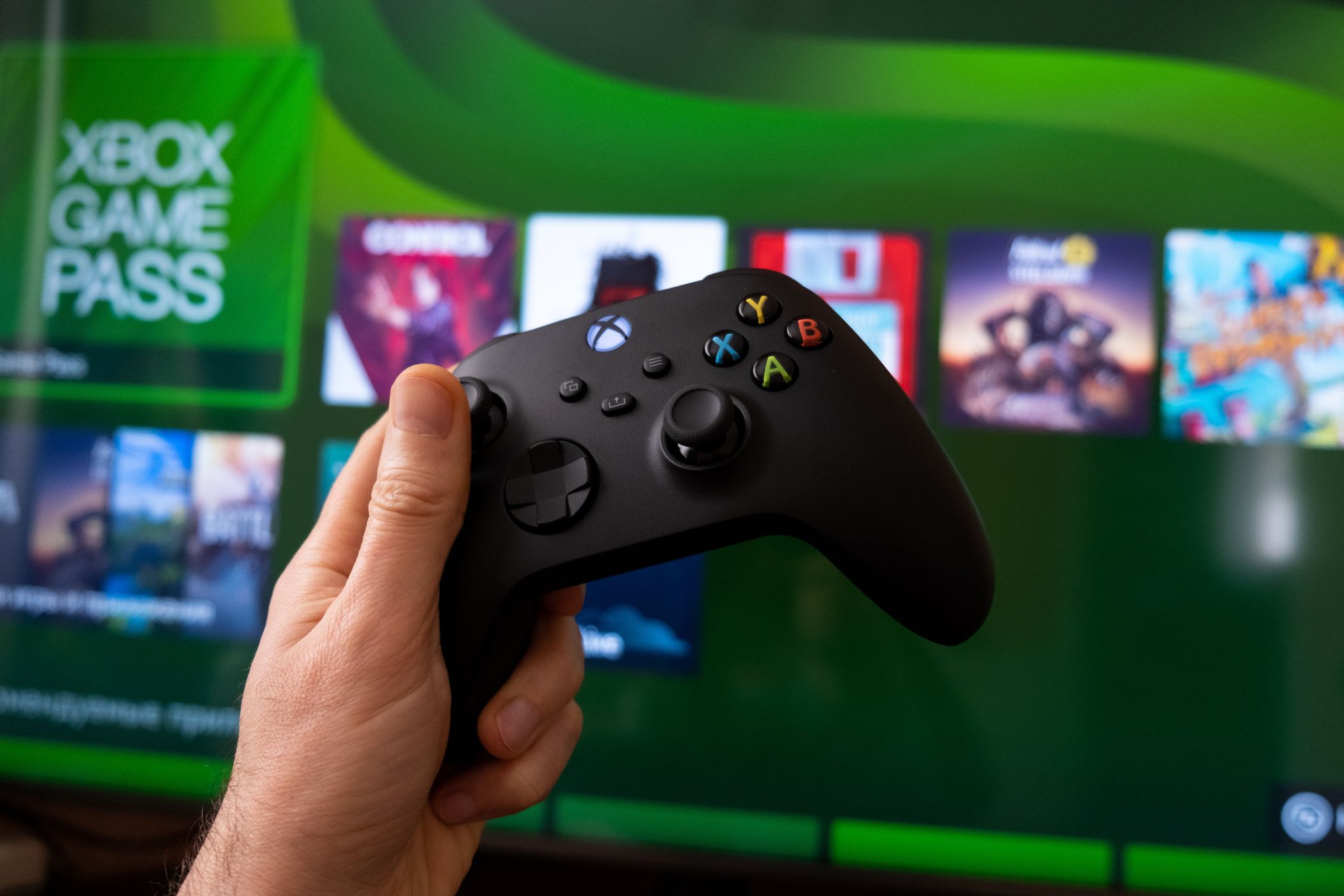
What Is Xbox Game Pass? Tiers, Pricing, and More Explained
Key Takeaways
- Xbox Game Pass has four tiers: Core, Standard, PC, and Ultimate, each offering different benefits.
- Game Pass Core is the cheapest and offers fewer games, online multiplayer, and discounts.
- Ultimate combines PC and console subscriptions and includes Xbox Cloud Gaming.
Xbox Game Pass is Microsoft’s gaming subscription service that gives you access to a library of games. It has several different tiers, allowing you to access the subscription on PC and your Xbox console. Here’s everything you need to know about the Xbox Game Pass.
What Is Xbox Game Pass?
Game Pass gives you access to a library of over 250 games to play for a monthly fee. You can play as many of these games as long as you like until your subscription expires, or the game leaves the library.
However, there are multiple kinds of Xbox Game Pass memberships, and each comes with its own benefits and features.
But overall, the available Xbox Game Pass tiers are as follows:
- Xbox Game Pass Core
- Xbox Game Pass Standard
- Xbox Game Pass for PC
- Xbox Game Pass Ultimate
If you primarily play games on your Xbox console, you can pick between the Core, Standard, and Ultimate tiers. On the other hand, PC gamers can choose between the Xbox Game Pass for PC and Ultimate tiers.
The primary feature of every Xbox Game Pass tier is that you get online multiplayer, access to some or all of the Microsoft game library, and deals and discounts on Xbox titles. Of course, each tier will have its own perks and benefits, so let’s explore them all.
What Is Xbox Game Pass Core?
The Xbox Game Pass Core is the cheapest tier available. This tier replaces Xbox Live Gold and gives you the following benefits:
- Access to over 25 games from the Xbox Game Pass catalog, as listed by Xbox.
- Online multiplayer access to your Xbox console.
The most important feature of Xbox Game Pass Core is that it allows you play online multiplayer games on your console. You do get a smaller selection of titles to enjoy with your subscription, but you also get up to 50% off on select game titles via Deals with Game Pass Core.
Game Pass Core is best for gamers who simply want to access online multiplayer on their console, play specific titles, and are not interested in exploring new games all the time. At the very least, you still get a few games included in the subscription, so you can do some exploring, but the library is small compared to other tiers.
What Is Game Pass Standard?

This tier used to be called Xbox Game Pass for Console and gave you access to more games but no online multiplayer. So, Microsoft replaced it with a new tier called Game Pass Standard. This tier allows you to play the wider Microsoft Game Pass library, but you won’t get day-one access on some titles.
Game Pass Standard isn’t available yet at the time of writing, though—Microsoft will launch this service on September 12, 2024.
If you feel that the Core game library is too small for your liking, you should upgrade to Game Pass Standard instead. This subscription tier will give you access to over 300 titles; a huge jump from the tiny library that Xbox Game Pass Core comes with. So, if you’re interested in looking at various games but really don’t buy into the hype of the latest titles, you can choose this tier instead.
What Is Xbox Game Pass for PC?
This tier, also called PC Game Pass, gives you access to Microsoft’s wider gaming library for your computer. But, more than that, it also offers day-one access to Microsoft’s latest titles, allowing you to enjoy the latest games as soon as they launch at no extra cost.
Besides this, Xbox Games Pass for PC also includes EA Play, allowing you to play EA titles in its library. This makes the Xbox Game Pass for PC a compelling subscription and the main reason why I no longer subscribe to EA Play individually. It also includes benefits for Riot Games if you’re a fan of their titles like Valorant.
If you’re a PC gamer, Xbox Game Pass for PC offers excellent value for the monthly price you pay. You can also get Xbox Game Pass for free if you sign up for Microsoft Rewards and earn enough points for redemption.
What Is Xbox Game Pass Ultimate?

This is the most expensive Xbox Game Pass tier. It combines the benefits of Xbox Game Pass for PC and Game Pass Standard, allowing you to enjoy the subscription on both your PC and console.
Furthermore, this tier opens one more feature not available on any other tier: Xbox Cloud Gaming. Although it’s still in beta, Xbox Cloud Gaming allows you to play Xbox games on tons of devices, including Android phones and iPhones, iPads, MacBooks, smart TVs, and even VR headsets. Check out Xbox’s list of supported devices to see if you can take advantage of it.
Game Pass Ultimate is the best tier for hardcore gamers—those who play on both console and PC and want to have access to their titles on other devices via Cloud Gaming. Furthermore, you get all the features of all the other tiers, so you won’t miss out on anything with Xbox Game Pass Ultimate.
How Much Does Xbox Game Pass Cost?
Of course, each Xbox Game Pass tier will have different prices based on the features they have. So, here’s a comparison of how much you’ll pay for each tier on a monthly basis.
|
Xbox Game Pass Core |
$9.99 |
|
Xbox Game Pass Standard |
$14.99 |
|
Xbox Game Pass for PC |
$11.99 |
|
Xbox Game Pass Ultimate |
$19.99 |
Also, note that only the Xbox Game Pass Core comes with an annual subscription of $74.99. You can only get all the other subscriptions on a monthly basis. While these prices are set, Xbox Game Pass prices will likely increase over time. However, more often than not, Xbox will provide entry offers that allow you to get a month of Game Pass at a discounted price.
Where Is Xbox Game Pass Available?
Xbox Game Pass is generally available in most regions. For instance, regions like the United States, the United Kingdom, and Japan support all aspects of Xbox Game Pass.
And while countless other regions support all the features and tiers of Xbox Game Pass, there are some, like Russia or China, that don’t or come with unique restrictions. Additionally, Cloud Gaming isn’t available in every country and region.
For this reason, when checking if Xbox Game Pass is available in a specific region, you need to check the live list of every supported and unsupported region provided by Xbox. This way, you can directly locate a region and view everything you need in terms of Game Pass compatibility.
How Do I Subscribe to Xbox Game Pass?

Now you know everything you need to about Xbox Game Pass, you might want to start subscribing to the service. Luckily, there are plenty of easy ways to do so.
The best place to buy Xbox Game Pass is through the Xbox Game Pass listing via Xbox. From here, you can select Join Now to choose the specific tier of Game Pass you want and link it to your Microsoft account.
But if you want to make the most of Xbox Game Pass, you should also download the Xbox Game Pass app for your PC via the official Xbox page for PC or smartphone via the official Xbox page for mobile. This way you will be able to stream games to your devices and download Game Pass titles remotely.
How Do I Cancel Xbox Game Pass?
By default, Xbox Game Pass will renew automatically every month. If you want to stop this or cancel your membership entirely, it’s simple. Go to the official Microsoft site, and Sign in. Once you are signed into your Microsoft account, select View all subscriptions > Xbox Game Pass > Manage > Cancel subscription.
There are numerous ways you can cancel Game Pass beyond the Microsoft website. You can even cancel your Xbox Game Pass subscription directly from your Xbox console if you would prefer. But the most direct way would be through Microsoft.
If you have time to play lots of different games, Xbox Game Pass is going to be really worthwhile. Not only do you get access to modern hits, but a wide back catalog of classics as well. So, if you’re a gamer, Xbox Game Pass offers the best value for money subscription you can get to enjoy tons of different titles.